
Key Takeaways
-
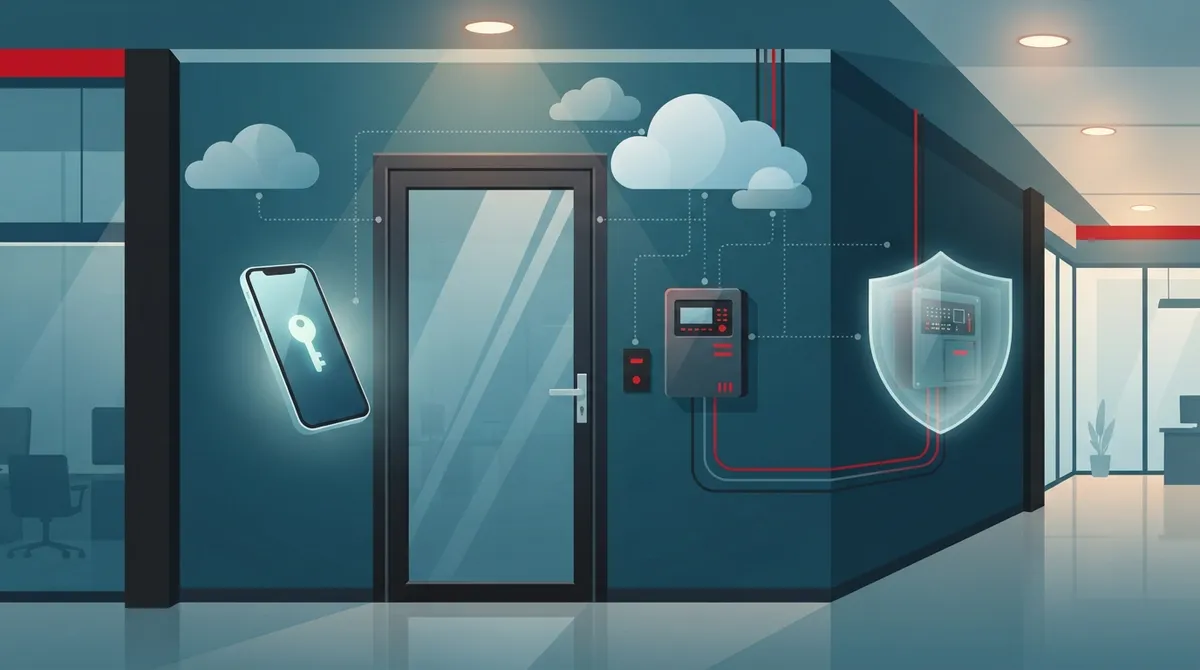
Ask every access control vendor exactly how doors behave during an internet or cloud outage, since local controllers are what keep basic door functions running when connectivity drops.
-
Cloud systems are fastest to deploy and scale across many sites, while on-premises suits single sites with strict data control, and hybrid blends local door decisions with cloud management.
-
Mobile credentials let admins issue and revoke access remotely, making lost phones and departing staff far easier to handle than lost or unreturned cards.
-
Treat access control devices like computers: use strong admin logins with MFA, apply least-privilege access, keep firmware updated, and place devices on their own network segment.
Picture this: it’s Monday morning, and an employee who left two weeks ago still has a working key card. Nobody noticed. Nobody revoked it. Yikes! If that story makes your stomach drop a little, you’re in good company. Plenty of growing businesses face the same worry, and the good news is that modern enterprise access control systems can fix it.
Here’s the simple version. An enterprise access control system decides who can enter your buildings, when they can enter, and which doors they can use. It pairs readers, credentials, door controllers, and management software. In the telecom world, it also leans on solid networks, PoE switching, and structured cabling to keep every door talking to the system.
The market is growing fast. Grand View Research estimated the global access-control market at $11.6 billion in 2025 and projected $22.8 billion by 2033. That’s a lot of businesses upgrading their doors!
Whether you run a small Tampa office, manage IT for a mid-sized company, or oversee a franchise with many sites, this guide walks you through four deployment choices, plus the network and security basics that make them work.
What Are Enterprise Access Control Systems, Really?
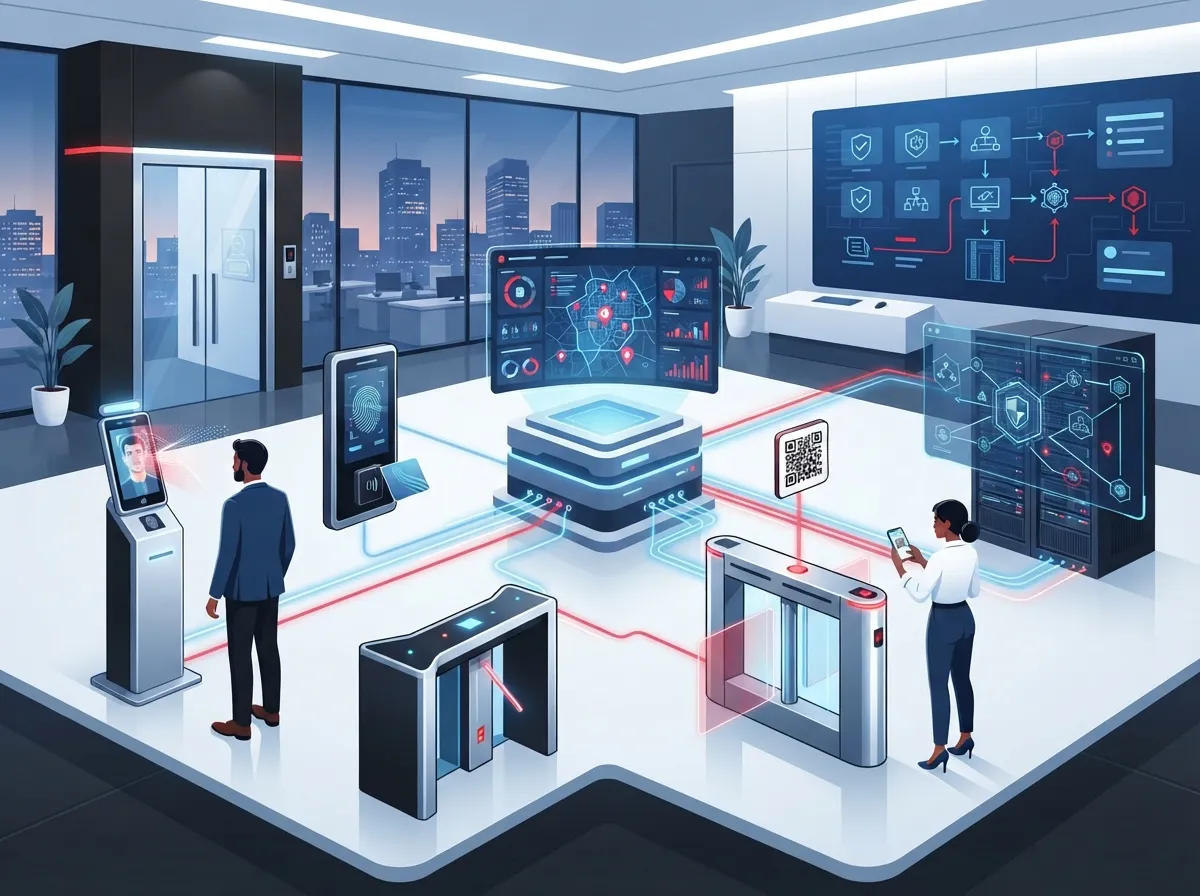
Let’s keep this friendly and plain. A system has four main parts:
- Credentials: cards, key fobs, PINs, biometrics, or mobile phone credentials.
- Readers: the devices at each door that check a credential.
- Controllers: the small brains that decide whether the door unlocks.
- Management software: the dashboard where you add people, set rules, and see activity.
Think of it like a smart front desk that never sleeps. It knows every person, every door, and every schedule. And because these devices are networked, they behave like any other endpoint on your business network.
Why This Matters to a Telecom Partner
Here’s where telecom comes in. Access control devices need reliable connections to work well. That means PoE switches, clean cabling, network segmentation, and ongoing support. A company like Ideal Solutions Provider can coordinate the connectivity, cabling, and installation while a security vendor supplies the platform itself. One partner, fewer headaches.
Choice 1: Cloud-Based Access Control
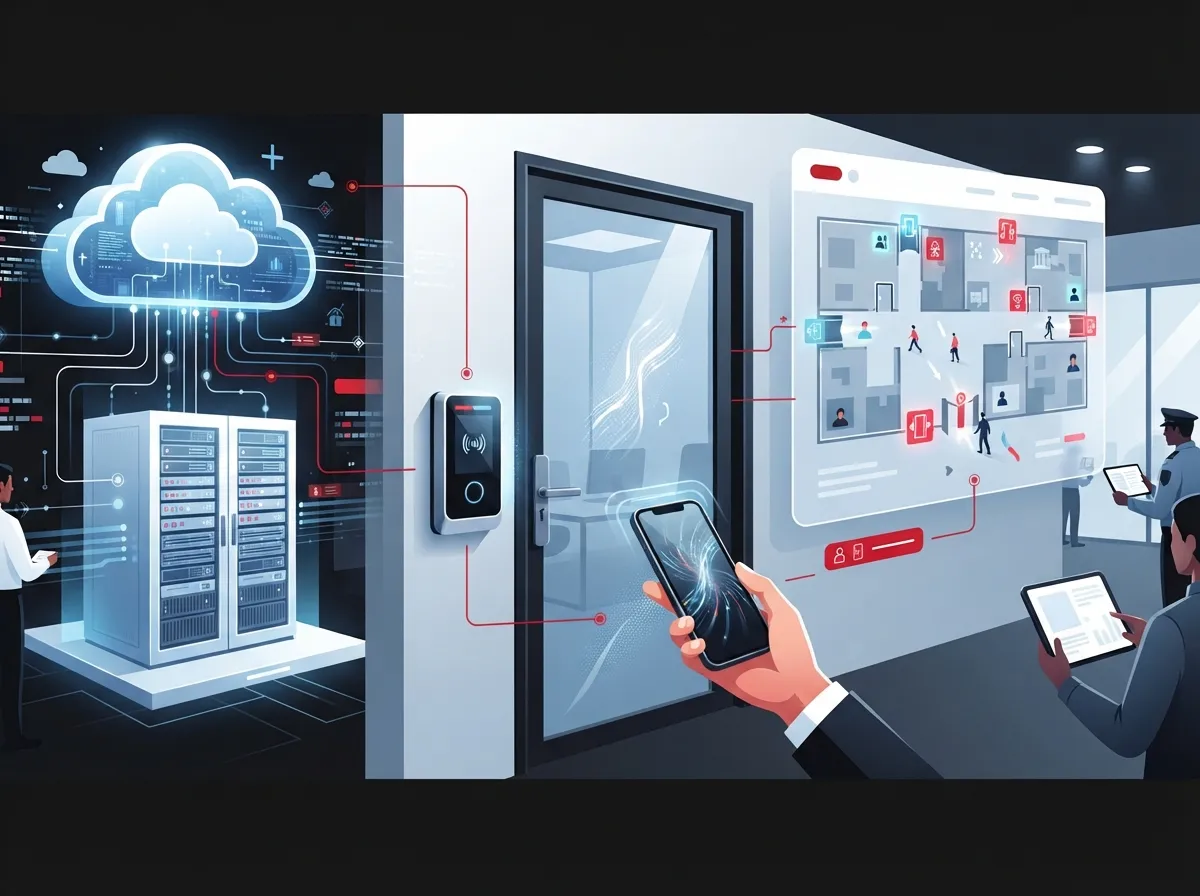
Cloud systems store your settings and records on a hosted platform. You manage everything from a web browser or phone app. It’s popular with growing teams because it’s quick to set up and easy to scale.
Why Businesses Like It
- Add or remove users from anywhere in seconds.
- Change rules across many locations at once.
- Software updates arrive automatically.
- Lower upfront hardware and server costs.
Cloud setups also make life easier for franchise operators. You can manage a Tampa store and a store three states away from the same screen. If you want to dig deeper, check out 10 Cloud Access Control Benefits Every Business Should Know.
What to Watch For
Cloud systems depend on your internet connection. A good design uses local controllers so doors keep working during an outage, though exact behavior depends on the product. Ask every vendor what happens to door access when the internet or cloud goes down. We covered that topic in How to Keep Security Cameras Working During Internet Outages, and the same thinking applies to doors.
Choice 2: On-Premises Access Control
With an on-premises system, the software and servers live inside your building. You own and manage the equipment. Some organizations prefer this for tight control over data and for sites with strict internal policies.
Pros and Cons at a Glance
| Feature | Cloud | On-Premises | Hybrid |
|---|---|---|---|
| Upfront cost | Lower | Higher | Medium |
| Remote management | Easy, built in | Needs extra setup | Easy |
| Updates | Automatic | Handled by your team | Mixed |
| Outage behavior | Depends on local controllers | Works locally | Works locally |
| Best for | Multi-site, fast growth | Single site, strict data control | Mixed needs |
On-premises systems ask more of your IT team. Servers need patching, backups, and care. If you’re weighing that tradeoff, our post on Cloud vs. On-Premise Access Control: Tampa’s Best Pick? breaks it down nicely.
Choice 3: Hybrid Access Control
Hybrid blends both worlds. Local controllers handle door decisions on site, while a cloud layer handles management, reporting, and remote changes. It’s a nice middle road for businesses that want convenience without giving up local resilience.
Who Should Consider Hybrid?
- Mid-sized enterprises with a headquarters plus several branches.
- Companies with existing readers they’d like to keep using.
- IT managers who want local failover and central visibility.
Hybrid also gives you room to grow in stages. You might start with one building and add sites over time. For multi-site planning ideas, take a look at Scalable Access Control Systems for Multi-Location Tampa Businesses.
Choice 4: Mobile Credential Access Control
Mobile credentials let employees open doors with a smartphone instead of a plastic card. This isn’t really a separate system so much as a credential style that works with many cloud and hybrid platforms. Your phone becomes your badge.
Can Mobile Credentials Replace Cards?
For many teams, yes. Admins can issue and revoke a mobile credential remotely, which beats mailing cards around. Lost phones are easier to handle than lost cards, because you can disable access with a few clicks.
That said, it depends on your readers, your platform, and your people. Some workplaces keep cards as a backup for visitors or for staff who prefer them. Many businesses run both for a while. Our comparison of Mobile vs. Traditional Access Control can help you decide.
Common Credential Types
- Proximity or smart cards
- Key fobs
- PIN codes
- Biometrics, such as fingerprint or face
- Mobile credentials
Biometrics bring extra privacy responsibilities. Check your local rules and retention policies before collecting that data.
The Network Behind Your Doors
Here’s the part many people skip. Even the best system struggles on a shaky network. Access control readers and controllers are connected devices, so they need the same love as your phones and computers.
Network Basics to Get Right
- Quality cabling: Clean runs of CAT6 or fiber keep devices stable. See 13 Ways Structured Cabling Supports VoIP & Cameras.
- PoE switching: Many readers get power and data over one cable.
- Segmentation: Put access control devices on their own network segment.
- Reliable internet: Cloud tools need a steady connection. Learn more in 13 High-Speed Internet for Business Tips That Save Money.
- Backup plans: Know how each door behaves if power or internet drops.
Good structured cabling is the quiet hero here. It gives every door, camera, and phone a tidy, dependable path.
Cybersecurity: Treat Your Doors Like Computers
Because access devices live on your network, they can be targets. A few habits go a long way:
- Use strong administrator logins, ideally with multi-factor authentication.
- Give people only the access they need (least privilege).
- Keep firmware updated on readers and controllers.
- Use encrypted communications where the products support it.
- Keep logs and backups, and write down a simple response plan.
These steps protect both your data and your building. For a broader view, see Cloud Security vs. Traditional Network Security: Which Wins?
Connecting Access Control to HR and Identity Tools
One of the best upgrades is linking your system to your HR software or your enterprise directory, such as Microsoft Entra ID. When someone joins, changes roles, or leaves, access can update automatically. That helps close the gap that leaves old badges active.
A word of caution, though. Automated workflows need careful permissions, testing, and audit trails. Run a small pilot first, and confirm who can approve changes. Automation is a helper, not a replacement for good oversight.
Do Not Forget Life Safety and Privacy
Doors protect people, so safety comes first. Emergency exits and fire-alarm connections must follow your local codes, and security settings should never block a safe exit. Work with qualified installers and your local authorities to get this right.
Privacy matters too. Decide how long you keep door logs, who can see them, and how you handle biometric data. Writing this down early saves confusion later.
How to Choose a System: A Simple Checklist
- Count your doors and sites. More sites usually favor cloud or hybrid.
- Check your network. Confirm cabling, PoE, and bandwidth are ready.
- Pick credentials. Cards, mobile, biometrics, or a mix.
- Plan integrations. HR, directory, cameras, and visitor tools.
- Ask about outages. Get clear answers on offline behavior.
- Review support. Who installs it, and who fixes it later?
For another angle, read How to Choose Access Control Systems for Tampa Businesses. And keep in mind that market reports define their scope differently. Mordor Intelligence, for example, estimated the access-control software segment at $1.58 billion in 2025, which is a narrower slice than the full market.
Who Benefits Most?
- Small business owners: Simple cloud systems cut the cost and hassle of managing keys.
- Mid-sized enterprises: Hybrid and cloud options scale with growth.
- IT managers: One partner can coordinate cabling, networking, cameras, and doors.
- Office managers: Fast badge changes and clear logs make daily life easier.
- Franchise operators: Central control across many locations saves time.
Pairing doors with video is a smart move too. See What Do Security Cameras Really Do for Your Business? for how cameras and access control team up.
Wrapping Up: Your Doors Deserve a Plan
Enterprise access control doesn’t have to feel scary. Start with the four choices: cloud, on-premises, hybrid, and mobile credentials. Then build on a strong network, smart security habits, and clear safety planning. You’ll end up with doors that are easier to manage and a team that feels looked after.
Ideal Solutions Provider has spent over 24 years helping businesses connect phones, internet, cabling, networks, cameras, and access control through 35+ vetted suppliers. Ready to talk through your doors? Contact us for a free consultation, or call us and we’ll happily walk you through your options.
FAQs
Q: What is an enterprise access control system?
A: It’s a system that manages who can enter your business premises, and when. It combines credentials like cards or phones, door readers, controllers, and management software, all connected over a reliable network. Think of it as a smart, always-on front desk for every door.
Q: What happens to door access if the internet or cloud service goes down?
A: It depends on how the system is designed. Many setups use local controllers that keep basic door functions running during an outage, but behavior varies by product. Always ask your vendor exactly how doors act offline before you buy.
Q: Can mobile credentials replace employee access cards?
A: For many businesses, yes! Mobile credentials let you issue and revoke access remotely, which is handy for lost phones and staff changes. Some teams keep cards as a backup for visitors or anyone who prefers them, so a mix often works well.
Q: How does access control connect to a business telecom network?
A: Readers and controllers are networked devices, so they rely on structured cabling, PoE switching, and a stable internet connection. A telecom partner can help supply the connectivity, segmentation, and installation, while the access control platform may come from a security vendor.
Q: What cybersecurity steps should a business take for access control?
A: Treat your door devices like computers. Use strong admin logins, limit access to what each person needs, update firmware on time, and keep logs and backups. Putting devices on their own network segment adds another friendly layer of protection.





