
Key Takeaways
-
Bluetooth is only the local link between phone and reader; issuing, updating, and revoking credentials still depend on your network or cloud service, so connectivity matters.
-
Security depends on the full implementation, not the radio itself. Ask vendors how credentials are encrypted, how replay and relay attacks are prevented, and how fast lost phones can be revoked.
-
Always plan a fallback for dead batteries, lost phones, visitors, and outages, such as a physical card or PIN, plus a same-day process to revoke lost-device access.
-
Audit existing readers, panels, and management software before buying, and pilot a few doors, since compatibility and reuse depend on the vendor and reader interface.
-
Test real-world Bluetooth range with the phones your team actually uses, because walls, metal doors, glass, and how phones are carried all affect performance.
-
Establish a credential lifecycle process covering who approves access, how quickly new hires are onboarded, what happens when staff leave, and how often access lists are reviewed.
Picture this: it’s Monday morning, and half your team is standing outside the office. Their phones are buzzing, their badges are at home, and the front door won’t budge. We’ve all had mornings like that, and it’s exactly the kind of headache bluetooth access control promises to solve.
The idea is simple and kind of delightful. Your employees tap or walk up to a door, their phone says hello to the reader, and the door unlocks. No plastic badges to lose. No keys to copy. But here’s the catch: a smooth system doesn’t happen by accident. Plenty of businesses jump in, skip a few steps, and end up with locked-out staff, security gaps, or surprise costs.
The good news? Every one of these slip-ups is avoidable. In this guide, we’ll walk through six common mistakes and show you how to dodge them. Whether you run a small Tampa shop or manage several franchise locations, you’ll leave with a clear plan and a little more confidence. Let’s dive in.
What Bluetooth Access Control Actually Means for Your Business
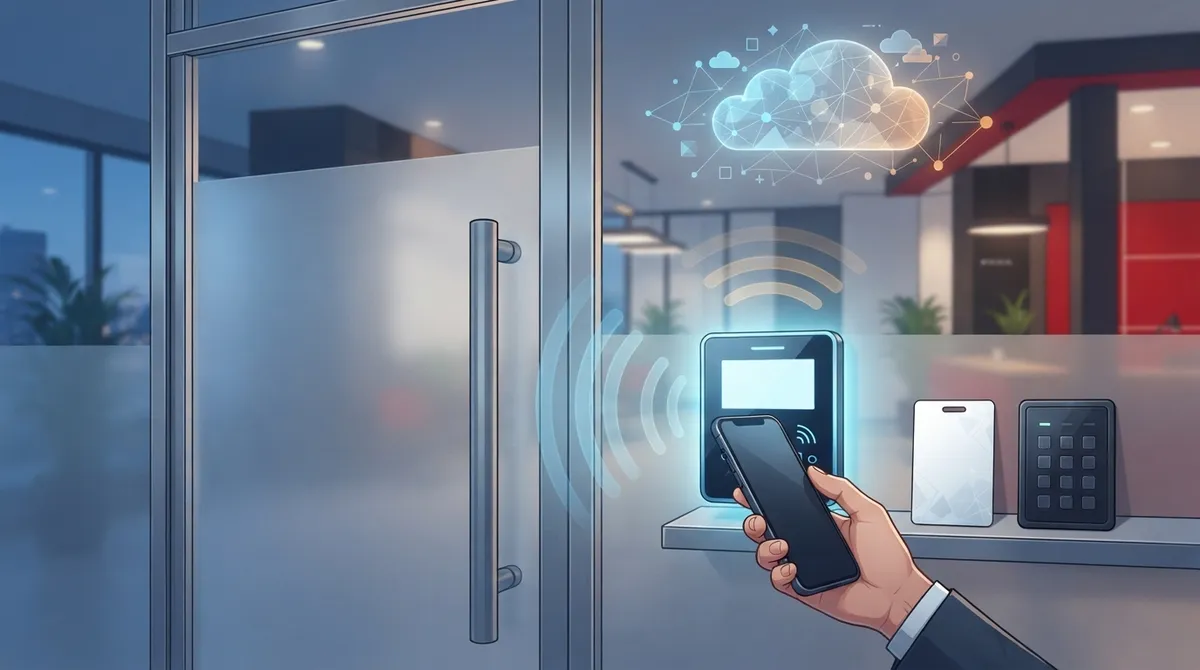
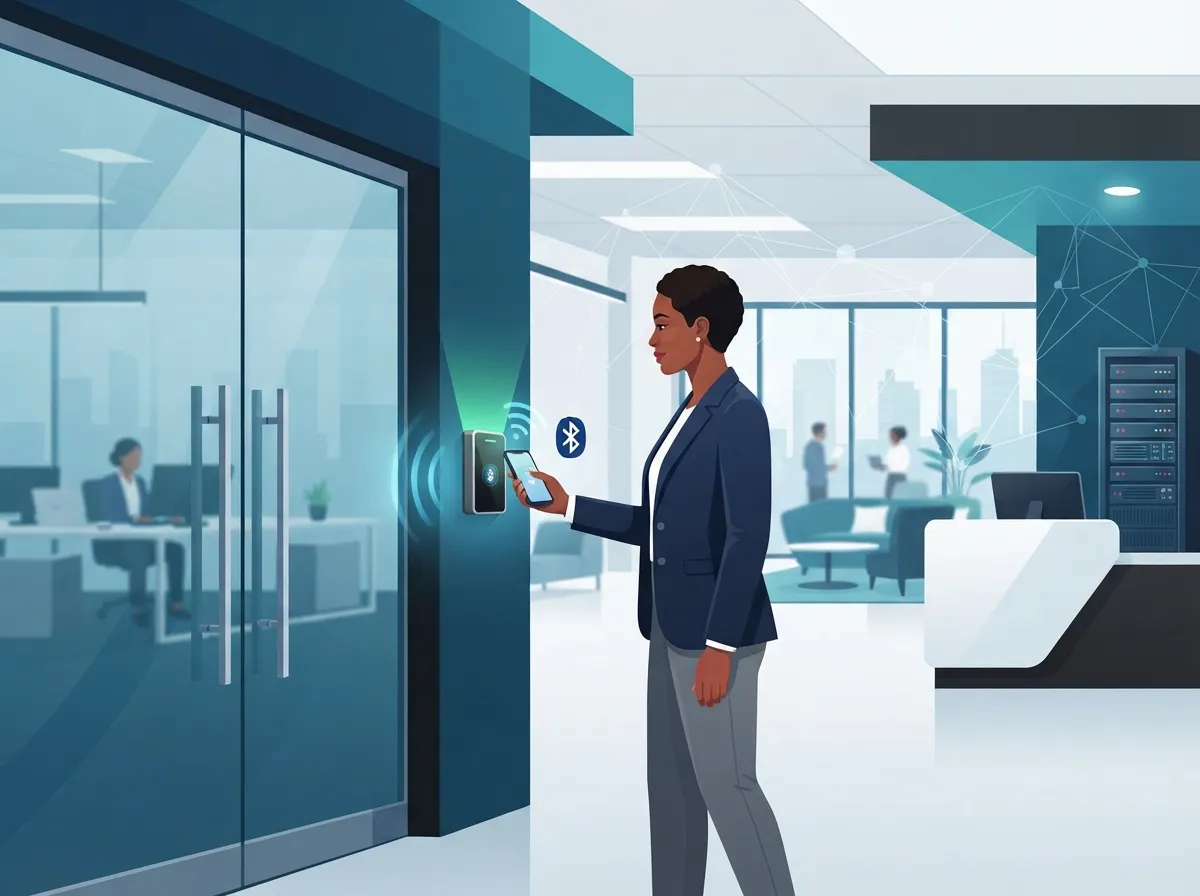
Before we talk mistakes, let’s get on the same page. In a business setting, bluetooth access control usually means using Bluetooth Low Energy (BLE) so a smartphone or wearable can present a digital credential to a door reader. The reader passes the result to an access-control panel, which checks your rules and schedules, then unlocks (or doesn’t).
Here’s the part many people miss: Bluetooth is only the local link between the phone and the reader. It isn’t the whole system. Issuing, updating, and revoking credentials usually happens over your network or through a cloud service. That’s why your internet, cabling, and phone infrastructure matter so much.
The Key Pieces of a Typical Setup
- BLE-capable readers at each door
- An access-control panel and management software
- A credential app or supported digital wallet on each phone
- A clear process for issuing, updating, and revoking credentials
- Reliable network connectivity for management and updates
If you’d like a broader look at how modern systems work, our guide on how to choose access control systems for Tampa businesses is a great companion read.
Why More Businesses Are Going Mobile
You’re not imagining the shift toward phones and wireless doors. ASSA ABLOY’s Wireless Access Control Report 2025 found that 42% of surveyed end users deploy wireless locks, up from 39% in 2023. The same report says 17% of surveyed organizations had fully mobile access solutions, up from just 5% in 2023.
Interestingly, the share of respondents planning to adopt mobile credentials within two years dropped from 39% to 26%. The report describes this as a maturing market, which makes sense. Early adopters have already jumped in, and the rest are being more thoughtful. These are survey findings, not universal adoption rates, so treat them as a snapshot rather than a rule.
The takeaway? Mobile access is growing up. That’s good news for you, because the lessons from early adopters can save you time and money. Let’s look at what they learned the hard way.
Mistake 1: Assuming Bluetooth Alone Keeps You Secure
Here’s a common trap. Someone hears “Bluetooth” and either assumes it’s automatically safe or automatically risky. Neither is true. Security depends on the complete implementation, not just the radio technology.
When you evaluate a system, ask about these things:
- How are credentials encrypted and authenticated?
- What protects against replay or relay attacks?
- Is credential provisioning secure from start to finish?
- Does the system require the phone to be unlocked?
- How fast can you revoke a lost phone’s access?
- Are audit logs detailed enough to review who entered and when?
A reputable vendor should answer these without breaking a sweat. If the answers feel vague, keep shopping. Think of it like buying a car: you wouldn’t just ask whether it has wheels.
Mistake 2: Ignoring Your Network and Cabling Foundation
This one catches a lot of folks off guard. Because the door “talks” to the phone over Bluetooth, people assume the network doesn’t matter. But the reader, panel, and management software still need dependable connections to sync permissions, log events, and push updates.
Some systems can validate an already provisioned credential at the door without an active internet connection. That’s reassuring during an outage. Still, you can’t add a new hire or revoke a former employee’s access if your management connection is down.
That’s where solid infrastructure pays off. Good structured cabling gives readers and panels a stable path, and a dependable connection keeps everything in sync. If you’re planning new doors, our post on professional structured cabling services for Tampa businesses explains what to expect. And if slowdowns are a worry, see why your business internet may be slow and how to fix it.
Mistake 3: Skipping the Compatibility Check
Good news first: you may be able to reuse some of your existing wired readers or panels. Bad news: that depends on the vendor, the reader interface, and your current configuration. Assuming everything will “just work” is a recipe for surprise invoices.
Before you buy anything, take stock. Here’s a simple way to do it:
- List every door you want to control, plus the hardware already there.
- Note the make and model of each reader and panel.
- Ask each vendor which parts are reusable and which need replacing.
- Confirm software compatibility with your current management platform.
- Request a pilot door so you can test before rolling out everywhere.
This is also where working with an independent partner helps. Ideal Solutions Provider compares options across more than 35 vetted suppliers, so you aren’t locked into one brand’s way of doing things. Their team can audit what you have and tell you honestly what’s worth keeping.
Mistake 4: Forgetting a Plan for Dead Batteries and Lost Phones
Phones die. Phones get dropped in pools. Phones get left in cars. If your whole entry plan depends on a fully charged device, you’ve built a single point of failure.
A smart rollout includes backup plans from day one:
- A fallback credential, like a physical card or PIN, for outages
- A clear process for visitors, contractors, and delivery drivers
- A same-day workflow to revoke access for lost or stolen phones
- A supported-device policy so staff know which phones work
Accessibility and privacy deserve a spot here too. Not every employee wants to use a personal phone for work, and some may not be able to. Offer an alternative and explain clearly what data the app does and doesn’t collect. A little transparency builds a lot of trust.
Mistake 5: Rolling Out Without Testing Real-World Range
Bluetooth can support hands-free or touch-to-present entry, which feels like magic when it works. But actual range and user experience vary by reader, phone, installation, and configuration. There’s no fixed distance you can count on.
Thick walls, metal doors, glass, and even the way someone carries their phone can change the experience. A reader that’s perfect at your front lobby might feel sluggish at a back warehouse door.
So test, test, and test again. Walk up to each door with the phones your team actually uses. Try iPhones and Android models. Try it with phones in pockets and bags. Adjust reader settings until the experience feels natural. A few hours of testing now can save weeks of frustrated emails later.
Mistake 6: Treating Credential Management as an Afterthought
The prettiest door hardware in the world won’t help if nobody knows who should have access. Credential lifecycle management is where many businesses stumble, especially as they grow.
You need a clear answer to these questions:
- Who approves new access requests?
- How quickly are new hires set up?
- What happens the moment someone leaves the company?
- How often do you review who has access to sensitive areas?
Mobile credentials make remote issuance and revocation much easier than handing out plastic badges. But that convenience only helps if you have a process. For IT managers, this often means tying the system into your identity and directory tools and, where it fits, mobile-device management. For franchise operators, it means consistent rules across every location. Our article on scalable access control systems for multi-location Tampa businesses digs into that.
Bluetooth vs. Other Credential Types: A Quick Comparison
Wondering how Bluetooth stacks up against other common options? This table gives a simple side-by-side look. Keep in mind that specifics vary by vendor and product.
| Credential Type | How It Works | Strengths | Things to Watch |
|---|---|---|---|
| Bluetooth (BLE) mobile | Phone sends a digital credential to the reader | Convenient, easy remote issuing and revoking | Range varies; depends on phone availability and battery |
| NFC mobile | Phone is tapped close to the reader | Short-range, deliberate tap | Device support varies by phone and platform |
| Plastic key card or fob | Physical card is presented to the reader | Familiar, works without a phone | Can be lost, shared, or copied; reissuing takes time |
| PIN keypad | User enters a code | No device needed | Codes can be shared or observed |
Many businesses mix and match. A phone credential for daily use, plus a card for visitors or backup, is a popular and practical combo. For a closer look at the trade-offs, see mobile vs. traditional access control for Tampa businesses.
A Simple Roadmap for Getting It Right
Feeling a bit overwhelmed? Don’t be. Here’s a friendly step-by-step path you can follow, whether you’re a small business owner or an office manager wearing five hats.
- Define your goals. Do you want fewer lost badges, easier remote management, or tighter audit trails?
- Audit your doors and hardware. Know what you have before you shop.
- Check your network. Confirm your cabling, internet, and connectivity can support the system.
- Choose your fallback plan. Decide how visitors and outages will be handled.
- Pilot a few doors. Test with real phones and real people.
- Roll out in phases. Train staff, gather feedback, and adjust.
- Review regularly. Audit access lists and logs on a schedule.
If you’d like to see how cloud management fits into this picture, check out 7 reasons Tampa businesses love cloud access control. Cloud-based systems often pair nicely with mobile credentials.
Pairing Access Control With Cameras and Your Wider Network
Here’s something worth thinking about. Access control rarely lives alone. When a door event is paired with video, you get a fuller story about what happened and when. Cloud cameras can sit on the same network as your readers, which makes a strong case for planning everything together.
For more on that angle, what security cameras really do for your business is a helpful read. And because both cameras and access readers lean on your network, a well-planned setup keeps costs down and headaches low.
That’s really the heart of why a single partner makes sense. Ideal Solutions Provider is a Tampa-based telecom and IT partner with over 24 years of experience. They handle consultation, installation, and ongoing support for phones, internet, cabling, networking, cameras, and access control, so you don’t have to juggle a pile of vendors. You can also follow their updates on YouTube, Facebook, or Instagram.
Wrapping Up: Start Smart, Stay Secure
Bluetooth access control can make your workplace feel a little more modern and a lot more convenient. But as we’ve seen, the real win comes from planning around the technology, not just buying it. Check your security details, build on a solid network, confirm compatibility, prepare for dead batteries, test your doors, and manage credentials with care.
Do those six things, and you’ll sidestep the mistakes that trip up so many businesses. You’ll also give your team a smoother, friendlier start to every workday. Nobody should have to stand outside in the Florida heat waiting for a door to open.
Ready to talk it through? We’d love to help you find the right fit. Contact us for a free consultation, or call us to chat with a real person who knows access control inside and out.
FAQs
Q: How does Bluetooth access control work in an office?
A: A smartphone or wearable uses Bluetooth Low Energy to send a digital credential to a door reader. The reader passes the result to an access-control panel, which checks your permissions and schedules before unlocking the door. Bluetooth is just the local link, so your network still handles things like issuing and revoking credentials.
Q: Can Bluetooth mobile credentials work without an internet connection?
A: In many systems, yes. Some setups can validate an already provisioned credential right at the door without an active internet connection. Adding new users or revoking access usually still needs your network or a cloud service, so a reliable connection is still important.
Q: Can Bluetooth access control use my existing door readers and panels?
A: Sometimes! Existing wired readers or panels may be reusable, but it depends on the vendor, the reader interface, and how your system is configured. The best move is to audit your current hardware and ask each vendor what can stay and what needs to be replaced.
Q: What happens if an employee loses their phone or the battery dies?
A: Good news: a solid plan makes this a non-event. You can revoke the lost phone’s credential quickly through your management software, and a fallback option like a card or PIN can keep people moving during a dead-battery moment. Setting this up before launch saves a lot of stress.
Q: How secure is Bluetooth access control?
A: Security depends on the whole implementation, not just Bluetooth itself. Look for strong credential encryption and authentication, protection against replay or relay attacks, secure provisioning, device-lock requirements, detailed audit logs, and fast revocation. Ask your vendor to explain each one clearly.





