

Key Takeaways
-
Business internet availability is address-specific in Tampa; check fiber and broadband options at your exact suite or building, since citywide claims may not reach your location.
-
HIPAA does not certify phone or internet providers as compliant; if a vendor handles ePHI on your behalf, get a business associate agreement (BAA), though a BAA alone doesn't ensure compliance.
-
Map your real call flows (scheduling, referrals, billing, after-hours, emergencies) before choosing a phone system, so features like auto-attendants and call queues match how your office actually works.
-
Separate patient-facing guest Wi-Fi from staff devices and systems that handle PHI, and use structured cabling to support VoIP phones, cameras, and Wi-Fi reliably.
-
Build outage resilience with a secondary internet connection or cellular failover, battery backup for network gear, tested call forwarding, and a printed downtime procedure for staff.
-
Work with a single telecom partner that audits your current setup and compares multiple suppliers, reducing finger-pointing when something breaks.
Running a medical practice in Tampa means juggling a lot. Patients need to reach you, your team needs to reach the EHR, and everything has to work, all day, every day. When the phones go quiet or the internet drops mid-appointment, it feels like the whole office takes a sick day.
That is why telecom for medical practice Tampa owners choose matters so much. It is not just about picking a phone plan. It is about building a connected setup that keeps your front desk calm, your providers productive, and patient information protected.
The good news? You do not need to be a tech expert to get this right. You just need to know what to look for. In this friendly guide, we walk through six must-haves, from internet and phones to cabling and outage planning. Whether you run a small family clinic or a growing multi-location group, you will find simple steps you can use right away.
1. Business-Grade Internet You Can Count On
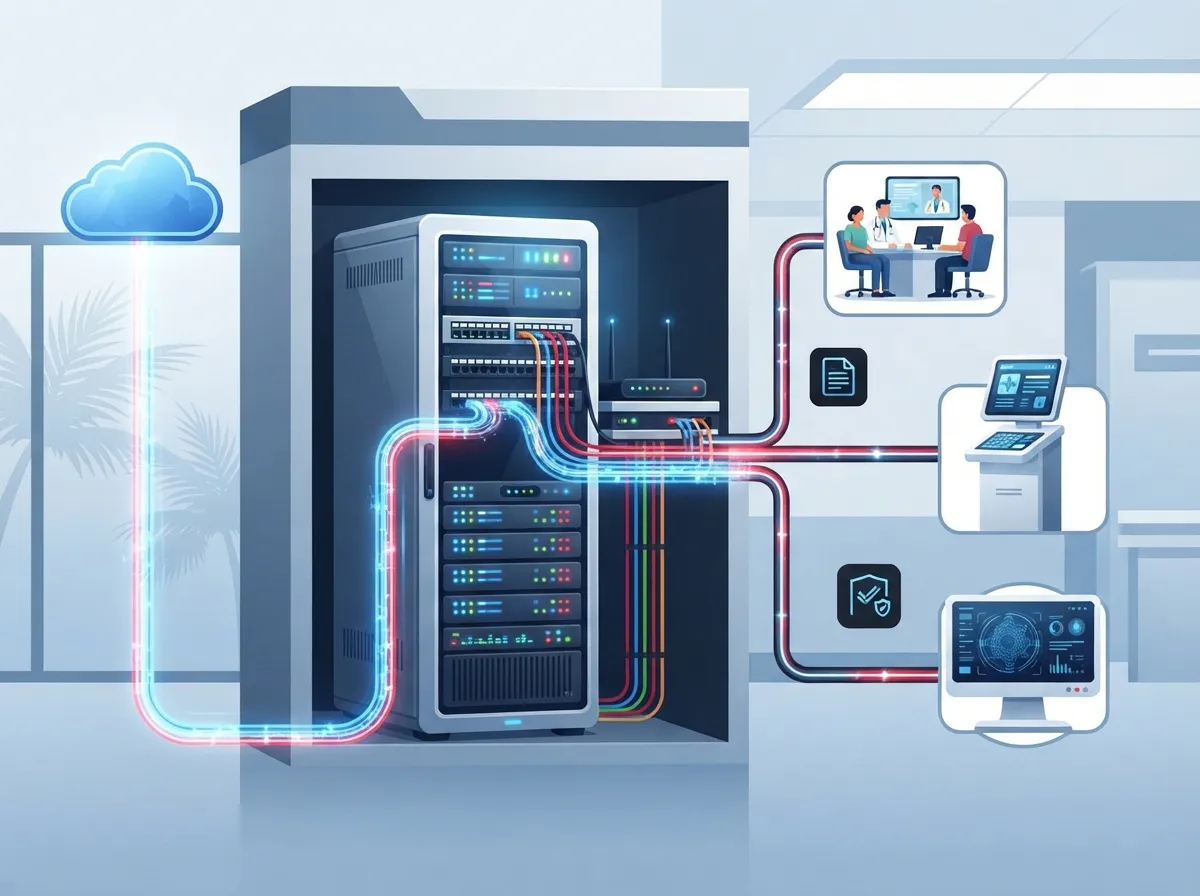
Your internet is the backbone of your practice. EHR systems, e-prescribing, imaging uploads, telehealth visits, and cloud billing all depend on it. A slow or shaky connection slows down patient care.
Why Address-Specific Availability Matters
Here is something many practices miss: business internet in Tampa is address-specific. A provider may advertise fiber across the city, but that does not mean it reaches your suite or building. One third-party estimate from FiberNear (updated September 2026) reports fiber at about 20.7% of business broadband-serviceable locations in Tampa, compared with 75.4% of residential locations. It also cautions that the numbers may reflect provider reporting and should be verified at your exact address.
Providers such as AT&T advertise business fiber speeds up to 5 Gbps in eligible Tampa locations, with plans starting around $40 per month. But pricing, speeds, and terms depend on your address and plan. Always check your exact location before you count on any number.
What to Compare Before You Sign
- Upload speed: Telehealth and cloud backups lean heavily on upload, not just download.
- Service-level commitments: Ask about uptime promises and repair times.
- Installation options: Some buildings limit what can be installed.
- Dedicated vs. shared: Dedicated connections give steadier performance for busy practices.
If you want a deeper look at your options, our guide on the best business high speed internet services in Tampa FL is a great place to start. You can also read about why Tampa businesses need dedicated fiber internet.
2. A Phone System Built Around Your Patient Call Flow
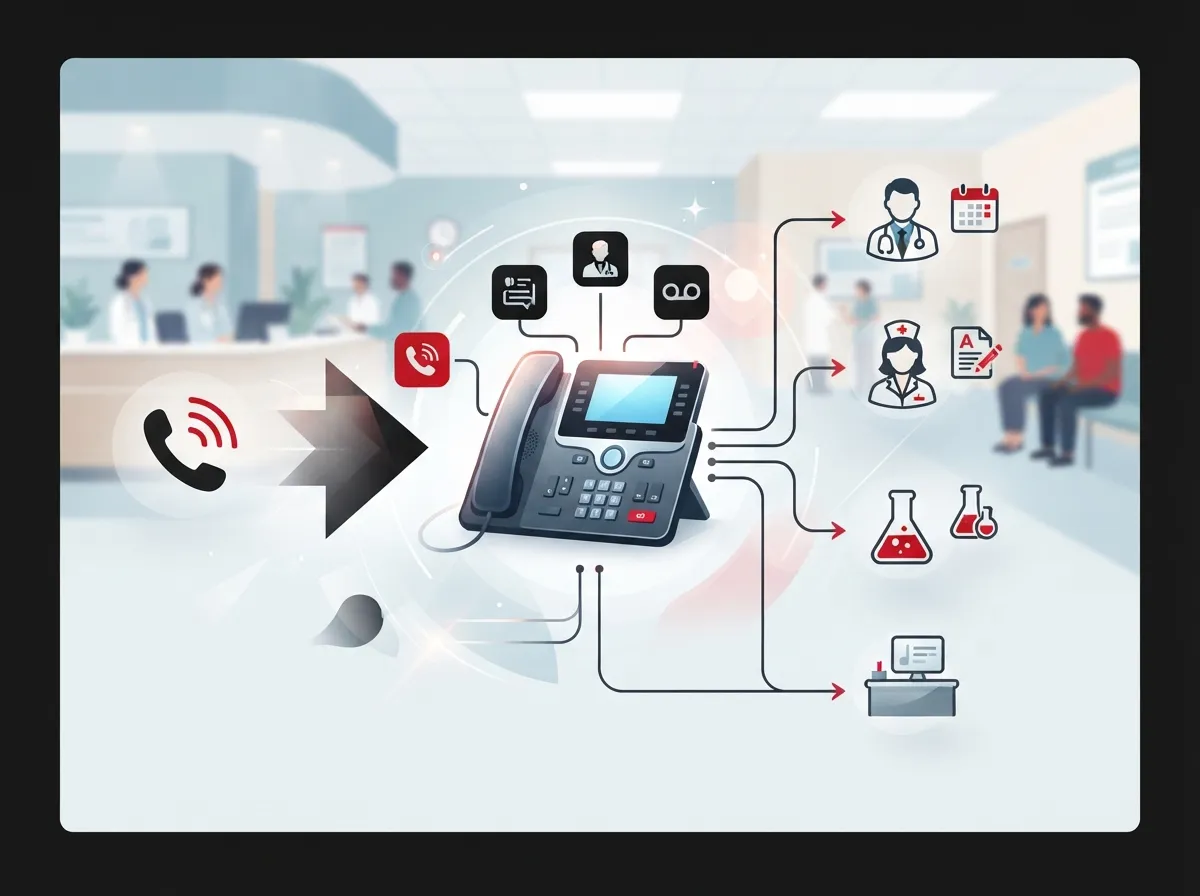
A phone system should feel like part of your care team. Before you shop, take a few minutes to map how calls actually move through your office.
Map Your Call Flows First
Think about the calls your practice gets every day:
- Scheduling: New appointments, reschedules, and cancellations.
- Referrals: Calls from other offices and specialists.
- Billing: Questions about balances and insurance.
- After-hours coverage: Who answers, and when does it route to on-call staff?
- Emergencies: How callers get clear instructions fast.
Once you know your flows, choosing features gets simple. An auto-attendant can greet callers and point them to the right team. Call queues keep the front desk from feeling swamped. Voicemail-to-email helps staff catch messages quickly.
Cloud Phones Make Life Easier
Cloud-based phone systems are popular with practices because they are flexible and easy to scale. Add a new provider or a second location without rewiring the building. If you are new to the idea, what a cloud-based phone system is and whether you need one breaks it down in plain language. You can also see how much a VoIP phone system costs for a Tampa business.
3. Smart Handling of Patient Information (HIPAA Basics)
This is the part that makes many office managers nervous, so let us keep it simple and honest.
No Phone or Internet Is “HIPAA Certified”
HIPAA does not certify a phone or internet provider as “HIPAA compliant.” Practices are expected to assess risks and use appropriate safeguards for protected health information (PHI). A vendor’s marketing claim does not make you compliant on its own.
When a Vendor Needs a BAA
If a telecom or cloud vendor creates, receives, maintains, or transmits electronic PHI on your behalf, it may be a business associate. In that case, you generally need a business associate agreement (BAA). The U.S. Department of Health and Human Services says covered entities may use cloud services for ePHI when they have an appropriate BAA and otherwise follow HIPAA. HHS also notes that encryption alone does not remove a cloud provider’s obligations when it maintains ePHI. You can read the details in the HHS HIPAA and cloud computing guidance.
Just as important: a signed BAA does not by itself make a service or your practice HIPAA compliant. It is one piece of the puzzle.
Questions to Ask Any Telecom Vendor
| Service | What to Verify |
|---|---|
| Voice and voicemail | Does the vendor handle PHI? Will they sign a BAA if required? |
| Call recording | Retention settings, access controls, and audit logs |
| Texting and reminders | How messages are protected and what data is included |
| Fax | How faxes are stored, transmitted, and who can view them |
| Team messaging | Access controls and how data is retained |
It also helps to understand the tools your phone system includes. See our list of VoIP phone system features every business needs in 2026 and our article on call recording VoIP features. For text-based patient reminders, business SMS messaging benefits offers helpful background. Always confirm the privacy details with your compliance advisor.
4. Structured Cabling and a Rock-Solid Network
Great internet and phones still struggle on a messy network. Behind the walls of your practice, cabling and networking decide how smoothly everything runs.
Why Cabling Is a Big Deal for Clinics
Exam rooms, nurse stations, imaging equipment, and workstations all need dependable connections. Proper structured cabling gives you a clean, organized foundation that supports VoIP phones, cameras, and Wi-Fi without headaches. Ad-hoc wiring tends to cause slowdowns and hard-to-find problems.
If you are planning an office build-out or upgrade, these resources can help:
- Medical Office Network Cabling: A 2026 Planning Guide
- How to Plan Network Cabling Installation in Tampa Bay
- Key differences between CAT5e and CAT6 cabling
Think About Wi-Fi and Segmentation
Staff devices, guest Wi-Fi for the waiting room, and medical equipment should not all share one open network. A well-planned network keeps patient-facing Wi-Fi separate from systems that handle PHI. Managed network services can help you design and monitor this setup. Learn more about managed network services for Tampa businesses.
5. An Outage Plan, Not Just a Fast Connection
Speed is nice. Staying online is essential. A smart plan for outages protects patient care when the unexpected happens, and in Florida, storm season makes this extra important.
Build Your Backup Layers
- Secondary internet connection: Pair your main line with a second provider or cellular failover.
- Battery backup: Keep routers, switches, and phone equipment powered long enough to ride out short outages.
- Tested call forwarding: Know how to send calls to a mobile number or another location, and test it before you need it.
- Downtime procedures: Write down what staff do if the EHR or phones go offline, including how to document visits and reach patients.
That last step is easy to skip, but it is the one that keeps your team calm. A printed one-page checklist near the front desk can make a stressful moment feel manageable.
Do Not Forget Security Systems
Cameras and door controls also depend on your network. Cloud-based options can keep working with the right backup plan. Read how to keep security cameras working during internet outages for practical ideas, and see how cloud access control supports HIPAA compliance by helping you control and log who enters sensitive areas.
6. One Trusted Partner to Pull It All Together
Many practices end up with one vendor for phones, another for internet, a third for cabling, and a fourth for cameras. When something breaks, everyone points fingers. That is a lot of stress for an office manager who just wants things to work.
The Case for a Single Point of Contact
Working with one telecom partner means one call, one plan, and one team that sees the full picture. A good partner will:
- Audit your current setup and spot overpaying or underperforming services.
- Compare options across multiple suppliers instead of pushing a single carrier.
- Check availability at your exact Tampa address.
- Handle installation, cabling, and ongoing support.
Ideal Solutions Provider is a Tampa-based telecom and IT partner with over 24 years of experience and relationships with 35+ vetted suppliers. They help businesses, including healthcare offices, sort through phone systems, internet, cabling, networking, cloud security cameras, and access control without juggling a pile of vendors. If you are curious how this works, see 11 reasons to use one telecom partner in Tampa FL and 12 business telecom solutions for healthcare in Tampa FL.
Quick Comparison: What Each Telecom Piece Does for Your Practice
| Telecom Piece | Main Job in Your Practice | Key Question to Ask |
|---|---|---|
| Business internet | Powers EHR, telehealth, and cloud tools | Is it available at my exact address? |
| Cloud phone system | Handles scheduling, referrals, and after-hours calls | Will the vendor sign a BAA if needed? |
| Structured cabling | Gives every room a reliable connection | Does it support future growth? |
| Network and Wi-Fi | Keeps staff and guest traffic separate | Is PHI-handling traffic protected? |
| Backup and failover | Keeps you running during outages | Has call forwarding been tested? |
| Single telecom partner | Coordinates everything in one place | Do they compare multiple suppliers? |
A Friendly Checklist to Get Started
Feeling a little overwhelmed? That is completely normal. Here is a simple order of operations you can follow this week.
- List every telecom service you pay for today, including phones, internet, fax, and cameras.
- Map your top call flows for scheduling, referrals, billing, and after-hours.
- Check internet availability at your exact suite or building address.
- Ask each vendor whether they handle PHI and whether they sign a BAA when required.
- Write a short downtime plan and test your call forwarding.
- Talk to a telecom partner who can compare options across multiple suppliers.
Taking these small steps now saves big headaches later. And if you want to trim costs along the way, 15 ways to reduce business telecom costs in Tampa is packed with ideas.
Ready to Build a Calmer, Connected Practice?
Your patients trust you with their care and their private information. The right telecom setup helps you earn that trust every single day, with clear phone lines, steady internet, and thoughtful safeguards behind the scenes.
You do not have to figure it all out alone. If you would like a free review of your current setup and honest advice on what fits your practice, contact us or call us to talk with a Tampa-based team that has been helping businesses connect for over two decades. You can also follow along with tips and updates on YouTube. Here is to fewer dropped calls and more time for patient care!
FAQs
Q: What telecom services does a medical practice in Tampa need?
A: Most practices need business-grade internet, a business phone system, secure messaging, a well-planned network with Wi-Fi, and an outage plan. The right mix depends on your size, number of locations, telehealth use, and EHR needs. A telecom partner can help you sort it all out.
Q: Does a medical practice need a HIPAA-compliant phone system?
A: HIPAA does not certify any phone or internet provider as compliant, so no vendor can simply hand you that label. Your practice needs to assess risks and use proper safeguards for PHI. If a vendor handles ePHI for you, it may need to sign a business associate agreement.
Q: How can a Tampa medical office keep phones and internet working during an outage?
A: Layer your protection with a secondary internet connection or cellular failover, battery backup for network gear, and tested call forwarding. Also write down simple downtime procedures so your team knows exactly what to do. A little planning goes a long way when storms or outages hit.
Q: Which business internet providers serve my Tampa medical office address?
A: Availability changes from one building and suite to the next, so citywide claims are not enough. Always check your exact address for fiber, broadband, and dedicated options. A telecom partner can compare several providers for your location in one conversation.
Q: Can a medical practice use text messages for appointment reminders under HIPAA?
A: It can be possible, but you need to review what data is in the messages and how the service protects it. Check access controls, retention settings, and whether the vendor will sign a BAA when required. A BAA alone does not make texting compliant, so talk with your compliance advisor too.





