
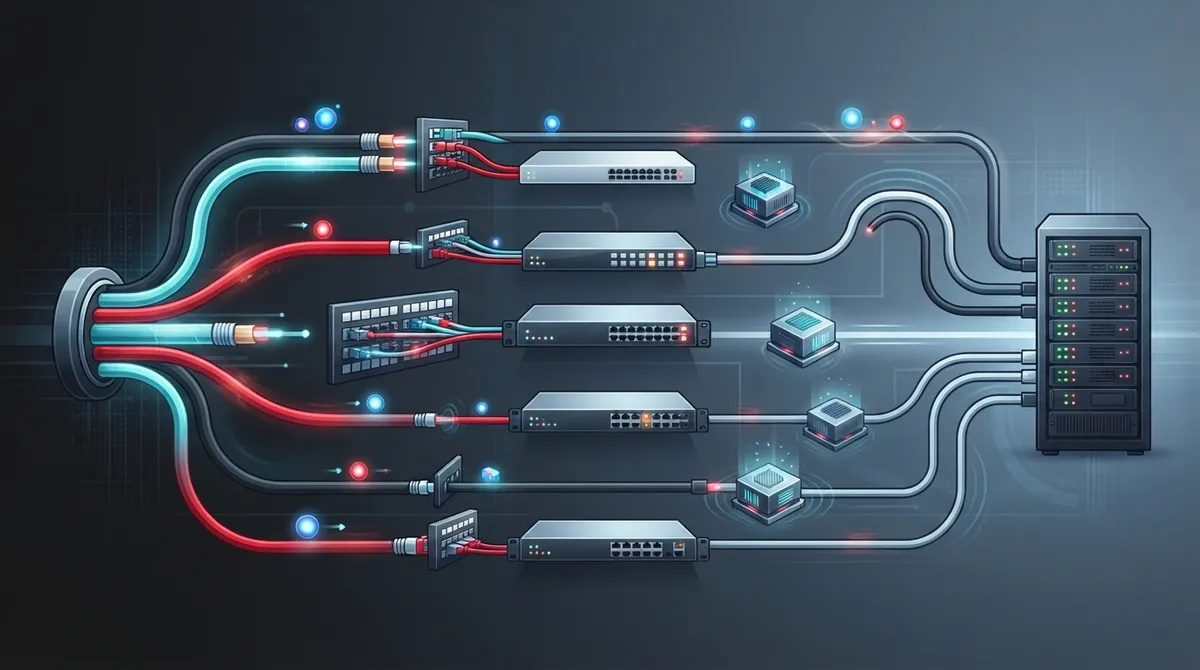
Picture this. Your team is on a video call, the voice keeps cutting out, and everyone blames the internet provider. But what if the real culprit is hiding inside your walls? That’s right, the cables. Cabling latency performance is one of those topics nobody thinks about until something goes wrong. The good news? It’s easy to understand once you break it down.
Here’s the friendly truth. Cabling is only one piece of your total network delay, and a well-built cable run adds almost no lag on its own. But a poorly built one can cause errors, retransmissions, and slowdowns that feel a lot like latency. Whether you run a small Tampa office, manage IT for a growing company, or oversee a franchise with many sites, this guide will help you spot the real issues. We’ll walk through seven practical ways cabling shapes your network speed, using plain language and real numbers. Let’s dive in!

1. Understand What Cabling Latency Really Means
Cabling latency is the time a signal needs to travel through the physical cable. Think of it as the drive time on a road. It is only one part of end-to-end latency, which also includes switching, routing, queuing, and application processing.
Here’s the fun part. Signals move through copper and fiber at roughly two-thirds the speed of light. That is fast, but not instant. Because of this, cabling latency performance depends mostly on distance and on how clean the signal stays along the way.
Propagation Delay vs. End-to-End Latency
Propagation delay is the pure travel time in the cable. End-to-end latency is the full trip, including every device your data passes through. When someone says the network feels slow, cabling is rarely the biggest slice of that pie. Still, it is the one slice that stays hidden until you test it.
2. Know How Much Delay Cable Length Actually Adds
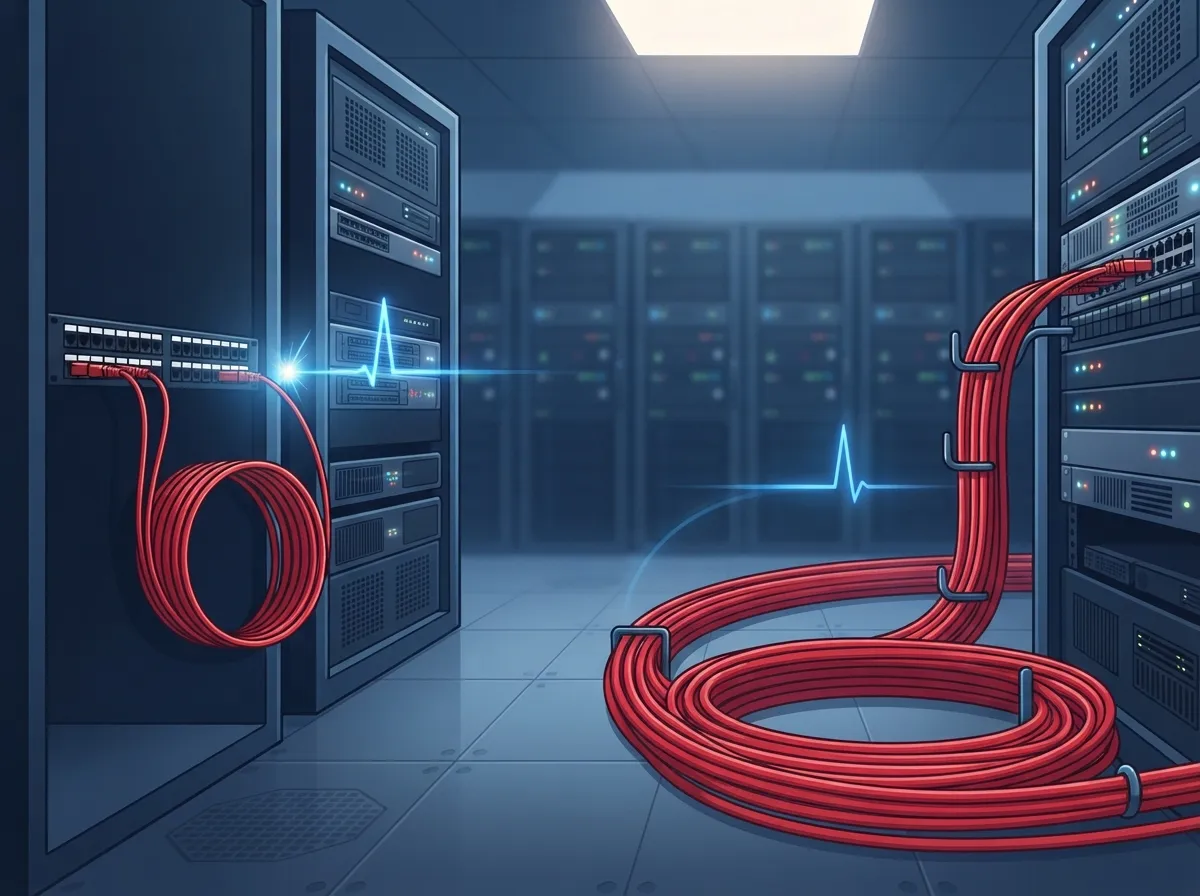
Good news for worried office managers: a standard copper run adds very little delay. A typical 100-meter Ethernet cable adds roughly 500 nanoseconds of one-way propagation delay. That is half a millionth of a second!
Fiber travels at about 200,000 km per second. That works out to around 5 microseconds per kilometer, one way. So even long fiber runs between buildings add tiny amounts of travel time.
| Medium | Approximate Delay | Example |
|---|---|---|
| Copper (typical Cat 5e/6) | Just under 5 ns per meter | 100 m run = about 500 ns |
| Optical fiber | About 5 microseconds per km | 1 km link = about 5 microseconds |
So does a longer Ethernet cable increase ping? Technically yes, but only by a sliver. The bigger risk is going too long and breaking the standard limits, which we cover next.
3. Respect the 100-Meter Copper Limit
Here’s a rule that saves a lot of headaches. Standard twisted-pair Ethernet horizontal cabling is limited to a 100-meter channel. That means up to 90 meters of permanent link plus a combined 10 meters of patch cords.
Go past that, and you risk link errors or total failure. Signals weaken, errors climb, and retransmissions pile up. The result feels like lag, even though the cable is technically just too long.
What to Do When You Need More Distance
Need to reach a far corner of a warehouse or another building? Use a fiber link or add active equipment, such as a switch, to extend the reach. This keeps you inside the rules and keeps the connection healthy. If you are planning a layout, our guide on how to plan network cabling installation in Tampa Bay is a great place to start.
4. Watch for Cabling Problems That Act Like Latency
This is the big one, and it surprises many people. Cabling quality affects reliable performance as much as timing. A link can come up and look fine while quietly causing trouble.
Here are the usual suspects:
- Insertion loss: The signal gets weaker as it travels, which can cause errors.
- Crosstalk: Signals from neighboring pairs leak into each other and add noise.
- Impedance mismatches: Bad connectors or kinks cause reflections that confuse the signal.
- Poor terminations: Sloppy punch-downs create weak spots that fail under load.
Each of these can trigger retransmissions. When data has to be sent again, your effective latency goes up and your throughput goes down. VoIP calls may sound choppy, and video may freeze. Many of these mistakes are covered in 12 structured cabling mistakes that hurt your business.
5. Learn About Delay Skew in Copper Cabling
Delay skew sounds fancy, but the idea is simple. A copper cable holds several twisted pairs, and each pair carries part of the signal. Skew is the difference in travel time among those pairs.
Why does it matter? Multi-pair Ethernet, like gigabit speeds, sends data across several pairs at once. If one pair arrives too late, the receiver struggles to line everything up. Cited structured-cabling guidance gives a 50-nanosecond channel limit for Category 5, 6 and 6A examples, though exact requirements depend on the standard and link type.
Standards Give You Clear Targets
Channel propagation-delay limits are also spelled out for copper. Reported figures for 1000BASE-T channels are 570 ns for Category 5, and 555 ns for both Category 6 and 6A. These are compliance limits, not a measure of your total network latency. Always verify the current standard edition for your project.
| Cable Category | Example Propagation-Delay Limit | Example Delay-Skew Limit |
|---|---|---|
| Category 5 | 570 ns | 50 ns |
| Category 6 | 555 ns | 50 ns |
| Category 6A | 555 ns | 50 ns |
Choosing the right category matters too. If you are weighing options, see how to choose between Cat6 and Cat6A for your office.
6. Choose Copper or Fiber Based on Your Real Needs
Is fiber faster than copper for business networks? Here’s the honest answer. Fiber does not erase latency. Signals still take time to travel, and transceivers and network gear add their own delay.
What fiber does offer is strength in other areas. It is immune to electromagnetic interference and supports much longer distances than copper. That makes it a smart pick for certain jobs.
When Fiber Makes Sense
- Your run is longer than the 100-meter copper channel limit.
- You are linking two buildings or floors far apart.
- The area has heavy electrical noise, such as near machinery.
- You need very high bandwidth for backbone connections.
For everyday desk connections inside the copper limit, quality Cat6 or Cat6A is usually a great fit. Want more detail on fiber? Check out how to choose fiber cabling for your business network. You can also read about fiber optic cabling services for commercial buildings in Tampa.
7. Test and Certify Every Link
Here’s where good intentions become real results. A cable that looks tidy can still fail a quality check. The only way to know is to test it with a field certification tester.
Certification measures what really matters for cabling latency performance. Typical checks include:
- Wire map, to catch crossed or open pairs
- Length, to confirm you are within limits
- Propagation delay and delay skew
- Insertion loss
- Crosstalk and return loss
Think of it as a health checkup for your network. You get a pass or fail report for each link, plus proof you can keep on file. That paperwork is gold for IT managers and franchise operators who need consistent results across many sites.
A Simple Path to a Healthy Cabling System
- Pick the right category and topology for your applications.
- Keep copper channels within their length limits.
- Use qualified installers who follow proper practices.
- Certify every link and save the reports.
- Label and document everything for easy future changes.
A well-planned system is the backbone for everything else you run. It supports phones, cameras, and internet alike. Learn more in 13 ways structured cabling supports VoIP and cameras. If you are curious about the bigger picture, the general concept of structured cabling is a helpful primer.
Why Cabling Deserves a Spot in Your Speed Plan
Many businesses chase faster plans from their Internet Service Provider while a weak cable run quietly holds them back. Before you upgrade your bandwidth, check the pipes inside your building. It could save real money. Our article on why your business internet is so slow and how to fix it shows how to track down these hidden slowdowns.
Remember the big picture, too. Cabling is only one slice of total latency. Switches, routers, Wi-Fi, and applications all add their own delay. That is why a single point of contact who understands the whole stack can be so helpful. Ideal Solutions Provider, a Tampa-based telecom and IT partner with over 24 years of experience, handles cabling, networking, VoIP, and internet together. That means fewer vendors to chase and clearer answers when something feels slow.
Wrapping It Up
Let’s recap the seven ideas. Cabling latency is just travel time in the cable. Length adds tiny delay. Copper has a 100-meter limit. Bad installs cause errors that feel like lag. Delay skew matters for multi-pair signals. Fiber helps with distance and interference. And testing proves it all works.
You do not have to be a network expert to get this right. You just need a solid plan and a team that tests their work. Ready to see how your cabling stacks up? Contact us for a free consultation, or call us to talk it through. You can also follow along with tips on YouTube, and we’d love to help your business run faster and smoother in 2026.
FAQs
Q: How much latency does an Ethernet cable add?
A: Very little! A 100-meter copper cable adds roughly 500 nanoseconds of one-way propagation delay. That is tiny compared with delays from switches, routers, and applications.
Q: What is the maximum Ethernet cable length for a business network?
A: Standard twisted-pair Ethernet channels are generally limited to 100 meters. That is up to 90 meters of permanent link plus a combined 10 meters of patch cords. For longer distances, use fiber or active equipment.
Q: Can bad cabling cause packet loss or slow network performance?
A: Yes, it can. Insertion loss, crosstalk, and poor terminations can cause errors and retransmissions. This raises effective latency and lowers throughput, even if the link comes up at first.
Q: Is fiber optic cable faster than copper for business networks?
A: Not exactly. Signals still take time to travel through fiber, and equipment adds delay. Fiber shines with longer distances and immunity to electromagnetic interference, so choose it based on your distance, bandwidth, and environment.
Q: How do you test and certify structured cabling performance?
A: Technicians use a field certification tester to check wire map, length, propagation delay and skew, insertion loss, crosstalk, and return loss. You get a pass or fail report for each link, which is great proof of quality.





