

Key Takeaways
-
On-site assessments are essential before installation; skipping them leads to blind spots, weak Wi-Fi coverage, and cameras unable to handle Tampa's bright sun and humid conditions.
-
Choose providers who bundle cameras with structured cabling, network infrastructure, and VoIP support under one roof, ensuring all systems work together instead of competing for bandwidth.
-
Verify that your network can support IP cameras through proper switching, PoE capacity, and bandwidth before installation, as poor infrastructure undermines even high-quality cameras.
-
Plan footage retention requirements upfront (30-90 days depending on industry) and decide between cloud storage for remote access or on-site NVRs for cost savings.
-
Integrate cameras with access control and alarm systems for real-time incident response; this connected approach is more powerful than isolated cameras and simplifies management.
-
Confirm provider licensing, insurance, manufacturer certifications, and ask about system scalability before signing, especially for multi-location businesses or future expansion plans.
Picking a security camera company shouldn’t feel like rolling the dice with your business’s safety. Yet every day, Tampa business owners sign contracts they don’t understand, get cameras that don’t talk to their network, or end up with grainy footage right when they need it most. If you’re a small business owner, IT manager, or franchise operator searching for professional security camera companies in Tampa, you deserve better than guesswork.
Here’s the good news: most camera installation headaches are completely avoidable. We’ve watched businesses across Tampa Bay make the same mistakes over and over, and we want to help you skip right past them. This guide walks through the nine biggest pitfalls Tampa businesses run into when choosing a security camera provider, and how smart planning (plus the right telecom partner) keeps your building, staff, and inventory protected.
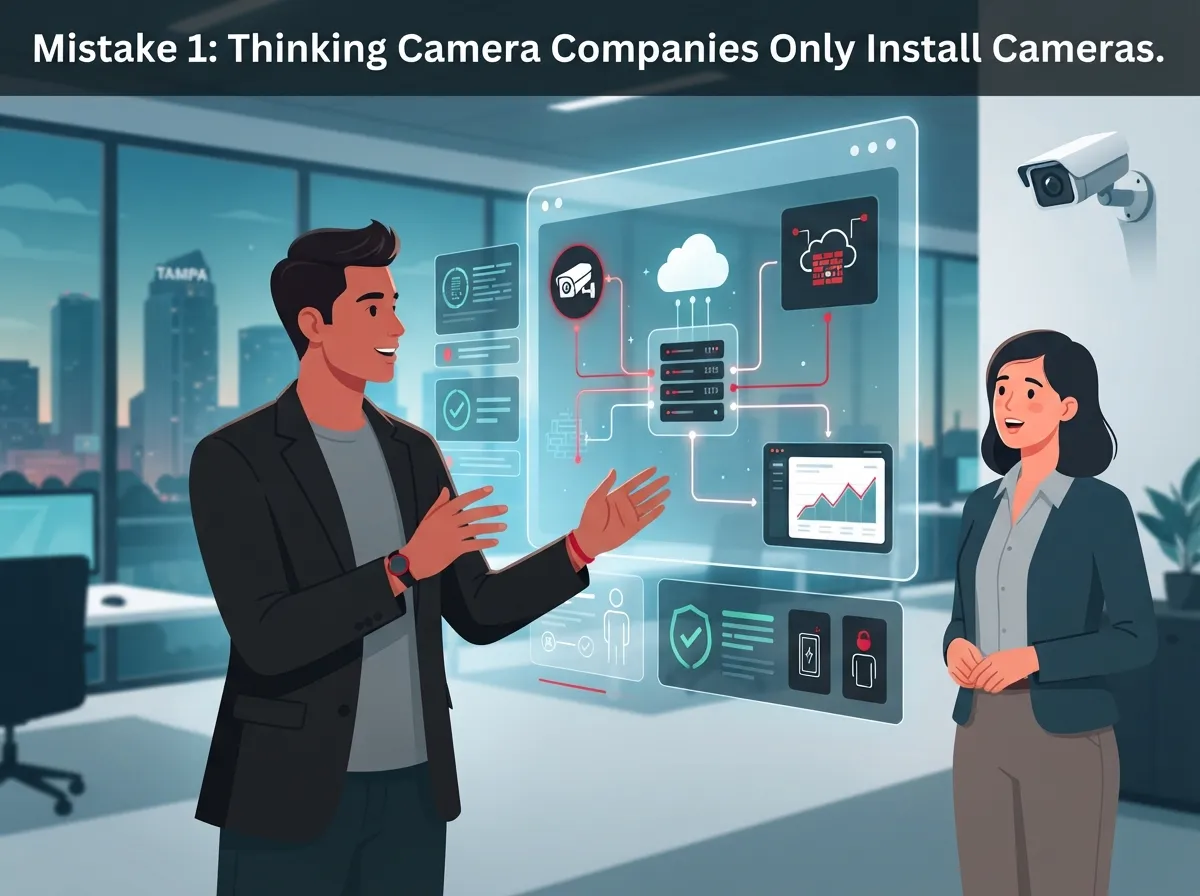
Mistake 1: Thinking Camera Companies Only Install Cameras
A lot of Tampa business owners assume a security camera company just shows up, mounts a few cameras, and leaves. That’s an outdated view. Today’s best providers handle IP video surveillance alongside structured cabling that supports VoIP phones and security cameras, access control, and network infrastructure all under one roof.
This bundled approach matters because your cameras don’t operate in a vacuum. They rely on structured cabling, switches, and bandwidth just like your phones and computers do. When one company understands your entire telecom picture, everything works together instead of fighting for resources.
- Video surveillance and cloud storage
- Structured cabling and network wiring
- Access control and door entry systems
- Business phone systems and internet
- Ongoing maintenance and remote support

Mistake 2: Skipping the On-Site Assessment
Some companies will quote you a price over the phone without ever seeing your building. That’s a red flag. A proper assessment looks at your layout, lighting, entry points, and risk areas before anyone picks up a drill.
During a real walkthrough, a technician checks bandwidth, camera placement, storage needs, and how long you need to keep footage. Skipping this step often means blind spots, weak Wi-Fi in key areas, or cameras that can’t handle Tampa’s bright sun and humid nights.
What a Good Assessment Covers
- Building layout and entry and exit points
- Lighting conditions for day and night footage
- High-risk areas like loading docks or cash registers
- Current network bandwidth and switch capacity
- Storage and footage retention requirements
- Integration needs with phones, alarms, or access control
Mistake 3: Not Understanding IP vs. Analog vs. PoE Systems
This is where a lot of business owners get lost, and honestly, that’s okay. It’s not your job to know the technical differences. But knowing the basics helps you ask better questions.
| System Type | How It Works | Best For |
|---|---|---|
| Analog/DVR | Coaxial cable to a digital video recorder | Small budgets, simple setups |
| IP/NVR | Network cable to a network video recorder | High-definition, scalable systems |
| PoE (Power over Ethernet) | One cable carries power and data | Clean installs, easy expansion |
| Cloud-Based | Footage streams to secure cloud storage | Remote access, multi-location businesses |
Most commercial installations in Tampa today lean toward IP and PoE cameras because they deliver sharper images and simpler cabling. If you’re weighing options, this comparison of cloud video security versus DVR systems breaks down the tradeoffs in plain language.
Mistake 4: Ignoring Your Network’s Ability to Support Cameras
Here’s something a lot of camera companies won’t tell you upfront: your cameras are only as good as the network behind them. IP cameras need reliable switching, enough PoE capacity, and proper bandwidth to stream and store footage without lag.
If your office is already fighting for bandwidth with VoIP calls and cloud apps, adding a dozen high-definition cameras can slow everything down. This is exactly why IT managers should ask about improving business network performance before installation day, not after.
A provider who understands both telecom and security will look at your whole network, not just the cameras. That kind of thinking is at the heart of what Ideal Solutions Provider does for businesses across Tampa Bay and nationwide, coordinating structured cabling, networking, and cloud video security so nothing gets left behind.
Mistake 5: Choosing Based on Price Alone
We get it. Budgets matter, especially for small business owners juggling rent, payroll, and equipment costs. But the cheapest quote often hides costs down the road: poor cabling, limited storage, or no support after installation.
Instead of chasing the lowest number, ask what’s actually included. A fair quote should spell out cabling, equipment, labor, cloud storage fees, and warranty terms clearly.
Questions to Ask Before Signing
- Is structured cabling included, or billed separately?
- What’s the warranty period on cameras and recording equipment?
- Are there monthly cloud storage fees?
- How fast will they respond if something breaks?
- Can the system grow if you add more locations?
If you want a general sense of what to budget, this guide on budgeting for commercial video surveillance in Tampa FL is a solid starting point.
Mistake 6: Forgetting About Footage Storage and Retention
Cameras that record but don’t save footage long enough are almost as bad as no cameras at all. Retail stores, warehouses, and healthcare offices in Tampa often need footage available for 30, 60, or even 90 days depending on their industry and insurance requirements.
Cloud storage has become popular because it’s easier to scale and access remotely, but it’s not the only option. Some businesses still prefer on-site NVRs for cost reasons. Either way, retention policy should be part of your conversation from day one. For more detail, check out this breakdown of how long footage is stored in cloud video security systems.
Mistake 7: Overlooking Integration With Access Control and Alarms
Cameras that work alone are helpful. Cameras linked to your access control and alarm systems are powerful. When a door alarm triggers, connected video can instantly show you who’s there and what’s happening in real time.
This kind of integration helps offices, warehouses, and multifamily properties respond faster to incidents. It also simplifies life for office managers who don’t want to juggle three different apps to check what’s going on at the building.
If you’re curious how this works together, this article on cloud access control for Tampa businesses explains the connection nicely.
Mistake 8: Not Verifying Credentials, Licensing, and Experience
Anyone can slap a website together and call themselves a security camera company. Verified experience matters, especially for commercial jobs involving structured cabling and network integration.
Before hiring anyone, confirm they’re licensed low-voltage contractors carrying proper insurance. Ask how many commercial installs they’ve completed in the Tampa Bay area and whether they hold manufacturer certifications for the equipment they’re recommending. It’s also smart to check reviews and ask for references from businesses similar to yours, whether that’s a warehouse, medical office, or retail chain.
- Confirm licensing and insurance directly with the company
- Ask about manufacturer certifications
- Request references from similar businesses
- Review their cybersecurity practices for cloud systems
- Check how long they’ve served the Tampa Bay market
Mistake 9: Signing With a Provider Who Can’t Support Future Growth
Your business today might look nothing like your business in three years. Franchise operators especially need systems that scale across multiple sites without starting from scratch every time. If your provider can’t add cameras, locations, or integrate new access points down the road, you’ll be stuck redoing everything later.
Before signing anything, ask directly: can this system expand? Can it support a second or third location? Does the cloud platform allow centralized management across sites? These questions matter just as much as the price tag. For multi-location businesses, this resource on scalable access control for multi-location Tampa businesses is worth a read.
How Ideal Solutions Provider Approaches Security Camera Projects
With over 24 years of experience and partnerships with 35 or more vetted suppliers, Ideal Solutions Provider looks at your whole telecom picture, not just cameras in isolation. That means structured cabling, networking, VoIP phones, and cloud video security are all considered together so your systems actually work as a team.
This single-point-of-contact model saves office managers and IT teams from juggling five different vendors during an install. It also means someone is accountable when things need troubleshooting or expansion later. To learn more about what security cameras really do beyond just recording footage, this piece on what security cameras really do for your business is a great companion read.
You can also follow along with helpful tips and behind-the-scenes looks at real installs on Facebook, Instagram, and YouTube.
Quick Comparison: What to Look For in a Provider
| Factor | Why It Matters |
|---|---|
| Commercial experience | Shows they understand business-scale challenges |
| Licensing and insurance | Protects you legally and financially |
| Network expertise | Prevents lag, dropped footage, and slow systems |
| Integration options | Connects cameras with alarms and access control |
| Storage flexibility | Supports compliance and evidence retention |
| Scalability | Grows with your business or franchise locations |
A dependable Internet Service Provider connection also plays a bigger role than most people realize. Weak or unreliable internet can cripple even the best camera system, so it’s worth reviewing your current setup alongside any camera upgrade.
Final Thoughts on Choosing Wisely
Avoiding these nine mistakes puts you miles ahead of most Tampa businesses shopping for security cameras. Take your time, ask the right questions, and remember that cameras work best when they’re part of a bigger, well-planned telecom system. Whether you’re protecting a single office or coordinating security across multiple franchise locations, the right partner makes all the difference.
Ready to see how your current setup measures up? Reach out to our team for a free consultation, or give us a call to talk through your security and telecom needs today.
FAQs
Q: How much does commercial security camera installation cost in Tampa?
A: It really depends on your building size, number of cameras, and whether you need new cabling or network upgrades. Small offices might spend a few thousand dollars, while larger warehouses or multi-location businesses invest much more. The best move is getting a free on-site assessment so you get a real number, not a guess.
Q: What’s the difference between IP, PoE, analog, DVR, and NVR security cameras?
A: Think of it this way: analog and DVR systems are the older, simpler setup using coaxial cable, while IP and NVR systems use network cables for sharper, high-definition footage. PoE just means one cable handles both power and data, which makes installation cleaner. Most Tampa businesses today lean toward IP and PoE for better image quality and easier expansion.
Q: Do Tampa security camera companies provide structured cabling and network installation?
A: Many of the best ones absolutely do, and honestly, that’s what you want. Cameras rely on solid cabling and network capacity to work well, so a provider who handles both saves you from mismatched systems. It also means one team to call if something needs fixing down the road.
Q: Should a Tampa business use cloud video surveillance or an on-site NVR?
A: Cloud storage is great if you want remote access and easy scaling across multiple locations, which is perfect for franchise operators. On-site NVRs can be more budget-friendly for a single location that doesn’t need remote viewing as often. It really comes down to how you plan to use and access your footage day to day.
Q: Can security cameras be integrated with access control, alarms, and business telecom systems?
A: Yes, and this integration is honestly one of the smartest moves a business can make. Linking cameras to door access and alarms means you get instant video context when something triggers an alert. It turns separate systems into one connected security picture, which saves time and stress when incidents happen.





