
Key Takeaways
-
Structured cabling following ANSI/TIA standards eliminates troubleshooting guesswork and simplifies future moves, adds, and changes by organizing all office wiring in a labeled, documented system.
-
Power over Ethernet (PoE) delivers up to 100 watts over a single cable, eliminating separate power outlets for security cameras, Wi-Fi access points, and other devices while reducing installation complexity.
-
Copper cabling (Cat 6/6A) has a 90-100 meter distance limit; fiber optic cabling must be used for building-to-building connections or data centers that exceed this range.
-
Proper testing, certification, and as-built documentation from your contractor are critical for future troubleshooting and prevent expensive rework when technicians need to locate or modify cables.
-
Plan cabling infrastructure with future growth in mind by leaving extra capacity in equipment rooms, choosing cables that support tomorrow's bandwidth needs, and accounting for PoE power loads.
-
Working with a single integrated partner for cabling, internet, phones, and security eliminates vendor finger-pointing and ensures your entire network infrastructure is designed cohesively.
Picture this: your phones drop calls, your Wi-Fi stutters during a client meeting, and your security cameras freeze right when you need them most. Sound familiar? The culprit is often hiding behind your walls. It’s the cabling nobody thinks about until it fails. If you’re a Tampa business owner, an IT manager juggling vendors, or a franchise operator scaling to new locations, this article is for you. We’re breaking down enterprise grade cabling solutions in plain, friendly language, so you can make smart choices without needing an engineering degree.
Enterprise grade cabling isn’t just about buying the priciest cable on the shelf. It means using a planned, standards-based system that supports your phones, Wi-Fi, security cameras, and every device your team relies on. Think of it as the nervous system of your office. When it’s built right, everything just works. When it’s not, you feel it every single day.
Let’s walk through five key solutions that make up a strong, future-ready cabling setup, plus what to look for when you’re ready to upgrade.

1. Structured Cabling Systems Built on Real Standards
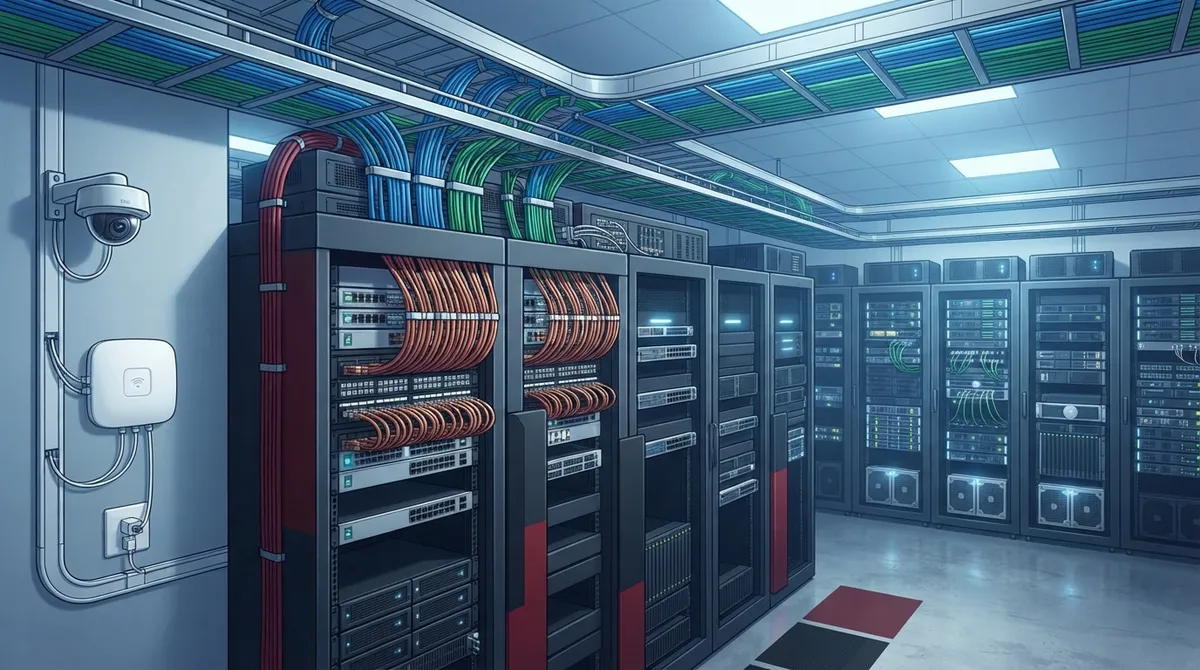
The foundation of any solid network is structured cabling. This is a planned layout that connects every outlet in your office back to a central equipment room, following a clear, organized path instead of a tangled mess of wires.
Structured cabling follows a family of standards, most notably ANSI/TIA-568, which sets rules for cabling performance and layout. There’s also TIA-569 for pathways and spaces, TIA-606 for labeling, and TIA-607 for grounding. You don’t need to memorize these, but your cabling contractor absolutely should know them inside and out.
Here’s why this matters for your business:
- Moves, adds, and changes become simple instead of stressful
- Troubleshooting takes minutes, not hours, because everything is labeled and documented
- Your system supports voice, data, Wi-Fi, security cameras, and access control on one unified network
- New employees or new equipment can be added without tearing into walls
If your office still runs on a patchwork of old wiring, it might be time to explore professional structured cabling services designed specifically for growing businesses.
2. Copper Cabling That Powers Your Everyday Devices
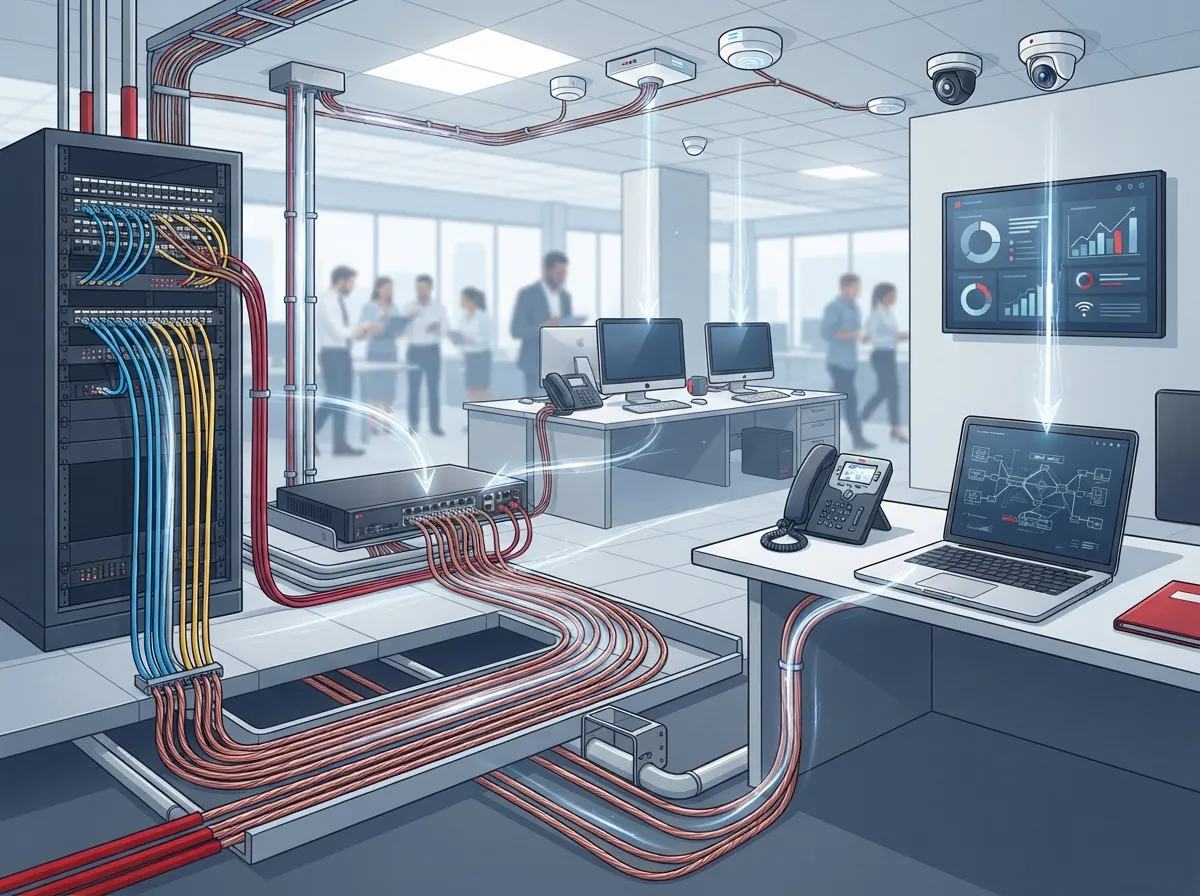
Copper twisted-pair cabling, like Cat 6 and Cat 6A, is the workhorse of most offices. It handles desk phones, computers, and Wi-Fi access points with ease, and it can even power devices through Power over Ethernet, or PoE.
PoE is a small miracle for office setups. It lets a single cable deliver both data and electricity, so your security cameras, access points, and even some phones don’t need a separate power outlet. According to CommScope’s structured cabling guidance, PoE can deliver up to 100 watts, which is plenty for smart lighting, cameras, and IoT devices.
There is a distance limit to keep in mind. A copper horizontal permanent link is typically capped at 90 meters, with the full channel (including patch cords) limited to about 100 meters. If your office layout stretches beyond that, you’ll need a different approach for those longer runs.
Choosing between Cat 6 and Cat 6A often comes down to your bandwidth needs and budget. If you’re unsure which fits your space, check out this guide on key differences between Cat5e and Cat6 cabling to get a clearer picture.
3. Fiber Optic Backbone for Speed and Distance
When copper cabling hits its distance limit, fiber optic cabling steps in. Fiber is the go-to choice for connecting buildings on a campus, linking floors in a large office, or handling seriously high bandwidth needs.
Fiber doesn’t carry electrical signals, so it isn’t affected by nearby power lines or interference. That makes it ideal for backbone connections between your main equipment room and satellite closets, or for connecting multiple buildings at once.
Consider fiber if any of these apply to your business:
- You’re connecting buildings that are far apart, well beyond copper’s 100-meter limit
- Your bandwidth needs are growing fast, especially with cloud apps and video
- You want a cabling system that won’t need replacing again in five years
- You’re running a data center or server room that demands top-tier performance
Many Tampa businesses are already making this shift. If you want a deeper look, this article on fiber optic cabling services for commercial buildings walks through the details.
4. PoE-Ready Cabling for Cameras, Access Control, and Wi-Fi
Here’s something a lot of business owners don’t realize until it’s too late: your security cameras and access control systems need reliable cabling too, not just your phones and computers.
A well-designed enterprise cabling system plans ahead for these devices. That means enough outlets near doors and entry points, proper PoE capacity, and pathways that can handle future growth. Skimping here often leads to expensive rework later.
Structured cabling makes it possible to support voice, video, and security on the same backbone. To see this in action, take a look at how structured cabling supports VoIP and cameras together in a single, streamlined system.
This table breaks down which cabling type fits which application, so you can plan smarter from the start.
| Application | Recommended Cabling | Typical Distance Limit |
|---|---|---|
| Desk phones and computers | Cat 6 or Cat 6A copper | Up to 90-100 meters |
| Wi-Fi access points (PoE) | Cat 6A copper | Up to 90-100 meters |
| Security cameras (PoE) | Cat 6 or Cat 6A copper | Up to 90-100 meters |
| Building-to-building links | Fiber optic | Several kilometers, depending on fiber type |
| Data center backbone | Fiber optic | Several kilometers, depending on fiber type |
5. Testing, Certification, and Documentation You Can Trust
Here’s a step that gets skipped way too often: proper testing and paperwork. Installing cable is only half the job. A trustworthy contractor will test and certify every single run, then hand you clear documentation you can actually use later.
What should this include? Here’s a simple checklist:
- Copper certification results for every horizontal run
- Fiber test results appropriate to your specific link type
- Labeled outlets and patch panels that match a clear naming system
- As-built drawings showing exactly where every cable runs
- A record of which standard and cable category was used throughout
Without this documentation, future troubleshooting becomes guesswork. With it, any technician, including someone new to your building, can find and fix problems fast. This is one of the most overlooked pieces of the puzzle, and it’s covered in more detail in this rundown of structured cabling mistakes that hurt your business.
What Affects the Cost of Enterprise Cabling?
Every office is different, so pricing varies quite a bit. A few things that tend to move the number up or down include the size of your space, how many outlets you need, whether you’re running copper or fiber, and how much existing infrastructure can be reused.
Older buildings with tricky pathways or asbestos concerns may cost more to wire than a fresh, open floor plan. It’s smart to get a project-specific quote from a qualified installer rather than relying on rough averages you find online. A proper site walk-through makes all the difference.
If you’re also weighing your internet options alongside cabling upgrades, this guide on choosing the right internet speed pairs nicely with your cabling plans.
Planning for Growth: Don’t Wire for Today Only
One mistake we see constantly is businesses wiring for exactly what they need right now, with zero room to grow. Then six months later, they’re adding a new department or a dozen security cameras, and there’s nowhere to plug in.
Smart planning means:
- Leaving extra capacity in your telecom room and pathways
- Choosing a cable category that supports tomorrow’s bandwidth, not just today’s
- Planning for PoE loads, including the heat and power they generate
- Considering your equipment room’s HVAC and electrical capacity
This kind of forward thinking is a big part of why so many Tampa businesses invest in structured cabling now, rather than waiting until growth forces their hand.
Why Working With One Trusted Partner Makes This Easier
Juggling separate vendors for cabling, internet, phones, and security cameras is exhausting. It also means nobody has the full picture of your network, which leads to finger-pointing when something breaks.
This is exactly the gap Ideal Solutions Provider was built to fill. With over 24 years of experience and partnerships with 35 plus vetted suppliers, they act as a single point of contact for structured cabling, VoIP, internet, networking, security cameras, and access control. That means one team designs your cabling with your entire network in mind, not just today’s phone system.
You can see real project examples and client stories on their YouTube channel, or follow ongoing updates on Facebook and Instagram. It’s a good way to get a feel for how a cabling project actually unfolds before you commit.
Bringing It All Together
Enterprise grade cabling solutions aren’t flashy, but they’re the backbone of a business that runs smoothly every single day. From structured cabling and copper runs to fiber backbones and proper documentation, each piece plays a role in keeping your phones ringing, your Wi-Fi strong, and your cameras rolling.
Whether you’re a small business owner tired of dropped calls, an IT manager tired of chasing multiple vendors, or a franchise operator planning your next location, the right cabling foundation makes everything else easier. Don’t wait for a network failure to force your hand.
Ready to see what your current setup is really capable of? Reach out to our team for a free consultation, or give us a call today to talk through your cabling needs with a real person who gets it.
FAQs
Q: What is enterprise grade structured cabling?
A: It’s a planned, standards-based cabling system that connects every device in your office, from phones to cameras, back to a central point. Instead of a messy pile of wires, everything follows an organized layout that’s easy to manage, label, and expand as your business grows.
Q: Should my business use Cat 6, Cat 6A, or fiber cabling?
A: It really depends on your needs. Cat 6 works great for everyday phones and computers, Cat 6A handles higher bandwidth and PoE devices like cameras, and fiber shines for long-distance runs between buildings or heavy data loads. A good installer can help you match the right cable to each part of your office.
Q: How far can Ethernet cabling run in an office?
A: A standard copper horizontal link tops out around 90 meters, with the full channel, including patch cords, capped near 100 meters. If your space is bigger than that, fiber optic cabling is usually the better fit for those longer stretches.
Q: Can structured cabling support security cameras and Wi-Fi access points?
A: Absolutely, and it’s actually one of the best reasons to invest in it. With Power over Ethernet, a single cable can deliver both data and power to cameras, access points, and access control readers, so you skip the need for extra outlets near every device.
Q: What should a cabling contractor provide after installation?
A: You should always receive certification test results, clearly labeled outlets and panels, and as-built documentation showing exactly where every cable runs. This paperwork saves you time and money down the road whenever changes or troubleshooting are needed.





