
Key Takeaways
-
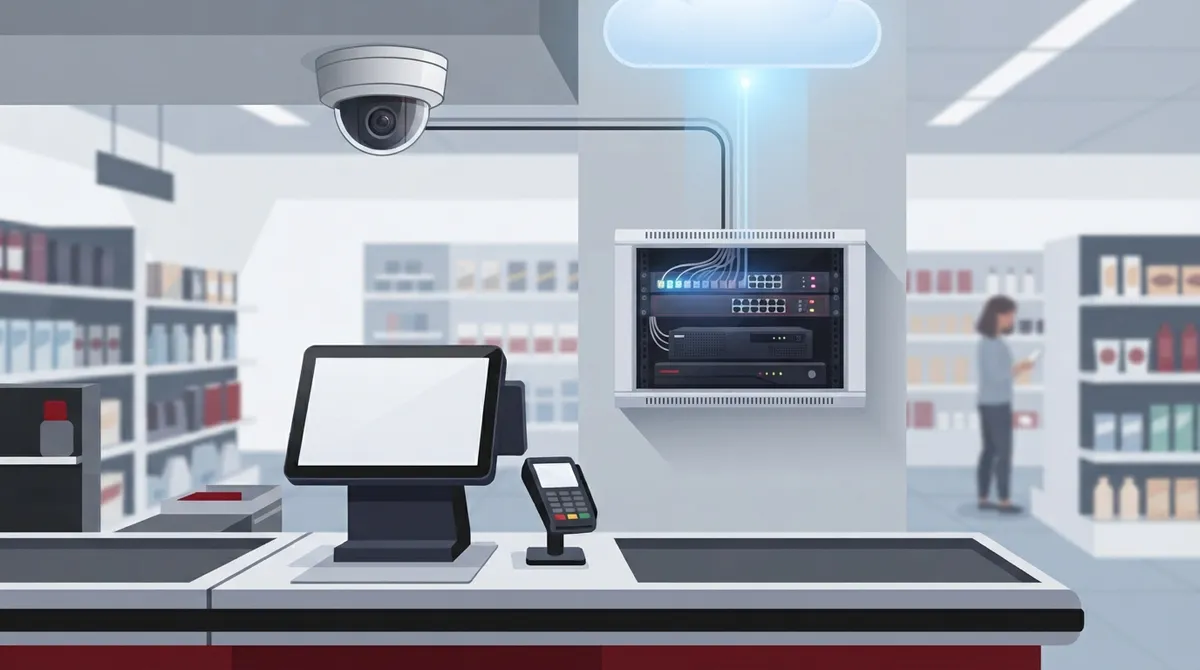
Retail security cameras are networked systems that depend on your internet, cabling, and PoE switches, so network quality directly determines footage reliability.
-
Hybrid edge-and-cloud designs record locally and upload selected clips to the cloud, protecting footage during internet outages while keeping bandwidth demands manageable.
-
Estimate bandwidth by counting cameras, choosing resolution and frame rate, and planning peak upload traffic with at least 50% headroom, then confirm the connection won't slow your POS.
-
Place cameras and recorders on a dedicated VLAN, isolated from POS registers, office computers, and guest Wi-Fi, and use encrypted connections and role-based access.
-
Protect recording continuity with a UPS on switches and recorders, local recording enabled even when using cloud storage, and regular checks that every camera is online.
-
Choose a retention policy and access rules for footage, and verify applicable privacy and employment laws in your jurisdiction before sharing or storing video.
Running a store is a juggling act. You’re managing staff, stock, customers, and a point-of-sale system that absolutely cannot go down on a busy Saturday. So when someone says you also need to think about retail security cameras, it’s easy to feel a little overwhelmed. The good news? It doesn’t have to be hard.
Here’s the part many store owners miss: modern retail security cameras aren’t just gadgets on a wall. They’re networked video systems that depend on your internet, your cabling, and your switches. That makes them a telecom topic as much as a security one. And the stakes are real. The National Retail Federation’s 2025 study, based on retailer reports, found that shoplifting incidents rose 18% in 2024 compared with 2023. The same study showed a 17% jump in threats or acts of violence during theft events.
In this friendly guide, we’ll walk through three practical setups, from simple to scalable, so you can pick the one that fits your store. We’ll also cover bandwidth, network safety, and what happens when the internet goes down.
Why Retail Security Cameras Are Really a Network Project
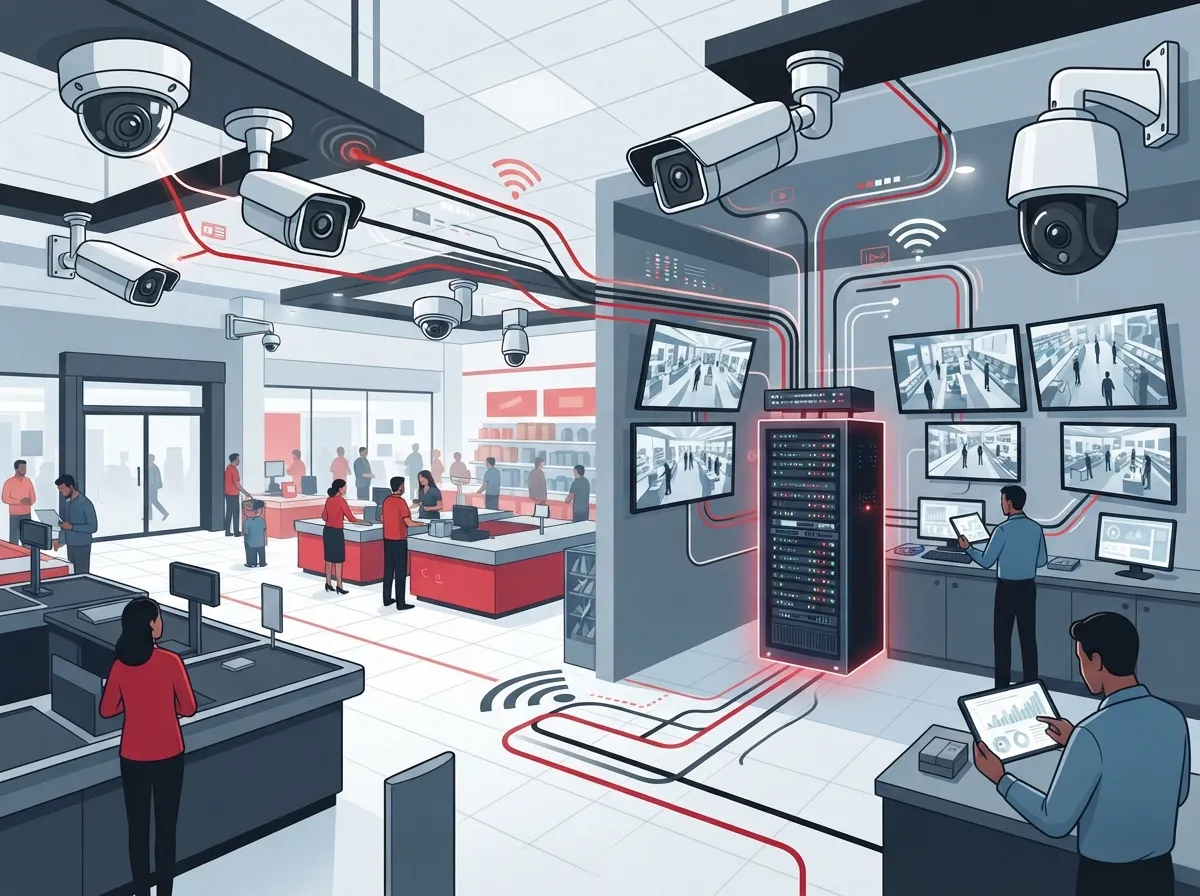
Think of your cameras as tiny computers that talk to your network all day long. Each one needs power, a data connection, and a place to send video. If any of those pieces is weak, your footage suffers.
A typical system includes these parts:
- IP cameras that capture the video
- PoE switches that power the cameras and carry data over one cable
- A local recorder (NVR) or edge appliance that stores footage in the store
- Video management software that lets you view and search footage
- Secure remote access so managers can check in from anywhere
That’s why good structured cabling that supports VoIP phones and security cameras is such a smart foundation. Clean cabling means fewer dropped feeds and fewer mystery problems later.
Cameras also work best as one layer of protection. They should support, not replace, good staffing, alarms, access control, and loss-prevention habits.
Setup 1: The Local-Recording Starter System
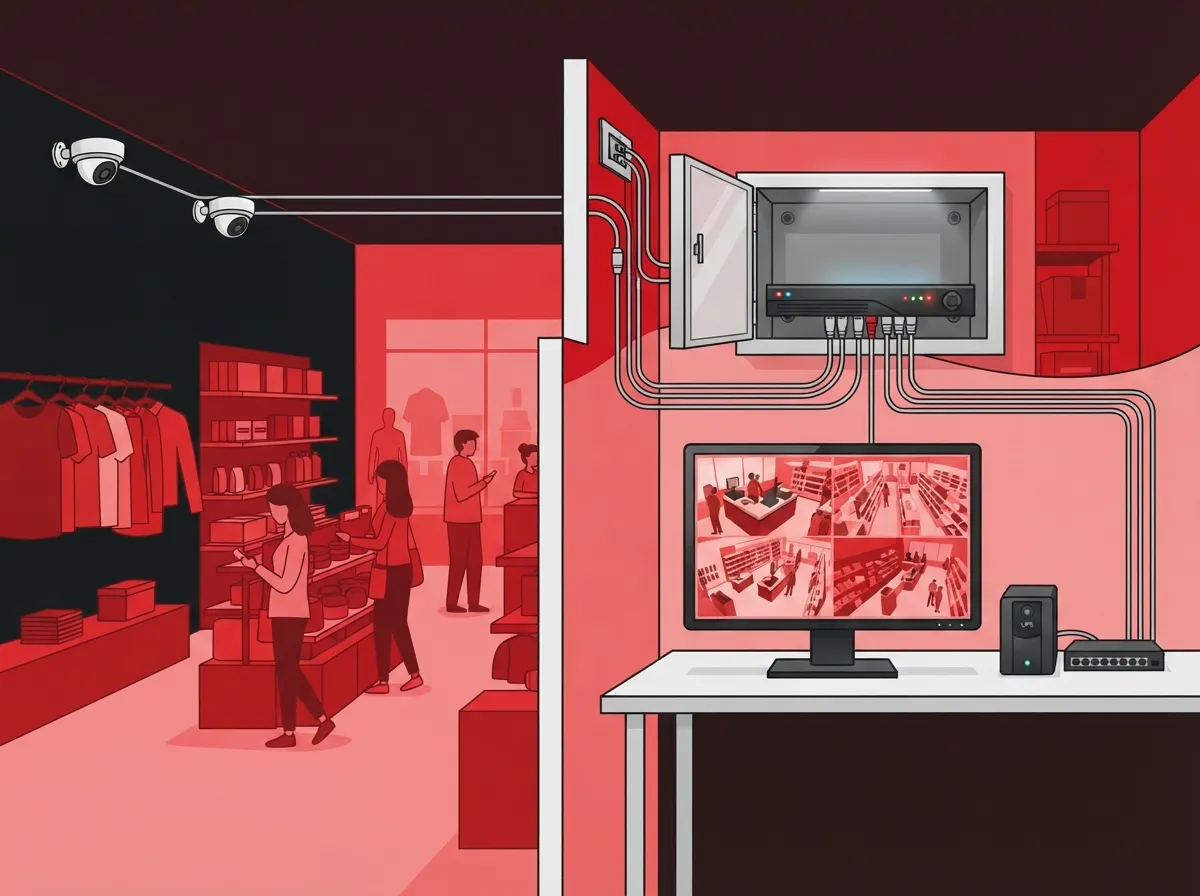
This is the simplest approach, and it’s a great fit for a single small store. IP cameras connect to a PoE switch, and the footage records to a recorder sitting right in your back office.
How It Works
Cameras send video over cables to the recorder. You watch live video or review old clips on a screen or through secure remote access. Because the footage stays on-site, you don’t need to push every stream over your internet connection.
Best For
- Single-location boutiques and small shops
- Stores with limited internet speeds
- Owners who want a straightforward, lower monthly cost
Watch Out For
Local-only systems can be harder to manage across several stores. If the recorder is stolen or damaged, footage could be lost unless you have a backup plan. Also, firmware updates need to be handled on purpose, since nobody pushes them for you automatically.
If you’re weighing the pros and cons of this approach, our guide on the differences between cloud video security and DVR systems breaks it down nicely.
Setup 2: The Hybrid Edge-and-Cloud System
For many retailers, this is the sweet spot. Cameras record continuously to a local appliance in the store. Then, selected clips, alerts, or event data get sent to the cloud for easy, centralized access.
Why Hybrid Works So Well
Sending every camera stream to the cloud nonstop can strain your store’s internet link. A hybrid design avoids that. It keeps the heavy video local and uses the cloud for the helpful stuff, like multi-store viewing and sharing clips with a loss-prevention team.
It also protects you during outages. If your internet drops, the local appliance keeps recording. When service returns, a cloud-connected appliance can upload buffered footage. For a deeper look, see how to keep security cameras working during internet outages.
Best For
- Growing retailers with two to ten locations
- Stores that want remote viewing from a phone or laptop
- Owners who want local reliability plus cloud convenience
If you like the idea of checking in from your phone, you’ll enjoy our post on monitoring your business security cameras from your phone.
Setup 3: The Multi-Site Managed System for Franchises and Chains
If you run several stores or a franchise, consistency matters. You want the same camera standards, the same access rules, and the same support experience at every site. That calls for a managed approach.
What’s Included
A multi-site system usually pairs standardized cameras and appliances at each store with centralized cloud management. It often adds a secure link between locations, such as a VPN or SD-WAN, plus backup connectivity so stores stay online.
This is where telecom expertise really pays off. Your video system depends on dependable connections, and a managed network keeps camera traffic from fighting with your registers. If you’re connecting several sites, take a peek at how to choose SD-WAN solutions for Tampa Bay businesses.
Best For
- Franchise operators with multiple locations
- Mid-sized retailers who need central oversight
- IT managers who want one dashboard and one point of contact
For scaling plans, reliable network solutions for multi-location businesses is a helpful read.
Quick Comparison of the Three Setups
| Feature | Local Starter | Hybrid Edge + Cloud | Multi-Site Managed |
|---|---|---|---|
| Best for | One small store | 2 to 10 stores | Franchises and chains |
| Footage stored | On-site recorder | On-site plus selected cloud clips | On-site plus centralized cloud |
| Remote access | Basic, needs setup | Easy, from any device | Centralized dashboard |
| Internet demand | Low | Moderate | Planned and managed |
| Outage resilience | Records locally | Records locally, uploads later | Local recording plus backup connectivity |
| Management effort | Hands-on | Light | Handled by a partner |
How Much Bandwidth Do Retail Security Cameras Need?
This is the question we hear most. The honest answer is: it depends. Needs change with camera count, resolution, frame rate, compression, and your recording policy.
As a rough planning range, one industry guide estimates typical high-definition streams at about 1 to 3 Mbps. A separate multi-site guide cites a broader 2 to 8 Mbps per stream. Another 2026 guide suggests leaving at least 50% headroom. Treat these as starting points, not rules. Your installer should calculate numbers from your actual equipment and settings.
Here’s a simple way to plan:
- Count the cameras you plan to install.
- Choose the resolution and frame rate for each area.
- Decide what stays local and what goes to the cloud.
- Estimate peak upload traffic, then add headroom.
- Confirm your internet connection can handle it without slowing your POS.
If you’re unsure about speed, our guide on choosing the right internet speed for your business can help, and these cloud video security bandwidth facts go deeper.
Keep Camera Traffic Away From Your Payment Systems
Here’s a tip that can save you serious headaches. Don’t let your cameras share the same network lane as your registers, office computers, or guest Wi-Fi. Network segmentation keeps problems contained.
Good habits include:
- Put cameras and recorders on their own VLAN
- Use encrypted connections and strong passwords
- Set role-based permissions so staff only see what they need
- Keep audit logs so you know who viewed or exported footage
- Install firmware updates on a regular schedule
Think of it like giving your cameras their own hallway. If someone wanders where they shouldn’t, they can’t reach the room with your payment data. For more on protecting video, read how secure cloud video storage is for your business.
Placement, Retention, and Privacy: Do It Thoughtfully
Where you put cameras matters as much as which cameras you buy. Focus on the spots that carry the most risk and the most value:
- Entrances and exits
- Checkout and cash-wrap areas
- Stockrooms and receiving doors
- High-value merchandise displays
- Parking lots and building perimeters
Not sure how many you need? These factors that decide how many cameras you need make planning easier.
Retention is another place to be careful. There’s no single rule that fits every store. Define your own policy for how long footage is kept, who can view it, and when it can be shared. Then check applicable privacy and employment laws for your area, since requirements differ by jurisdiction. If you want a starting point, these key facts about footage storage are worth a look.
Power and Backup: Small Details, Big Payoff
Nothing is more frustrating than discovering a recording gap right when you need the footage. A few small upgrades help prevent that:
- Put switches and recorders on a UPS so brief power blips don’t stop recording
- Keep local recording turned on even if you use the cloud
- Consider backup internet for stores where uptime is critical
- Schedule regular checks to confirm every camera is online
These touches don’t cost much, but they make your system far more dependable.
What to Look for in a Provider
Hardware is only half the story. The best results come from a partner who understands both video and connectivity. When you’re choosing, ask whether they can handle:
- A site survey that maps camera locations and cable runs
- Structured cabling and PoE switching
- Business internet, backup connectivity, and SD-WAN or VPN links
- Cloud video and integration with your existing IP cameras where possible
- Ongoing monitoring, support, and updates
That’s exactly the kind of one-stop help Ideal Solutions Provider brings. With over 24 years of experience and 35+ vetted suppliers, the Tampa-based team acts as a single point of contact, from consultation and installation to ongoing support. You can explore their cloud video security services to see how it all fits together.
Curious about what’s coming? Check out the team on YouTube for helpful walkthroughs.
Wrapping It Up
Choosing retail security cameras doesn’t have to feel like cracking a code. Start simple with local recording, grow into a hybrid design as you add stores, or go multi-site managed if you run a franchise or chain. Whatever you pick, remember that your cameras are only as good as the network behind them.
Get the cabling, bandwidth, segmentation, and backup right, and your cameras will quietly do their job while you focus on your customers. Ready to talk through your store’s needs? Contact us for a free consultation or call us at 813-388-4935, and let’s build a setup that fits your business.
FAQs
Q: What internet speed do retail security cameras need?
A: It depends on how many cameras you have and your resolution and recording settings. As a planning range, many guides suggest roughly 1 to 8 Mbps per camera stream, plus extra headroom. A hybrid setup that records locally can keep your store’s internet link from getting overloaded.
Q: Should a retail store use cloud, local, or hybrid video storage?
A: Many retailers love hybrid because it records locally for reliability and uses the cloud for easy remote access across stores. Local-only works well for one small shop, while cloud-heavy designs suit teams that want centralized management. The right choice depends on your bandwidth, budget, and number of locations.
Q: What happens to camera recording if the store internet goes down?
A: With local recording, your cameras keep capturing footage even when the internet drops. A cloud-connected appliance can then upload buffered footage once service returns. Adding a UPS for your switches and recorder helps cover short power interruptions too.
Q: How do I keep security camera traffic separate from POS and guest Wi-Fi?
A: Place your cameras and recorders on a dedicated VLAN so they’re isolated from payment systems, office computers, and guest Wi-Fi. Pair that with encrypted connections, strong authentication, and regular firmware updates for extra protection.
Q: How long should a retail business keep security camera footage?
A: There’s no single retention period that works for everyone. Set a clear policy for how long footage is kept and who can access it, then check the privacy and employment laws that apply in your area. A telecom and security partner can help you size storage to match your policy.





