
Key Takeaways
-
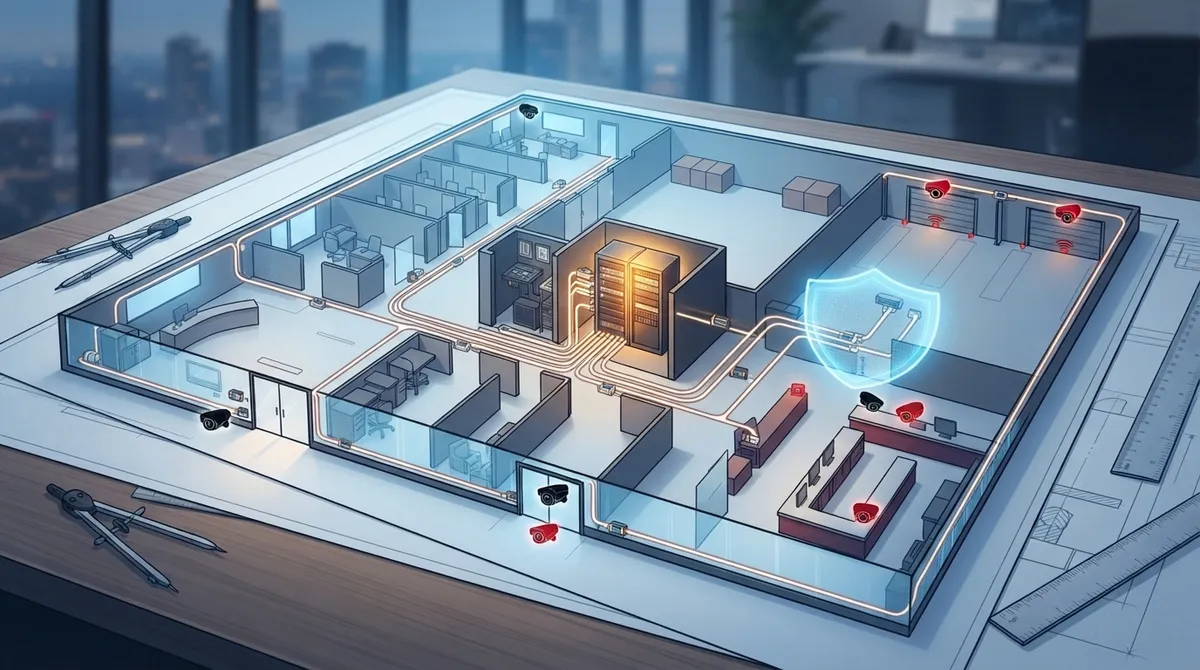
Cameras depend on your network: plan bandwidth (especially upload speed) for remote viewing and cloud storage before buying cameras, since weak connectivity causes most choppy or dropped feeds.
-
Define your surveillance goals first and map critical spots like entrances, cash areas, and loading docks, so you don't overspend on cameras while missing the doorways that matter.
-
Choose the architecture that fits your sites: on-premises works without internet, cloud simplifies multi-site management but adds recurring fees, and hybrid combines both at more planning complexity.
-
Use wired cabling with Power over Ethernet for steadier video, fewer dropouts, and easier future upgrades than Wi-Fi cameras.
-
Secure the system like any IT asset: change default passwords, isolate cameras on their own network segment, apply firmware updates, limit access by role, and check local privacy laws before installing.
Picture this: it’s Monday morning, and you arrive to find something is off at your warehouse. Maybe a door was left open. Maybe inventory is missing. You want answers fast, and you want them without digging through a pile of grainy footage. That’s where good commercial video surveillance earns its keep.
But here’s the part many owners miss. Cameras are only as good as the network behind them. Video travels over your business internet, through your cabling, and into storage you may never see. If any link in that chain is weak, your footage suffers.
The good news is that you don’t need to be a tech expert to get this right. Whether you run a small shop in Tampa or manage a dozen franchise sites, these seven tips will help you build a system that works. We’ll keep it simple, friendly, and practical. Let’s dive in.
What Is Commercial Video Surveillance?
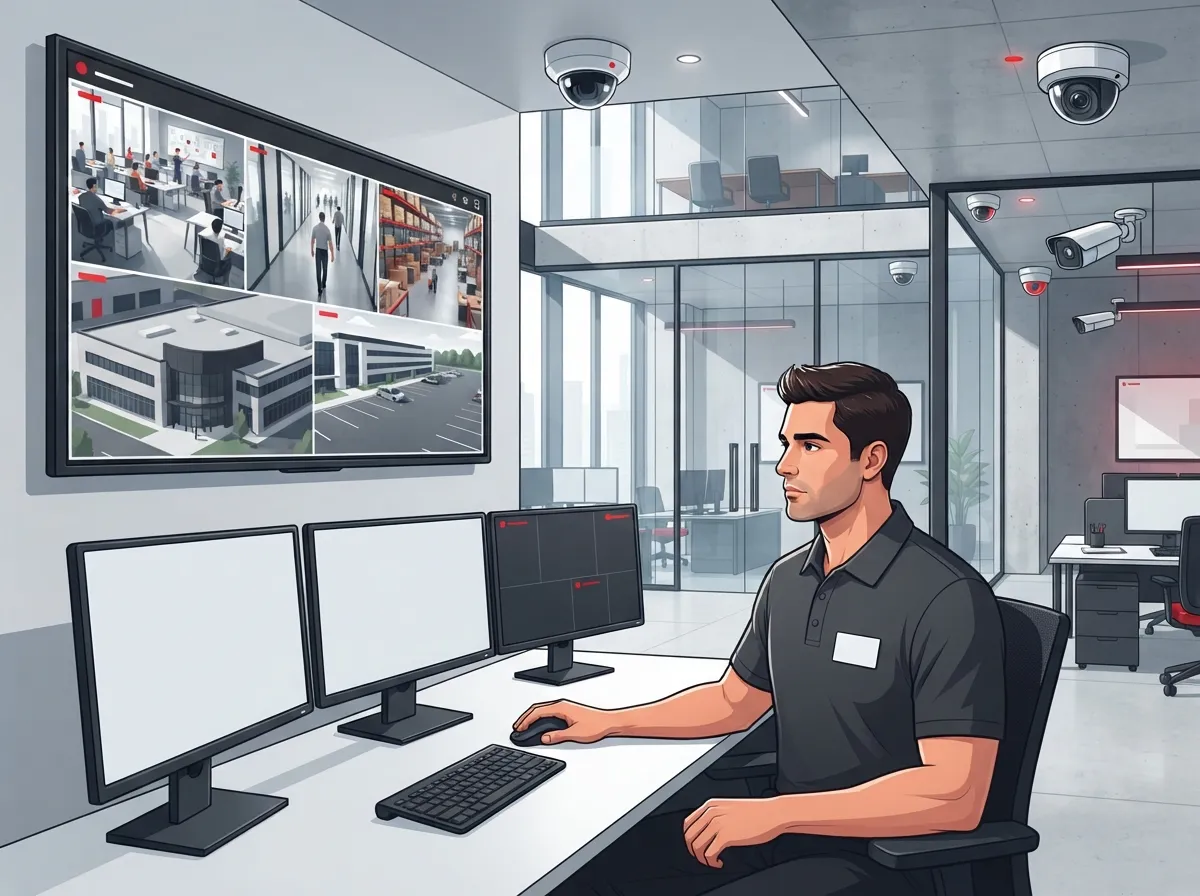
Commercial video surveillance is a system of cameras, recording software, storage, and network connections that help a business watch over its property. Think retail stores, offices, warehouses, clinics, and campuses.
Most modern systems use IP cameras. These send video over your data network instead of old-style coax lines. According to Mordor Intelligence, IP systems made up about 74% of the video surveillance systems market in 2025.
The market keeps growing, too. Grand View Research estimated the commercial video surveillance segment at about $31.4 billion in 2025. Forecasts vary by research firm, so treat any single number as an estimate. Still, the direction is clear: more businesses are investing in smarter video.
Because video rides on your network, telecom matters. Internet speed, cabling quality, and secure remote access all shape how well your cameras perform. If you want to see the big picture of why cameras matter, check out what security cameras really do for your business.

1. Start With a Clear Goal for Your Cameras
Before you buy a single camera, ask yourself one question: what problem am I solving? Your answer shapes everything else.
Common goals include:
- Deterring theft and vandalism
- Watching entrances, exits, and parking lots
- Settling disputes with clear video evidence
- Keeping staff and customers safe
- Checking on remote sites without driving over
Write your goals down. Then walk your property and mark the spots that matter most, like doors, cash areas, loading docks, and blind corners.
A clear goal also keeps costs in check. Some owners buy too many cameras and still miss the one doorway that matters. If you’re unsure about count, this guide on factors that decide how many security cameras you need can help you plan.
2. Choose the Right Architecture: Cloud, On-Premises, or Hybrid
This is one of the biggest choices you’ll make. Each setup has trade-offs, and none is perfect for everyone.
| Setup | How It Works | Best For | Watch Out For |
|---|---|---|---|
| On-Premises | Video records to a local recorder on your site | Single sites, strict local control | Hardware upkeep, limited remote access |
| Cloud (VSaaS) | Video stored and managed online | Multi-site businesses, easy management | Recurring fees, internet dependence |
| Hybrid | Local recording plus cloud access or backup | Businesses wanting both control and convenience | More moving parts to plan |
On-premises recording can keep working even if your internet drops. Cloud services make it easier to manage many locations from one screen. Hybrid designs try to give you the best of both.
Video Surveillance as a Service, often called VSaaS, bundles cameras, cloud management, storage, and remote viewing. It can simplify life for franchise operators and growing companies. Just review the recurring costs, retention settings, and internet needs first.
Want a deeper comparison? Read about the 6 key differences between cloud video security and DVR systems. You can also explore cloud video security options to see how a managed setup works.
3. Plan Your Network Before You Buy Cameras
Here’s a hard truth: the most common surveillance headaches are really network headaches. Choppy video, dropped feeds, and slow remote viewing usually trace back to weak connectivity.
Plan these pieces first:
- Bandwidth. Each camera uses bandwidth, and higher resolution uses more. Add up all your cameras, then add room for growth.
- Upload speed. Cloud and remote viewing rely on upload capacity, not just download. Many cable plans have much lower upload speeds.
- Switches and power. Make sure your network switches can handle the load and supply Power over Ethernet where needed.
- Backup connectivity. Consider a second internet line or cellular backup for critical sites.
Your internet type matters here. Fiber often offers stronger upload performance than cable, which is why many owners compare the two. See fiber vs. cable business internet in Tampa for a friendly breakdown. And if you’re not sure how fast you need to go, try this guide on how to choose the right internet speed for your Tampa business.
If you’re curious about the technical side, an Internet Service Provider is the company that delivers that connection. Choosing a reliable one is a big step toward reliable video.
4. Get the Cabling Right From Day One
Wi-Fi cameras sound easy, but wired cameras are usually more dependable. A single Ethernet cable can carry both data and power through PoE, which means fewer outlets and fewer headaches.
Good structured cabling gives you a clean, organized foundation. It also makes future upgrades far simpler. Add a camera later, and you’re not tearing into walls again.
Here’s what good cabling gives you:
- Steady, high-quality video with fewer dropouts
- Cleaner installs that are easy to troubleshoot
- Room to add cameras, phones, and access control later
- Fewer surprise repair bills
The same cable runs that support your VoIP phones can support your cameras too. Learn more in 13 ways structured cabling supports VoIP and cameras. Not sure whether to go with Cat5e or Cat6? Check out the key differences between CAT5e and CAT6 cabling. Ready to explore the service itself? Visit our page on structured cabling services.
5. Lock Down Security and Privacy
Video is sensitive data. A hacked camera can expose your business, your staff, and your customers. So treat your surveillance system like any other important IT system.
Follow these steps to keep it safe:
- Change default passwords. Never leave factory logins in place.
- Limit access by role. Not everyone needs to see every camera.
- Separate your networks. Keep cameras on their own network segment, away from point-of-sale and office systems.
- Update firmware and software. Updates often patch known security holes.
- Use encrypted connections wherever your equipment supports them.
- Set a retention policy. Decide how long you keep footage and who can export it.
Privacy rules matter too. Laws about camera placement, audio recording, employee notice, and footage access can differ by state and location. Audio recording especially can carry stricter rules. Before you install, it’s wise to have a legal professional review your plans. Never point cameras at private spaces like restrooms or changing areas.
For more on cloud protection, see how secure cloud video storage is for your business.
6. Pick Features That Actually Help
Modern cameras come loaded with options. Some are genuinely useful. Others are just shiny. Focus on features that match your goals from Tip 1.
| Feature | Why It Helps | Good Fit For |
|---|---|---|
| Remote mobile viewing | Check in from anywhere | Owners, franchise operators |
| Motion alerts | Get notified of unusual activity | After-hours monitoring |
| Night vision / low-light | Clear video in dim areas | Parking lots, warehouses |
| Smart analytics | Helps search and flag events | Larger or busy sites |
| Access control integration | Link door events to video | Offices, clinics, campuses |
Resolution matters, but more isn’t always better. Higher resolution uses more bandwidth and storage. Match the camera to the job. A camera watching a cash register needs different detail than one scanning a wide parking lot.
Mobile viewing is a favorite feature for busy owners. You can read more in can I monitor my Tampa business security cameras from my phone. And if you want to pair cameras with smarter door control, take a look at cloud based access control.
7. Work With One Partner Who Handles It All
Here’s where many businesses stumble. They buy cameras from one vendor, internet from another, cabling from a third, and phones from a fourth. When something breaks, everyone points fingers.
A single partner can change that. With a telecom and IT partner, you get one team to design the network, install the cabling, set up the cameras, and support everything afterward.
That’s the approach we take at Ideal Solutions Provider. With over 24 years of experience and relationships with 35+ vetted suppliers, we help businesses nationwide sort through their options and get systems that work together. We handle consultation, installation, and ongoing support, so you’re not juggling vendors.
A good partner should help you with:
- Site walk-throughs and camera placement planning
- Internet and bandwidth recommendations
- Cabling and PoE installation
- Secure remote access setup
- Ongoing monitoring, maintenance, and support
This matters most for multi-location operators. A franchise owner with ten sites needs consistency, not ten different setups. Learn more about how to choose a managed service provider for business telecom, or see why using one telecom partner can simplify your life.
What Does Commercial Video Surveillance Cost?
Costs vary a lot. Camera count, resolution, cabling needs, storage length, and whether you pick cloud or on-premises all play a role. Cloud systems often add monthly fees, while on-premises systems may cost more upfront.
The smartest move is to get a clear, itemized quote. Ask about hardware, installation, licensing, storage, and support. For a closer look at budgeting, read how to budget for commercial video surveillance in Tampa FL.
Also keep in mind that the broader market is shifting. Omdia reported the global video surveillance market grew 4.3% to $27 billion in 2025, and it noted that component price increases were a factor in its 2026 outlook. Prices can move, so planning early helps.
Final Thoughts: Build It Right, Sleep Better
Great commercial video surveillance isn’t just about buying cameras. It’s about planning goals, choosing the right setup, building a strong network, securing your data, and having a partner who has your back.
Take these seven tips one step at a time. You don’t have to figure it all out alone. Ready to talk through your site and your options? Contact us for a free consultation, or call us to chat with our friendly team today.
FAQs
Q: What is commercial video surveillance, and how does it work over a business network?
A: Commercial video surveillance uses network-connected cameras, recording software, and storage to monitor a business site. The cameras send video over your data network, usually through Ethernet cables with Power over Ethernet. From there, footage is saved locally, in the cloud, or both, so you can watch it live or review it later.
Q: Should a business choose cloud, on-premises, or hybrid video surveillance?
A: It depends on your needs! On-premises keeps video local and works even if the internet drops, while cloud makes managing many sites much easier. Hybrid blends both, giving you local recording plus remote access or cloud backup. A telecom partner can help you weigh costs, bandwidth, and growth plans.
Q: What internet bandwidth does a business need for IP security cameras?
A: The answer changes with the number of cameras, their resolution, and whether you stream to the cloud. Upload speed matters most for remote viewing and cloud storage, so add up your cameras and leave room to grow. A quick network assessment can give you a solid, site-specific number.
Q: How do businesses secure surveillance cameras from cyber threats?
A: Start with strong, unique passwords and role-based access so only the right people see footage. Keep cameras on a separate network segment, update firmware regularly, and use encrypted connections where possible. Setting clear retention and incident-response rules rounds out a safe, smart setup.
Q: How can a telecom provider help install and manage business security cameras?
A: A telecom and IT partner can handle the whole journey, from planning your internet and cabling to installing cameras and setting up secure remote access. They can also provide ongoing maintenance and support. That means one friendly point of contact instead of juggling several vendors.





