
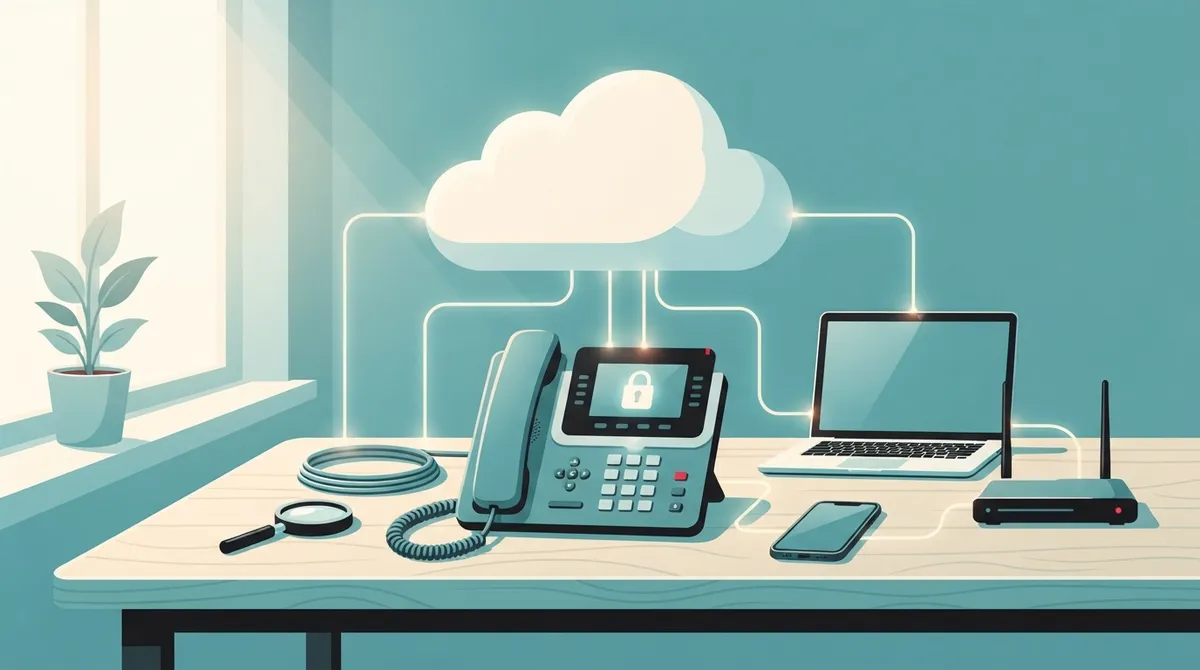
Key Takeaways
-
Before switching, test your internet bandwidth, Wi-Fi coverage, and cabling, since call quality depends on your network as much as the phone service itself.
-
Confirm how your provider handles 911 calls, and register and update accurate emergency locations for every user and device, especially remote and mobile workers.
-
Compare total cost beyond the per-user price by asking about calling plans, device needs, number porting, implementation, integrations, and network upgrades.
-
Verify which features your plan includes, since some integrations like CRM connections may require extra licenses or fees.
-
Plan security as a shared job by checking your provider's encryption, multi-factor sign-in, and admin controls while securing your own devices and Wi-Fi.
-
Follow a clear switch path: inventory current lines and features, plan number porting, build call flows, train your team, then go live and fine-tune.
Picture this: your office phone dies, your IT person is out sick, and a big client is trying to reach you. Sound stressful? It does not have to be. Many businesses are moving to a cloud phone system so they can stop worrying about boxes, wires, and closets full of old equipment.
A cloud phone system is a business phone service that a provider hosts and manages over the internet. You do not own a big phone box in your building. Instead, calls travel over your internet connection, and you use desk phones, computer apps, or mobile apps to talk.
If you run a small shop, manage an office, oversee IT, or operate several franchise locations, this guide is for you. We will walk through how it works, what it costs, what to check before you switch, and how to avoid common bumps. Grab a coffee, and let’s make this simple together.
What Is a Cloud Phone System?
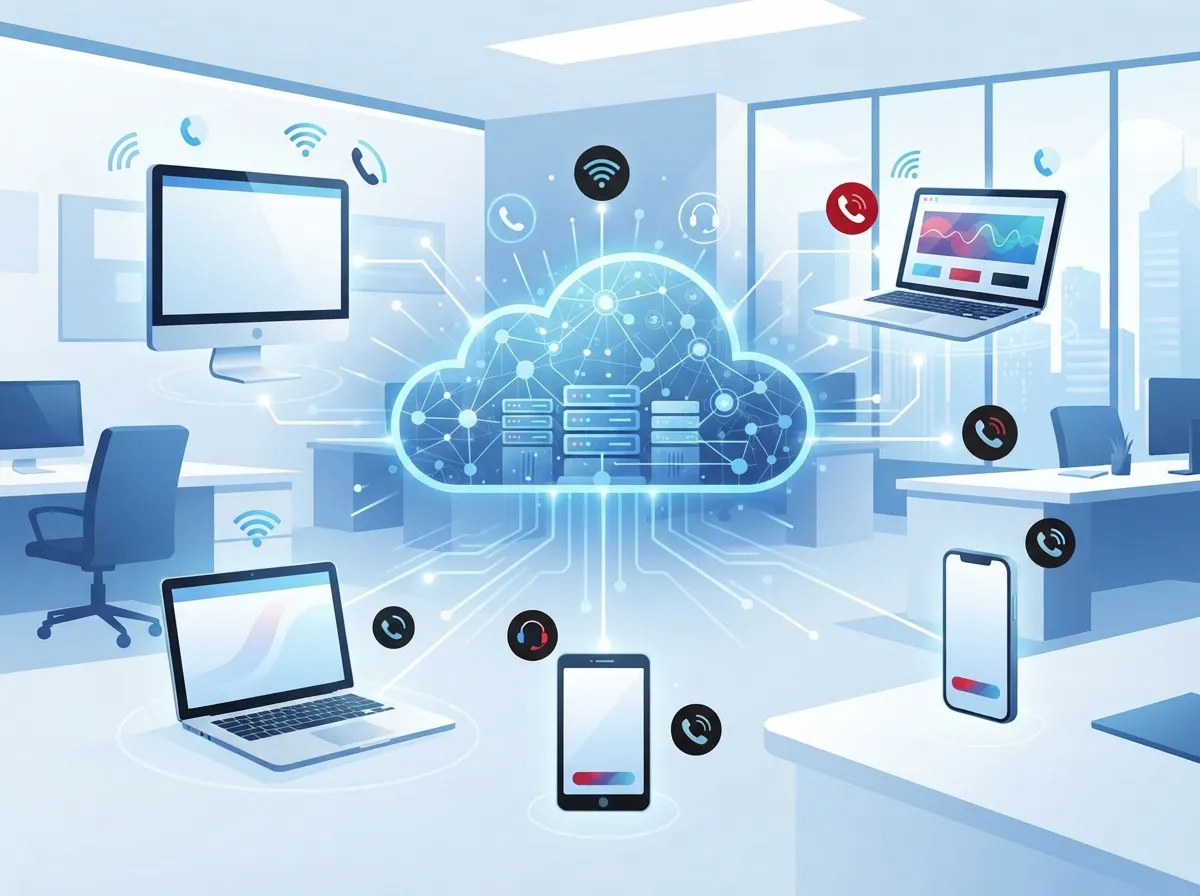
A cloud phone system is a business telephone service hosted and managed by a provider over the internet, rather than by a company-owned PBX at each office. A PBX is the traditional phone box that routes calls inside a building. With the cloud, that routing happens in the provider’s secure data centers.
Most cloud phone systems use VoIP, which stands for Voice over Internet Protocol. VoIP turns your voice into data and sends it over the internet. Some providers also bundle in messaging, video meetings, and team chat. That bigger bundle is often called UCaaS, or Unified Communications as a Service.
Want a deeper primer? Our friends on the team wrote What Is a Cloud-Based Phone System and Do You Need One? for exactly that.
Cloud Phone System vs. VoIP vs. UCaaS
These terms get tossed around like confetti, so here is a quick way to tell them apart.
| Term | What It Means | Best Way to Think of It |
|---|---|---|
| VoIP | The technology that sends voice calls over the internet | The engine |
| Cloud phone system | A hosted business phone service that usually runs on VoIP | The car |
| UCaaS | A broader platform with calling, messaging, meetings, and more | The whole garage |
In short, VoIP is the tech, a cloud phone system is the service you buy, and UCaaS is the bigger communications bundle some providers offer.
How Does a Cloud Phone System Work?
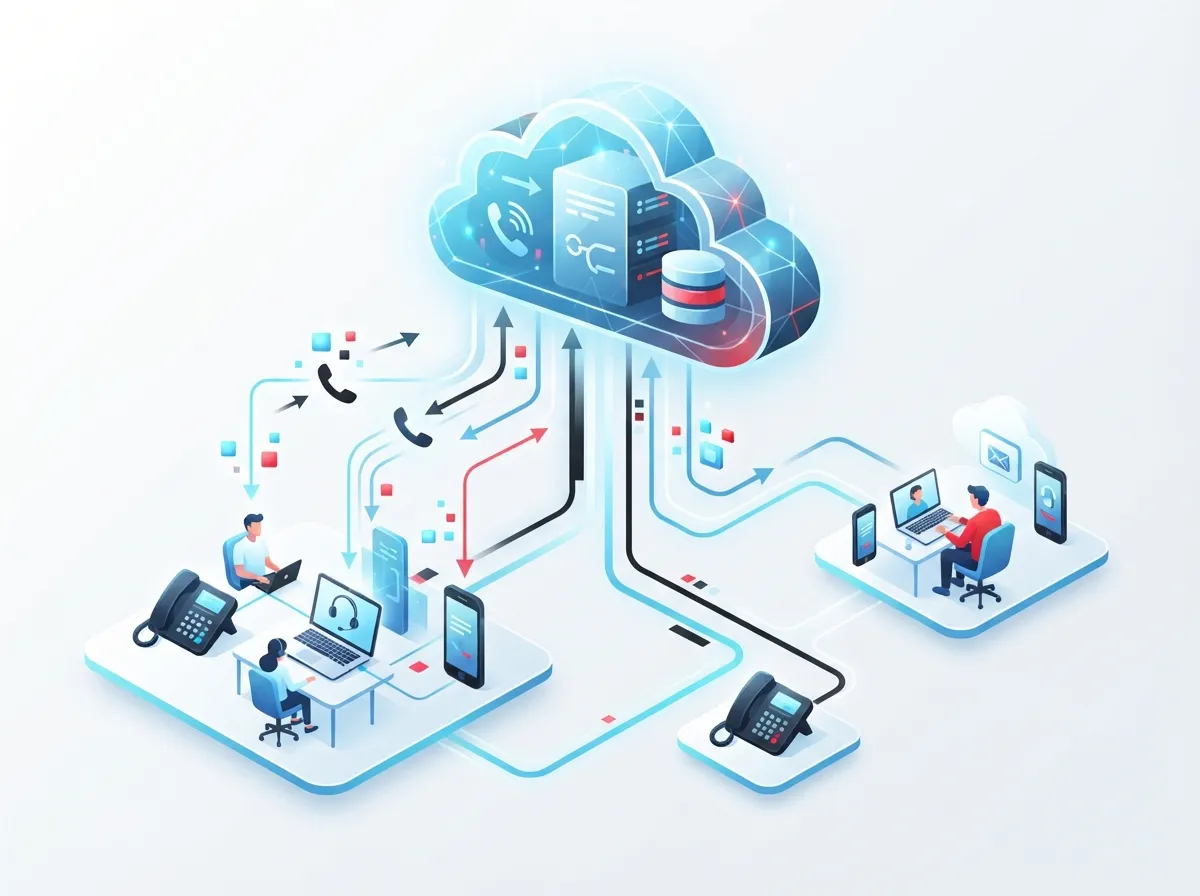
Here is the simple version. When someone calls your business number, the call goes to your provider’s cloud servers. The provider routes it to the right person, wherever they are. That person can pick up on a desk phone, a laptop app, or a smartphone.
Because the system lives online, your team is not tied to one desk. An employee working from home in Brandon can answer the same business line as someone in your Tampa office. Features and capabilities vary by provider and plan, so it pays to ask questions early.
- A customer dials your business number.
- The call reaches your provider’s cloud platform over the internet.
- Your call rules, like menus and ring groups, decide where it goes.
- The call rings on the right device, whether desk phone, app, or mobile.
- Voicemail, recordings, and reports are stored and managed in the cloud.
Key Features Businesses Use Every Day
Most modern cloud phone systems come loaded with handy tools. Here are the ones teams tend to love most.
- Auto attendant: A friendly digital receptionist that says, “Press 1 for sales.”
- Call routing and queues: Send calls to the right team, or line them up during busy times.
- Voicemail-to-email: Get messages in your inbox so nothing slips by.
- Call forwarding: Send calls to your cell when you are out of the office.
- Conferencing: Hop on a group call without extra gear.
- Analytics: See call volumes, wait times, and missed calls.
- Integrations: Connect with CRM or collaboration software.
A quick tip: always verify which features are included in your plan. Some integrations may require extra licenses. For a fuller look, check out 15 Cloud Phone System Features That Transform Your Business.
Why Are So Many Businesses Switching?
Cloud calling is growing fast. One market-research estimate valued the global cloud business phone systems market at $35.6 billion in 2025 and projected $105.7 billion by 2034, a forecast growth rate of 12.8% per year. Another report put the worldwide cloud-based phone system market at $31.15 billion in 2025, growing to $77.94 billion by 2032. Keep in mind these are research-firm projections, and numbers differ depending on how each report defines the market. Still, the direction is clear: more businesses are heading to the cloud.
One broader business phone service report also estimated that cloud-based deployment made up 62.3% of that market in 2025. That tells us cloud is no longer the new kid on the block. It is becoming the standard.
The Biggest Benefits
- Less on-site hardware: You can reduce the need to buy and maintain a PBX at each office.
- Easy to grow: Adding a new user or location is often as simple as a few clicks.
- Work from anywhere: Remote and hybrid teams stay connected on one business number.
- Simpler management: Admins can change settings from a web dashboard.
If you want a bigger list, read 14 Reasons to Switch to a Cloud Phone System in Tampa.
How Much Does a Cloud Phone System Cost?
Great question, and the honest answer is: it depends. Cloud services can cut the up-front spend on hardware, but your total cost still depends on several things.
| Cost Factor | What to Ask About |
|---|---|
| Per-user subscription | What features come with each plan tier? |
| Calling plans | Are local, long-distance, and toll-free minutes included? |
| Devices | Do you need new desk phones, headsets, or can you use apps? |
| Implementation | Is setup, number porting, and training included? |
| Integrations | Do CRM or other connections cost extra? |
| Network upgrades | Do you need more bandwidth, better Wi-Fi, or new cabling? |
| Support | What does ongoing help cost, and how fast is it? |
For a Tampa-focused breakdown, see How Much Does a VoIP Phone System Cost for a Business in Tampa?
Is Your Network Ready?
Here is something many people learn the hard way: your phone system is only as good as your internet. Call quality depends on reliable connectivity, your local network setup, and how well the provider performs.
Before you switch, take a close look at these areas:
- Bandwidth: Make sure you have enough speed for voice, plus everything else your team does online.
- Wired and Wi-Fi networks: Weak Wi-Fi can cause choppy calls.
- Power backup: Think about what happens when the lights go out.
- Redundancy and failover: A backup internet line can keep calls alive if your main line drops.
Not sure how fast you need to go? Read What Internet Speed Do I Need for VoIP in Tampa? And if your wiring is a tangled mystery, our guide on 13 Ways Structured Cabling Supports VoIP & Cameras shows why a clean foundation matters. You can learn more about the concept of structured cabling to see how it organizes a building’s network. Your Internet Service Provider choice matters too, so compare carefully.
If you are weighing options, our post on 13 High-Speed Internet for Business Tips That Save Money is a great place to start.
Security and Reliability: Share the Load
Security and uptime are shared jobs. Your provider handles a lot, but you play a part too. A good rule is to evaluate both sides.
What to Check With Your Provider
- Security controls and encryption practices
- Account authentication, such as multi-factor sign-in
- Administrative permissions and who can change what
- Data handling and incident response plans
- Uptime commitments and recovery procedures
What You Should Do on Your Side
- Secure laptops, phones, and desk phones
- Protect your business network and Wi-Fi
- Use strong passwords and limit admin access
Curious how cloud and traditional protection compare? Take a peek at Cloud Security vs. Traditional Network Security: Which Wins?
Don’t Forget About 911
This one is important, and it is easy to overlook. In the United States, interconnected VoIP providers have FCC 911 obligations. According to FCC guidance, providers must offer 911 service, transmit calls with required caller and location information, and give customers ways to update their registered locations. The exact rules depend on the service type.
For your business, that means a few simple habits:
- Confirm how emergency calls are routed on your system.
- Register and keep accurate locations for every user and device.
- Update locations when people move desks, floors, or work from home.
- Understand any service limits, especially for remote and mobile users and multi-floor offices.
You can read more in the FCC’s guidance on VoIP and 911 service. When in doubt, ask your provider to walk you through it.
How Do You Switch to a Cloud Phone System?
Moving from an on-site PBX or traditional lines to the cloud can feel big, but a good plan makes it smooth. Here is a friendly roadmap.
- Take stock. List your current lines, numbers, devices, and features.
- Check your network. Test internet speed, Wi-Fi coverage, and cabling.
- Compare providers. Look at features, pricing, support, security, and 911 handling.
- Plan your numbers. Ask about keeping your current numbers during the move.
- Set up call flows. Build your menus, ring groups, and voicemail rules.
- Train your team. A short walkthrough saves a lot of confusion.
- Go live and fine-tune. Watch call quality and adjust as needed.
Want the full playbook? We love 5 Steps to Switch Your Business Phone to the Cloud in Tampa and How to Keep Your Phone Number When Switching to VoIP in Tampa.
Common Mistakes to Avoid
Even smart teams trip up now and then. Here are a few pitfalls to dodge:
- Skipping a network check before launch
- Choosing a plan based only on the lowest price
- Forgetting to register 911 locations
- Not asking about contract terms and hidden fees
- Buying from several vendors and juggling them all
Learn from others in 15 Cloud Phone System Mistakes Tampa Small Businesses Make.
Who Benefits Most From a Cloud Phone System?
Almost any business can gain from the cloud, but here is how it can help different roles.
- Small business owners: Get professional calling tools without a big hardware bill.
- Mid-sized companies: Scale across teams and sites with centralized control.
- IT managers: Manage users from one dashboard and spend less time on box maintenance.
- Office managers: Add or move users quickly and keep the front desk running smoothly.
- Franchise operators: Keep a consistent phone experience across many locations.
Why Work With a Single Telecom Partner?
A phone system does not live alone. It depends on your internet, your cabling, and your network. When different vendors handle each piece, finger-pointing can happen when something goes wrong.
That is where a single point of contact shines. Ideal Solutions Provider is a Tampa-based telecom and IT partner with over 24 years of experience. They compare options across 35+ vetted suppliers and help with everything from consultation and installation to ongoing support. You can explore their cloud based phone systems to see how it all fits together.
Looking for a Tampa-specific pick? Check out Which Cloud-Based Phone System Is Best for Tampa Businesses? and How to Choose Cloud Based Phone System Providers in Tampa FL.
Ready to Take the Next Step?
A cloud phone system can make your business calls simpler, more flexible, and easier to manage, as long as you plan for network readiness, security, and 911 requirements. Take it one step at a time, ask lots of questions, and do not be shy about asking for help.
If you would like a friendly review of your current setup, contact us for a free consultation, or call us to talk it through. We would love to help you find the right fit.
FAQs
Q: What is a cloud phone system, and how does it work for a business?
A: A cloud phone system is a business phone service hosted by a provider and delivered over the internet, usually using VoIP. Calls route through the provider’s cloud and ring on desk phones, computer apps, or mobile phones, so your team can stay connected from almost anywhere.
Q: How much internet bandwidth does a cloud phone system need?
A: It depends on how many people call at the same time and what else your network handles. A quick network check helps you see if you need more speed, stronger Wi-Fi, wired connections, or a backup line to keep call quality smooth.
Q: Can employees use a cloud phone system on mobile phones and from home?
A: Yes, in most cases. Many providers offer mobile and desktop apps so employees can use their business number from anywhere. Just remember to keep each person’s 911 location up to date, especially for remote and mobile users.
Q: How do cloud phone systems handle 911 calls?
A: In the United States, interconnected VoIP providers must support 911 and give customers a way to update registered locations. Confirm how your provider routes emergency calls and keep addresses accurate for every user and device to avoid delays.
Q: How do I move from an old PBX to a cloud phone system?
A: Start by listing your current lines and features, then check your network and compare providers. Plan your number transfer, build your call flows, train your team, and go live. A telecom partner can guide you through each step so the switch feels easy.





