
Key Takeaways
-
Keyless entry depends on your network, cabling, and internet, not just the lock; weak infrastructure undermines the whole system, so plan the network and cabling before installation.
-
Confirm early who is responsible for what: the access control vendor manages the platform while your telecom partner supports the cabling, network, internet, and VoIP integration.
-
Choose credentials by risk and team needs: cards are familiar but can be lost, PINs are easy to share, mobile credentials reduce tokens, and biometrics raise privacy concerns.
-
Decide between cloud, on-premises, and hybrid models by considering internet dependency, who handles updates and backups, and how doors behave during an outage.
-
Plan for outages, lost credentials, and emergencies in writing, including how doors work offline, how to disable a departing employee's credential within minutes, and that emergency exit must always work.
-
Link door intercoms to your VoIP system so staff can answer visitors and release doors remotely, but test SIP compatibility, fallback extensions, and call logging before committing.
Ever watched an employee dig through a jangling pile of metal keys while a delivery driver waits at the door? We have all been there, and it is not a great look for a busy workplace. That is why a keyless entry system for business has become such a popular upgrade in 2026. Instead of copying keys, chasing down lost ones, and re-keying locks after someone leaves, you manage entry from a simple dashboard.
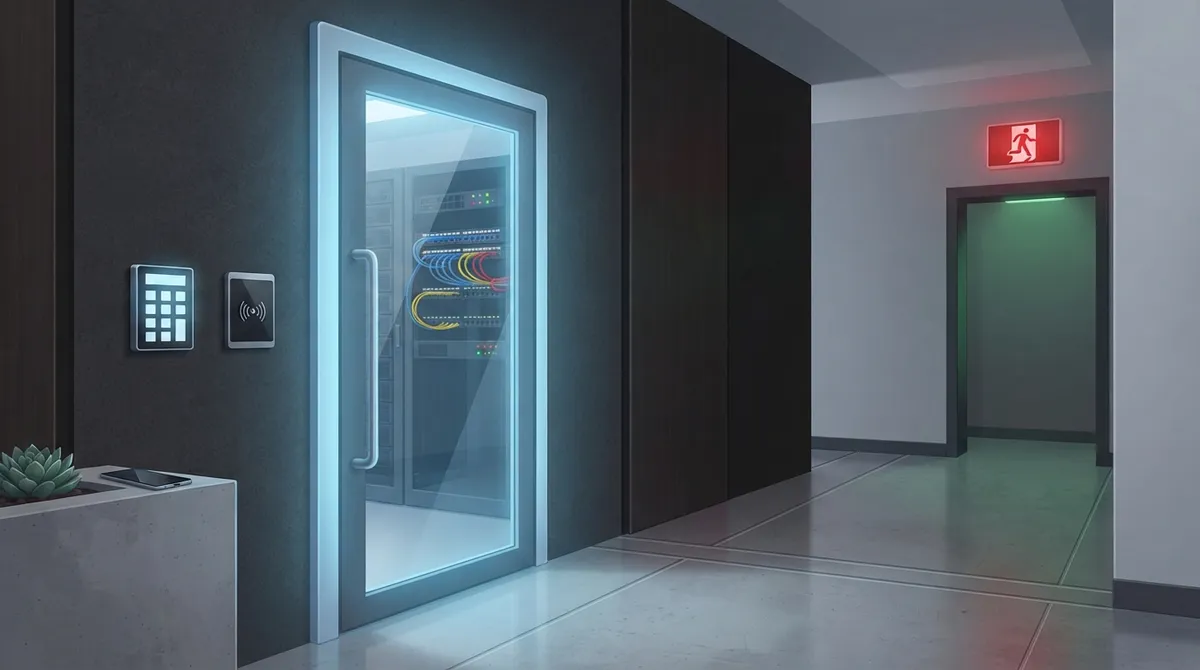
Here is the part many owners miss. A modern keyless entry system for business is more than a fancy lock. It depends on your network, your cabling, your internet, and sometimes even your phone system. If any of those pieces are weak, the whole setup suffers.
In this friendly guide, we will walk through eight practical tips to help you choose, plan, and run a system that fits your company. Whether you run a small shop, manage an office, or oversee several franchise sites, these tips will help you feel confident about your next step.
1. Understand What a Keyless Entry System for Business Really Is
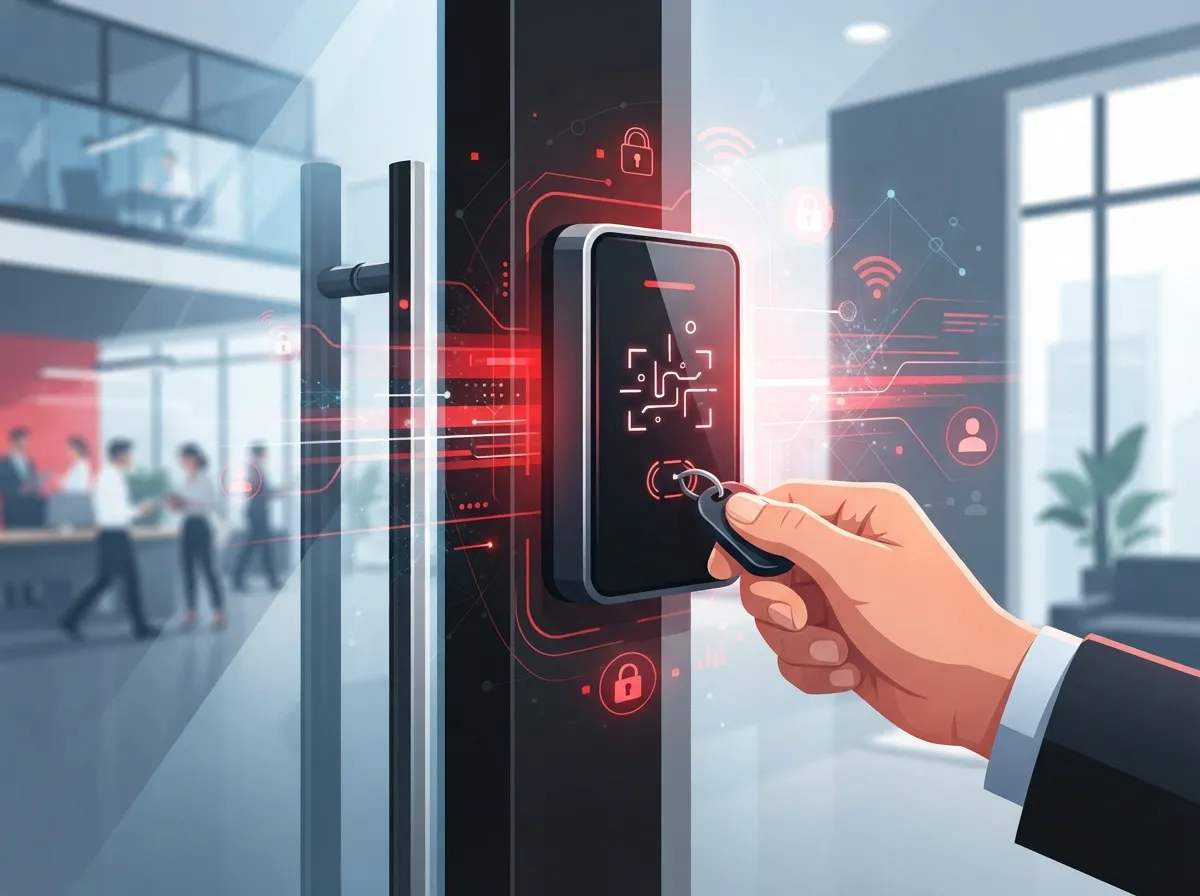
In plain terms, a keyless entry system for business is an electronic access control setup. It replaces or supplements metal keys with credentials like cards, fobs, PINs, mobile phones, or biometrics. A controller checks each credential and decides whether to unlock the door.
This is different from a consumer smart lock you might put on a front door at home. Commercial systems can handle many doors, many users, and many locations. They also keep audit trails, so you can see who entered and when.
Here is how the pieces usually fit together:
- Readers at the door that scan a card, phone, PIN, or fingerprint.
- Controllers that make the unlock decision.
- Electric locks or strikes that release the door.
- Management software where admins add users, set schedules, and review logs.
- A network connection that ties it all together.
That last item is where telecom comes in, and it is why this topic belongs in a conversation about business communications. If you want a deeper look at the cloud side of this, our guide on 10 cloud access control benefits every business should know is a helpful companion read.
2. Know Where Telecom and Access Control Meet
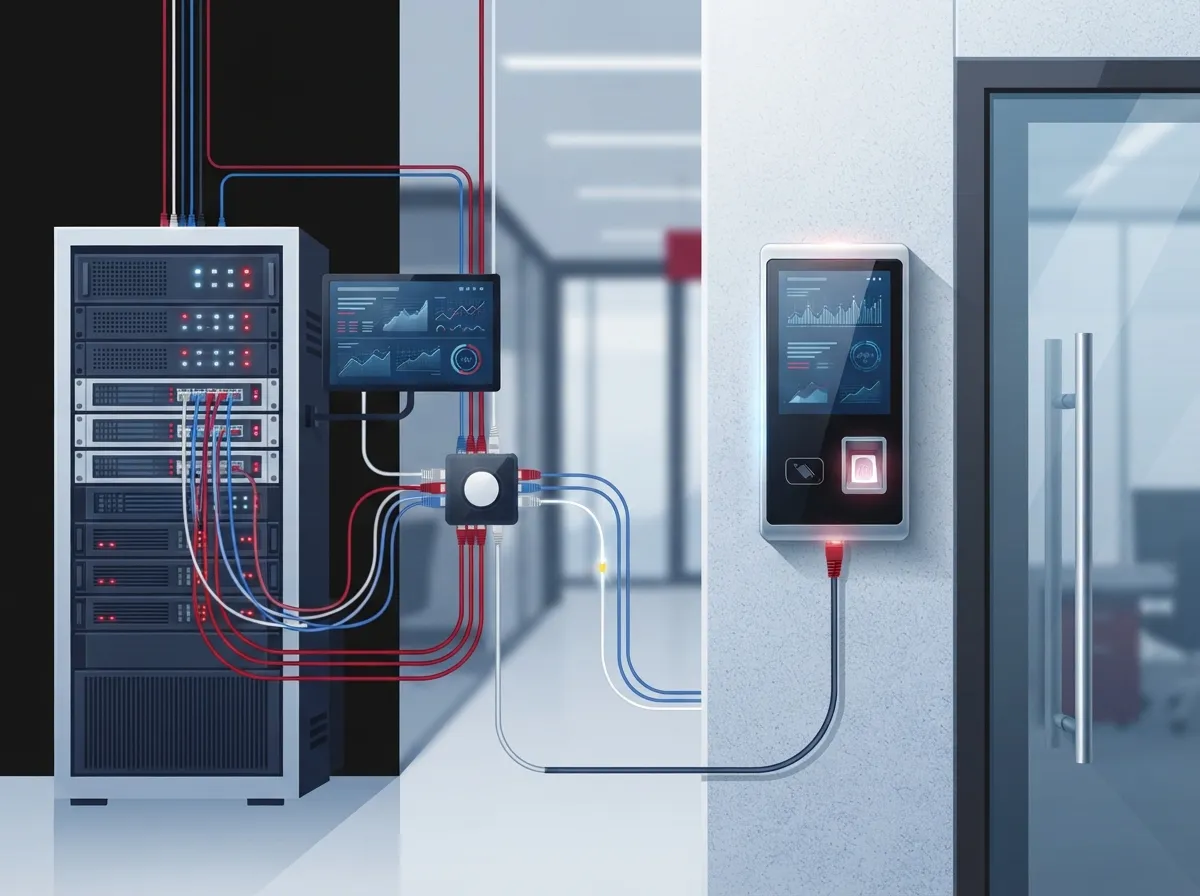
Let us clear up a common point of confusion. The access control platform itself is often supplied and managed by a security vendor. Your telecom partner supports the infrastructure it relies on. Do not assume one dashboard controls everything. Always confirm who is responsible for what.
Telecom typically supports these parts of the picture:
- Structured cabling that carries data and power to readers and controllers.
- Ethernet and Wi-Fi that connect devices to your network.
- Internet connectivity for cloud-managed platforms.
- VoIP integration for intercoms that call staff phones.
This is where a single point of contact really shines. At Ideal Solutions Provider, we have spent more than 24 years helping businesses coordinate phones, internet, cabling, networking, cameras, and cloud based access control. When one partner understands the whole picture, you avoid the finger-pointing that happens when three vendors each blame the other two.
3. Choose the Right Credential Type for Your Team
There is no single best credential. Each one comes with trade-offs, so pick based on your risk level, your people, and your daily routine.
| Credential | Strengths | Watch Outs |
|---|---|---|
| Cards and fobs | Familiar, simple to hand out | Can be lost, shared, or copied |
| PIN codes | Quick to issue, no hardware to carry | Easy to share or shoulder-surf |
| Mobile credentials | No extra token, easy remote issuing | Needs compatible phones and user buy-in |
| Biometrics | Tied to the person, hard to share | Privacy, legal, and data-protection concerns |
Industry data shows the market is shifting toward mobile and cloud. ASSA ABLOY’s 2025 Wireless Access Control Report found that 17% of surveyed organizations now run fully mobile access solutions, up from 5% in 2023. The same report noted that 42% of surveyed end users deploy wireless locks.
That said, the report also found that 26% plan to adopt mobile credentials in the next two years, down from 39% in 2023. In other words, many businesses are taking a measured approach, and that is perfectly fine. You can start with cards and add mobile later. For a side-by-side look, check out mobile vs. traditional access control.
4. Decide Between Cloud, On-Premises, and Hybrid
This is one of the biggest decisions you will make. Each model has its own personality.
Cloud-Managed Access Control
Cloud platforms let authorized admins issue or revoke credentials from anywhere. You can manage users across several locations and review event logs without driving to the site. ASSA ABLOY reports that 54% of respondents use cloud-based access management, with 32% locally hosted and 22% managed by a third party in a software-as-a-service style model.
On-Premises Access Control
On-site systems keep the software on your own server. Some businesses like the control this gives them. The trade-off is that you handle updates, backups, and hardware upkeep yourself.
Hybrid Deployments
Hybrid setups keep existing on-site panels and add cloud management on top. This can be a smart path if you already own good hardware but want remote control.
Whichever route you choose, ask about internet dependency. Find out how doors behave during an outage and what the recovery process looks like. You can read more in cloud vs. on-premise access control.
5. Get Your Network and Cabling Ready First
Here is a lesson we have learned many times. The best reader in the world will not help if the cable behind the wall is flaky. Your keyless entry system for business is only as dependable as the network under it.
Before installation, do a quick readiness check:
- Walk every door and note where readers and controllers will mount.
- Confirm there is a cable path from each door to a network closet.
- Check that power is available, or that Power over Ethernet can supply it.
- Make sure your switches have open ports and enough power budget.
- Label everything so future changes are painless.
Good structured cabling gives you a clean, organized foundation that supports phones, cameras, and door controllers all at once. If you are adding doors to an existing office, our structured cabling services can help you plan runs that will not need to be redone next year. You can also learn more in 13 ways structured cabling supports VoIP and cameras.
6. Link Your Door Intercom to Your VoIP Phone System
This is the telecom-flavored feature that people love. Picture a visitor pressing a button at your front door. The call rings your receptionist’s desk phone or a designated extension. Your team member answers, chats with the visitor, and releases the door with a tap.
It feels like magic, but it is just good integration. Capabilities vary depending on the intercom, the access control platform, and your VoIP system, so always test before you commit. Ask these questions up front:
- Does the intercom support SIP so it can talk to our phone system?
- Can staff release the door from a desk phone, softphone, or mobile app?
- What happens if no one answers? Is there a backup extension?
- Are visitor calls logged for later review?
If you are still sorting out your phone side, our posts on choosing cloud based phone system providers and what internet speed you need for VoIP will help you get that foundation right.
7. Plan for Outages, Lost Credentials, and Emergencies
A great system handles the bad days as well as the good ones. Take time to write down your plans before you go live.
Internet and Power Outages
Ask your installer how doors behave when the internet drops. Many systems keep working locally using cached permissions, but you should confirm this. Battery backup for controllers is worth considering, and a second internet path can add peace of mind. Our guide on keeping systems working during internet outages covers similar ideas.
Lost Devices and Departing Employees
Write a simple checklist. When someone leaves or loses a card or phone, you should be able to disable the credential in minutes. This is one of the biggest wins over metal keys.
Life Safety and Code Requirements
Please remember that electronic access control does not replace fire, life-safety, accessibility, or building-code requirements. Emergency egress must always work. Talk with your installer and local authorities so your doors meet the rules that apply to your building.
8. Treat Your Access System as Part of Your Security Environment
Network-connected locks, controllers, intercoms, and admin accounts all deserve the same care as your computers. A few simple habits go a long way:
- Give every admin a unique account, and use the least access needed.
- Turn on strong authentication where it is available.
- Keep firmware and software up to date.
- Protect devices with proper network segmentation and access rules.
- Back up your configuration and document your outage and incident steps.
It also helps to follow trusted guidance. NIST SP 800-53 Rev. 5 control PE-3 calls for enforcing physical access authorizations, keeping access logs, controlling visitor activity, and managing physical access devices. It is a security-control reference rather than a universal legal rule, but it is a solid model for good habits.
Pairing door control with video is another smart move. When an event shows up in your access log, a camera clip gives you the full story. Learn more in what security cameras really do for your business.
What Should You Budget for a Keyless Entry System for Business?
Everyone asks about cost, and the honest answer is that it depends. Your final number is shaped by the number of doors, the type of readers, cabling needs, software licensing, and ongoing support. The market is growing, too. Mordor Intelligence estimates the global access-control market at USD 3.80 billion in 2025, heading toward USD 5.94 billion by 2031. These are analyst estimates, not audited totals, but they show how common these systems are becoming.
When you request quotes, make sure they include these items so there are no surprises:
- Hardware for each door, including readers, controllers, and locks.
- Cabling and power work.
- Software or subscription fees.
- Installation, testing, and training.
- Ongoing support and what it covers.
Franchise operators and growing companies should also ask how easily the system scales to new doors and new sites. For more on that, see scalable access control systems for multi-location businesses.
Putting It All Together
A keyless entry system for business works best when you treat it as a team effort between your doors, your network, and your communications. Start by understanding what the system is. Then choose the right credentials, pick a management model, prepare your cabling, plan for outages, and keep security tight. Each step makes the next one easier.
You do not have to figure it all out alone. Ideal Solutions Provider works with more than 35 vetted suppliers and handles everything from consultation to installation to ongoing support. Ready to talk it through? Contact us for a friendly, no-pressure conversation, or call us at 813-388-4935. You can also follow along on YouTube for helpful tips.
FAQs
Q: What is a keyless entry system for a business?
A: It is a commercial electronic access control system that uses credentials like cards, fobs, PINs, mobile phones, or biometrics instead of metal keys. Unlike a home smart lock, it can manage many doors and locations, keep audit logs, and connect with other business tools.
Q: Can a keyless entry system work with my VoIP phones or an IP intercom?
A: Yes, in many cases. A visitor can call a receptionist or set extension from a door intercom, and an authorized team member can talk with them and release the door. Features depend on your intercom, access control platform, and VoIP system, so it is smart to test the setup before you commit.
Q: What happens to keyless entry if the internet or power goes down?
A: It depends on the system you choose. Many controllers keep working locally with stored permissions, and battery backup can help during power loss. Ask your installer how doors behave in an outage and make sure emergency exit always works.
Q: Which credential is best: key cards, PINs, mobile credentials, or biometrics?
A: There is no one best choice. Cards are familiar, PINs are easy to issue but can be shared, mobile credentials cut down on physical tokens, and biometrics add privacy considerations. Pick based on your risk level, your team, and your daily needs.
Q: What security and life-safety rules should I keep in mind?
A: Electronic access control does not replace fire, life-safety, accessibility, or building-code requirements, and emergency exit must always work. It also helps to use unique admin accounts, keep software updated, and follow trusted guidance such as NIST SP 800-53 physical access controls.





