
Key Takeaways
-
Biometric access control systems run on your IP network, so they need solid bandwidth, clean structured cabling, and PoE power, making them a telecom decision as much as a security one.
-
Removing a departing employee's access takes seconds in the management software, while keycards and fobs must be physically chased down and recovered.
-
Biometric matching is probabilistic, not perfect, so plan for occasional false rejections and offer fallback methods like cards, mobile credentials, or PIN codes.
-
Biometric data cannot be changed like a password, so define a clear purpose, give employees notice, limit retention, restrict template access, and review local laws before deploying.
-
Match the biometric type to the environment: fingerprint and facial readers suit everyday offices, while iris or palm vein fit high-security rooms, with each needing planning for lighting, dirt, or user positioning.
-
Segment access-control devices from guest Wi-Fi, patch firmware regularly, change default passwords, and define offline and emergency-exit behavior before going live.
Picture this: it’s Monday morning, and your office manager is digging through a purse for a keycard that isn’t there. Meanwhile, three employees are waiting at the door, and someone’s coffee is getting cold. We’ve all been there! Lost badges, shared PINs, and forgotten fobs are small headaches that add up fast.
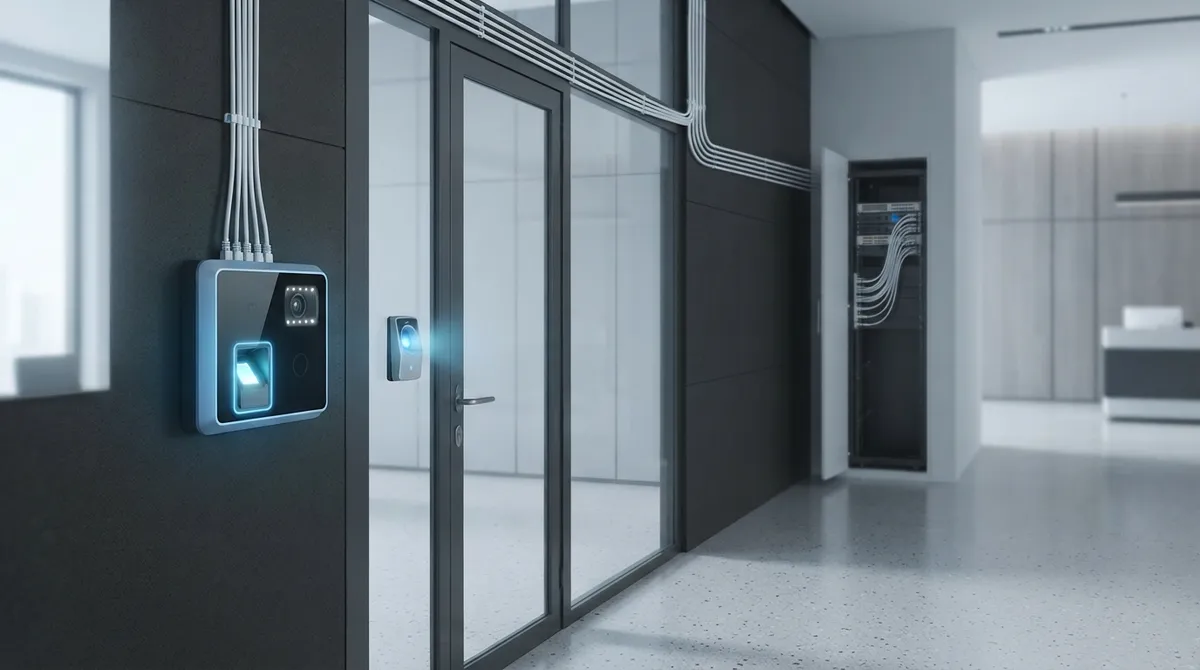
That’s where a biometric access control system comes in. Instead of carrying something that can be lost or lent out, your team uses something that is uniquely theirs, like a fingerprint, face, or palm. But here’s the part many folks miss: these systems live on your network. They depend on solid internet, clean cabling, and smart planning, which makes this a telecom topic as much as a security one.
In this friendly guide, we’ll walk through how these systems work, what they connect to, where they can trip you up, and how to plan one in 2026 without the stress. Whether you run a small shop or a multi-location franchise, you’ll walk away with a clear picture.
What Is a Biometric Access Control System?
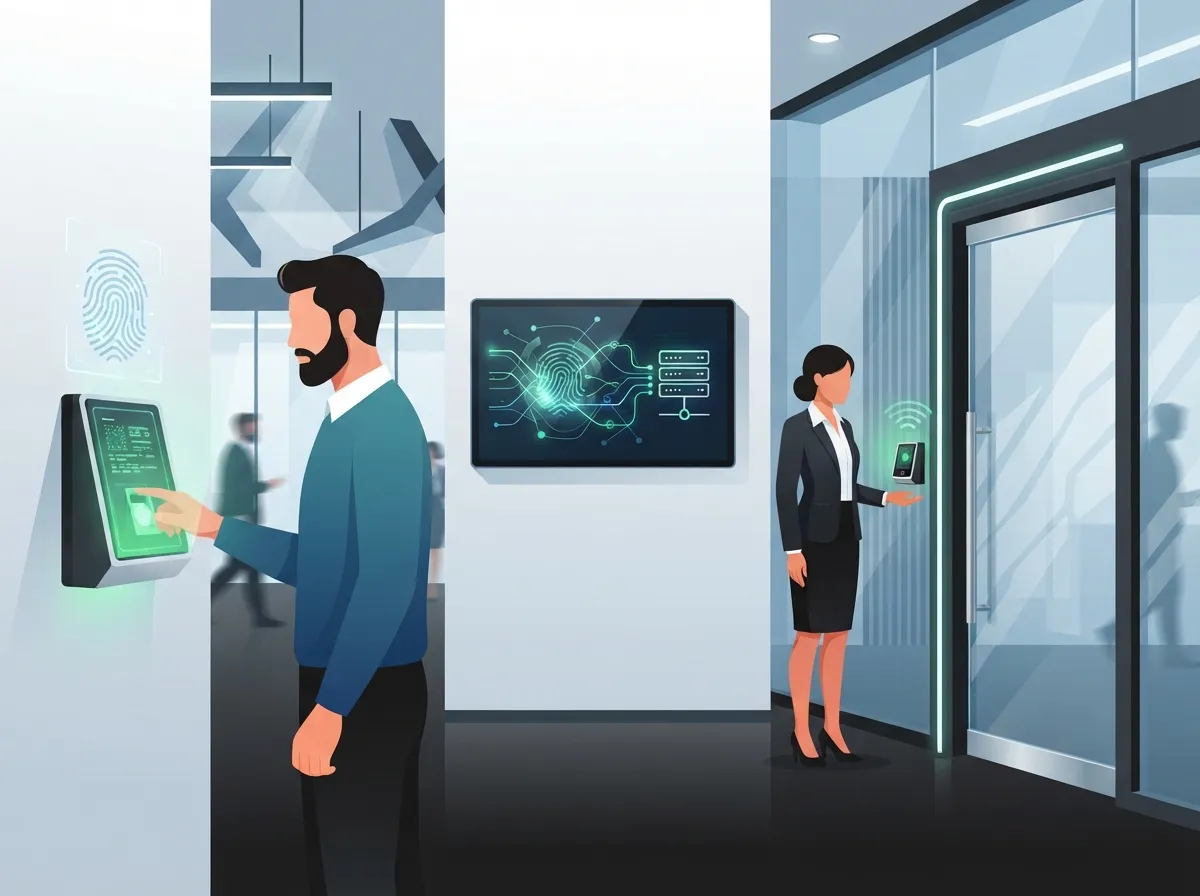
A biometric access control system confirms who someone is by using a physical trait, then decides whether to open a door or restricted area. Common traits include fingerprints, facial geometry, iris patterns, palm veins, and sometimes voice.
Think of it like a very smart doorman who never forgets a face and never takes a lunch break. The reader scans the trait, compares it to a stored template, and sends a message to the door controller. If there’s a match and the person has permission, the lock releases.
For business telecom environments, the important detail is that this process usually rides on your IP network. That means the system is a connected device, just like a VoIP phone or a cloud camera. It needs bandwidth, power, and protection like any other piece of your infrastructure.
How Does a Biometric Access Control System Work Step by Step?
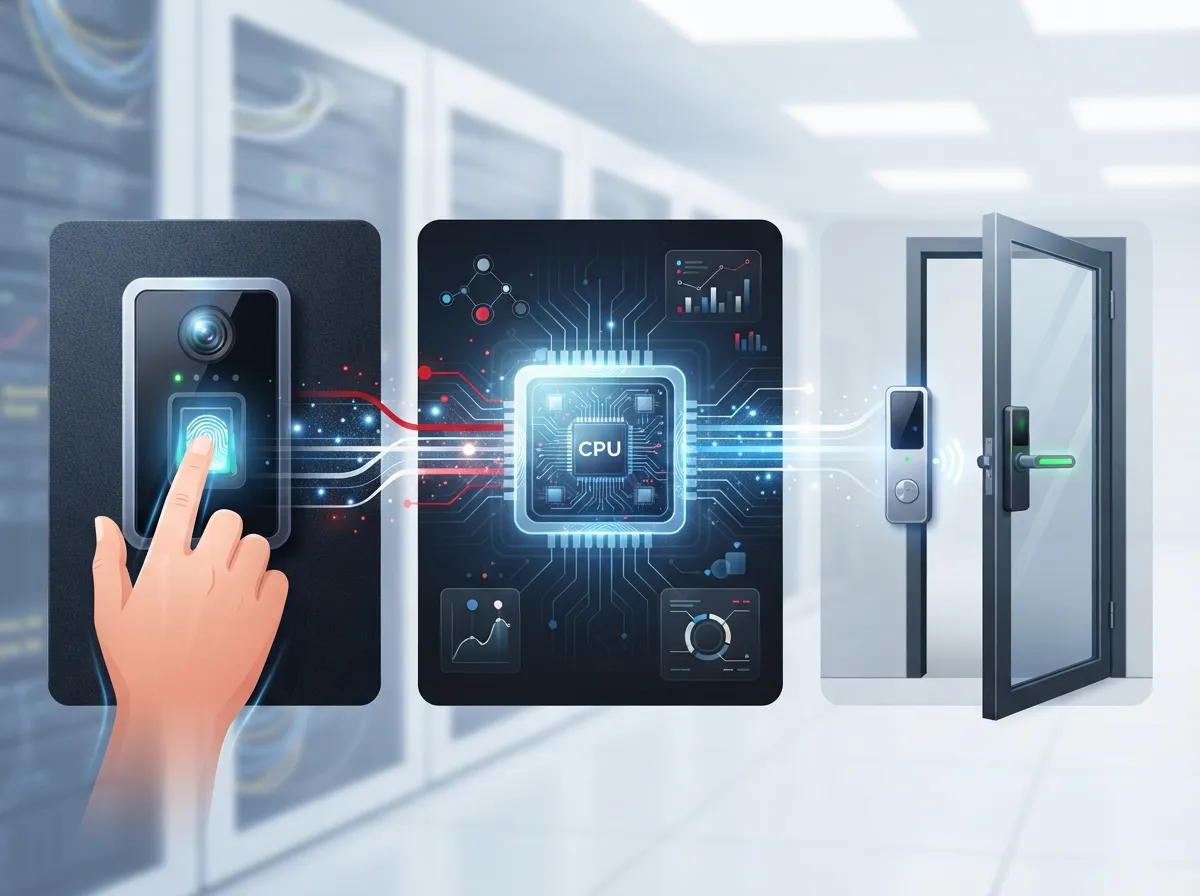
The flow is simpler than it sounds. Here’s what happens behind the scenes each time someone approaches a door:
- Enrollment: An employee registers their fingerprint, face, or palm once. The system turns it into a digital template.
- Capture: At the door, the reader scans the person’s trait.
- Matching: The system compares the new scan with the stored template. This is a probability match, not a perfect yes-or-no.
- Decision: The software checks the person’s permissions, such as which doors they can use and during what hours.
- Action: The controller unlocks the door, or denies entry.
- Logging: The event is recorded, so you know who went where and when.
That fourth step is where the real power lives. You can change permissions in seconds. When an employee leaves, you don’t chase down a keycard. You simply remove their access.
What Parts Make Up the System?
A typical deployment has a handful of building blocks. Knowing them helps you ask better questions when you talk to a provider.
- Biometric readers: The devices at the door that scan fingerprints, faces, irises, or palms.
- Door controllers and locks: The hardware that actually releases the door.
- Management software: Where you add users, set schedules, and review logs. Many are cloud-managed, so you can do this from a browser.
- Network connection: Usually wired Ethernet, often with Power over Ethernet (PoE) so one cable carries both data and power.
- Backup power and fallback methods: Batteries, cards, mobile credentials, or PIN codes for when something goes wrong.
That network connection is why quality structured cabling services matter so much. A clean cable run to each door keeps readers online and responsive. If you want the full background on how this wiring works, our guide on what structured cabling is for your business network is a great place to start.
Which Biometric Type Is Right for Your Business?
There’s no single winner. The best choice depends on your environment, your team, and how much traffic your doors see. Here’s a friendly side-by-side:
| Biometric Type | Best For | Things to Watch |
|---|---|---|
| Fingerprint | Offices, small businesses, server rooms | Dirty, wet, or worn fingers can cause misreads |
| Facial recognition | High-traffic entrances, hands-free entry | Lighting, angles, and privacy concerns need planning |
| Iris | High-security areas | Often higher cost; user positioning matters |
| Palm vein | Healthcare, finance, sensitive rooms | Fewer vendor choices; readers can cost more |
| Voice | Limited, specialized uses | Background noise and illness can affect results |
For most small and mid-sized businesses, fingerprint and facial readers are the common starting points. Medical offices and data rooms sometimes lean toward palm vein or iris for added assurance. If you’re also weighing credential types, our look at mobile vs. traditional access control can help you compare options.
How Does It Connect to Your Telecom and IT Network?
This is the part that makes a biometric access control system a natural fit for a telecom partner. These systems can link with the rest of your technology:
- IP networks: Readers and controllers send data over your LAN, and cloud platforms talk to them over your internet connection.
- Video surveillance: Pair a door event with camera footage, so you can see who entered, not just that a badge was used.
- Alarms and visitor management: Trigger alerts or register guests automatically.
- Identity directories: Sync with your employee directory so new hires and departures update access automatically.
- Centralized dashboards: Manage multiple doors or locations from one screen.
Capabilities vary by product and network design, so it’s smart to confirm exactly what you need before buying. Pairing access control with cameras is especially popular. If that sounds useful, see what security cameras really do for your business and explore our cloud video security options.
Cloud vs. On-Premise Management
Many modern systems are managed in the cloud, which means less hardware in a closet and easier remote changes. That’s a big win for franchise operators and multi-location businesses, who can update access across sites without driving anywhere.
The tradeoff? Cloud systems lean on your internet connection. If you’re considering that route, read about cloud vs. on-premise access control and the benefits in our post on cloud access control. You can also browse our cloud based access control solutions to see how it all fits together.
The Honest Truth: Biometrics Aren’t Perfect
Let’s keep it real. Biometric matching is probabilistic. That means two things can happen: a real employee might get rejected now and then, or, in rare cases, the wrong person could be accepted. Neither is common with quality gear, but both are worth planning for.
Here are the factors that influence results:
- Match performance: How accurately the reader tells people apart.
- Presentation-attack detection: Whether the reader can spot fakes, like a photo or a copied print.
- Environment: Bright sunlight, dust, humidity, and cold can all affect scans.
- Accessibility: Not everyone can use every trait. Offer alternatives so no one is left out.
The National Institute of Standards and Technology (NIST) discusses these ideas in NIST SP 800-53, a general security and privacy control framework. It doesn’t set one universal accuracy number, so each business should define what’s acceptable for its own doors. A supply closet and a server room don’t need the same level of assurance.
Why Pair Biometrics With Other Credentials?
Many businesses use biometrics alongside cards, mobile credentials, or PINs rather than on their own. Combining two factors, like a face plus a mobile credential, can raise confidence for sensitive areas.
Just as important is a fallback plan. Readers can fail, networks can drop, and someone might have a bandaged finger. A backup method keeps the doors working and your team moving. It’s a small step that saves big frustration.
Privacy and Legal Basics You Shouldn’t Skip
Biometric data is sensitive. You can’t change your fingerprint like you change a password. So handle it with care from day one.
Before you deploy, consider these steps:
- Define your purpose: Know exactly why you’re collecting biometric data.
- Give clear notice: Tell employees what you collect, why, and how long you keep it.
- Limit collection and retention: Only keep what you need, for only as long as you need it.
- Restrict template access: Only a few trusted admins should be able to touch the data.
- Protect data in transit and at rest: Use encryption wherever the system supports it.
- Review local laws: Privacy and employment rules vary by jurisdiction, so check with legal counsel.
This isn’t legal advice, but it’s a solid checklist to bring to your attorney. Being upfront with your team also builds trust, and that goes a long way.
How to Keep the System Secure and Resilient
Because these devices live on your network, treat them like any other connected equipment. A few smart habits make a big difference:
- Segment the network: Keep access-control devices separate from guest Wi-Fi and general office traffic.
- Manage updates: Patch firmware regularly and change default passwords right away.
- Log admin actions: Know who changed what, and when.
- Define offline behavior: Decide in advance what happens if the network goes down.
- Plan for emergency exit: Doors must always allow safe egress, no matter what.
- Test backup power: Make sure doors and readers behave during an outage.
Reliable connectivity is the backbone of all this. If your internet is shaky, cloud-managed readers can feel the pain. Check out our tips on high-speed internet for business and learn about dedicated fiber internet if you want extra stability. For a deeper look at keeping devices running during problems, see how to keep security cameras working during internet outages, since the same thinking applies to your doors.
What Does the Market Look Like in 2026?
Interest in this technology keeps growing. Emergen Research estimates the global biometric access control market at USD 8.24 billion in 2025, with a forecast of 13.8% annual growth from 2026 through 2035, reaching USD 28.64 billion. The broader access control market is bigger still. Fortune Business Insights estimates it at USD 11.62 billion in 2025, while Grand View Research puts it near USD 11.6 billion and notes North America held about 32.3% of revenue.
A quick note: these numbers come from different firms using different definitions, so they aren’t directly comparable. Treat them as source-specific forecasts that point in one clear direction: more businesses are adopting smarter access control.
Choosing the Right Partner for Your Project
A great reader is only part of the story. The best results come from planning the whole picture: the network, cabling, power, software, and support. Here’s what to look for in an integrator:
- Network know-how: They should understand IP design, not just door hardware.
- Cabling and installation skills: Clean installs prevent a lot of future headaches.
- Integration experience: Ask how they connect access control with cameras, phones, and directories.
- Ongoing support: You want a real person to call when something acts up.
- Vendor flexibility: A partner who isn’t tied to one brand can match the right tool to your needs.
That’s where Ideal Solutions Provider shines. With over 24 years of experience and relationships with 35+ vetted suppliers, the Tampa-based team acts as a single point of contact for phones, internet, cabling, networking, cloud cameras, and access control. Instead of juggling five vendors, you get one friendly partner who handles consultation, installation, and support. For more on choosing wisely, read how to choose access control systems for Tampa businesses.
Tips for Different Business Types
Every business has its own rhythm. Here’s how a few common readers might approach this:
- Small business owners: Start with one or two high-value doors, like the back office or storage room, and expand later.
- Mid-sized enterprises: Use role-based permissions and tie access to your employee directory.
- IT managers: Focus on network segmentation, logging, and update management from the start.
- Office managers: Look for easy enrollment, quick badge-free changes, and reliable support.
- Franchise operators: Choose cloud management so every location follows the same rules. Our guide on scalable access control for multi-location businesses goes deeper.
Ready to Take the Next Step?
A biometric access control system can make your workplace safer, simpler, and a lot less dependent on lost keycards. The key is planning it as part of your bigger network, with strong cabling, reliable internet, thoughtful privacy practices, and a backup plan for the unexpected.
If you’d like a friendly, no-pressure conversation about what fits your space, contact us for a free consultation, or call us directly. We’ll review your current setup and help you build a plan that makes sense for your team and your budget.
Want to see more of what we do? Follow along on YouTube for helpful videos, or catch the latest updates on Facebook.
FAQs
Q: How does a biometric access control system work for a business?
A: It scans a trait like a fingerprint, face, or palm, then compares it to a stored template. If the match is good and the person has permission, the door unlocks and the event is logged. Think of it as a smart doorman that checks who you are instead of what you’re carrying.
Q: Can biometric door access control integrate with IP networks and other business systems?
A: Yes, many systems connect over your IP network and can link with video cameras, alarms, visitor management, and employee directories. The exact features depend on the product and your network design, so it’s worth confirming your needs up front. A good telecom and IT partner can help tie everything together smoothly.
Q: What happens if the network or biometric reader goes offline?
A: That depends on how the system is set up, which is why planning matters. Most businesses add fallback options like cards, mobile credentials, or PIN codes, plus backup power and clear offline settings. Emergency exit must always work, no matter what.
Q: What privacy rules apply to employee biometric data?
A: Rules vary by location, but good practice means having a clear purpose, giving employees notice, limiting how long you keep data, and protecting it with encryption and restricted access. Because laws differ, it’s smart to review your plan with legal counsel before you launch.
Q: Which is better for business access control: fingerprint, facial recognition, iris, or palm vein?
A: There’s no one-size-fits-all answer. Fingerprint and facial readers are popular for everyday office use, while iris and palm vein are often chosen for higher-security areas. Consider your environment, your team’s needs, and what happens if someone can’t use a particular trait.





