
Key Takeaways
-
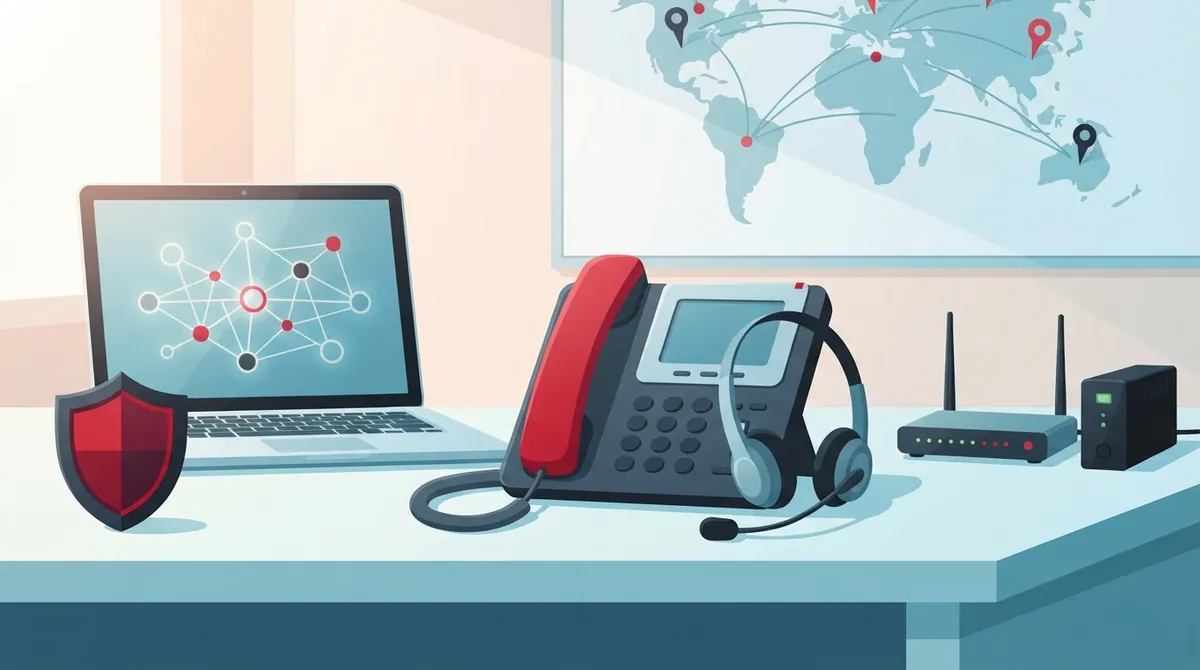
Check your internet readiness before signing: enough upload and download bandwidth for simultaneous calls, router and firewall compatibility, Quality of Service for voice, and a backup connection or cellular failover.
-
A cloud phone system does not eliminate outages, so ask your provider how calls are handled during internet or power failures and add battery backup for network gear.
-
Compare total cost, not just the per-user price: include user licenses, calling plans, usage fees, desk phones, headsets, integrations, support levels, and any network upgrades.
-
Keep registered 911 locations accurate for every user, especially remote and mobile workers, since portable VoIP emergency calls can have location-related limitations.
-
Separate must-have features from nice-to-haves, and match your plan type to your needs: basic calling, advanced calling with auto-attendant and queues, or a UCaaS platform.
-
Start number porting early and read the contract closely, checking term length, uptime measurement, support hours, porting, and exit terms, since advertised uptime targets are vendor-specific.
Picking a new business phone system can feel a bit like choosing a new car. There are lots of shiny options, plenty of jargon, and everyone swears theirs is the best. If you are tired of aging desk phones, surprise repair bills, or a system that only works inside your office walls, you are in the right place.
A cloud based phone system moves your business calling off the old equipment closet and onto the internet. A provider hosts and manages the heavy lifting, and your team makes calls from desk phones, computers, or mobile apps. It sounds simple, and it can be. But the best results come from asking the right questions before you sign anything.
In this friendly guide, we will walk you through exactly how to choose a cloud based phone system that fits your team, your budget, and your network. We will cover features, internet readiness, security, 911 rules, and costs. Let’s make this decision a whole lot easier.

What Is a Cloud Based Phone System?
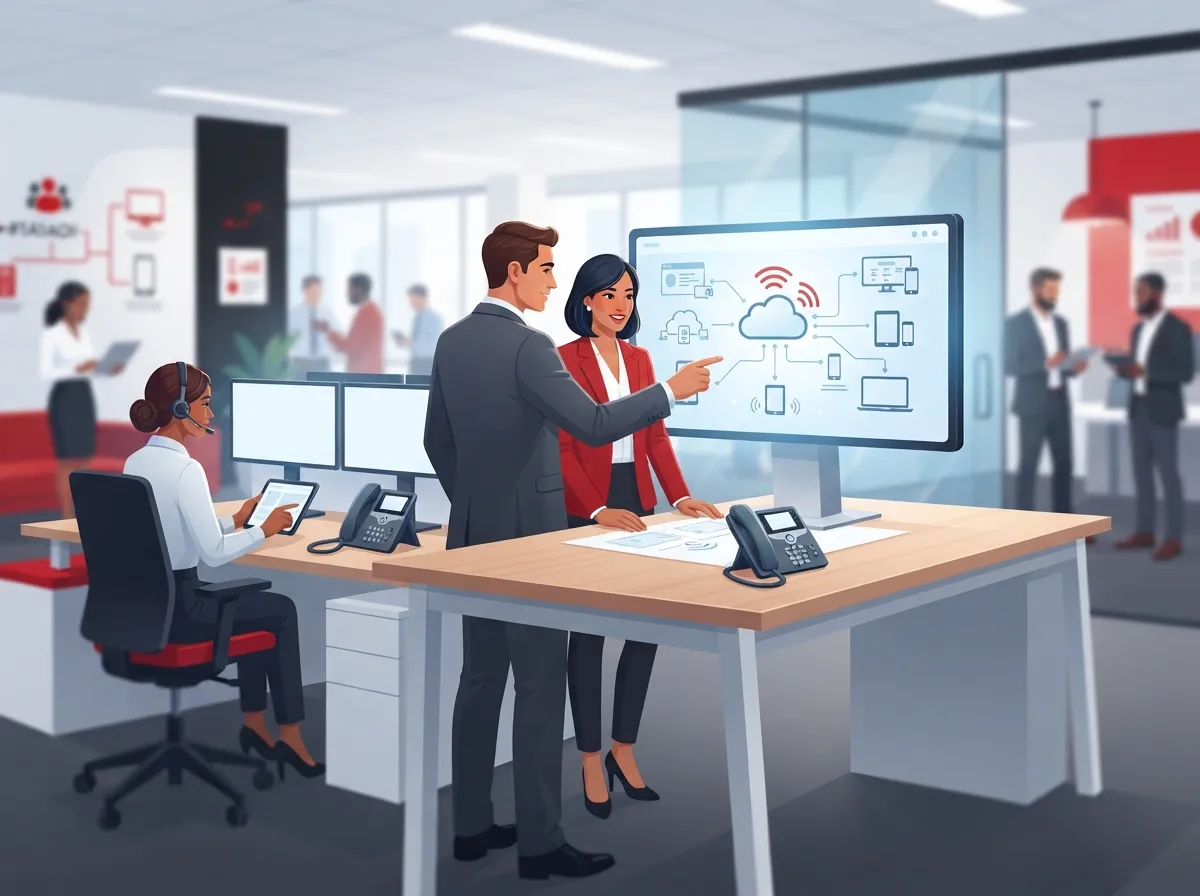
A cloud based phone system, also called hosted telephony or cloud telephony, uses internet-based VoIP to route calls through a provider’s infrastructure. You do not have to own and maintain a PBX box at your office. The provider runs the platform, applies updates, and keeps the servers humming.
If you want a deeper starting point, our guide on what a cloud-based phone system is and whether you need one covers the basics in plain English.
VoIP, Hosted PBX, and UCaaS: What Is the Difference?
These terms get tossed around like confetti, so here is a quick breakdown:
- VoIP: The technology that sends voice calls over the internet instead of traditional phone lines.
- Hosted PBX: A business phone system run by a provider, with features like extensions, voicemail, and call routing.
- UCaaS: Unified Communications as a Service. This is a broader platform that can bundle calling with messaging, video meetings, presence, and collaboration tools.
Not sure how this stacks up against older technology? Take a look at 6 key differences between VoIP and traditional phone systems.
Why So Many Businesses Are Making the Switch
Cloud calling is no longer a niche idea. Metrigy’s Workplace Collaboration MetriCast 2025 study found that 58.6% of surveyed businesses use only UCaaS, while 32.7% use multiple phone-system types that include UCaaS. Those are survey findings, not universal adoption rates, but they show a clear trend.
The market is growing too. Metrigy estimates the global UCaaS market at $23.0 billion in 2025, with a forecast to reach $28.0 billion by 2030. It also reports 117.1 million worldwide UCaaS seats in 2025.
Why the popularity? Here are the benefits business owners tell us they care about most:
- Less on-site equipment to buy, store, and repair
- Subscription pricing that is easier to predict
- Easy adding or removing of users as your team changes
- Calling from a desk phone, laptop, or mobile app
- Support for remote and hybrid staff
Curious about the bigger picture? You can read about 14 reasons to switch to a cloud phone system to see how other local businesses benefit.
How to Choose a Cloud Based Phone System: Step by Step
Ready to dive in? Follow these six steps and you will avoid the most common headaches.
- Map out how your team really communicates.
- Check your internet and network readiness.
- Pick the features you truly need.
- Review security, compliance, and 911 details.
- Compare total cost, not just the monthly price.
- Plan your setup, number porting, and support.
Step 1: Map Out How Your Team Really Communicates
Before you look at a single plan, grab a coffee and think about your daily call habits. Who answers the main line? Who works from home? Do you have multiple locations? Does anyone spend most of the day on the road?
Here are a few quick questions to ask your team:
- How many people need a phone line or extension?
- Do you need a front-desk receptionist, an auto-attendant, or both?
- Do employees use mobile phones for work calls?
- Do you want video meetings and team chat in the same app?
Your answers will tell you whether you need a simple calling plan or a fuller UCaaS platform. Office managers often find this step the most eye-opening, because it shows how many small workarounds the team has been living with.
Step 2: Check Your Internet and Network Readiness
Here is the part many people skip, and it is the most important. A cloud phone system relies on your internet connection. A cloud service does not eliminate outages, so your network has to be ready.
Before deployment, look at these items:
- Bandwidth and network quality: Make sure you have enough upload and download capacity for simultaneous calls.
- Router and firewall compatibility: Some equipment needs settings changed to handle voice traffic well.
- Quality of Service (QoS): This prioritizes voice traffic so calls stay clear even when others are streaming or downloading.
- Backup connectivity: A second internet connection or cellular failover can keep calls flowing during an outage.
- Power resilience: A battery backup helps your network gear stay up when the lights flicker.
Not sure how much speed you need? Our article on what internet speed you need for VoIP breaks it down simply. If your connection is the weak link, you may also want to read why your business internet may be slow and how to fix it.
Wiring matters too. Clean, organized cabling keeps phones and computers happy. If your office is older or has been patched together over the years, structured cabling can give your network a solid foundation for voice, data, and cameras.
Step 3: Pick the Features You Truly Need
Feature lists can be dizzying. The trick is to separate the must-haves from the nice-to-haves. Availability varies by provider and plan, so always confirm what is included.
Common business features include:
- Auto-attendant or IVR (the friendly voice that routes callers)
- Call queues and ring groups
- Voicemail-to-email or transcription
- Call recording
- Mobile and desktop apps
- Number management and extensions
- Reporting and analytics
- Integrations with CRM or productivity tools
Here is a simple way to think about plan types:
| Plan Type | What It Typically Includes | Best For |
|---|---|---|
| Basic Cloud Calling | Extensions, voicemail, call forwarding, call routing | Small teams that mostly need reliable calls |
| Advanced Calling | Auto-attendant, queues, call recording, analytics | Customer-facing teams and busy offices |
| UCaaS Platform | Calling plus video meetings, messaging, presence, integrations | Hybrid or distributed teams |
To explore feature ideas in more depth, check out 15 cloud phone system features that transform your business.
Step 4: Review Security, Compliance, and 911
Good news first: cloud providers invest heavily in security. But do not assume every protection is automatically included. Ask direct questions and get answers in writing.
Security and compliance questions worth asking:
- Is call traffic encrypted?
- What access controls and administrator protections are available?
- Are there audit logs?
- How long is data retained, and can you control that?
- What is the incident response process?
- Does the provider hold relevant independent assurance or support regulatory needs in your industry?
A quick word on 911. In the United States, interconnected VoIP providers have FCC 911 obligations. The FCC notes that portable VoIP emergency calls can have location-related limitations. That means you should keep registered locations accurate for every user, especially those who work from home or move between offices. Ask your provider exactly how emergency calling works for both fixed and mobile users, and train your team on it.
If you are weighing your options across different setups, you may enjoy cloud security versus traditional network security for a helpful comparison.
Step 5: Compare Total Cost, Not Just the Monthly Price
A low per-user price looks great, but it is only one piece of the puzzle. Total cost depends on several things:
- User licenses
- Calling plans and any usage fees
- Desk phones and headsets
- Integrations and add-ons
- Support levels
- Network upgrades, if needed
Think of it like comparing apartments. The rent is only part of what you pay. Utilities, parking, and fees can change the real number fast. Our breakdown of how much a VoIP phone system costs for a business can help you build a realistic budget. If you want to save where you can, 15 ways to reduce business telecom costs offers practical ideas.
Also read the contract carefully. Look at the term length, service-level commitments, support hours, number porting, and exit procedures. Some providers advertise uptime targets such as 99.999%. That is a vendor-specific promise, not a guarantee for every cloud phone system. Check how uptime is measured, what is excluded, what remedies you get, and whether the commitment covers the full service path.
Step 6: Plan Your Setup, Number Porting, and Support
The best system in the world can feel clunky if the rollout is rushed. Plan your move in an orderly way:
- Confirm your internet and network are ready.
- Decide which phone numbers you want to keep and start the porting process early.
- Order phones and headsets.
- Configure call flows, auto-attendants, and voicemail.
- Train your team with a short, friendly walkthrough.
- Test everything, including 911 location settings, before go-live.
Keeping your current numbers is a big deal for most businesses, and it is very doable. We explain how in how to keep your phone number when switching to VoIP. For a full picture of the process, see 5 steps to switch your business phone to the cloud.
Is a Cloud Phone System Right for Every Business?
For many businesses, yes. But the right fit depends on your size and setup. Here is how it can look for different teams:
| Business Type | Key Priority | What to Focus On |
|---|---|---|
| Small Business | Affordability and simplicity | Clear pricing, easy setup, mobile app |
| Mid-Sized Company | Growth and integrations | Scalability, CRM links, analytics |
| Multi-Location Franchise | Consistency across sites | Central management, number control, reliable network |
| IT-Managed Environment | Control and security | Admin tools, audit logs, QoS, failover |
If your business runs several locations, you will want a consistent setup everywhere. That is where planning around your network and connectivity really pays off. Our guide on choosing the right phone system for a small business is another handy read if you are just getting started.
Common Mistakes to Avoid
Even smart, careful buyers can trip up. Watch out for these common pitfalls:
- Skipping the network check and discovering call quality problems later
- Choosing on price alone without reading the contract
- Forgetting to update 911 location information for remote workers
- Buying features you never use, or missing ones you need
- Waiting too long to start number porting
- Going without a backup internet plan
If you want to learn from other people’s bumps in the road, 15 cloud phone system mistakes small businesses make is a quick, honest read.
Why a Single Telecom Partner Can Make Life Easier
Here is a truth many business owners share: managing separate vendors for phones, internet, cabling, and security is exhausting. When something goes wrong, who do you call? Everyone points at everyone else.
That is why many businesses like working with one trusted partner. Ideal Solutions Provider, a Tampa-based telecom and IT partner with over 24 years of experience, helps businesses nationwide compare options across more than 35 vetted suppliers. They handle everything from consultation and installation to ongoing support, so you have a single point of contact for cloud phone systems, high-speed internet, structured cabling, networking, cloud security cameras, and access control. You can learn more about their cloud based phone systems to see what that looks like in practice.
If you are weighing whether to go it alone or lean on an expert, our piece on how to work with a telecom expert who gets results offers friendly guidance.
Quick Checklist Before You Sign
Use this simple checklist to feel confident about your decision:
- You know how many users and locations you need to cover
- Your internet, router, and firewall are ready for voice traffic
- You have a backup connectivity plan
- The features match your daily needs
- Security controls and 911 handling are clearly explained
- The total cost, including phones and add-ons, fits your budget
- The contract, uptime commitments, support, and exit terms are clear
- Your number porting plan is in motion
You can also stay connected with the team and see helpful tips on YouTube as you plan your upgrade.
Ready to Get Your Calls Flowing?
Choosing a cloud based phone system does not have to be stressful. Start with how your team communicates, make sure your network is ready, pick the features that matter, and look closely at security, 911, and total cost. Take it one step at a time, and you will end up with a system that feels easy for everyone, from the front desk to the corner office.
If you would like a friendly second set of eyes, we would love to help. Contact us for a free consultation, or call us to talk through your phone, internet, and network needs with a real person who has done this hundreds of times.
FAQs
Q: What is a cloud based phone system for a business?
A: It is a business calling service that uses internet-based VoIP and a provider-hosted platform instead of a phone system kept at your office. Your team can make and receive calls on desk phones, computers, or mobile apps, and the provider handles most of the behind-the-scenes upkeep.
Q: What internet connection does a cloud phone system need?
A: You need a reliable connection with enough bandwidth for your number of simultaneous calls, plus a router and firewall that work well with voice traffic. Setting up Quality of Service and adding a backup connection can help keep calls clear and available.
Q: Is a cloud phone system reliable during an internet or power outage?
A: Not automatically, since a cloud service does not remove the risk of outages. The good news is that backup internet, battery power for network gear, and call-forwarding or failover options can keep you connected, so ask your provider how calls are handled when things go down.
Q: How does 911 work with a cloud phone system?
A: In the United States, interconnected VoIP providers must offer 911 and meet FCC emergency-calling requirements. Because portable VoIP can have location limitations, keep each user’s registered location up to date and ask your provider how emergency calls work for office and mobile users.
Q: How much does a cloud based business phone system cost?
A: Costs vary based on user licenses, calling plans, phones, integrations, support, and any network upgrades. Looking at the total picture instead of just the monthly per-user price will give you a much more accurate budget.





