

Key Takeaways
-
Fiber availability is address-specific: a provider can advertise fiber in your neighborhood yet not reach your building, so check each business address and suite number separately.
-
Start with the FCC National Broadband Map to see reported providers and speeds, then confirm with each provider, since the map data is provider-reported and may not reflect your exact suite.
-
Don't rely on the word "fiber" alone: Dedicated Internet Access generally reserves bandwidth for one customer with symmetrical speeds and an SLA, while shared business broadband can slow during peak times.
-
Compare total cost, not just monthly price: ask about construction or extension charges, installation lead time, equipment fees, data caps, contract length, renewal terms, and whether the rate is promotional.
-
Read the SLA closely for covered service, uptime target, repair times, latency and packet-loss commitments, outage exclusions, and credits, since an SLA does not guarantee outages will never happen.
-
True backup needs a diverse physical route or a different provider or technology, because a second circuit on the same path may not protect against a local fiber cut or power failure.
Typing “fiber internet provider near me” into a search bar feels simple. But if you run a business, the answer is more complicated than a list of company names. A provider may serve your city, or even your street, without reaching your building. Maybe your lease has a suite number that changes things. Maybe you have three locations that all need service.
Don’t worry. You can sort this out one step at a time, and this guide will walk you through it in plain English. We’ll cover how to check your exact address, what “fiber” really means for a business, which questions to ask, and how to avoid surprise costs.
Whether you own a small shop, manage an office, run IT for a growing company, or operate several franchise sites, you’ll leave with a clear plan. Let’s get started!

Why “Near Me” Really Means “At My Address”
Here is the first thing to know. Fiber availability is address-specific. A provider can advertise fiber across a whole neighborhood and still not have a line that reaches your front door.
That is why a good search starts with your exact business address, including the suite number. If you have more than one location, check each one separately. Service and product options can vary by site, even within one provider’s footprint.
The big national numbers can be encouraging. The Fiber Broadband Association reports that at year-end 2025, about 84.6 million U.S. homes, roughly 60%, were passed by fiber. A 2026 summary of FCC data also reports fiber coverage at 62% of broadband-serviceable locations, which include homes and businesses. But those are national figures, and they say little about one specific building. Your address is what matters.
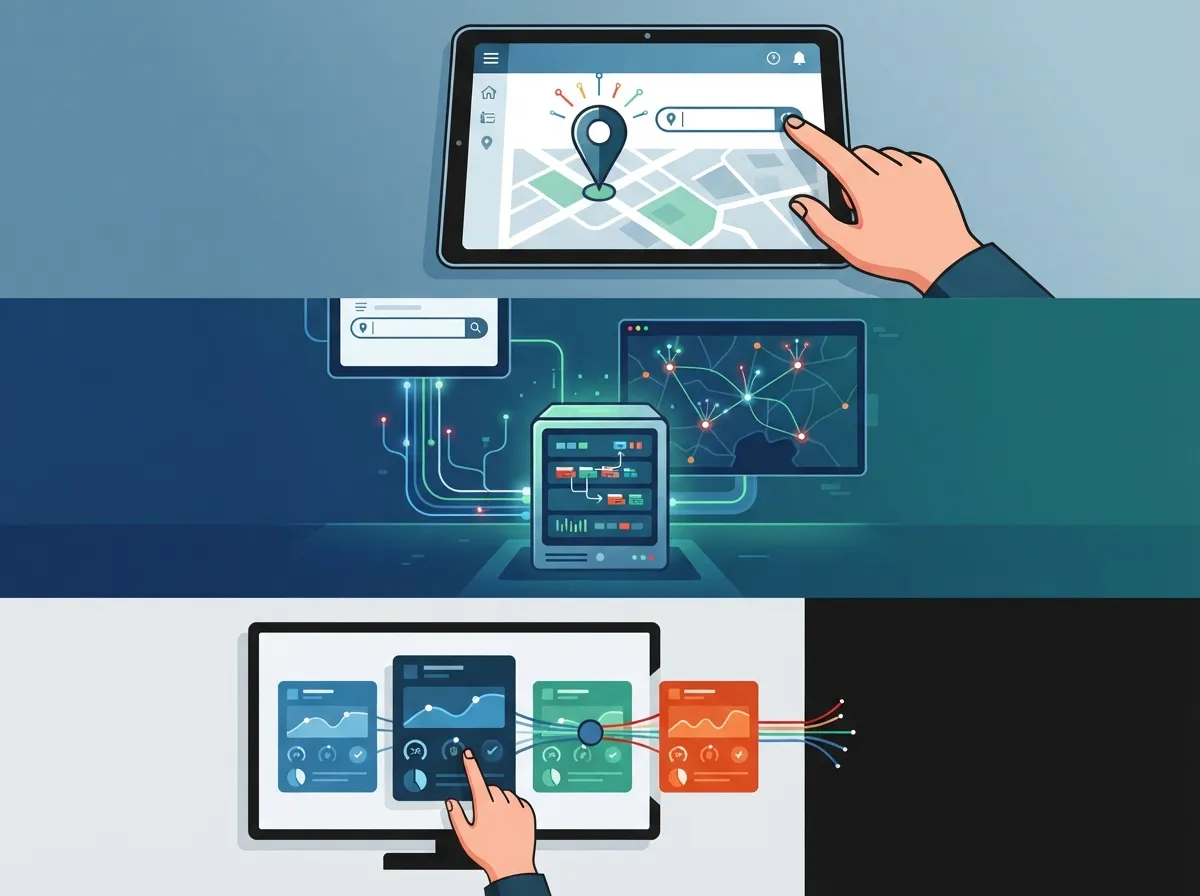
Step-by-Step: How to Find Fiber Providers at Your Exact Address
Follow these steps in order. Each one builds on the last.
- Write down every address. List each location with the full street address and suite number. Multi-site owners should note which sites matter most.
- Check the FCC National Broadband Map. The FCC map lets you search an address and see providers, reported technologies, and advertised maximum download and upload speeds. This is a great starting point.
- Remember the map is provider-reported. The data comes from the providers themselves, so treat it as a first look, not a final answer.
- Ask providers to confirm serviceability. Contact each one and ask if fiber is available at your exact suite, and what it would take to connect you.
- Ask about construction. If fiber is nearby but not in your building, ask whether the provider would extend its network and how long that might take.
- Compare quotes side by side. Use the same speed, term, and support level for each quote so the comparison is fair.
Want a deeper walkthrough? Our guide on how to find business internet providers by address covers the lookup process in more detail.
What “Business Fiber” Actually Means
Not every “fiber” plan is the same. This is where many buyers get tripped up, so it’s worth slowing down.
Shared Business Broadband
Some business plans use fiber lines but share network capacity with other customers. Speeds can be strong most of the day. During busy times, though, you may notice slowdowns, because you are sharing the pipe.
Dedicated Internet Access (DIA)
Dedicated Internet Access generally reserves bandwidth for one customer. It is commonly sold with symmetrical speeds and a service-level agreement (SLA). It usually costs more, but it can be a better fit when internet is critical to daily work.
The takeaway: don’t rely on the word “fiber” alone. Ask which product you’re being quoted. If you want to dig into the difference, see dedicated vs. shared fiber for a friendly comparison, and what dedicated fiber internet is for the basics.
| Feature | Shared Business Broadband | Dedicated Internet Access (DIA) |
|---|---|---|
| Bandwidth | Capacity may be shared with others | Generally reserved for one customer |
| Speeds | May be asymmetrical | Commonly symmetrical |
| SLA | Often limited or basic | Commonly included |
| Typical cost | Lower monthly price | Higher monthly price |
| Best for | Smaller teams with moderate needs | Cloud-heavy or mission-critical operations |
How Much Speed Does Your Business Need?
Bigger is not always better, and “up to” speeds are not guarantees. The right capacity depends on how your team works, not just the advertised maximum.
Think about these questions:
- How many people are online at the same time?
- Do you run video meetings all day?
- Do you use a cloud or VoIP phone system?
- Do you back up large files or run cloud security cameras?
- Do you expect to hire or add locations soon?
Symmetrical speeds, where upload matches download, can help a lot with cloud backups, video calls, hosted apps, and file transfers. If your business sends out a lot of data, upload speed matters as much as download.
Phones and cameras are great examples. A cloud phone system needs steady, reliable connectivity, and so do cloud cameras. Check out what internet speed you need for VoIP and internet speeds your cloud cameras actually need to size things properly.
How to Read an SLA Without Getting Lost
An SLA sounds technical, but it is just a written promise about service quality. It is also a place where details hide. An SLA is not a guarantee that outages will never happen. It spells out what the provider will do, and what you get, if something goes wrong.
When you read one, look for these items:
- Covered service: Which exact circuit or product does it apply to?
- Uptime target: What availability percentage is promised?
- Performance commitments: Are latency and packet loss included?
- Repair targets: How fast will the provider respond and restore service?
- Exclusions: What kinds of outages do not count?
- Credits: How do you report an outage, and what remedy do you receive?
Provider examples show how much this can vary. One national provider advertises dedicated fiber options up to 100 Gbps with an SLA. A regional provider advertises symmetrical speeds up to 8 Gbps and a 98.5% uptime SLA in its footprint. Those are provider-specific claims, and availability depends on your address. They are not industry-wide benchmarks, so always read the actual contract.
Compare Total Cost, Not Just the Monthly Price
A low monthly number can hide a lot. Before you sign, ask about everything that touches your bill and your calendar.
| Question to Ask | Why It Matters |
|---|---|
| Are there construction or extension charges? | Bringing fiber into a building can add one-time costs |
| What is the installation lead time? | Fiber builds can take longer than standard installs |
| What equipment is included? | Routers or modems may be extra |
| Are static IPs included? | Some services and phone systems need them |
| Are there data limits? | Caps can lead to overage fees |
| How long is the contract? | Longer terms can lock you in |
| What are renewal and cancellation terms? | Auto-renewals can surprise you |
| Is the price promotional? | The rate may rise after an intro period |
| What are the support hours? | Help should be there when you need it |
For help planning your numbers, read dedicated internet access pricing: what to expect in 2026. And if you want to hunt for savings, try 12 ways to find the best business internet deal in Tampa.
Plan for Backup, Because Fiber Cuts Happen
Even great fiber can go down. A construction crew can cut a line, or the power can fail. That is why resilience deserves a spot on your checklist.
Ask these questions:
- Does the provider offer diverse physical routes into your building?
- Can you add a backup connection?
- Would the backup use a different provider or a different access technology?
- Does failover happen automatically?
Be careful here. A second circuit on the same route may not protect you from every local fiber cut or power failure. True backup means a different path, and ideally a different provider or technology.
If uptime matters to your business, our tips on automatic internet failover are a good next read. For multi-site companies, SD-WAN services can help tie locations together and manage multiple connections.
Tips for Multi-Location and Franchise Operators
If you run several sites, “near me” turns into “near all of them.” Provider reach can differ from one address to the next, so you may end up with different carriers in different places.
Here is how to keep it manageable:
- Check availability at every address before you pick a strategy.
- Ask whether centralized billing is available.
- Ask whether service terms and SLAs can stay consistent across sites.
- Ask about coordinated support so one call can cover every location.
Our article on multi-location telecom solutions goes deeper on this, and why Tampa Bay businesses need one telecom partner explains how a single point of contact simplifies the job.
Don’t Forget What’s Inside Your Walls
Here’s a friendly reminder. Fast fiber at the street does not help if the wiring inside your office holds it back. Old or messy cabling can slow your network no matter how good your provider is.
Before your install day, think about your structured cabling, your switches, and your network rack. Newer cabling like Cat6 can better support fast connections. Learn more in gigabit cabling capabilities for your business and copper vs. fiber for low voltage cabling.
It also helps to know how internet connections are generally delivered. An Internet Service Provider brings the connection to your building, but your internal network decides how well it reaches every desk, phone, and camera.
How a Single Telecom Partner Can Help
Hunting for fiber alone can feel like a part-time job. You call providers, wait for quotes, and try to compare very different plans. That’s where a partner can save you time and stress.
Ideal Solutions Provider is a Tampa-based telecom and IT partner with more than 24 years of experience. Instead of selling one carrier’s plan, the team compares options across 35+ vetted suppliers and handles everything from consultation and installation to ongoing support. They also serve businesses nationwide, which is handy for multi-site owners. You can learn more about their business high-speed internet services.
If you are weighing which route to take, telecom broker vs. direct provider lays out the pros and cons in a friendly way.
Your Quick Pre-Call Checklist
Before you pick up the phone, gather these items. Having them ready makes every call faster and every quote easier to compare.
- Exact addresses and suite numbers for all locations
- Number of employees and devices at each site
- List of cloud apps, VoIP phones, and cameras you use
- Your current provider, monthly cost, and contract end date
- Any growth plans for the next two to three years
- Your must-haves, such as an SLA, static IPs, or backup service
Ready to Find the Right Fiber for Your Business?
Finding a fiber internet provider near me is really about matching the right product to your exact address, your team, and your budget. Check the FCC map, confirm with providers, compare shared and dedicated options, read the SLA, count the total cost, and plan for backup. Take it one step at a time and you will land on a solid choice.
If you would like a friendly expert in your corner, contact the Ideal Solutions Provider team for a free consultation, or call us to talk through your options. We’d be happy to help you find fiber that fits.
FAQs
Q: How do I find business fiber internet providers at my exact address?
A: Start with the FCC National Broadband Map to see reported providers and speeds for your address. Then call each provider to confirm fiber is truly available at your suite, since map data is provider-reported. It’s a quick two-step check that saves a lot of guesswork!
Q: What is the difference between business fiber broadband and Dedicated Internet Access?
A: Business fiber broadband may share network capacity with other customers, while Dedicated Internet Access generally reserves bandwidth just for you. DIA is also commonly sold with symmetrical speeds and an SLA. Always ask which product is in your quote, because the word “fiber” alone doesn’t tell the whole story.
Q: What should a business internet SLA include?
A: Look for the covered service, uptime target, repair or restoration times, any latency and packet-loss commitments, outage exclusions, and how service credits work. Remember, an SLA isn’t a promise that outages will never happen. It simply spells out what you can expect when they do.
Q: How long does business fiber installation take?
A: It depends on whether fiber already reaches your building. If the provider needs to extend its network, construction can add time and cost. Ask for a lead-time estimate and any build charges up front so there are no surprises.
Q: How can my business add a backup internet connection?
A: Ask about diverse physical routes and a second connection from a different provider or access technology. A second circuit on the same route may not protect you from every fiber cut or power failure. Pairing backup service with automatic failover keeps your team online when something goes wrong.





