
Key Takeaways
-
Mobile access control turns employees' smartphones into door credentials, eliminating lost cards and enabling remote issuance and instant revocation when someone leaves.
-
Offline behavior varies by product: many systems store credentials locally at readers so doors keep working during outages, but you should confirm this with the vendor and test it by unplugging the network during a planned window.
-
Adoption is growing: ASSA ABLOY's 2025 survey found fully mobile access solutions rose from 5% of organizations in 2023 to 17% in 2025.
-
Security depends on the whole system, not just the phone: review credential encryption, multi-factor admin sign-in, network segmentation, logging, patching, and a fast lost-phone disable procedure.
-
Plan the network before deployment: readers and controllers often need wired connections and power, and weak wireless coverage at distant doors can cause entry delays, so run a site walk first.
-
Pilot a few doors before rolling out everywhere, and keep backup credentials or emergency access for people without compatible phones.
Picture this: it is Monday morning, and your newest hire is standing at the front door with no badge. Someone has to find a card, program it, and walk it over. Meanwhile, your phone is already in their pocket. What if that phone could simply open the door?
That is the idea behind a mobile access control system. It turns the smartphones your team already carries into secure keys for doors, gates, and other entry points. No plastic cards to lose. No keys to copy. Just a quick tap or wave, and the door unlocks.
But here is the thing many people miss. A mobile access control system depends on your business network just as much as your phones and Wi-Fi do. Reliable internet, solid cabling, and smart planning all make a big difference. In 2026, more businesses are making the switch, and this friendly guide will walk you through how it all works, what to look for, and how to avoid common bumps along the way.
What Is a Mobile Access Control System?
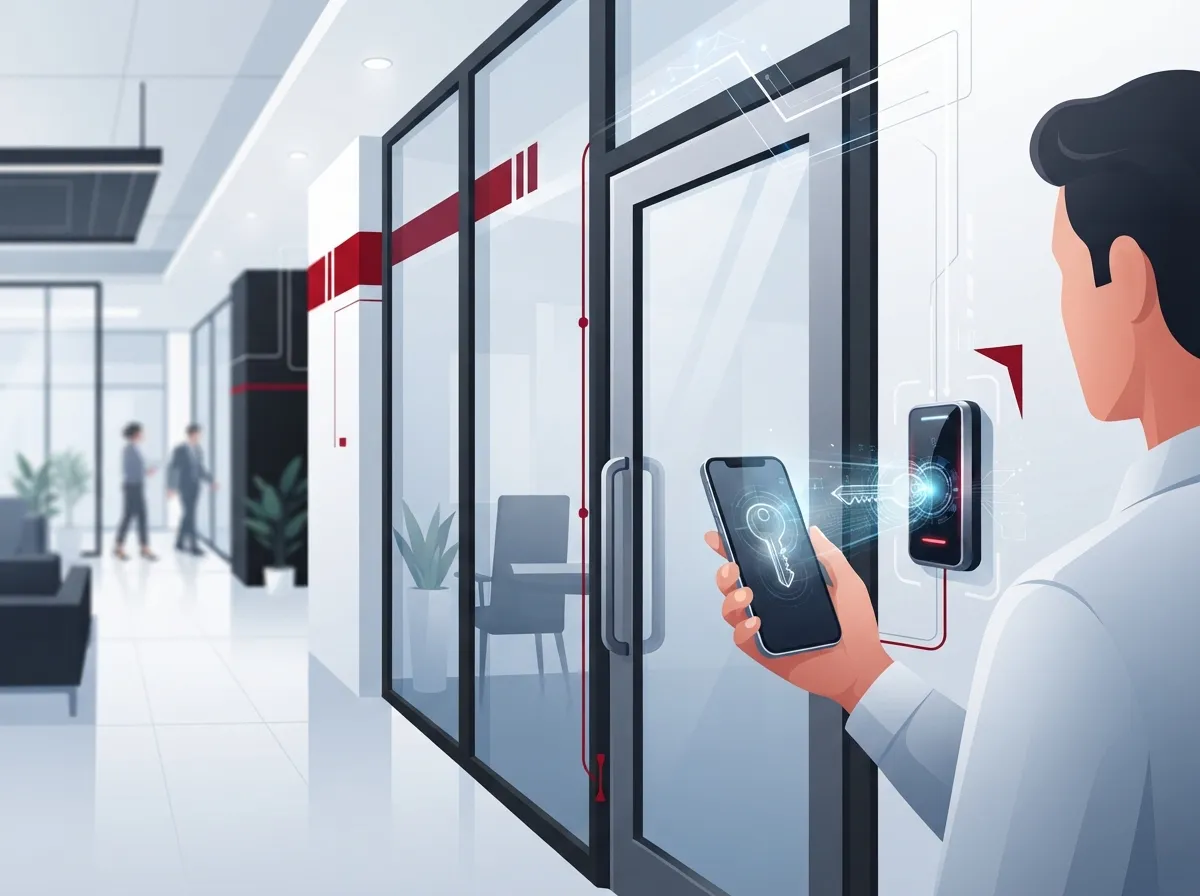
A mobile access control system is a physical-security tool. It uses smartphones or other mobile devices as credentials to unlock doors, gates, elevators, and other controlled entry points. Authorized people get a digital credential on their phone. A reader or wireless lock checks that credential and decides whether to open.
Quick note on terms, because they get mixed up. This is not the same as mobile-device management or network access control. Those tools protect your IT systems and data. A mobile access control system protects your buildings and rooms.
A typical setup includes four parts:
- Mobile credentials: the digital keys stored in an app or phone wallet.
- Readers or wireless locks: the hardware at each door.
- Access-control software: the dashboard where admins set rules and see activity.
- A network connection: the link that keeps everything talking.
That last part is where telecom comes in. Business internet, Wi-Fi, cellular service, and managed networking all help support cloud administration, remote credential updates, and event reporting.
How Do Smartphone Credentials Work With Door Readers?
The process is simpler than it sounds. Here is the basic flow:
- An administrator adds a person to the access-control software and assigns door permissions.
- The person receives an invitation and installs the credential app or adds the credential to their phone.
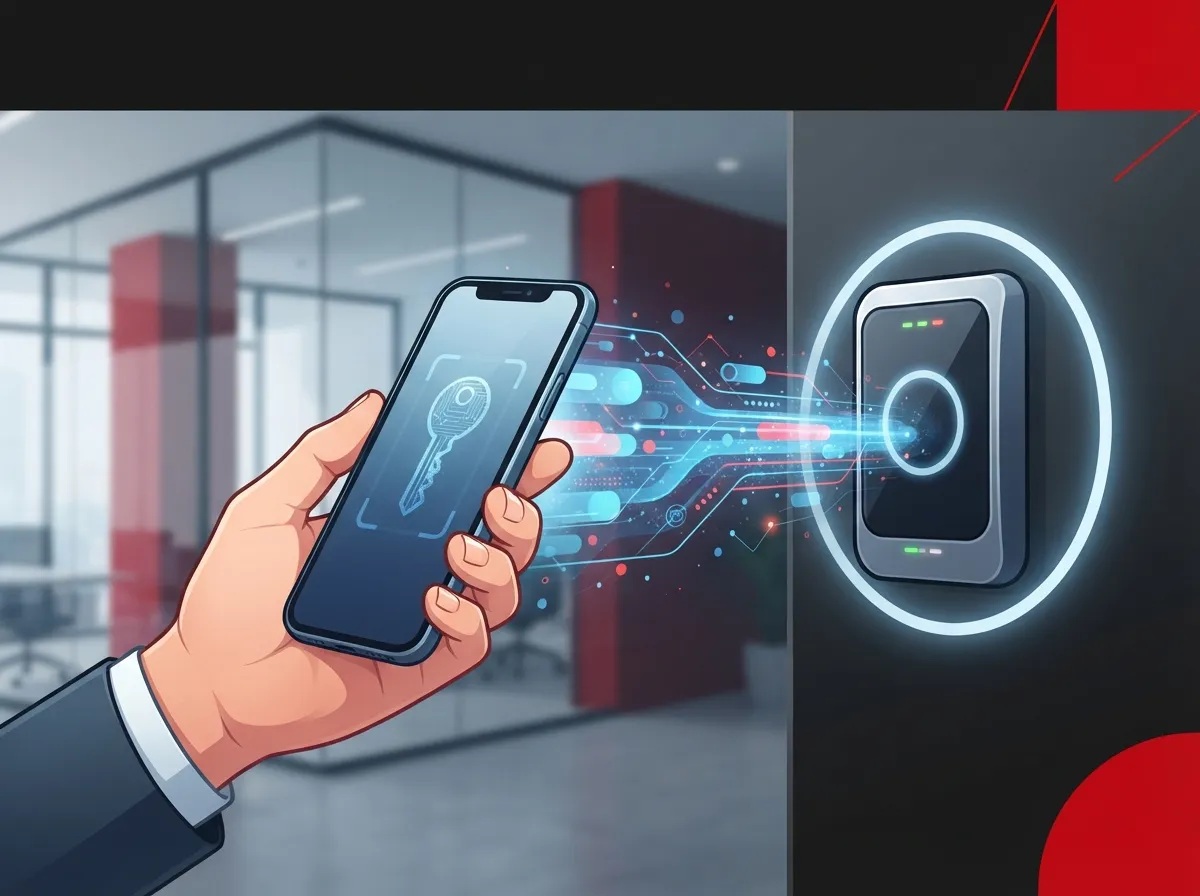
- When they approach a door, the phone and reader talk to each other over a short-range wireless link.
- The reader (or controller) checks whether that credential is allowed at that door and time.
- If it is, the door unlocks. The event gets logged.
Most of this happens in a second or two. Employees do not need to dig for a card or type a code.
Bluetooth vs. NFC: What Is the Difference?
Mobile credentials commonly talk to readers using Bluetooth Low Energy (BLE) or near-field communication (NFC). Each has its own personality.
| Feature | Bluetooth Low Energy (BLE) | NFC |
|---|---|---|
| Typical range | Can work from a short distance, depending on setup | Very close, usually a tap |
| User experience | Can be hands-free or a quick wave | Deliberate tap on the reader |
| Phone support | Widely supported | Varies by phone and platform |
| Best for | Busy entrances, gates, convenience | Tap-to-enter doors with tight control |
The supported method and user experience depend on the phone, reader, credential platform, and configuration. So always confirm with your vendor which options work with your devices.
Why Are Businesses Moving to Mobile Access?
The shift is real, and the numbers show it. ASSA ABLOY’s 2025 Wireless Access Control Report found that 17% of surveyed organizations had fully mobile access solutions, up from 5% in 2023. Wireless lock use also grew, with 42% of surveyed end users deploying them in 2025, compared with 39% in 2023.
Cloud management is popular too. In that same survey, 54% of respondents used cloud-based access management. Of those, 32% were locally hosted and 22% were managed by a third party on a SaaS-style model.
One fun twist: 26% of respondents said they planned to adopt mobile credentials within two years, down from 39% in the 2023 survey. That is a survey finding, not a forecast for everyone. It simply shows that plans shift, and every business should decide based on its own needs.
Market researchers are watching this space as well. One estimate cited in the ASSA ABLOY report projects access-control-as-a-service growing from $1.34 billion in 2024 to $3.06 billion by 2029. Estimates vary by report scope, so treat it as a sign of direction, not a promise.
The Real Benefits for Your Team
Why do people love this approach? A few reasons come up again and again:
- Fewer lost cards. People rarely forget their phones.
- Faster onboarding. Admins can issue a credential remotely in minutes.
- Quick revocation. When someone leaves, access can be removed right away.
- Better visibility. Logs show who entered which door and when.
- Multi-site control. One dashboard can manage several locations.
If you run a small office, this can mean less admin time. If you run several locations, it can mean far more consistency. For a deeper look at the contrast, see Mobile vs. Traditional Access Control: Which Wins for Tampa? and 13 Mobile Access Control Perks Tampa Bay Businesses Love.
Cloud, On-Premises, or Hybrid?
Not every business needs the same setup. Here is a quick comparison.
| Model | How it works | Good fit for |
|---|---|---|
| Cloud-managed | Admin software lives online; manage from anywhere | Multi-site teams, franchises, lean IT staff |
| On-premises | Software and data stay on your own servers | Strict control or data-handling rules |
| Hybrid | Mix of local control and cloud features | Teams wanting flexibility and resilience |
Cloud-managed systems can centralize administration across many sites. That makes it easier to issue, change, or revoke credentials remotely. On-premises and hybrid designs remain solid options when you have specific control, resilience, or data-handling needs. Curious about the tradeoffs? Check out Cloud vs. On-Premise Access Control: Tampa’s Best Pick?
What Happens If the Internet Goes Down?
This is one of the most common worries, and it is a smart one to ask. The good news is that cloud connectivity is not necessarily required for every door transaction.
Many systems store authorized credentials locally at readers or controllers. That lets doors make entry decisions during a network outage. Once service returns, queued events and updates can sync back up.
But do not assume every product behaves the same way. Confirm offline behavior with the vendor, and test it during deployment. Unplug the network on purpose (during a planned test window) and see what happens. It is a small step that saves big headaches later.
A dependable connection still matters for day-to-day admin work. If you are weighing options, our guide on how to keep security cameras working during internet outages shares ideas that apply to access control too.
How Secure Are Smartphone-Based Door Credentials?
Security is about more than the phone. A strong mobile access control system looks at the whole chain. Here are the areas worth reviewing:
- Credential encryption and lifecycle: how credentials are created, stored, updated, and removed.
- Administrator authentication: use strong sign-in, such as multi-factor authentication, for dashboard users.
- Reader and controller security: make sure hardware is protected and updatable.
- Network segmentation: keep access-control devices on a properly separated network.
- Logging and software updates: keep records and keep everything patched.
- Lost-phone procedures: know how to disable a credential quickly.
A phone’s biometric or PIN lock adds a helpful user-verification layer. Still, it does not replace sound system design. Think of it as a bonus lock, not the whole fence.
Network and Cabling: The Part People Forget
Here is where telecom expertise really shines. Even wireless locks and mobile credentials rely on a healthy network behind the scenes. Controllers, readers, and gateways often need wired connections and power. Strong structured cabling services give your doors a steady backbone. If you want background on the concept, here is a helpful overview of structured cabling.
Your internet matters too. Cloud administration, remote updates, and event reporting all travel over your business connection. If your service is slow or unstable, admin tasks can lag. Learn more in What Makes High-Speed Internet Essential for Your Business? Your provider is typically an Internet Service Provider, and choosing a dependable one is a smart first step.
Many teams also pair door control with cameras. Together, they give you a clear picture of who came in and what happened. See What Do Security Cameras Really Do for Your Business? for ideas.
How to Choose the Right Mobile Access Control System
Before you buy, work through this checklist. It keeps surprises to a minimum.
- List your doors. Count entrances, interior rooms, gates, and elevators that need control.
- Check existing hardware. Ask whether your current readers and locks are compatible or need replacing.
- Review life-safety rules. Make sure fire and life-safety requirements are met at every door.
- Map your network. Confirm cabling, power, Wi-Fi, and internet are ready.
- Plan integrations. Think about identity or HR systems and visitor management.
- Test offline behavior. Verify what each door does during an outage.
- Plan for backups. Set up backup credentials and emergency access.
- Assign support roles. Decide who handles lost phones, new hires, and troubleshooting.
Also check wireless coverage at each door. Weak signals at far-off entrances can cause frustrating delays. A quick site walk can reveal trouble spots early.
Who Benefits Most?
Different teams care about different things. Here is how it often shakes out:
- Small business owners: want simple, affordable control without juggling vendors.
- Office managers: want fast onboarding and less badge-replacement work.
- IT managers: want clean network design, logging, and security.
- Mid-sized enterprises: want scalable control across floors and sites.
- Franchise operators: want one cloud dashboard across many locations.
For multi-site teams, Scalable Access Control Systems for Multi-Location Tampa Businesses is a handy next read.
Common Mistakes to Avoid
A little foresight goes a long way. Watch out for these slip-ups:
- Assuming every system works the same offline.
- Skipping a wireless coverage check at distant doors.
- Forgetting a plan for lost or replaced phones.
- Ignoring network segmentation and admin sign-in security.
- Rolling out everywhere at once instead of piloting a few doors first.
- Leaving no backup option for people without compatible phones.
Starting with a small pilot lets you learn, adjust, and then grow with confidence. If you want a broader framework, How to Choose Access Control Systems for Tampa Businesses pairs nicely with this guide.
Why One Telecom Partner Makes It Easier
A mobile access control system touches several worlds at once: security hardware, cabling, internet, and cloud software. Juggling a different vendor for each can get messy fast. That is where a single partner helps.
Ideal Solutions Provider is a Tampa-based telecom and IT partner with over 24 years of experience. The team works with 35+ vetted suppliers and handles everything from consultation and installation to ongoing support. You can explore their cloud based access control offering to see how it fits alongside phones, internet, cabling, and cameras.
Ready to Make the Move?
A mobile access control system can make your doors smarter, your admin work lighter, and your team’s mornings smoother. The key is planning the whole picture: credentials, readers, software, network, and backup plans working together.
If you would like friendly, no-pressure guidance, we would love to help. Contact us for a free consultation, or call us to talk through your doors, your network, and your goals. Your phone is already in your pocket. Let’s put it to work.
FAQs
Q: What is a mobile access control system for a business?
A: It is a physical-security system that lets employees and approved visitors use smartphones as keys to unlock doors, gates, and other entry points. Readers or wireless locks check the digital credential against rules you manage in central software. It is a friendly upgrade from plastic cards and metal keys.
Q: Does mobile access control work if the internet goes down?
A: Often, yes. Some systems store authorized credentials locally at readers or controllers, so doors can still make entry decisions during an outage, then sync events and updates once service returns. Since products differ, confirm offline behavior with your vendor and test it during setup.
Q: What is the difference between Bluetooth and NFC mobile access?
A: Bluetooth Low Energy can work from a short distance, so entry can feel quick and hands-free. NFC usually needs a close tap on the reader. The best fit depends on your phones, readers, and credential platform, so check compatibility before you buy.
Q: How secure are smartphone-based door credentials?
A: They can be very secure when the whole system is well designed. Look at credential encryption, administrator sign-in, reader and controller security, network segmentation, logging, updates, and a clear lost-phone plan. A phone’s PIN or biometric lock adds a nice extra layer, but it does not replace good system design.
Q: Can mobile access control work with my existing door hardware?
A: Sometimes it can, but it depends on your current readers, locks, and controllers. Many businesses keep some hardware and upgrade the rest. A quick site review helps confirm compatibility, fire and life-safety needs, and network readiness before you commit.





