
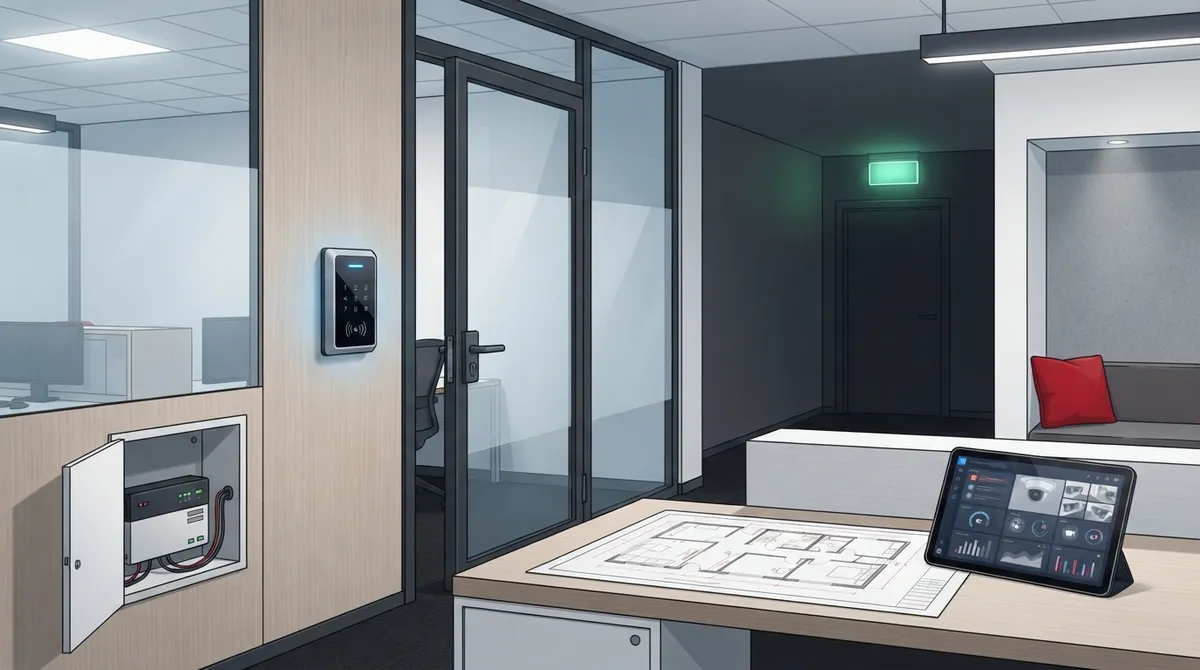
Key Takeaways
-
Map every door, gate, and restricted room with the users who need access before buying hardware; this prevents missed doors, wrong lock types, and surprise costs.
-
Remove former employees' access the same day they leave and review the full user list quarterly, since stale key cards are one of the most common and easily fixed security gaps.
-
Decide fail-safe or fail-secure behavior for each door and confirm battery backup, so doors behave predictably during power or internet outages.
-
Have a qualified professional verify life-safety and emergency exit requirements, because security must never prevent people from leaving safely during an emergency.
-
Treat the access control system as an IT system by using strong admin credentials, keeping firmware updated, segmenting the network, and enabling regular log reviews.
-
Ensure your network and structured cabling can support every reader and controller, since weak cabling causes delays and failures that undermine the whole system.
Picture this: it’s Monday morning, a former employee’s key card still opens your front door, and the internet is down so nobody can badge in. Sound familiar? You’re not alone. Many Tampa Bay business owners tell us the same story, and the good news is that most of these headaches are easy to prevent.
Business access control systems decide who can enter your office, server room, or storage area, and when. They sit right at the crossroads of security and telecom. They rely on your network, your internet, your phones, and your cabling to work well. When one piece is off, the whole system feels shaky.
In this friendly guide, we’ll walk through 11 common mistakes we see again and again, plus simple ways to fix each one. Whether you run a small shop, manage an office, or oversee several franchise locations, you’ll find practical tips you can use right away. Let’s make your doors smarter, safer, and a lot less stressful.
What Business Access Control Systems Actually Do
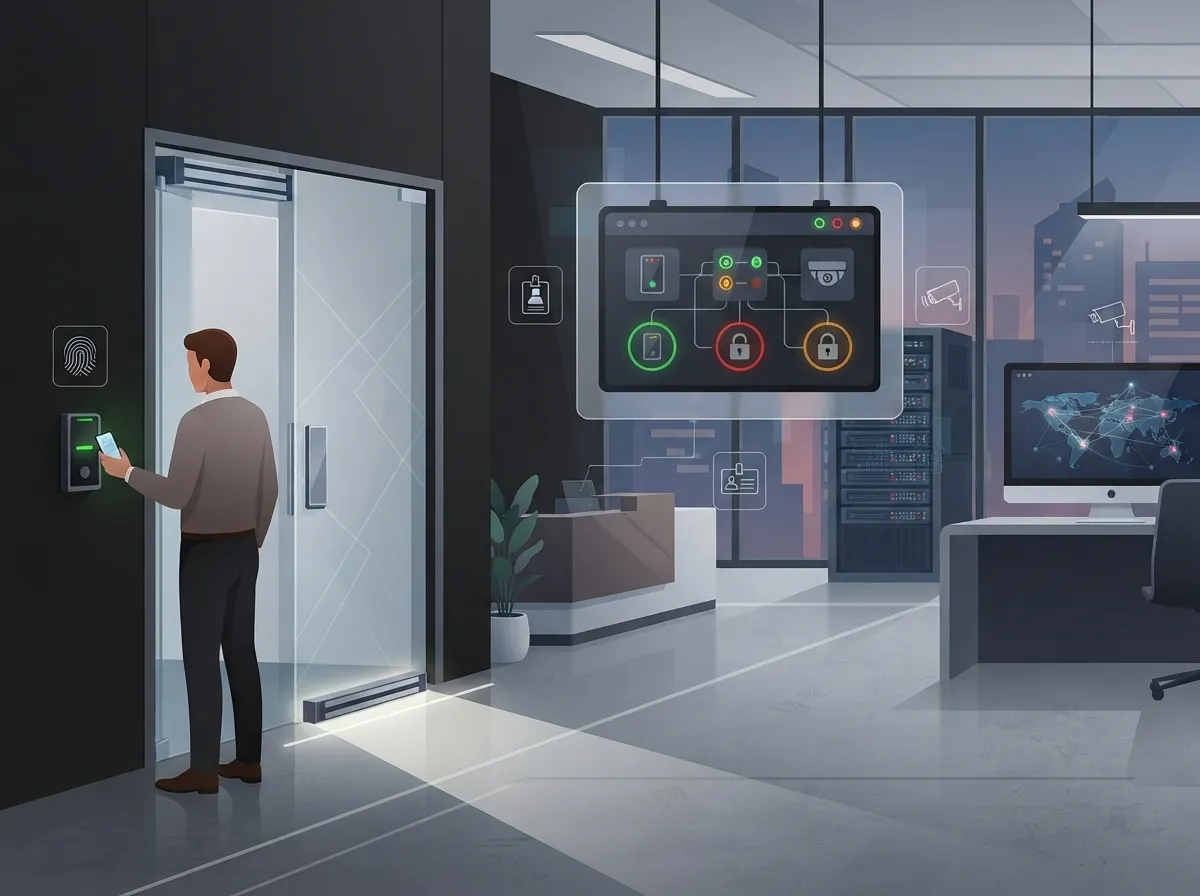
In business telecom, access control means managing who can enter a building, room, or restricted area. People use credentials such as cards, PINs, mobile phones, or biometrics. This is different from network access control, which manages which devices can join your IT network.
A typical physical access control system has a few key parts:
- Credentials and readers: cards, key fobs, phones, or fingerprints, plus the devices that read them
- Door controllers: the “brain” that decides whether to open a door
- Electronic locks: magnetic locks, electric strikes, or wireless locks
- Management software: where you add users, set schedules, and review activity
- Communication links: your LAN, Wi-Fi, internet, and power, often using Power over Ethernet where supported
That last point is where telecom matters most. A strong network and clean cabling help every part of the system talk to the others. If you want to learn how cabling fits in, check out 13 Ways Structured Cabling Supports VoIP & Cameras.
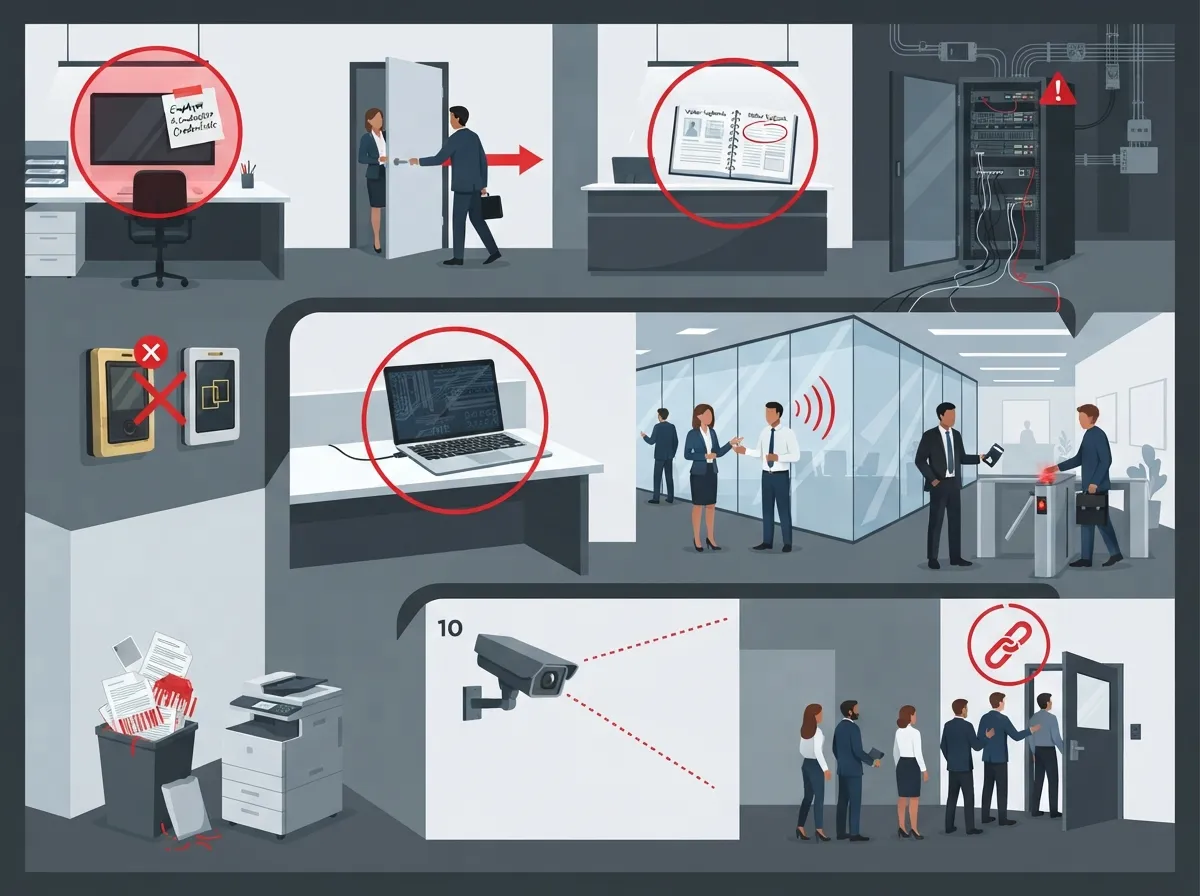
The 11 Mistakes That Trip Up Businesses
1. Buying Hardware Before Mapping Your Doors
It’s tempting to pick a shiny reader and call it a day. But skipping the planning step often leads to missing doors, wrong lock types, and surprise costs later.
Before you buy anything, walk your building and make a simple list:
- Mark every door, gate, and restricted room.
- Note who needs access to each one, such as staff, vendors, or cleaners.
- Decide which doors need extra protection, like server rooms or supply closets.
- Record door type, frame material, and nearby network or power access.
This simple map saves time and money. It also helps your installer quote accurately. For a deeper look, see How to Choose Access Control Systems for Tampa Businesses.
2. Ignoring Your Network and Cabling
Access control devices are small computers on your network. If your cabling is old, messy, or overloaded, doors can lag or fail to respond. Nobody enjoys standing outside a locked door while a reader thinks it over.
Good structured cabling gives every reader and controller a steady, organized connection. It also makes future upgrades far easier. Our guide to Professional Structured Cabling Services for Tampa Businesses explains what a solid foundation looks like.
3. Skipping a Plan for Power and Internet Outages
What happens to your doors when the power blinks or the internet drops? Many owners never ask until it happens. That’s a mistake, because every door needs a clear outage behavior.
Two terms are worth knowing:
- Fail-safe: the door unlocks when power is lost, which helps people exit quickly
- Fail-secure: the door stays locked when power is lost, which protects the space
The right choice depends on the door and on life-safety rules. A qualified integrator can help you choose. Also ask about battery backup and whether readers can keep working offline. You can learn more about staying connected in How to Keep Security Cameras Working During Internet Outages, since many of the same ideas apply to doors.
4. Forgetting About Life-Safety Requirements
Security is important, but people must always be able to leave safely. Fire codes and local rules shape how doors can lock, how exits work, and what happens during an alarm.
Never guess here. Work with a professional who understands door hardware and local requirements. They can check wiring, lock choices, and emergency release behavior. This one detail protects your team, your visitors, and your business.
5. Treating Cloud as a Magic Fix
Cloud access control is popular for good reason. It lets you manage doors from anywhere, update software automatically, and oversee several sites in one place. According to the ASSA ABLOY Wireless Access Control Report 2025, 54% of surveyed respondents used cloud-based access management. That’s a lot of businesses getting comfortable with the cloud.
But cloud isn’t automatically right for everyone. Ask yourself:
- How much does the system depend on the internet?
- What happens at the door if the connection drops?
- Where is your data stored?
- What are the monthly or per-user costs?
Here’s a quick comparison to help you think it through:
| Feature | Cloud Access Control | On-Premises Access Control |
|---|---|---|
| Remote management | Easy from any device | Often limited or needs extra setup |
| Software updates | Usually automatic | Manual updates by your team or installer |
| Multi-site control | Centralized | Can be complex |
| Internet dependency | Higher; plan for offline mode | Lower for daily door decisions |
| Cost pattern | Recurring subscription | Larger upfront cost |
Many businesses choose a hybrid design that blends both. For more, read Cloud vs. On-Premise Access Control: Tampa’s Best Pick?
6. Leaving Cybersecurity Out of the Conversation
Here’s something many people miss: an access control system is also an IT system. An internet-connected system is not secure by default. It needs care, just like your computers and phones.
Build these habits into your setup:
- Use strong, unique passwords and multi-factor sign-in for administrators.
- Choose products that support encrypted communications.
- Keep firmware and software updated.
- Place access control devices on a separate network segment.
- Turn on logging and review it regularly.
- Keep backups and write down a simple response plan.
If you’re weighing different security approaches, our article on Cloud Security vs. Traditional Network Security: Which Wins? offers helpful context.
7. Never Cleaning Up User Permissions
This is the “old key card” problem. People change roles, leave the company, or finish a contract, but their access stays active for months. It’s one of the most common and easiest-to-fix security gaps.
Try this simple routine:
- Set up user roles, such as staff, manager, vendor, and visitor.
- Give each role access only to the doors it truly needs.
- Remove access the same day someone leaves.
- Review the full user list every quarter.
Cloud systems make this much easier, because you can disable a credential from your phone. Learn more in 10 Cloud Access Control Benefits Every Business Should Know.
8. Overlooking Mobile Credentials
Plastic cards get lost, shared, and forgotten at home. Smartphones, on the other hand, travel with your team everywhere. Mobile credentials are becoming a go-to option. In the ASSA ABLOY report, 17% of surveyed organizations reported fully mobile access solutions, up from 5% in 2023. Separately, HID’s 2025 State of Security and Identity Report found that 61% of surveyed security leaders named mobile credentials a top trend.
That doesn’t mean everyone must switch overnight. Some teams like a mix of cards and phones. The key is picking a system that supports both, so you can grow at your own pace. Compare your options in Mobile vs. Traditional Access Control: Which Wins for Tampa?
9. Not Connecting Access Control to Your Other Telecom Tools
One of the best parts of modern systems is how well they work together. When your doors, phones, and cameras connect, daily life gets smoother.
Here are a few real-world examples, though exact features depend on compatible products and setup:
- A visitor presses an IP video intercom, and your receptionist answers on a VoIP phone.
- The receptionist confirms who it is and releases the door remotely.
- A door event can point your team to the matching camera clip.
This kind of teamwork only happens when systems are chosen to be compatible. Our overview of What Do Security Cameras Really Do for Your Business? shows how video adds a helpful layer, and phone integration brings the front desk into the picture. For phones specifically, see Which Cloud-Based Phone System Is Best for Tampa Businesses?
10. Picking a System That Won’t Grow With You
Your business today may not be your business in three years. Maybe you’ll add a second location, hire a bigger team, or move into a larger space. A system that can’t scale forces you to start over.
For franchise operators and growing companies, look for features like central dashboards, easy user imports, and support for adding doors and sites without a full rebuild. Read Scalable Access Control Systems for Multi-Location Tampa Businesses for ideas on planning ahead.
11. Working With Too Many Vendors
Here’s a mistake that sneaks up quietly. One company installs the doors, another handles the internet, a third manages the phones, and a fourth supplies the cabling. When something breaks, everyone points at someone else.
A single point of contact keeps things simple. Ideal Solutions Provider has spent over 24 years helping Tampa-based and nationwide businesses with phones, internet, cabling, networking, cloud video security, and cloud access control. Because they work with 35+ vetted suppliers, they can recommend solutions based on what fits your needs, not a sales quota. Curious why that matters? Read 11 Reasons to Use One Telecom Partner in Tampa FL.
A Quick Planning Checklist
Before you sign anything, run through this short list. It pulls together the lessons above into one easy page.
| Planning Step | What to Confirm |
|---|---|
| Door map | All doors listed, with user roles defined |
| Network | Cabling, switches, and PoE ready for new devices |
| Outage plan | Fail-safe or fail-secure chosen; battery backup in place |
| Life safety | Exit and emergency rules checked by a professional |
| Cybersecurity | Admin controls, updates, segmentation, and logging planned |
| Integrations | Compatibility with phones, intercoms, and cameras confirmed |
| Growth | Easy to add doors, users, and sites later |
Notice how many of these items involve telecom and networking, not just locks. That’s why choosing a partner who understands both worlds is so valuable.
What About Costs and Market Trends?
It’s natural to wonder if you’re making a smart investment. The wider market is growing. Fortune Business Insights estimated the global access control market at USD 11.62 billion in 2025, with a projection of USD 26.22 billion by 2034. Keep in mind that this is a third-party forecast and covers the whole industry, not telecom alone.
The ASSA ABLOY 2025 report also shows that 42% of surveyed organizations had deployed wireless locks, up from 39% in 2023. Interestingly, the share planning to adopt mobile credentials in the next two years dropped from 39% to 26%. That likely points to a maturing market rather than fading interest, since more organizations have already made the move.
What does this mean for you? These tools are well-proven and widely used. The real win comes from planning carefully, choosing compatible products, and getting the install done right. Surveys also stress integration, reliability, and showing a clear return on investment, so keep those three goals in mind.
Who Benefits Most From Getting This Right?
Different teams feel the payoff in different ways:
- Small business owners: fewer lost keys and less worry about who has access
- Office managers: quick user changes and smoother visitor handling
- IT managers: cleaner networks, clear logs, and one partner to call
- Mid-sized enterprises: central control over many doors and departments
- Franchise operators: the same setup across Tampa Bay and nationwide sites
If you’re ready to explore options, our friendly overview of cloud based access control is a great next stop. You can also dig into Why Do Tampa Businesses Need Commercial Access Control? for more local context.
Wrapping Up: Smarter Doors, Calmer Days
Great business access control systems aren’t about fancy gadgets. They’re about knowing who can go where, keeping things running during hiccups, and making sure your phones, internet, cabling, cameras, and doors all play nicely together. Avoid these 11 mistakes, and you’ll be miles ahead of many businesses.
You don’t have to figure it all out alone. Ideal Solutions Provider offers free consultations to review your current setup and spot ways to improve security and save money. Ready to chat? Contact us today, or call us to talk with a friendly expert. You can also see what we’re up to on YouTube and keep up with local tips on Facebook.
FAQs
Q: What is a business access control system, and how does it work?
A: It’s a setup that manages who can enter your building or restricted rooms using cards, PINs, mobile phones, or biometrics. Readers send credential data to a controller, which checks permissions and tells the lock to open or stay shut. Management software lets you add users, set schedules, and review activity.
Q: Can employees use smartphones instead of access cards?
A: Yes, many modern systems support mobile credentials, so staff can tap or wave their phones at the reader. Plenty of businesses keep a mix of cards and phones while they transition. Just confirm that your chosen readers and software support both.
Q: How can access control work with VoIP phones and IP video intercoms?
A: With compatible products, a visitor can call your receptionist from an intercom, and the receptionist can see them and release the door remotely. Exact features depend on your equipment and setup. A good integrator will confirm compatibility before installation.
Q: How do access control systems handle internet or power outages?
A: It depends on how the system is designed. Many controllers keep making door decisions offline, and battery backup can keep locks working during a power loss. You’ll also choose fail-safe or fail-secure behavior for each door, so plan this early with a qualified installer.
Q: What should I look for when choosing an access control provider?
A: Look for a partner who understands networking, cabling, and telecom, not just locks. Ask about life-safety checks, cybersecurity practices, integrations, and long-term support. A single point of contact, like Ideal Solutions Provider, keeps everything simpler when you need help.





