
Key Takeaways
-
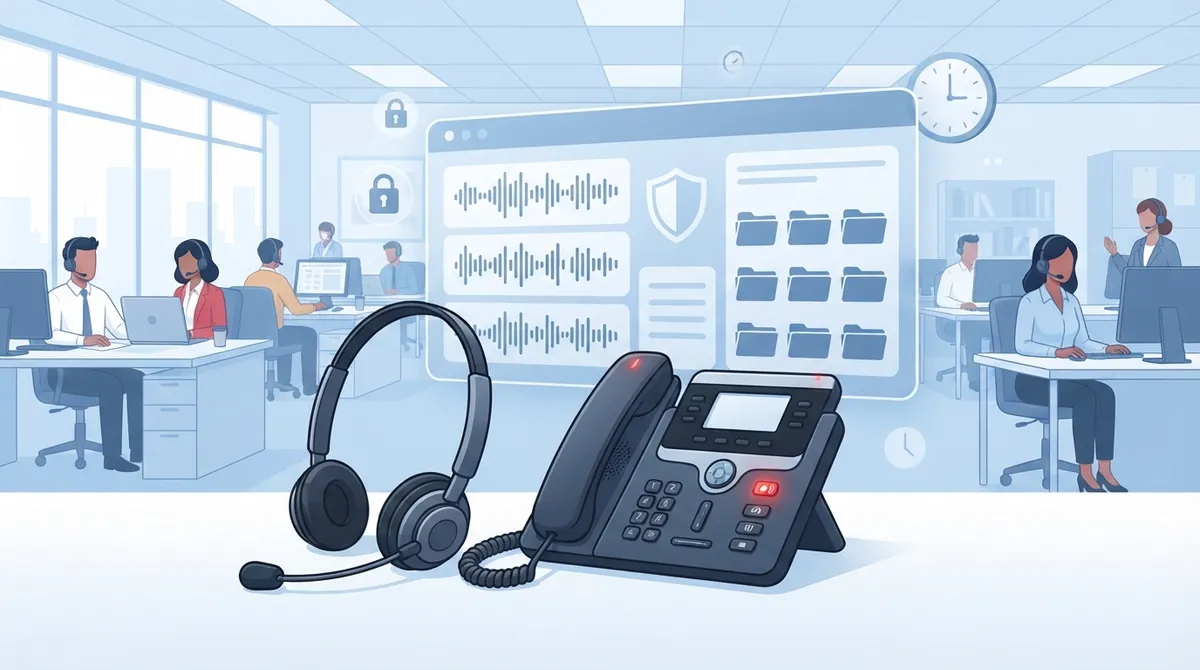
Automatic recording captures every call without manual effort, which suits support desks and sales floors where consistency matters, while on-demand recording saves storage but depends on staff remembering to start it.
-
Play a clear consent notice at the start of calls and use pause-and-resume for payment or private details, since US recording laws vary by state and may require all parties to agree.
-
Set role-based access controls and auto-deletion retention rules so only authorized staff can hear recordings and files are removed on schedule, limiting privacy and storage risks.
-
Prioritize searchable call logs with filters for date, caller, agent, and queue, plus audit logs that show who accessed or downloaded each recording.
-
Ask vendors whether recording is included or an add-on, and request storage limits, transcription costs, and export options before comparing quotes.
-
Request a demo using real call scenarios and real search tests to verify transcription accuracy and coverage across inbound, outbound, transferred, and mobile calls.
Ever wished you could replay a phone call to settle a “he said, she said” moment? You’re not alone. Whether you run a small shop in Tampa or manage a dozen franchise locations, a phone system with call recording can turn everyday conversations into a useful business tool. You can coach your team, resolve disputes, and keep better records, all without taking notes while someone is talking.
But here’s the thing: not every recording setup is built the same. Some systems record everything automatically. Others let you pick and choose. Some come with search tools and transcripts, and others are just a basic audio file sitting somewhere. Add in privacy rules and security needs, and the choices can feel overwhelming.
That’s why we put together this friendly guide. Below, you’ll find 12 features worth looking for, plus tips on legal basics, storage, and cost. Think of it as a checklist you can bring to your next vendor conversation. Let’s dive in!
What Is a Phone System With Call Recording?
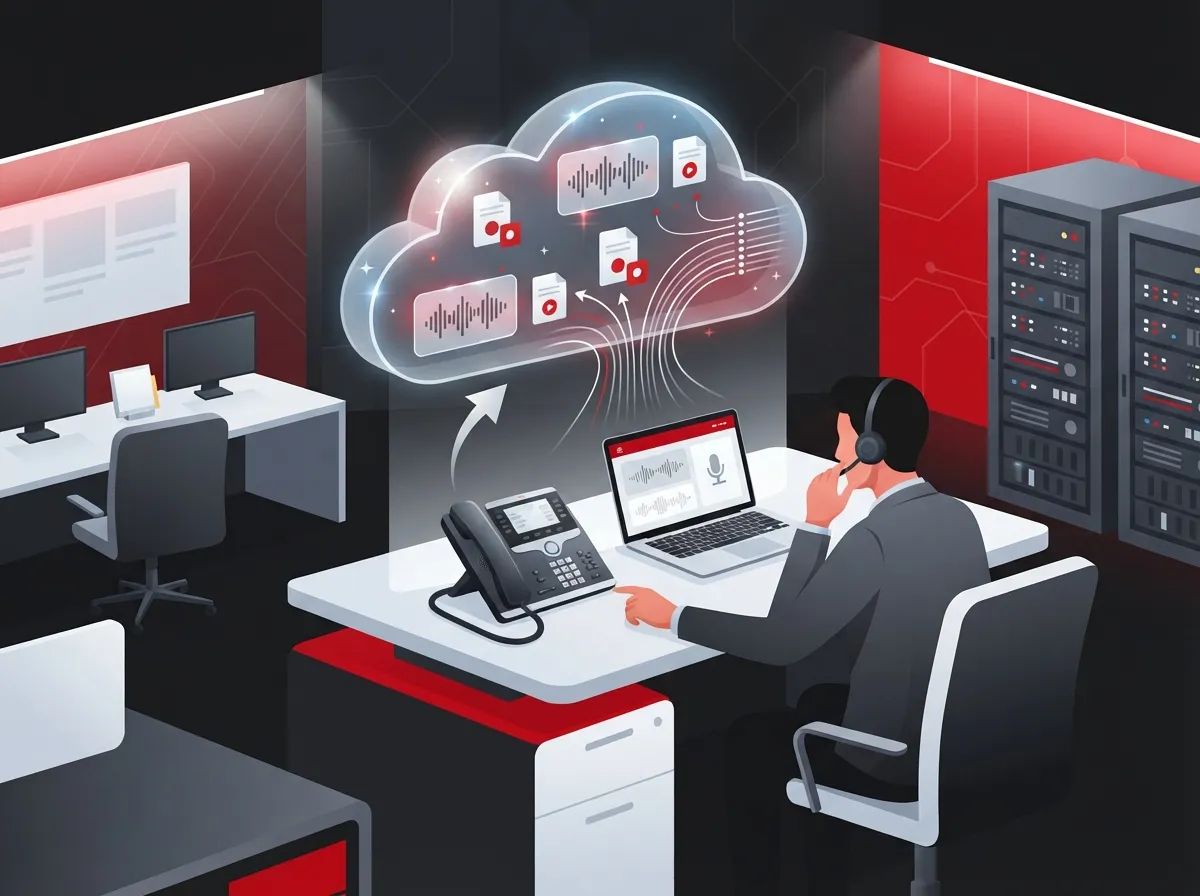
A business phone system with call recording captures inbound and outbound conversations as digital audio. Most of the time, this happens inside a cloud or VoIP platform. Once a call ends, the recording is saved so authorized people can replay it later.
Teams use recordings for quality checks, staff coaching, dispute resolution, and documentation. Cloud systems usually attach details to each recording, like the date, time, caller ID, agent, queue, and call length. That makes finding the right call much easier.
If you’re still deciding what kind of system fits your company, our guide on which is the best business phone system for your company is a great place to start.
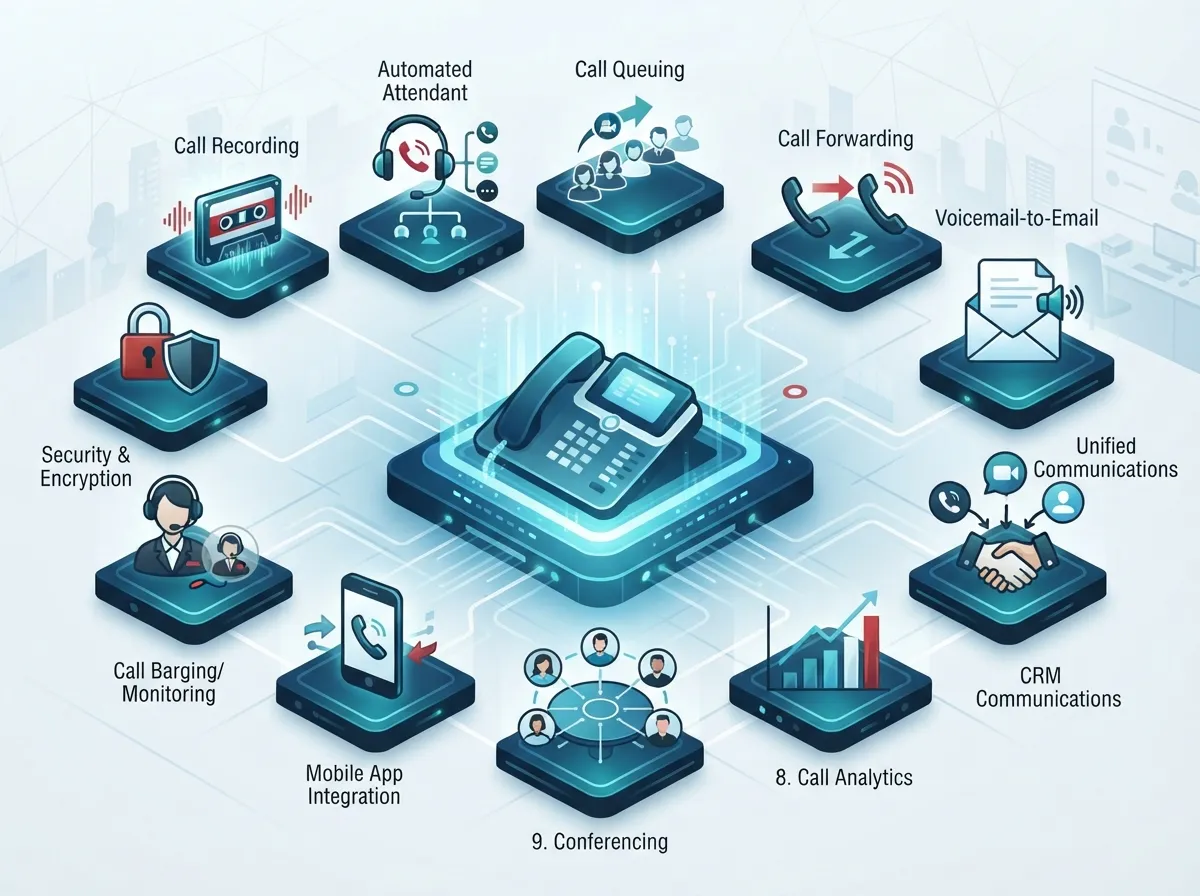
12 Features to Look for in a Phone System With Call Recording
1. Automatic Recording for All Calls
Some businesses want every call captured with no extra clicks. Automatic recording does exactly that. It’s ideal for sales floors, support desks, and any team where consistency matters. Nobody has to remember to press a button, so you never miss the one call that matters most.
2. On-Demand and Selective Recording
Not every call needs to be saved. On-demand recording lets an authorized user start and stop capture during a call. This works well for offices that only need records of certain conversations, like order confirmations or complaint calls. It also helps limit how much data you store.
3. Recording Announcements and Consent Messages
A good system can play a short message at the start of a call, such as “This call may be recorded for quality and training.” This is a simple way to give clear notice before recording begins. It’s friendly, professional, and a smart step toward handling consent the right way.
4. Pause and Resume for Sensitive Information
Sometimes a caller needs to share payment details or other private information. Pause and resume lets the agent stop recording for that moment, then start again. This helps keep sensitive data out of your saved files, which supports your security habits.
5. Role-Based Access Controls
Not everyone in your company needs to hear every call. Role-based access lets you decide who can listen, download, or delete recordings. A manager might access their team’s calls, while the owner sees everything. Limiting access is one of the easiest ways to protect privacy.
6. Searchable Call Logs and Metadata
Imagine trying to find one call out of thousands. Without good search, that’s a nightmare! Look for a system that lets you filter by date, caller number, agent, queue, or duration. Strong search saves hours and makes recordings actually useful instead of just stored.
7. Retention Settings and Auto-Deletion
How long should you keep recordings? That depends on your industry, your policies, and your legal advice. A flexible system lets you set retention periods and delete files automatically when they expire. This keeps storage tidy and helps you follow your own rules.
8. Audit Logs
Audit logs show who listened to, downloaded, or removed a recording and when. They add accountability and make it easier to prove that your team follows its own policies. If you ever need to review how recordings were handled, an audit trail is gold.
9. Transcription and Keyword Search
Some platforms turn recordings into text, then let you search for keywords. That means you can quickly find every call that mentions a product name, a complaint, or a promise made to a customer. Availability and accuracy vary by provider and plan, so ask for a demo using real-world audio.
10. CRM and Contact Center Integrations
When recordings connect to your customer records, your team gets the full story in one place. Many platforms offer integrations with customer relationship management and contact-center tools. Check which ones your provider supports before you commit, since options differ from plan to plan.
11. Secure Storage and Easy Export
Recordings are only helpful if they’re safe and accessible. Ask where files are stored, how much storage is included, and how you can export them if you switch providers or need a copy for a records request. Encryption, backups, and clear limits are all good signs.
12. Full Coverage Across Users and Devices
Make sure the system records what you actually need. That includes inbound and outbound calls, queues, transferred calls, and mobile users. A system that misses a key group of callers leaves gaps in your records. Our article on 12 VoIP phone system features every business needs in 2026 covers other must-haves that pair nicely with recording.
Quick Comparison: Recording Styles at a Glance
| Recording Style | How It Works | Best For | Things to Consider |
|---|---|---|---|
| Automatic (all calls) | Every call is captured by default | Support teams, sales floors, regulated workflows | Uses more storage; needs clear retention rules |
| On-demand | User starts and stops recording | Small offices, occasional documentation | Relies on people remembering to record |
| Selective by rule | Only certain users, queues, or numbers are recorded | Mixed teams with different needs | Needs careful setup and testing |
| Pause and resume | Recording stops during sensitive moments | Calls with payment or private details | Agents need training to use it correctly |
Is It Legal to Record Business Phone Calls?
This is the question everyone asks, and it’s a smart one. In the United States, recording rules vary by state and can depend on where each person on the call is located. Federal law generally follows a one-party consent baseline, but some states require everyone on the call to agree.
The Federal Communications Commission notes that state laws may prohibit recording and encourages people to check the rules that apply to them. You can read the FCC’s guide on recording telephone conversations for a helpful overview.
Here’s a simple approach many businesses take, especially when calls cross state lines:
- Play a clear notice before recording begins.
- Obtain consent where it’s required.
- Make sure your system can stop recording when needed.
- Document your settings and written procedures.
- Ask a qualified attorney for advice based on your location and industry.
We’re a telecom partner, not a law firm, so please treat this as general information rather than legal advice.
Security, Privacy, and Retention Basics
Recording calls creates a new responsibility: you’re now holding conversations that may include names, addresses, account details, or even payment or health information. A few good habits go a long way:
- Limit access: Only give recording access to people who truly need it.
- Define retention rules: Decide how long each type of recording is kept, then delete on schedule.
- Protect stored files: Choose a platform with encryption and strong login security.
- Watch for sensitive data: Review whether recordings might contain payment-card, health, or other private details.
- Train your team: Make sure staff know when to pause recording and how to give notice.
Your phone system doesn’t live in a vacuum, either. Strong internet and network setup help calls stay clear and reliable. If you’re curious about the bigger picture, see whether VoIP is reliable for business and how a solid foundation helps.
What About Cost?
Pricing for a phone system with call recording varies quite a bit. Some providers include basic recording in standard plans. Others sell it as an add-on or reserve advanced features like transcription and analytics for higher tiers. Storage limits can also change the total price.
When comparing quotes, ask these questions:
- Is recording included, or is it an add-on?
- How much storage do we get, and what happens when it fills up?
- Are transcription and search extra?
- What integrations are included?
- What are the support terms and uptime commitments?
For a deeper look at the numbers, check out our breakdown of 9 costs behind how much a business phone system costs.
Which Teams Benefit Most?
Call recording isn’t just for big call centers. Here’s how different groups can use it:
- Small business owners: Confirm orders, settle disagreements, and coach new hires without hovering over their shoulders.
- Office managers: Keep better records and handle customer complaints with facts instead of guesses.
- IT managers: Control access, retention, and storage in one place.
- Mid-sized enterprises: Support quality assurance across departments and locations.
- Franchise operators: Keep service consistent across many sites with shared policies.
Teams that handle lots of customer calls may also want to explore call center software options in Tampa, which often pair recording with queues and reporting.
How to Choose the Right System: A Simple Checklist
Ready to shop? Use this step-by-step list to keep things organized:
- List your goals. Do you want coaching, compliance support, dispute resolution, or all three?
- Map your callers. Think about inbound, outbound, queues, transfers, and mobile staff.
- Pick a recording style. Automatic, on-demand, or rule-based, whichever fits your workflow.
- Review security needs. Decide who gets access and how long files are kept.
- Check integrations. Confirm it works with the tools your team already uses.
- Test it. Ask for a demo with real calls and real search scenarios.
- Compare total cost. Include add-ons, storage, and support.
Wondering about the difference between cloud and traditional setups? Our comparison of hosted vs. on-premises business phone systems can help you weigh the tradeoffs.
Why Work With a Telecom Partner?
Comparing providers on your own can feel like a second job. Features, storage rules, and pricing differ from one plan to the next, and the fine print matters. That’s where Ideal Solutions Provider comes in. As a Tampa-based telecom and IT partner with over 24 years of experience, the team compares options across 35+ vetted suppliers and acts as your single point of contact, from consultation and installation to ongoing support.
It also helps that phones don’t work alone. Reliable business high speed internet services and clean structured cabling services keep call quality steady, which means your recordings are clear and easy to understand. You can see more about the company’s cloud options on the cloud based phone systems page, and learn more about the team on the about Ideal Solutions Provider page.
If you want to understand the technology behind these systems, the basics of how an Internet Service Provider delivers your connection are worth knowing, since your phone service rides on that connection. And if you’re planning new office wiring alongside your phone upgrade, this overview of structured cabling explains why it matters.
Final Thoughts and Next Steps
A phone system with call recording can do a lot more than store audio. With the right features, it helps you train your team, protect your business, and serve customers better. Focus on coverage, consent tools, access controls, retention settings, and secure storage, and you’ll be well on your way to a setup that fits.
Remember to keep legal and privacy needs in mind, and don’t be shy about asking vendors hard questions. A good partner will welcome them!
Ready to find the right fit for your team? Contact us for a free consultation, or call us to talk through your options. We’d love to help you hear every detail that matters.
FAQs
Q: Is it legal for a business to record customer phone calls?
A: It depends on where you and your callers are located. Federal law generally follows a one-party consent baseline, but some states require everyone on the call to agree. The FCC advises checking your state’s rules, so it’s a good idea to talk with a qualified attorney.
Q: Can a business phone system automatically record every call?
A: Yes! Many cloud and VoIP systems offer automatic recording for all calls. You can also choose on-demand or rule-based recording if you only want certain calls saved. Just remember to pair automatic recording with clear notice and retention rules.
Q: How long should a business keep recorded calls?
A: There’s no one-size-fits-all answer. The right time frame depends on your industry, internal policies, and legal advice. A system with retention settings and auto-deletion makes it easy to follow whatever schedule you choose.
Q: What features should I look for in a call recording system?
A: Look for coverage across inbound, outbound, queues, and mobile users, plus access controls, search, retention settings, and secure storage. Extras like transcription and CRM integrations can be handy too. Always ask whether recording is included or sold as an add-on.
Q: How much does a phone system with call recording cost?
A: Costs vary by provider, plan, and storage needs. Recording may be included in some plans and priced as an add-on in others. Ask for a full quote that covers storage, transcription, integrations, and support so you can compare apples to apples.





