
Key Takeaways
-
Register every remote worker's home address for 911 before they start, and require them to update it whenever they change work locations, since outdated addresses can send responders to the wrong place.
-
Remote workers can take calls on their personal phones through a business phone app, so callers see the company number and caller ID while personal numbers stay private.
-
Map your current call flows first: document who answers calls, where they route next, and where calls get stuck before you choose a system or plan.
-
Test call quality and failover before going live, including what happens when internet connections drop, because VoIP calls can be affected by outages and overloaded connections.
-
Prioritize security questions about encryption, strong logins, admin permissions, audit logs, and how quickly you can cut off access to a lost device.
-
Choose a plan based on features, support, and internet readiness rather than price alone, and provide remote staff with a wired Ethernet option, a quality headset, and a quiet place to take calls.
Picture this: your sales rep is answering a customer call from her kitchen table, your office manager is transferring a call to a teammate across town, and your owner is checking voicemail on his phone at the airport. Nobody misses a beat, and every caller still hears your professional business greeting. That is the promise of a remote work phone system done right.
But here is the honest truth: not every setup delivers that smooth experience. Some businesses end up with dropped calls, confusing forwarding rules, or security gaps they never saw coming. The good news? Most of those problems are easy to avoid when you know what to look for.
In this friendly guide, we will walk through what a remote work phone system is, which features matter most, how to handle tricky topics like 911 and security, and how to roll everything out without the headaches. Whether you run a small Tampa shop or manage multiple franchise locations, you will leave with a clear plan.
What Is a Remote Work Phone System?
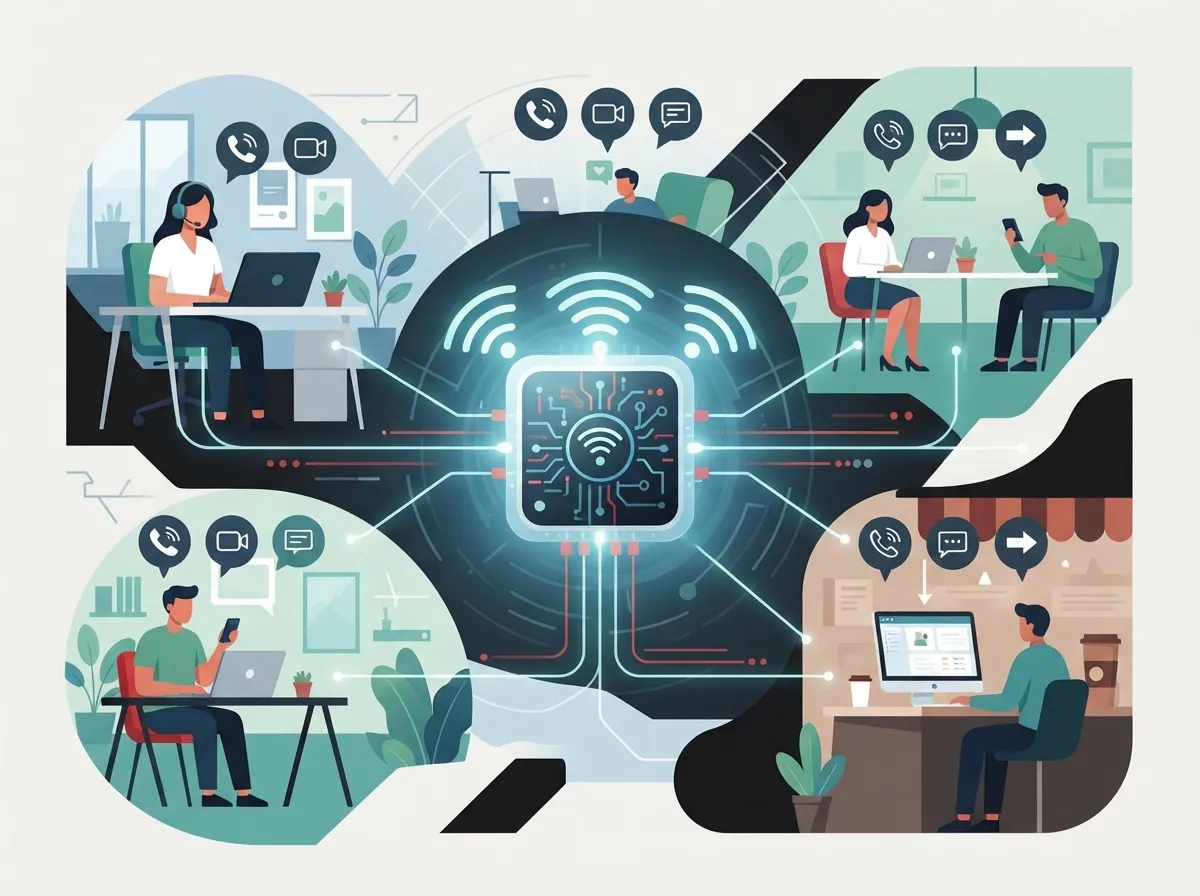
A remote work phone system is a business communications service that lets employees make and receive company calls from anywhere. It is usually cloud-based and runs over the internet. You may hear it called VoIP, UCaaS, or cloud PBX. They all describe a similar idea: your phone system lives in the cloud instead of in a closet at the office.
Employees can use a desk phone, a computer app, or a mobile app. Each person keeps their business number and extension, no matter where they sit. Callers never need to know whether someone is at the office, at home, or on the road.
If you want a deeper look at the basics, our guide on what a cloud phone system is and whether it is right for you is a great starting point.
Why Remote and Hybrid Work Still Shape Phone Planning
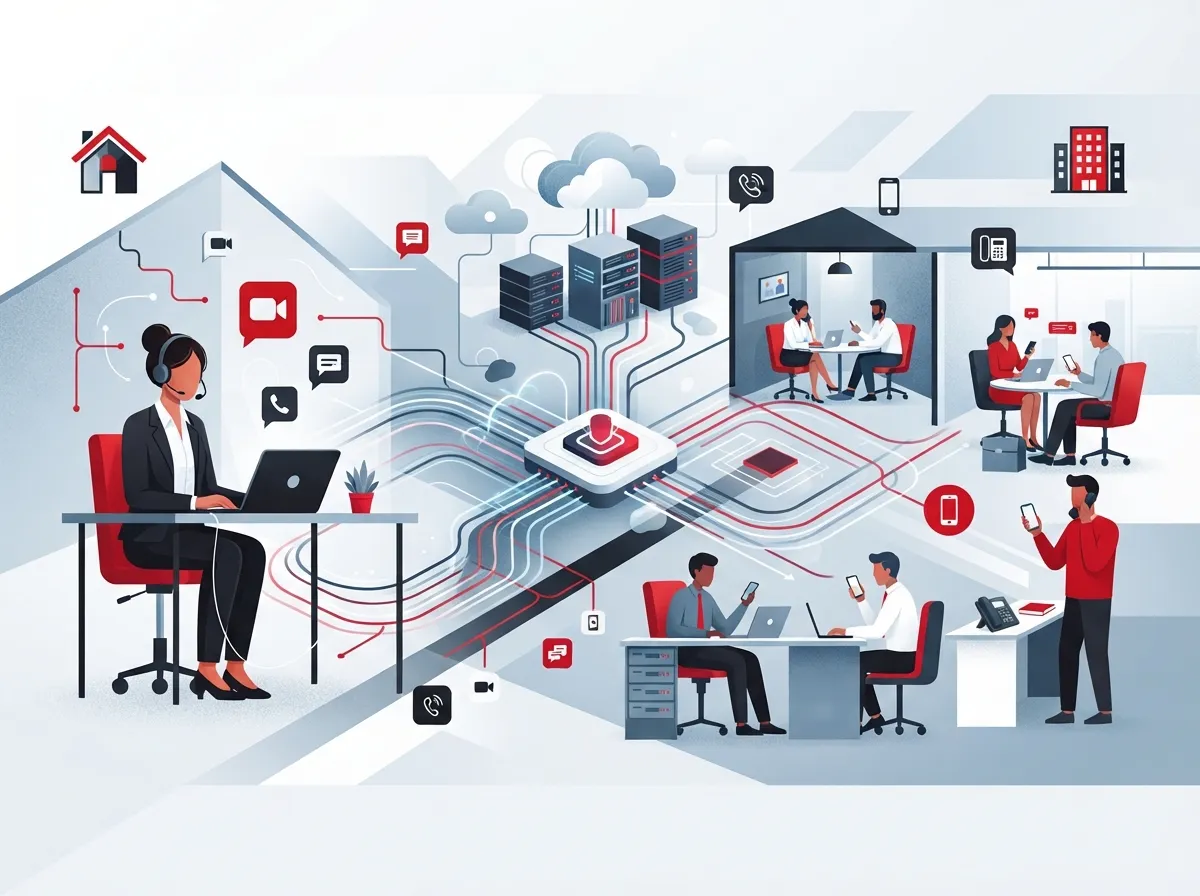
Work arrangements keep shifting, but flexibility is here to stay. Gallup reported that 51% of U.S. remote-capable employees worked in a hybrid model in the second quarter of 2025. That survey covered 17,660 U.S. adults working for organizations. Meanwhile, Cisco’s 2025 global hybrid work study found that hybrid arrangements among respondents declined from 62% in 2022 to 45% in 2025.
What does that mean for you? Work patterns vary a lot from company to company. Some teams are fully remote. Others come in three days a week. Many change from season to season.
That is why your phone system should flex with your people. A good one supports remote staff, office staff, and everyone in between without needing separate setups.
Remote Work Phone System vs. Traditional Phone Lines
Traditional phone systems tie your calls to a physical location. Cloud systems tie them to people. That single difference changes everything about how remote teams work.
| Feature | Traditional Phone System | Cloud-Based Remote Work Phone System |
|---|---|---|
| Where calls ring | Desk phones at the office | Desk phone, computer, or mobile app |
| Adding a remote user | Often needs new hardware or lines | Usually a quick software setup |
| Call routing | Limited, often manual | Flexible, rules-based routing |
| Administration | On-site changes | Centralized online portal |
| Scaling up or down | Slower and costlier | Typically simpler to adjust |
Features and costs vary by provider and plan, so always confirm details before you sign. For a side-by-side look, check out these 6 key differences between VoIP and traditional phone systems.
Must-Have Features for a Remote Work Phone System
Features can feel overwhelming, so let us keep it simple. Here are the ones that tend to matter most for remote and hybrid teams:
- Business numbers and extensions: Every employee keeps a professional identity, wherever they work.
- Call forwarding and routing: Send calls to the right person or device automatically.
- Auto attendant: A friendly digital greeter that directs callers to the right team.
- Voicemail-to-email or transcription: Read or listen to messages without being tied to a desk.
- Call queues: Keep busy lines organized so callers are not left hanging.
- Conferencing and presence: See who is available and jump into group calls fast.
- Centralized administration: Manage users, numbers, and settings from one dashboard.
Keep in mind that available features differ by provider and plan. Our list of 12 VoIP phone system features every business needs in 2026 can help you build your checklist.
VoIP, UCaaS, and Cloud PBX: What Is the Difference?
These terms get tossed around a lot, and it is easy to mix them up. Here is a quick, plain-English breakdown:
- VoIP means voice over internet protocol. It is the technology that carries your calls over an internet connection.
- Cloud PBX is a hosted business phone system. It handles extensions, call routing, and auto attendants for you.
- UCaaS stands for unified communications as a service. It bundles calling with messaging, video meetings, and collaboration tools.
Most remote teams do well with either a solid cloud PBX or a full UCaaS platform. The right pick depends on how much you want to combine calling, chat, and video in one place. If you are weighing that choice, see how to choose unified communications as a service in 2026.
Can Employees Use Their Personal Phones?
Yes, in many setups they can. Most cloud phone providers offer a mobile app that lets employees make and receive calls using the business number. The call shows your company’s caller ID, not the employee’s personal cell number. Their private number stays private.
This is a big win for field staff, sales teams, and anyone who travels. It also helps small businesses save on extra hardware.
That said, it is smart to set a clear policy. Decide who can use personal devices and what happens when someone leaves the company. Because the number belongs to the business, you can reassign it at any time.
How 911 Works With a Remote Work Phone System
This is the topic many businesses overlook, so let us give it some friendly attention. Emergency calling works differently with internet-based phones than with old-fashioned landlines.
The FCC says interconnected VoIP providers must provide 911 service and obtain location information as required by applicable rules. Remote users, though, may need to update their registered location when they move. If an employee works from a new address and forgets to update it, responders could be sent to the wrong place.
The FCC also warns that VoIP emergency calling can be affected by power outages, internet failures, or overloaded connections. To stay safe, follow these steps:
- Ask your provider exactly how 911 works on each device type.
- Have every remote worker register their home address before they start.
- Remind staff to update their location whenever they change work spots.
- Make sure employees know about possible outage limits and keep a backup option, like a mobile phone.
Review the FCC’s guide to VoIP and 911 service for the official details. It only takes a few minutes, and it could matter a great deal.
Security and Administration for Remote Phone Users
When people work from many places, security deserves a seat at the table. You do not need to be a cybersecurity expert, but you should ask smart questions. Specific protections vary by vendor and configuration, so look for answers on topics like these:
- Encryption: Is call data protected as it travels?
- Identity and access management: Can you require strong logins for every user?
- Administrator permissions: Can you limit who can change settings?
- Audit capabilities: Can you see who changed what, and when?
- Lost device policies: Can you quickly cut off access if a phone or laptop goes missing?
These questions also tie into your wider network protection. If you want to explore that side, read how to choose a data security service for business telecom.
Internet, Headsets, and Home Setup Basics
Even the best phone system needs a steady internet connection. Call quality depends on the connection your employees actually use, so a little prep goes a long way.
Here is a simple home setup checklist to share with your team:
- A reliable broadband connection with steady performance
- A quality headset with a good microphone
- A wired Ethernet connection when possible, instead of weak Wi-Fi
- A quiet spot to take calls
- A router that is not buried behind a pile of laundry
Back at the office, a strong foundation matters just as much. Quality wiring keeps calls clear for your in-house staff. Learn more about what structured cabling is for your business network, and see what internet speed you need for VoIP.
A Simple Rollout Plan for Your Remote Work Phone System
A smooth launch comes down to good planning. Here is a practical roadmap you can follow:
- Map your call flows. Write down how calls move today. Who answers first? Where do they go next? Where do they get stuck?
- Plan your number porting. Decide which existing numbers you want to keep. Our guide on keeping your phone number when switching to VoIP walks through it.
- Choose devices and headsets. Decide who gets a desk phone, who uses an app, and who needs a headset.
- Set emergency locations. Register 911 addresses for every office and remote user.
- Test call quality and failover. Make test calls and check what happens if the internet drops.
- Train your team. A short walkthrough saves hours of confusion later.
- Set up support. Know who to call when something goes sideways.
Want a closer look at the process? Here is how VoIP implementation works for your business.
Common Mistakes to Avoid
Even smart teams trip up on a few things. Watch out for these common ones:
- Skipping the 911 location setup for remote workers
- Forgetting to test failover before going live
- Choosing a plan based only on price, not features or support
- Ignoring the need for training
- Underestimating how much internet quality matters
For more cautionary tales, read about 7 cloud phone system mistakes Tampa owners regret.
Who Benefits Most From a Remote Work Phone System?
Nearly every type of business can benefit, but a few stand out:
- Small business owners who want professional calling without managing lots of vendors.
- Mid-sized companies with growing teams spread across locations.
- IT managers who want central control and simple user management.
- Office managers who need reliable setup, maintenance, and support.
- Franchise operators who need a scalable setup across many sites.
Franchise owners in particular will appreciate how easily a cloud system can grow. See 7 multi-location telecom solutions Florida firms need for more ideas.
Getting Expert Help From Start to Finish
You do not have to piece this together alone. Ideal Solutions Provider is a Tampa-based telecom and IT partner with over 24 years of experience. They compare options across 35+ vetted suppliers and act as your single point of contact. That means one friendly team handles consultation, installation, and ongoing support. If you are curious about how that works, take a peek at their cloud based phone systems and see how the right match can simplify your setup.
You can also connect with the team on YouTube for helpful videos. And if you are comparing carriers, it helps to understand what an Internet Service Provider actually does for your voice quality.
Wrapping It Up
A great remote work phone system keeps your team connected, your customers happy, and your business looking polished no matter where people sit. Focus on the essentials: the right features, solid internet, strong security, and a proper 911 setup. Add a thoughtful rollout plan, and you will avoid most of the common headaches.
Remember that work styles will keep changing, so choose a system that can grow and adapt with you. A little planning today saves a lot of stress tomorrow.
Ready to take the next step? Contact us for a free consultation and let our team review your current setup, spot savings, and recommend a phone system that fits your people. Prefer to talk it through? Call us anytime.
FAQs
Q: What is a remote work phone system?
A: It is a cloud-based business phone service, often called VoIP, UCaaS, or cloud PBX. It lets employees make and receive company calls from home, the office, or a mobile device using an internet connection. Everyone keeps their business number no matter where they work.
Q: Can employees use their business number on a personal mobile phone?
A: Yes, in many cases they can. Most cloud phone providers offer a mobile app that uses your business number and caller ID, so personal numbers stay private. Just be sure to set a clear device policy for your team.
Q: How does 911 work with a remote VoIP phone system?
A: The FCC says interconnected VoIP providers must provide 911 service and obtain location information. Remote users may need to update their registered address whenever they move. Power or internet outages can also affect service, so ask your provider about specific limits.
Q: What internet speed and equipment do remote employees need?
A: Employees need a steady broadband connection, a quality headset, and ideally a wired Ethernet link for the best call quality. Connection quality matters more than raw speed alone. Test calls before launch to catch any trouble early.
Q: How can a business keep a remote phone system secure?
A: Look for controls like encryption, strong identity and access management, administrator permissions, audit logs, and lost device policies. Protections vary by vendor and setup, so ask your provider for specifics. Training your team on good habits helps too.





