
Key Takeaways
-
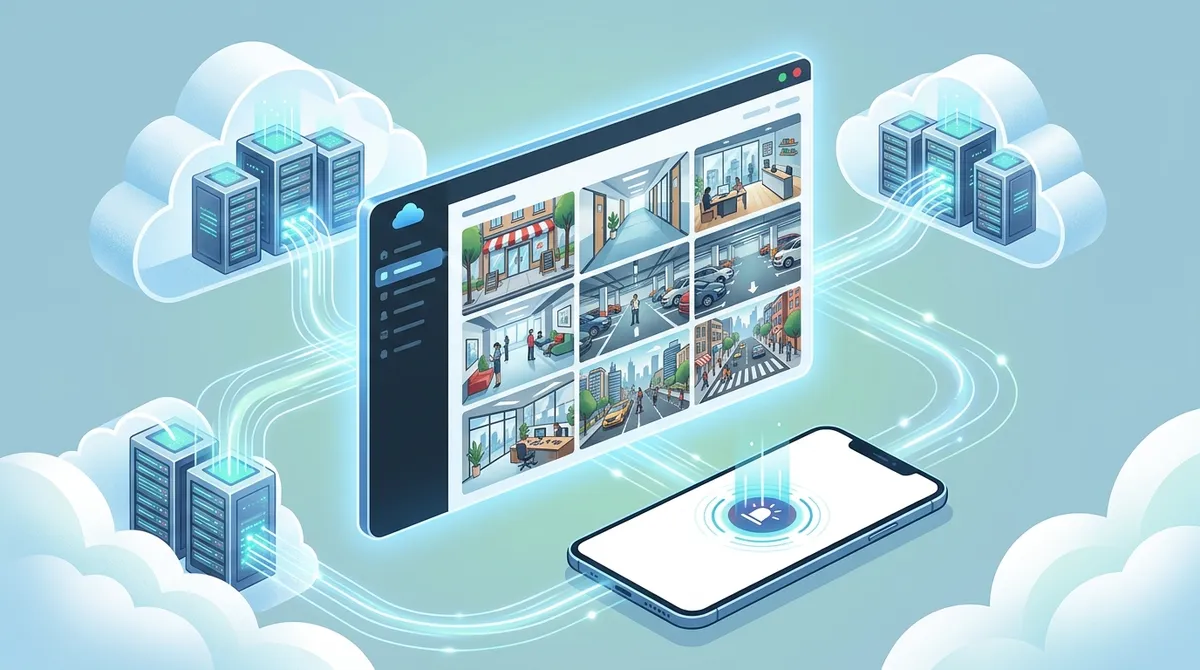
Cloud video security eliminates expensive on-site servers and hardware maintenance, replacing them with predictable monthly subscription costs that include automatic updates and AI features.
-
AI-powered features like contextual detection and talkdown deterrence reduce false alarms and can stop incidents before they escalate, speeding resolution from hours to minutes.
-
Remote monitoring from any device allows multi-location businesses to access live feeds, receive custom alerts, and share footage with law enforcement instantly without site visits.
-
Cloud-stored footage is more secure than local DVR storage due to end-to-end encryption, geo-redundant servers across multiple data centers, and compliance with SOC 2 and ISO standards.
-
Scaling is effortless for growing businesses — add or remove cameras and locations from a single centralized dashboard without hardware replacement or downtime.
-
Ensure your internet connection meets bandwidth requirements (10-25 Mbps for 1-5 cameras, up to 150+ Mbps for 30+ cameras) as inadequate connectivity undermines system performance.
Picture this: you’re on vacation in the Florida Keys, sipping something cold, when you get a ping on your phone. Your Tampa warehouse just flagged unusual motion at 2 a.m. You tap the notification, pull up a live feed, and watch security respond in real time — all from your beach chair. That’s the magic of cloud video security, and in 2026, it’s no longer a luxury reserved for big corporations.
Whether you run a single storefront or manage a dozen franchise locations across Tampa Bay and beyond, cloud-based video surveillance is reshaping how businesses protect their people, property, and assets. It’s smarter, more affordable, and far more flexible than the old DVR-in-a-closet approach. And the best part? You don’t need an IT degree to use it.
Let’s walk through five powerful benefits that are making Tampa businesses absolutely love cloud video security — and why now is the perfect time to make the switch.
What Is Cloud Video Security, Anyway?
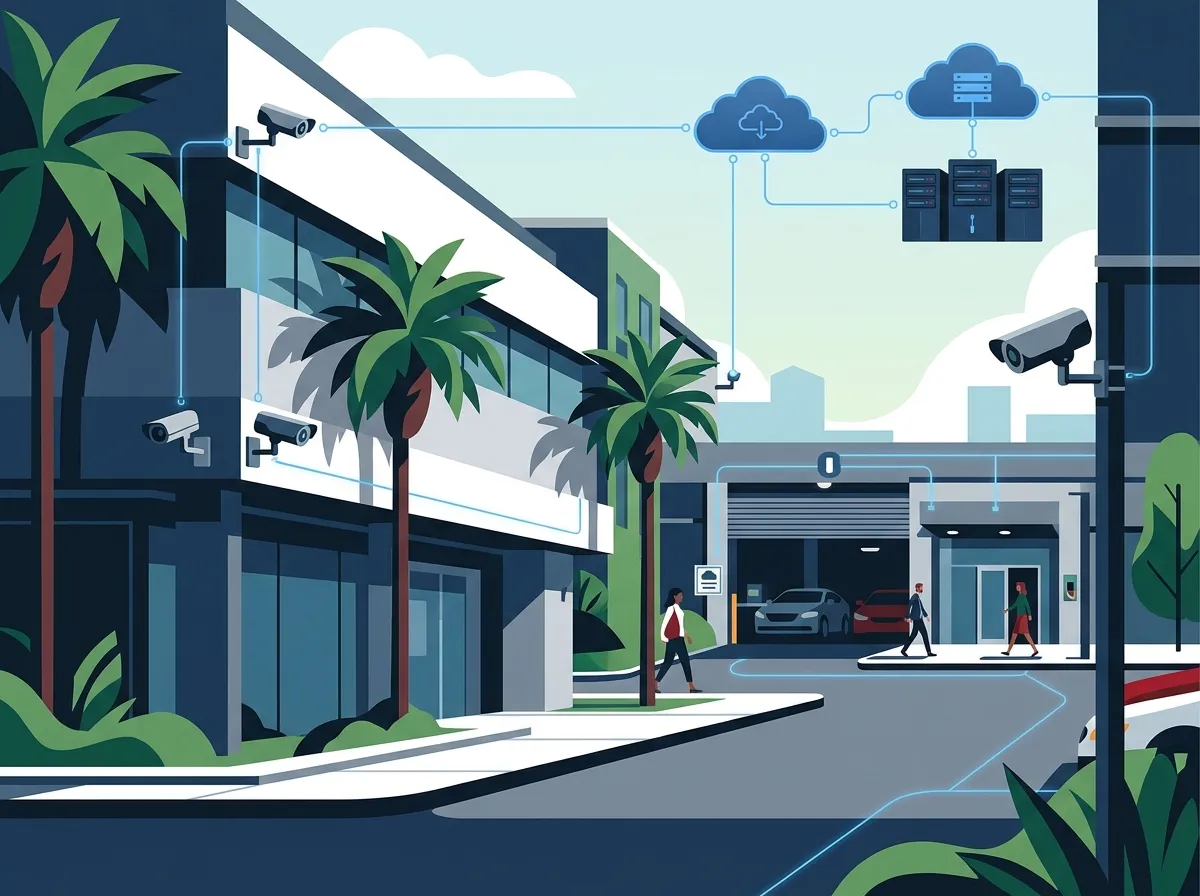
Before we dive into the benefits, let’s get on the same page. Cloud video security — also called Video Surveillance as a Service (VSaaS) — is a subscription-based model where your camera footage is recorded, stored, and managed through cloud infrastructure instead of a bulky on-site recorder like a DVR or NVR.
Think of it like streaming your favorite show instead of owning a DVD collection. The content lives in the cloud, you access it anywhere, and someone else handles the heavy lifting. Modern systems often use a hybrid edge-to-cloud architecture — meaning video is processed locally on an Intelligent Video Recorder (IVR) for instant, zero-latency playback, while metadata and smart alerts sync to the cloud for remote access and long-term storage.
You can learn more about how this integrates with your overall security setup by checking out what security cameras really do for your business.
| Feature | Traditional DVR/NVR System | Cloud Video Security (VSaaS) |
|---|---|---|
| Storage Location | On-site hardware | Encrypted cloud servers |
| Remote Access | Limited or complex VPN setup | Instant access via mobile app |
| Software Updates | Manual, often delayed | Automatic, included in subscription |
| Upfront Hardware Cost | High (servers, recorders) | Low (cameras + bridge device) |
| Scalability | Difficult and expensive | Add cameras anytime |
| AI Features | Rare or add-on cost | Built-in with subscription |
Want to see a deeper side-by-side breakdown? Check out the 6 key differences between cloud video security and DVR systems.

5 Cloud Video Security Benefits Tampa Businesses Love
1. Remote Monitoring From Anywhere, Anytime
This is the big one. Cloud-based security cameras give businesses remote monitoring and AI-powered alerts across every location — without the cost of on-site hardware (Spot AI, 2026). Whether you’re across town or across the country, your cameras are always just a tap away.
For franchise operators managing multiple Tampa Bay locations, this is a game-changer. Instead of driving from site to site or relying on managers to self-report problems, you can pull up any camera feed from your phone in seconds. You can even set up custom alerts so you’re only notified when something truly matters — like after-hours motion or a door left open.
Curious how to get that set up? Read more about how to set up remote business video monitoring in Tampa.
- Access live feeds from any device — phone, tablet, or laptop
- Receive smart alerts based on motion, sound, or AI detection
- Share footage clips with law enforcement quickly and easily
- Monitor multiple locations from a single dashboard
- Review recorded footage without being on-site
2. AI-Powered Features That Work Like a Virtual Guard
Gone are the days of scrolling through hours of grainy footage hoping to find the one moment that matters. Modern cloud video security systems come loaded with AI tools that do the heavy lifting for you. According to Spot AI (2026), AI Security Guard capabilities reduce reliance on expensive guard contracts and speed incident resolution from hours to minutes.
These aren’t just motion detectors. We’re talking about contextual detection — systems that can tell the difference between a raccoon and a person, between a car parking and a car being broken into. Some systems even include talkdown deterrence, where a pre-recorded or live voice message plays when suspicious activity is detected. That alone can stop a would-be thief in their tracks.
| AI Feature | What It Does | Business Benefit |
|---|---|---|
| Contextual Detection | Identifies people, vehicles, objects | Fewer false alarms |
| Talkdown Deterrence | Plays voice warnings to intruders | Stops incidents before they escalate |
| Activity Search | Filters footage by event type | Faster incident review |
| License Plate Recognition | Reads and logs plate numbers | Enhanced parking and access tracking |
| People Counting | Tracks foot traffic patterns | Better staffing and layout decisions |
Many businesses pair cloud video security with cloud-based access control systems to create a fully integrated security ecosystem — cameras and door access working together seamlessly.
3. Lower Upfront Costs and No Hardware Headaches
One of the biggest reasons small business owners in Tampa are switching to cloud video security is the cost model. Traditional systems require expensive on-site servers, NVRs, and dedicated IT support to keep everything running. With VSaaS, you trade that big upfront investment for a predictable monthly subscription.
Cloud-based systems eliminate the need for on-site servers and heavy hardware. This prevents hardware from “rotting away” on a company’s balance sheet — a real financial drain many businesses don’t think about until it’s too late. Instead, all those software updates, AI analytics, and remote access features are included right in the subscription price.
A small bridge device or on-site appliance is really all you need locally. It connects your cameras to the cloud, buffers video to handle any internet hiccups, and manages bandwidth by scheduling uploads during off-peak hours. Simple, affordable, and low-maintenance.
- No expensive on-site servers to purchase or maintain
- Predictable monthly costs that are easy to budget
- Automatic software updates included at no extra charge
- Reduced need for on-site IT support and hardware repairs
- Scales up or down without major capital expense
If you want to understand what a full setup might cost for your Tampa business, the guide on budgeting for commercial video surveillance in Tampa FL is a great place to start.
4. Rock-Solid Security for Your Footage
Here’s something that surprises a lot of people: your cloud-stored footage is actually safer than footage stored on a local recorder. According to Kastle’s Complete Guide, cloud storage is more protected than on-site storage because it’s removed from the local network and typically more heavily encrypted.
Think about it. A local DVR can be stolen, damaged in a fire or flood, or hacked through your business network. Cloud footage, on the other hand, lives on geo-redundant servers — meaning it’s backed up across multiple data centers simultaneously. Even if one goes down, your footage stays safe and accessible.
Reputable cloud video security providers build in serious protections, including:
- End-to-end encrypted video streams
- Role-based access controls (only the right people see the footage)
- Single Sign-On (SSO) and Multi-Factor Authentication (MFA) options
- Detailed audit logs for compliance tracking
- Compliance with standards like SOC 2 and ISO certifications
For IT managers responsible for data security across the organization, this level of built-in compliance is a huge relief. You can also explore how this fits into the bigger picture with our comparison of cloud security vs. traditional network security.
5. Effortless Scalability for Growing Businesses
Growth is exciting — but it comes with challenges. Every time you open a new location, renovate a space, or onboard new staff, your security needs change. With traditional systems, that usually means a major hardware overhaul and a hefty bill. With cloud video security, scaling is almost as easy as adding a contact to your phone.
For multi-location businesses, this is where cloud video security truly shines. All your locations feed into a single cloud platform, giving you a unified view of security across your entire operation. New site opening next month in St. Pete? Add it to the platform. Closing a seasonal location? Pause or remove it. No drama, no downtime.
Franchise operators in particular love this flexibility. It’s also worth exploring the top cloud video security systems Tampa FL businesses rely on to find the right fit for your operation.
- Add or remove cameras without replacing hardware infrastructure
- Manage all locations from one centralized dashboard
- Maintain consistent security policies across every site
How Cloud Video Security Works With Your Existing Telecom Setup
Here’s something that often surprises business owners: cloud video security doesn’t live in a bubble. It works best when it’s integrated with your broader business telecom setup — your internet connection, your network infrastructure, and even your access control system.
Your internet connection is the backbone of a cloud video security system. The faster and more reliable your connection, the better your video quality and upload speeds. For businesses running multiple high-definition cameras, a dedicated fiber internet connection is often the smartest choice. It ensures your video uploads don’t compete with everyday business traffic like VoIP calls and cloud apps.
Your cabling infrastructure also matters. Cameras need reliable, structured network connections to operate consistently. If your office wiring is outdated or poorly organized, it can affect performance. That’s why many businesses pair their camera installations with professional structured cabling that supports both VoIP phones and security cameras at the same time.
At Ideal Solutions Provider, we connect the dots across all of these systems. As a Tampa-based telecom and IT partner with over 24 years of experience, we work with 35+ vetted suppliers to design, install, and support cloud video security setups that actually fit your business — not just whatever’s easiest to sell. Reach out for a free consultation and let us take a look at your current setup.
Is Your Internet Ready for Cloud Video Security?
This is a question worth asking before you invest in any cloud camera system. Video surveillance is bandwidth-hungry, especially with multiple HD or 4K cameras running simultaneously. A weak or unreliable connection can lead to choppy footage, failed uploads, or gaps in coverage you’d never know about until it’s too late.
| Number of Cameras | Recommended Upload Speed | Suggested Connection Type |
|---|---|---|
| 1–5 cameras | 10–25 Mbps upload | Business broadband or fiber |
| 6–15 cameras | 25–75 Mbps upload | Business fiber or dedicated circuit |
| 16–30 cameras | 75–150 Mbps upload | Dedicated fiber strongly recommended |
| 30+ cameras | 150+ Mbps upload | Dedicated fiber with SD-WAN |
Not sure what your business internet can handle? Read our guide on how to choose the right internet speed for your Tampa business. You can also explore the 7 best business high-speed internet services in Tampa FL to find a connection that keeps up with your cameras.
The bridge device built into most cloud camera systems does help manage bandwidth by buffering and scheduling uploads. But if your internet is seriously underpowered, no bridge will fully compensate. Getting your connectivity right first sets your entire cloud security system up for success.
Choosing the Right Cloud Video Security Provider
Not all cloud video security systems are created equal. When evaluating options, here are the key things to look for:
- SOC 2 and ISO compliance — confirms the provider meets strict data security standards
- Geo-redundant storage — your footage is backed up across multiple locations
- AI analytics included — not sold as an expensive add-on
- Mobile app quality — clean, responsive, and easy to use on any device
- Professional installation support — not just a box shipped to your door
- Integration with access control — cameras and door systems that talk to each other
It also helps to work with a provider who understands both the security side and the telecom infrastructure side of the equation. You can follow Ideal Solutions Provider on Facebook and Instagram for the latest tips on cloud security, VoIP, and business telecom solutions. We also share helpful video guides on our YouTube channel.
Explore more about finding the best cloud video security provider for Tampa businesses, and check out how 24/7 video monitoring works for businesses of every size.
Conclusion: The Future of Business Security Is in the Cloud
Cloud video security is no longer the future — it’s the present. In 2026, Tampa businesses of all sizes are ditching outdated DVR setups and embracing VSaaS solutions that are smarter, more affordable, and genuinely easier to manage. From AI-powered alerts to rock-solid encrypted storage, the benefits are real and the results speak for themselves.
Whether you’re a small business owner wanting peace of mind, an IT manager looking for a streamlined security solution, or a franchise operator keeping tabs on multiple locations, cloud video security delivers on all fronts. The key is pairing it with the right internet connection, solid network cabling, and a trusted partner who understands how all the pieces fit together.
Ready to see what cloud video security could look like for your business? Give us a call at 813-388-4935 for a free, no-pressure consultation. Our team at Ideal Solutions Provider will review your current setup, identify gaps, and recommend a solution that fits your needs and your budget — no guesswork required.
FAQs
Q: What is Video Surveillance as a Service (VSaaS) and how is it different from traditional CCTV?
A: VSaaS is a subscription-based cloud video security model where footage is stored and managed on remote cloud servers rather than a local DVR or NVR. Unlike traditional CCTV, VSaaS gives you remote access from any device, automatic software updates, and built-in AI features — all included in your monthly plan. Think of it as trading a clunky DVD player for a smart streaming service!
Q: Is cloud-stored video footage actually secure?
A: Absolutely — in fact, cloud storage is generally more secure than storing footage on a local recorder. Cloud systems use end-to-end encryption, role-based access controls, and geo-redundant servers to keep your footage safe even if one data center has an issue. A local DVR can be stolen or damaged, but your cloud footage stays protected and accessible no matter what.
Q: Do I need to replace my current cameras to switch to cloud video security?
A: Not necessarily! Many cloud video security providers offer a bridge device that connects your existing IP cameras to the cloud platform, so you may not need to start from scratch. That said, a professional assessment of your current cameras and cabling is always a smart first step to make sure everything is compatible and performing well.
Q: How good does my internet connection need to be for cloud video security?
A: It depends on how many cameras you’re running and at what resolution, but generally you’ll want at least 10–25 Mbps of upload speed for a small system, and dedicated fiber for larger multi-camera setups. The good news is that most cloud systems include a bridge device that manages bandwidth smartly, scheduling uploads during off-peak hours to reduce strain on your connection.
Q: Can cloud video security work for businesses with multiple locations?
A: Yes — and honestly, multi-location businesses are some of the biggest fans of cloud video security! All your sites feed into one unified dashboard, so you can monitor every location from a single app or browser without driving from site to site. Adding a new location is as simple as installing cameras and connecting them to the platform.





