
Key Takeaways
-
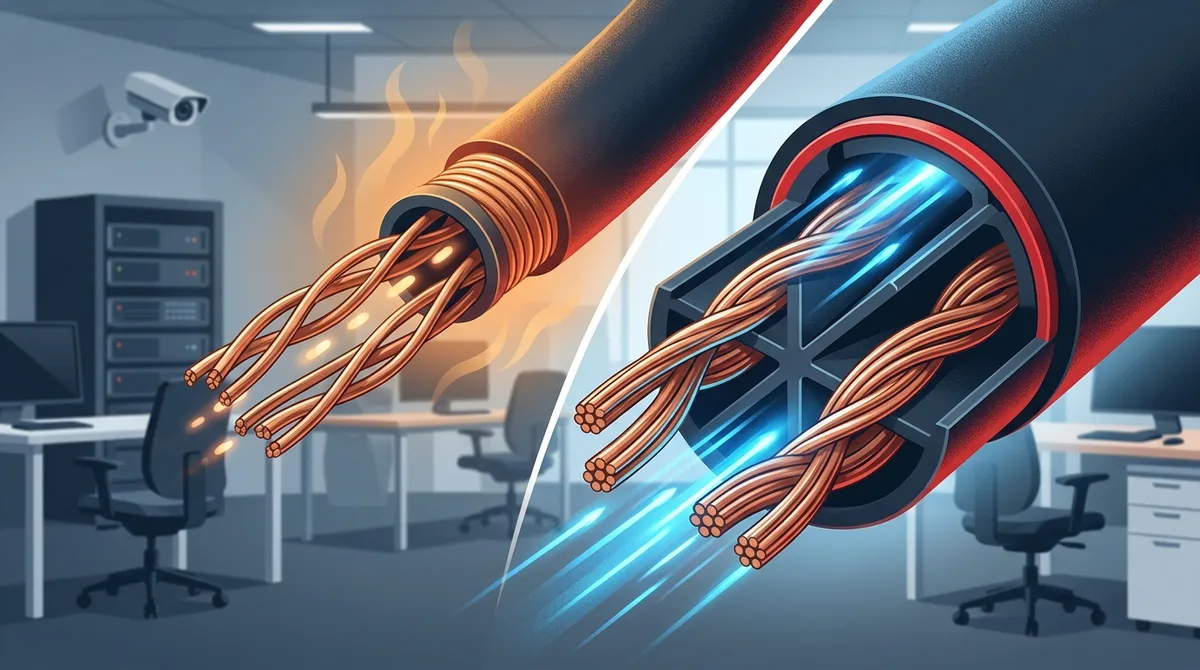
CAT6 supports up to 10 Gbps speeds while CAT5e maxes out at 1 Gbps, making CAT6 essential for businesses using video conferencing, cloud applications, VoIP systems, or large file transfers.
-
CAT6 cables maintain 10 Gbps performance up to approximately 55 meters; beyond that distance or for longer runs, performance drops to 1 Gbps or fiber optic cabling becomes necessary.
-
CAT6 is significantly better for Power over Ethernet (PoE) devices like IP security cameras and wireless access points because its thicker conductors generate less heat and support higher-power PoE++ more reliably.
-
CAT6 costs 30-50% more upfront than CAT5e, but the investment typically pays off through long-term cost of ownership by avoiding costly re-cabling projects within 5-10 years as business demands grow.
-
CAT6’s thicker 23 AWG conductors and internal plastic spline separator reduce crosstalk interference significantly, making it strongly recommended for medium to large offices with dense cable runs.
-
CAT6 requires professional installation expertise because improper termination or bend radius violations can eliminate its performance advantages; proper installation is critical to achieving promised speeds and reliability.
If you’re setting up or upgrading your Tampa business network, one question comes up almost every time: What’s the difference between CAT5e and CAT6 cabling? It sounds like a simple question, but the answer can have a big impact on your business performance, budget, and future flexibility. Picking the wrong cable type today can cost you more down the road — either in slower speeds or in the expense of re-cabling your office later.
The good news? You don’t need a computer science degree to make the right call. In this article, we’ll break down the 7 key differences between CAT5e and CAT6 cabling in plain language. Whether you’re a small business owner, an IT manager, or an office administrator trying to make a smart decision, we’ve got you covered. By the end, you’ll know exactly which cable type fits your Tampa business — and why it matters more than you might think.
For a deeper look at structured cabling services for Tampa businesses, you’ll find that the right cabling foundation supports everything from VoIP phones to cloud security cameras.
A Quick Overview: What Are CAT5e and CAT6?
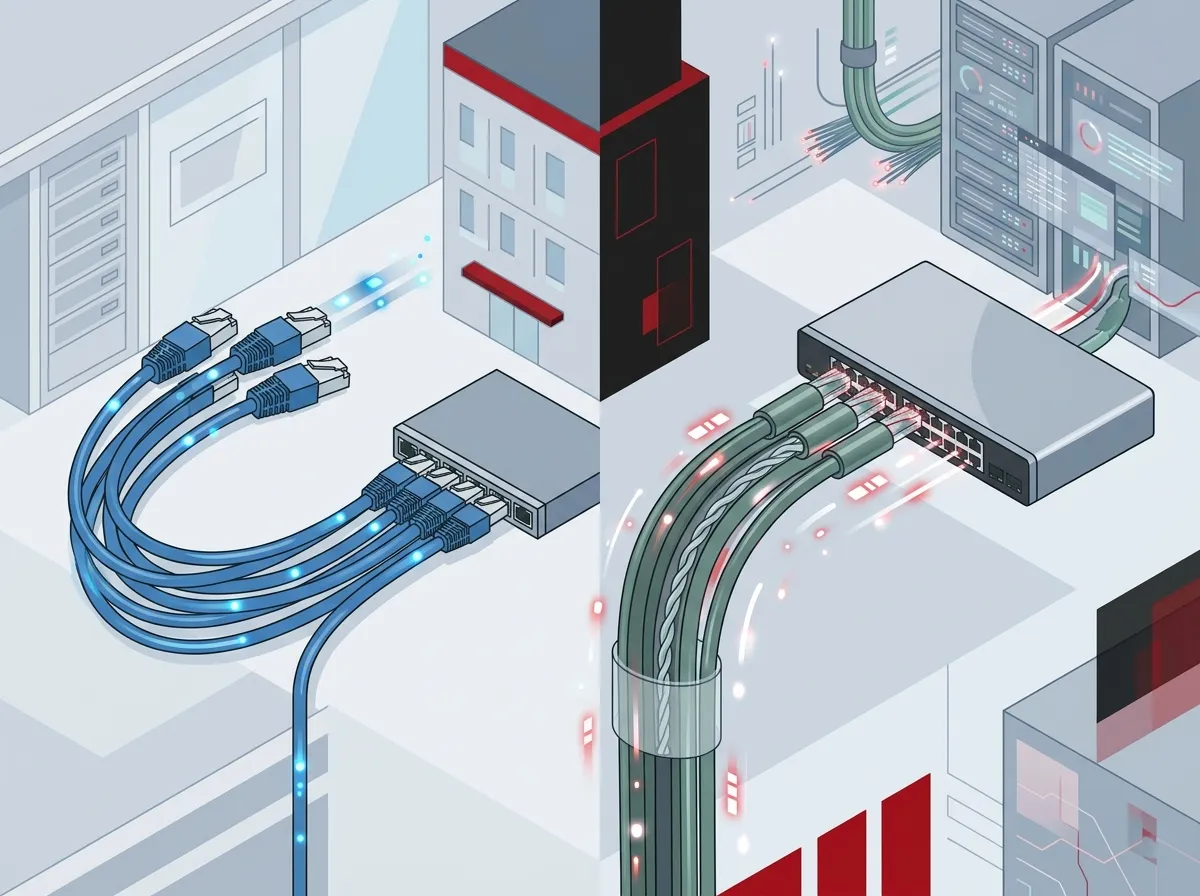
Both CAT5e and CAT6 are types of twisted-pair Ethernet cables used in business networks. They physically look similar and plug into the same ports. But under the hood, they’re quite different. You can learn more about the technical standards behind structured cabling on Wikipedia for a solid background.
Here’s a quick side-by-side comparison before we dive into the details:
| Feature | CAT5e | CAT6 |
|---|---|---|
| Maximum Speed | 1 Gbps | Up to 10 Gbps |
| Bandwidth | 100 MHz | 250 MHz |
| Max Distance (10 Gbps) | Not supported | ~55 meters |
| Conductor Size | 24 AWG | 23 AWG (thicker) |
| Crosstalk Resistance | Good | Better |
| Relative Cost | Lower | 30–50% higher |
| Best Use Case | Basic networks | High-performance networks |
Now let’s dig into each of the 7 key differences so you can make a truly informed decision for your business.

1. Speed: CAT6 Is Significantly Faster
The most talked-about difference is raw speed. CAT5e tops out at 1 Gbps, which is fine for basic internet browsing and email. CAT6, on the other hand, can reach up to 10 Gbps under the right conditions.
For most small Tampa businesses with light network traffic, 1 Gbps is enough today. But if your team uses video conferencing, cloud apps, VoIP phone systems, or large file transfers, CAT6’s higher speed ceiling gives you real room to breathe. Think of it like a two-lane road versus a four-lane highway — more lanes mean less traffic congestion.
2. Bandwidth: More Capacity With CAT6
Speed and bandwidth are related but not the same thing. Bandwidth is how much data the cable can carry at once. CAT5e operates at 100 MHz, while CAT6 operates at 250 MHz — that’s 2.5 times more capacity.
Higher bandwidth means your network can handle more simultaneous connections without slowing down. If you’re running cloud-based phone systems, streaming video security feeds, and browsing the internet all at the same time, CAT6 keeps everything running smoothly. CAT5e may start to struggle under that kind of load.
3. Crosstalk Resistance: CAT6 Handles Interference Better
Crosstalk happens when signals from one cable interfere with another nearby cable. It’s a real problem in busy office environments with lots of cables running close together. CAT6 cables use thicker 23 AWG copper conductors and tighter internal construction, including a plastic spline separator in many versions, to reduce this interference significantly.
CAT5e uses 24 AWG conductors and has less shielding against crosstalk. In a small office with only a handful of cables, this might not matter much. But in a larger Tampa office with dozens of cable runs, CAT6’s superior crosstalk resistance can make a noticeable difference in network reliability.
| Environment | Crosstalk Risk | Recommended Cable |
|---|---|---|
| Small office (1–10 users) | Low | CAT5e or CAT6 |
| Medium office (11–50 users) | Moderate | CAT6 preferred |
| Large office / dense cable runs | High | CAT6 strongly recommended |
| Industrial or high-interference areas | Very High | CAT6 or shielded cable |
4. Distance Limitations: Know Your Cable Run Lengths
Both cable types support runs up to 100 meters (328 feet) for standard Gigabit connections. That’s the industry-standard Ethernet channel length for most business environments. But here’s where things get interesting with CAT6.
CAT6 can support 10 Gbps speeds up to approximately 55 meters in ideal conditions. Beyond that distance, 10 Gbps performance drops back down to 1 Gbps. CAT5e simply can’t support 10 Gbps at any distance. So if your Tampa office has cable runs shorter than 55 meters and you want 10 Gbps performance, CAT6 is the clear winner.
For longer runs, you’d need to consider fiber optic cabling. Our blog on fiber optic cabling services for commercial buildings in Tampa has more on when fiber makes sense for your business.
5. Power over Ethernet (PoE) Support: CAT6 Is the Better Choice
Power over Ethernet (PoE) lets you power devices like IP phones, wireless access points, and security cameras directly through the network cable — no separate power outlet needed. Both CAT5e and CAT6 technically support PoE, but CAT6 handles it more efficiently.
Here’s why this matters for your Tampa business:
- CAT6’s thicker conductors generate less heat during power delivery
- Less heat means more reliable performance and longer cable lifespan
- PoE++ (high-power PoE) works much better over CAT6
- Modern IP security cameras and access points often require higher PoE wattage
- VoIP phones using PoE benefit from the cleaner signal CAT6 provides
If you’re planning to install cloud video security cameras or cloud-based access control systems, CAT6 is the smarter foundation. These systems rely on PoE, and CAT6 delivers it more reliably.
6. Installation Difficulty: CAT5e Is Easier to Work With
Here’s one area where CAT5e has an advantage: it’s easier to install. CAT6 cables are thicker and stiffer, which makes them harder to pull through conduit, bend around corners, and terminate correctly. Improper installation of CAT6 can actually eliminate its performance advantages entirely.
This is one big reason why working with a professional cabling team matters. A certified installer knows how to handle CAT6 properly — from cable management to termination — so you actually get the performance you’re paying for.
The three most important installation factors for CAT6 are:
- Proper termination — Connectors must be installed correctly to maintain signal integrity
- Minimum bend radius — CAT6 requires larger bend radii to avoid damaging the internal spline
- Cable management — Bundling too many CAT6 cables tightly together can reduce performance
Our guide on DIY vs. professional cabling for Tampa offices breaks down exactly why professional installation makes such a big difference in real-world performance.
7. Cost: CAT5e Costs Less Upfront, CAT6 Pays Off Long-Term
Let’s talk money. CAT6 cabling materials typically cost 30% to 50% more than CAT5e. Add in slightly higher labor costs for installation, and the total upfront investment is noticeably higher. But here’s the thing — cabling is not something you want to replace every few years.
When you factor in the cost of re-cabling an office later, CAT6 often wins on total cost of ownership. Installing CAT6 now means your network infrastructure can support faster speeds and more demanding applications for years to come without a costly overhaul.
| Cost Factor | CAT5e | CAT6 |
|---|---|---|
| Material Cost | Lower | 30–50% higher |
| Labor Cost | Slightly lower | Slightly higher |
| Re-cabling Risk (5–10 years) | Moderate to High | Low |
| Long-Term Value | Good for basic needs | Excellent for scalability |
Which Cable Is Right for Your Tampa Business?
The honest answer is: it depends on your business size, your current network demands, and your plans for growth. Here’s a practical breakdown to help you decide:
Choose CAT5e if you:
- Run a very small office with 10 or fewer users
- Have basic internet and email needs with minimal video or voice traffic
- Are on a tight budget and not planning to scale significantly
- Are upgrading a temporary or short-term office space
Choose CAT6 if you:
- Use or plan to use VoIP phone systems or video conferencing
- Are installing PoE devices like security cameras or wireless access points
- Have 11 or more users or expect to grow your team
- Want to future-proof your network for the next 10+ years
- Are building out a new office or doing a full renovation
For growing Tampa businesses, most experienced cabling professionals — including the team at Ideal Solutions Provider — recommend CAT6 as the default choice for new commercial installations in 2026. The modest cost difference upfront is almost always worth it for the long-term performance gains.
You can also explore our related guide on why CAT6 cabling is the smart choice for Tampa businesses for even more detail on making the right call.
How CAT6 Supports Your Entire Business Network
It’s worth zooming out for a moment. Your structured cabling isn’t just about internet access — it’s the backbone of your entire business communications setup. A strong CAT6 foundation supports:
- VoIP and cloud phone systems — Clear, reliable voice calls depend on a stable, low-latency network
- High-speed internet access — Your business high-speed internet performs best on a cabling infrastructure that can actually carry the bandwidth
- Cloud security cameras — HD video feeds require consistent, high-throughput connections
- Access control systems — Real-time door access data needs a reliable, always-on network
- Business networking equipment — Switches, routers, and wireless access points all perform better on CAT6
Think of your cabling as the roads in your city. Even the best cars can’t go fast on a potholed, narrow road. CAT6 gives your business the wide, smooth highway it needs to keep everything running at full speed. Check out our full range of business network solutions to see how cabling fits into the bigger picture.
Want to see real examples of how Tampa businesses have upgraded their networks? Our videos page has great walkthroughs, and you can also follow us on Facebook and Instagram for tips and project highlights.
Planning Your Cabling Project in Tampa
Before you commit to any cabling project, there are a few smart steps every Tampa business should take:
- Audit your current setup — Know what cabling you already have and where it’s installed
- Map your device locations — Identify where every computer, phone, camera, and access point will live
- Measure your cable run lengths — This helps determine if CAT6’s 10 Gbps advantage is practical for your space
- Set a realistic budget — Balance upfront cost against long-term performance and scalability
- Work with a certified installer — Especially for CAT6, proper installation is everything
Our blog on how to plan network cabling installation in Tampa Bay walks you through this process step by step. And if you’re not sure where to start, our experts at professional structured cabling services for Tampa businesses are always happy to help you assess your needs at no cost.
You can also browse our YouTube channel for helpful video guides on business cabling and telecom solutions.
Conclusion: Make the Right Call for Your Tampa Business
So, what’s the difference between CAT5e and CAT6 cabling for your Tampa business? In short: CAT6 is faster, handles more bandwidth, resists interference better, and supports modern PoE devices more reliably — at a cost that’s roughly 30–50% higher than CAT5e. For most growing Tampa businesses in 2026, CAT6 is the smarter long-term investment.
That said, every business is different. A tiny office with basic connectivity needs might do just fine with CAT5e today. The key is making an informed decision based on your actual needs — not just going with the cheapest option and hoping for the best.
Ready to get expert advice tailored to your specific Tampa business setup? Reach out to our team for a free consultation and let’s find the cabling solution that fits your goals, your budget, and your future growth plans. Or if you’d prefer to talk right away, feel free to give us a call — we’re always happy to help Tampa businesses build better networks.
FAQs
Q: Is CAT5e enough for a small business in Tampa?
A: For very small offices with basic internet and email needs, CAT5e can absolutely get the job done! It supports 1 Gbps speeds and handles standard business tasks well. That said, if you’re planning to add VoIP phones, cloud cameras, or grow your team, CAT6 is worth the modest extra investment.
Q: Does CAT6 actually improve my internet speed?
A: CAT6 improves your internal network performance, but it won’t directly increase the speed delivered by your internet service provider — that depends on your broadband plan. Where CAT6 really shines is in reducing bottlenecks inside your office so your internet connection can perform at its full potential.
Q: Can CAT5e and CAT6 cables be mixed in the same business network?
A: Technically yes — both cable types use the same connectors and are compatible with standard network equipment. However, mixed networks will perform at the speed of the slowest cable, so you won’t get CAT6’s full benefits in areas still running CAT5e.
Q: How far can CAT6 run at 10 Gbps speeds?
A: CAT6 supports 10 Gbps speeds up to approximately 55 meters (about 180 feet) under ideal conditions. Beyond that distance, performance drops back to 1 Gbps, which is still the same speed as a full-length CAT5e run. For longer high-speed runs, fiber optic cabling is the better option.
Q: Which cabling type is better for VoIP phones and security cameras in Tampa?
A: CAT6 is the preferred choice for both VoIP phones and IP security cameras, especially since many of these devices use Power over Ethernet (PoE). CAT6’s thicker conductors handle PoE power delivery more efficiently, generate less heat, and provide a more stable connection for voice and video applications.





