Key Takeaways
-
Hybrid systems with local storage are essential for Tampa businesses—they continue recording during outages and automatically sync footage once internet is restored, unlike cloud-only systems that stop entirely.
-
Install a UPS battery backup to keep cameras, routers, and switches powered during outages; even 30 minutes of backup power prevents recording gaps from Tampa’s common brief power flickers.
-
Cellular failover routers using LTE/5G provide uninterrupted remote access during internet outages, making them ideal for high-security needs but requiring an additional data plan cost.
-
Professional structured cabling is critical infrastructure often overlooked—poor wiring causes more downtime than most business owners realize and should be professionally installed and tested.
-
Tampa’s storm-prone location makes outage resilience mandatory; pair hybrid cameras with a UPS and consider cellular backup to handle simultaneous power and internet failures during hurricane and thunderstorm season.
-
After any outage, verify cameras are online, confirm cloud sync is running, check local storage levels, and test remote access within minutes to ensure no footage gaps and system integrity.
If you run a business in Tampa, you know that internet outages happen. Storms roll in fast. Power flickers. Your connection drops at the worst possible time. So here is the big question: do cloud based security cameras work if the internet goes down in Tampa? The short answer is — it depends on how your system is set up. The good news is that with the right design, your cameras can keep recording even when the internet goes out. Let’s walk through exactly how it all works, and what you can do to protect your business no matter what the weather brings.
What Cloud Based Security Cameras Actually Do
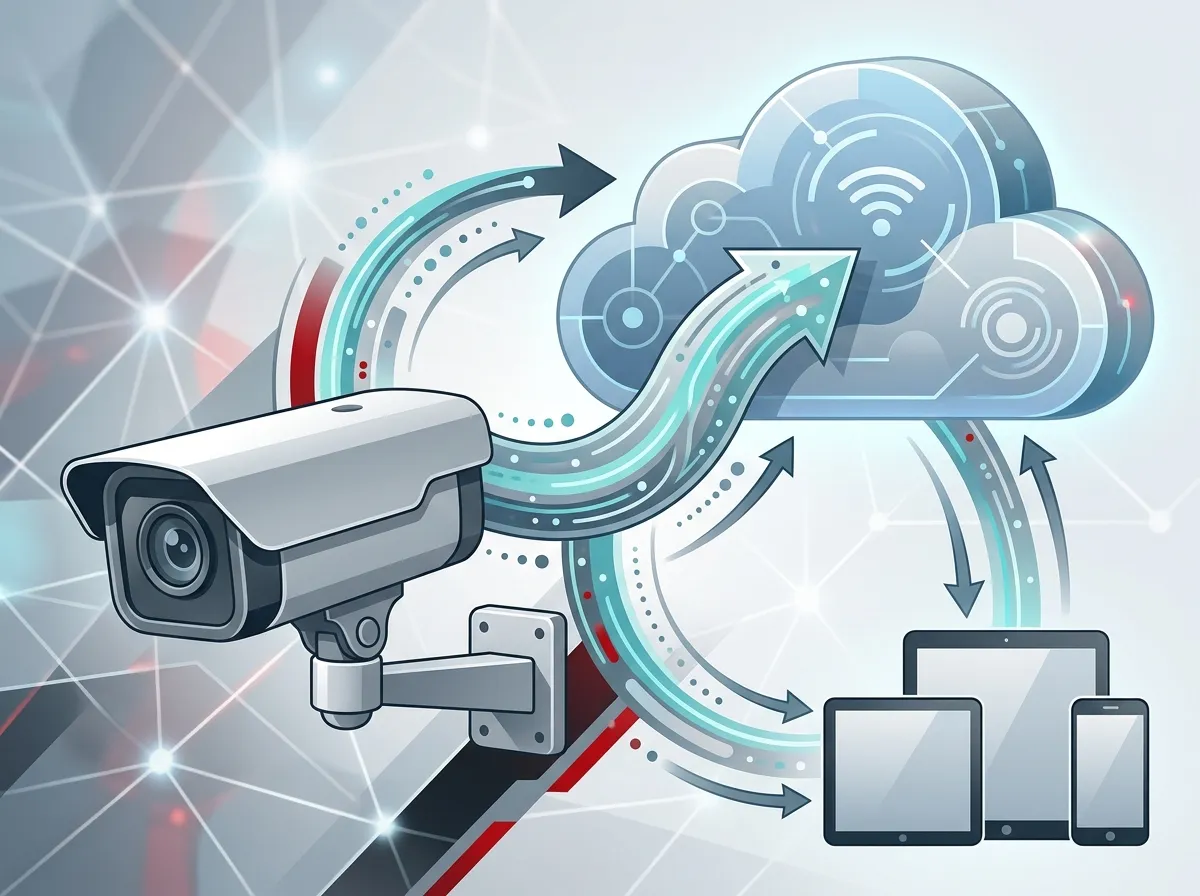
Cloud based security cameras send video over the internet to offsite servers in real time. This means your footage is stored remotely, and you can view it from anywhere using a phone or computer. It is a great setup for businesses that want remote access and easy management.
But here is the catch. Because these cameras rely on your internet connection, they are affected when that connection goes down. Live viewing, remote alerts, and cloud storage all depend on an active link to the outside world. When that link breaks, some of those features stop working — at least temporarily.
To learn more about how these systems are designed for businesses, check out the details on Cloud Video Security options available for Tampa businesses.
Three Types of Security Camera Systems
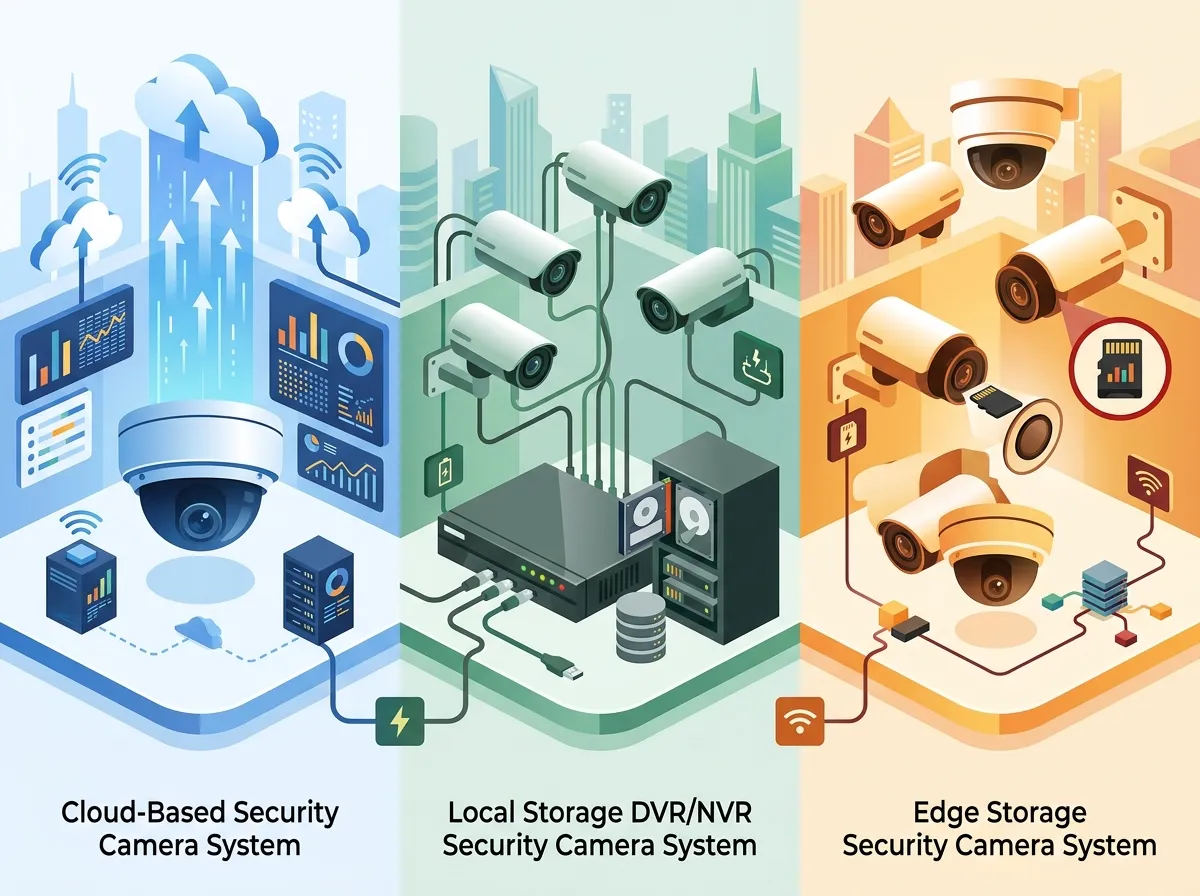
Not all camera systems behave the same way during an outage. Here is a quick breakdown of the three main types and how each one handles a lost internet connection.
| Camera System Type | Records During Outage? | Remote Access During Outage? | Best For |
|---|---|---|---|
| Cloud-Only | No | No | Low-risk, always-connected sites |
| Hybrid (Cloud + Local Storage) | Yes (locally) | No | Most businesses wanting backup protection |
| Cellular-Enabled | Yes | Yes (via cellular) | High-security or storm-prone locations |
As you can see, a cloud-only system offers the least protection during downtime. A hybrid or cellular system gives you much more peace of mind, especially here in Tampa where summer storms can knock out broadband for hours at a time.
What Happens Step by Step When the Internet Goes Down
It helps to know exactly what happens to your camera system during an outage. Here is a step-by-step look at the typical sequence of events.
- Internet connection drops — Your router loses its link to your Internet Service Provider, cutting off all cloud communication.
- Live remote view goes offline — You can no longer see footage from your phone or computer outside the building.
- Cloud storage pauses — New footage stops uploading to offsite servers until the connection returns.
- Local recording takes over — If your system has local storage (SD card, NVR, or DVR), cameras continue recording to that device.
- Alerts stop sending — Motion alerts and notifications that go through the cloud will not reach you until the connection is restored.
- Connection is restored — Your system reconnects, resumes cloud uploads, and syncs any footage captured during the outage.
This process happens automatically in most hybrid systems. The key is making sure your setup includes local storage so that step four actually kicks in. Without it, your cameras may simply stop recording altogether.
Why Tampa Businesses Face Unique Outage Risks
Tampa sits in one of the most storm-active regions in the country. Between hurricane season, afternoon thunderstorms, and occasional flooding, internet and power disruptions are a real part of doing business here. That makes camera resilience more important than in many other cities.
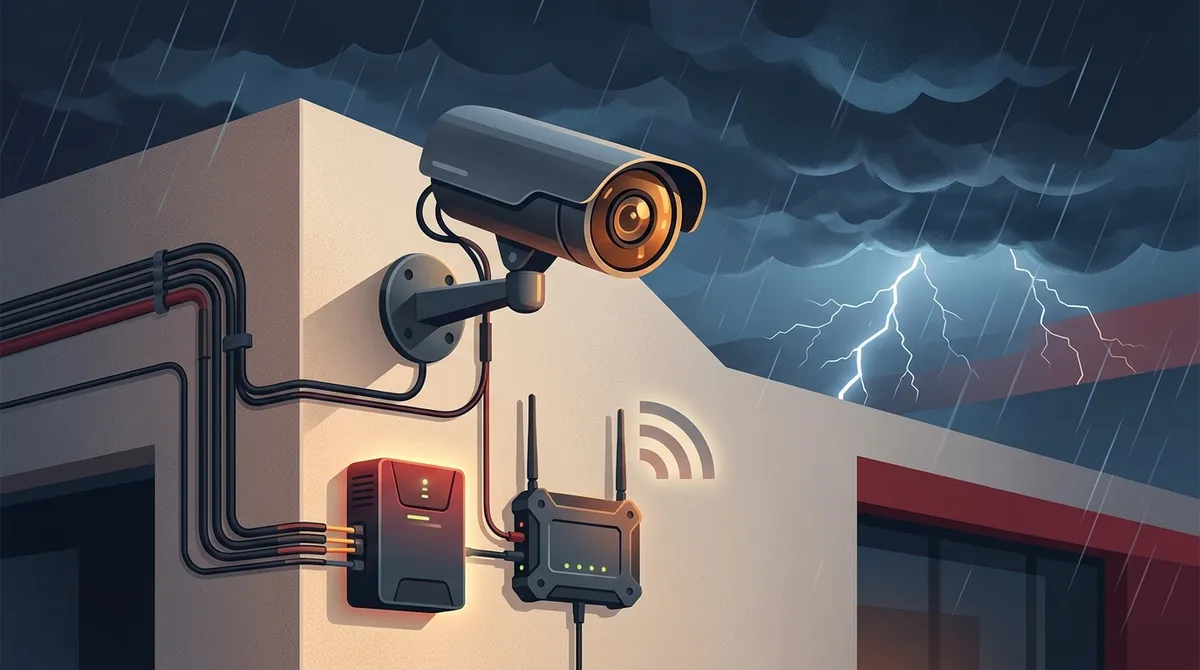
When severe weather hits, it often takes out both power and internet at the same time. This is a double challenge. Even if your cameras have local storage, they still need power to run. That is why many Tampa businesses pair their camera systems with a UPS (uninterruptible power supply) battery backup to keep things running during short outages.
For more ideas on keeping your entire business network up during rough weather, browse the guides on Business Network Solutions that Tampa companies rely on.
Cloud-Only vs. Hybrid vs. Cellular: A Detailed Comparison
Let’s dig deeper into the three system types so you can decide which one makes the most sense for your business.
| Feature | Cloud-Only | Hybrid System | Cellular-Enabled |
|---|---|---|---|
| Requires Internet | Always | For cloud features | Optional (uses LTE/5G) |
| Local Storage | No | Yes (NVR/DVR/SD) | Usually Yes |
| Remote Access During Outage | No | No | Yes |
| Data Plan Needed | No | No | Yes |
| Storm Resilience | Low | Medium | High |
| Cost Level | Low | Medium | Higher |
For most Tampa businesses, a hybrid system offers the best balance of cost and protection. You get cloud convenience on normal days and local recording as a safety net when things go sideways. If you need around-the-clock remote access no matter what, cellular cameras are worth the extra investment.
How to Build a More Resilient Camera System
You do not have to accept vulnerability. There are several practical steps you can take right now to make your camera system more reliable during outages.
Step 1: Add Local Storage to Your Setup
Make sure every camera or your central system has a way to record locally. This might be an SD card inside the camera, a network video recorder (NVR), or a digital video recorder (DVR). Local storage is the single most important upgrade for outage protection. Without it, a cloud-only camera is essentially blind when the internet drops.
Step 2: Install a UPS Battery Backup
A UPS keeps your cameras, router, and network switch powered during brief outages. Most UPS units can provide 30 minutes to several hours of backup power, depending on the load. This is especially important in Tampa, where quick storm-related flickers are common. Even a short power gap can reset devices and cause recording gaps.
Step 3: Consider LTE or 5G Cellular Failover
A cellular failover router automatically switches your network to an LTE or 5G connection when your primary broadband goes down. This keeps your cameras connected to the cloud without any manual steps. It is a popular choice for businesses that cannot afford any gaps in surveillance. You can explore how this fits into your overall network design by looking at Business High Speed Internet Services that include failover options.
Step 4: Use Professional Wiring and Cabling
Loose or amateur cabling can create weak points in your system. Professionally installed structured cabling ensures your cameras have a stable, clean connection to your network at all times. Poor wiring causes more downtime than most business owners realize. Learn more about how good infrastructure helps on our Structured Cabling Services page.
Step 5: Work With a Single Trusted Partner
Managing your cameras, internet, cabling, and network through separate vendors is a headache. When something goes wrong, everyone points fingers at everyone else. A single point of contact simplifies everything. Ideal Solutions Provider has served Tampa businesses for over 24 years, handling everything from camera installation to network setup under one roof.
Backup Equipment Checklist for Tampa Business Owners
Use this checklist to make sure your camera system is ready for the next outage. Share it with your IT manager or office administrator so everyone is on the same page.
- ✅ Local storage device (NVR, DVR, or SD card) installed and active
- ✅ UPS battery backup powering cameras, router, and switch
- ✅ Cellular failover router configured and tested
- ✅ All camera firmware updated to the latest version
- ✅ Structured cabling professionally installed and tested
- ✅ Cloud sync verified — footage uploads after reconnection
- ✅ Alert settings reviewed so you know what notifications to expect
Going through this list once a quarter takes about 20 minutes and can save you from a major security gap when a storm rolls in off the Gulf. For more information about comprehensive cloud video security systems Tampa FL businesses use, check out our detailed guide.
What to Look for When Choosing a Business Camera System
Shopping for cameras can feel overwhelming with so many options on the market. Here are the most important features to look for when outage resilience is a priority.
- Local storage capability — Confirm the camera or NVR can record without the cloud.
- Automatic cloud sync — Footage recorded locally should upload automatically once the internet comes back.
- Cellular compatibility — Check if the system supports LTE/5G failover for true always-on access.
- Power over Ethernet (PoE) — PoE cameras get power through the same cable as their data connection, simplifying backup power through a single UPS.
- Remote management dashboard — A good dashboard shows you the status of every camera and alerts you when one goes offline.
You can also see how businesses are using these systems in practice by watching real-world examples on the Videos page. Seeing a system in action often answers questions that a spec sheet never could.
How Internet Reliability Affects Your Whole Security Setup
Your camera system is only as reliable as the network it runs on. This is a point that many businesses overlook when they first install cloud cameras. A fast, redundant internet connection is not just about streaming video — it is the backbone of your entire security infrastructure.
Businesses that invest in dedicated fiber internet for Tampa businesses tend to experience far fewer outage-related gaps in their camera footage. Dedicated fiber is not shared with neighboring businesses, which means you get more consistent uptime. When you pair that with a cellular failover option, you have a very strong foundation for uninterrupted surveillance.
It is also worth understanding that your access control system faces the same challenges. If you use cloud-based door locks or entry systems, those can be affected by internet outages too. Check out the options for Cloud Based Access Control systems that are designed to handle these scenarios gracefully.
Common Myths About Cloud Cameras and Internet Outages
There is a lot of misinformation floating around about this topic. Let’s clear up a few of the most common myths Tampa business owners run into.
- Myth: All cloud cameras stop working when the internet goes down. Not true. Many hybrid systems keep recording locally and sync later.
- Myth: You need to do something special to recover footage after an outage. In most cases, the system handles sync automatically when the connection is restored.
- Myth: Cloud cameras are not suitable for storm-prone areas. With the right design, they can actually be more resilient than older analog systems.
- Myth: Adding cellular backup is too expensive for small businesses. Costs have dropped significantly in 2026, and many plans are surprisingly affordable.
- Myth: A UPS is overkill for a small office. Even a small UPS can prevent recording gaps during the brief power flickers Tampa storms are known for.
For more tips on getting the most from your business surveillance setup, read what security cameras really do for your business and why they are worth protecting with a solid outage plan.
Quick Reference: Outage Scenarios and Expected Camera Behavior
| Outage Scenario | Cloud-Only Camera | Hybrid Camera | Cellular Camera |
|---|---|---|---|
| Short internet blip (under 5 minutes) | Gap in cloud footage | Records locally, syncs after | No gap (cellular takes over) |
| Extended broadband outage (hours) | No recording at all | Records locally until storage fills | Continues recording and streaming |
| Power outage (no UPS) | Camera goes dark | Camera goes dark | Camera goes dark |
| Power outage (with UPS) | Cloud unavailable, no recording | Records locally on battery power | Full function on battery + cellular |
This table makes it easy to see why system design matters so much. The same camera hardware can behave very differently depending on what backup systems are in place around it. If you want help understanding what setup is right for your specific location, reach out to our team for a free consultation.
How to Recover Footage After an Outage
Once your internet is back, here is what you should do to make sure no footage is lost and your system is fully operational again.
- Check your camera dashboard — Look for any offline cameras and confirm they are back online.
- Verify cloud sync is running — Most systems will begin uploading locally stored footage automatically. Confirm this is happening.
- Review the outage window — Pull up footage from the time the outage started to make sure local recording captured everything.
- Check storage levels — Extended outages can fill up local storage. Make sure you have room for future recordings.
- Test remote access — Confirm you can view live footage from your phone or computer now that the connection is restored.
Following these steps after every outage takes just a few minutes. It gives you confidence that your security system did its job and your footage is intact. You can also follow updates and tips from our team on Facebook and Instagram for the latest advice on business security and telecom solutions in Tampa.
Making the Right Choice for Your Tampa Business
So, do cloud based security cameras work if the internet goes down in Tampa? The honest answer is: cloud-only cameras struggle during outages, but hybrid and cellular-backed systems can keep recording with little to no interruption. The key is matching your system design to the real-world conditions your business faces.
Tampa’s storm season makes outage resilience a must-have, not a nice-to-have. Adding local storage, a UPS, and a cellular failover option can turn a vulnerable cloud-only setup into a rock-solid surveillance system. Pair that with professional cabling and a reliable internet connection, and you have a setup that works hard for your business every single day.
Watch helpful explainer content and real-world demos on the YouTube channel to see how these systems come together in actual business environments. You can also explore how other Tampa businesses have tackled this challenge by reading about how to set up remote business video monitoring in Tampa.
Ready to build a camera system that never lets you down? Get in touch with our team at Ideal Solutions Provider for a free consultation. We will review your current setup, identify any gaps, and recommend the right solution for your business — all with no obligation and no pressure. You can also call us directly at 813-388-4935 to speak with a local expert today.
FAQs
Q: Do cloud based security cameras record if Wi-Fi goes out?
A: It depends on your system type! Cloud-only cameras will stop recording when Wi-Fi drops, but hybrid systems with local storage (like an NVR, DVR, or SD card) will keep recording and then sync footage to the cloud once your connection is restored. Setting up local storage is one of the smartest moves a Tampa business can make.
Q: How do Tampa businesses keep security cameras working during storms?
A: The best approach is to combine three things: local storage so cameras record without the cloud, a UPS battery backup so cameras stay powered during outages, and a cellular failover router so your network switches to LTE or 5G when broadband drops. Together, these three layers give you solid coverage even during Tampa’s worst storm days.
Q: Can I recover cloud camera footage after an internet outage?
A: Absolutely! If your system includes local storage, footage recorded during the outage will automatically upload to the cloud once your internet connection is restored. Just check your camera dashboard after an outage to confirm the sync completed and no gaps remain in your footage history.
Q: Are cellular security cameras better than Wi-Fi cameras for Tampa businesses?
A: Cellular cameras offer better outage resilience because they use LTE or 5G instead of broadband, so a local internet outage does not affect them. They do require an ongoing data plan, but for businesses in storm-prone areas or high-security locations, the added reliability is well worth it.
Q: What backup equipment do business security cameras need?
A: At minimum, you want a local storage device (NVR, DVR, or SD card), a UPS battery backup, and a solid internet connection. For maximum resilience — especially in Tampa — adding a cellular failover router and professionally installed structured cabling rounds out a truly dependable camera system.