

Key Takeaways
-
Cloud-based VMS platforms now represent 44.95% of video surveillance revenue in 2025 and are becoming the standard for multi-location businesses, eliminating the need for expensive on-site hardware and enabling remote access from any device.
-
Hybrid systems combining local recording with cloud management are the fastest-growing deployment category through 2031, providing continuous footage backup if internet connectivity fails while maintaining cloud flexibility.
-
AI-enabled analytics can automatically detect people, read license plates, flag loitering, and monitor line-crossing events, significantly reducing false alarms and improving security response times when properly configured.
-
ONVIF-compliant software provides flexibility to mix cameras from different manufacturers and avoid vendor lock-in, which is critical for growing businesses that need to scale their systems over time.
-
Total cost of ownership includes cameras, PoE switches, cabling, internet capacity, cloud storage, installation labor, and cybersecurity—not just subscription fees—so bundling with experienced providers helps optimize overall budget.
-
Proper network planning including bandwidth allocation, Power over Ethernet capacity, and VLAN segmentation is essential for camera performance, as poor cabling or weak internet can severely impact even high-quality camera systems.
Running a business today means juggling a lot of moving parts. Your phones need to work. Your internet needs to stay up. And your security cameras? They need to actually help you, not just sit there collecting dust footage nobody ever checks. That is where camera network monitoring software comes in. It is the brain behind your security cameras, letting you view, record, and manage everything from one simple dashboard.
If you are a small business owner in Tampa or a franchise operator managing sites across the country, you already know how frustrating it is to deal with clunky, outdated video systems. The good news is that modern camera network monitoring software has come a long way. In this guide, we will walk through six standout options and features worth knowing, backed by real market data, so you can make a confident choice for your business.
What Is Camera Network Monitoring Software, Really?
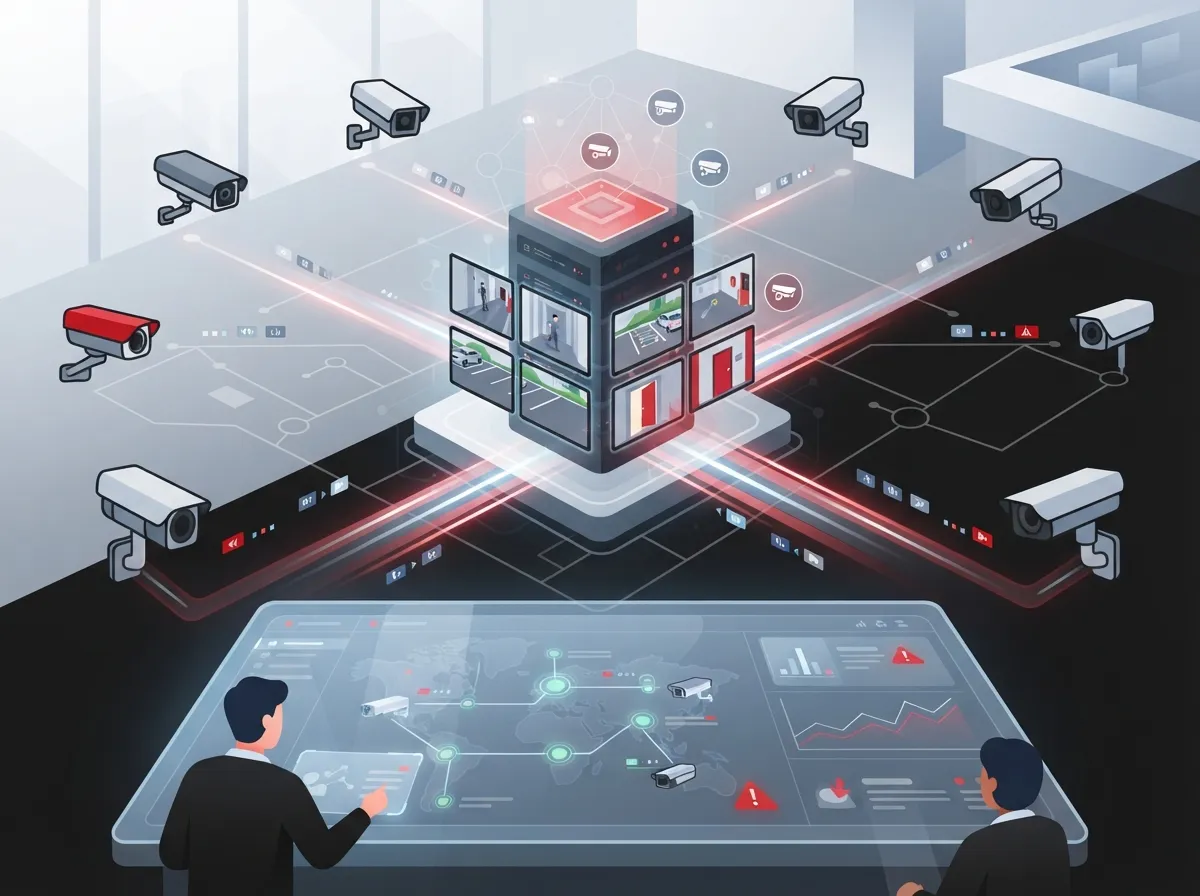
Camera network monitoring software, often called a video management system or VMS, is the platform that connects all your IP cameras together. Think of it as mission control for your security setup. It lets you watch live video, pull up old recordings, get alerts when something happens, and manage who can see what.
For businesses using business security cameras, this software is not a nice-to-have extra. It is the piece that ties your entire security setup into your broader telecom and network infrastructure. Without solid software behind it, even the best cameras are just expensive paperweights.
Core Features You Should Expect
- Live viewing from any device, anywhere
- Recording and easy playback search
- Motion and event-based alerts
- Camera health monitoring, so you know when a camera goes offline
- User roles, so only the right people see sensitive footage
- Integration with access control, alarms, and business apps
1. Cloud-Based VMS Platforms
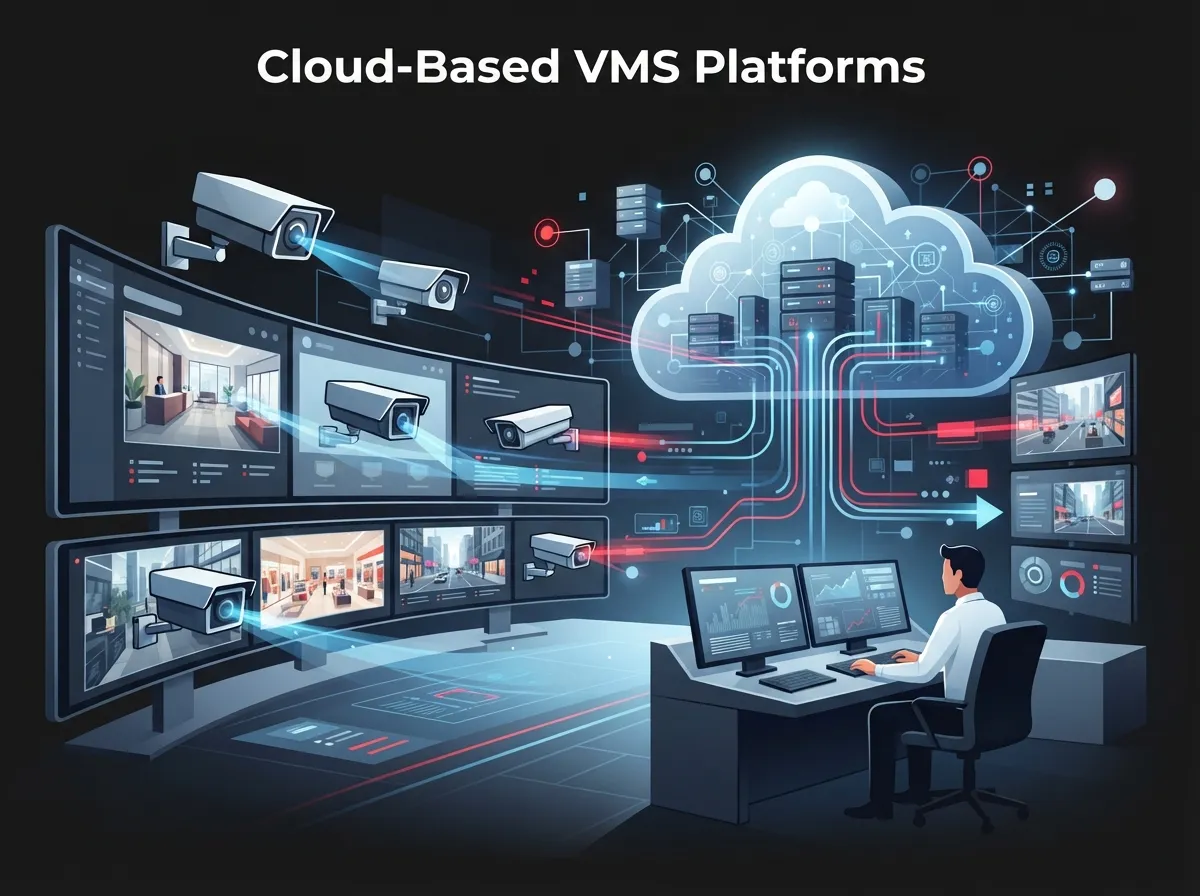
Cloud-based platforms have become the go-to choice for growing businesses. Instead of storing footage on a bulky box in a back closet, everything lives in the cloud. This means automatic updates, remote access from your phone, and way less hardware to babysit.
According to Mordor Intelligence, hosted deployments made up about 44.95% of video surveillance as a service revenue in 2025. That tells you cloud is not a passing trend. It is quickly becoming the standard, especially for cloud video security systems serving multi-location businesses.
Why Franchise Operators Love It
If you manage several locations, cloud platforms let you check every site from one login. No more calling each store manager to ask if the cameras are working. You just log in and see for yourself.
2. Hybrid Systems for Best of Both Worlds
Hybrid setups keep some recording local, right at your business, while still using the cloud for management, backup, and remote viewing. This matters because if your internet goes down, you do not want to lose your footage.
Mordor Intelligence forecasts hybrid deployments as the fastest-growing category through 2031. That growth makes sense. Businesses want the flexibility of the cloud but also want a safety net if connectivity hiccups. If you are curious how footage keeps recording during an outage, our article on how cameras work when the internet goes down breaks it down further.
3. AI-Enabled Analytics Software
This is where camera network monitoring software gets genuinely exciting. Modern platforms can now do more than just record. They can count people, spot vehicles, read license plates, and flag unusual activity automatically.
Here is a quick look at common AI features and what they actually do for your business:
| AI Feature | What It Does | Business Benefit |
|---|---|---|
| Motion Detection | Flags movement in a defined area | Reduces false alarms |
| People Counting | Tracks foot traffic | Helps with staffing and layout decisions |
| License Plate Recognition | Reads and logs plates | Supports parking lot security |
| Loitering Detection | Alerts when someone lingers too long | Improves safety response time |
| Line-Crossing Alerts | Notifies when a boundary is crossed | Protects restricted zones |
Just remember to check accuracy, privacy rules, and where the data actually gets processed before rolling these features out company-wide.
4. Multi-Site Management Software
If you are an IT manager overseeing several offices, or a franchise operator with locations scattered across Florida and beyond, multi-site management is a must. This type of software lets you standardize deployments and manage user permissions from a single, central console.
North America accounted for roughly 34.91% of global video surveillance as a service revenue in 2025, according to Mordor Intelligence, showing strong regional demand for exactly this kind of centralized, scalable solution. If you are exploring options across Tampa Bay, check out our guide on scalable systems for multi-location businesses for more detail.
Steps to Roll Out Multi-Site Software Smoothly
- Audit your current camera setup at each location
- Standardize camera models and firmware where possible
- Choose a platform that supports centralized user management
- Set clear alert and escalation rules per site
- Train local staff on basic troubleshooting
- Schedule regular health checks across all locations
5. ONVIF-Compliant Software
Here is a term worth knowing: ONVIF. It stands for a set of industry standards that let different cameras and software talk to each other smoothly. Without it, you might be stuck buying everything from one single brand forever.
According to the Security Industry Association’s 2025 update, ONVIF profiles cover different needs. Profile S handles basic video streaming. Profile T covers advanced streaming. Profile G supports edge storage and retrieval. Profile M focuses on analytics metadata and events. Choosing ONVIF-compliant software gives you flexibility down the road, which matters a lot for growing businesses that add cameras over time.
6. Secure, Managed Monitoring Software
Cybersecurity is not optional anymore. Cameras connected to your network can become an entry point for hackers if they are not properly secured. This is where working with an experienced telecom expert who gets results makes a real difference.
According to ONVIF’s 2024 cybersecurity best practices, businesses should:
- Place cameras on a dedicated VLAN, separate from other traffic
- Avoid unnecessary exposure to the open internet
- Use firewalls and encrypted HTTPS connections
- Replace default usernames and passwords immediately
- Apply least-privilege access so people only see what they need
- Keep firmware updated and patched regularly
This is a great example of why camera monitoring software should not be treated as a standalone gadget. It needs to be part of your overall business network setup, with the same care given to VLANs, firewalls, and access rules as everything else on your network.
How Network Design Affects Your Camera Performance
A lot of businesses buy great cameras and great software, then wonder why everything lags or drops. The answer usually comes down to network planning. Bandwidth, latency, and Power over Ethernet capacity all play a role in whether your cameras run smoothly.
Higher resolution and frame rates need more bandwidth. Longer retention periods need more storage. And if you have many people viewing footage at once, that adds up fast too. This is why pairing your camera software with solid high-speed internet for business and proper structured cabling services is so important. Poor cabling or weak internet can turn a great camera system into a frustrating one.
Factors That Affect Bandwidth and Storage Needs
| Factor | Impact |
|---|---|
| Resolution | Higher resolution means more data per camera |
| Frame Rate | More frames per second increases bandwidth use |
| Retention Period | Longer storage windows need more space |
| Number of Viewers | More simultaneous viewers increases network load |
| Codec Type | Efficient codecs reduce file size without losing quality |
Understanding the Market Growth Behind This Technology
It helps to know this is not a niche trend. The global video surveillance as a service market was valued at approximately $6.60 billion in 2025 and is projected to reach $15.64 billion by 2031, according to Mordor Intelligence. That is a forecast growth rate of 15.47% per year.
Commercial applications made up about 36.62% of that revenue in 2025, meaning businesses just like yours are the biggest driver of this growth. A separate estimate from Global Market Insights placed the broader video surveillance market at $63.1 billion in 2025, projected to reach $162.4 billion by 2035. These numbers vary because different firms define the market differently, but the overall trend is clear: businesses are investing more in smart, connected video systems every year.
Weighing the Total Cost of Camera Monitoring Software
Price tags on camera software can be misleading if you only look at the subscription cost. The real total cost of ownership includes a lot more pieces working together.
- Cameras and mounting hardware
- PoE switches and cabling
- Internet capacity and reliability
- Cloud storage fees
- Installation and configuration labor
- Ongoing monitoring and support
- Software licensing
- Cybersecurity protections
This is exactly why working with a single point of contact matters so much. Instead of juggling separate vendors for internet, cabling, and cameras, a company like Ideal Solutions Provider can bundle all these pieces together, comparing options across 35 plus vetted suppliers to find what actually fits your budget and goals.
Choosing the Right Fit for Your Business Type
Not every business needs the same setup. A small retail shop with one location has very different needs than a healthcare network with ten offices.
- Small Business Owners: Look for affordable, simple cloud platforms with easy mobile access
- Mid-Sized Enterprises: Prioritize integration with access control and network security
- IT Managers: Focus on ONVIF compliance and centralized administration tools
- Office Managers: Choose software with simple user interfaces and reliable support
- Franchise Operators: Demand scalable, multi-site platforms with consistent standards
No matter which category fits you best, the goal is the same. You want software that grows with your business instead of holding it back.
Bringing It All Together With the Right Partner
Camera network monitoring software works best when it is not an afterthought bolted onto your existing setup. It should be planned alongside your business network solutions, your internet service, and your overall telecom strategy. That is the difference between a system that just sits there and one that actually protects your people and property.
You can learn more about how these systems fit into a broader security strategy by following Ideal Solutions Provider on Facebook, checking out setup walkthroughs on YouTube, or browsing project photos on Instagram. And if you want to understand more about the cabling backbone that supports all this technology, this overview of structured cabling is a helpful starting point. It also helps to understand the role your Internet Service Provider plays in keeping cloud-based camera systems running smoothly.
Final Thoughts
Camera network monitoring software has grown from a simple recording tool into a powerful, connected system that protects your business around the clock. Whether you choose cloud-based, hybrid, or AI-enabled options, the key is making sure it fits seamlessly into your broader telecom and network setup.
Ideal Solutions Provider has spent over 24 years helping businesses across Tampa and nationwide build reliable, secure, and scalable technology systems. If you are ready to see how camera monitoring software can work for your business, feel free to reach out to our team for a free consultation, or give us a call to talk through your options today.
FAQs
Q: What is camera network monitoring software for businesses?
A: It is a platform, sometimes called a VMS, that connects all your security cameras into one system. You can view live footage, search recordings, get alerts, and manage users from one simple dashboard instead of juggling separate camera apps.
Q: What is the difference between a VMS, NVR, and VSaaS platform?
A: An NVR is a physical box that records footage locally, while a VMS is the software layer that manages cameras and can run on-site or in the cloud. VSaaS takes it further by hosting everything in the cloud, so you skip the bulky hardware altogether.
Q: Should a business use cloud, on-premises, or hybrid video surveillance?
A: It really depends on your needs. Cloud works great if you want remote access and less hardware, on-premises suits businesses with limited internet reliability, and hybrid gives you the best of both by keeping local backup while still using cloud tools.
Q: How much bandwidth do business security cameras require?
A: It varies based on resolution, frame rate, and how many cameras you run at once. Higher resolution cameras and longer retention periods use more bandwidth, so it is smart to plan your internet capacity alongside your camera setup.
Q: Can one monitoring platform manage cameras across multiple business locations?
A: Yes, and this is one of the biggest advantages of modern cloud-based software. You can log into a single dashboard and check camera health, view footage, and manage users across every location your business operates.





