
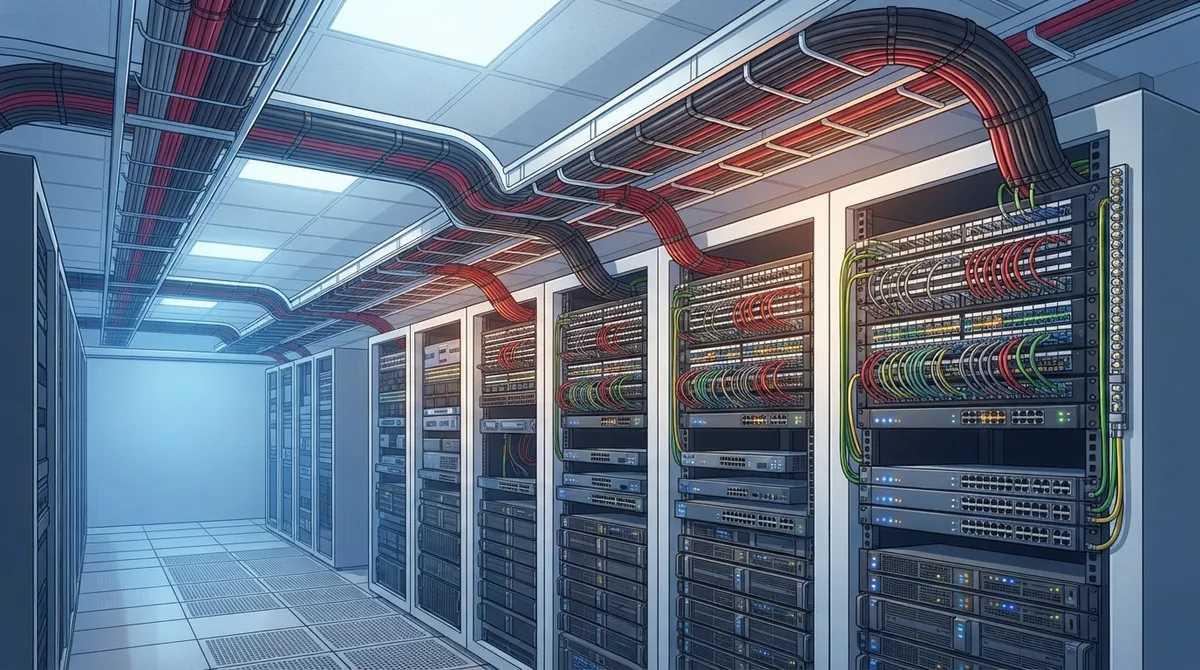
Key Takeaways
-
Choose Cat 6A for new office buildouts to support full 10-gigabit speeds across 100 meters and future growth, rather than Cat 6 which typically maxes out around 55 meters for that speed.
-
Implement a complete structured cabling system with patch panels, conduit, grounding, labeling, and documentation—not just quality cable alone—to avoid network problems by year two.
-
Plan PoE cable bundles carefully to prevent heat buildup; higher power standards like IEEE 802.3bt require attention to cable gauge, bundle size limits, and airflow to maintain safety and performance.
-
Require full field testing, as-built documentation, and TIA standards compliance from your contractor; poor documentation and skipped testing are the most common causes of future network headaches.
If your office network feels slow, glitchy, or downright unreliable, the problem might be hiding behind your walls. We’re talking about your cabling. It’s not the flashiest topic, sure. But the highest quality office cabling is the quiet hero behind every fast Wi-Fi connection, every crystal-clear VoIP call, and every security camera that actually stays online. Whether you’re a small business owner juggling ten tasks at once or an IT manager planning a big office move, understanding what makes cabling “high quality” can save you thousands of dollars and countless headaches down the road.
Here’s the good news: you don’t need to become a cabling expert overnight. You just need to know what to look for and what questions to ask. In this guide, we’ll walk through five key traits that separate the highest quality office cabling from the stuff that causes trouble later. We’ll keep it simple, friendly, and packed with real, useful facts you can bring to your next vendor conversation.
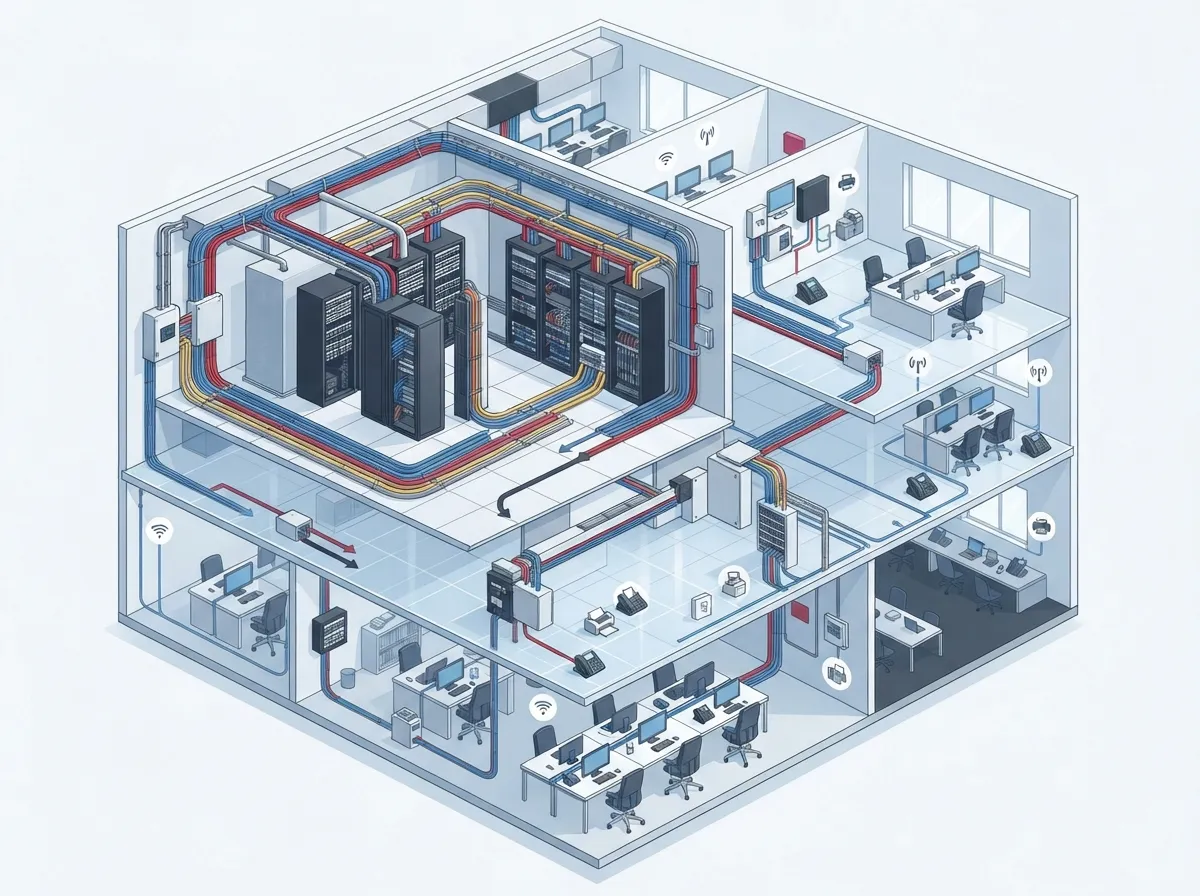
1. It Follows a True Structured Cabling Design, Not Just Good Cable
Here’s something a lot of folks get wrong: the highest quality office cabling isn’t about buying the fanciest cable brand off the shelf. It’s about the entire system working together. Think of it like building a house. A great foundation matters, but so do the walls, the roof, and the wiring inside. The same goes for your network.
A true structured cabling system includes far more than just the wire itself. It covers:
- The cable and connectors that carry your data
- Patch panels that organize connections in your server closet
- Pathways like conduit and cable trays that protect wiring
- Clear labeling so anyone can trace a cable in seconds
- Proper grounding to prevent electrical issues
- Testing and documentation that prove everything works as promised
Skip any one of these pieces, and you end up with a system that looks fine on day one but causes problems by year two. This is exactly why working with an experienced structured cabling service matters so much. It’s not just about pulling wire. It’s about building something that lasts.
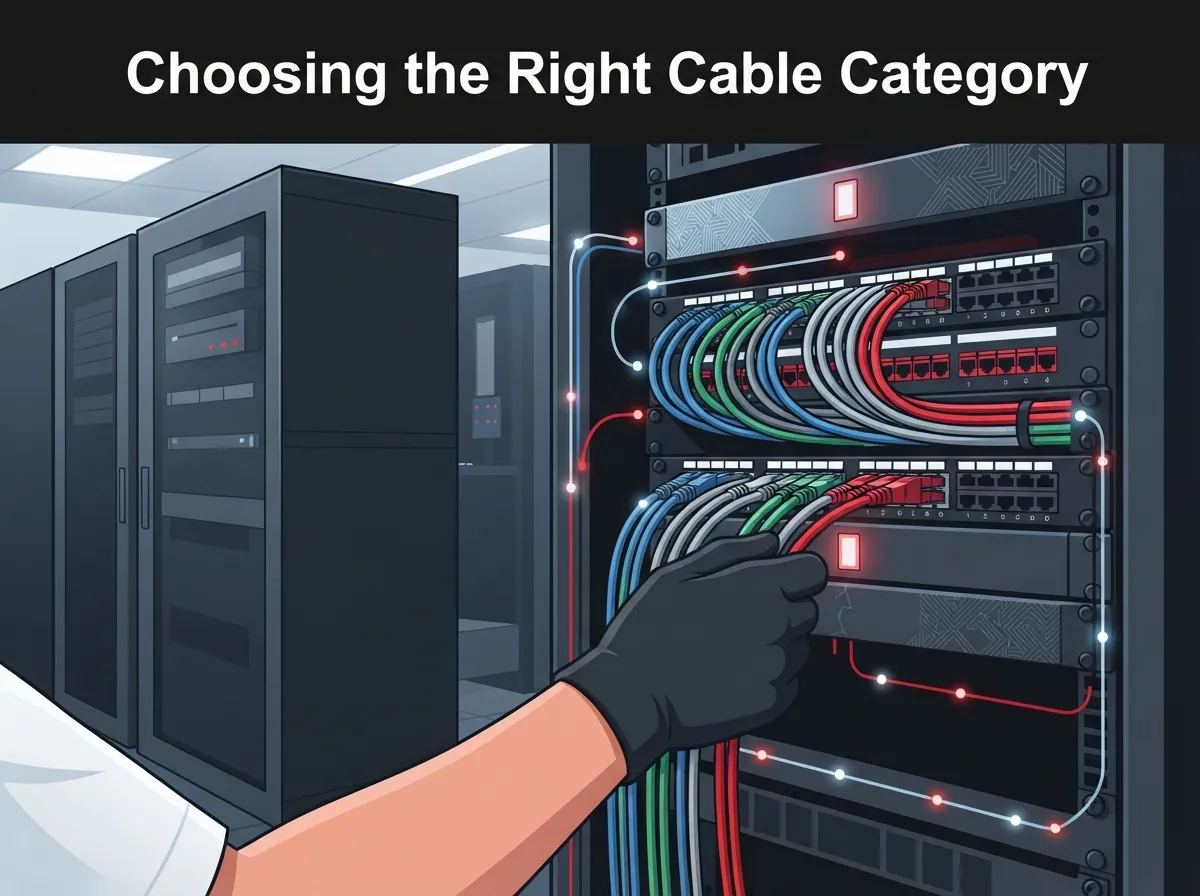
2. It Uses the Right Cable Category for Your Business Needs
This is probably the question we hear most often: should you go with Cat 6 or Cat 6A? Both are solid choices, but they’re not the same, and picking the wrong one can limit your office for years.
Here’s a simple breakdown to help you compare:
| Feature | Category 6 | Category 6A |
|---|---|---|
| 10-Gigabit Speed Support | Up to about 55 meters | Full 100-meter channel |
| Best For | Smaller offices, shorter runs | Growing offices, longer runs, heavy PoE use |
| Future-Readiness | Good for now | Built for tomorrow’s needs |
| Cost | Lower upfront cost | Slightly higher, but fewer upgrades later |
If you’re planning a brand-new office buildout, Category 6A is often the smarter long-term pick. It’s designed to handle 10-gigabit Ethernet across a full 100-meter channel, according to industry cabling standards. Category 6 can still support that same speed, but usually only up to around 55 meters depending on conditions. If your building is large or you expect to add more devices down the road, that difference really matters. Want a deeper dive? Check out our guide on how to choose between Cat6 and Cat6A for your office.
A quick reminder on distance limits too. A typical copper cable channel maxes out at 100 meters total. That usually breaks down into about 90 meters of permanent cabling plus a bit of patch cord on each end. Going beyond that stretch can cause signal loss, slower speeds, and dropped connections. Good planning up front avoids this problem entirely.
3. It Handles Power Over Ethernet Without Overheating or Underperforming
These days, almost everything in your office runs on Power over Ethernet, or PoE. Your VoIP phones, Wi-Fi access points, and even your security cameras often pull power straight through the same cable that carries data. That’s convenient, but it also means your cabling has to handle both jobs well.
Higher PoE loads generate more heat, especially when cables are bundled tightly together. According to the Ethernet Alliance, newer PoE standards like IEEE 802.3bt Class 8 can deliver up to 90 watts from the power source, with around 71.3 watts actually reaching the connected device. That’s a lot of power running through a small cable, and it needs proper conditions to stay safe and efficient.
Here’s what a quality installer should be paying attention to:
- Cable gauge and construction rated for your expected PoE load
- Bundle size limits, since packing too many cables together traps heat
- Ambient temperature in ceilings, walls, and equipment rooms
- Pathway conditions that allow proper airflow around cable runs
As an example, the Ethernet Alliance notes that under certain conditions, a bundle might safely hold 192 Cat 6A cables compared to only 91 Cat 5e cables at the same power class. That’s not a universal rule for every installation, but it shows how much cable type and construction affect what’s safe. This is one more reason cabling and business network setup planning need to happen together, not as an afterthought.
4. It Includes Fiber Where Fiber Makes Sense
Copper cabling handles most everyday office needs just fine, but fiber still plays an important role in the highest quality office cabling systems. Fiber is the better choice for:
- Building backbones connecting multiple floors or wiring closets
- Longer distances that exceed copper’s 100-meter limit
- Situations where electrical interference is a concern
- Locations needing extra bandwidth for future growth
Many mid-sized businesses and multi-location franchise operators use a mix of both. Copper handles the individual desks and devices, while fiber connects the bigger pieces of the puzzle together. If you’re weighing your options, our article on copper vs fiber cabling breaks down which choice fits different office layouts. And if you’re specifically looking at backbone or campus-style connections, take a look at fiber optic cabling services for commercial buildings.
The right fiber type and equipment depend on your building’s distance, bandwidth needs, and future plans. A good cabling partner will walk you through these choices rather than pushing a one-size-fits-all answer.
5. It Comes With Testing, Documentation, and Standards Compliance
Here’s the trait that separates good cabling from truly great cabling: paperwork. We know, paperwork doesn’t sound exciting. But trust us, it matters a lot.
The highest quality office cabling installations always include:
- Field testing that matches the cable category and link type specified for your project
- Complete test results handed over at project completion
- Clear cable identifiers so every run is easy to trace
- Rack and patch panel schedules showing what connects where
- As-built drawings reflecting exactly how the system was installed
Relevant cabling standards are maintained by TIA’s TR-42 committee, covering everything from commercial building infrastructure to labeling and grounding practices. Ask your installer which standards edition they’re following, and don’t be afraid to request local code confirmation too. A trustworthy contractor won’t blink at these questions. They’ll welcome them.
Poor terminations, overfilled pathways, tight bend radiuses, and skipped testing are the most common culprits behind future network headaches. Avoiding these mistakes from day one saves you from expensive troubleshooting later. We’ve seen plenty of these issues firsthand, which is why we put together a guide on structured cabling mistakes that hurt your business.
Why This Matters for Your Business Right Now
Every part of your office communication depends on cabling working correctly behind the scenes. Your cloud-based phone system, your high-speed internet connection, your security cameras, and even your access control system all rely on the same cabling backbone. When that backbone is weak, everything built on top of it becomes shaky too.
This is especially true for franchise operators managing multiple locations or IT managers overseeing growing networks. A single cabling mistake at one site can ripple out into support tickets, downtime, and frustrated employees across the board. Getting it right the first time is always cheaper than fixing it later.
At Ideal Solutions Provider, we’ve spent over 24 years helping Tampa businesses and companies nationwide get their cabling right from the start. As an Internet Service Provider partner network of 35+ vetted suppliers, we act as your single point of contact for cabling, networking, phones, and security, so you’re not stuck juggling five different vendors and five different headaches.
Quick Checklist Before You Sign a Cabling Contract
Before committing to any cabling project, run through this simple checklist:
- Does the proposal specify Cat 6A or Cat 6 based on your actual bandwidth and PoE needs?
- Are fiber backbone connections included where distances exceed 100 meters?
- Will the installer provide full test results and as-built documentation?
- Are pathways and bundle sizes planned with PoE heat buildup in mind?
- Does the contractor reference current TIA standards and local code requirements?
If a contractor can’t answer these questions clearly, that’s a red flag worth paying attention to.
Ready to see how the highest quality office cabling can support your phones, internet, cameras, and access control all at once? Contact us today for a free consultation, or call us to talk through your office’s cabling needs with a real person who actually wants to help. You can also follow our latest projects and tips on Facebook, Instagram, and YouTube.
FAQs
Q: What is the best Ethernet cable category for a new office, Cat 6 or Cat 6A?
A: For most new office builds, Cat 6A is the smarter pick if you want room to grow. It supports full 10-gigabit speeds across the entire 100-meter channel, while Cat 6 usually tops out around 55 meters for that same speed. If your office is small and your needs are modest, Cat 6 can still work great, but Cat 6A gives you more breathing room down the road.
Q: Does Cat 6A support 10-gigabit Ethernet over 100 meters?
A: Yes, that’s exactly what it’s built for. Cat 6A is specified to handle 10GBASE-T Ethernet across a full 100-meter channel, making it a favorite for offices that expect heavy data use or lots of connected devices.
Q: How long can an office Ethernet cable run be?
A: A typical copper cable channel is limited to about 100 meters total, which usually breaks down into roughly 90 meters of permanent cabling plus patch cords on each end. Going past that limit can cause signal loss and connection problems, so proper planning matters a lot here.
Q: Should an office use fiber or copper cabling for its network backbone?
A: Fiber is usually the better choice for backbones, especially when connecting multiple floors or buildings. It handles longer distances and higher bandwidth than copper, and it resists electrical interference much better too.
Q: What testing and documentation should a cabling contractor provide?
A: You should always receive complete test results matching your cable category, along with clear cable labeling, patch panel schedules, and as-built drawings. This paperwork might seem small, but it saves you huge amounts of time and money when troubleshooting or expanding your network later.





