

Key Takeaways
-
Copper Ethernet has a 100-meter distance limit per channel (90m permanent link plus patch cords); exceed this by placing intermediate distribution frames (IDFs) strategically and connecting them via fiber to avoid device dropouts.
-
Use Cat6A for Wi-Fi access points and high-power devices requiring PoE+ or PoE++, Cat6 for lower-bandwidth endpoints, and fiber for backbone MDF-to-IDF links to match speed, power, and distance requirements.
-
Calculate total PoE power needs from all devices before purchasing switches; higher-power access points and cameras often require PoE+ or PoE++ standards, not legacy PoE, to function properly.
-
Protect cable runs from forklifts and harsh warehouse conditions using tray, conduit, or guarded pathways; select cables and hardware rated for your site's temperature, dust, moisture, and chemical exposure.
-
Test every cable run for certification, apply clear labels to all cables and ports, and create as-built documentation showing pathways and equipment; this prevents costly troubleshooting and simplifies future modifications.
-
Plan cabling for five to ten years of growth by pulling extra drops where feasible and leaving space in cable trays; this avoids expensive ceiling work when adding cameras, access control, or upgrading Wi-Fi standards.
Picture this: it’s peak season, trucks are stacked at the dock, and your scanners suddenly stop talking to the system. Orders stall. Staff stand around. Somebody says the Wi-Fi is down, but the real culprit is often hiding in the ceiling or behind a rack. It’s the cabling.
If that sounds familiar, take a deep breath. You’re not alone, and it’s fixable. Strong warehouse cabling solutions are the quiet backbone of a smooth operation. They connect your Wi-Fi access points, cameras, phones, workstations, printers, and docks to the network that runs your business.
The good news? Most cabling trouble comes from a handful of common mistakes. Once you know them, you can dodge them. In this friendly guide, we’ll walk through ten of the biggest warehouse cabling errors and show you what to do instead. Whether you run a small shop in Tampa or manage sites across the country, you’ll leave with a clear plan.
Why Warehouse Cabling Deserves Your Attention
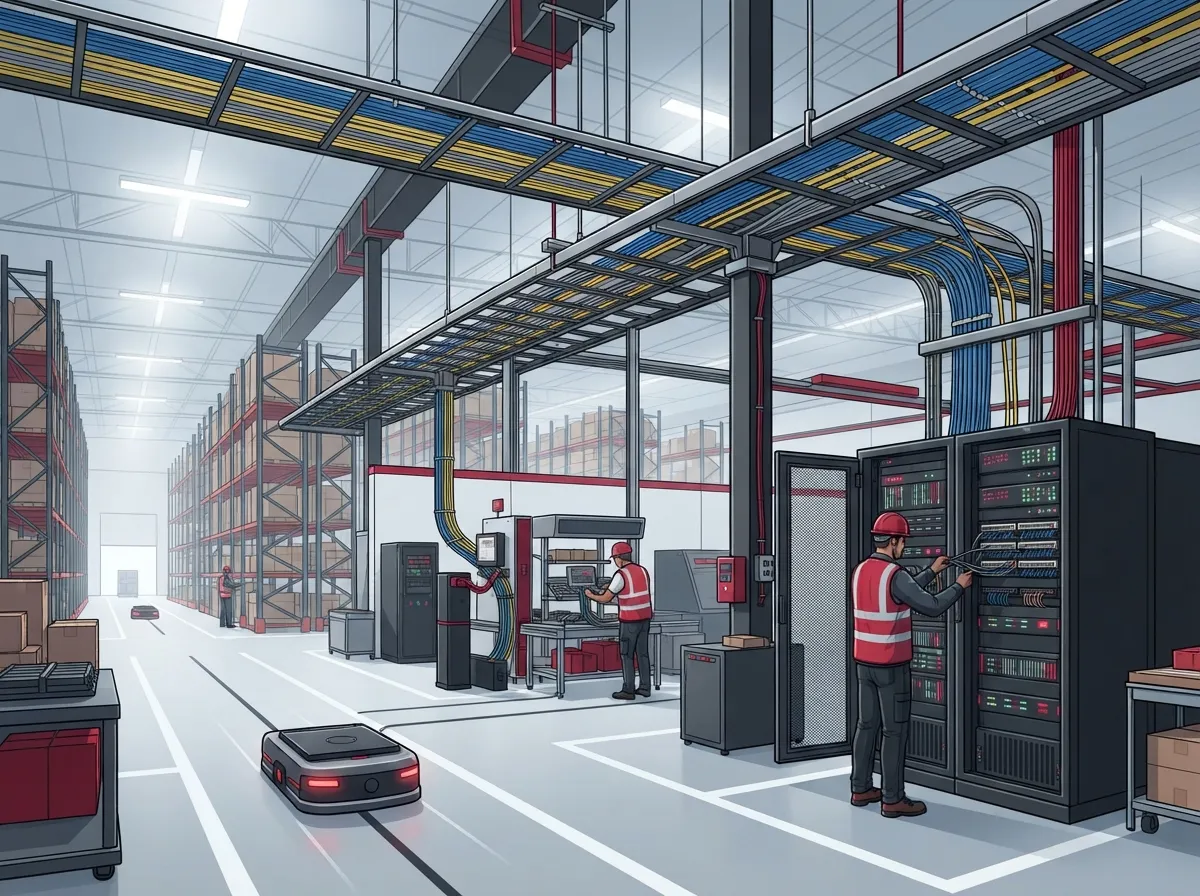
Warehouses are tough on networks. They are big, open, and full of metal racks, forklifts, dust, and heat. That mix is hard on both cables and Wi-Fi signals.
In business telecom, warehouse cabling is the wired infrastructure that links your network rooms and switches to every IP device. It works alongside wireless, not instead of it. Your handheld scanners roam on Wi-Fi, but that Wi-Fi only works well when the wired backbone behind it is solid.
Think of it like a road system. The wireless part is the last mile. The cabling is the highway that feeds it. A bumpy highway means slow trips for everyone.
Good warehouse cabling solutions follow open industry standards and are tested when the job is done. If you want a deeper look at the basics, this overview of structured cabling is a handy starting point.
Mistake 1: Choosing One Cable Type for Every Run
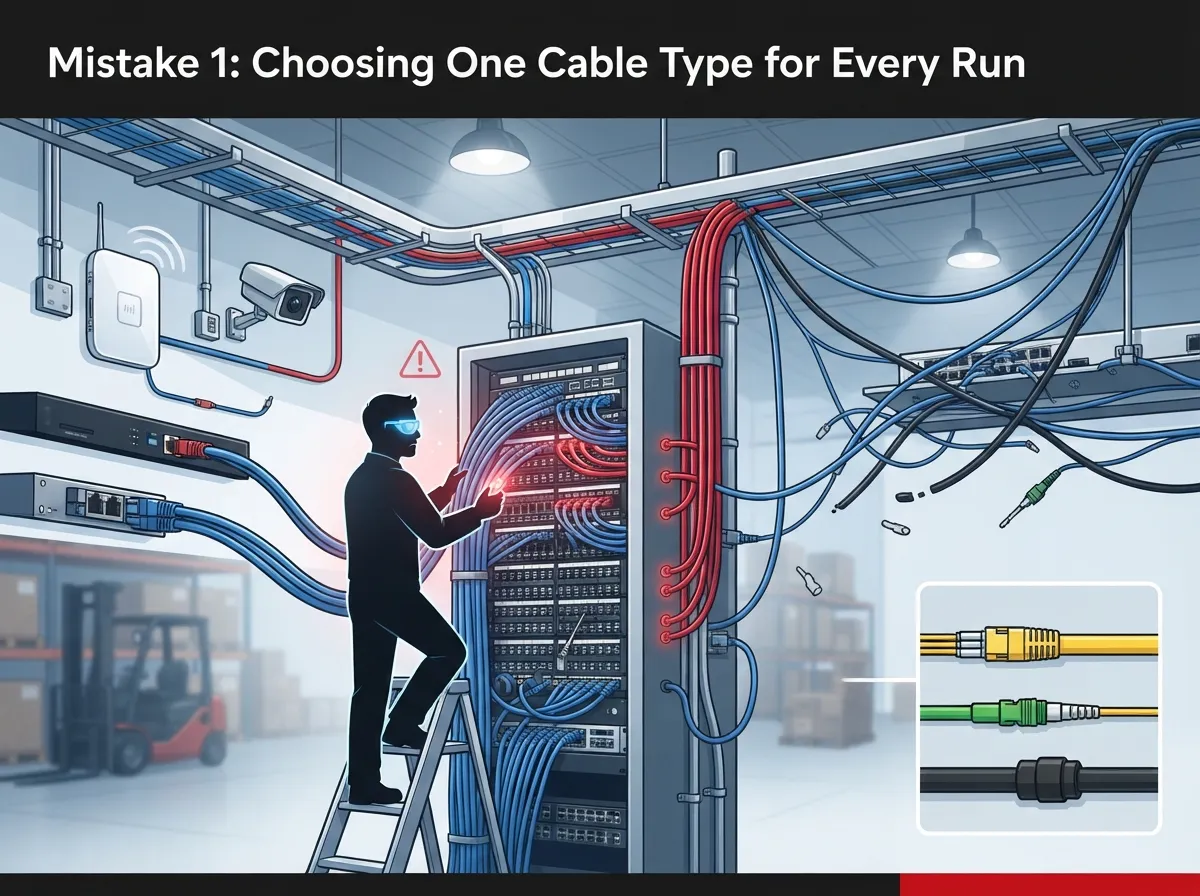
It’s tempting to say, “Let’s just use the same cable everywhere.” It feels simple. But different devices have different needs.
Cat6A is often a smart pick for new access point runs. It supports 10 Gb/s, handles higher PoE loads, and gives you room for future wireless upgrades. Cat6 may be fine for lower-bandwidth endpoints like a desk phone or a basic printer.
The right answer depends on device needs, distance, power, environment, and how long you want the system to last. Not on a one-size-fits-all rule.
If you’re weighing the options, our guide on the difference between Cat6 and Cat6A breaks it down in plain language.
Mistake 2: Ignoring the 100-Meter Rule
Copper Ethernet has a speed limit on distance. A full channel is generally limited to 100 meters, including patch cords. The permanent link is typically limited to 90 meters, with the rest reserved for patch cords at each end.
Warehouses are big, so it’s easy to blow past this limit. A run from a central room to a far corner may be too long. When that happens, devices drop out or run slowly.
The fix is smart room placement. Put intermediate distribution frames (IDFs) where they keep every copper run within limits. Then link those rooms back to the main distribution frame (MDF) with fiber.
Mistake 3: Skipping Fiber for Backbone Links
Fiber is your friend in a warehouse. It’s a great fit for MDF-to-IDF links, long routes, links between buildings, and paths that are electrically noisy.
You’ll need to pick single-mode or multimode fiber to match the distance and your equipment. For reference, 10GBASE-SR multimode reach is about 300 m on OM3 and 400 m on OM4. Always verify the exact reach against the transceivers and channel you choose.
One catch: fiber doesn’t carry power. If a remote camera or access point needs PoE, it needs a copper run from a nearby powered switch, or a local power source.
Curious how fiber fits your wider setup? Read how to choose fiber cabling for your business network.
Mistake 4: Guessing at PoE Power Needs
Power over Ethernet (PoE) lets one cable carry both data and power. It’s wonderful for access points, cameras, and phones. But it’s easy to underbuy.
Higher-power devices may need PoE+ or PoE++ instead of older, legacy PoE. One planning result notes that 802.3bt PoE++ can provide up to 60 W per port in the cited setup. Actual usable power still depends on the standard class, the cabling, and the gear.
Before you buy switches, add up what your devices need. Then compare it to the switch’s total power budget.
A Quick PoE Check
- List every PoE device you plan to connect.
- Find each device’s power requirement and PoE standard.
- Add the totals together.
- Compare that number to the switch’s total PoE budget.
- Leave extra room for growth.
Mistake 5: Forgetting How Racks Affect Wi-Fi
Metal racks and shifting inventory can change how Wi-Fi spreads. A spot with great coverage today can turn weak after a big delivery.
That’s why access point placement matters so much. Plan locations with a site survey, then validate them in the real, operating warehouse. Cable drops follow those access point spots, so getting this wrong can mean pulling cable twice.
One vendor guide suggests Cat6A for state-of-the-art Wi-Fi cabling and describes four cables per access point as a best-practice option for future expansion. That’s vendor guidance, not a hard rule. But it shows the value of planning ahead.
Roaming scanners rely on this setup. A strong wired layer plus smart AP placement keeps those handhelds connected as workers move down the aisles.
Mistake 6: Leaving Cables Exposed to Forklifts and Harsh Conditions
Warehouses are rough places. Forklifts bump things. Dust gets everywhere. Heat, moisture, and sometimes chemicals can wear down the wrong cable.
Protect your runs with the right pathways. Use tray, conduit, or guarded routes in areas where impacts could happen. Choose cable and hardware rated for the temperature, dust, moisture, and chemical exposure at your site.
Here is a quick look at common risks and fixes:
| Warehouse Risk | What It Can Do | Smart Fix |
|---|---|---|
| Forklift impact | Crushed or cut cable | Tray, conduit, or guarded pathways |
| Dust and debris | Dirty connectors, signal issues | Sealed enclosures and clean terminations |
| Heat | Cable wear, lower performance | Cable rated for the environment |
| Moisture | Corrosion, failures | Rated cable and weather-safe hardware |
| Chemicals | Jacket damage | Cable and hardware matched to exposure |
Mistake 7: Overlooking Standards and Code
Standards may sound dry, but they keep your network reliable and safe. A complete project covers pathways, telecom rooms, grounding, fire-code-compliant cable, labeling, testing, and documentation.
These are the main standards families worth knowing:
- ANSI/TIA-568: cabling performance and design
- TIA-569: pathways and spaces
- TIA-606: administration and labeling
- TIA-607: grounding and bonding
- TIA-1005: industrial premises
Editions change, and local rules vary. Confirm current editions and local code requirements with your designer and the authority having jurisdiction.
Want to see how this ties into wider planning? Our guide on how to plan network cabling installation in Tampa Bay walks through the steps.
Mistake 8: Skipping Testing, Labels, and Documentation
Here’s one that bites people months later. A cable can look perfect and still perform poorly. Testing and certification prove each run meets the standard.
Labels matter too. When something breaks at 2 a.m., a clear label saves hours. And as-built documentation shows exactly where every cable runs, so future changes are simple.
Ask any contractor for this checklist before you sign off:
- Test and certification results for every run
- Clear labels on cables, ports, and panels
- As-built drawings of final pathways and rooms
- Records of grounding and bonding
- A list of all equipment and cable types used
For more on this, see our post about building structured cabling documentation that works.
Mistake 9: Not Planning for Growth
Warehouses change fast. You add cameras. You add access control. You switch to a faster Wi-Fi standard. If your cabling only fits today’s needs, you’ll be tearing into ceilings again soon.
Plan for the next five to ten years. Pull extra drops where you can. Leave space in cable trays and telecom rooms. Choose media that can handle more speed later.
Cabling is also what powers your other systems. Cloud security cameras and door access need solid, powered connections. See how structured cabling supports VoIP and cameras, and why cloud video security for warehouses starts with a good network.
Mistake 10: Juggling Too Many Vendors
This last one is about people, not products. When one company pulls cable, another sets up the network, and a third handles phones and cameras, things get lost. Finger-pointing begins the moment something fails.
A single point of contact makes life easier. That’s the idea behind Ideal Solutions Provider, a Tampa-based telecom and IT partner with over 24 years of experience. They handle cabling, networking, internet, VoIP phones, cloud security cameras, and access control, so you work with one team from start to finish.
Not sure where your setup stands? Our post on structured cabling mistakes that hurt your business can help you spot gaps early. You can also explore our structured cabling services to see what a full project looks like.
How to Pick the Right Cable: A Quick Comparison
Still weighing Cat6, Cat6A, and fiber? Here is a simple side-by-side to help you think it through.
| Option | Best For | Key Points |
|---|---|---|
| Cat6 | Lower-bandwidth endpoints, shorter runs | Good value; check bandwidth and distance needs |
| Cat6A | Wi-Fi access points, higher PoE, future upgrades | 10 Gb/s capable; strong for new AP runs |
| Fiber | MDF-to-IDF links, long runs, inter-building | Great for distance and noisy areas; no PoE |
Keep in mind that most warehouses use a mix. Fiber ties your rooms together, and copper reaches the devices nearby. That layered approach gives you reach, speed, and power where each is needed.
Your Simple Warehouse Cabling Game Plan
Feeling a bit overwhelmed? Let’s turn this into steps you can actually follow.
- Map your space. Note racks, docks, offices, and trouble spots.
- List your devices. Count access points, cameras, phones, printers, and workstations.
- Run a Wi-Fi site survey. Find the best AP spots in your real environment.
- Choose room locations. Place your MDF and IDFs to keep copper runs in limits.
- Pick cable and PoE gear. Match the media and switch power to each device.
- Protect your routes. Use tray, conduit, and rated materials.
- Test, label, and document. Get everything in writing.
If you manage many sites, this process scales well. A repeatable plan helps franchise operators and multi-location teams keep every warehouse running the same way.
Ready to Build a Warehouse Network That Just Works?
Great warehouse cabling solutions aren’t about fancy gear. They’re about smart planning, the right materials, and careful follow-through. Avoid these ten mistakes, and you’ll protect your uptime, your team, and your bottom line.
You don’t have to figure it all out alone. If you’d like a friendly expert to review your space and your options, contact us for a free consultation, or call us to talk it through. We’re here to help you get it right the first time.
Want to see more of what we do? Follow along on YouTube for helpful tips and walkthroughs.
FAQs
Q: What cabling is best for a warehouse network: Cat6, Cat6A, or fiber?
A: Most warehouses use a mix. Cat6A is a popular pick for new Wi-Fi access point runs, Cat6 can work for lighter endpoints, and fiber handles long backbone links between network rooms. The best choice depends on your distances, power needs, and growth plans.
Q: How far can Ethernet cable run in a warehouse before I need fiber or another IDF?
A: A copper Ethernet channel is generally limited to 100 meters total, with the permanent link typically at 90 meters and the rest left for patch cords. Past that point, add another IDF closer to your devices and link it back with fiber.
Q: What PoE standard do warehouse access points and cameras need?
A: It depends on the device. Many higher-power access points need PoE+ or PoE++ rather than legacy PoE. Check each device’s power needs, then match them to your switch’s PoE standard and total power budget, with a little room to grow.
Q: How should warehouse network cables be protected from forklifts and harsh conditions?
A: Use tray, conduit, or guarded pathways in areas where impacts could happen. Pick cable and hardware rated for your site’s heat, dust, moisture, and chemical exposure so your network stays steady for years.
Q: What should a warehouse cabling contractor provide when the job is done?
A: You should receive test and certification results, clear labeling, and as-built documentation. Good contractors also follow current standards and local codes, including grounding and fire-code-compliant cable selection.





