
Key Takeaways
-
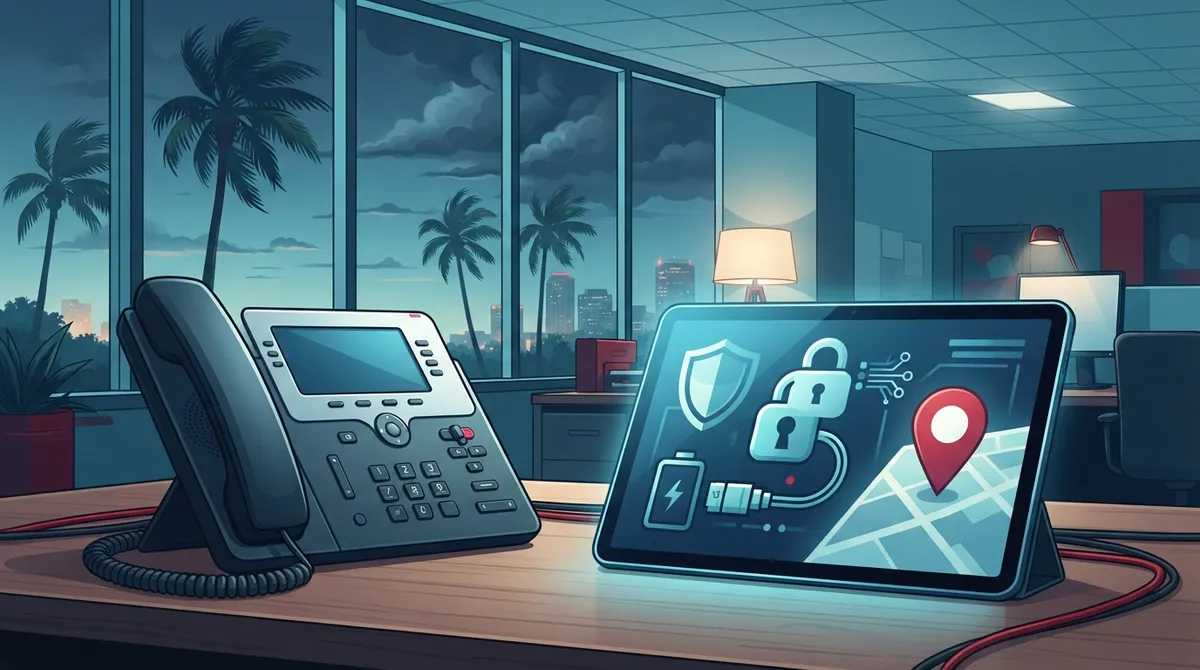
Your phone system affects client trust, security, record-keeping, and hurricane readiness, so choose it with the same care as other core firm tools.
-
Outsourcing phone service does not outsource compliance: if a vendor can access customer information, it may fall under your SEC Regulation S-P service-provider oversight.
-
Get security commitments in writing, including access controls, encryption, audit logs, recording retention rules, incident notification timelines, and subcontractor oversight.
-
Build resilience into your contract with redundant internet, failover routing to mobile phones, backup power, and defined restoration targets for storm season.
-
Register an accurate E911 address for every office and remote advisor, and update it whenever people move, since VoIP 911 depends on that location data.
-
Many phone problems are really internet or cabling problems, so assess bandwidth, QoS voice prioritization, and wiring before switching providers.
Picture this: it is a busy Monday morning in Tampa. A longtime client calls your advisory firm about a time-sensitive transfer. The call rings, rings, and goes to a voicemail box nobody checks until noon. Ouch. In financial services, one missed call can sound a lot like a missed opportunity.
That is why choosing a financial services phone system in Tampa is about more than picking nice desk phones. Your phone system touches client trust, security, record-keeping, and even hurricane readiness. It is one of the most important tools in your office, and it deserves a careful look.
In this friendly guide, we will walk through what a modern phone system does, which features matter most for financial firms, what to ask about security and rules like SEC Regulation S-P, and how to plan for Tampa’s wild weather. Whether you run a small advisory shop or manage several branches, you will leave with a clear checklist. Let’s get started!
What Does a Financial Services Phone System in Tampa Really Mean?
When people say a financial services phone system in Tampa, they usually mean a business-grade VoIP or unified communications platform. That is very different from a basic consumer phone plan. It runs over the internet, so your team can make and take calls from the office, a laptop, or a mobile phone.
Common capabilities include:
- Call routing, so clients reach the right advisor quickly
- Call queues and auto attendants for busy periods
- Voicemail, mobile calling, and desktop calling
- Conferencing for client reviews and team meetings
- Call analytics to see volume, wait times, and missed calls
- Integrations with the business tools your team already uses
If you want a plain-English primer, our guide on what a cloud-based phone system is and whether you need one covers the basics. And if you are curious how the technology differs from old-school lines, see these 6 key differences between VoIP and traditional phone systems.
Why Do Financial Firms Need More Than a Standard Business Phone?
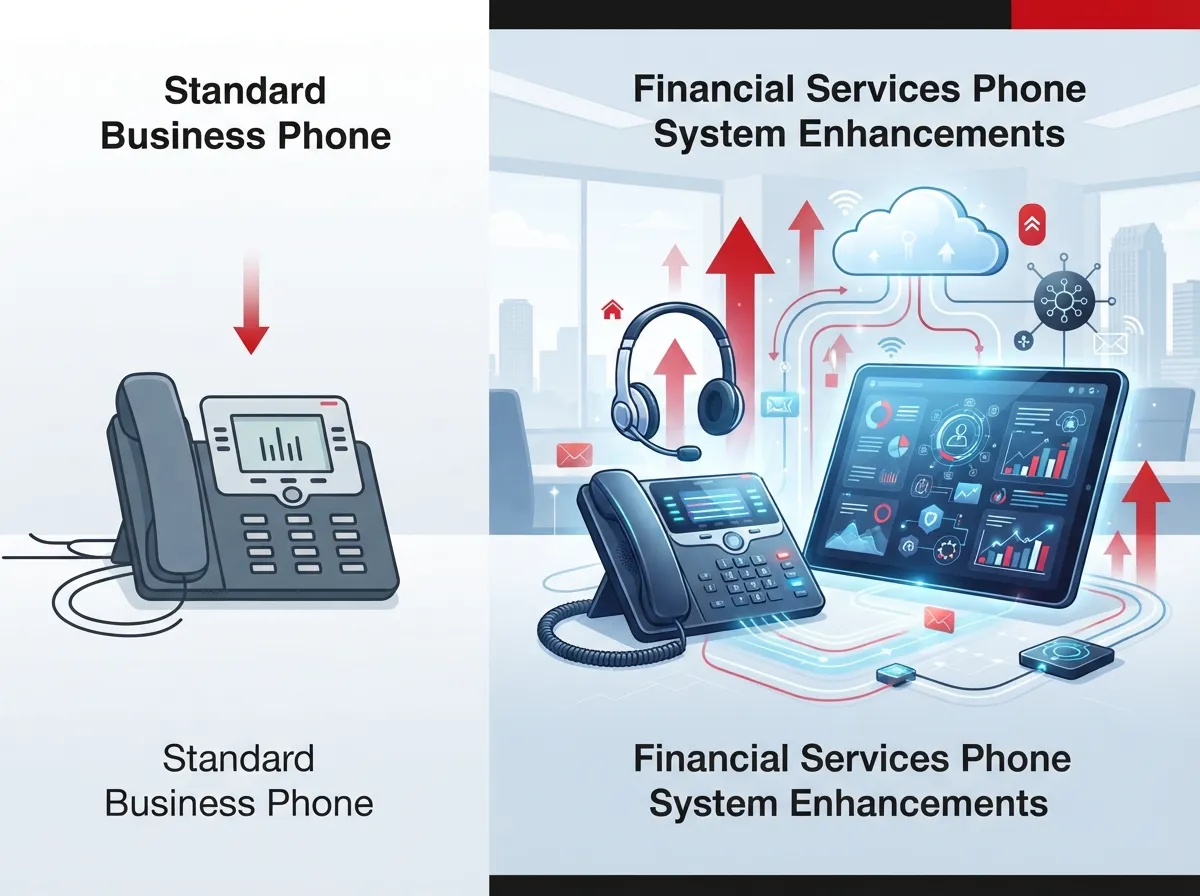
Financial conversations are different. Clients share account details, retirement plans, and personal goals. They expect calls to be answered fast and handled with care. A standard phone setup may not give you the control, reporting, and safeguards your firm needs.
Here is where financial firms often feel the pinch:
- Client experience. Long waits or dropped calls make clients nervous about their money.
- Compliance pressure. Regulators expect you to protect customer information, even when a vendor handles part of the process.
- Mobility. Advisors need to take calls on the go without sharing personal cell numbers.
- Continuity. A storm or outage cannot be allowed to shut down client service.
A good system turns these headaches into strengths. It keeps your front desk calm, your advisors reachable, and your firm ready for the unexpected.
Which Features Matter Most for a Tampa Financial Practice?
Not every shiny feature is worth paying for. Focus on the ones that support client service and day-to-day efficiency. Many Tampa-area providers describe financial use cases such as call routing, caller ID, conference phones, mobile integration, call analytics, and network Quality of Service (QoS). Those are solid starting points, though you should always verify provider claims through references and written service terms.
| Feature | Why It Helps a Financial Firm | Question to Ask |
|---|---|---|
| Call routing and queues | Gets clients to the right advisor or team fast | Can we set different rules for busy hours and after hours? |
| Mobile and desktop calling | Lets advisors work from anywhere with one business number | Does the app keep business and personal calls separate? |
| Call analytics | Shows missed calls, wait times, and peak call periods | What reports are included, and how often can we export them? |
| Call recording | Supports training, quality checks, and record-keeping needs | How is recording stored, retained, and deleted? |
| Conferencing | Makes client reviews and team calls simple | How many participants can join, and is there a dial-in option? |
| Failover and redundancy | Keeps calls flowing during outages | Where do calls go if our internet drops? |
For a deeper feature list, check out these 12 VoIP phone system features every business needs in 2026. If call recording is high on your list, the article on 8 call recording VoIP features every business needs is a great companion read.
How Does SEC Regulation S-P Affect Your Phone System Choice?
Here is the part many firms overlook. If your firm is covered by SEC Regulation S-P, your phone and communications vendors may become part of your service-provider risk picture, especially if they handle or can access customer information. The big takeaway is simple: outsourcing a service does not outsource your compliance responsibility.
The SEC’s 2024 amendments to Regulation S-P require covered institutions to maintain incident-response policies and procedures and to oversee their service providers. They also require notifying affected individuals about certain unauthorized access to, or use of, sensitive customer information. Notice should go out as soon as practicable and no later than 30 days after the firm becomes aware of the incident, subject to limited exceptions.
Timing matters too. According to FINRA’s guidance, compliance dates are Dec. 3, 2025, for larger entities and June 3, 2026, for smaller entities. Since it is now October 2026, both dates have passed, so this is not a future to-do. It is a current expectation. You can read more in FINRA’s cybersecurity advisory on the Regulation S-P amendments.
A quick note: this article is general information, not legal advice. Your compliance officer or counsel should confirm exactly how these rules apply to your firm and your phone setup.
What Security Questions Should You Ask a Phone Provider?
A provider’s marketing page is not proof of compliance. Instead, ask pointed questions and get answers in writing. Here is a friendly checklist to bring to your next vendor meeting:
- Access controls. Who can view call data, recordings, and voicemail? Are administrator accounts protected with extra verification?
- Encryption. Is call traffic and stored data encrypted?
- Audit logs. Can you see who changed settings or accessed recordings?
- Retention and deletion. Can you set rules for how long recordings and voicemails are kept?
- Incident notification. How quickly will the provider tell you if something goes wrong? Is that commitment in the contract?
- Subcontractors. Which other companies touch your data, and how does the provider oversee them?
- Data handling. Where is your data stored, and what are the terms around it?
Requirements depend on your firm’s regulatory status and how the system is configured, so treat this list as a conversation starter, not a final answer. For more on this topic, our guide on how to choose a data security service for business telecom goes deeper.
How Does E911 Work for VoIP Phones in Tampa?
Safety first. Interconnected VoIP providers must provide 911 service and meet FCC E911 requirements. That includes collecting a registered physical location and transmitting the caller’s callback number and registered location to emergency services.
For your firm, that means a little homework:
- Register an accurate address for every office.
- Update locations when you move desks, floors, or buildings.
- Have remote advisors register their home or work-from-anywhere locations.
- Understand any limits, such as what may happen during a power or internet outage.
- Test your 911 procedures and train your team.
This is especially important if some advisors work from home or split time between branches. The FCC’s VoIP and 911 guidance explains the basics in plain language.
Is Your Tampa Phone System Ready for Hurricane Season?
Tampa folks know the drill. Storms, power flickers, and internet outages are part of life here. Your financial firm cannot go dark when clients need answers, so resilience planning belongs on your checklist.
Ask your provider about:
- Redundant connectivity, such as a backup internet line
- Failover routing, so calls automatically ring mobile phones or another office
- Backup power for key equipment like switches and routers
- Restoration targets, meaning how fast service should return after an outage
- Alternate locations, so staff can work from somewhere safe
Most important, confirm these capabilities in your contract. General claims about reliability are nice, but written commitments are what protect you. Strong connectivity underneath makes a big difference too, so it helps to review how to keep systems working during internet outages and the basics of dedicated fiber internet for Tampa businesses.
What About Internet Speed and Cabling Behind the Scenes?
Here is a secret: many phone problems are not phone problems at all. Choppy audio, delays, and dropped calls often come from weak internet or messy wiring. A beautiful VoIP platform cannot fix a shaky foundation.
Before you switch, check these basics:
- Do you have enough bandwidth for calls, video meetings, and everything else at once? Our guide on what internet speed you need for VoIP in Tampa can help you size it up.
- Is your network set up to prioritize voice traffic using QoS?
- Is your office cabling in good shape? Good structured cabling keeps phones, computers, and cameras running smoothly. See how structured cabling supports VoIP phones and security cameras.
Think of it like building a house. The phone system is the nice furniture, but the internet and cabling are the foundation. Skip the foundation, and everything feels wobbly.
How Do You Compare Tampa Telecom Providers Fairly?
With so many choices, it can feel overwhelming. The good news is that a simple, step-by-step approach makes it manageable. Try this process:
- List your must-haves. Include call volume, number of users, remote workers, and compliance needs.
- Request written quotes. No Tampa-specific pricing is one-size-fits-all, so get current quotes instead of relying on online estimates.
- Ask for references. Talk to other financial or professional-services firms.
- Review service-level terms. Look for uptime, support response times, and incident notification.
- Request a technical assessment. Have your network and internet checked before you sign.
- Plan the rollout. Ask about training, number porting, and support after go-live.
Keep in mind that uptime and support claims should always be validated directly with vendors. If keeping your current number worries you, here is how to keep your phone number when switching to VoIP in Tampa. And to avoid common pitfalls, skim these 8 VoIP provider mistakes Tampa businesses must avoid.
Many firms also find it easier to work with one partner instead of juggling several vendors. A single point of contact can compare carriers, handle installation, and stay with you for ongoing support. That is exactly the approach we take at Ideal Solutions Provider, a Tampa-based telecom and IT partner with over 24 years of experience and relationships with 35+ vetted suppliers. If you like this approach, read about 11 reasons to use one telecom partner in Tampa FL.
What Will It Cost, and How Do You Budget?
Everyone asks about price, and it is a fair question. Business VoIP is often charged per user each month, but the final number depends on features, user count, call volume, internet needs, and equipment. Because no reliable, independently verified Tampa-specific pricing data exists, the safest move is to gather several quotes and compare them line by line.
Watch for hidden items such as setup fees, number porting charges, recording storage, and extra costs for advanced features. For help building your budget, see how much a VoIP phone system costs for a business in Tampa and these 15 ways to reduce business telecom costs in Tampa. A telecom audit can also uncover savings you did not know about, as explained in these 11 telecom audit steps that cut business costs.
Ready to Build a Phone System Your Clients Can Trust?
A great financial services phone system in Tampa does three things well. It makes your clients feel heard, it protects sensitive information, and it keeps working when the weather turns rough. Features matter, but security, vendor oversight, E911 setup, and resilience matter just as much.
Take it one step at a time. List your needs, ask tough security questions, confirm commitments in writing, and make sure your internet and cabling can support the system. If you would like a friendly guide along the way, we are here to help with a free review of your current setup. Contact us today, or call us to talk through your options. You can also see more of our work on YouTube or follow along on Facebook. Your clients are counting on every call, so let’s make each one count.
FAQs
Q: What is the best business phone system for a financial services firm in Tampa?
A: The best fit is usually a business-grade VoIP or unified communications platform with strong security, call routing, mobile access, and reliable failover. The right pick depends on your firm’s size, compliance needs, and internet setup, so compare written quotes and ask for a technical assessment first.
Q: Does SEC Regulation S-P apply to a financial firm’s cloud phone provider?
A: It can. If your phone vendor handles or can access customer information, it may be part of your service-provider oversight under the amended rule. Remember, outsourcing a service does not outsource your compliance responsibility, so check with your compliance officer or counsel.
Q: How does E911 work for VoIP phones in a Tampa office or for remote employees?
A: VoIP providers must support 911 and send the caller’s callback number and registered physical location to emergency services. Be sure to register an accurate address for each office and each remote worker, and update it whenever someone moves.
Q: Can a business VoIP system support call recording and retention?
A: Yes, many business VoIP platforms offer call recording with settings for storage and deletion. Ask each provider how recordings are protected, how long they are kept, and who can access them, since your firm’s rules will drive the setup.
Q: What should Tampa financial firms ask about uptime and hurricane preparedness?
A: Ask about redundant internet, failover routing to mobile phones, backup power, and restoration targets. Then confirm those promises in your contract, because general reliability claims are not the same as written commitments.





