
Key Takeaways
-
Test your site's upload bandwidth before buying cloud cameras, since uploads (not downloads) carry the video; 1080p can use roughly 1-2 GB per hour and 4K roughly 3-6 GB per hour.
-
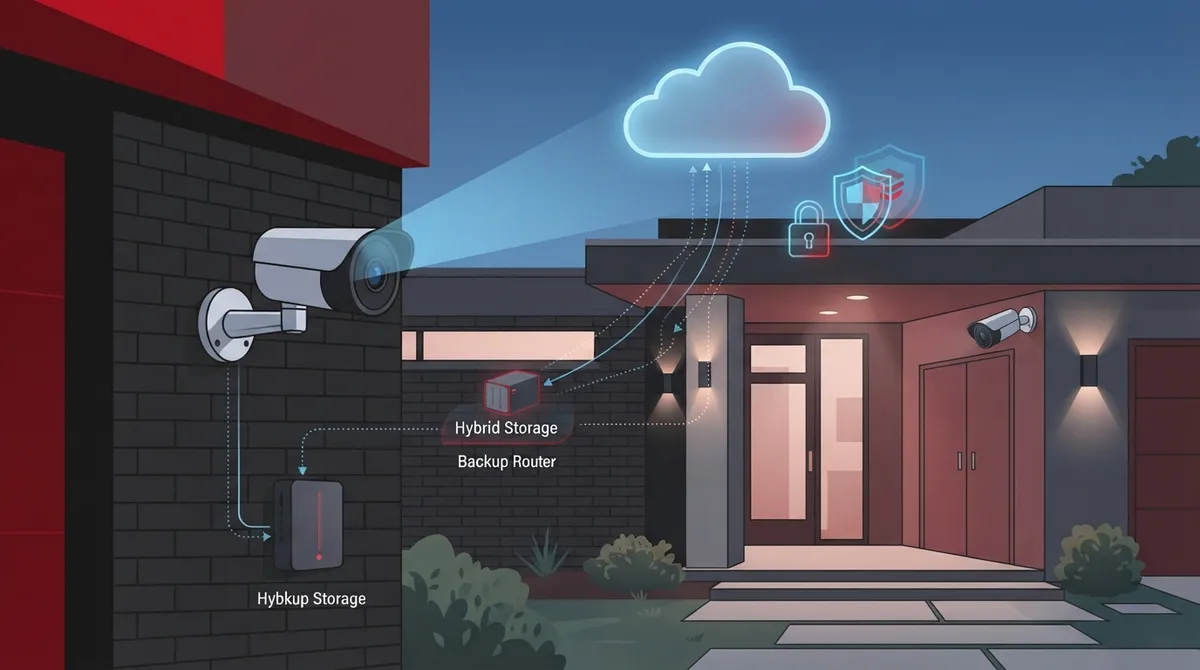
Choose between cloud-only, local, or hybrid storage based on your needs; hybrid offers backup and continuity, and Genetec's 2025 report found 43% of end users preferred hybrid-cloud for the next five years.
-
Ask vendors how cameras keep recording and sync footage during internet outages, such as through edge recording or local buffering, and consider a backup internet line for busy sites.
-
Protect footage with encryption in transit and at rest, multifactor authentication, role-based permissions, and audit logs showing who viewed or exported clips.
-
Reduce costs by mixing recording modes: continuous recording for critical areas like entrances, and motion-based or scheduled recording for lower-risk spaces like storage closets.
-
Get data ownership, storage location, breach notification, export, and secure deletion terms in writing, and compare total costs over several years rather than just camera prices.
Picture this: it’s Monday morning, and you find out something happened at your office over the weekend. You want to check the footage. But the recorder in the back closet is dead, and so is your evidence. Ouch! That is exactly the kind of headache that security cameras with cloud storage help you avoid.
For business owners, IT managers, and franchise operators, cloud video is no longer a fancy extra. It is quickly becoming the default. The video surveillance storage market was valued at about USD 16.15 billion in 2025 and is projected to reach USD 46.31 billion by 2034, according to Fortune Business Insights (a market-research estimate). Businesses clearly want smarter ways to store and manage video.
In this friendly guide, we will walk through 13 practical tips to help you choose, set up, and protect a cloud camera system. We will keep the jargon light and the advice real. Let’s dive in!

What Are Security Cameras With Cloud Storage?
Business security cameras with cloud storage are usually IP cameras that send video to a vendor-hosted service. Some connect directly. Others use a small local bridge or a cloud-managed recorder. Either way, your footage lives off-site, not just on a box in your building.
That setup lets you watch live video, search past clips, and manage users from a phone or laptop. It is especially handy if you run more than one location. If you want a deeper look at how a business-grade setup works, check out our guide on what cloud video security is.

13 Tips for Choosing and Using Cloud Storage Cameras
1. Decide Between Cloud-Only, Local, or Hybrid
There are three main ways to store video. Each fits a different kind of business. Here is a quick side-by-side look:
| Storage Type | How It Works | Best For | Watch Out For |
|---|---|---|---|
| Cloud-only | Video uploads to a vendor-hosted service | Multi-site teams wanting simple remote access | Needs strong upload bandwidth |
| Local recording | Video stays on a recorder in your building | Sites with weak internet | No off-site backup if the recorder is lost |
| Hybrid | Local copy plus cloud copy of some or all footage | Businesses wanting backup and continuity | Slightly more setup and planning |
Interestingly, Genetec’s State of Physical Security 2025 report found that 43% of end users preferred a hybrid-cloud approach for the next five years. That tells us many businesses like having both safety nets.
2. Check Your Upload Bandwidth First
Cloud cameras send video up to the internet, so upload speed matters more than download speed. Many offices have plenty of download speed but very little upload. Before you buy anything, test your site’s upload capacity.
If you are not sure what your line can handle, our post on cloud video security bandwidth breaks it down in plain English.
3. Estimate How Much Video You Will Create
Video adds up fast. One vendor guide gives these directional estimates for continuous recording: roughly 1 to 2 GB per hour for 1080p at 15 fps using H.264, and about 3 to 6 GB per hour for 4K. The same guide says H.265 may cut usage by 30 to 50%. These are only rough guides, and real numbers vary by scene, settings, and equipment.
The takeaway? Resolution, frame rate, and compression all change your bandwidth and storage bill.
4. Pick the Right Recording Mode
You do not always need to record every second. You can choose between:
- Continuous recording: Captures everything, but uses the most bandwidth and storage.
- Motion or event-based recording: Saves clips only when something happens, which trims costs.
- Scheduled recording: Records only during set hours, such as after closing time.
Many businesses mix these modes. For example, a front door might record continuously while a storage closet records only on motion.
5. Plan for Internet Outages
Here is a question every smart buyer asks: what happens when the internet goes down? Cloud uploads and remote access can pause during an outage. So ask each vendor about edge recording, local buffering, or a recorder that keeps capturing video during a connection failure. Also ask how footage syncs once service returns.
We cover this in detail in how to keep security cameras working during internet outages. A backup internet line can also be a smart investment for busy sites.
6. Look for Strong Security Controls
Your footage is sensitive, so protect it like it matters. Because it does! When comparing providers, look for:
- Encryption in transit and at rest
- Multifactor authentication
- Role-based permissions, so staff only see what they need
- Audit logs that show who viewed or exported footage
- Secure software updates
- Single sign-on options for larger teams
For more on this topic, read how secure cloud video storage is for your business.
7. Read the Contract Fine Print
A great camera with a vague contract is still a risk. Ask the vendor about data ownership, where video is stored, breach notification, how you can export footage, and how it is securely deleted. Getting these answers in writing now saves stress later.
8. Compare Total Costs, Not Just Camera Prices
Cloud storage costs depend on camera count, video quality, recording mode, retention length, and service features. Meanwhile, local systems come with hardware, maintenance, and connectivity costs. So compare the full picture over several years.
Our guide on how to budget for commercial video surveillance can help you build a realistic plan.
9. Set a Retention Policy That Makes Sense
How long should you keep footage? There is no single answer. Needs vary by business, jurisdiction, and sector. A retail shop might keep 30 days, while a regulated facility may need longer. Cloud storage makes it easier to scale retention up or down.
If you want to know what to expect, see key facts about cloud video security footage storage.
10. Respect Privacy and Local Laws
Rules on video and audio recording differ by location. Employee and customer privacy matter too. Before turning on audio or placing cameras in sensitive areas, review the rules with qualified legal counsel. A few minutes of planning can prevent big problems.
11. Make Sure Your Cabling Can Handle It
Great cameras need a solid network behind them. Most business cameras use Power over Ethernet, so quality cabling is the foundation. Weak or messy wiring causes dropped video and frustrating glitches. Learn more in 13 ways structured cabling supports VoIP and cameras.
12. Use Remote Access to Your Advantage
One of the biggest perks of cloud video is checking in from anywhere. Franchise operators can peek at several stores before breakfast. Office managers can verify a delivery without leaving their desks. Learn how in monitoring your business security cameras from your phone.
13. Work With One Partner Who Handles It All
Cameras touch your internet, cabling, and network. That is a lot of moving parts! When different vendors handle each piece, finger-pointing can happen when something breaks. That is where Ideal Solutions Provider comes in. With over 24 years of experience and partnerships with 35+ vetted suppliers, the team acts as one point of contact for consultation, installation, and ongoing support.
Which Option Fits Your Business?
Different teams have different priorities. Here is a quick guide:
- Small business owners: Start simple with a few cloud cameras and motion-based recording to keep costs friendly.
- Mid-sized companies: Add role-based permissions and audit logs as your team grows.
- IT managers: Focus on encryption, single sign-on, and bandwidth planning.
- Office managers: Look for easy remote viewing and reliable support.
- Franchise operators: Choose a system that scales across locations with central management.
If you manage several sites, our article on multi-site cloud video security tips is a great next read. You can also explore the basics on our cloud video security page.
A Simple Setup Process
Not sure where to start? Follow these steps:
- Walk your property and list the spots that need coverage, such as entrances, parking areas, and cash handling zones.
- Test your upload bandwidth and check for backup internet options.
- Choose cloud-only, local, or hybrid storage based on your needs.
- Set your recording mode and retention policy.
- Check your cabling and network before installation day.
- Install, test, and train your staff on viewing and exporting clips.
- Review access permissions every few months.
Getting these basics right makes the whole system smoother. For extra planning help, see 10 factors that decide how many security cameras you need.
Common Mistakes to Skip
Even smart owners trip up sometimes. Watch out for these:
- Buying 4K cameras without checking upload capacity
- Skipping a plan for internet outages
- Forgetting to turn on multifactor authentication
- Keeping every user as an admin
- Ignoring retention costs until the first bill arrives
You can also read our list of 15 cloud video security mistakes to avoid in 2026 for more pitfalls.
Why Cloud Video Keeps Growing
Cloud deployment represented roughly 39% of the video surveillance storage market, according to Fortune Business Insights (an estimate that depends on how the report defines the market). The reason is simple. Cloud systems make it easier to scale, manage many sites, and keep video safe off-site.
You can also follow our work and tips on YouTube, Facebook, and Instagram. And if you are curious about how your internet connection fits in, here is a helpful primer on what an Internet Service Provider actually does.
Ready to Protect Your Business?
Choosing security cameras with cloud storage does not have to feel overwhelming. Start with your bandwidth, pick a storage style that fits, lock down security, and plan for outages. Do those four things, and you are already ahead of most businesses.
If you would like friendly, expert help from a team that handles cameras, internet, cabling, and more, contact us for a free consultation, or call us to talk it through. We would love to help you feel confident about your setup!
FAQs
Q: How does cloud storage for business security cameras work?
A: Your IP cameras send video to a vendor-hosted service, sometimes through a small local bridge or cloud-managed recorder. From there, you can watch live feeds, search past clips, and manage users from any device. It is a lot like having a secure online filing cabinet for your footage!
Q: How much internet bandwidth do business security cameras need?
A: It depends on resolution, frame rate, compression, and whether you record continuously or only on motion. As a rough guide, one vendor estimates 1 to 2 GB per hour for 1080p and 3 to 6 GB per hour for 4K, so test your upload speed before you buy.
Q: What happens to camera footage if the internet goes down?
A: Cloud uploads and remote viewing can pause during an outage. The good news is that many systems offer edge recording or local buffering, which keeps capturing video and syncs it once your connection returns. Be sure to ask your vendor about this before you sign.
Q: How long should a business keep security camera footage?
A: There is no one-size-fits-all answer, since needs vary by business type, location, and applicable laws. Many businesses choose a retention window that matches their risk level, and it is wise to review requirements with qualified legal counsel.
Q: How can a business secure cloud-stored camera footage?
A: Choose a provider that offers encryption in transit and at rest, multifactor authentication, role-based permissions, and audit logs. Also keep software updated and review who has access every few months to keep things tidy and safe.





