
Key Takeaways
-
Check your internet bandwidth and local network before switching, since cloud calls depend on a steady connection and poor cabling or weak internet can cause choppy calls.
-
Verify 911 setup carefully: keep each user's registered location current, because VoIP 911 calls may not automatically share a caller's current location.
-
Plan for outages by arranging backup internet, backup power for key equipment, and call forwarding to mobile phones so customers can still reach you.
-
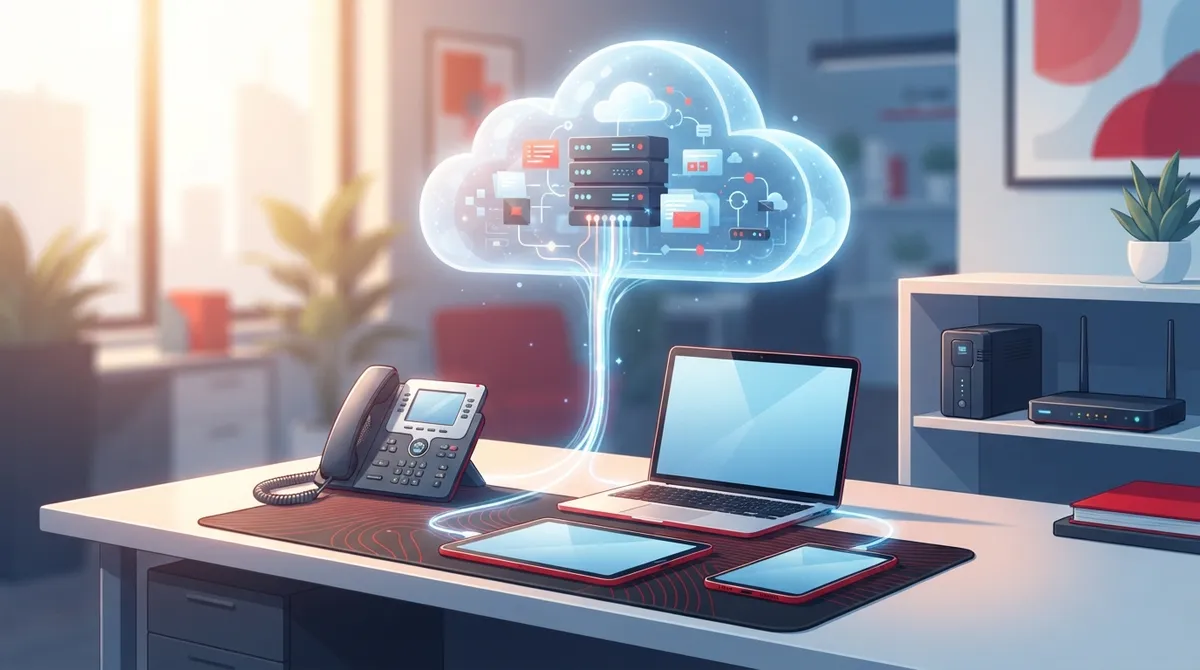
Cloud phone systems let staff make and receive business calls from desk phones, computers, tablets, and mobile apps using one business number.
-
Adding or removing users and updating greetings can usually be done online through an admin portal, without calling a technician for each change.
-
Review security, support terms, and contract fees closely, and confirm the service meets any industry compliance rules that apply to your business.
If you have ever been stuck with a clunky office phone, a tangle of wires, or a repair bill for a phone box in the closet, you are not alone. Many business owners and office managers feel the same way. The good news is that business calling has changed a lot, and it is easier than ever to get a setup that just works.
So, what is a cloud phone system? In simple terms, it is a business phone service that a provider hosts and manages for you. Calls travel over the internet instead of old-fashioned phone lines. That means you can make and take business calls on a desk phone, a computer, or a mobile app.
In this friendly guide, we will walk through how it works, what features you can expect, and how it compares to a traditional setup. We will also cover the things to check before you switch, like internet quality, security, and 911 service. Whether you run a small shop in Tampa or manage several franchise locations, you will leave with a clear picture of what a cloud phone system can do for you.
What Is a Cloud Phone System in Plain English?
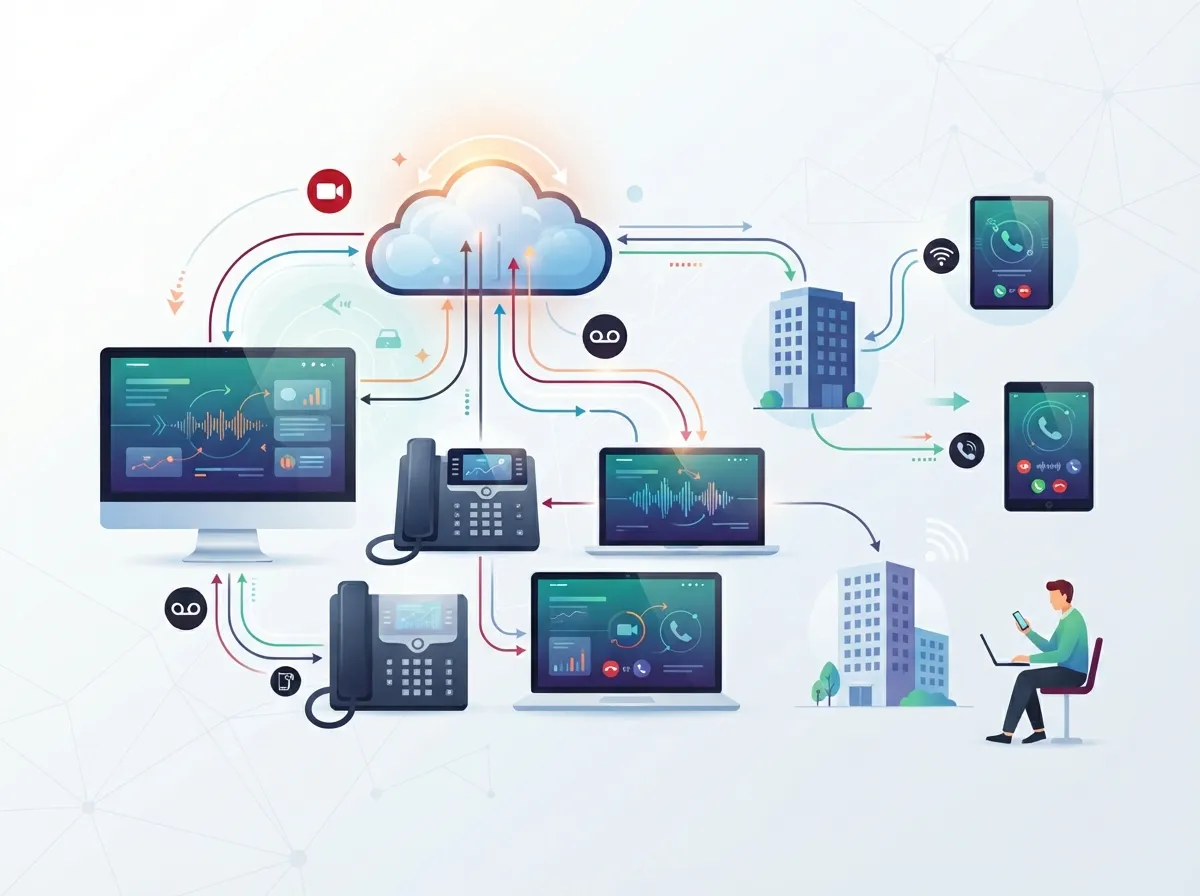
A cloud phone system is a business telephone service hosted by a provider. Instead of buying and running a big phone box in your building, you use a service that lives in secure data centers. Calls are usually carried over the internet using a technology called Voice over Internet Protocol, or VoIP.
Think of it like streaming music. You used to buy CDs and store them on a shelf. Now you simply open an app. A cloud phone system works the same way. You skip the hardware closet and log in to a service that is managed for you.
Here is what that means for your daily work:
- Your staff can use a business number on desk phones, computers, tablets, or mobile apps.
- Your provider handles much of the platform upkeep and updates.
- You can add or remove users online without calling a technician for every change.
The exact setup depends on the provider and the plan you choose. Still, the big idea stays the same: your phone system lives in the cloud, and your team connects to it from wherever they work.
How Does a Cloud Phone System Work?
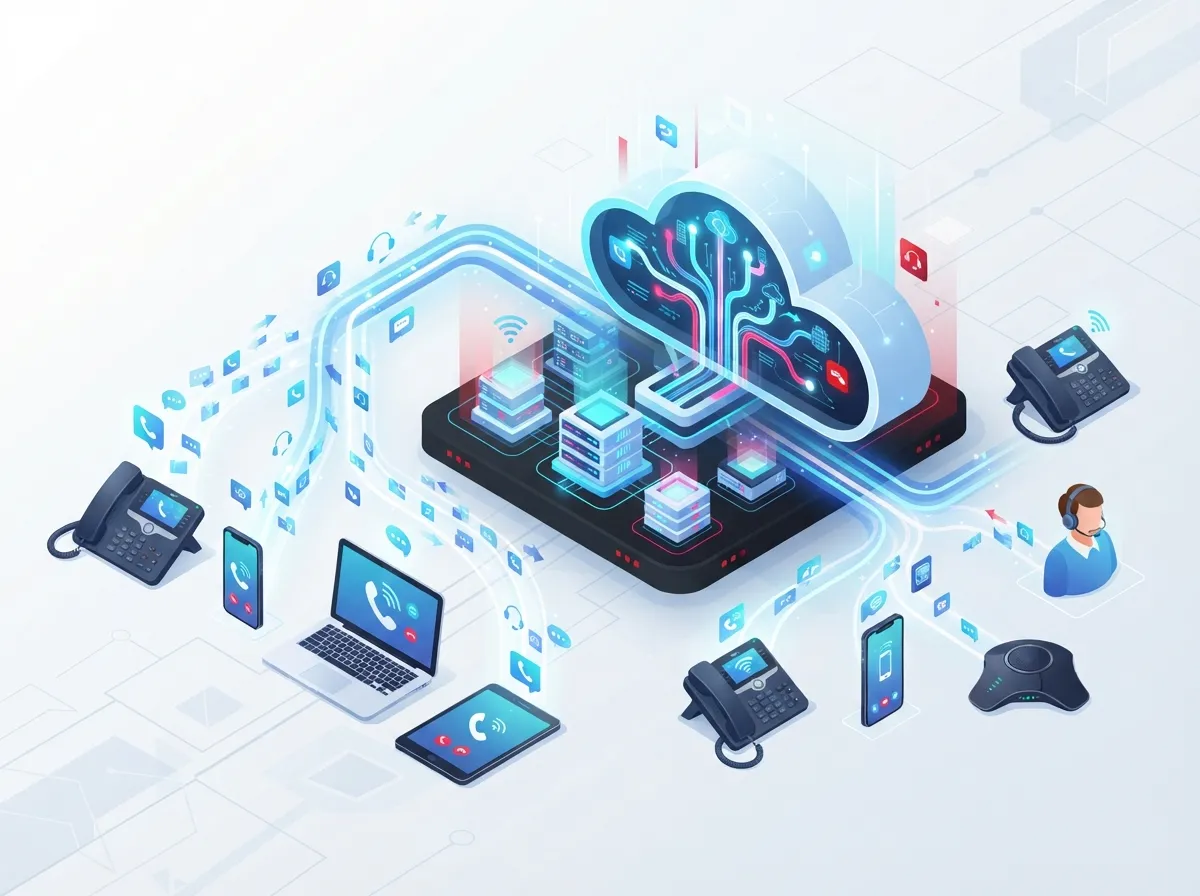
The process is simpler than it sounds. When someone calls your business, the call is routed through your provider’s hosted platform. The platform follows the rules you set, such as ringing a certain group first or sending callers to a voicemail box. Then it delivers the call to the right person on the right device.
Here is a quick step-by-step look at what happens behind the scenes:
- A caller dials your business number.
- The call reaches your provider’s hosted platform through a network connection.
- The platform checks your settings, such as the auto-attendant menu, hours, and routing rules.
- The call is sent over the internet to the desk phone, app, or computer you chose.
- Your team member answers, and the voice travels back and forth as data.
Because all of this runs on the internet, your connection matters a great deal. Call quality and uptime depend on your internet service, your local network, power, and the provider’s service. We will get into how to prepare for that a little later.
Cloud Phone System vs. VoIP vs. UCaaS: Clearing Up the Terms
These words get tossed around a lot, and they are related but not the same. It helps to know the difference so you can talk to vendors with confidence.
| Term | What It Means | Best Way to Think About It |
|---|---|---|
| VoIP | The technology that sends voice over IP networks | The engine under the hood |
| Cloud phone system | A hosted business calling service, usually built on VoIP | The car you drive every day |
| UCaaS | Unified communications that combines calling with video meetings, team chat, and more | The car with extra features packed in |
| CCaaS | Cloud tools built for customer contact centers | A specialty vehicle for support teams |
The UCaaS market is growing fast. Fortune Business Insights estimated the global market at about USD 66.42 billion in 2025 and projects it could reach USD 276.9 billion by 2034. That growth shows how many businesses are moving toward cloud communications.
If you want a deeper dive into the difference, you can read our guide on how to choose unified communications as a service.
Cloud Phone System vs. On-Premises PBX
A traditional on-premises phone system, often called a PBX, lives in your building. You buy the equipment, house it, and usually pay for upkeep and upgrades. A cloud phone system shifts much of that work to your provider.
| Factor | Cloud Phone System | On-Premises PBX |
|---|---|---|
| Where it lives | Provider’s hosted platform | Equipment at your location |
| Upfront hardware | Often lower, may need phones or adapters | Often higher, includes the main system |
| Adding users | Usually done online | May need hardware or a technician |
| Remote work | Works from many locations with an app | Can need extra setup |
| Maintenance | Mostly handled by provider | Handled by you or your IT partner |
Keep in mind that the exact split of responsibility depends on your contract. Some businesses with special needs still choose on-site gear. For a closer look, check out our comparison of hosted vs. on-premises business phone systems.
Common Features You Can Expect
Most cloud phone systems come with a solid set of tools right out of the box. Plans vary by provider, so always confirm what is included before you sign.
Here are features many businesses use every day:
- Extensions and direct dial: Give each person or department an easy number to reach.
- Auto-attendant: A friendly greeting that lets callers press a number to reach the right team.
- Call forwarding and routing: Send calls to a cell phone, a backup person, or a group.
- Voicemail: Many systems let you listen online or get messages by email.
- Hunt groups: Ring several people until someone picks up.
- Online admin portal: Make changes from a dashboard instead of a closet.
Some services also add call recording, business messaging, analytics, and links to CRM or productivity tools. If you want help picking the right mix, take a look at 12 VoIP phone system features every business needs in 2026 or how to choose VoIP features that help your business grow.
Who Benefits Most From a Cloud Phone System?
A cloud phone system can fit many kinds of businesses. Here is how it tends to help different teams.
Small Business Owners
If you wear many hats, you probably do not want to manage phone hardware too. A hosted service can reduce the number of things you need to maintain. You also get features that once felt reserved for big companies, like a professional auto-attendant.
Office Managers and IT Managers
For office managers, easy changes are a big win. Adding a new hire or updating a greeting can often be done in an online portal. IT managers may like having fewer boxes to maintain and a clearer view of how the system is running.
Mid-Sized Companies and Franchise Operators
If you have several locations, a cloud service can help keep everyone on the same system. Staff can share a consistent experience, and managers can handle settings across sites. For multi-location growth, our guide on multi-location telecom solutions is a handy read.
What to Check Before You Switch
A cloud phone system is a great fit for many teams, but it is smart to do a little homework first. A good plan prevents headaches later.
Check Your Internet and Network
Voice calls depend on a steady connection. Weak internet, a crowded local network, or poor cabling can lead to choppy calls. Before you move, review your bandwidth and network setup. It also helps to look at your wiring, since a solid foundation supports everything else. Our article on what structured cabling is explains why this matters, and you can learn more about the basics on structured cabling from a trusted reference.
If your connection feels slow, you may want to review what to look for in a business internet provider before you make the leap. The type of Internet Service Provider you choose can make a real difference.
Plan for Outages
Because cloud calling relies on internet and power, outages can affect service. The smart move is to build in a safety net. Consider backup internet, backup power for key equipment, and call forwarding to mobile phones if the office goes down.
Verify 911 and Emergency Calling
This one is important. The FCC notes that interconnected VoIP providers that connect to the public switched telephone network must provide 911 service and meet applicable Enhanced 911 obligations. That includes sending the caller’s registered physical location and a callback number.
The FCC also warns that VoIP 911 calls may not automatically share a caller’s current location, and service may fail during internet or power outages. So keep these habits:
- Make sure each user’s registered service location is correct.
- Update the location whenever someone moves offices or works remotely.
- Tell your team how 911 works on their devices.
You can read the official details in the FCC’s VoIP and 911 service guidance.
Review Security and Support
Not every cloud service offers the same protections. Ask about provider security practices, account controls, encryption, call recording storage, and retention options. If you work in a regulated field, confirm that the service meets your industry rules. Also look at support terms, so you know who to call when you need help.
Common Mistakes to Avoid
A little planning goes a long way. Here are a few missteps we see businesses make when they move to the cloud:
- Skipping the network check. Great phones will not help if the network cannot carry the calls.
- Forgetting 911 setup. Locations must be kept current, especially for remote staff.
- Buying more than you need. A bigger plan is not always a better plan.
- Ignoring the contract details. Look closely at fees, support, and service terms.
- Not training the team. A quick walkthrough helps everyone feel confident.
If you want to learn from others, take a look at 5 hosted PBX mistakes Tampa small businesses must avoid.
How to Choose the Right Cloud Phone System
Picking a service does not have to feel overwhelming. Start with your real needs, and let the features follow.
- List your must-haves. Think about how many users you have, what devices they use, and which features matter most.
- Check your internet. Confirm you have enough bandwidth and a stable connection.
- Compare providers fairly. Look at pricing, features, support, and contract terms side by side.
- Ask about security and 911. Get clear answers in writing.
- Plan the rollout. Decide how and when you will move numbers, train staff, and test calls.
Our guide on how to choose a cloud-based phone system in 2026 walks through this process in more detail. If you are comparing options in Tampa, which phone systems in Tampa fit your business best is also worth a look.
How Ideal Solutions Provider Can Help
Choosing among so many providers can be tough on your own. That is where a trusted partner comes in. Ideal Solutions Provider is a Tampa-based telecom and IT partner with over 24 years of experience. We work with 35+ vetted suppliers, so we can compare options side by side and recommend what fits your business, not what fits a sales quota.
We handle the whole journey, from consultation and installation to ongoing support. You can learn more about our cloud based phone systems or see how cloud phone system installation works for Tampa businesses. You can also follow us on Facebook, Instagram, and YouTube for helpful tips.
Final Thoughts
So, what is a cloud phone system? It is a hosted business phone service that carries calls over the internet and lets your team work from desk phones, computers, and mobile apps. It can simplify your setup, make changes easier, and support teams that work in more than one place.
The key is to prepare well. Check your network, plan for outages, confirm your 911 setup, and review security and support. Do that, and you will be in a great spot to enjoy the benefits.
Ready to take the next step? Contact us for a free consultation, or call us to talk through your options. We would love to help you find a phone setup that fits your business like a glove.
FAQs
Q: What is a cloud phone system and how does it work?
A: A cloud phone system is a business phone service hosted by a provider, with calls typically carried over the internet using VoIP. When someone calls, the hosted platform follows your routing rules and sends the call to a desk phone, computer, or mobile app. It means less hardware for you to manage.
Q: What is the difference between a cloud phone system and VoIP?
A: VoIP is the technology that sends voice over internet networks. A cloud phone system is the hosted business calling service that is usually built on that technology, with extras like extensions, voicemail, and an auto-attendant. They are related, but not the same thing.
Q: What happens to a cloud phone system during an internet or power outage?
A: Because calls rely on internet and power, an outage can disrupt service. The good news is you can plan ahead with backup internet, backup power for key equipment, and call forwarding to mobile phones so your customers can still reach you.
Q: How does 911 work with a cloud phone system?
A: Interconnected VoIP providers that connect to the public phone network must offer 911 service, including sending a registered location and callback number. Since VoIP calls may not share your current location automatically, keep each user’s registered address up to date, especially if people move or work remotely.
Q: Can employees use a cloud phone system on mobile phones and computers?
A: Yes, in most cases. Many cloud phone systems let staff make and receive business calls through compatible desk phones, computers, tablets, and mobile apps using one business number. The exact options depend on your provider and plan, so it is smart to confirm before you sign.





