

Key Takeaways
-
Business DSL uses existing copper phone lines, so speed and reliability depend heavily on your exact address and the condition of the wiring, not just the advertised plan.
-
Upload speed is the main weak point of DSL; many single-pair connections have uploads below 3 Mbps, which can make video calls choppy and cloud backups slow.
-
DSL can still be a sensible choice for small offices with light needs like email, web browsing, and card payments, especially where fiber or cable is unavailable.
-
Don't assume static IPs, priority support, or outage remedies are included; ask the provider to confirm these perks and get the terms in writing.
-
Before switching, check your contract end date and early exit fees, plan how phone lines and numbers will move, and keep the old service running until the new one is tested.
-
Compare DSL against fiber, cable, and fixed wireless quotes at the same address, using upload speeds and contract terms rather than marketing headlines.
If your office still runs on a DSL line, you are not alone. Many small businesses signed up years ago because it was affordable, steady, and simple. But it is November 2026, and the internet world looks very different than it did when you first plugged in that modem.
So is business DSL internet still a smart pick? The honest answer is: it depends on your address, your team size, and what you do online all day. For some offices, DSL is a fine, budget-friendly fit. For others, it quietly holds the whole team back.
In this friendly guide, we will walk through how business DSL internet works, what speeds are realistic, where it shines, and where it struggles. We will also show you how to check your options without getting lost in sales talk. Think of it as a chat with a neighbor who happens to know telecom well. Grab a coffee, and let’s dig in.

What Is Business DSL Internet and How Does It Work?
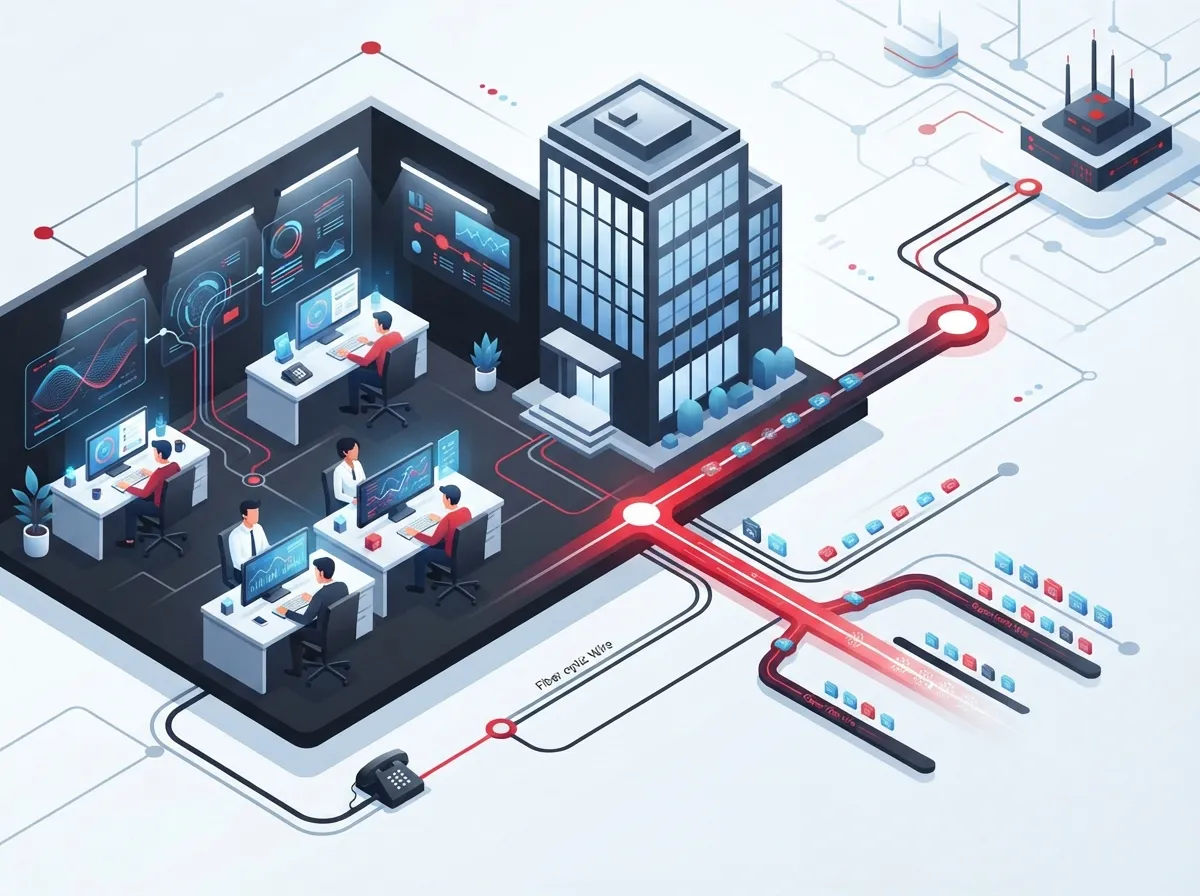
Business DSL internet is broadband delivered over the copper telephone wiring that already runs into most buildings. DSL stands for digital subscriber line. Instead of laying brand-new cable, the provider uses the existing twisted-pair copper lines to carry your data.
Here is a neat trick: DSL often lets voice and data share the same line. That means your office can keep using a phone line while the internet runs alongside it. The Federal Communications Commission describes DSL as a wireline technology that sends data over traditional copper telephone lines, and it notes that speed and availability can depend on how far you are from the telephone company’s nearest facility.
That one detail matters a lot. With DSL, the physical distance and the condition of the copper wire shape your real-world experience. Two businesses on the same street can see different results.
The Main Types of DSL
Not all DSL is the same. You will see a few different names when shopping:
- ADSL: Faster for downloads than uploads. Good for browsing and email, but upload speed is limited.
- SDSL: Uses equal upload and download speeds. The FCC points out that SDSL is often used for business needs like video conferencing.
- VDSL: Can offer higher speeds, but usually only over shorter copper runs.
If upload speed matters to your team, SDSL-style service can be more helpful than basic ADSL. Just remember that availability depends on your exact location.
What DSL Speeds Can a Business Really Expect?
This is the question everyone asks, and the answer needs a little care. Advertised speeds are usually the maximum a plan can reach, not a promise for every address. Your real speed depends on copper line quality and distance from the provider’s equipment.
Upload speed is the sneaky part. A 2026 South Carolina broadband discussion paper reports that many single-pair DSL connections have upload speeds below 3 Mbps. That is a state office report, not a nationwide measurement, but it paints a helpful picture. Low upload speeds can make video calls choppy and cloud backups crawl.
Because prices and speeds vary so much by provider, plan, and location, there is no single national number we can promise you. The best move is to ask for an address-specific quote. Then confirm whether the speed in the quote is a maximum or a typical result.
A Quick Look at Typical Needs
| Business Activity | Upload Demand | DSL Comfort Level |
|---|---|---|
| Email and basic web browsing | Low | Usually fine |
| Card payments and light POS use | Low | Often fine |
| Several daily video meetings | Medium to high | May feel tight |
| Cloud backups and large file sharing | High | Often a struggle |
| Cloud security cameras | High and constant | Usually a poor fit |
If your team lives in video calls and cloud tools, upload capacity is the number to watch. Our guide on symmetrical business internet explains why equal upload and download speeds can be a big deal.
Where Business DSL Still Makes Sense
Let’s give DSL some credit. It has real strengths, and it is still a practical choice in some situations.
- Fiber or cable is not available. In some spots, DSL is simply the wired option on the table.
- Your needs are modest. A tiny office with a few users, email, and light web work can be perfectly happy.
- Budget matters most. Some DSL plans cost less than newer technologies, though pricing varies widely.
- You want a simple backup line. A second connection can protect you when your main service goes down.
That last point is worth a moment. Many smart businesses keep two connections so one failure does not stop the day. If you like that idea, read our tips on automatic internet failover for business.
The Limits You Should Know About
Now for the honest part. Business DSL internet has some well-known weak spots, and it is kind to know them before you commit.
- Speeds depend on your address. Distance and copper condition can lower what you actually get.
- Upload speed is often modest. That can hurt video calls, hosted apps, and backups.
- Many users share the pipe. More people online at once means more strain.
- The footprint is shrinking. Providers in some markets are putting new money into fiber and other networks instead of DSL.
- Business perks are plan-specific. Static IP addresses, support levels, and service commitments are not automatic.
That fifth point deserves a gentle warning. Some business DSL plans offer a static IP, priority support, or service-level commitments. Others do not. Never assume these extras are included. Ask the provider, get the terms in writing, and confirm what outage remedies actually exist.
Is Business DSL Reliable Enough for a Small Business?
DSL can be steady when the copper line is in good shape and the demands are light. Many offices run on it for years without a hiccup. But reliability is more than just staying connected. It is also about how well the line handles real work during busy hours.
Here are the things that tend to shape reliability:
- The age and condition of the copper wiring
- How far you sit from the provider’s local equipment
- Electrical interference and weather in older lines
- How many people and devices share the connection
- The support and repair terms in your agreement
Inside your building matters too. Even a great connection can feel slow if the internal wiring is old or messy. If you suspect that is happening, our article on why business internet feels slow and how to fix it is a great next read.
How Does Business DSL Compare With Other Options?
The smartest way to judge DSL is side by side with the alternatives. Compare them using real address-level numbers, not just marketing headlines. Look at upload and download speeds, latency, reliability, contract terms, support, and total cost.
| Connection Type | Typical Strength | Common Watch-Out |
|---|---|---|
| DSL | Uses existing copper; may be available where others are not | Address-dependent speeds; modest uploads |
| Cable | Often faster downloads; wide availability | Uploads can be limited; shared neighborhood capacity |
| Fiber | Often much higher, more symmetrical speeds | Not available at every address |
| Fixed wireless | Quick to install where wires are limited | Can depend on line of sight and signal |
| Satellite | Reaches remote locations | Higher latency; often a last resort |
Where it is available, fiber often delivers substantially higher and more balanced speeds than DSL. If you are curious about that jump, see our breakdown of fiber internet business benefits and our look at business fiber internet pricing.
Cable is another common step up. If you are weighing it, our article on business cable internet mistakes can help you avoid common traps.
Will DSL Work With VoIP Phones and Cloud Tools?
Good question, because phones and cameras are where many offices feel the squeeze. VoIP phones send your calls over the internet, so they need steady upload and download capacity. A light VoIP setup can work on a decent DSL line, but a busy office with many simultaneous calls may struggle.
Cloud security cameras are even hungrier. They stream video upward all day, which pushes hard on upload speed. If you plan to add cameras, check our guides on internet speeds your cloud cameras actually need and why cloud security systems fail without fast internet. For phones, read what internet speed is needed for VoIP.
The takeaway: plan your connection around everything you will run, not just what you run today. Growth is wonderful, and your internet should be ready for it.
How to Check If Business DSL Is Available at Your Address
DSL availability and investment are shrinking in some markets as providers focus on fiber and other newer networks. Because status is address-specific, you should verify whether a provider is actually accepting new DSL orders at your location. Here is a simple way to do it:
- List your real needs. Count users, devices, video calls, backups, phones, and cameras.
- Ask for address-level details. Request upload and download speeds for your exact street address.
- Clarify the numbers. Ask if the speed is an advertised maximum or a typical result.
- Confirm the extras. Ask about static IPs, support hours, repair times, and any service-level terms.
- Compare against alternatives. Get quotes for fiber, cable, and fixed wireless at the same address.
- Read the contract. Look at term length, early termination fees, and outage remedies.
You can also learn how to find business internet providers by address and see what to ask in what to look for in a business internet provider.
Switching From DSL: What to Check First
Thinking about leaving DSL behind? Wonderful, but a calm plan makes the move much smoother. Before you switch, check these things:
- Your current contract. Know the end date and any early exit fees.
- Your phone lines. If voice shares the copper line, plan how calls will move.
- Your phone numbers. Learn how to keep your phone number when switching to VoIP.
- Install timelines. New connections can take time, so keep the old service running until the new one is tested.
- Inside wiring. A strong connection needs solid cabling behind the walls.
Our 10 smart steps for switching telecom providers walks through the whole process. And if you are not sure which service tier fits, our article on how to pick the right business internet plan is a handy companion.
Why Work With One Telecom Partner
Comparing DSL, cable, fiber, and wireless across several providers can feel like a second job. That is where a single point of contact helps. Ideal Solutions Provider is a Tampa-based telecom and IT partner with more than 24 years of experience and relationships with 35+ vetted suppliers. They review what you have today, compare options side by side, and recommend what fits your business, not a sales quota.
Because they also handle phones, structured cabling, networking, cloud cameras, and access control, your internet choice can be planned alongside everything else. That keeps surprises to a minimum. It is also why many Tampa Bay teams like having one telecom partner instead of juggling many vendors.
Curious how an Internet Service Provider fits into the bigger picture? A good telecom advisor can explain it in plain English, and your structured cabling setup plays a big role in how well any connection performs once it enters your building.
Final Thoughts: Is Business DSL Right for You?
Business DSL internet is not dead, and it is not for everyone. If you run a small office with light needs, or fiber and cable simply are not available, DSL can still do the job. If your team depends on video meetings, cloud backups, hosted apps, VoIP, and cameras, the modest upload speeds may start to hold you back.
The best move is to check your exact address, ask clear questions, and compare real quotes. You deserve internet that supports your work instead of slowing it down. If you would like a friendly second opinion, contact us for a free review of your current setup, or call us to talk through your options. We are happy to help you find a connection that fits your team in 2026 and beyond.
FAQs
Q: What is business DSL internet, and how does it work?
A: Business DSL internet delivers broadband over the copper telephone wiring already in your building, and it can often share the line with voice service. Your speed depends on the condition of that copper and how far you are from the provider’s local equipment, so results vary by address.
Q: Is business DSL internet reliable enough for a small business?
A: It can be, especially for light work like email, web browsing, and card payments on a healthy copper line. If your team relies on video calls, cloud backups, or cameras, the modest upload speeds may feel tight, so it is smart to compare it with fiber or cable.
Q: Does a business DSL plan include a static IP or service-level agreement?
A: Not always. Some business DSL plans offer a static IP address, priority support, or service commitments, but these perks are plan-specific. Ask your provider to confirm what is included and what outage remedies apply before you sign.
Q: How do I know if business DSL is still available at my address?
A: Availability is address-specific, and some providers are shifting investment away from DSL toward fiber. Ask for a quote at your exact address and confirm the provider is still accepting new DSL orders there. A telecom partner can check several carriers for you at once.
Q: What should I check before switching from DSL to another internet service?
A: Review your contract end date and early exit fees, plan how your phone lines and numbers will move, and compare upload and download speeds at your address. Keep your old service running until the new one is installed and tested so your team stays connected.





