
Key Takeaways
-
Direct 911 dialing, on-site 911 notification, and dispatchable location are federal (FCC) requirements for multi-line systems in the US, so confirm your provider supports all three and keep location records current.
-
Choose between on-premises PBX, hosted/cloud PBX, UCaaS, and hybrid based on your user count, locations, and need for local control, and compare what each plan actually includes rather than just the label.
-
Test your internet bandwidth against your busiest hour, and plan a backup internet line or failover plus battery backup for key network gear to keep calls running during outages.
-
Compare total cost of ownership, including per-user fees, phones, setup, number porting, taxes, add-ons, and cabling upgrades, rather than judging by the monthly price alone.
-
Pay only for features your team will use every week, such as auto attendant, call queues, voicemail-to-email, and mobile apps, instead of buying fancy tools nobody opens.
-
Before signing, confirm the contract terms and exit plan, plus number porting, install timing, and staff training, to avoid being locked into a system that does not fit.
Picking a commercial phone system can feel like a big, scary job. There are so many choices, so many terms, and so many sales pitches. Do not worry. You can do this, and we will walk through it together.
A commercial phone system is the setup that handles your business calls. It connects your team, your offices, and your customers. It routes calls to the right person and keeps everyone talking, whether they sit at a desk, work from home, or travel for the day.
In this friendly guide, you will learn the main system types, the features worth paying for, and the steps to compare options. You will also learn about 911 rules that many owners miss. Whether you run a small shop, manage an office, or oversee several franchise sites, this guide gives you a clear path to a smart choice in 2026.
What a Commercial Phone System Actually Does
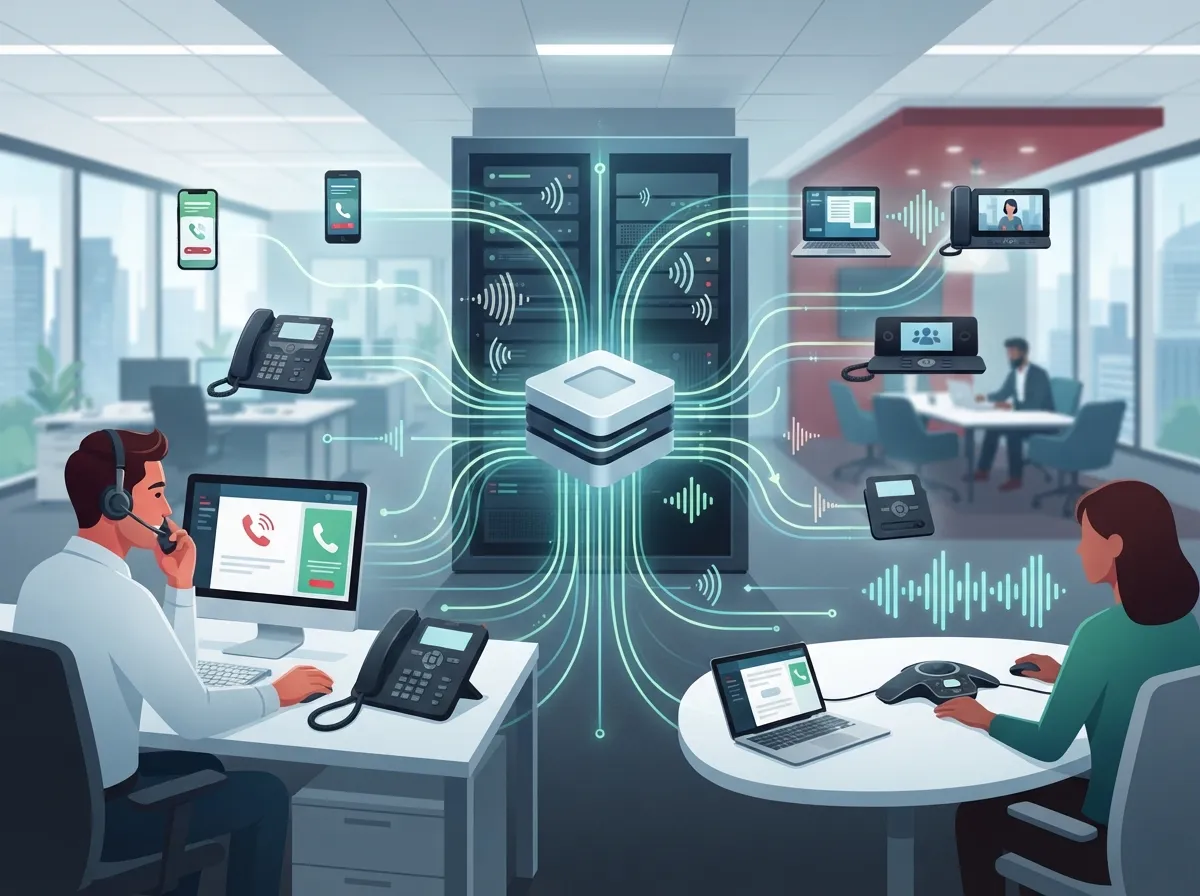
Think of a commercial phone system as the traffic cop for your calls. When a customer dials your number, the system decides where that call goes. It might ring one desk, ring a group, or send the caller to a menu first.
It also does much more than ring phones. A modern system manages voicemail, call queues, business numbers, and call history. Many also give you mobile and desktop apps so your team can answer from anywhere.
The best system fits how your team really works. A busy front desk needs different tools than a sales team on the road. That is why it pays to know your options before you shop.
Know Your Options: PBX, Hosted, VoIP, and UCaaS
The phone world loves its acronyms. Let us make them simple.
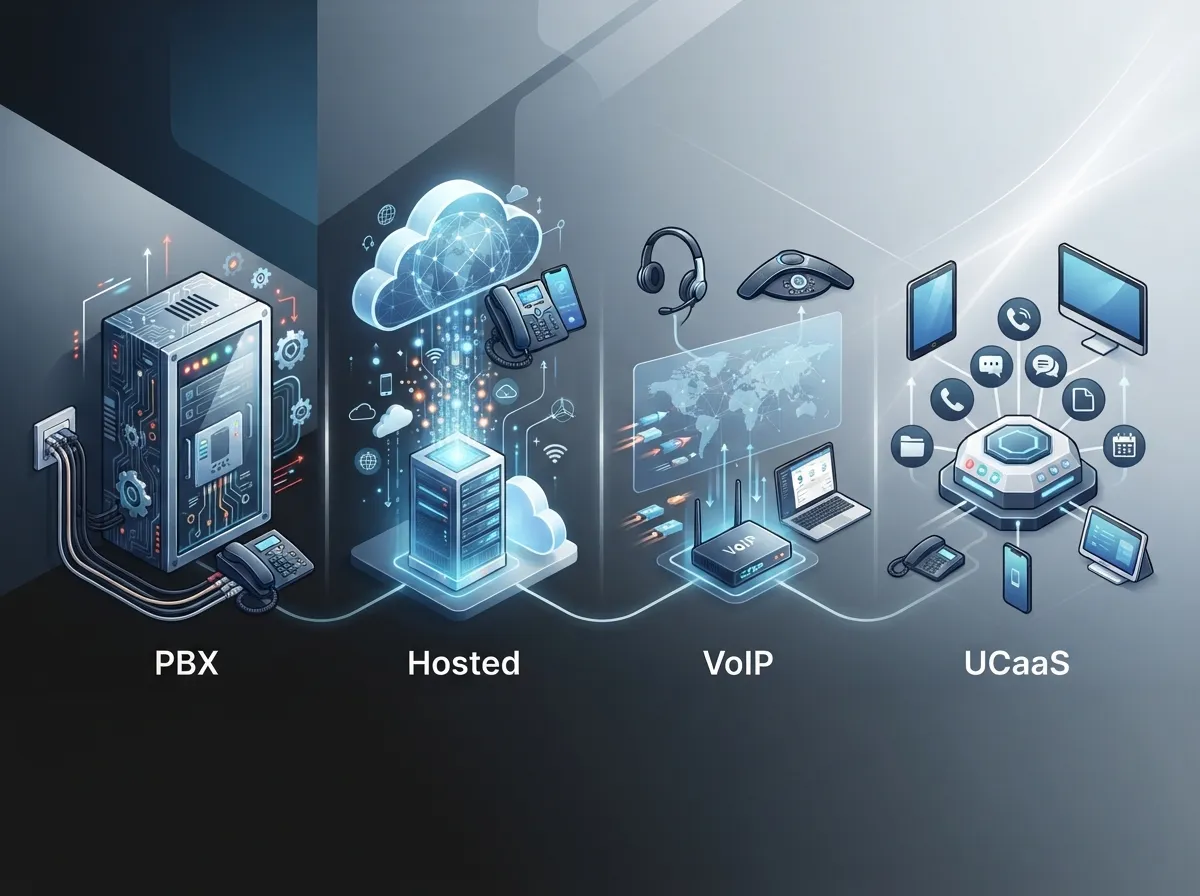
- On-premises PBX: The phone equipment lives in your building. You own it and maintain it, or you pay someone to do so.
- IP-PBX: A PBX that sends calls over your data network instead of old phone wiring.
- Hosted or cloud PBX: A provider runs the system for you. You pay a subscription and connect over the internet.
- VoIP: Short for voice over internet protocol. It simply means calls travel over an IP network.
- UCaaS: Unified communications as a service. It adds video meetings, team chat, mobile apps, and integrations to cloud calling.
- Hybrid: A mix of on-site equipment and cloud tools.
Labels can be fuzzy. Two providers might both say “UCaaS” but include very different features. So compare what is actually included, not just the name on the box.
Quick Comparison Table
| System Type | Where It Lives | Typical Cost Style | Best For |
|---|---|---|---|
| On-premises PBX | Your building | Larger upfront purchase | Sites needing local control |
| Hosted / Cloud PBX | Provider’s cloud | Monthly per-user fee | Most small and mid-sized teams |
| UCaaS | Provider’s cloud | Monthly per-user fee | Hybrid and remote teams |
| Hybrid | Both | Mixed | Teams moving to cloud in stages |
For a deeper side-by-side, check out Hosted vs. On-Premises Business Phone System: Which Wins? It is a handy read if you are stuck between the two.
How to Choose a Commercial Phone System in 7 Steps
Here is a simple path to follow. Take it one step at a time and you will feel much more confident.
- Count your users and locations. Write down how many people need a line and how many sites you run. Include remote staff and part-timers.
- Map your call needs. How many calls do you get on a busy day? Do you need queues, a receptionist menu, or after-hours routing?
- Check your internet. A cloud system depends on a healthy connection. Test your speed and think about a backup line.
- List must-have features. Separate the “need” items from the “nice to have” items.
- Ask about 911 and location tools. This matters for safety and for the law. More on this below.
- Compare total cost. Look past the monthly price to setup, devices, taxes, and contract terms.
- Plan the switch. Ask about number porting, install dates, and training so launch day goes smoothly.
If you want a longer feature checklist, 12 VoIP Phone System Features Every Business Needs in 2026 is a great companion.
Features That Are Worth Your Money
Not every feature will matter to you. Still, some show up on almost every wish list. Here are the common ones:
- Auto attendant and IVR: A friendly menu that greets callers and sends them to the right place.
- Call queues and routing: Keeps busy lines organized so no caller gets lost.
- Voicemail-to-email: Messages land in your inbox so you never miss one.
- Mobile and desktop softphones: Take your business number anywhere.
- Conferencing and video: Handy for team meetings and client calls.
- Call recording and analytics: Useful for training, quality checks, and spotting busy hours.
- Text messaging: Many customers like a quick text over a phone call.
- CRM and help-desk integrations: Pull up customer details the moment a call arrives.
A good rule of thumb: pay for what your team will use every week. A fancy tool that nobody opens is just a bigger bill. If you want help sorting the must-haves, see How to Choose VoIP Features That Help Your Business Grow.
Do Not Skip 911 Rules and Location Details
Here is something many owners never check, and it really matters. In the United States, the FCC has rules for multi-line telephone systems, often called MLTS. These rules come from two laws: Kari’s Law and Section 506 of RAY BAUM’S Act. Both laws passed in 2018, and the FCC adopted rules to put them into action in 2019.
In plain words, here is what they mean for a commercial phone system:
- Direct 911 dialing: Staff should be able to dial 911 directly, without first dialing a number like 9 to reach an outside line.
- 911 notification: The system should alert someone on-site, such as a front desk or security team, when a 911 call is made.
- Dispatchable location: A 911 call should include a location that helps responders find the caller. That means a street address, plus details such as a floor or room when needed.
The FCC set deadlines for dispatchable location of January 6, 2021 for fixed devices and January 6, 2022 for non-fixed devices. Rules and how they apply can vary by system setup, so check current FCC guidance for your situation.
Remote and mobile phones add a twist. When an employee works from home or uses a softphone, location handling depends on the device and the service. So ask your provider how it registers and updates locations. Also, keep your location records fresh whenever phones or people move. A quick check now can make a real difference in an emergency.
Plan for Internet and Power Problems
A cloud phone system is only as steady as the connection under it. That is not scary, though. It just means you plan ahead.
- Check your bandwidth. Each call uses a small slice of your connection, and video uses more. Make sure your plan has room for your busiest hour.
- Add a backup path. A second internet line or automatic failover can keep calls alive if one line drops.
- Protect your power. Battery backups for key network gear help during short outages.
- Ask about outage behavior. Find out how calls forward if your internet goes down.
Solid wiring helps too. Clean, well-tested cables give your phones and network a strong base. If you are curious about that side of things, learn more about structured cabling and why it matters. Our own guide, What Is Structured Cabling for Your Business Network?, breaks it down in simple terms.
You will also want to understand your connection source. Your Internet Service Provider shapes how reliable your calls feel. For tips on picking one, read What Should You Look for in a Business Internet Provider?
What Does a Commercial Phone System Cost?
Honest answer: it depends. Prices swing based on the provider, the feature tier, the devices, and the contract. There is no single industry-wide number you can count on, so be wary of anyone who quotes one without asking questions.
Instead, think in terms of total cost of ownership. Here is what to add up:
- Monthly per-user fees for cloud or hosted plans
- Phones or headsets, if you need new ones
- Setup and installation charges
- Number porting fees, if any
- Taxes and regulatory fees
- Extra costs for add-ons like recording or analytics
- Cabling or network upgrades, if your building needs them
On-premises systems usually cost more upfront and need local upkeep. Cloud systems spread the cost into monthly payments and shift much of the maintenance to the provider. For a closer look at pricing, try 9 Costs Behind How Much a Business Phone System Costs.
Tips for Different Kinds of Teams
Every business is a little different. Here is how the advice might shift for you.
Small Business Owners
You want simple, affordable, and easy to manage. A cloud system with an auto attendant, mobile app, and voicemail-to-email often covers the basics. Avoid long contracts that lock you in before you know what you need.
Office Managers
You need things to just work. Ask about install help, staff training, and fast support. Easy tools for adding a new hire or changing a greeting will save you many headaches.
IT Managers
Dig into security controls, device compatibility, uptime commitments, and integrations. Ask how the system fits with your network and cabling. A single contact for phones, internet, and cabling can cut finger-pointing when something breaks.
Franchise Operators
You need the same experience across many sites. Look for centralized management, easy number setup per location, and a plan to roll out in waves. Consistency keeps your brand sounding sharp everywhere.
Common Mistakes to Avoid
A little caution goes a long way. Watch out for these slip-ups:
- Choosing on price alone and ignoring support quality
- Skipping a network check before moving to the cloud
- Forgetting to confirm 911 and location handling
- Not asking how number porting works
- Buying features you will never use
- Signing a long contract without a clear exit plan
Want to learn from other people’s bumps? Read 5 Hosted PBX Mistakes Tampa Small Businesses Must Avoid. And if you are moving numbers over, How to Keep Your Phone Number When Switching to VoIP in Tampa will help you do it smoothly.
Why a Single Partner Can Make Life Easier
Phones do not live alone. They rely on your internet, your cabling, and your network gear. When different vendors handle each piece, problems can turn into a blame game.
That is where a one-stop partner helps. Ideal Solutions Provider is a Tampa-based telecom and IT partner with over 24 years of experience and access to 35+ vetted suppliers. The team compares options for you, reviews your current setup, and helps with install and ongoing support. You can explore their cloud based phone systems to see what a modern setup can look like.
Want to see the company in action? You can also follow along on YouTube for helpful videos. And if you want to know how the pieces fit together, Why Do Tampa Bay Businesses Need One Telecom Partner? explains the idea well.
Your Simple Pre-Purchase Checklist
Before you sign anything, run through this quick list. If you can say yes to each one, you are in great shape.
- I know how many users and locations I need to cover.
- I have tested my internet and planned a backup.
- I listed my must-have features.
- I confirmed how the system handles 911 and location updates.
- I compared total cost, not just the monthly price.
- I understand the contract and how to leave if needed.
- I have a plan for number porting and training.
Ready to Pick Your Commercial Phone System?
Choosing a commercial phone system does not have to be stressful. Start with your needs, learn the options, check 911 and internet details, and compare the true cost. Take it step by step, and you will land on a system that helps your team and delights your customers.
If you would like a friendly hand, we are here for you. Contact us for a free consultation, or call us to talk through your options. We will review your current setup, show you side-by-side choices, and help you find the right fit. You can also say hello on Facebook to stay in the loop.
FAQs
Q: What is a commercial phone system, and how does it work?
A: A commercial phone system is the setup that routes your business calls between your team, your locations, and your customers. It can run on equipment in your building or in the cloud over your internet connection. Either way, it sends each call to the right person or group, and often adds voicemail, menus, and mobile apps.
Q: Should my business choose a hosted phone system or an on-premises PBX?
A: Most small and mid-sized teams like hosted systems because they use monthly fees and the provider handles much of the upkeep. An on-premises PBX can suit sites that want more local control, but it usually costs more upfront and needs more care. Your user count, internet quality, and budget will help you decide.
Q: How do I make sure my phone system supports 911 and accurate location information?
A: Ask your provider how the system handles direct 911 dialing, on-site notification, and dispatchable location. For remote or mobile phones, confirm how locations are registered and updated. Then keep your records current whenever phones or employees move, since accurate details help responders find the caller quickly.
Q: What internet speed and backup options does a cloud business phone system need?
A: You need enough bandwidth to cover your busiest hour, including calls and any video meetings. A backup internet line or automatic failover helps keep calls going if your main line drops. Battery backups for key network gear and a clear call-forwarding plan add extra peace of mind.
Q: Can employees use a business phone system from home or on mobile devices?
A: Yes, most cloud systems and UCaaS platforms offer mobile and desktop apps so staff can use their business number from anywhere. Just remember to ask how emergency location is handled for remote users. A quick check ensures your team stays both connected and safe.





