
Key Takeaways
-
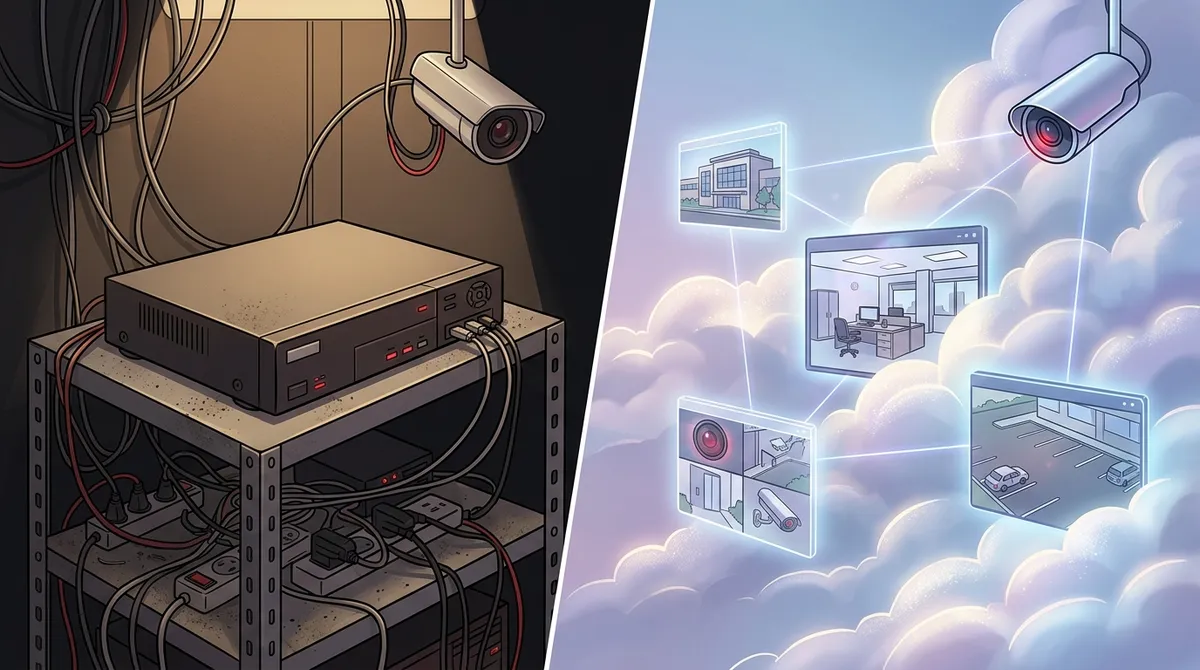
Cloud systems store footage off-site on secure servers, protecting recordings even if on-site hardware is stolen or damaged, while traditional DVR systems store all footage locally on a physical device that can be lost or destroyed.
-
Cloud video security enables remote access from any device with internet connectivity, while traditional DVR systems require complex technical setup and port forwarding for remote viewing, making cloud ideal for multi-location and traveling business owners.
-
Cloud systems scale effortlessly for multiple locations by adding cameras to a centralized dashboard, whereas traditional DVR systems require purchasing and installing separate hardware at each new location, significantly increasing costs and complexity.
-
Cloud systems have lower upfront hardware costs but charge recurring monthly subscription fees, while traditional DVR systems have higher initial costs but minimal ongoing fees—total 5-year costs can be comparable depending on your business needs.
-
Cloud video security automatically updates with AI features like facial recognition and license plate recognition, while traditional DVR systems remain static and require hardware replacement to access new capabilities.
-
Traditional DVR systems continue recording during internet outages since they store footage locally, while cloud systems depend on internet connectivity—though many modern cloud cameras include local buffering to temporarily store footage until connection is restored.
If you’re a business owner trying to decide between cloud video security and a traditional DVR system, you’re in good company. It’s one of the most common questions we hear from business owners across Tampa Bay and beyond. The good news? Once you understand the core differences, the right choice becomes much clearer.
Both systems protect your business — but they work in very different ways. From how footage is stored to how much it costs over time, the gap between these two technologies is bigger than most people expect. Whether you run a single location or manage multiple sites, knowing what sets them apart can save you time, money, and a lot of headaches.
Let’s break down the 6 key differences between cloud video security and traditional DVR systems so you can make a smart, confident decision for your business.
What Is Cloud Video Security vs. a Traditional DVR System?
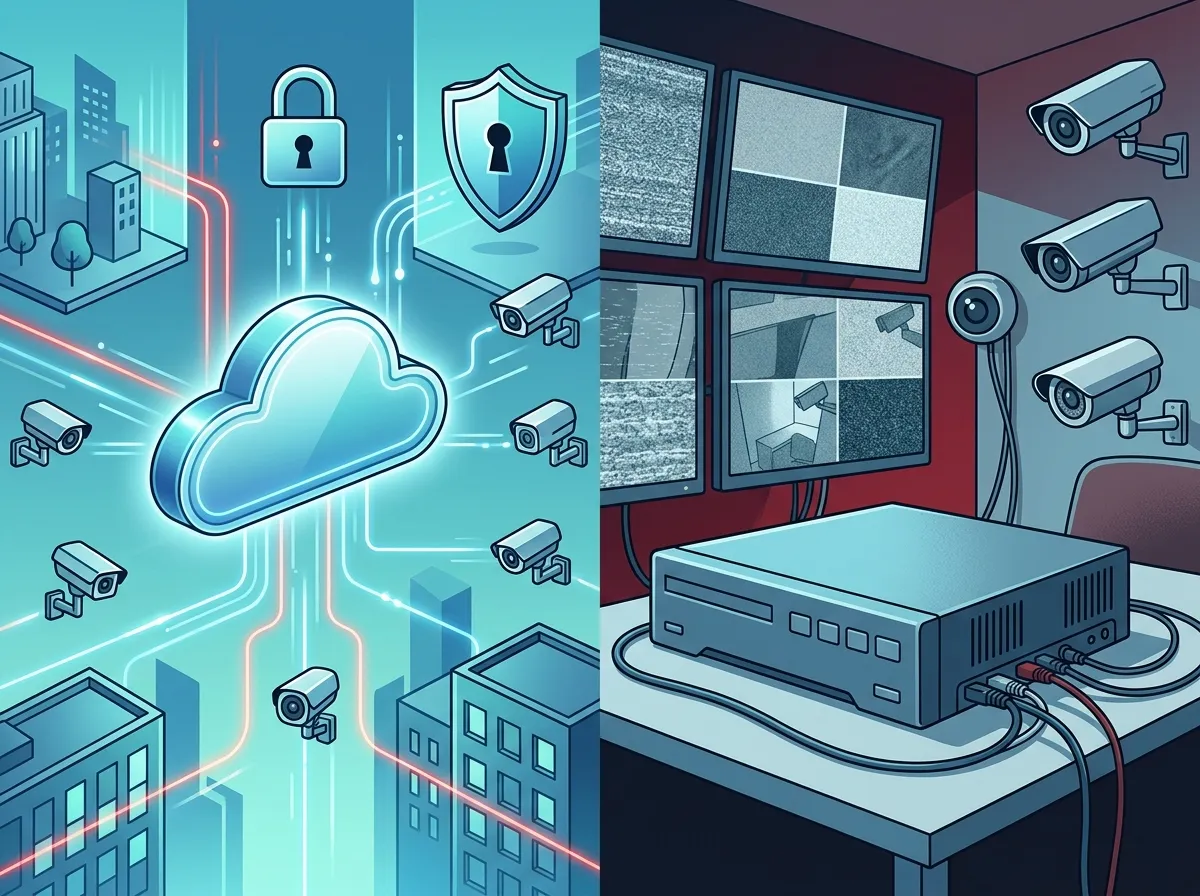
Before diving into the differences, let’s quickly define both options. A traditional DVR (Digital Video Recorder) system records and stores video footage on a physical device installed on-site at your business. Think of it like a dedicated hard drive that saves everything locally.
Cloud video security — also called VSaaS (Video Surveillance as a Service) — works differently. It uploads your footage to secure, vendor-managed cloud storage. You access live and recorded video from any web browser or mobile app, from anywhere with an internet connection. Want to check in on your business while you’re on vacation? Cloud security makes that easy.
| Feature | Cloud Video Security | Traditional DVR System |
|---|---|---|
| Storage Location | Off-site cloud servers | On-site DVR hardware |
| Remote Access | Yes, from any device | Limited without extra setup |
| Scalability | Easy to expand | Hardware upgrades required |
| Internet Dependency | High | Low |
| Upfront Cost | Lower | Higher |
| Ongoing Fees | Monthly subscription | Minimal after installation |
Difference 1: Where Your Footage Is Stored
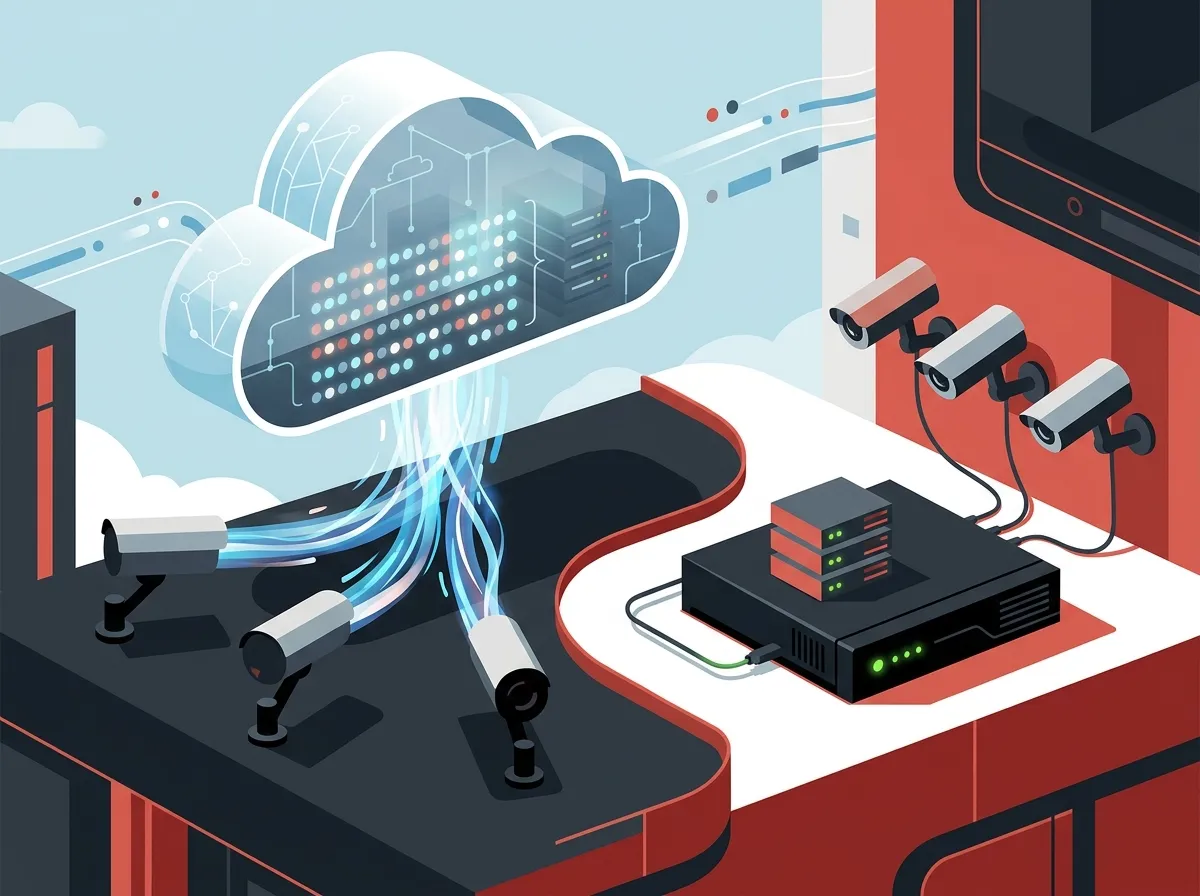
This is the biggest and most fundamental difference. With a traditional DVR system, all your video footage lives on a physical recorder at your location. That’s convenient in some ways — you own the hardware and don’t depend on the internet to record footage.
With cloud video security, footage is automatically uploaded to secure cloud servers managed by your provider. This means your recordings are safe even if someone damages or steals the on-site hardware. For a business worried about theft or vandalism, that’s a really important peace-of-mind factor.
Storage capacity also differs significantly. Traditional DVR systems have a fixed storage limit — once the drive fills up, older footage gets overwritten. Cloud systems offer elastic, scalable storage that can grow as your business needs change. You can learn more about how cloud video security systems work for Tampa businesses on our blog.
Difference 2: Remote Access and Monitoring
Here’s where cloud video security really shines for modern businesses. Cloud systems let you view live and recorded footage from any device — your phone, tablet, or laptop — as long as you have internet access. This is a game-changer for business owners who travel, manage multiple locations, or simply want to check in remotely.
Traditional DVR systems are mostly designed for local network access. You can configure remote access on a DVR, but it typically requires more technical setup, port forwarding, and ongoing maintenance. For most non-technical business owners, that’s a frustrating extra step.
If remote monitoring is important to your operations, check out our guide on how to set up remote business video monitoring in Tampa.
Difference 3: Upfront Costs vs. Ongoing Subscription Fees
Cost structure is one of the most practical differences for small business owners and franchise operators. Understanding which model fits your budget is key.
| Cost Factor | Cloud Video Security | Traditional DVR System |
|---|---|---|
| Hardware Cost | Lower (cameras only) | Higher (DVR unit + cameras) |
| Installation Cost | Moderate | Moderate to High |
| Monthly Fees | Yes (cloud storage subscription) | Minimal |
| Upgrade Costs | Low (software updates) | Higher (hardware replacement) |
| Total Cost Over 5 Years | Comparable or higher | Comparable or lower |
Traditional DVR systems have higher upfront hardware costs but lower ongoing fees after installation. Cloud systems flip this around — lower upfront costs but recurring monthly subscription fees for cloud storage. Over time, the total costs can be surprisingly similar. The right choice often depends on your cash flow preferences and how long you plan to stay at your location.
Want to plan your security camera budget? Our article on how to budget for commercial video surveillance in Tampa FL walks you through the numbers.
Difference 4: Scalability for Multi-Location Businesses
If you manage multiple business locations, this difference matters a lot. Scaling a traditional DVR system means buying and installing new hardware at every new location. More cameras mean more DVR units, more storage devices, and more maintenance headaches.
Cloud video security scales effortlessly. Adding a new location simply means adding cameras and connecting them to the cloud platform. All your locations are managed from one centralized dashboard — no additional on-site recording hardware required.
Here are the top reasons multi-location businesses prefer cloud security:
- Centralized management — view all locations from one app or dashboard
- No hardware limits — cloud storage grows as you add cameras
- Faster deployment — new locations go live quicker without complex hardware setups
- Consistent policies — apply the same security settings across every site
- Reduced IT burden — no on-site servers to manage at each location
For franchise operators and growing businesses, this scalability advantage is hard to ignore. Explore our best cloud video security systems for Tampa businesses in 2026 to see what leading platforms offer.
Difference 5: Reliability During Internet Outages
This is one area where traditional DVR systems have a genuine advantage. DVR systems record locally, so they keep working even if your internet goes down. Your footage is safe on the on-site device regardless of connectivity issues.
Cloud video security depends on your internet connection. If your bandwidth is poor or your connection drops, recording and remote access can be affected. That said, many modern cloud cameras have built-in local buffering — they store footage briefly on the camera itself and sync to the cloud once connectivity is restored.
The reliability of your internet service matters more than ever when using cloud security cameras. That’s why businesses using cloud security solutions also benefit from reliable business high-speed internet. A strong, dedicated connection dramatically reduces this concern.
Here’s a quick look at how each system handles common reliability scenarios:
| Scenario | Cloud Video Security | Traditional DVR System |
|---|---|---|
| Internet outage | Recording may pause (some cameras buffer locally) | Continues recording normally |
| Power outage | Stops (unless UPS backup used) | Stops (unless UPS backup used) |
| Hardware theft/damage | Footage safe in cloud | Footage may be lost |
| Remote access during emergency | Available from anywhere | Limited or complex to set up |
Difference 6: Features, Updates, and AI Capabilities
Technology moves fast — and this is where cloud video security has a clear long-term advantage. Cloud platforms update automatically. New features, security patches, and AI-powered tools roll out to your system without you lifting a finger or replacing hardware.
Traditional DVR systems are largely static. The features you get at installation are mostly what you have for the life of the system. Upgrading to newer capabilities often means replacing hardware.
Some exciting features commonly available on cloud security platforms include:
- AI-powered motion detection — distinguishes between people, vehicles, and animals
- Facial recognition alerts — identifies unknown or flagged individuals
- License plate recognition — useful for parking lots and loading areas
- Smart alerts and notifications — get push alerts directly on your phone
- Centralized multi-site dashboards — manage everything from one screen
- Automatic firmware updates — no manual maintenance required
These AI analytics features are increasingly standard in business cloud security platforms in 2026. They add real operational value beyond basic video recording. For businesses that also want to pair security cameras with access control, check out our cloud-based access control systems.
What About Hybrid Systems?
Great news — you don’t always have to choose one or the other! Hybrid security systems are increasingly popular in business environments. They combine on-site local recording (for reliability during outages) with cloud-based remote access and management.
Here’s why hybrid systems make sense for many businesses:
- Best of both worlds — local resilience plus cloud convenience
- Gradual migration — businesses can upgrade to full cloud over time
- Backup redundancy — footage is protected both locally and in the cloud
If you’re on the fence between cloud and DVR, a hybrid approach could be the perfect middle ground for your situation. The team at Ideal Solutions Provider can assess your current setup and recommend whether a full cloud solution, a traditional system, or a hybrid approach makes the most sense for your specific business needs.
Which System Is Right for Your Business?
The honest answer is: it depends on your business size, budget, internet reliability, and how you want to manage your security. Here’s a simple summary to help guide your decision:
- Choose cloud video security if you want remote access, easy scalability, automatic updates, and manage multiple locations
- Choose traditional DVR if you have limited internet reliability, prefer lower ongoing costs, and operate a single location with simple needs
- Choose a hybrid system if you want the reliability of local recording combined with the flexibility of cloud access
Businesses that prioritize flexibility and growth tend to lean toward cloud solutions. Businesses that prioritize budget simplicity and internet independence sometimes prefer traditional DVR setups. Either way, working with a knowledgeable partner makes the decision much easier.
You might also find it helpful to read about what security cameras really do for your business before making a final call. And if you want to see real examples of cloud security in action, check out the Ideal Solutions Provider video library for helpful demonstrations.
Cloud security also works best when your network infrastructure is solid. A well-designed business network solution and proper structured cabling installation ensure your cameras perform reliably day after day. Don’t overlook the foundation that supports your security system — it matters more than most people realize.
Stay connected with us on Facebook and Instagram for the latest tips on business security, telecom solutions, and more. You can also visit our YouTube channel for video walkthroughs of cloud security systems and other business telecom solutions.
Ready to Upgrade Your Business Security?
Understanding the difference between cloud video security and traditional DVR systems is the first step. The next step is finding the right solution for your specific business — and that’s exactly where we shine. With over 24 years of experience and partnerships with 35+ vetted suppliers, Ideal Solutions Provider helps businesses across Tampa Bay and nationwide find the perfect security camera solution without the guesswork.
Whether you’re a small business owner looking for affordable options, an IT manager evaluating enterprise-grade platforms, or a franchise operator needing a scalable multi-site solution, we’re here to help. Reach out to our team today for a free consultation and let’s find the security setup that protects your business and fits your budget perfectly.
FAQs
Q: What is VSaaS and how does it work for business security?
A: VSaaS stands for Video Surveillance as a Service — it’s just a fancy way of describing cloud video security! Your cameras upload footage to secure cloud servers, and you can watch live or recorded video from any device with internet access. It’s a super flexible option for businesses that want easy remote monitoring without managing on-site recording hardware.
Q: What happens to cloud security cameras if the internet goes down?
A: This is a great question! Many modern cloud cameras include built-in local buffering, meaning they temporarily store footage on the camera itself and sync it to the cloud once your connection is restored. Pairing your cloud security system with a reliable, high-speed business internet connection significantly reduces the risk of any gaps in your recordings.
Q: Is cloud video security more expensive than a DVR system over time?
A: It really depends on how you look at it! Cloud systems have lower upfront hardware costs but charge monthly subscription fees for cloud storage, while traditional DVR systems cost more upfront but have minimal ongoing fees. Over a 3–5 year period, total costs can actually be pretty similar — so your decision should factor in budget flexibility, scalability needs, and the features that matter most to your business.
Q: Which is better for multi-location businesses: cloud video security or DVR?
A: Cloud video security is almost always the better choice for multi-location businesses! It lets you manage all your locations from a single dashboard, scale storage without replacing hardware, and access any site remotely from your phone. Traditional DVR systems require separate hardware at every location, making centralized management much more complicated and costly.
Q: Should a business choose a hybrid security camera system instead?
A: A hybrid system is a fantastic option if you want the best of both worlds! It combines the reliability of local on-site recording (great for internet outage resilience) with the convenience of cloud-based remote access and management. Many businesses use hybrid systems as a stepping stone to a full cloud setup, or simply because it offers the strongest balance of resilience and flexibility.





