
Key Takeaways
-
Remote video surveillance allows access to live and recorded footage from anywhere via smartphone, tablet, or computer, eliminating the need for on-site monitoring staff or bulky DVR boxes.
-
Cloud-based footage storage provides automatic redundancy and protection against data loss from theft or fire, whereas traditional on-site DVR systems put your evidence at risk if hardware is compromised.
-
Remote systems have lower upfront costs (no expensive DVR/NVR hardware) but involve monthly subscription fees, while on-site systems require significant hardware investment but have minimal ongoing costs.
-
Internet quality is critical—plan for 2-5 Mbps upload speed per HD camera, with dedicated fiber recommended for 10+ cameras to ensure reliable live footage and real-time alerts.
-
Multi-location businesses benefit significantly from remote surveillance’s single-dashboard management, eliminating the need to drive between offices or manage multiple vendors.
-
Key system features to prioritize include HD video quality (1080p+), night vision, cloud storage with redundancy, mobile app access, and AI-powered motion detection to reduce false alerts.
Imagine checking in on your business from a beach in Clearwater — or from across town during a long meeting. With remote video surveillance, that’s not a fantasy. It’s Tuesday. Business security has come a long way from grainy tapes and clunky DVR boxes. Today, smart business owners are asking a very important question: should you go remote or stick with traditional on-site surveillance? The answer depends on your goals, your budget, and how you like to run your business. Let’s break it all down in a friendly, no-jargon way so you can make the best choice for your team.

What Is Remote Video Surveillance?
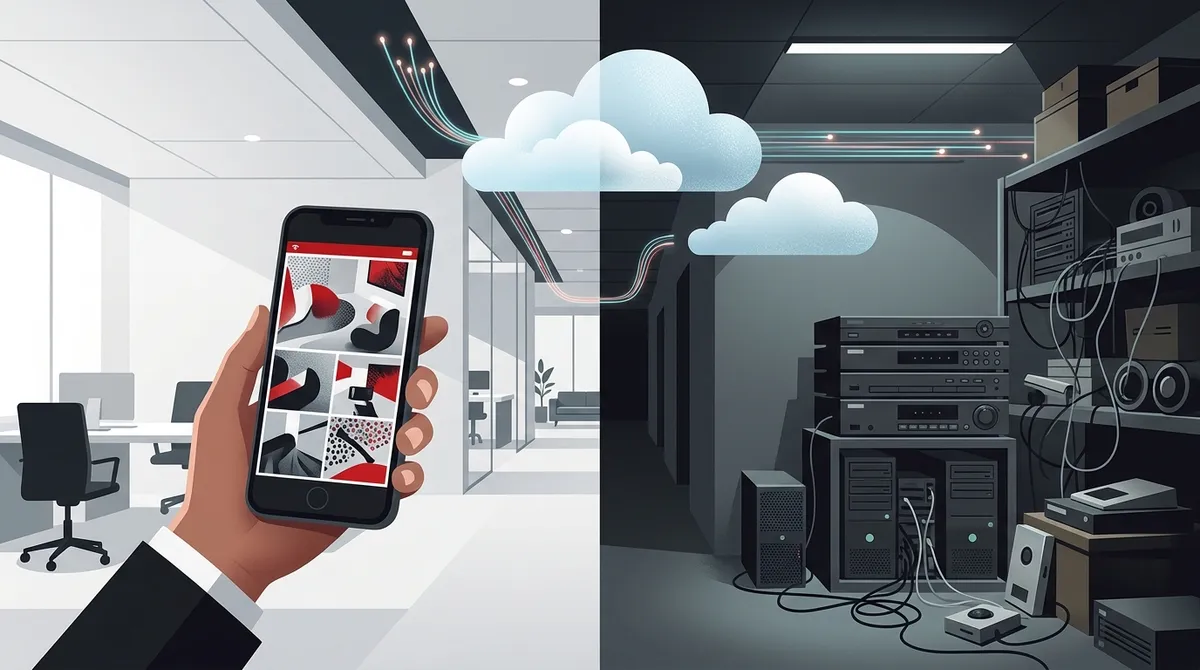
Remote video surveillance lets you watch live or recorded footage from anywhere using a smartphone, tablet, or computer. Your cameras connect to the internet and send footage to a secure cloud server. You don’t need a person sitting in front of a monitor all day. You don’t need a bulky recording box on-site. The footage lives in the cloud, and you access it whenever you need it.
This technology is especially powerful for businesses with multiple locations. Whether you run a franchise across Tampa Bay or manage offices nationwide, remote business video monitoring gives you eyes everywhere — without hiring a full security team. You can also check out what security cameras really do for your business to understand the full picture.
What Is On-Site Video Surveillance?
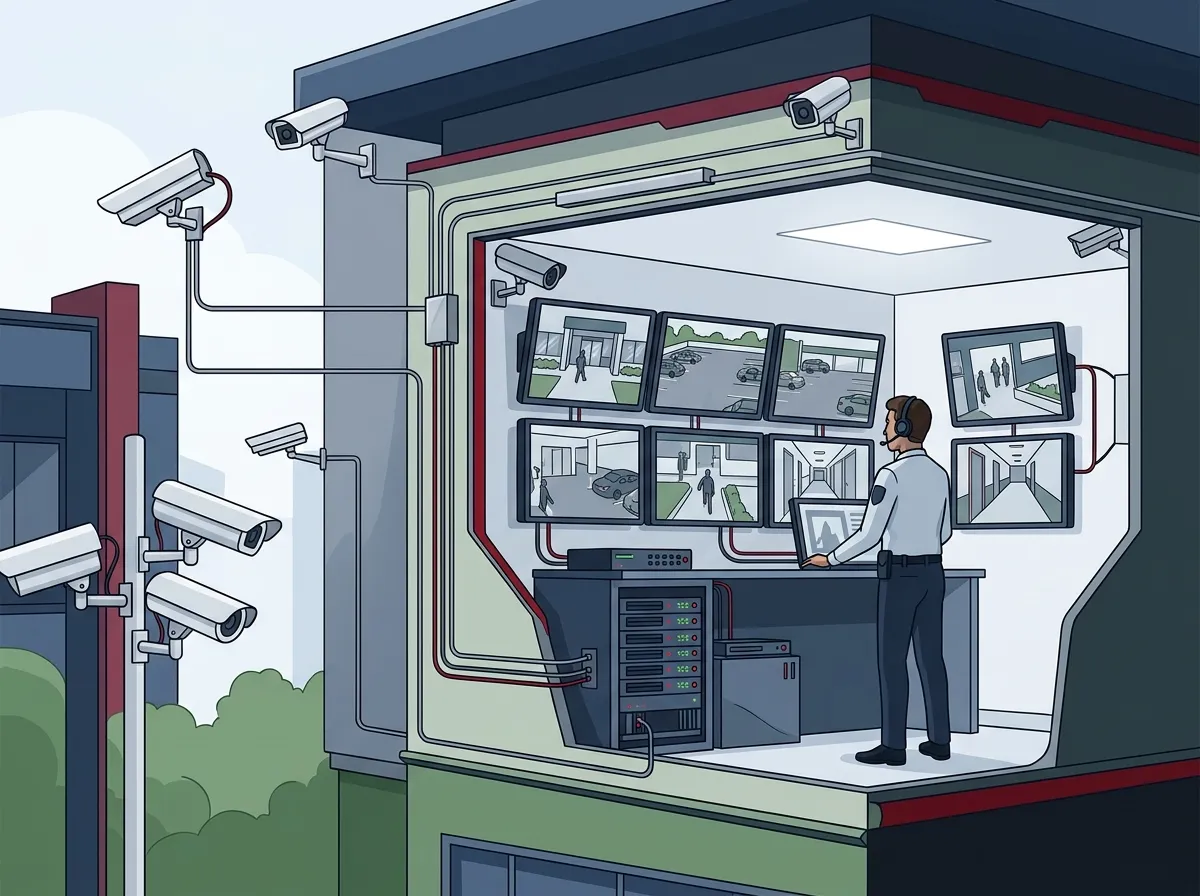
On-site surveillance is the traditional approach. Cameras record to a local device — usually a DVR or NVR box — stored somewhere in your building. To review footage, someone physically accesses that device. This setup has been around for decades and is familiar to most business owners.
On-site systems don’t rely on the internet to store footage. That can feel reassuring. But they come with real limitations, especially as your business grows or your team works remotely. If the DVR is stolen or damaged, your footage goes with it. That’s a risk many businesses don’t fully consider until it’s too late.
Remote vs. On-Site Surveillance: A Quick Side-by-Side
Let’s put both options next to each other so you can see exactly how they stack up across the features that matter most to business owners.
| Feature | Remote Video Surveillance | On-Site Video Surveillance |
|---|---|---|
| Footage Storage | Cloud-based, off-site | Local DVR/NVR device |
| Remote Access | Yes, via app or browser | Limited (often requires VPN) |
| Scalability | Easily scalable | Requires hardware upgrades |
| Internet Dependency | Yes | No (for local recording) |
| Upfront Cost | Lower | Higher (hardware-heavy) |
| Ongoing Cost | Monthly subscription | Maintenance and hardware |
| Risk of Data Loss | Low (cloud redundancy) | Higher (device can be stolen) |
| Multi-Location Support | Excellent | Complicated |
Top Benefits of Remote Video Surveillance for Businesses
Remote surveillance isn’t just a tech trend. It solves real business problems every single day. Here are the biggest advantages you’ll notice right away.
- Access from anywhere: Check cameras on your phone during lunch, while traveling, or after hours.
- Cloud storage security: Footage is stored off-site, so theft or fire won’t erase your evidence.
- Real-time alerts: Get instant notifications when motion is detected in sensitive areas.
- Easy multi-site management: View all locations from one dashboard — no more driving between offices.
- Lower hardware costs: No expensive DVR boxes or server rooms needed.
- Scalable as you grow: Add cameras easily without major infrastructure overhauls.
For franchise operators and multi-location businesses, these benefits are especially game-changing. You can explore cloud video security systems for Tampa FL businesses to see how the technology fits your specific setup.
When On-Site Surveillance Still Makes Sense
To be fair, on-site systems aren’t obsolete. There are situations where they still hold their ground.
- Locations with poor or unreliable internet connectivity
- Highly secure environments where cloud access is restricted by policy
- Businesses with very limited monthly budgets for subscriptions
- Sites with existing legacy hardware still in good working condition
That said, most of these scenarios are shrinking as internet access improves. If you’re concerned about internet reliability, check out how to keep security cameras working during internet outages — there are smart solutions available today.
How Remote Video Surveillance Works: Step-by-Step
Understanding the technology makes it easier to trust it. Here’s how a remote surveillance system typically works from installation to daily use.
- Camera installation: IP cameras are installed at key locations — entrances, parking lots, server rooms, and common areas.
- Network connection: Cameras connect to your business internet via Wi-Fi or structured cabling for a stable signal.
- Cloud upload: Footage is streamed or uploaded to a secure cloud server in real time or on a schedule.
- Access portal setup: You receive login credentials for a web dashboard or mobile app to view live and recorded footage.
- Alert configuration: Motion detection zones and notification rules are customized to match your needs.
- Ongoing monitoring: You (or a professional monitoring team) watch the system remotely on an ongoing basis.
Good cabling is critical for reliable camera performance. Structured cabling supports both VoIP phones and security cameras, making it a smart infrastructure investment for any business upgrade.
Cost Comparison: Remote vs. On-Site Surveillance
Budget matters. Let’s look at how the two approaches typically compare in terms of costs over time.
| Cost Category | Remote Surveillance | On-Site Surveillance |
|---|---|---|
| Hardware (cameras) | $100–$500 per camera | $80–$400 per camera |
| Recording Device | None needed | $300–$2,000+ (DVR/NVR) |
| Installation | $500–$2,000+ | $500–$3,000+ |
| Monthly Subscription | $20–$100+ per camera | None (or minimal) |
| Maintenance | Low (cloud-managed) | Higher (hardware repairs) |
| Upgrade Costs | Low (software updates) | High (new hardware) |
For a deeper breakdown, budgeting for commercial video surveillance in Tampa FL is a great resource to help you plan your investment wisely.
Key Features to Look for in a Remote Surveillance System
Not all remote video surveillance systems are created equal. When comparing options, keep these must-have features in mind.
- HD video quality: At least 1080p resolution for clear, usable footage.
- Night vision: Essential for 24/7 monitoring in low-light conditions.
- Cloud storage with redundancy: Multiple backup servers protect your recordings.
- Mobile app access: A user-friendly app lets you check in anytime, anywhere.
- AI-powered motion detection: Reduces false alerts by distinguishing people from animals or shadows.
- Integration with access control: Linking cameras with door access creates a smarter security ecosystem.
You can also learn more about monitoring Tampa business security cameras from your phone to understand what the day-to-day experience looks like in practice.
How Remote Surveillance Fits Into a Complete Business Security Strategy
Remote video surveillance works best when it’s part of a bigger picture. Smart businesses layer their security systems for maximum protection.
- Cloud access control: Control who enters your building — and when — using mobile credentials and real-time alerts.
- Remote video surveillance: Monitor activity visually across all areas of your property.
- Network security: Protect the data your cameras and access systems transmit across your business network.
Combining cloud-based access control systems with remote cameras creates a powerful, unified security setup. You can manage both from a single dashboard — no more juggling multiple apps or vendors.
What to Ask Before Choosing a Provider
Choosing the right vendor for remote surveillance isn’t just about the cameras. It’s about the whole support experience. Here are the right questions to ask before signing anything.
- How long is footage stored in the cloud, and can I extend it?
- What happens to my footage if I lose internet connectivity?
- Is the system scalable if I open new locations?
- Who handles installation and ongoing support?
- Does the system integrate with my existing phone or network setup?
A good telecom and IT partner can answer all of these questions and handle the entire setup for you. Working with one telecom partner in Tampa FL means fewer headaches and more accountability — which is exactly what busy business owners need.
How Internet Quality Impacts Your Remote Surveillance System
Your cameras are only as good as your internet connection. A slow or unstable connection can cause choppy video, missed alerts, and failed uploads. This is one of the most overlooked factors in surveillance planning.
If you’re upgrading to remote video surveillance, it’s the perfect time to also review your internet plan. Dedicated fiber internet for Tampa businesses delivers the consistent speeds and low latency that cloud cameras need to perform reliably. Don’t let a weak internet connection become your security system’s Achilles’ heel.
| Number of Cameras | Recommended Upload Speed | Ideal Internet Type |
|---|---|---|
| 1–5 | 10–25 Mbps | Business broadband or fiber |
| 6–15 | 25–75 Mbps | Fiber or dedicated circuit |
| 16–30 | 75–150 Mbps | Dedicated fiber |
| 30+ | 150 Mbps+ | Enterprise fiber or SD-WAN |
Why Ideal Solutions Provider Is a Smart Partner for Remote Surveillance
Here’s the thing — setting up remote video surveillance involves more than just buying cameras. You need the right internet, the right cabling, the right cloud plan, and a partner who ties it all together. That’s where Ideal Solutions Provider shines.
With over 24 years of experience and partnerships with 35+ vetted suppliers, Ideal Solutions Provider handles everything from consultation to installation and ongoing support. They work as your single point of contact — no juggling vendors, no surprises. Whether you need the best cloud video security provider for Tampa businesses or a full telecom and security overhaul, they’ve got you covered. You can also follow their tips and updates on Facebook, Instagram, and YouTube.
Making the Final Decision: Which Option Wins?
For most modern businesses, remote video surveillance is the clear winner. It’s more flexible, more scalable, and ultimately safer for your footage. On-site systems still have a role, but they’re best suited for very specific situations.
If you run multiple locations, work remotely, or want real-time visibility without being physically present — remote is the way to go. The technology is mature, the costs are predictable, and the peace of mind is priceless. Curious about how many cameras your business actually needs? 10 factors that decide how many security cameras you need is a must-read before you start planning your system.
Conclusion
Remote video surveillance has transformed the way businesses protect their people, property, and assets. It’s smarter, more accessible, and more cost-effective than traditional on-site systems for most business owners today. Whether you’re a small business in Tampa or a multi-location franchise operator, the ability to monitor your business from anywhere gives you confidence and control like never before.
Ready to take the next step? Reach out to the Ideal Solutions Provider team for a free consultation. They’ll review your current setup, explain your options, and help you build a remote surveillance solution that fits your business perfectly. Or if you’d rather chat right away, give them a call and talk to a real person who genuinely wants to help.
FAQs
Q: What is remote video surveillance and how does it work for businesses?
A: Remote video surveillance uses internet-connected cameras that stream or upload footage to a secure cloud server. You can then view live or recorded video from any smartphone, tablet, or computer — no need to be on-site. It’s a fantastic way to keep an eye on your business no matter where you are!
Q: Is remote video surveillance secure from hackers or data breaches?
A: Great question! Reputable cloud surveillance providers use strong encryption and multi-factor authentication to protect your footage. Choosing a trusted vendor and keeping login credentials secure goes a long way toward keeping your system safe and your business protected.
Q: How much internet speed do I need for remote video surveillance?
A: It depends on how many cameras you have. Generally, plan for about 2–5 Mbps of upload speed per HD camera. If you’re running 10 or more cameras, dedicated fiber internet is a smart investment to ensure smooth, uninterrupted footage at all times.
Q: Can I integrate remote video surveillance with my access control system?
A: Absolutely — and it’s one of the best things you can do for your business security! Linking cloud cameras with a cloud-based access control system lets you see who’s entering or exiting in real time, all from a single management dashboard. It creates a much smarter, more connected security setup.
Q: How long is footage stored in a cloud-based remote surveillance system?
A: Storage duration varies by provider and plan, but most cloud systems offer anywhere from 7 to 90 days of footage retention. Many providers let you extend storage based on your business needs — so you’re never left scrambling if you need to review older recordings.





