
Key Takeaways
-
Choose Cat6A for new copper runs as it supports 10GBASE-T over the full 100-meter channel, while Cat6 only guarantees this over shorter distances, making it the safer long-term choice for most new office builds.
-
Plan for at least two Category 6A-or-higher cable runs to each Wi-Fi access point per ANSI/TIA-568.1-E standard to enable faster uplinks, provide backup, and create room for growth without costly retrofits.
-
Use fiber for building backbones, long-distance links, and high-bandwidth connections between floors or buildings since copper is limited to 100 meters and fiber is immune to electromagnetic interference.
-
Account for Power over Ethernet (PoE) demands early by checking switch power budgets and cable suitability, as higher-power devices (up to 90W) require proper planning to avoid heat and performance issues.
-
Invest in pathways, clear labeling, and comprehensive documentation before drywall goes up, as these are cheapest to install initially but become extremely expensive to add later and prevent costly troubleshooting.
-
Blend both copper and fiber in your design since fiber cannot carry PoE; use copper for desk devices and access points while leveraging fiber for long backbones and infrastructure links.
Let’s be honest: nobody gets excited about the wires inside their walls. But here’s the thing. Those wires decide whether your Wi-Fi feels snappy, your VoIP calls stay clear, and your security cameras keep recording. Pull them out later, and you’re looking at ripped ceilings, lost work hours, and a bill nobody planned for.
That’s why so many smart owners ask about future proof cabling systems before they build out a new space. The good news? You don’t need a crystal ball. You need a smart plan, and you need to dodge a few common traps.
In this friendly guide, we’ll walk through four mistakes that quietly cost businesses money. We’ll also cover what “future proof” really means, which cable types to choose, and how to plan for power, Wi-Fi, and growth. Whether you run a small Tampa shop, manage IT for a growing company, or oversee multiple franchise sites, you’ll leave with a clear checklist.

What Does Future Proof Cabling Really Mean?
First, a little honesty. No cable can promise to work with every technology that shows up in the next twenty years. Anyone who says otherwise is selling something.
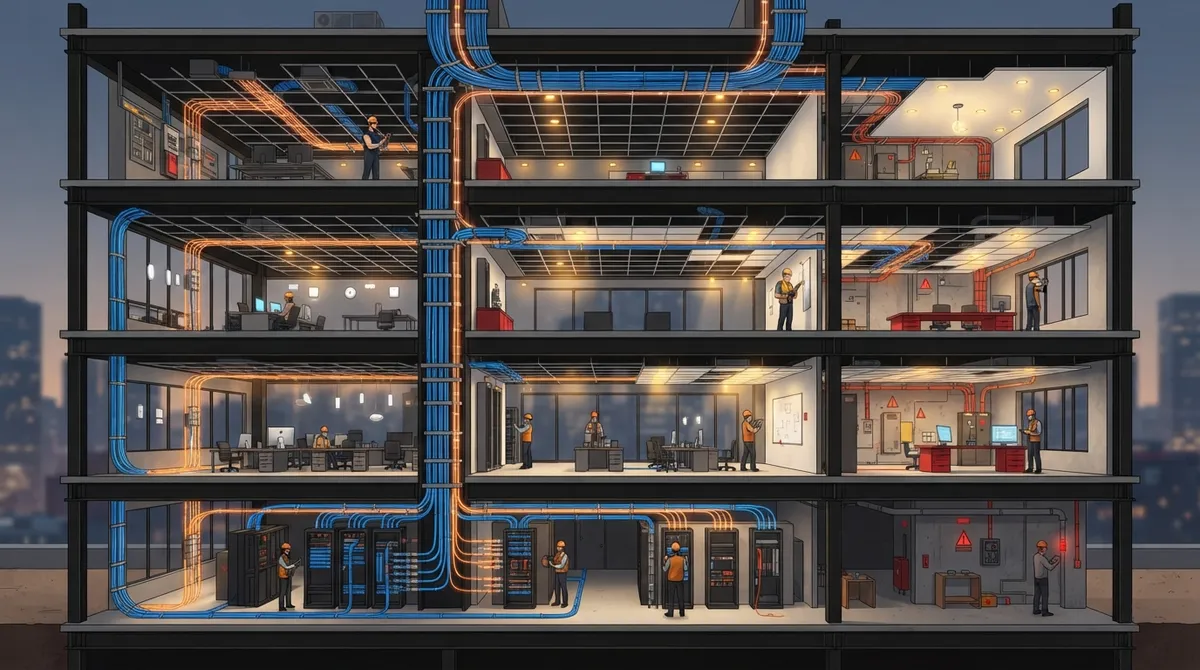
In the telecom world, future proof cabling systems means a standards-based, well-documented setup with room to grow. You design for the upgrades you can reasonably expect, like faster Wi-Fi, more powered devices, and extra cameras. You also leave space, spare capacity, and clear records so changes are easy later.
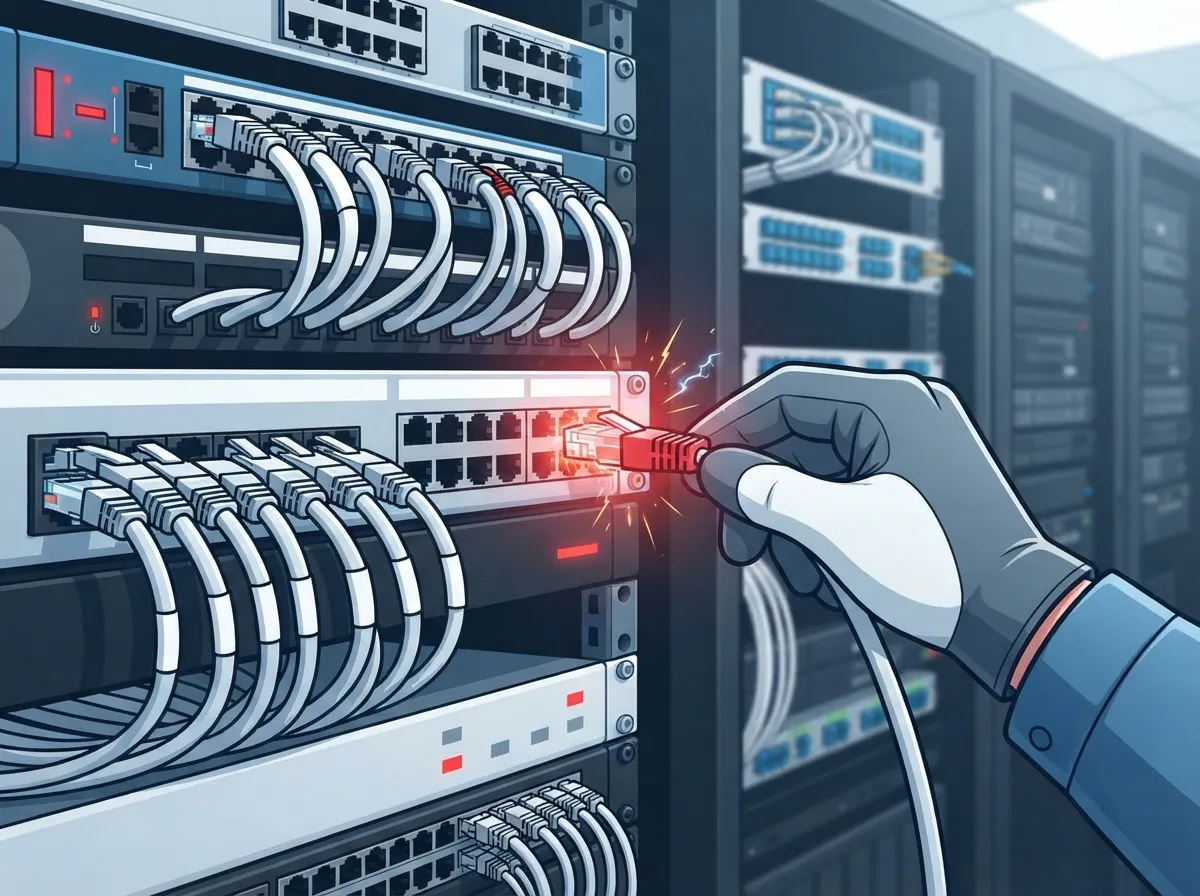
Here’s a key point many people miss. Performance depends on the whole channel, not just the cable jacket. That includes the cable, connectors, install quality, length, and testing. Your switches and devices matter too. A great cable cannot fix a slow switch port.
If you’re new to the topic, our guide on what structured cabling is for your business network is a friendly starting point. You can also read the basics of structured cabling for background.
Mistake #1: Choosing the Wrong Copper Category
This is the big one. It’s tempting to grab the cheapest cable that works today. But cabling is the part of your network you touch the least and replace the most painfully.
Cat6 vs. Cat6A: What’s the Real Difference?
Category 6A is a common pick for new enterprise copper runs. It supports 10GBASE-T over the full 100-meter channel and is built to handle alien crosstalk. It is specified up to 500 MHz.
Category 6 is characterized up to 250 MHz. It can support 10 Gb/s over shorter distances in some installs, but you should not assume it delivers 10 Gb/s across a full 100-meter run. That gap surprises a lot of people.
| Feature | Cat5e | Cat6 | Cat6A |
|---|---|---|---|
| Rated frequency | 100 MHz | 250 MHz | 500 MHz |
| 10GBASE-T at 100 m | No | Not guaranteed | Yes |
| Alien crosstalk design | No | Limited | Yes |
| Best fit | Legacy upgrades | Short runs, tight budgets | New builds, Wi-Fi, PoE |
For most new office builds, Cat6A is the safer long-term choice. If you’re weighing budgets, check out how to choose between Cat6 and Cat6A for your office. And if you’re still on older wiring, this breakdown of Cat5e vs. Cat6 cabling shows why upgrades pay off.
A Quick Reality Check
Cat6A costs a bit more and the cable is thicker. That means pathways, conduit, and cable trays need more room. Plan for that early, and it stays a small detail rather than a big headache.
Mistake #2: Ignoring Fiber for Backbones and Long Runs
Copper is great for desks, phones, and access points. But it isn’t the answer to everything. Some businesses try to push copper across long distances or between floors and buildings, and then wonder why they hit limits.
Fiber shines in these spots:
- Building backbones: Linking floors, closets, and wings with high bandwidth.
- Longer distances: Runs past the 100-meter copper limit.
- Noisy environments: Fiber is immune to electromagnetic interference, which helps in factories and warehouses.
- High-bandwidth needs: Data-heavy links between servers, switches, and storage.
You’ll also choose between single-mode and multimode fiber. That choice depends on distance, optics, bandwidth needs, and your upgrade plan. Don’t guess. Talk it through with a pro, or start with our post on how to choose fiber cabling for your business network.
One catch worth remembering: fiber does not carry power over Ethernet. If a device needs PoE, it needs a copper run or a separate power solution. That’s why smart designs blend both. To see the tradeoffs side by side, read copper vs. fiber cabling for your office.
Mistake #3: Forgetting About Power and Wi-Fi Demands
Here’s where many “future proof” plans fall apart. People plan for data speed but forget that today’s network carries power too.
PoE Is Growing Up Fast
Phones, IP cameras, access control readers, sensors, and Wi-Fi access points all pull power through the network cable. The higher the wattage, the more you need to think about heat and switch budgets.
| PoE Standard | Power at Source | Power at Device |
|---|---|---|
| 802.3af (Type 1) | Up to 15.4 W | Up to 13 W |
| 802.3at (Type 2) | Up to 30 W | Up to 25.5 W |
| 802.3bt (Type 3) | Up to 60 W | Up to 51 W |
| 802.3bt (Type 4) | Up to 90 W | Up to 71 W |
Notice the gap between source and device. Some power gets lost along the cable. Higher-power PoE also means you must check cable and connector suitability, bundle heating, install conditions, and the total switch power budget. Big bundles of cables carrying lots of power can run warm, so smaller bundles and good airflow help.
Wi-Fi Access Points Need More Than One Cable
Wireless is not “wireless” at the wall. Every access point needs a wired connection behind it. The ANSI/TIA-568.1-E standard, with its 2023 addendum, calls for at least two Category 6A-or-higher balanced twisted-pair runs to each wireless access point when that medium is used. Extra links are recommended.
Why two? Newer access points can use faster uplinks, and a second run gives you backup and room to grow. Think of it as cheap insurance you install once.
Also confirm your switch ports and endpoints can actually deliver the speeds you expect. Cabling alone cannot guarantee a Wi-Fi or Ethernet speed if the switch or device is the bottleneck. Our post on structured cabling vs. wireless explains how the two work together.
Mistake #4: Skipping Pathways, Labeling, and Documentation
This mistake feels boring, so it gets skipped. It also causes some of the most expensive headaches years later.
A scalable design usually follows a structured, hierarchical layout. It includes:
- Roomy pathways: Conduit, trays, and ceiling routes with space to add cables without tearing anything open.
- Telecom room capacity: Enough rack space, cooling, and power for new switches and patch panels.
- Spare ports and spare cable: Extra drops in high-growth areas like conference rooms and reception.
- Clear labeling: Every cable, port, and panel tagged so nobody plays a guessing game.
- Certification test results: Proof that each run meets its standard on day one.
- As-built drawings: Accurate maps of what was installed and where.
Ever tried to trace an unlabeled cable through a ceiling? It’s a special kind of misery. Good records turn moves, adds, and changes into quick jobs. We cover this in detail in how to build structured cabling documentation that works. It also helps to avoid the pitfalls in 12 structured cabling mistakes that hurt your business.
How to Plan Your Cabling for the Next Ten Years
Now that you know the traps, here’s a simple, friendly game plan. It works for a small office, a multi-floor company, or a franchise rolling out to many sites.
- List every device you’ll connect. Include phones, access points, cameras, badge readers, printers, sensors, and displays.
- Estimate growth. Add headcount, new rooms, and extra cameras you might want in three to five years.
- Match cable to the job. Use Cat6A for new horizontal copper, and fiber for backbones and long links.
- Budget power. Check PoE needs and your switch power budget before you buy.
- Plan the routes. Size pathways and telecom rooms for extra cables.
- Test, label, and document. Insist on certified results and as-built drawings.
If you’re kicking off a project, our walkthrough on how to plan network cabling installation in Tampa Bay pairs nicely with this list. Building out a fresh space? See whether you need structured cabling for a new office buildout.
Special Notes for Different Readers
- Small business owners: Spend where walls are closed. Cabling is cheapest before drywall goes up.
- IT managers: Ask for test reports and drawings, and keep a change log.
- Office managers: Choose an install partner who also supports moves and adds later.
- Franchise operators: Standardize one cabling spec so every new location matches.
Don’t Forget the Systems That Ride on Your Cabling
Cabling is the quiet hero behind everything else. VoIP phones, cloud cameras, and access control all depend on it. When cabling is solid, those systems run smoothly. When it’s weak, you get dropped calls, choppy video, and doors that lag.
Curious how it all connects? Read 13 ways structured cabling supports VoIP and cameras. If you’re upgrading your phone system too, our guide to what internet speed you need for VoIP helps you match bandwidth to your setup.
Why a Single Partner Makes This Easier
Coordinating cabling, internet, phones, and security across several vendors gets messy. Each one blames the other when something breaks. At Ideal Solutions Provider, we’ve spent over 24 years acting as a single point of contact for exactly this. We work with 35+ vetted suppliers, so you get options without juggling calls.
Want to see how that works in practice? Explore our structured cabling services or read about why one telecom partner beats many. You can also follow our tips on YouTube for quick visual walkthroughs.
Wrapping It Up
Future proof cabling systems aren’t magic. They’re the result of a few smart choices made at the right time. Choose Cat6A for new copper runs, use fiber where it fits, plan for PoE power and multiple Wi-Fi links, and never skip pathways, labels, and paperwork. Dodge those four mistakes, and your network will be ready for whatever comes next.
Ready to build a cabling plan that grows with your business? Contact our friendly team for a free consultation, or call us at 813-388-4935. We’d love to help you get it right the first time.
FAQs
Q: What does future-proof cabling mean for a business network?
A: It means a standards-based, well-documented setup built with room to grow, not a promise to fit every future technology. You plan for likely upgrades like faster Wi-Fi, more PoE devices, and extra drops, and you keep good records so changes stay easy.
Q: Should I install Cat6 or Cat6A for new cabling?
A: For most new office builds, Cat6A is the safer pick. It supports 10GBASE-T across a full 100-meter channel, while Cat6 may only reach 10 Gb/s over shorter distances. Cat6 can still work for short runs on tight budgets.
Q: How many cables should I run to each Wi-Fi access point?
A: The ANSI/TIA-568.1-E standard calls for at least two Category 6A-or-higher runs to each access point when using twisted-pair cabling. Extra links are recommended, and the second run adds backup and growth room.
Q: When should a business use fiber instead of copper?
A: Use fiber for building backbones, longer-distance links, noisy environments, and high-bandwidth connections. Just remember fiber cannot carry PoE, so powered devices still need copper or a separate power source.





