
Key Takeaways
-
Conduct a professional site survey before installation to accurately count cable drops and avoid costly guesses; every office layout is different and requires customized planning based on actual workflows.
-
Follow ANSI/TIA-568.1-E and the updated TIA-568.1-E-1 standard (March 2023), which now requires at least two Category 6A-or-higher runs to each wireless access point for redundancy and future growth.
-
Use Cat6A cabling for access points, cameras, and power-over-Ethernet devices; Cat6 suffices for standard desk connections, but Cat6A provides better performance over longer distances and upgrade readiness.
-
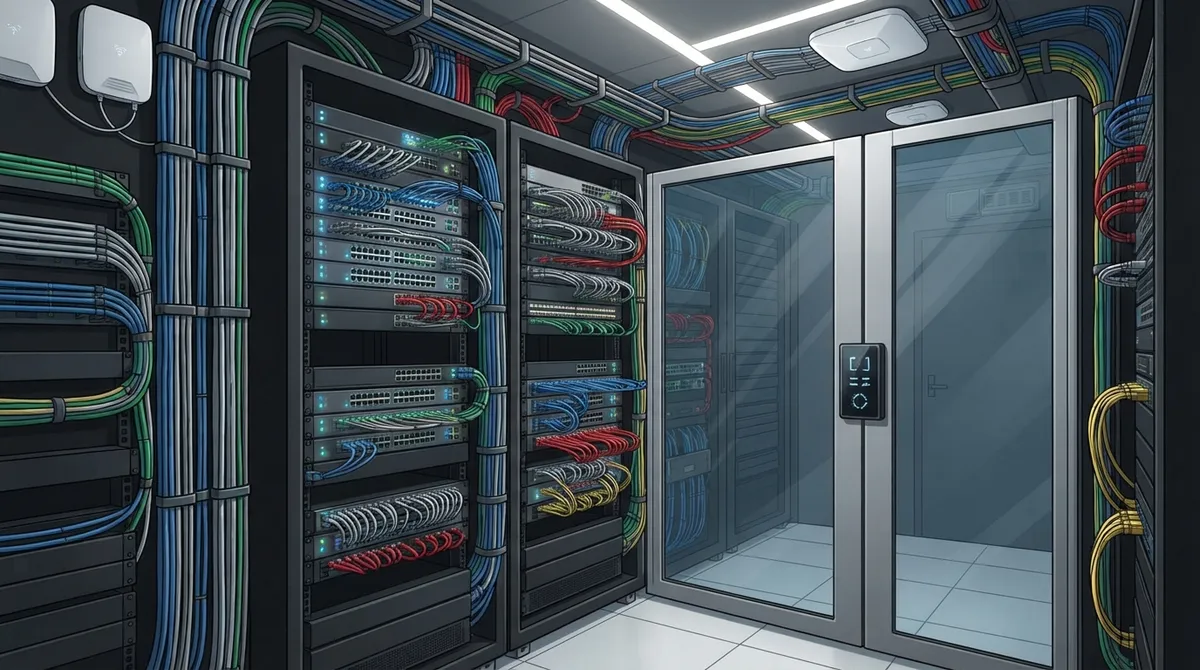
Implement physical security for telecom rooms with locks, key logs, and cloud-based access control to protect the critical infrastructure supporting confidential client data and firm communications.
-
Separate guest Wi-Fi from confidential case systems through organized, well-labeled network ports so IT can isolate networks without rewiring; clean cabling infrastructure makes this segmentation simpler to manage.
-
Request a complete documentation package including test results, as-built drawings, labeling, and warranty information to create a lasting asset that helps future technicians and prevents costly rework.
Picture this: it’s 4:45 on a Friday, and a partner is about to join a high-stakes video deposition. The call freezes. The phones crackle. Someone is crawling under a desk, tugging at a mystery cable. Sound familiar? You are not alone, and the fix is friendlier than you might think.
Law firm structured cabling is the organized, standards-based wiring behind every call, email, video meeting, and file transfer in your office. It is not the flashy part of running a firm. But when it is done well, nobody notices it, and that is exactly the goal.
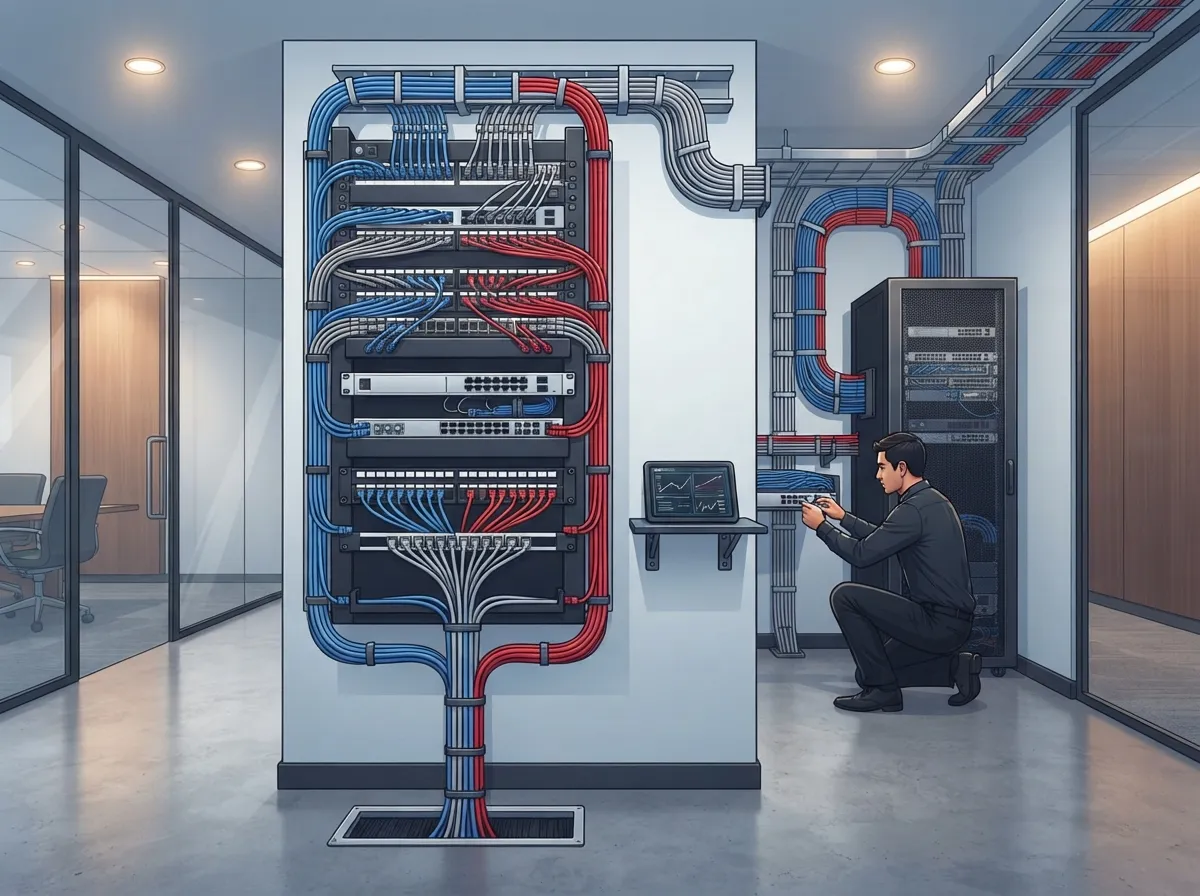
In this guide, we will walk through 13 practical tips to plan, install, and maintain a cabling system that fits how attorneys and staff really work. Whether you are a small firm in Tampa or a multi-office practice growing across the country, these tips will help you build a network that stays steady when the pressure is on. Think of it as a friendly checklist you can hand to your office manager, IT lead, or cabling contractor.
What Is Law Firm Structured Cabling?
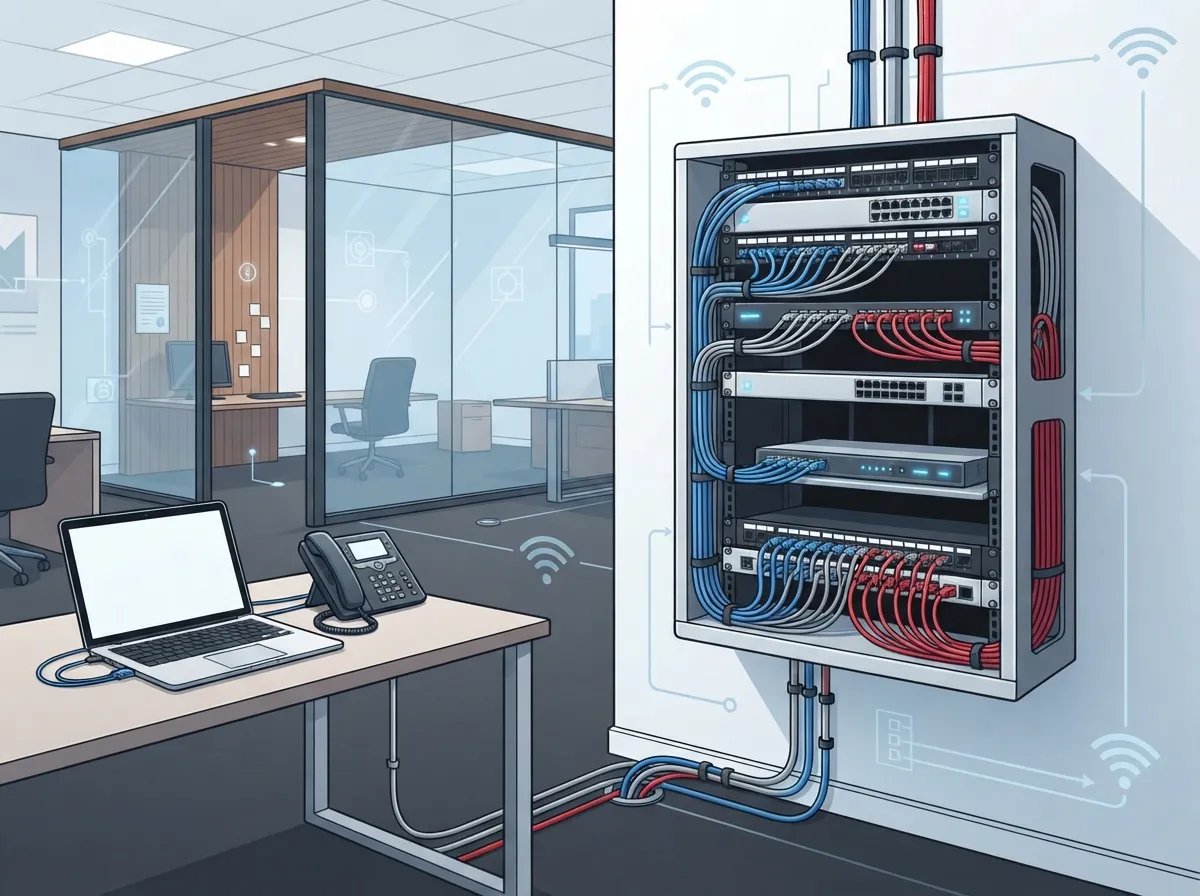
Structured cabling is the physical layer of your network. It includes cables, connectors, patch panels, pathways, racks, and labels. Together, these pieces connect workstations, VoIP phones, wireless access points, printers, and conference rooms to your network equipment.
For a law firm, that foundation supports voice, data, and video all at once. It also makes day-to-day life easier, because every connection follows a clear plan instead of a tangle of one-off fixes. If you want a deeper primer, our guide on what structured cabling is for your business network covers the basics in plain language.
13 Tips for Smarter Law Firm Structured Cabling
1. Start With a Site Survey, Not a Guess
There is no magic number of cable drops per attorney. Every office layout is different. A proper site survey looks at your floor plan, your equipment, and your daily workflows before anyone pulls a single wire.
Be wary of any quote that skips this step. A careful survey saves money later, because it catches problems while they are still easy to fix.
2. Build a Use-Case Inventory
List everything that needs a wired or wireless connection. Do not forget the less obvious items. A solid inventory usually includes:
- Attorney and staff workstations
- VoIP desk phones and softphone stations
- Printers, scanners, and copiers
- Wireless access points
- Conference and client meeting rooms
- Reception and records areas
- Security cameras and door access readers
This list becomes the blueprint for your design. It also helps your cabling partner estimate accurately.
4. Follow the Right Industry Standard
The main standard for commercial offices is ANSI/TIA-568.1-E. It covers horizontal and backbone cabling, telecommunications rooms, pathways, grounding, firestopping, and administration. It even addresses physical network security.
Following a recognized standard means your system is built to a known quality bar. It also makes future upgrades and repairs much simpler, since any qualified technician can read and understand the design.
3. Plan Wireless Access Points the Modern Way
Strong Wi-Fi still depends on strong cabling. An update to the standard, TIA-568.1-E-1 (published in March 2023), changed the rules for access point cabling. When balanced twisted-pair cabling is used, it calls for at least two Category 6A-or-higher runs to each wireless access point.
Extra links give you room for growth and failover. Ask your contractor how they plan to cable each access point, and whether they follow the current update.
5. Choose Cat6 or Cat6A Based on Real Needs
Cat6 is a solid choice for many desk connections. Cat6A handles higher speeds over longer distances, and it works well with power over Ethernet devices like access points and cameras. Your best pick depends on your applications, channel lengths, power needs, and upgrade plans.
Here is a quick comparison to get you started:
| Feature | Cat6 | Cat6A |
|---|---|---|
| Best for | Standard desks and phones | Access points, high-demand areas |
| 10 Gigabit performance | Limited distance | Full 100 meter channel |
| Cable thickness | Slimmer, easier to route | Thicker, needs more pathway space |
| Future readiness | Good | Better |
Want to dig deeper? Our post on how to choose between Cat6 and Cat6A for your office walks through the decision step by step.
6. Use Fiber Where It Makes Sense
Most law firms use copper for desks, phones, and access points. Fiber-optic links shine as the backbone between floors, telecommunications rooms, or buildings. They are a smart pick when distance, bandwidth, or electrical isolation matters.
The right fiber type depends on how far the run goes and what speeds you need. If your firm spans multiple floors, read our guide on how to choose fiber cabling for your business network.
7. Remember That Cabling Supports Security, It Does Not Replace It
Here is a point worth stating clearly. Cabling by itself does not secure your network. VLANs, firewall rules, authentication, and access policies are set up on your network equipment.
What good cabling does is make those controls easier to manage and audit. Clean labeling, documented patching, and organized racks help your IT team see exactly what is connected to what. That clarity matters when you handle confidential client information.
8. Lock Down the Telecom Room
Physical access is a real security layer. Keep racks and telecom closets locked. Limit who holds the key. Use a log or a cloud-based door reader so you know who entered and when.
Many firms pair this with cloud based access control, which gives you mobile credentials and real-time alerts for sensitive rooms. It is a simple way to protect the equipment that holds your firm together.
9. Plan for Guest Wi-Fi and Confidential Systems
Clients and visitors will want Wi-Fi. Your confidential case systems should never share the same open lane. Your cabling plan should make it easy to separate these networks.
That means giving your network equipment clean, well-labeled ports to work with. Then your IT team can set up separate networks for guests, staff, and sensitive systems without rewiring the office.
10. Design Pathways and Closets With Room to Breathe
Reliability depends on more than the cable itself. Plan enough pathway space, closet capacity, and rack room. Overfilled conduits and crammed racks make repairs slow and risky.
For critical areas, consider diverse routes or a redundant backbone link. Redundancy should solve specific failure risks. It does not replace backup power, resilient network equipment, or a second internet connection for failover.
11. Test Every Link and Insist on Proof
Do not accept “it seems to work.” A professional install includes testing of every link, with results you can keep on file. That test data is your baseline if a problem shows up later.
Here is a simple closeout package to request from your contractor:
- Test results for each cable link
- Labels at both ends of every cable
- As-built drawings of the final layout
- Rack and patch-panel schedules
- Cable and pathway records
- Warranty information
This package turns a one-time install into a lasting asset. It also helps future technicians, which saves you money down the road. Our post on how to build structured cabling documentation that works explains why this matters so much.
12. Schedule Work Around Court and Client Deadlines
Legal work runs on deadlines. Good cabling projects respect that. Ask your contractor to coordinate with your IT team and plan disruptive work for evenings, weekends, or quiet periods.
A smooth cutover plan limits downtime and keeps your attorneys billing instead of waiting. Our guide on how to plan network cabling installation in Tampa Bay shares a helpful timeline you can borrow.
13. Build in Room to Grow
Firms hire, merge, and move. A cabling system that fits you today may feel tight in three years. Add spare capacity in your pathways, extra ports in your patch panels, and a few unused fiber strands where it makes sense.
Future-proofing does not mean overspending on everything. It means making smart choices at the start so you avoid tearing into walls later. Our article on 6 network infrastructure upgrades every business needs can help you decide where to invest first.
How Cabling Supports Your Phones, Cameras, and Doors
Your law firm likely depends on more than computers. Modern offices run VoIP phones, security cameras, and door readers over the same cabling. A well-built system carries all of it.
VoIP quality, for example, depends on a clean wired connection to the desk. See how it all fits together in our post on 13 ways structured cabling supports VoIP and cameras. If you are weighing a phone upgrade, our guide to cloud based phone systems shows how call quality ties back to your network foundation.
And since cloud tools rely on your connection to the outside world, it helps to match your cabling with a solid Internet Service Provider plan. Our guide on how to choose the right internet speed for your Tampa business can help you size it correctly.
Common Mistakes to Avoid
Even careful firms stumble. Watch out for these common slip-ups:
- Skipping the site survey and guessing at drop counts
- Cabling access points with only one run
- Mixing cable categories without a clear reason
- Leaving cables unlabeled or poorly documented
- Overfilling pathways and closets
- Treating cabling as a security tool on its own
Want the full list? Our post on 12 structured cabling mistakes that hurt your business goes into detail, with easy fixes for each one.
Why Work With a Single Telecom Partner
Law firms often juggle a cabling vendor, a phone vendor, an internet vendor, and a security vendor. That means four calls when something breaks. A single partner simplifies everything.
Ideal Solutions Provider is a Tampa-based telecom and IT partner with over 24 years of experience and relationships with 35+ vetted suppliers. They handle structured cabling services, networking, phones, internet, cameras, and access control, and they serve businesses nationwide. One team can plan the whole picture, which means fewer surprises and fewer finger-pointing moments.
If you are weighing whether to go it alone, our comparison of DIY vs. professional cabling for Tampa offices lays out the tradeoffs honestly. For firms hiring out, our tips on how to find a reliable structured cabling contractor in Tampa will help you ask the right questions.
You can also see the team at work and stay in the loop on YouTube, Facebook, and Instagram.
Quick Planning Checklist
Ready to get started? Here is a simple order of operations you can follow:
- Walk the office and list every device and room that needs a connection.
- Request a professional site survey and written design.
- Confirm the design follows ANSI/TIA-568.1-E and the current wireless update.
- Choose cable types based on your applications and growth plans.
- Plan secure, well-sized telecom rooms and pathways.
- Schedule installation around your busiest legal deadlines.
- Require testing, labeling, and a full documentation package.
Final Thoughts
Good cabling is quiet. When it works, no one thinks about it. When it fails, everyone does. A little planning now means smoother video calls, clearer phones, and a more secure office for years to come.
Whether you are building a new suite or fixing a tangled closet, you do not have to figure it out alone. Contact us for a friendly, no-pressure review of your current setup, or call us to talk through your plans with a real person. We would love to help your firm build a network you can count on.
FAQs
Q: What is structured cabling, and why does a law firm need it?
A: Structured cabling is the organized, standards-based wiring that connects your computers, phones, Wi-Fi access points, and meeting rooms to your network. A law firm needs it because voice, video, and data all depend on a steady physical foundation. It also keeps your office tidy and easy to support.
Q: What cabling standard applies to a law firm office?
A: Most commercial offices follow ANSI/TIA-568.1-E, which covers cabling, pathways, telecom rooms, grounding, and administration. An update called TIA-568.1-E-1 refined the rules for wireless access point cabling. Ask your contractor to confirm their design follows both.
Q: Should a law firm use Cat6 or Cat6A cabling?
A: Cat6 works well for many standard desk connections, while Cat6A handles higher speeds over longer runs and suits access points and power over Ethernet devices. The best choice depends on your applications, distances, and growth plans. A site survey will point you in the right direction.
Q: How many network drops should a law firm plan for each attorney?
A: There is no single right number, because every office is different. A good plan comes from a site survey that counts workstations, phones, printers, access points, conference rooms, and future growth. Your cabling partner can build that count with you.
Q: Does structured cabling make a law firm’s network more secure?
A: Cabling supports security but does not create it on its own. Network protections like VLANs, firewalls, and access policies are set up on your equipment. Organized, labeled, and physically secured cabling makes those protections far easier to manage and audit.





