
Key Takeaways
-
Business technology solutions are a connected set of services (internet, cloud phones, networking, cabling, and security) that work best when planned together rather than bought piece by piece from different vendors.
-
Start by auditing your sites, users, must-have apps, and coverage at each address, then set uptime and support goals before comparing providers.
-
Compare total cost, not just the monthly price: include setup, installation, equipment, cabling, support fees, and contract length, and line up quotes using identical speeds, features, and terms.
-
Test broadband performance and voice/video quality at each site before launch, and set up failover so calls and data keep running during an outage.
-
Confirm your service-level agreement covers uptime goals, response times, escalation steps, credits for missed targets, data handling, and exit terms, and put all security responsibilities in writing.
-
Use a single trusted partner for internet, phones, cabling, and cameras to avoid juggling multiple bills, contracts, and support lines when something breaks.
If you have ever felt buried under phone bills, internet contracts, and a tangle of wires behind the front desk, you are not alone. Many owners tell us the same thing: “I just want it all to work.” That is exactly what business technology solutions are meant to do in the telecom world.
In simple terms, business technology solutions are the communication and network services that keep your company connected. Think business internet, cloud phone systems, messaging, video meetings, and the networks that tie your offices together. They also now overlap with security, from cloud cameras to door access.
This guide walks you through what these solutions include, how they fit together, and how to pick the right mix for your team. Whether you run a small shop in Tampa or manage a growing franchise, you will leave with clear, friendly steps you can use today.

What Do Business Technology Solutions Mean in Telecom?
In the telecom industry, business technology solutions are not one product. They are a set of connected services. Together, they help your people talk to customers, reach cloud apps, and work from any site.
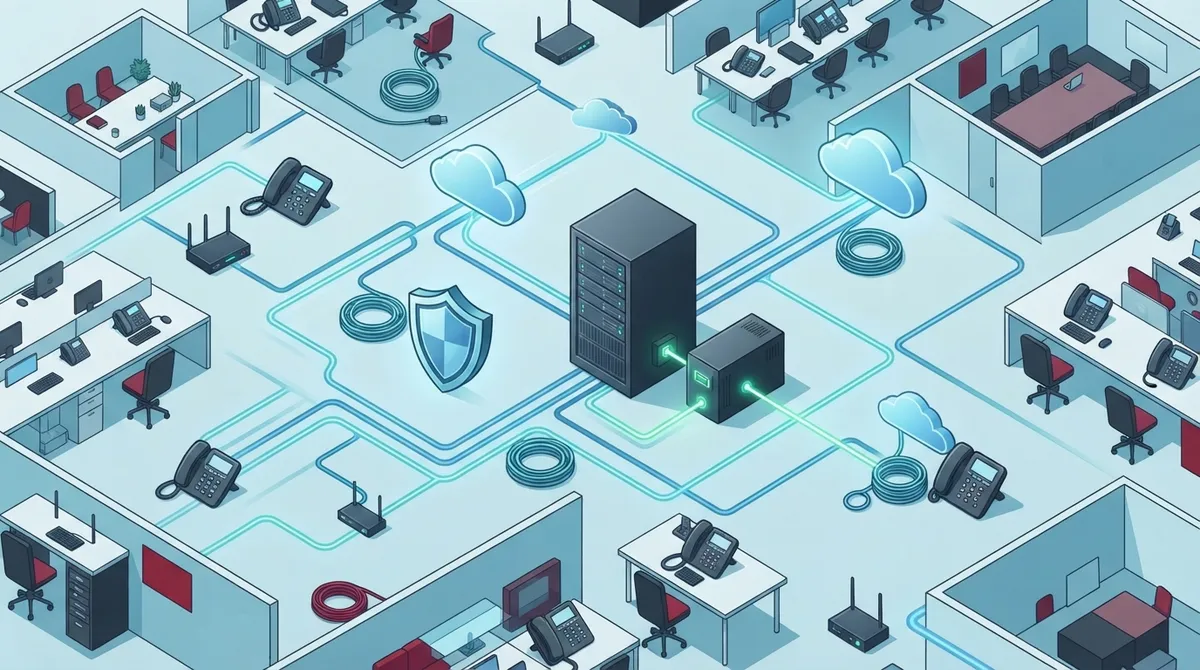
A good way to picture it is a road system. Your internet is the highway. Your phone system is the traffic that uses it. Your cabling and network gear are the on-ramps. Security tools are the guard rails. If one piece is weak, everything slows down.
The main building blocks include:
- Business internet: broadband, fiber, and dedicated internet access.
- Voice: VoIP and cloud phone systems (often called cloud PBX).
- Unified communications (UCaaS): calling, chat, and video in one place.
- Mobile and 5G connectivity: backup and on-the-go access.
- Networking: structured cabling, Wi-Fi, SD-WAN, and MPLS.
- Security tech: cloud video security and cloud access control.
The real win comes when these pieces are planned together instead of bought one by one from different vendors.

Why Do These Solutions Matter So Much Right Now?
Work looks different than it did a few years ago. Teams are spread across offices, homes, and job sites. Apps live in the cloud. Customers expect fast answers by phone, text, or video.
Market research shows the shift is real, though the numbers vary by source. One commercial estimate from Grand View Research puts the global UCaaS market at about $106.4 billion in 2025, with a forecast of $404.2 billion by 2033. Treat that as an estimate, since firms define the market in different ways.
Gartner also predicted that 90% of organizations would use their existing cloud office or collaboration platforms for enterprise telephony by 2028, up from 30% in 2025. That is a forecast, not a measured result. Still, it points in a clear direction: voice is moving into the cloud.
For you, that means the phone on your desk is no longer just a phone. It is part of a bigger system that needs a strong network behind it.
The Core Business Technology Solutions Explained
Business Internet: The Foundation
Everything else rides on your connection. Business-grade internet usually comes with better support, stronger uptime goals, and options like fiber or dedicated circuits. Dedicated lines give you a private path, while shared connections split capacity with other users.
If speed or reliability is a worry, our guide on what to look for in a business internet provider is a great place to start. You can also compare fiber and cable business internet before you sign anything.
VoIP, Cloud PBX, and UCaaS
These three terms get mixed up a lot, so here is a simple breakdown.
| Term | What It Means | Best For |
|---|---|---|
| VoIP | Phone calls sent over the internet | Replacing old phone lines |
| Cloud PBX | A hosted business phone system with features like auto attendants and extensions | Offices that want easy phone management |
| UCaaS | Calling, messaging, presence, and video meetings in one cloud service | Hybrid and remote teams |
UCaaS can bring many tools into one app. But call quality still depends on your network, your setup, and reliable emergency calling where required. Learn more in What Is a Cloud-Based Phone System and Do You Need One? and our look at key differences between VoIP and traditional phone systems.
SD-WAN and Managed Networking
If you have more than one location, SD-WAN can be a big help. It uses software rules to steer traffic across several connections. That lets you give voice and video priority, build in backup paths, and link branches to cloud apps.
Many businesses also choose managed or co-managed service so a provider handles the heavy lifting. A Frost & Sullivan survey, cited in a 2025 managed SD-WAN report, found that 92% of North American respondents preferred managed or co-managed SD-WAN. That is survey evidence, so it will not match every business. It does show why lean IT teams often want a helping hand.
Curious about the tradeoffs? Read SD-WAN vs. MPLS: What Tampa Businesses Need to Know.
Structured Cabling: The Hidden Hero
Cabling is not glamorous, but it is the backbone of your office. Clean, labeled, standards-based cabling supports phones, Wi-Fi, cameras, and door readers. Messy wiring causes slowdowns and long repair times. You can read the basics of structured cabling to see why standards matter.
For planning tips, see professional structured cabling services for Tampa businesses.
Cloud Security Cameras and Access Control
Telecom and security now share the same network. Cloud video security lets you view footage from your phone. Cloud access control lets you manage doors, badges, and mobile credentials from one dashboard.
These tools only work well when your internet and cabling are solid. Explore what security cameras really do for your business to see the bigger picture.
How Do Needs Differ by Business Type?
No two companies need the exact same setup. Here is a quick look at how needs often shift.
| Business Type | Top Priorities | Common Starting Point |
|---|---|---|
| Small business (1 site) | Low cost, simple setup, one vendor | VoIP phones plus business internet |
| Mid-sized company | Growth, security, support | Cloud phones, managed network, cameras |
| Multi-location franchise | Consistency, scale, central control | SD-WAN, cloud phones, access control |
| IT-led team | Fewer vendors, fast fixes | Single partner for cabling, network, telecom |
If you are an office manager, your top concern is likely “will this just keep running?” If you are an IT manager, it may be “who do I call when it breaks?” Both questions point toward choosing a partner with strong support, not just a low price.
Security Is Now Part of the Telecom Conversation
Phones and networks are common targets for attackers. When you shop for business technology solutions, ask clear questions about protection. Do not assume it is all handled for you.
Good things to check include:
- Secure access and strong identity controls
- Encryption for voice, data, and video
- Network monitoring and alerts
- Backup connectivity if your main line fails
- Incident response steps and who is in charge
The key is knowing which tasks belong to the provider and which stay with you. Write it down in your contract. Our guide on how to choose a data security service for business telecom goes deeper.
How to Choose the Right Business Technology Solutions
A smart choice starts with your needs, not a sales pitch. Here is a simple process you can follow.
- List your sites and users. Count locations, staff, and remote workers.
- Name your must-have apps. Which tools can never go down? Think phones, payment systems, and cloud software.
- Check coverage and speeds. Confirm which providers and speeds are actually available at each address.
- Set uptime and support goals. Decide how fast you need a fix and who answers the phone.
- Review security and compliance needs. Note any rules for your industry, such as healthcare or finance.
- Compare total cost. Look past the monthly price to setup fees, hardware, and contract length.
- Plan the rollout. Schedule testing, number porting, training, and a backup plan.
Want a deeper walkthrough? See How to Choose Business Telecom Solutions That Actually Work.
What Should You Check Before Going Live?
A little prep saves a lot of stress. Before deployment, take these steps:
- Test broadband availability and real performance at each site
- Run voice and video quality tests before launch day
- Plan number porting so you keep your current numbers (here is how to keep your phone number when switching to VoIP)
- Set up failover so calls and data keep moving during an outage
- Train your team with short, friendly sessions
- Review your service-level agreement, escalation steps, and exit terms
That last one matters more than people think. A good service-level agreement spells out uptime goals, response times, and what happens if the provider misses them. Always check how you can leave if things go wrong.
Understanding Total Cost, Not Just Monthly Price
It is easy to focus on the monthly bill. But the true cost includes more. Consider setup and installation, equipment, cabling work, support fees, and what you pay if you grow or move.
Overpaying is common. Many companies stay on old contracts for years without a review. A regular audit can uncover waste, unused lines, and better options. Check out 11 telecom audit steps that cut business costs in 2026 and 15 ways to reduce business telecom costs.
When you compare quotes, line them up side by side. Use the same speeds, the same features, and the same contract terms. Otherwise you are comparing apples to oranges.
Why One Trusted Partner Beats Juggling Vendors
Managing separate vendors for internet, phones, cabling, and cameras is a headache. Each one has its own bills, contracts, and support line. When something breaks, everyone points a finger at someone else.
A single point of contact can simplify life. Ideal Solutions Provider, a Tampa-based telecom and IT partner with more than 24 years of experience, works with 35+ vetted suppliers. That means they can compare options across carriers and recommend what fits your business, rather than pushing one product. They handle consultation, installation, and ongoing support, and they serve businesses nationwide.
If you like the idea, read about 11 reasons to use one telecom partner and telecom broker vs. direct provider. You can also follow the team on YouTube for helpful tips.
Common Mistakes to Avoid
Even smart owners trip on a few of these. Watch out for:
- Skipping the network check. A great phone system fails on a weak connection.
- Ignoring backup plans. One line means one point of failure.
- Buying on price alone. The cheapest plan often costs more in downtime.
- Forgetting growth. Pick systems that scale as you add staff or sites.
- Not asking about support. Know who you call, and how fast they respond.
If you are planning a phone move, 15 cloud phone system mistakes small businesses make is a helpful read.
Putting It All Together
Business technology solutions are really about one thing: making it easy for your people to connect with customers and each other. When internet, voice, networking, cabling, and security work as one system, your day gets smoother. Fewer surprises, fewer vendor calls, and more time to focus on the work you love.
Start small if you need to. Audit what you have, find the weak spots, and fix the biggest one first. Then build from there with a plan that can grow with you.
Ready for friendly, expert help? Contact us for a free review of your current setup, or call us to talk it through with a real person who has seen it all.
FAQs
Q: What are business technology solutions in the telecom industry?
A: They are the connected services that keep your company talking and online, like business internet, VoIP or cloud phones, UCaaS, SD-WAN, and structured cabling. Many also include cloud security cameras and access control. The best results come when these pieces are planned together.
Q: What telecom services does a small business need?
A: Most small businesses do well with reliable business internet, a VoIP or cloud phone system, and clean cabling or solid Wi-Fi. From there, you can add cloud cameras or door access as you grow. Starting simple with one trusted partner keeps things easy.
Q: What is the difference between VoIP, cloud PBX, and UCaaS?
A: VoIP simply sends calls over the internet. Cloud PBX is a hosted phone system with business features like auto attendants. UCaaS goes further by adding messaging, presence, and video meetings into one cloud service.
Q: How can SD-WAN help a business with multiple locations?
A: SD-WAN uses smart software rules to manage traffic across several connections. It can prioritize voice and video, add backup paths if one line fails, and link each branch to cloud apps. Many businesses choose a managed option so a provider handles the day-to-day work.
Q: What should a business telecom service-level agreement include?
A: Look for clear uptime goals, response and repair times, support escalation steps, and what credits you get if the provider misses a target. Also check data handling terms and contract exit options. Having these in writing protects you if problems pop up.





