
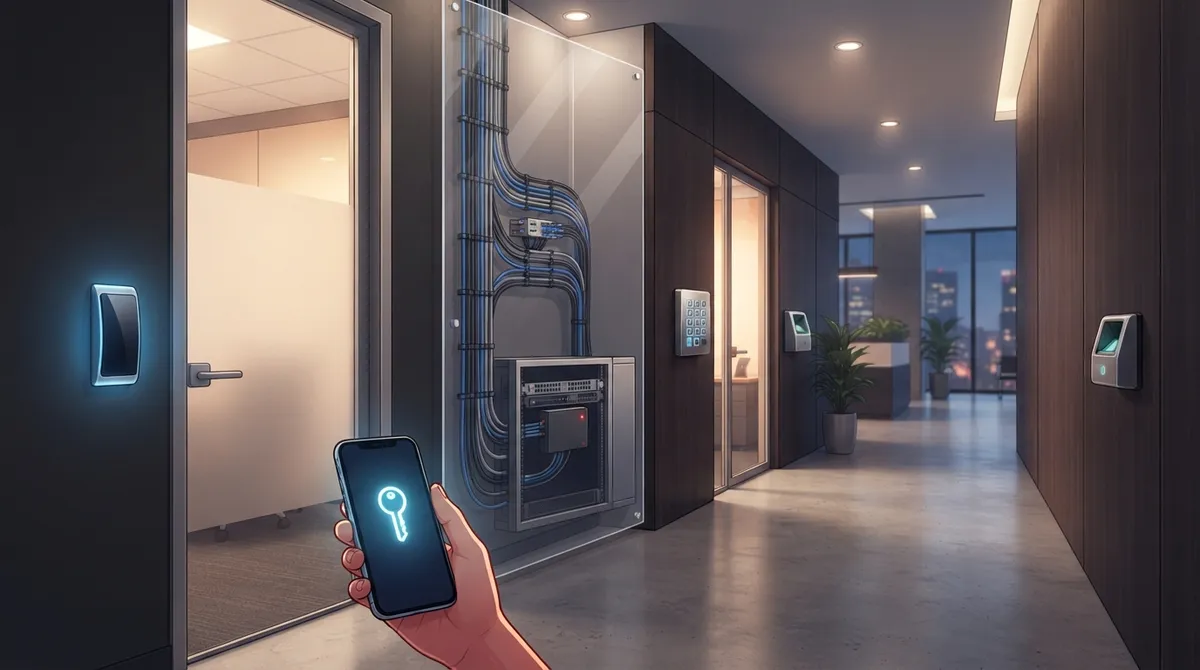
Key Takeaways
-
Build on a reliable network: door readers, controllers, and locks need steady communication, so invest in clean structured cabling, PoE capacity, and labeled documentation before installing hardware.
-
Confirm offline behavior before buying: ask whether door rules are stored on local controllers so doors keep working if internet or power drops, and what happens to your data if you switch providers.
-
Match credentials to each door's risk: use mobile credentials for easy digital issuing and revocation, PIN codes for low-risk doors, and biometrics only for high-security areas.
-
Verify integrations before committing: confirm video, intercom, alarm, and VoIP compatibility, and agree upfront on who handles ongoing maintenance to avoid finger-pointing later.
-
Treat the system as a cybersecurity asset: lock up controllers, segment access devices onto their own network where possible, enable multifactor authentication for admins, and patch on a schedule.
-
Enforce a risk-based access policy: map zones, use least privilege, review access lists quarterly, and revoke credentials immediately when employees leave or contractors finish.
Picture this: it’s Monday morning, and a former contractor still has a working key card. Nobody noticed. Nobody changed the locks. That’s the kind of quiet risk a modern office access control system is built to prevent.
An office access control system decides who can enter which doors, and when. It also keeps a record of every entry. But today, it’s much more than locks and cards. These systems live on your network, talk to your cameras, and sometimes run from the cloud. That means they sit right where security and telecom meet.
Whether you run a small Tampa shop, manage a busy office, or oversee dozens of franchise locations, getting this right matters. In this guide, we’ll walk through five must-haves that separate a solid setup from a headache. We’ll keep it friendly and practical, so you can make a confident choice.
1. A Rock-Solid Network and Cabling Foundation
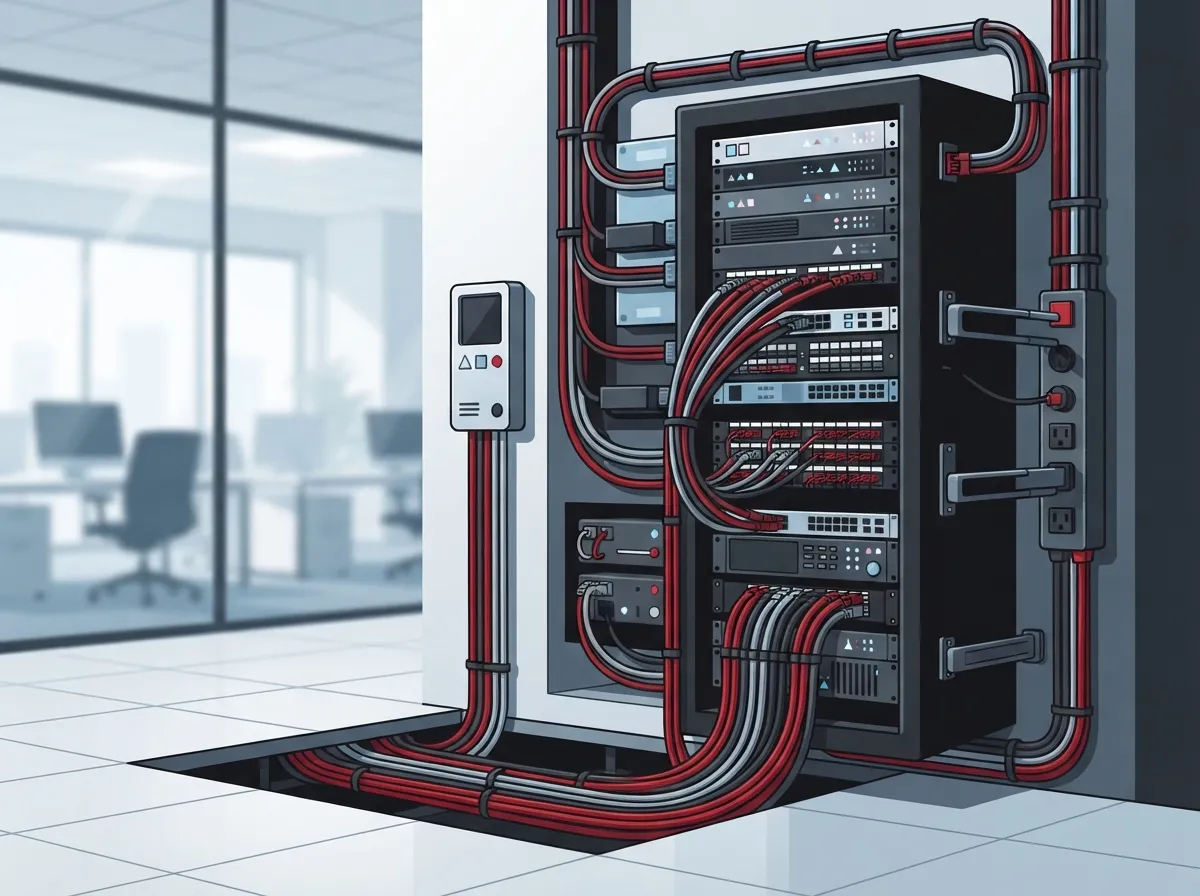
Here’s something many people overlook: an office access control system is only as reliable as the network behind it. Readers, controllers, and locks all need steady communication with your management software. If the connection drops, doors can act up.
This is where telecom expertise really shines. Good structured cabling gives every door device a clean, dependable path. It also keeps your phones, cameras, and access hardware from fighting over a messy tangle of wires.
What the Network Needs
- Clean cabling runs to each door, reader, and controller
- Power over Ethernet (PoE) capacity where devices draw power from the network
- Enough bandwidth to support cloud-managed software and live video
- Labeled, documented cabling so future fixes are quick
If you’re planning a new buildout, our guide on whether you need structured cabling for a new office buildout in Tampa is a great place to start. And if you want the bigger picture, see 13 ways structured cabling supports VoIP and cameras.
Don’t Forget Internet Reliability
If your system is cloud-managed, your internet connection becomes part of your door security. A slow or flaky connection can delay updates and alerts. Learn how to pick the right plan in how to choose the right internet speed for your Tampa business.
2. Flexible Credentials That Fit How Your Team Works
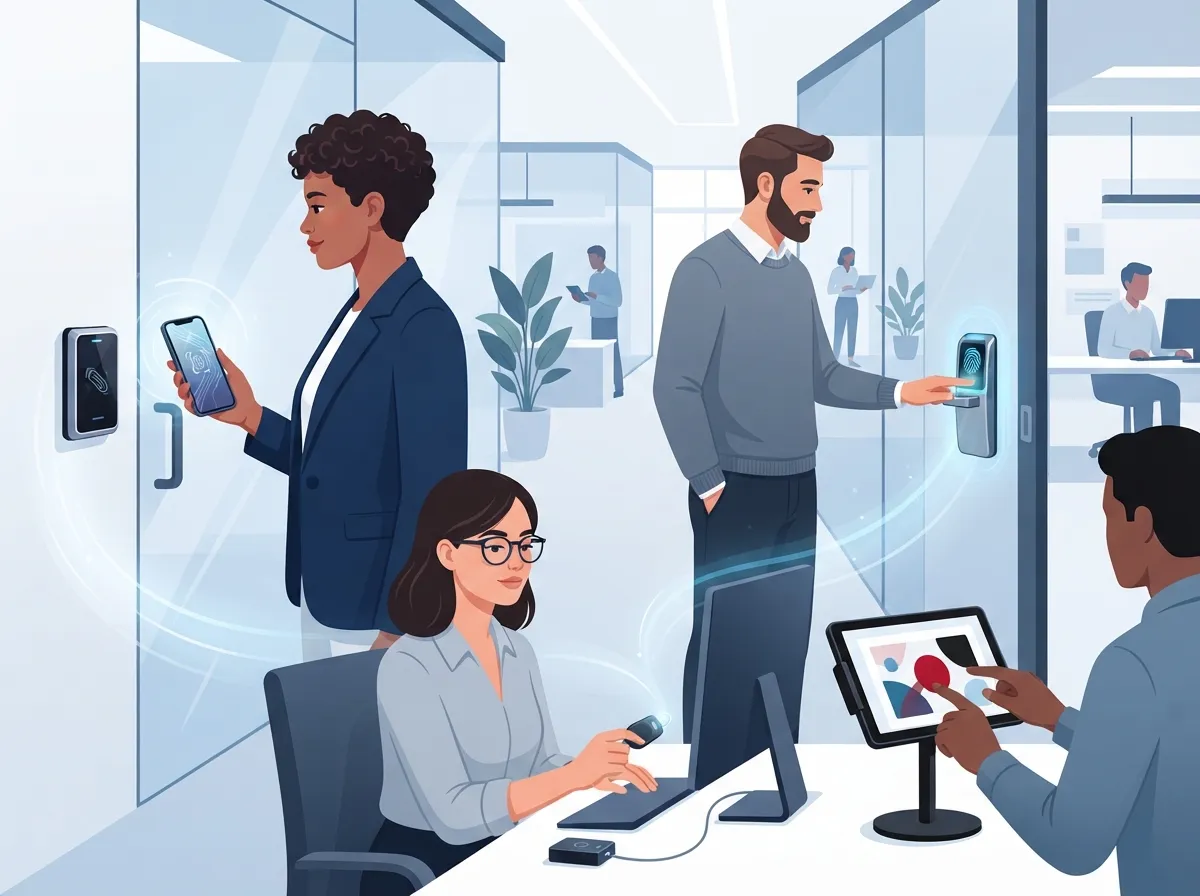
Credentials are what people use to prove they belong. The right mix depends on your team, your budget, and how much security each door needs. The good news? You’re not stuck with just one option.
| Credential Type | How It Works | Best For | Things to Consider |
|---|---|---|---|
| Key cards or fobs | Tap a card or fob on a reader | Everyday staff entry | Can be lost, shared, or forgotten |
| PIN codes | Enter a code on a keypad | Low-risk doors, short-term access | Codes can be shared or watched |
| Mobile credentials | Phone uses NFC or Bluetooth | Modern teams, multiple sites | Needs compatible readers and phones |
| Biometrics | Fingerprint or face scan | High-security areas | Privacy rules and setup cost |
Why Mobile Credentials Keep Growing
People rarely leave home without their phones. That’s why mobile credentials are catching on. In ASSA ABLOY’s 2025 Wireless Access Control Report, fully mobile credential environments rose to 17% of respondents, up from just 5% in 2023.
The big win is easy management. You can issue or revoke access digitally, with no plastic card to chase down. It’s worth noting that 26% of those surveyed planned to adopt mobile credentials in the next two years. That’s a survey finding, not a universal forecast, but it shows steady interest.
Want to compare the two approaches? Check out mobile vs. traditional access control and keyless entry vs. traditional keys.
3. Cloud Management You Can Control From Anywhere
Cloud-managed access control lets you update doors, add people, and review activity from a web browser or phone. For growing companies and franchise operators, that’s a big deal. You can manage several offices from one screen instead of driving between sites.
The same ASSA ABLOY report found that 54% of respondents used cloud-based access management. Of those, 32% used locally hosted systems and 22% used a third-party, SaaS-style model. So the cloud is common, but it’s not the only path.
Cloud vs. On-Premises at a Glance
| Feature | Cloud-Managed | On-Premises |
|---|---|---|
| Remote management | Easy, from any device | Often limited |
| Multi-site control | Centralized | Can be complex |
| Software updates | Usually automatic | Handled in-house |
| Upfront cost | Often lower | Often higher |
| Internet dependence | Higher | Lower |
Questions to Ask Before You Choose
- Where is the system hosted, and who administers it?
- How is service availability handled?
- Which functions keep working if the internet or power goes down?
- What happens to your data if you switch providers?
These answers matter. Many systems use local controllers that store door rules, so doors keep working even when the internet drops. Always confirm this before you sign anything. For a deeper look, read cloud vs. on-premise access control or explore 7 reasons Tampa businesses love cloud access control in 2026.
4. Smart Integrations With Video, Phones, and More
An office access control system gets far more useful when it works with your other tools. Think of it as one piece of a connected security picture. When a door opens, you want to know who opened it and what the camera saw.
Integrations Worth Considering
- Video surveillance: Match each door event with a video clip for faster reviews
- Intercoms and visitor management: Let guests check in and let staff buzz them through
- Alarms: Trigger alerts when a door is forced or propped open
- Business phone systems: Connect intercoms and alerts to your VoIP setup
- Identity and workforce systems: Sync employee lists so access updates automatically
Before you commit, confirm that your chosen products are truly compatible. Ask about supported interfaces, and ask who is responsible for ongoing maintenance. A clear answer now saves finger-pointing later.
This is exactly where a single point of contact helps. When your phones, cabling, cameras, and access control all come from one coordinated partner, there’s less guesswork. You can learn more in what security cameras really do for your business and 5 ways cloud security cameras work for Tampa businesses.
Wireless Locks Are Growing, Too
Wireless locks can save time on installation, especially in older buildings where running new cable is tough. The 2025 ASSA ABLOY report found that 42% of surveyed end users deployed wireless locks, up from 39% in 2023. They’re a handy option, but they still need a solid network and planning to work well.
5. Strong Cybersecurity and a Clear Access Policy
Here’s the part people tend to skip. A network-connected access control system is a cybersecurity concern as well as a physical-security one. If someone breaks into the software, they may be able to open doors.
NIST’s Guide to Operational Technology (OT) Security offers helpful guidance here. It recommends restricting physical access to network and operational-technology equipment, separating OT and corporate networks where appropriate, and using multifactor authentication for remote access.
Simple Ways to Protect Your System
- Keep door controllers and network gear in locked rooms or cabinets
- Place access devices on their own network segment when possible
- Turn on multifactor authentication for every admin account
- Install updates and security patches on a regular schedule
- Remove old admin accounts promptly
For more on this, our article on cloud security vs. traditional network security is a helpful read.
Build a Risk-Based Access Policy
Technology works best when it follows clear rules. Here’s a simple way to set them up:
- Map your zones. Separate public areas, general office space, and sensitive spots like server rooms.
- Set schedules. Decide who needs entry at which hours.
- Use least privilege. Give people only the access they truly need.
- Review access lists often. Quarterly checks catch stale permissions.
- Revoke fast. Remove credentials the moment someone leaves or a contractor finishes.
One more thing: plan for safe exits. Emergency egress and applicable building and fire codes must be addressed in every design. People must always be able to leave safely, even during a power or network problem. Your installer and local officials can help confirm your plan meets the rules.
What Different Teams Should Focus On
Every business has its own priorities. Here’s a quick guide to help you zero in on what matters most.
- Small business owners: Look for simple cloud management and affordable mobile credentials so you don’t need a full-time IT person.
- Mid-sized companies: Prioritize integrations with video and visitor tools as you grow.
- IT managers: Focus on network design, segmentation, and multifactor authentication.
- Office managers: Choose easy badge management and quick credential revocation.
- Franchise operators: Pick scalable, centrally managed systems that work the same across every location.
Multi-site owners will especially like scalable access control systems for multi-location Tampa businesses. And if you’re just starting your research, how to choose access control systems for Tampa businesses breaks the process down step by step.
Why a Single Partner Makes This Easier
Access control touches networking, cabling, cloud services, and cameras. Managing separate vendors for each piece can feel like herding cats. That’s where a single point of contact helps.
Ideal Solutions Provider is a Tampa-based telecom and IT partner with over 24 years of experience and relationships with 35+ vetted suppliers. They handle everything from the first consultation through installation and ongoing support, and they serve businesses nationwide. You can explore their cloud-based access control options to see how it all fits together.
Wrapping It Up
A great office access control system isn’t just about buying doors and readers. It’s about the whole picture: a dependable network, flexible credentials, smart cloud management, helpful integrations, and strong cybersecurity paired with clear policies. Get those five right, and you’ll protect your people and property with a lot more peace of mind.
Ready to talk through your options? Contact us for a friendly, no-pressure consultation, or call us to speak with a real person. You can also see our work on YouTube and follow along on Facebook.
FAQs
Q: What is an office access control system and how does it work?
A: An office access control system decides who can enter specific doors or areas, and when. It uses electronic locks, readers, credentials like cards or phones, and management software connected by a network. Every entry is logged, so you always have a record of who went where.
Q: Can employees use their phones as office access credentials?
A: Yes, they can! Mobile credentials use technologies like NFC or Bluetooth, so a phone acts like a digital key card. You can issue or revoke them digitally, which means no more chasing down lost cards.
Q: What happens to door access if the internet or power goes down?
A: It depends on how your system is built, so it’s smart to ask before you buy. Many setups use local controllers that keep storing door rules during an outage, while others may lose some features. Power backup and safe emergency exits should always be part of the plan.
Q: How does access control integrate with video, intercoms, or alarms?
A: Compatible systems can link door events to camera clips, buzz visitors in through an intercom, and trigger alarms when a door is forced. Before you commit, confirm which interfaces are supported and who handles ongoing maintenance. A single partner can make this much smoother.
Q: How can a business secure a network-connected access control system?
A: Start by locking up the network equipment and keeping access devices on a separate network segment where it makes sense. Use multifactor authentication for remote access, keep software updated, and remove old admin accounts quickly. Pair those steps with a clear access policy and regular reviews.





