
Key Takeaways
-
Plan cable routes, telecom rooms, and room locations early: keeping every twisted-pair run within the 100-meter channel limit (90 m permanent link plus 10 m patch cords) prevents slow speeds and dropped connections.
-
Choose Cat 6A for new horizontal cabling if you expect growth, since it supports 10 Gb/s over a full 100-meter channel, while Cat 6 may suffice for modest, short-run needs.
-
Insist on field testing every run and receiving test results plus as-built documentation, so troubleshooting is faster when problems arise years later.
-
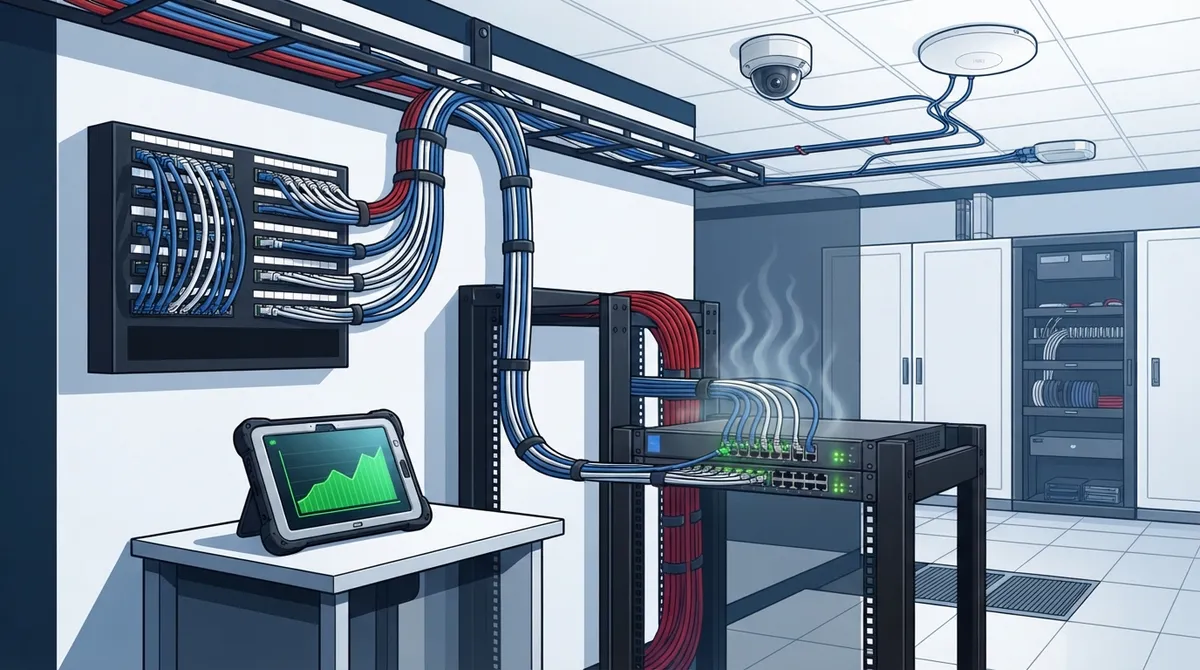
Plan power needs for PoE devices like cameras, phones, and access points, and account for heat and cable quality in large bundles, since higher-wattage PoE types generate more heat.
Ever tried to fix a slow office network, only to discover the real problem was hiding inside the walls? You’re not alone. Many business owners spend money on faster internet and shiny new equipment, then wonder why video calls still freeze and Wi-Fi still drops.
Here’s the friendly truth: commercial network cabling is the quiet backbone of every modern office. It carries your phone calls, internet traffic, security camera video, and even power to devices. When it’s planned well, nobody notices it. When it’s not, everybody feels it.
Whether you run a small Tampa shop, manage IT for a growing company, or oversee several franchise locations, this guide is for you. We’ll walk through nine things worth knowing in 2026, from standards and cable types to testing and planning. Grab a coffee, and let’s make this simple.
1. What Commercial Network Cabling Actually Is
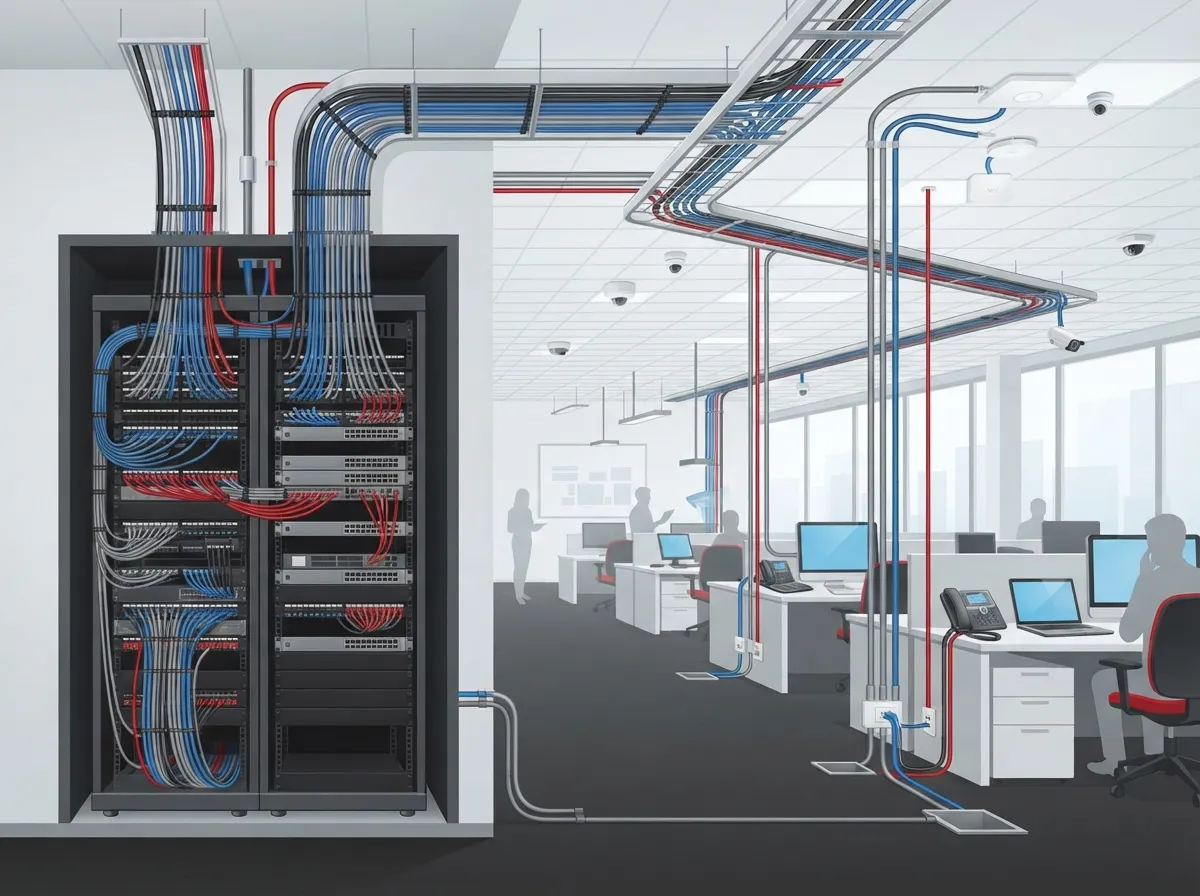
Commercial network cabling is the physical wiring system that connects your work areas, telecom rooms, equipment rooms, and the point where your internet enters the building. Most professionals call this a structured cabling system because it follows an organized, standards-based layout.
Why does the layout matter? Because a tidy system lets you upgrade switches, phones, and Wi-Fi gear later without ripping out the walls. Think of it like the plumbing in your building. You expect it to just work for years.
If you want a deeper primer, our post on what structured cabling is for your business network covers the basics in plain language.

2. The Standards Behind a Good Install
A professional job isn’t made up as it goes. Several widely used standards guide the work:
- ANSI/TIA-568: Sets common requirements for structured cabling in commercial buildings.
- ISO/IEC 11801: An international standard for generic cabling systems.
- IEEE 802.3: Defines the Ethernet technologies that run over your cabling.
- Local building, fire, and electrical codes: These affect which cable types you can use and how they’re installed.
Following these rules helps make sure your network performs as promised. For a closer look, check out 5 ANSI/TIA-568 cabling rules Tampa businesses must follow.
3. Copper, Fiber, or Both?
Most offices use a smart mix. Copper twisted-pair cable usually connects desks, phones, cameras, and access points. Fiber often handles longer runs and heavy bandwidth between floors or buildings.
| Feature | Copper (Twisted Pair) | Fiber Optic |
|---|---|---|
| Best use | Desks, phones, cameras, Wi-Fi access points | Backbones, longer links, high-bandwidth connections |
| Typical distance | Up to 100 meters per channel | Much longer, depending on fiber type |
| Power delivery | Supports PoE | Does not carry power |
| Common fit | Horizontal cabling | Building and campus backbone |
Not sure which fits your space? Our guide on copper vs. fiber structured cabling breaks it down further.
4. Cat 6 vs. Cat 6A: Choose With the Future in Mind
For new horizontal cabling, Category 6A is a popular choice. It supports 10 Gb/s Ethernet (10GBASE-T) over a full 100-meter channel. Category 6 can support 10 Gb/s in some shorter-distance installs, but it doesn’t give the same full-channel assurance.
So which should you pick? If your budget is tight and your needs are modest, Cat 6 may do the job today. If you expect more video, more devices, or more cloud tools, Cat 6A gives you breathing room. Our comparison of Cat6 and Cat6A for your office can help you decide. And if you’re still on older wiring, see Cat5e vs. Cat6.
5. Know Your Distance Limits
Here’s a rule that trips up many DIY projects. For twisted-pair copper, the common design limit is a 90-meter permanent link. Add up to 10 meters of patch cords, and you reach a 100-meter (328-foot) channel.
Go beyond that, and you may see slow speeds or dropped connections. Longer distances usually call for fiber or properly designed intermediate equipment. Planning room locations carefully from the start keeps every run within limits. We dive deeper in how far network cable can run.
6. Power Over Ethernet Needs Planning
Power over Ethernet (PoE) lets one cable carry both data and power. It’s handy for wireless access points, IP phones, cameras, and access-control devices. Fewer outlets, fewer headaches.
Common IEEE PoE types include:
- Type 1: up to 15.4 W
- Type 2: up to 30 W
- Type 3: up to 60 W
- Type 4: up to 90 W from the power source (the device receives a bit less due to losses)
Higher power means more heat in cable bundles, so cable quality and bundle size matter. This is especially true if you’re adding cameras. See our security camera cabling guide for tips.
7. What a Quality Project Looks Like
A good installation isn’t just pulling wire. Here’s the typical flow:
- Needs assessment: Count users, devices, and future growth.
- Pathway and room planning: Map cable routes, telecom rooms, and rack space.
- Standards-compliant installation: Use the right cable, connectors, and support.
- Labeling: Mark every cable and port clearly.
- Field testing: Verify performance on every run.
- Documentation: Deliver test results and as-built drawings.
That last step is gold. When something breaks two years from now, good records save hours of guessing. Learn more in how to build structured cabling documentation that works.
8. Common Mistakes That Cripple a Network
We see the same few problems over and over:
- Mixing cable grades and hoping for the best
- Running cable too close to power lines, causing interference
- Skipping labels and test reports
- Ignoring future growth, so there’s no spare capacity
- Hiring based on price alone
These errors can cost far more than the original savings. Take a peek at 12 structured cabling mistakes that hurt your business before you sign anything. If you’re in the Tampa Bay area, you may also like 9 signs your Tampa business needs structured cabling.
9. Choosing the Right Partner
Cabling touches everything else you buy, from VoIP phones to cloud cameras to your Internet Service Provider connection. That’s why working with one partner who understands the whole picture pays off.
Ideal Solutions Provider is a Tampa-based telecom and IT partner with over 24 years of experience. We handle consultation, installation, and ongoing support, and we work with 35+ vetted suppliers so you aren’t juggling vendors. Our structured cabling services cover new builds and upgrades for businesses nationwide.
Curious how this works in practice? Browse our professional structured cabling services for Tampa businesses or follow us on YouTube for helpful walkthroughs.
A Quick Word on Cost and Market Trends
You might wonder how big this industry is. Research firms estimate the global structured cabling market in the range of USD 13 to 17 billion for 2026, but the numbers vary by how each firm defines the market. Treat those figures as rough guides, not hard facts.
What matters more is your own budget. Pricing depends on cable type, distance, building layout, and the number of drops. Our post on 10 factors that shape network cabling installation cost helps you plan.
Ready to Build a Network That Lasts?
Good cabling isn’t flashy, but it keeps your calls clear, your internet steady, and your team productive. Start with a solid plan, follow the standards, test everything, and keep your records handy.
Have questions about your office, warehouse, or multiple franchise sites? Contact us for a free consultation, or call us at 813-388-4935. We’d love to help you get it right the first time.
FAQs
Q: What is commercial network cabling?
A: Commercial network cabling is the organized, standards-based wiring that connects work areas, telecom rooms, and equipment rooms in a business building. It carries voice, data, video, and power to your devices. A well-built system makes future upgrades much easier.
Q: Should a business install Cat 6 or Cat 6A cabling?
A: Cat 6A is a popular pick for new commercial installs because it supports 10 Gb/s over a full 100-meter channel. Cat 6 can work well for lighter needs or shorter runs. If you expect growth, Cat 6A gives you more room to grow.
Q: What is the maximum Ethernet cable distance in a commercial installation?
A: For twisted-pair copper, the common limit is a 90-meter permanent link plus up to 10 meters of patch cords, for a 100-meter (328-foot) channel. Longer distances usually need fiber or properly placed intermediate equipment.
Q: Can network cabling support PoE devices like cameras and wireless access points?
A: Yes! Copper Ethernet cabling can deliver Power over Ethernet to cameras, phones, access points, and access-control devices. Just plan for device power needs, cable quality, and heat in large cable bundles.
Q: What should I expect from a professional cabling installation?
A: You should receive a needs assessment, standards-compliant installation, clear labeling, and field testing on each run. A good installer also hands over test results and as-built documentation so troubleshooting stays simple later.





