

Key Takeaways
-
Most cloud phone plans bill per user per month, with entry-level tiers around $10-$20 and feature-rich business plans often $20-$35 per user on annual billing.
-
Monthly billing can cost substantially more than annual billing; for example, RingCentral Core runs $30 month-to-month versus $20 annually, which is $150 extra monthly for a 15-person team.
-
Estimate your real cost by multiplying users by the per-user rate, then adding licenses, toll-free minutes, hardware, taxes, fees, and one-time setup or porting costs.
-
Taxes and regulatory fees are often listed separately from the plan price, so request an all-in monthly estimate before signing to avoid surprises on your first invoice.
-
Many providers include mobile and desktop apps, so you may not need a desk phone for every employee, which can significantly reduce hardware spending.
-
Contact center plans cost far more than standard business phone plans (e.g., Nextiva Scale at $75 per user), so a plan with call queues and ring groups may suffice if only a few people handle support calls.
Let’s be honest: shopping for a business phone system can feel like walking into a restaurant where the menu has no prices. Everyone tells you it’s “affordable,” but nobody wants to say a number. If you’ve ever stared at a pricing page and wondered what you’d really pay each month, you’re in good company.
The good news is that cloud phone system pricing is easier to figure out than it looks. Most plans are billed per user, per month. Add a few extras, and you can build a solid budget in about 20 minutes. Whether you run a small Tampa shop, manage a growing office, or oversee a handful of franchise locations, this guide walks you through each step.
We’ll cover typical price ranges in 2026, what drives the final bill, which fees sneak in, and how to compare quotes fairly. Grab a coffee, and let’s make those numbers friendly.

What Cloud Phone System Pricing Usually Looks Like in 2026
Most business cloud phone plans charge per user, per month. A “user” is usually one person who needs a phone line, whether they use a desk phone, a laptop app, or a mobile app.
Public vendor pricing shows a wide range. Entry-level plans can start around $10 to $20 per user each month. Many feature-rich business plans land between $20 and $35 per user when billed annually. Advanced contact center tools can cost much more, or they may require a custom quote.
Here is a quick look at published rates from two well-known providers. These are vendor-specific examples, not market-wide guarantees, and they can change at any time.
| Provider and Plan | Annual Billing (per user/month) | Monthly Billing (per user/month) |
|---|---|---|
| RingCentral Core | $20 | $30 |
| RingCentral Advanced | $25 | $35 |
| RingCentral Ultra | $35 | $45 |
| Nextiva Core | $15 | $23 |
| Nextiva Engage | $25 | $50 |
Notice the gap between annual and monthly billing. On RingCentral Core, paying month to month costs $10 more per user. For a 15-person team, that’s $150 extra every month. Annual billing often saves real money, but it also locks you in for longer.
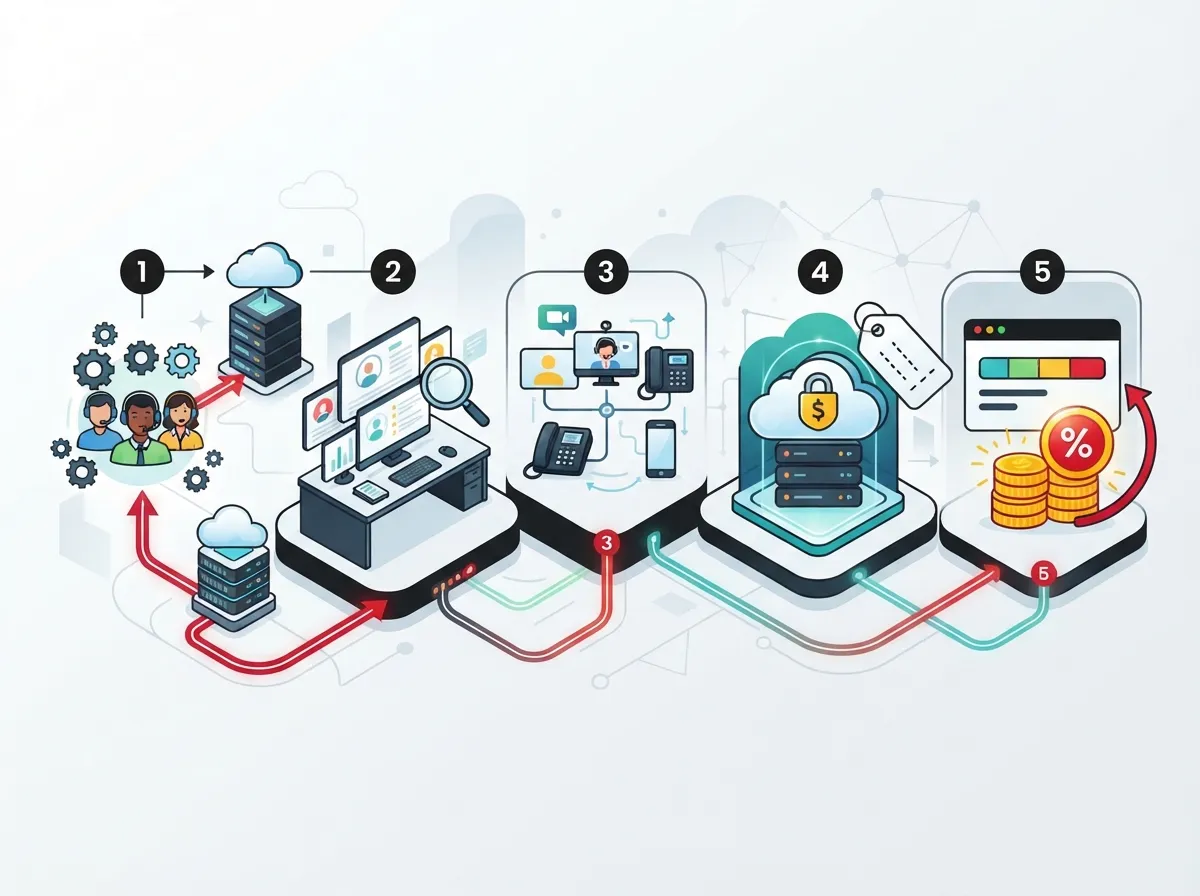
How to Estimate Your Monthly Cost in 5 Steps
You don’t need a spreadsheet wizard to do this. Follow these steps and you’ll have a realistic number.
- Count your users. Include everyone who needs their own extension. Think about part-timers, remote staff, and shared lines like a front desk or warehouse.
- Pick a plan tier. Match features to real needs, not wish lists. If you just need calling, texting, and a simple auto-attendant, a basic tier may do the job.
- Choose your billing term. Compare the annual rate and the monthly rate. Ask yourself how confident you are in your headcount for the next 12 months.
- Add extras. Include hardware, number porting, toll-free minutes, and any premium add-ons.
- Add taxes and fees. Regulatory fees and taxes are often listed separately from the base rate.
The core formula is simple: number of users multiplied by the per-user rate, plus required licenses, usage charges, hardware, taxes, and one-time setup costs.
A Quick Example for a 12-Person Office
Say you run a small insurance office with 12 employees. You choose a mid-tier plan at $25 per user with annual billing. That’s $300 per month for licenses.
Add two toll-free numbers, a few desk phones for the front office, and taxes. Your real monthly cost might be a bit higher than $300, and you’d also have a one-time hardware cost. That’s the number to budget, not just the headline rate.
What Features Change the Price?
Plan tiers exist for a reason. Higher tiers add tools that matter more as your business grows. Before you pay for a top plan, check what’s actually included.
Common feature differences between tiers include:
- Auto-attendants and multi-level call menus
- Call queues and ring groups
- Call recording (some plans limit storage or only record on demand)
- SMS and text messaging allowances
- Toll-free minute bundles
- Video meetings and team chat
- Integrations with CRM and business apps
- Analytics and reporting dashboards
- Admin and supervisor controls
For example, RingCentral’s plan comparison lists toll-free minute allowances of 100, 1,000, 2,500, and 10,000 per account across four tiers. Extra toll-free minutes are listed at 3.9 cents per minute. If your team takes a lot of inbound toll-free calls, that detail can swing your bill.
If you’re not sure which features you’ll use, our guide on how to choose VoIP features that help your business grow breaks it down in plain language. You can also see a full feature rundown in 12 VoIP phone system features every business needs in 2026.
Hidden Costs Worth Checking Before You Sign
A low per-user rate is great, but it’s rarely the whole story. Here are the extras that can quietly add up.
Taxes and Regulatory Fees
Phone service comes with taxes and regulatory fees. Many providers list these separately from the plan price. Ask for an estimate that includes them so there are no surprises on your first invoice.
Hardware and Desk Phones
Here’s some happy news: many providers include mobile and desktop apps, so you may not need to buy a desk phone for every person. Remote workers and sales teams often do fine with just an app.
Still, many offices want physical phones at reception, in conference rooms, or on the warehouse floor. Compatible desk phones can usually be purchased or rented, depending on the provider. Ask which models work with the platform before you buy anything.
Number Porting and Setup
Keeping your existing phone numbers is a big deal. Some providers charge for porting or implementation. Others include it. If you’re worried about this step, read how to keep your phone number when switching to VoIP in Tampa for a calm walkthrough.
International Calling and Overages
International calls, toll-free overages, and premium AI features are common add-on charges. If your team calls clients overseas, ask for the exact per-minute rates by country.
Contract Terms and Renewals
Check the minimum user count, contract length, renewal terms, and cancellation conditions. A great price on page one can lose its shine if you can’t change your user count later.
For more on the pitfalls that catch busy owners off guard, take a peek at 7 cloud phone system mistakes Tampa owners regret.
Business Phone Plans vs. Contact Center Plans
This one trips people up all the time, so let’s clear it up. A standard business phone plan is built for everyday office calling. A contact center plan is built for teams that handle high call volumes, like support desks or sales floors.
Contact center pricing is typically higher. Nextiva, for example, lists its Scale plan at $75 per user per month with annual billing, and Contact Center Essential starting at $75 per agent per month. Higher contact center tiers may require a custom quote from sales.
If only a few people take support calls, you may not need a full contact center suite. A phone plan with call queues and ring groups can cover a lot of ground. For help sorting this out, see call center software in Tampa: how to choose in 2026.
How to Compare Quotes Fairly
Comparing providers is where many busy managers feel stuck. Each vendor names its tiers differently, and features don’t line up neatly. Use this simple method to level the playing field.
- Write down your must-haves. List features your team uses every day, like call recording or a mobile app.
- Ask every provider for an all-in monthly estimate. Include licenses, taxes, fees, and hardware.
- Compare total contract cost. Multiply the monthly estimate by the contract length, then add one-time costs.
- Check support and installation. A cheaper plan may cost more if you have to set it up yourself.
- Confirm terms in writing. Get minimum users, renewal dates, and cancellation rules on paper.
Here’s a simple template you can copy into a notes app or spreadsheet.
| Cost Item | Provider A | Provider B | Provider C |
|---|---|---|---|
| Per-user rate (annual) | |||
| Number of users | |||
| Add-on licenses | |||
| Hardware (purchase or rental) | |||
| Porting and setup fees | |||
| Taxes and regulatory fees | |||
| Contract length and renewal terms |
If you want a deeper look at weighing providers side by side, our article on 9 ways to compare telecom providers in Tampa offers more tips.
Pricing Tips for Different Business Types
Every business uses phones a little differently. Here’s how pricing tends to play out for a few common situations.
Small Business Owners
You want simple pricing and no vendor headaches. Start with a basic or mid-tier plan, use apps instead of desk phones where possible, and choose annual billing if your headcount is steady. Our 9 small business phone system tips for 2026 is a handy companion read.
Mid-Sized Companies and IT Managers
Your pricing gets more complex. You may need integrations, analytics, and admin controls. Look at tiers that include CRM links and reporting. Also think about how the phone system connects to your network and cabling, since call quality depends on a solid foundation. You can learn more in how to choose a unified communications platform for your business.
Office Managers
You care about smooth setup and reliable support. Ask what installation and ongoing help is included. A slightly higher price with real support can beat a bargain you have to troubleshoot yourself.
Franchise Operators
Multiple locations mean pricing at scale. Ask about volume discounts, shared numbers, and consistent features across sites. Planning your rollout carefully can keep costs predictable. See 7 multi-location telecom solutions Florida firms need for ideas.
Don’t Forget Your Internet Connection
Here’s a friendly reminder that often gets missed. A cloud phone system runs over your internet connection. If your internet is slow or unstable, even a top-tier plan will sound choppy.
Before you commit, make sure your connection can handle your call volume. A weak link can turn a well-priced phone plan into an expensive headache. Take a look at what internet speed you need for VoIP in Tampa to size things properly. Your cabling matters too, and structured cabling helps keep calls clear and steady.
If you’re not sure what your current setup can handle, a quick audit helps. A good Internet Service Provider match and clean wiring can save you money long term.
Why Working With a Local Partner Can Save You Money
Pricing pages show list prices, but real quotes can vary. That’s where an independent partner can help. Ideal Solutions Provider is a Tampa-based telecom and IT partner with over 24 years of experience and 35+ vetted suppliers. Instead of pushing one carrier, the team compares options side by side and helps you find the plan that fits your budget.
Because they work as a single point of contact, you don’t have to juggle phone, internet, cabling, and security vendors on your own. You can learn more about cloud based phone systems or see how choosing a business cloud phone system in 2026 works from start to finish.
Want to see friendly faces and helpful tips? Follow along on YouTube for quick telecom how-tos.
Quick Money-Saving Tips
Before we wrap up, here are a few easy ways to keep your phone bill in check.
- Use annual billing if your headcount is stable
- Skip desk phones for people who work fine with apps
- Avoid paying for a premium tier just for one feature
- Ask about toll-free minute bundles if you take many inbound calls
- Audit your plan once a year and remove unused seats
- Get all-in quotes that include taxes and fees
Wrapping Up Your Cloud Phone System Pricing Plan
Figuring out cloud phone system pricing doesn’t need to be stressful. Count your users, pick a tier that matches real needs, choose a billing term, and add hardware, taxes, and fees. Then compare total contract cost, not just the shiny per-user number.
Remember that prices and plan details change, so always confirm current terms with each vendor. A little homework up front means fewer surprises later.
Ready to see real numbers for your team? Contact us for a free consultation, or call us to talk through your options. We’ll help you compare plans and find a setup that fits your budget.
FAQs
Q: How much does a cloud phone system cost per user per month?
A: Most business plans run from about $10 to $35 per user each month, depending on features and billing term. Entry-level plans sit at the low end, while feature-rich plans cluster around $20 to $35 with annual billing. Contact center plans can cost a lot more, so always confirm current rates with the provider.
Q: Is annual billing cheaper than month-to-month cloud phone service?
A: Usually, yes! Many providers give a nice discount for paying annually. For example, one vendor lists a core plan at $20 per user with annual billing versus $30 monthly. Just be sure you’re comfortable with the longer commitment first.
Q: What extra fees should I expect with a business cloud phone system?
A: Plan on taxes and regulatory fees, plus possible charges for international calling, toll-free overages, number porting, setup, and desk phones. Premium AI or contact center features can add cost too. Ask for an all-in monthly estimate so nothing surprises you later.
Q: Do I need to buy desk phones for a cloud phone system?
A: Not always! Many providers include mobile and desktop apps, so employees can make calls without a physical phone. If you do want desk phones, you can usually buy or rent compatible models, depending on the provider.
Q: How do I compare cloud phone system pricing between providers?
A: Start by listing your must-have features and counting your users. Then ask each provider for a total monthly cost that includes licenses, hardware, taxes, and fees. Finally, compare the full contract cost, including length, renewal terms, and cancellation rules.





