
Key Takeaways
-
Plan access control before buying hardware: survey every entrance, define user groups, and document door schedules, since fixing a poor design later often means costly rip-and-replace work.
-
Place access control devices on a dedicated or segmented network zone, restricting their traffic to only what controllers and servers need, and coordinate early with your IT team.
-
Design for outages by ensuring local controllers store permissions so doors keep working if the internet or server drops, and document fail-safe or fail-secure behavior for each door with life-safety professionals.
-
Choose cloud, on-premises, or hybrid based on multi-site needs, internet dependence, recurring costs, data hosting, and whether the platform uses open, documented interfaces to avoid supplier lock-in.
-
Assign permissions by role rather than individual so job changes only require updating a role, and specify integrations like video and alarms early with a matrix showing who owns each data flow.
-
Harden the system before go-live by changing default credentials, applying least-privilege access, securing remote administration, keeping firmware updated, and testing failure scenarios like pulling network cable during commissioning.
Picture this: it’s Monday morning, your new hire is standing at the front door, and the badge reader is blinking red. The controller can’t reach the server, the server can’t reach the internet, and nobody remembers which closet the network switch lives in. Sound familiar? You’re in good company, and the good news is that it’s totally fixable with smart planning.
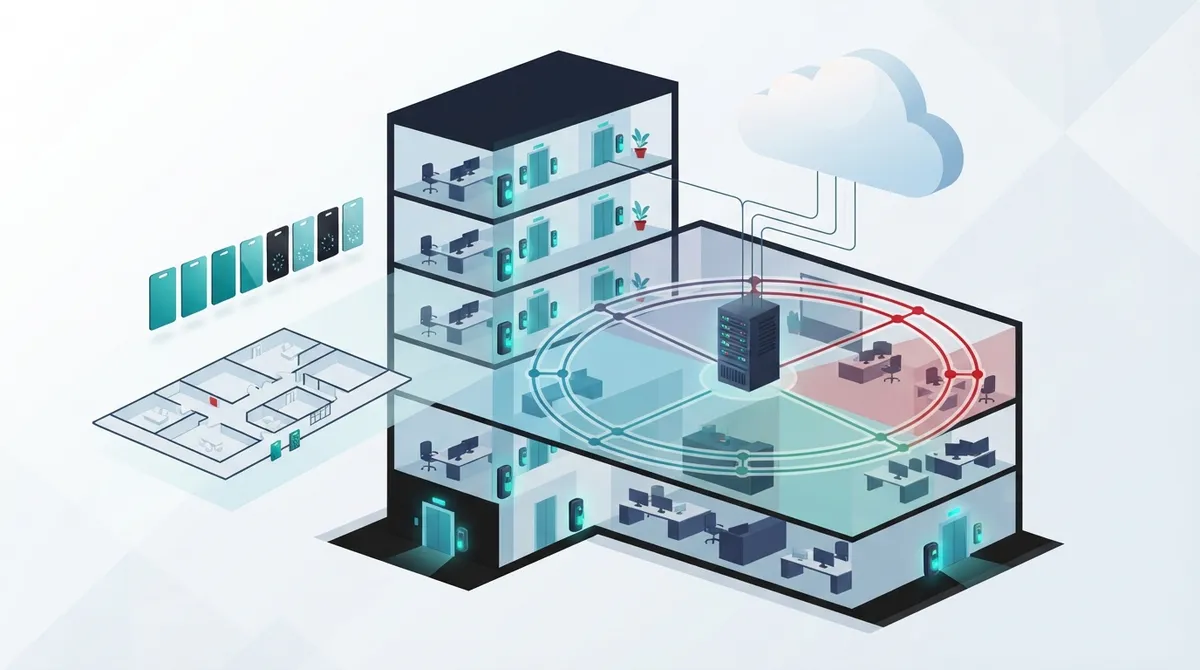
Good access control system design is about more than picking card readers. It’s about planning how every door, gate, and entry point talks to controllers, software, and your business network. For small business owners, IT managers, office managers, and franchise operators alike, getting the design right up front saves money, headaches, and security gaps later.
In this friendly guide, we’ll walk through the process step by step, from the first site walk to final testing. We’ll cover networks, power, cloud choices, integrations, and cybersecurity, all in plain English. Grab a coffee and let’s build something you can trust.
What Access Control System Design Really Means
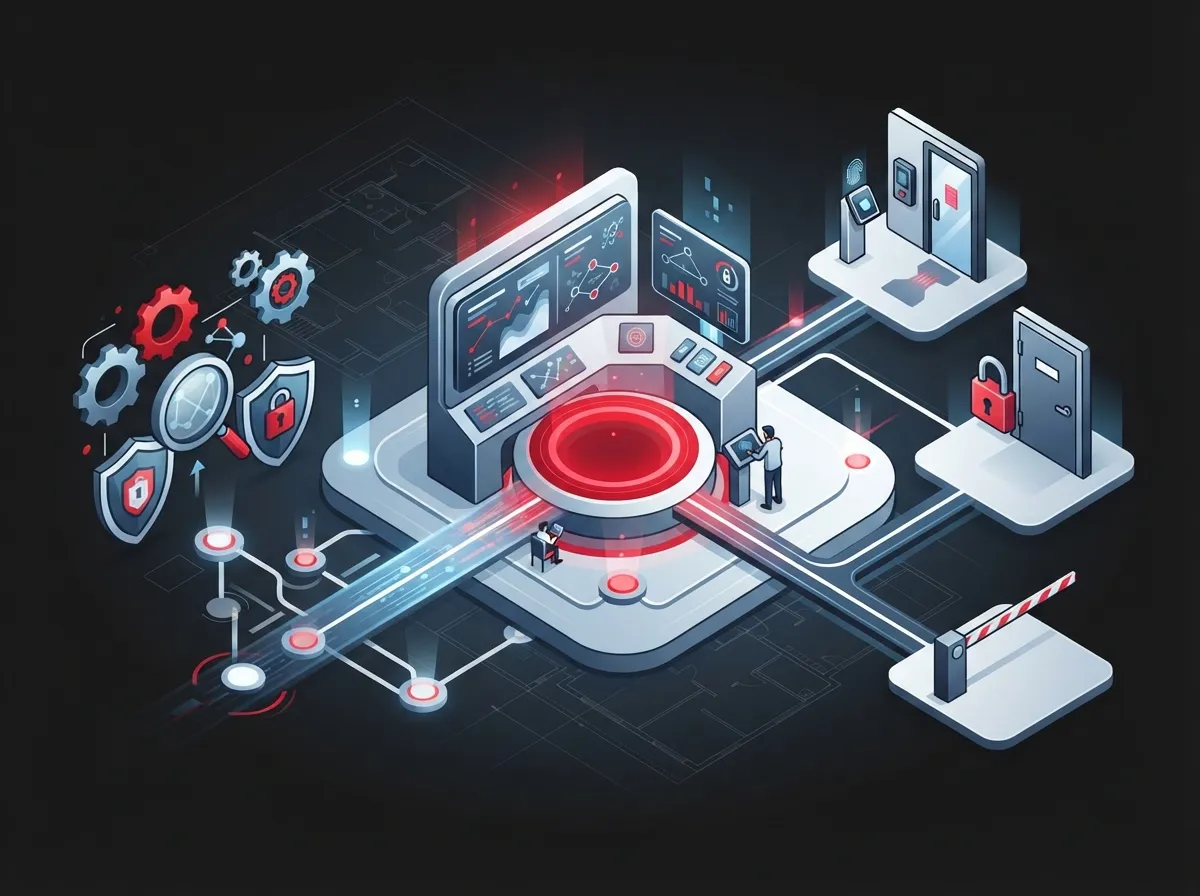
In business telecom, access control system design means planning how doors and other entry points verify people and communicate with controllers, management software, and related systems over your communications infrastructure. Think of it as the blueprint that connects your physical doors to your digital network.
A solid design answers a few big questions. Who needs to go where, and when? How do the devices connect? What happens if the internet drops or the power flickers? And how will the system grow as your team does?
Because modern readers and controllers are usually IP-connected, your access control system lives on the same kind of infrastructure as your phones and cameras. That’s why telecom thinking matters so much here. Cabling, switches, internet service, and power all play a starring role. If you want a refresher on the basics, our guide on what structured cabling is for your business network is a great place to start.

Why Planning First Pays Off
The market is moving fast. According to ASSA ABLOY’s 2025 access-control report, 42% of surveyed end users have deployed wireless locks, up from 39% in 2023. Fully mobile access solutions jumped from 5% to 17% of organizations over the same period. And 54% of respondents chose cloud-based access management.
Those numbers tell a clear story: options are multiplying. That’s exciting, but it also means more decisions. A good design keeps you from buying hardware that doesn’t play nicely with your network or your other systems.
- Fewer surprises: Know your cabling, power, and bandwidth needs before the install crew arrives.
- Better security: Plan network separation and permissions from day one.
- Lower long-term cost: Avoid rip-and-replace projects when you grow.
- Smoother operations: Doors work, people get in, and everyone stays happy.
Step-by-Step: How to Design Your Access Control System
Here’s the process we recommend. Follow these steps in order and you’ll end up with a design that’s secure, reliable, and ready to grow.
- Walk the site and define your requirements.
- Map your users, doors, and schedules.
- Choose your architecture: cloud, on-premises, or hybrid.
- Plan the network and cabling.
- Design for power and outage resilience.
- Specify integrations early.
- Build in cybersecurity.
- Document, commission, and maintain.
Let’s dig into each one.
Step 1: Walk the Site and Define Requirements
Every great design starts with a site survey. Walk every entrance, stairwell, server room, and storage area. Note door types, frames, and hardware. Is it a glass storefront door, a steel back door, or a gate?
Then talk to people. Ask what areas need protection, who needs access, what the operating hours are, and how visitors check in. Don’t forget life-safety requirements. Door locking and release behavior must be coordinated with applicable fire and building codes, and qualified life-safety professionals should be involved in those decisions.
Also ask the uncomfortable question: what happens if this door fails to open, or fails to lock? The answer shapes your whole design.
Step 2: Map Users, Doors, and Schedules
Next, create a simple list of user groups. Employees, managers, cleaning crews, contractors, and visitors usually need different access. Pair each group with the doors and time windows they need.
This becomes your credential and permissions model. Keep it simple and based on roles rather than individuals. When someone changes jobs, you change their role instead of rebuilding their access door by door.
Here’s a quick example of how roles might map to doors:
| User Group | Typical Doors | Typical Hours |
|---|---|---|
| Employees | Main entrance, break room | Business hours |
| Managers | Main entrance, offices, storage | Extended hours |
| IT staff | Network closet, server room | 24/7 with logging |
| Cleaning crew | Main entrance, common areas | Evenings only |
| Visitors | Lobby, meeting rooms | Escorted, time-limited |
Step 3: Choose Cloud, On-Premises, or Hybrid
This is the big fork in the road. In the ASSA ABLOY report, 54% of respondents selected cloud-based access management: 32% locally hosted and 22% third-party managed in a SaaS model. The same report cites a forecast for the access-control-as-a-service market to grow from $1.34 billion in 2024 to $3.06 billion by 2029. That’s a forecast, not a measured outcome, but it shows where interest is heading.
Cloud and hybrid management can simplify life, especially across multiple sites. Franchise operators love managing every location from one dashboard. But your design should answer a few honest questions:
- What happens to door access if the internet goes down?
- Where is data hosted, and how long is it retained?
- How are accounts secured, and how are software updates handled?
- What are the recurring service costs?
- Does the platform use open, documented interfaces so you aren’t locked to one supplier?
Want to dig into the money side? Our article on how much cloud access control should really cost breaks it down, and hosted vs. on-premises thinking applies to phones in much the same way.
Step 4: Plan the Network and Cabling
Here’s where telecom expertise really shines. IP-connected readers and controllers need a documented network plan. Common design considerations include:
- Dedicated or segmented network zones: Keep access control devices on their own VLAN or network segment.
- Restricted communications: Allow only the traffic the devices truly need to reach controllers, servers, or cloud services.
- Secure remote administration: Use protected, logged methods for any remote management.
- IT coordination: Loop in your IT team early so nobody is surprised by new devices on the network.
NIST’s 2023 guide, SP 800-82 Rev. 3, recommends logical separation between corporate and operational technology networks. It also discusses security systems, including access-card readers and cameras, that may share communications infrastructure. In plain terms: don’t let your door controllers share a network lane with the guest Wi-Fi.
Cabling matters just as much. Each reader, lock, and door contact needs a clean, labeled path back to a controller or switch. Planning cable runs now is far cheaper than fishing wire through finished walls later. Our post on access control cabling choices that pay off goes deeper, and the structured cabling documentation guide shows how to keep it all organized.
If your sites connect over a wide area, you may also want to understand SD-WAN services, which can help keep multi-location traffic reliable.
Step 5: Design for Power and Outage Resilience
A door system that fails during a blip is a door system nobody trusts. So plan for resilience, not just connectivity. Ask yourself:
- Does the system have backup power, and for how long?
- How do local controllers behave if the server or WAN link goes down?
- Do you need a redundant network path for critical doors?
- What are the emergency egress procedures, and who has tested them?
Many designs use controllers that store permissions locally, so doors keep working even when the connection drops. Whatever you choose, write down the “fail-safe” or “fail-secure” behavior for each door and confirm it with life-safety professionals and local code requirements.
It’s also smart to know what happens if your internet is the weak link. Our piece on why cloud-based security systems fail without fast internet explains why a reliable connection is the backbone of any cloud-managed design.
Step 6: Specify Integrations Early
Access control rarely works alone. It may need to share events or identity data with video surveillance, alarms, visitor management, employee directories, building systems, and even your business communications platform.
Decide what you need to connect before you buy anything. Then confirm with each vendor which interfaces are supported and who is responsible for what. A simple integration matrix, listing system A, system B, what data flows, and who owns it, prevents finger-pointing later.
For example, pairing door events with camera footage lets you click an “access denied” alert and instantly see who was standing there. Check out our guides on cloud access control integration wins and integrated business platforms for telecom for more ideas.
Step 7: Build in Cybersecurity
Connected door hardware is part of your network, so it needs the same care as any other connected device. Bake these fundamentals into the design:
- Change all default credentials before devices go live.
- Use least privilege and role-based administration.
- Secure any remote access with strong authentication.
- Keep firmware and software updated on a schedule.
- Monitor logs and review them regularly.
- Restrict device communications to only what is necessary.
These align with the thinking in NIST’s operational technology security guidance, which emphasizes network separation and limiting access to systems and devices. For a deeper dive on this topic, see why cloud access control security is a must in 2026 and breach prevention tips.
Step 8: Document, Commission, and Maintain
A design isn’t finished until it’s written down and tested. A complete package should include:
- A door and device schedule
- Network and cabling diagrams
- A system architecture overview
- An integration matrix
- The credential and permissions model
- Outage and emergency procedures
- Commissioning test results
- An ongoing maintenance plan
Commissioning means testing every door, every credential type, every schedule, and every failure scenario. Pull the network cable. Cut the power. See what happens. It’s far better to discover a gap during testing than during a real emergency.
Quick Comparison: Cloud, On-Premises, and Hybrid
Not sure which approach fits? This snapshot can help you start the conversation.
| Factor | Cloud | On-Premises | Hybrid |
|---|---|---|---|
| Multi-site management | Easy, one dashboard | More effort | Flexible |
| Upfront cost | Often lower | Often higher | Moderate |
| Recurring fees | Yes | Usually fewer | Varies |
| Internet dependence | Higher | Lower | Moderate |
| Updates | Often automatic | Managed by you | Mixed |
Tips for Different Business Types
Every business has its own flavor, so tailor the design to fit.
- Small businesses: Keep it simple. A cloud-managed system with a handful of doors is often easier and more affordable to run.
- Mid-sized companies: Think about role-based permissions, visitor workflows, and integration with video.
- IT managers: Insist on network segmentation, documented interfaces, and log monitoring.
- Office managers: Focus on easy badge management and clear procedures for lost credentials.
- Franchise operators: Choose a platform that scales cleanly across locations with consistent policies.
If mobile credentials sound appealing, take a look at how to manage office doors with a mobile access app. And for multi-site growth, our guide on setting up cloud access control for mid-market growth is worth a read.
Common Design Mistakes to Avoid
Even smart teams trip over a few classic missteps. Watch out for these:
- Skipping the site survey and guessing at door hardware
- Putting access control devices on the same flat network as everything else
- Ignoring what happens during internet or power loss
- Leaving default passwords in place
- Forgetting to plan for growth, so adding doors becomes a rebuild
- Buying hardware before confirming integration support
Our article on business access control systems mistakes to avoid covers many of these in more detail.
Bring in a Partner Who Sees the Whole Picture
Access control touches cabling, networking, internet, cameras, and phones. That’s a lot of moving parts, and juggling several vendors can get messy fast. That’s why many businesses lean on a single partner to coordinate it all.
Ideal Solutions Provider is a Tampa-based telecom and IT partner with over 24 years of experience and relationships with 35+ vetted suppliers. They handle everything from consultation and installation to ongoing support for businesses nationwide, and they can help you design a system that fits your doors, your network, and your budget. You can also explore their cloud based access control options to see what’s possible.
Wrapping It Up
Great access control system design comes down to planning before buying. Survey your site, map your users, choose the right architecture, and build a solid network and cabling plan. Add resilience for outages, specify your integrations, bake in cybersecurity, and document everything. Do that, and you’ll have a system that keeps your people and property safe without drama.
Ready to take the first step? Contact us for a friendly, no-pressure consultation, or call us to talk through your project. We’d love to help you design something you can count on.
FAQs
Q: What is an access control system, and how does it work for a business?
A: An access control system decides who can open which doors, and when. Readers check a credential like a card, fob, or phone, then send that information to a controller that unlocks the door if the person is allowed. It also keeps a log so you can see who went where.
Q: How should access control devices be connected to a business network?
A: The best practice is to put them on a dedicated or segmented network zone and restrict their communications to only what they need. Work with your IT team on secure remote administration and a documented network plan. This keeps your door hardware separate from everyday corporate traffic.
Q: What happens to door access if the internet goes down?
A: It depends on your design. Many systems use local controllers that store permissions so doors keep working during an outage. Be sure to confirm and test this behavior, and plan emergency egress procedures with qualified life-safety professionals.
Q: Should a business choose cloud, on-premises, or hybrid access control?
A: Cloud is great for multi-site management and simpler updates, on-premises gives you more local control, and hybrid blends the two. Consider internet-loss behavior, data hosting, recurring costs, and how open the platform is before deciding. The right pick depends on your size, locations, and IT resources.
Q: What should be included in an access control system design plan?
A: A solid plan includes a door and device schedule, network and cabling diagrams, a system architecture, an integration matrix, and a credential and permissions model. It should also cover outage and emergency procedures, commissioning tests, and a maintenance plan. Having it all written down makes support and future upgrades much easier.





