
Key Takeaways
-
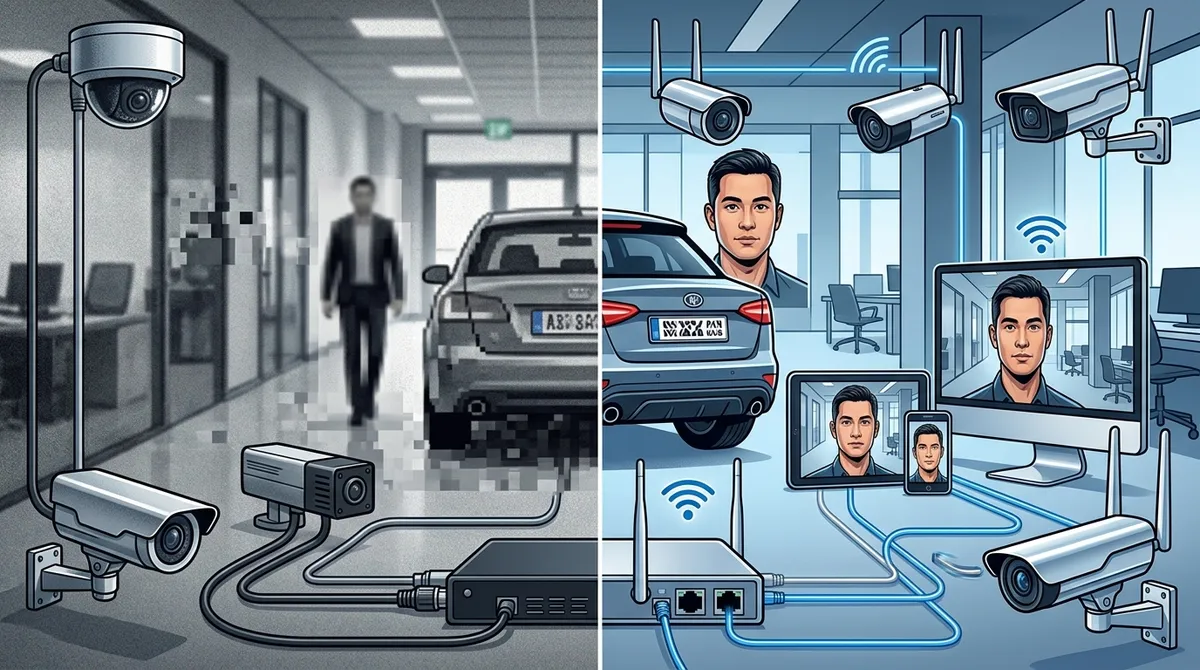
IP cameras offer superior image quality up to 4K or 8K resolution, making it possible to identify faces and license plates clearly for law enforcement and insurance claims, unlike analog CCTV’s standard definition footage.
-
IP-based systems enable remote access from any device, allowing business owners to monitor live or recorded footage from anywhere—a critical advantage for multi-location businesses that analog CCTV cannot match without expensive retrofitting.
-
IP cameras integrate seamlessly with access control, alarm systems, and VoIP, automatically pulling up relevant camera feeds when access events occur for real-time verification, while analog CCTV remains a standalone system.
-
Scaling IP camera systems is simple and cost-effective by connecting new cameras to your existing business network, whereas analog CCTV requires running dedicated coaxial cables for each new camera, making expansion expensive and disruptive.
-
While IP systems have higher upfront costs, total cost of ownership over 3-5 years typically favors IP due to lower expansion costs, easier maintenance, and longer technology lifespan compared to declining analog CCTV support.
-
IP cameras include built-in video analytics such as motion detection, object recognition, license plate reading, and loitering alerts that automatically identify issues without manual footage review, capabilities analog systems cannot match.
If you run a business, protecting it is always top of mind. And when it comes to video security systems, you’ve got choices. Two of the biggest? IP cameras and traditional analog CCTV. Both can keep an eye on your property, but they work very differently. Choosing the wrong one could mean blurry footage, limited remote access, or a system that can’t grow with your business. The good news is that once you understand the key differences, the right choice becomes much clearer. In this guide, we’ll break down both options in plain language, compare their features side by side, and help you figure out which video security system is the right fit for your business. Whether you’re a small shop owner in Tampa or an IT manager overseeing multiple locations nationwide, this comparison is built for you.
What Are IP Cameras and Analog CCTV?
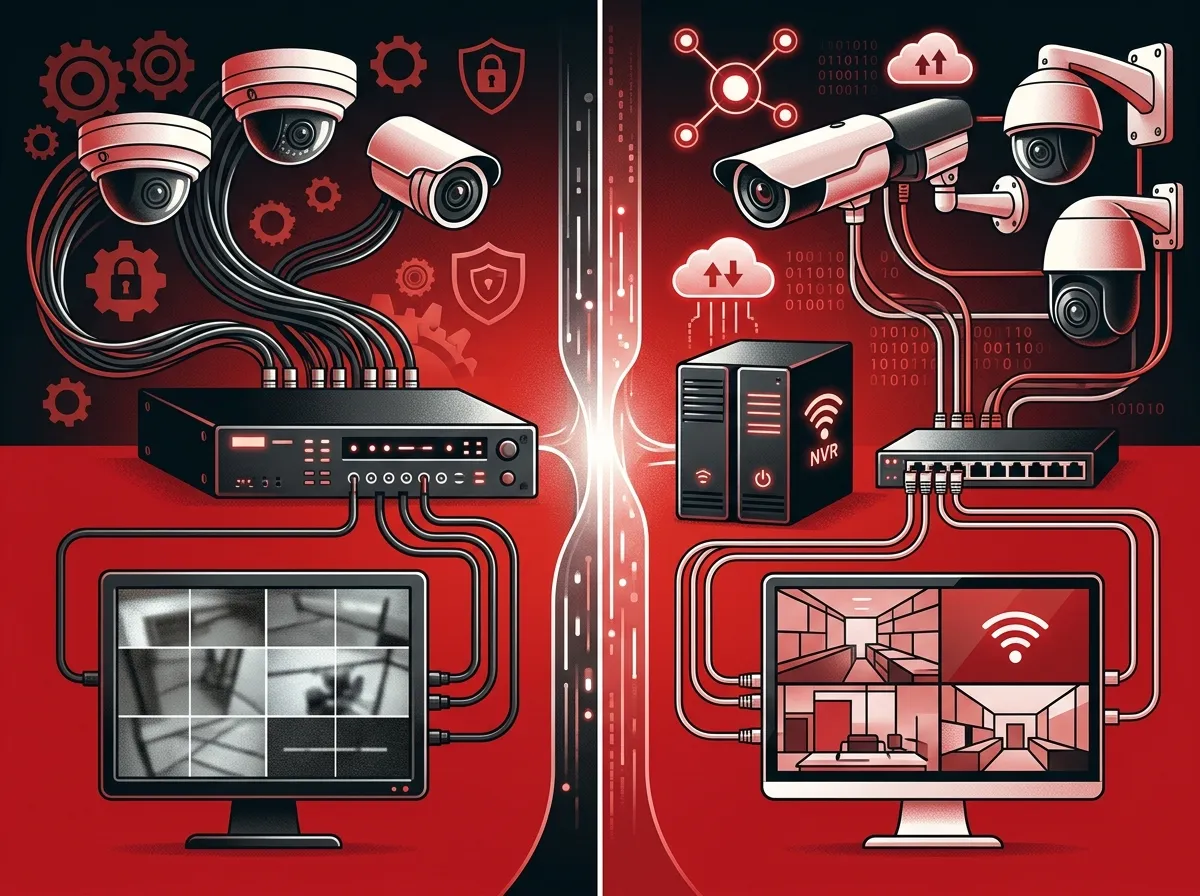
Before we compare, let’s quickly define each option. Analog CCTV (Closed-Circuit Television) is the traditional approach. Cameras send a video signal through coaxial cables to a DVR (Digital Video Recorder). It’s been around for decades and is familiar to most people.
IP cameras (Internet Protocol cameras) are the modern evolution. They capture video digitally, send it over your business network, and store footage on an NVR (Network Video Recorder) or in the cloud. Many of today’s business-grade systems are built entirely around IP technology. If you’ve been researching cloud video security systems for Tampa FL businesses, you’ve likely seen IP-based options front and center.
Head-to-Head: IP Cameras vs. Analog CCTV
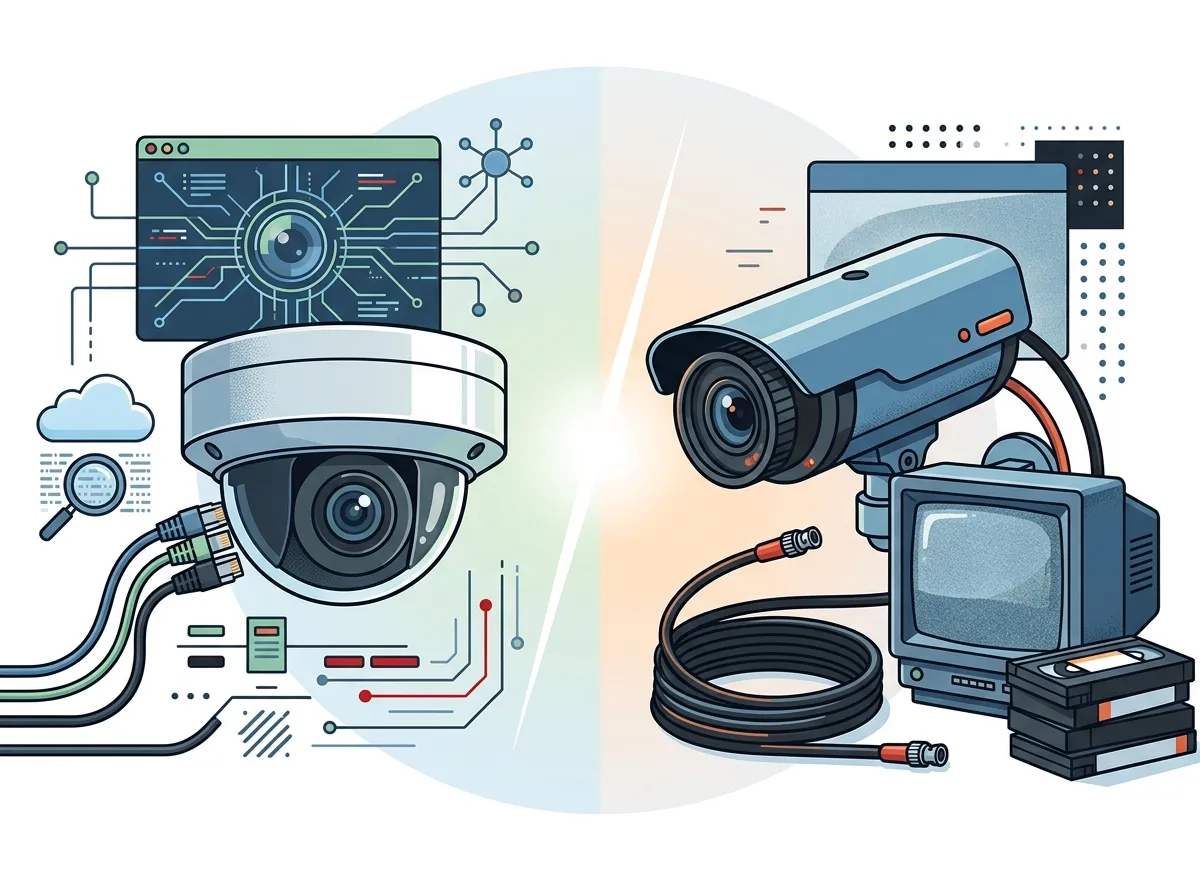
Let’s put the two systems side by side so you can see exactly how they stack up across the features that matter most to businesses.
| Feature | IP Cameras | Analog CCTV |
|---|---|---|
| Image Quality | Up to 4K or even 8K resolution | Standard definition (typically 720p or less) |
| Remote Access | Yes, from any device anywhere | Limited or requires extra hardware |
| Video Analytics | Built-in motion detection, object detection, alerts | Minimal or none without upgrades |
| Scalability | Easily add cameras over existing network | Requires new cabling for each camera |
| Integration | Integrates with access control, alarms, VoIP | Standalone system, limited integration |
| Storage | Cloud or local NVR | Local DVR only |
| Cybersecurity Needs | Must be secured as a network device | Lower risk (not internet-connected) |
| Upfront Cost | Higher initial investment | Lower upfront cost |
| Long-Term Value | High — scalable and future-proof | Limited — technology is aging out |
As you can see, IP cameras lead in almost every category that matters for modern businesses. That said, analog CCTV still has a place in very specific situations, which we’ll cover shortly.
Why Image Quality Matters More Than You Think
Grainy footage does more than just look bad. It can make it impossible to identify a person’s face, read a license plate, or verify what actually happened during an incident. With IP cameras offering up to 4K resolution (and some commercial-grade models reaching 8K), the difference is enormous.
Think about it this way: if something happens at your business and you need to pull footage for law enforcement or an insurance claim, crystal-clear video is your best ally. The real impact of security cameras on your business goes far beyond just watching a live feed.
Remote Access: A Game-Changer for Business Owners
One of the biggest advantages of IP-based video security systems is remote access. You can log in from your smartphone, tablet, or laptop and watch live or recorded footage from anywhere. This is huge for business owners who travel, manage multiple locations, or simply want peace of mind after hours.
With analog CCTV, remote viewing is either not possible or requires retrofitting with additional hardware. That adds cost and complexity without giving you a truly modern experience. If remote monitoring is a priority for you, check out how to set up remote business video monitoring in Tampa for a practical step-by-step overview.
Video Analytics: Let Your Cameras Work Smarter
Modern IP cameras don’t just record — they analyze. Video analytics features include:
- Motion detection that triggers alerts when someone enters a restricted area
- Object detection that can identify people, vehicles, or packages
- Loitering alerts that notify you when someone lingers too long
- License plate recognition for parking lots and gated entries
- People counting for retail foot traffic analysis
- Tamper detection when a camera is moved or covered
These tools help you identify issues faster without having to manually review hours of footage. Analog CCTV simply cannot match this level of intelligence without significant and expensive upgrades.
Scalability: Which System Grows With Your Business?
If your business is growing, your video security system needs to grow with it. Here’s where IP cameras really shine — and where analog CCTV starts to show its age.
With IP cameras, adding a new camera usually means connecting it to your existing business network. If you already have solid professional structured cabling services in place, expanding your camera coverage is relatively simple. With analog CCTV, each new camera requires running a dedicated coaxial cable back to the DVR, which quickly becomes expensive and disruptive.
For franchise operators and multi-location businesses, IP-based systems with cloud management are the clear winner. You can monitor all locations from a single dashboard. Scalable security systems for multi-location Tampa businesses are built on exactly this kind of flexible, networked infrastructure.
Integration With Access Control and Business Systems
Here’s something many business owners don’t think about until it’s too late: your video security system doesn’t have to work alone. IP-based systems can integrate with:
- Cloud access control systems for door management and entry verification
- Intrusion alarm systems for coordinated incident response
- VoIP phone systems for intercom and communication features
- Business networking infrastructure for centralized management
When an access control event triggers, your video system can automatically pull up the relevant camera feed so you can verify what’s happening in real time. This kind of integration is only possible with IP-based video security systems. Curious how access control and cameras work together? Cloud-based access control systems for Tampa businesses offer a great look at the combined approach.
Cybersecurity: The Hidden Consideration for IP Systems
Because IP cameras are connected to your network and the internet, they do carry cybersecurity risks that analog cameras don’t. A poorly secured camera can become an entry point for hackers. That’s why proper setup and ongoing security practices matter.
Here are the key cybersecurity best practices for IP video systems:
- Change default passwords immediately after installation on every camera and management device.
- Segment your camera network from your main business network using a separate VLAN.
- Keep firmware updated regularly to patch known vulnerabilities.
- Use encrypted connections (HTTPS/TLS) for remote access and video streams.
- Limit user access so only authorized personnel can view or manage footage.
The good news is that a qualified telecom and IT partner handles all of this as part of a professional installation. You shouldn’t have to figure it out on your own. Cloud security vs. traditional network security dives deeper into how these protections work across your business infrastructure.
Cost Comparison: Upfront vs. Long-Term
Let’s talk money, because this is often where the conversation starts for small business owners and office managers. Here’s a realistic breakdown:
| Cost Factor | IP Camera System | Analog CCTV System |
|---|---|---|
| Hardware Cost | Higher per camera | Lower per camera |
| Installation Cost | Moderate (uses existing network) | Higher (dedicated cabling per camera) |
| Storage Cost | Cloud subscription or NVR | DVR (one-time cost, limited capacity) |
| Expansion Cost | Low (network-based) | High (new cabling required) |
| Maintenance Cost | Low with cloud management | Moderate (hardware replacement) |
| Technology Lifespan | Long (future-proof) | Short (technology declining) |
While analog CCTV might seem cheaper at first glance, the total cost of ownership often favors IP systems over a 3-5 year period — especially for growing businesses. For a detailed breakdown, how to budget for commercial video surveillance in Tampa FL walks you through the real numbers.
When Might Analog CCTV Still Make Sense?
To be fair, there are a few scenarios where analog CCTV might still be acceptable:
- You have an existing analog system that’s still functional and don’t need remote access or analytics
- Your budget is extremely tight and you need the lowest possible upfront cost
- You’re securing a very small, single-location space with minimal coverage needs
- You have no existing network infrastructure and don’t plan to add one
Even in these cases, most businesses are better served by planning for an IP upgrade sooner rather than later. The industry is moving decisively away from analog, and replacement parts and support for older CCTV systems are becoming harder to find.
Industries That Benefit Most From IP Video Security
IP-based video security systems are used across a wide range of industries. Here are some that see especially strong returns:
- Retail — Loss prevention, customer behavior analysis, and theft deterrence
- Healthcare — Patient and staff safety, compliance monitoring, and secure access areas
- Education — Campus safety, access management, and incident documentation
- Banking and Finance — High-resolution coverage of transactions and restricted zones
- Hospitality — Guest safety, property monitoring, and employee accountability
- Transportation and Logistics — Dock monitoring, vehicle tracking, and facility security
- Manufacturing — Equipment monitoring, safety compliance, and perimeter protection
No matter your industry, a well-designed video security system pays for itself through theft prevention, liability protection, and employee safety improvements.
How to Choose the Right Video Security System for Your Business
Still not sure where to start? Here’s a simple four-step process to guide your decision:
- Assess your coverage needs. Walk your facility and identify all entry points, high-traffic areas, parking lots, and blind spots. Factors that determine how many security cameras you need can help you plan this out.
- Evaluate your network infrastructure. A solid network is the backbone of any IP camera system. If your cabling or connectivity needs work, address that first. Structured cabling that supports VoIP and cameras explains how they all connect.
- Decide on cloud vs. local storage. Cloud storage offers remote access and disaster recovery benefits, while local NVR gives you direct control. Many businesses choose a hybrid approach. See the key differences between cloud video security and DVR systems for guidance.
- Partner with a trusted provider. Choose a telecom and IT partner who handles consultation, installation, and ongoing support — so you’re never left troubleshooting alone.
At Ideal Solutions Provider, we’ve spent over 24 years helping Tampa-area and nationwide businesses build the right security and telecom infrastructure. We work with 35+ vetted suppliers to match you with the best video security solution for your specific needs and budget. No guesswork, no vendor bias — just honest recommendations. You can also follow us on Facebook and Instagram for helpful tips and updates on the latest business security solutions.
What to Look for in a Business Video Security Partner
The technology is only part of the equation. Who installs and supports your video security system matters just as much. Here’s what a great partner should offer:
- A thorough site assessment before recommending any equipment
- Experience with commercial-grade IP camera brands and platforms
- Professional installation that meets local codes and best practices
- Integration capability with your existing access control and telecom systems
- Ongoing support and monitoring after installation
- Transparent pricing with no hidden fees
If you want to learn more about what great telecom and security partnerships look like, how to work with a telecom expert who gets results is a fantastic resource. You can also browse our video walkthroughs and customer stories on our YouTube channel.
The Verdict: IP Cameras Win for Modern Businesses
When you weigh everything — image quality, remote access, video analytics, scalability, integration, and long-term value — IP cameras are the clear winner for the vast majority of businesses in 2026. Analog CCTV had its time, but the business world has moved on to smarter, more connected video security systems that do far more than just record footage.
If you’re still running an old analog system, now is a great time to consider upgrading. And if you’re starting fresh, building an IP-based system from day one sets your business up for long-term security success. Explore the best cloud video security systems for Tampa businesses in 2026 to see what’s available today.
Ready to find the right video security system for your business? Reach out to our team at Ideal Solutions Provider for a free consultation — we’ll review your current setup, identify gaps, and recommend a solution that fits your budget and goals. Or if you’d prefer to talk right away, give us a call at 813-388-4935 and let’s get started today.
FAQs
Q: What is a video security system for business?
A: A business video security system is a network of cameras and recording equipment designed to monitor and protect your facility. Modern systems use IP cameras connected to your business network, often with cloud storage and remote viewing so you can check in from anywhere — pretty handy when you’re away from the office!
Q: Are IP cameras better than traditional analog CCTV for businesses?
A: For most businesses, yes! IP cameras offer much higher image quality (up to 4K or 8K resolution), remote access from any device, built-in video analytics, and easy scalability over your existing network. Analog CCTV is older technology with limited features, and it’s becoming harder to support and expand.
Q: How do video security systems integrate with access control?
A: IP-based video security systems can connect directly with cloud access control platforms. When an access event occurs — like an unauthorized entry attempt — your system can automatically display the relevant camera feed so you can see exactly what’s happening in real time. It’s a smart combo that gives you much better situational awareness.
Q: How does remote video monitoring work for businesses?
A: With an IP camera system, your video feeds are accessible through a secure app or web portal. You simply log in from your smartphone, tablet, or computer to watch live footage or review recordings from any location. Many systems also send push notifications or email alerts when motion or unusual activity is detected.
Q: What cybersecurity risks come with IP video security systems?
A: Because IP cameras are connected to your network, they need to be properly secured just like any other networked device. Key steps include changing default passwords, keeping camera firmware updated, and separating your camera network from your main business network. A professional installation team will handle all of this for you so you don’t have to worry about the technical details.





