
Key Takeaways
-
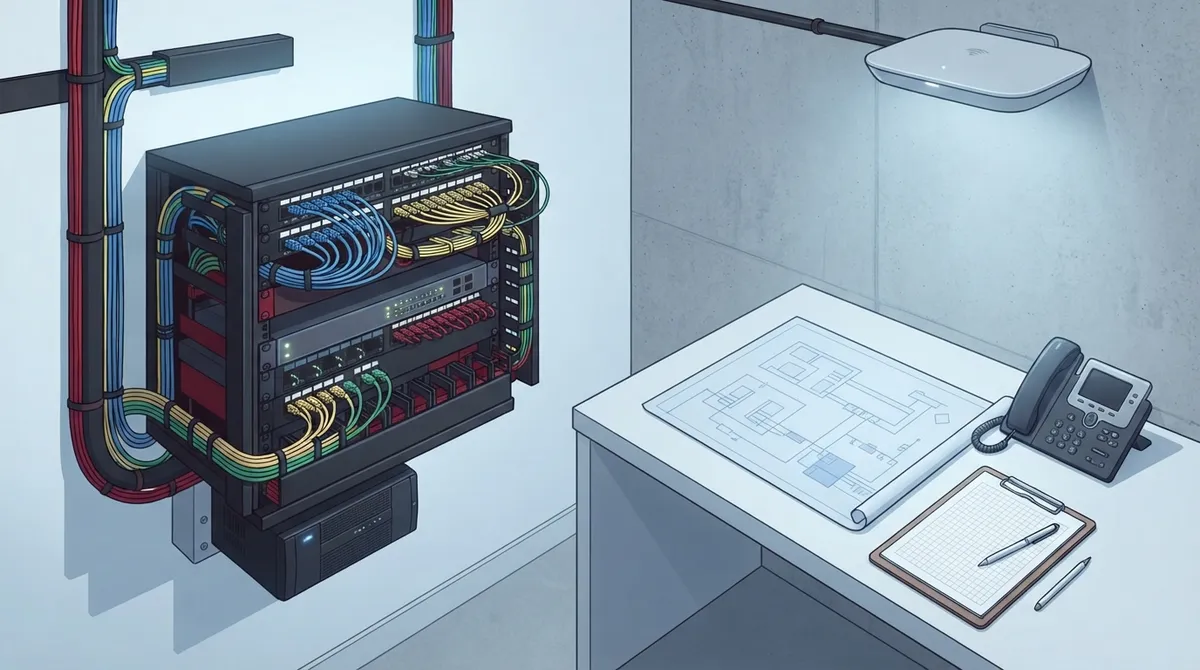
Get a written, itemized quote that spells out exactly what is included and excluded, since scope varies widely between network installation providers.
-
Choose cabling by need: Cat6 suits most everyday office connections, Cat6A adds headroom for PoE devices and growth, and fiber is best for building backbones and long distances.
-
Insist on full testing, labeling, and documentation (test results, port schedules, as-built drawings), since good paperwork turns future troubleshooting into a quick fix.
-
Plan for devices beyond computers, such as VoIP phones, Wi-Fi access points, IP cameras, and access readers, and use Power over Ethernet to reduce outlets and adapters.
-
Confirm whether the provider handles Wi-Fi, switches, firewalls, and internet provider coordination, or whether you'll need to manage multiple vendors yourself.
-
Ask which ANSI/TIA standards (TIA-568, 569, 606, 607) and local electrical and fire codes the installer follows, and treat vague answers as a red flag.
Picture this: it’s Monday morning, your team is ready to go, and the Wi-Fi drops every ten minutes. The phones crackle. The printer vanishes from the network. Sound familiar? You’re not alone, and the good news is that most of these headaches trace back to one thing: how the network was built in the first place.
That’s where network installation services come in. They set up the foundation your business relies on every single day, from cables in the walls to Wi-Fi in the ceiling. In 2026, with cloud phones, security cameras, and smart devices all sharing the same network, getting this right matters more than ever.
In this friendly guide, we’ll walk through what network installation services cover, how the process works, and what to ask before you hire anyone. Whether you run a small office, manage IT for a growing company, or open new franchise locations, you’ll leave with a clear plan.
What Are Network Installation Services?
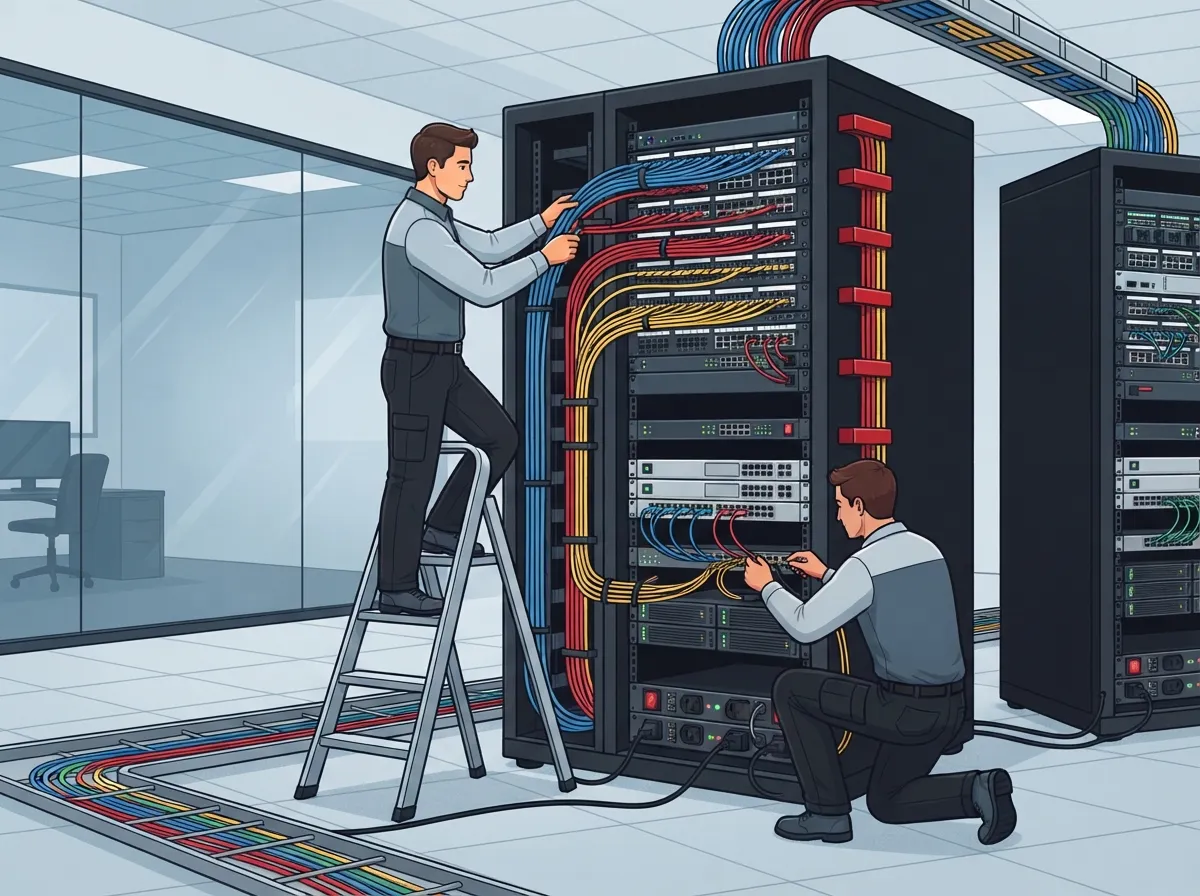
Network installation services build or upgrade the infrastructure that connects your business. That includes your internet connection, wired and wireless networks, phone systems, and connected devices like cameras and door readers.
Think of it like plumbing for your data. Pipes carry water to every faucet. Cables and network gear carry information to every device. If the plumbing is poorly planned, you’ll feel it everywhere.
The exact scope depends on the provider and the project. Some companies only run cables. Others handle everything from design to configuration to ongoing support. That difference is important, and we’ll cover how to sort it out later.
What’s Typically Included in a Network Installation Project?
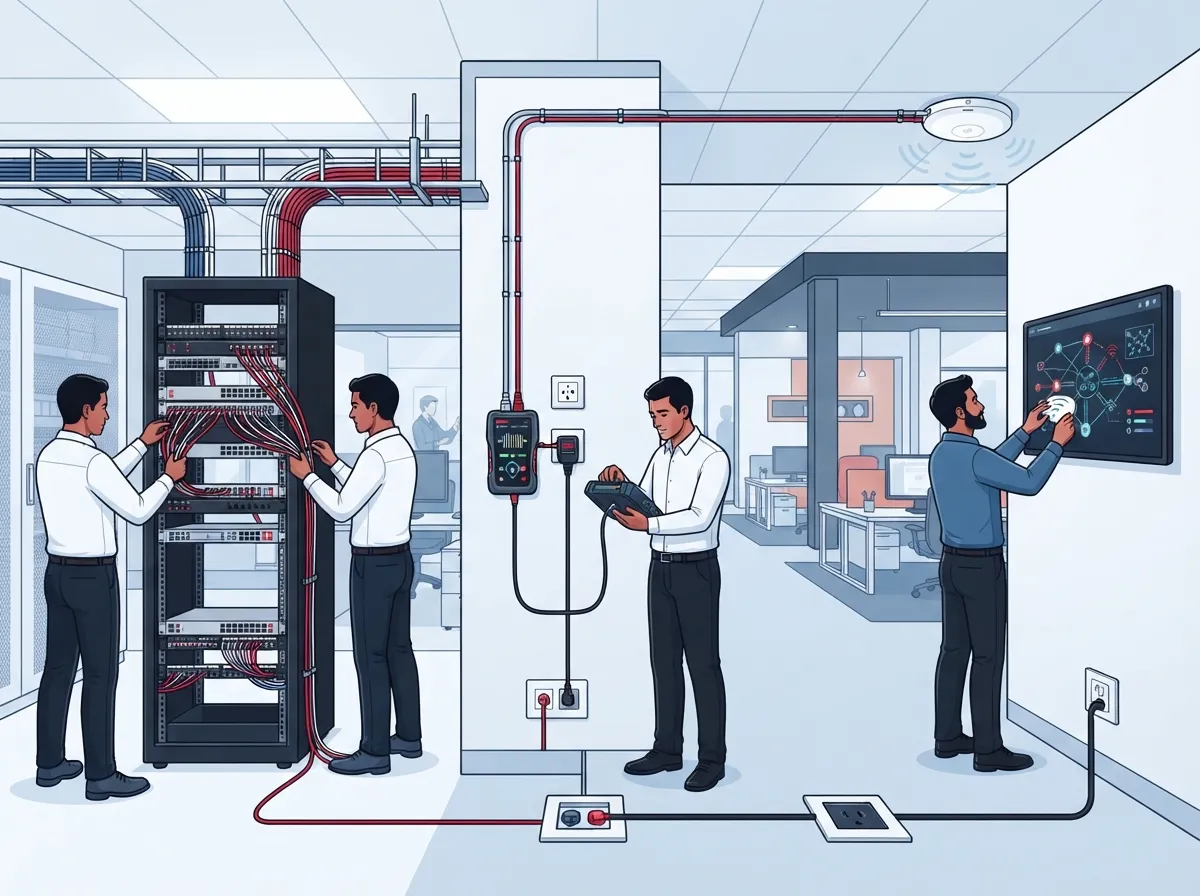
A solid project usually covers both the physical side (cables and hardware) and the logical side (setup and settings). Here’s what you can expect:
- Site survey and design: A walk-through of your space to plan cable paths, equipment locations, and Wi-Fi coverage.
- Structured cabling: Copper and fiber cables run to every desk, room, and device that needs a connection.
- Telecom room setup: Racks, patch panels, and tidy cable management in a central equipment room.
- Network equipment installation: Switches, routers, firewalls, and Wi-Fi access points mounted and connected.
- Configuration: Settings for security, speed, and device access so everything works together.
- Testing and labeling: Every cable tested and clearly labeled so future fixes are fast.
- Documentation: Test results, port schedules, and as-built drawings for your records.
That last item gets overlooked a lot. Good paperwork turns a future troubleshooting nightmare into a quick fix.
Network Cabling vs. Network Installation: What’s the Difference?
People often use these terms as if they mean the same thing. They don’t. Cabling is one piece of the larger puzzle.
| Feature | Network Cabling Only | Full Network Installation |
|---|---|---|
| Cable runs (copper/fiber) | Yes | Yes |
| Patch panels and racks | Usually | Yes |
| Switches and routers | Sometimes | Yes |
| Wi-Fi access point placement | Rarely | Yes |
| Firewall and security setup | No | Often |
| Internet provider coordination | No | Often |
| Ongoing support | Rarely | Varies by provider |
If you only hire a cabling crew, someone else will need to handle the equipment and settings. That can work fine, but it means more vendors to manage. If you’d rather have one team own the whole thing, look for a provider who covers both.
Why Structured Cabling Is the Backbone of Your Network
Structured cabling is the organized system of cables, connectors, and pathways inside your building. You can read more about the concept in this overview of structured cabling. A well-built system supports much more than computers.
Common devices that rely on it include:
- VoIP desk phones
- Wi-Fi access points
- Printers and copiers
- IP security cameras
- Access control readers
- Building and smart-device sensors
Many of these devices can even get their electricity from the same cable through Power over Ethernet (PoE). That means fewer outlets, fewer power adapters, and a cleaner install.
Want to see how it all fits together? Our guide on 13 ways structured cabling supports VoIP and cameras breaks it down nicely. And if you’re weighing a quick fix against a proper build, check out structured cabling vs. ad-hoc wiring.
Cat6, Cat6A, or Fiber: Which Cable Should You Choose?
This is one of the most common questions we hear, and the answer depends on speed, distance, and growth plans. Copper is typically used for the connections that reach individual devices. Fiber often handles the longer, faster links between floors or buildings.
| Cable Type | Best For | Things to Consider |
|---|---|---|
| Cat6 | Everyday office connections, VoIP phones, standard Wi-Fi | Great value for most small and mid-sized offices |
| Cat6A | Higher-speed needs, PoE devices, longer-term growth | Thicker cable and a bit more cost, but more headroom |
| Fiber optic | Building backbones, long distances, high-capacity links | Excellent for connecting floors, buildings, or data-heavy areas |
A good rule of thumb: pick the cable that fits today’s needs and gives you room to grow. Pulling new cable later costs more than choosing wisely the first time. For a deeper dive, read how to choose between Cat6 and Cat6A for your office or how to choose fiber cabling for your business network.
The Standards Your Installer Should Follow
Professional commercial cabling usually follows ANSI/TIA standards. You don’t need to memorize them, but it helps to know they exist. Here’s a quick, friendly cheat sheet:
- TIA-568: Covers cabling performance and how installs should be built.
- TIA-569: Covers pathways and spaces, like conduits and equipment rooms.
- TIA-606: Covers administration and labeling, so everything is easy to trace.
- TIA-607: Covers bonding and grounding for safety and performance.
Applicable editions, electrical and fire codes, and local requirements should be confirmed for each project. A reputable installer will know this and be happy to talk it through. If they seem unsure, that’s a red flag.
How the Installation Process Works, Step by Step
Every project is a little different, but most follow a similar path. Here’s what it usually looks like:
- Discovery call: You share your goals, headcount, devices, and pain points.
- Site survey: The team walks your space and notes walls, ceilings, power, and Wi-Fi challenges.
- Design and proposal: You receive a plan with scope, equipment, schedule, and pricing.
- Scheduling: Work is planned to limit disruption, often after hours for busy offices.
- Installation: Cables are run, racks built, and equipment mounted.
- Configuration: Switches, firewalls, and Wi-Fi are set up and secured.
- Testing: Every run is tested and results are saved.
- Handoff: You get documentation, a walk-through, and a clear support plan.
Planning ahead makes everything smoother. Our article on how to plan network cabling installation in Tampa Bay shares helpful prep tips.
How Long Does Network Installation Take?
The honest answer is: it depends. A small office with a handful of drops might wrap up in a day or two. A multi-floor build-out can take weeks. Timelines are shaped by building size, ceiling access, number of cable runs, permits, and equipment delivery.
Here are the biggest factors:
- Number of cable drops and total distance
- New construction vs. an occupied office
- Fiber work or outdoor runs between buildings
- Internet provider scheduling for new service
- Equipment lead times
For a closer look, see how long structured cabling installation takes for a commercial building.
What Does Network Installation Cost?
We won’t throw out a made-up number, because honest pricing depends on your site. Costs are shaped by cable type, number of drops, building layout, equipment choices, and how much configuration is needed. Fiber and Cat6A generally cost more than standard Cat6, and older buildings with hard-to-reach spaces can add labor time.
The smartest move is to ask for a written, itemized quote. It should spell out what’s included and what isn’t. For budgeting ideas, check out 12 business internet cost mistakes and avoid the common traps.
Do Network Installation Services Include Wi-Fi, Switches, and Firewalls?
Sometimes yes, sometimes no. This is the biggest gray area in the industry, so ask directly. Some providers handle only the cables. Others take care of the full stack, including:
- Wi-Fi access point placement and tuning
- Switch and router installation
- Firewall setup and security settings
- Coordination with your Internet Service Provider
- Voice and phone system connections
If you want fewer moving parts, working with one partner makes life easier. That’s the idea behind our business network solutions and structured cabling services.
What to Ask Before You Hire a Provider
A few smart questions can save you months of frustration. Bring this list to your first call:
- What exactly is included, and what is excluded, in writing?
- Which standards and local codes will you follow?
- Will you handle Wi-Fi, switches, firewalls, and internet provider coordination?
- How will you test, label, and document the installation?
- What is the schedule, and how will you limit disruption to my team?
- What warranties apply to labor and materials?
- Who supports the network after installation, and what are the response times?
You’ll learn a lot from how clearly and patiently they answer. For more guidance, our post on how to find a reliable structured cabling contractor is a great next read.
Tips for Different Types of Businesses
Every business has its own needs. Here’s a quick look at what to keep in mind:
- Small offices: Start with solid Cat6 cabling and good Wi-Fi. Keep it simple and leave room for a few extra drops.
- Mid-sized companies: Plan for growth, add fiber between floors, and think about cameras and access control early.
- IT managers: Insist on full documentation and labeling so moves, adds, and changes are painless.
- Office managers: Ask about scheduling and after-hours work so your team stays productive.
- Franchise operators: Use a repeatable design across every site so rollouts are fast and support is consistent.
Ready to Build a Network You Never Have to Think About?
A great network is the kind you forget about, because it just works. With the right plan, quality cabling, and a partner who stays by your side after the install, you can get there without the stress.
Ideal Solutions Provider has more than 24 years of experience and partners with 35+ vetted suppliers, acting as your single point of contact for cabling, networking, internet, phones, and security. Want to see how we work? Watch our story on YouTube or follow along on Facebook and Instagram.
Ready for a friendly, no-pressure chat? Contact us for a free consultation, or call us and let’s map out the right network for your business.
FAQs
Q: What do business network installation services include?
A: They typically include a site survey, structured cabling, telecom-room setup, network equipment installation, Wi-Fi placement, configuration, testing, labeling, and documentation. The exact scope varies by provider, so it’s smart to get everything in writing.
Q: Should my business use Cat6, Cat6A, or fiber cabling?
A: Cat6 works well for most everyday office connections, while Cat6A offers extra speed headroom and suits PoE-heavy setups. Fiber is often the best pick for building backbones and longer distances. Choose based on your speed, distance, and growth needs.
Q: How long does a business network installation take?
A: A small office may be done in a day or two, while larger multi-floor projects can take weeks. Timing depends on the number of cable runs, building access, fiber work, and equipment delivery. A site survey will give you a realistic schedule.
Q: What standards should a commercial network cabling installer follow?
A: Professional installers commonly reference ANSI/TIA standards, including TIA-568 for performance, TIA-569 for pathways, TIA-606 for labeling, and TIA-607 for grounding. They should also confirm electrical, fire, and local code requirements for your project.
Q: What should I ask a network installation provider before hiring them?
A: Ask what’s included and excluded, which standards they follow, how they’ll test and document the work, and what warranties and support they offer. It’s also helpful to confirm whether they handle Wi-Fi, switches, firewalls, and internet provider coordination.





