
Key Takeaways
-
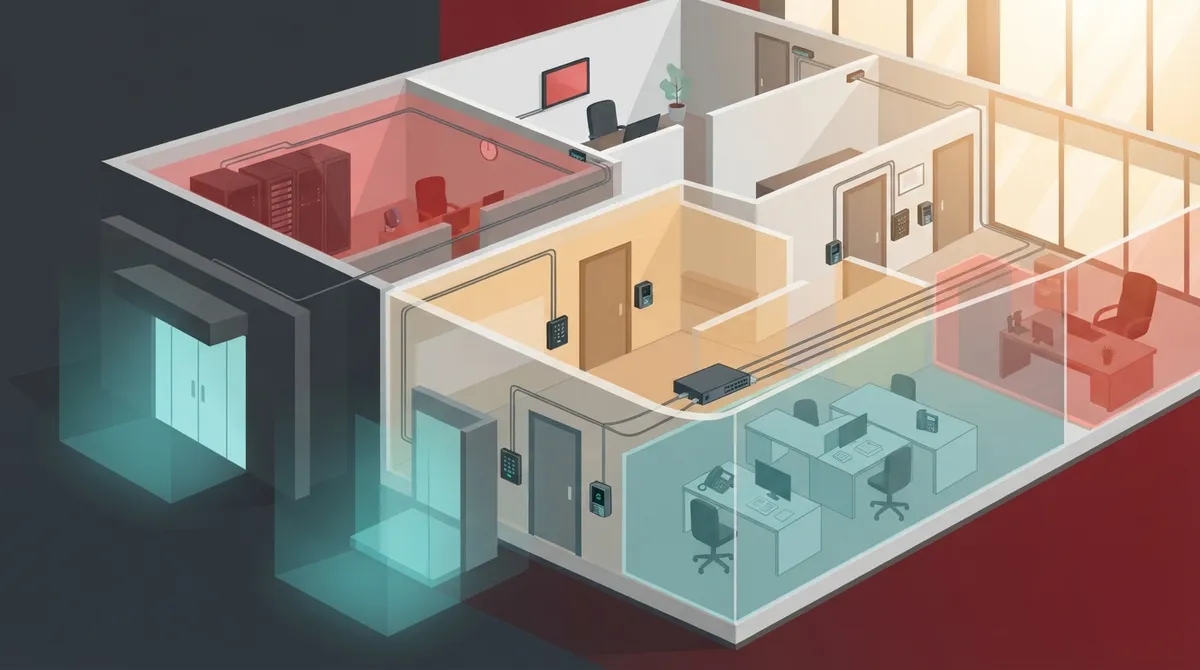
Map every door and user group before buying hardware, separating exterior, interior, and sensitive spaces so you avoid both overbuying and leaving gaps.
-
A keyless system is a networked system: plan structured cabling, Ethernet/PoE, and stable internet before installation, since readers and controllers depend on them.
-
Ask vendors what happens during an internet outage, including whether approved users can still enter, how long the system runs offline, and how events sync afterward.
-
Test any VoIP intercom integration before going live, covering after-hours calls, unanswered extensions, and routing to mobile phones.
-
Clarify who owns each piece (hardware, network, cabling, phones, support) to avoid finger-pointing when problems occur across multiple vendors.
-
Budget for total cost of ownership, including subscriptions, audit-log retention, installation, and support, not just the sticker price of readers and locks.
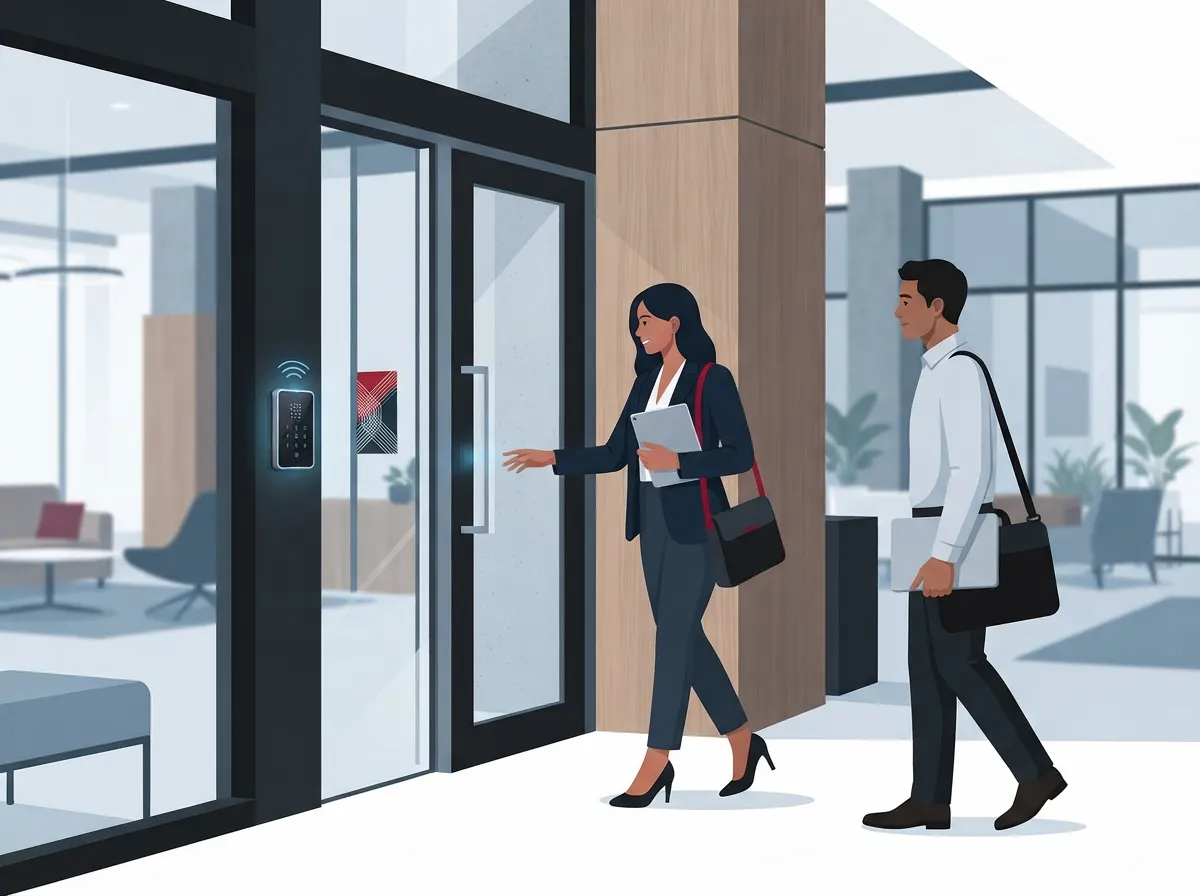
Let’s be honest: nobody enjoys the great key hunt. Someone loses a key, someone else forgets to return one, and suddenly you are wondering who can walk into your building at 2 a.m. A commercial keyless entry system takes that worry off your plate. It lets you control who enters, when they enter, and which doors they can open, all without a ring of metal keys.
But here is the part many owners miss. A keyless system is not just a lock. It is a networked system. It relies on cabling, internet, and sometimes your business phones to work well. That is where a telecom-minded approach really pays off.
Industry research backs up the shift. ASSA ABLOY’s 2025 access-control survey found that 42% of respondents use wireless locks and 54% use cloud-based access management. Those are survey results, not universal rates, but the direction is clear. In this guide, we walk through 12 friendly, practical tips to help you plan, buy, and run a commercial keyless entry system with confidence. Whether you run a single office in Tampa or a handful of franchise sites, these tips are for you.
What a Commercial Keyless Entry System Actually Includes
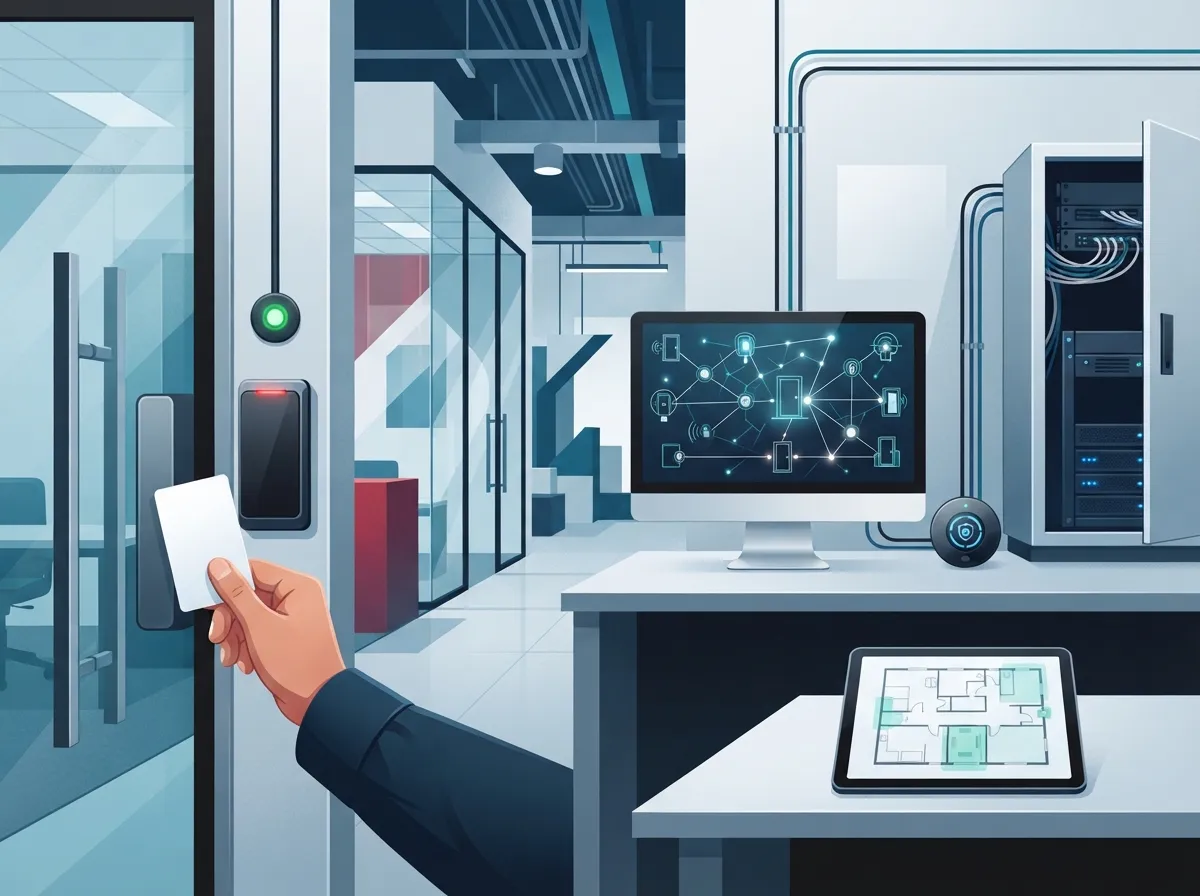
Before the tips, let’s get on the same page. A commercial keyless entry system is an electronic access-control setup that replaces or supplements metal keys. People use credentials instead. Those can be PINs, cards or fobs, smartphones, or biometrics.
Most systems include a few core parts:
- Readers or electronic locks at each door
- Door controllers that decide who gets in
- Management software to add, change, or remove users
- An audit trail that records who entered and when
If you want a deeper look at how credentials and readers work together, our guide on how a key fob access control system works is a great companion read.
1. Start With Your Doors and Your People
The best commercial keyless entry system starts with a simple walk-through. Count your doors. Note which ones are exterior, which are interior, and which hold sensitive spaces like server rooms or storage.
Then list your user groups. Employees, managers, cleaning crews, contractors, and visitors all need different access. When you map this out first, you avoid buying more hardware than you need. You also avoid gaps that leave a door unprotected.
2. Check Your Network and Cabling First
Here is where telecom really matters. Readers, controllers, and cloud services all need a solid network connection. Many devices also run on power over Ethernet, which means they get data and power through one cable.
If your cabling is old, messy, or unlabeled, now is the time to fix it. Good structured cabling gives every door device a clean, reliable path back to your network. Our post on what structured cabling is for your business network explains the basics in plain language. If you are weighing cable types for new door runs, see Cat5e vs. Cat6.
3. Pick the Right Credential Types
Not every business needs the same credentials. Here is a quick comparison to help you choose.
| Credential | Best For | Watch Out For |
|---|---|---|
| PIN code | Low-risk doors, temporary access | Codes get shared easily |
| Card or fob | Everyday employee access | Cards get lost or lent |
| Smartphone | Modern offices, remote teams | Needs a backup for lost phones |
| Biometric | High-security rooms | Privacy rules and setup cost |
Many businesses mix two or more. For example, a card at the front door and a PIN plus card for the server room. Our biometric access control guide can help if you are considering fingerprints or faces.
4. Think About Smartphone Credentials Carefully
Mobile credentials are popular, and for good reason. Nobody forgets their phone. ASSA ABLOY’s 2025 survey reported that 17% of respondents have fully mobile access solutions, up from 5% in 2023.
Still, plan for real life. Phones get lost. Employees leave. Some people do not want work apps on personal devices. Make sure you can revoke a phone credential fast, and keep a backup option like a card for anyone who needs one. Mobile access often uses NFC or Bluetooth, depending on the reader and phone. We cover this more in how to manage office doors with a mobile access app.
5. Decide Between Cloud and Local Management
Cloud-managed access control lets you add users, remove users, and view activity from anywhere. That is a big win for multi-site owners and franchise operators. You can manage every location from one dashboard.
Local systems keep everything on your own server. They can work well, but you handle updates and upkeep yourself. ASSA ABLOY’s survey found 54% of respondents use cloud-based management, split between locally hosted (32%) and third-party managed (22%). Neither choice is wrong. It depends on your team’s time and comfort. Our cloud vs. on-premise access control comparison walks through the trade-offs.
6. Ask What Happens When the Internet Goes Down
This is one of the most important questions you can ask, and many buyers skip it. With a cloud system, what happens during an outage?
In many setups, local controllers keep enforcing the rules they already have. But behavior varies by product. Ask each vendor these questions:
- Will doors still open for approved users during an outage?
- How long can the system run offline?
- Do events sync back once the connection returns?
- How do doors behave in an emergency?
A reliable Internet Service Provider plan helps too. If you want to understand why connection quality matters so much, read why cloud-based security systems fail without fast internet.
7. Connect Your Door Intercom to Your Phone System
Here is a feature that ties keyless entry directly to your telecom setup. Many IP door intercoms can connect to a VoIP phone system using SIP or another supported integration. A visitor presses a button, and the call rings your receptionist or a chosen extension. Your team member can talk to the visitor and release the door.
It feels like magic, but it needs testing. Compatibility, call routing, release permissions, and fallback behavior vary by product. Before you go live, test these scenarios:
- A visitor calls during business hours
- A visitor calls after hours
- The first extension does not answer
- The call needs to reach a mobile phone
If you are still shaping your phone setup, our guide on how to choose VoIP features that help your business grow is a helpful starting point.
8. Define Who Is Responsible for What
A keyless system often involves more than one vendor. One company may supply the access-control platform. Another may provide your internet. Another may handle cabling or phones. When something breaks, finger-pointing wastes time.
Write down who owns each piece:
- Door hardware and software
- Network and internet connectivity
- Cabling and power
- Phone and intercom integration
- Ongoing support and updates
This is one reason many businesses like a single point of contact. Ideal Solutions Provider has worked with 35+ vetted suppliers for over 24 years, so we help coordinate these pieces rather than leaving you to juggle them. See why Tampa Bay businesses need one telecom partner for more on that idea.
9. Plan Security Like You Would for Any Network Device
Connected locks, readers, and intercoms are networked devices. That means they need the same care as your computers. A few smart habits go a long way:
- Use unique credentials and passwords for every admin
- Limit administrative access to only the people who need it
- Install updates on time
- Separate access-control devices on their own network segment when appropriate
- Keep a written plan for outages and lost credentials
NIST has published guidance on managing IoT cybersecurity that is worth a skim if you want a deeper framework. For a business-friendly take, see how to protect cloud access control data at work.
10. Don’t Forget Life Safety and Local Codes
This tip is serious, so we will keep it short. Electronic locks must still allow safe exit in an emergency. Fire and life-safety rules vary by building type and location.
Always work with qualified professionals and your local authorities. Egress, fire alarm connections, and door hardware must meet applicable codes. Treat this as a separate checklist from your security goals, not an afterthought.
11. Budget for the Whole Picture, Not Just Hardware
Sticker price is only part of the story. When you compare quotes, look at the full cost over time. That includes:
- Readers, locks, and controllers
- Cabling and installation labor
- Software subscriptions
- Audit-log retention
- Support plans and updates
Subscription pricing is common with cloud systems, so ask what is included. Our posts on how to budget for cloud access control cost in 2026 and how a cloud access control subscription works break this down clearly.
On the market side, Mordor Intelligence estimates the global access-control market at US$3.80 billion in 2025, growing to US$5.94 billion by 2031. These are analyst estimates, and other firms may count differently. Still, they show how many businesses are investing in this space.
12. Plan for Growth and Multiple Locations
Think about where your business will be in three years. Will you add doors, floors, or locations? A system that works for one office may feel clunky across ten.
Ask vendors about role-based administration, multi-site support, and how easy it is to add new doors. Franchise operators especially benefit from one dashboard that shows every site. If this sounds like your world, take a look at how to set up cloud access control for mid-market growth.
A Simple Checklist Before You Buy
Use this quick list when you talk to vendors:
- Which credential types are supported?
- How long are audit logs kept?
- What happens during an internet outage?
- Can the intercom integrate with our phone system?
- Who handles updates and support?
- What are the ongoing subscription costs?
- Does it support multiple sites and user roles?
If you want to compare options in a broader way, our overview of the best cloud access control system for business in 2026 may help. You can also read about how this compares with old-school locks in keyless entry vs. traditional keys.
Ready to Make Your Doors Smarter?
A commercial keyless entry system can make your building safer, your days smoother, and your life a lot easier. The secret is treating it as part of your whole communications setup, not a standalone gadget. When your cabling, internet, phones, and door access all work together, everything just runs better.
Ideal Solutions Provider is a Tampa-based telecom and IT partner that handles consultation, installation, and ongoing support, all with one friendly point of contact. We would love to help you find the right fit. Contact us for a free consultation, or call us to chat about your doors. You can also see more of what we do on our YouTube channel.
FAQs
Q: What is a commercial keyless entry system?
A: It is an electronic access-control setup that lets people enter a business using PINs, cards, fobs, smartphones, or biometrics instead of metal keys. It usually includes readers, door controllers, management software, and an audit trail of who came and went.
Q: How does a business keyless entry system work with VoIP phones?
A: Many IP door intercoms can connect to a VoIP system using SIP or another supported integration. A visitor can call your receptionist or a chosen extension, and an approved person can speak with them and release the door. Compatibility varies, so test call routing and fallback behavior before going live.
Q: What happens to a cloud-based door access system if the internet goes down?
A: In many systems, local controllers keep enforcing the permissions already set, so approved users can still get in. Offline behavior, event syncing, and emergency operation depend on the product, so ask your vendor to confirm details before you buy.
Q: Can employees use smartphones instead of key cards or fobs?
A: Yes, many systems support mobile credentials using NFC or Bluetooth, depending on the reader and phone. Plan for lost phones, quick credential revocation, and a backup like a card for anyone who cannot or does not want to use a smartphone.
Q: What network and cabling does a commercial access-control system need?
A: Most systems need reliable structured cabling, Ethernet connections, and steady internet access, and many devices use power over Ethernet. Good cabling and a stable connection help readers, controllers, and cloud services work smoothly.





