
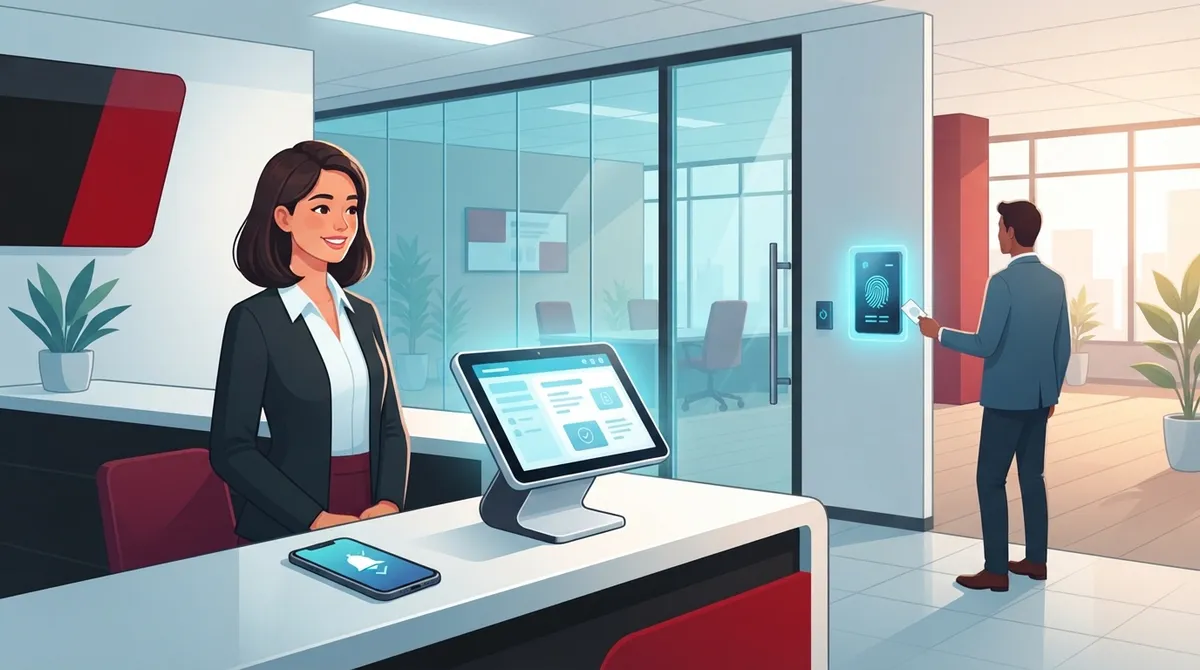
Key Takeaways
-
Plan network backup before deploying: kiosks, badge printers, and door readers depend on a stable connection, so set up an offline sign-in process for short internet outages.
-
Connect visitor check-ins to your phone system so hosts get instant alerts, eliminating guests waiting awkwardly in the lobby.
-
Issue temporary, zone-limited door credentials that expire automatically when a visit ends, rather than handing out spare key cards that may not be returned.
-
Choose features based on actual needs: start with a short must-have list like advance registration, host notifications, and digital logs, then add more later.
-
Set a clear data retention schedule and confirm encryption and access controls with the vendor, since visitor records include names, photos, and ID details.
-
Choose cloud or on-premises based on growth plans: cloud suits multi-site management but requires reliable internet, while on-premises reduces internet dependence but needs more hands-on upkeep.
Picture this: a delivery driver walks in, a client shows up early, and a new contractor needs to reach the server closet. Your front desk is on a call, and nobody is sure who is who. We’ve all been there, and it’s not a fun feeling. The good news is that a visitor access management system can turn that chaos into a calm, simple routine.
In business telecom, a visitor access management system is a digital way to register, approve, identify, and track guests. It works alongside your phones, network, and door security. It doesn’t replace your locks or cameras. It makes them smarter and easier to use.
In this friendly guide, you’ll get seven practical tips for choosing and running a visitor access management system in 2026. Whether you run a small office, manage IT for a growing company, or oversee several franchise sites, these tips will help you feel confident. Let’s dive in!
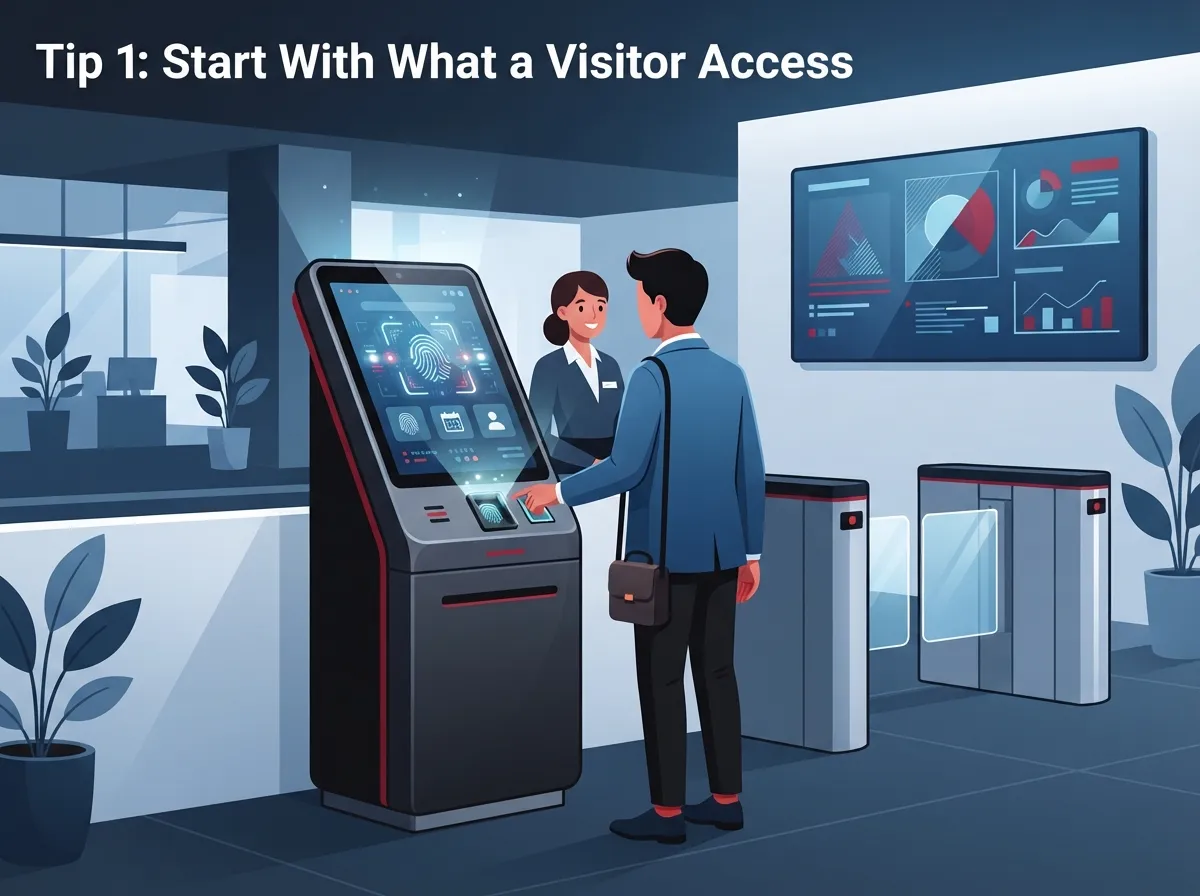
Tip 1: Start With What a Visitor Access Management System Really Does
Before you shop, get clear on the basics. A visitor access management system moves your guest process from a paper sign-in sheet to a smooth digital flow. Think of it as a polite digital front-desk helper that never takes a lunch break.
Most systems cover these steps in order:
- Advance registration: A host invites a guest ahead of time by email or text.
- Approval: The host or a manager confirms the visit.
- Check-in: The guest signs in at a kiosk, tablet, or phone.
- Badge or QR code: The guest gets a printed badge or a digital pass.
- Tracking: The system records arrival and departure times.
That last step matters more than you might think. If you ever need to know who was in the building, a digital log answers in seconds. It also helps with emergency or evacuation lists, which gives everyone peace of mind.
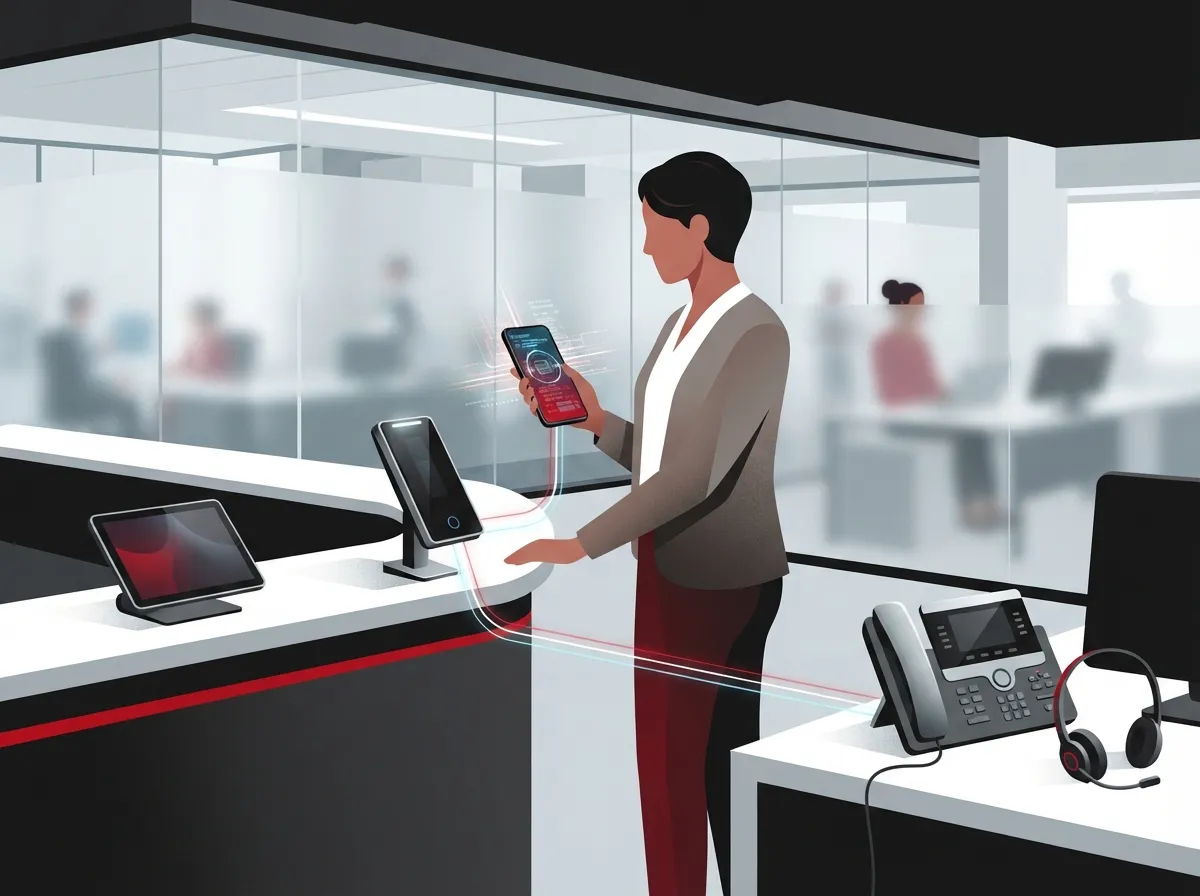
Tip 2: Connect It to Your Phone System
Here’s where telecom really shines. When a guest checks in, the right person should know right away. That’s why integration with your phones is a big deal.
A well-connected system can ring or message the host through your office phones or chat tools. Some setups also link to intercoms and company directories, so guests can reach the right person without confusion. The exact features depend on the vendor and your phone platform, so always ask what works with your setup.
If you’re still choosing a phone platform, our guide on how to choose VoIP features that help your business grow is a great place to start. And if you’re weighing options for connecting teams and guests, take a peek at how to choose a unified communications platform.
Why Host Alerts Save Time
A quick alert means no more guests waiting awkwardly in the lobby. The host gets a message, steps out, and greets the guest. Everyone feels welcome, and your front desk can focus on other work.
Tip 3: Link Visitors to Temporary Door Access
Many guests only need to get through one door or visit one floor. A visitor access management system can work with your access control platform to issue a temporary credential. That credential can be limited to certain zones and can expire when the visit ends.
This is a smart safety step, especially at sites with restricted areas such as network rooms or equipment spaces. Instead of handing out a spare key card and hoping it comes back, the system can turn access off automatically. To learn how this part works, read about cloud access control for business telecom or explore cloud access control visitor systems.
If your guests need to come and go through several doors, it also helps to review cloud access control revocation steps. Knowing how permissions are removed is just as important as knowing how they’re granted.
Tip 4: Pick the Features That Match Your Needs
Not every product has every feature, and that’s okay. You don’t need a fancy system if you only host a few guests a week. Use this table to sort what you need from what’s nice to have.
| Feature | What It Does | Best For |
|---|---|---|
| Advance registration | Lets hosts invite guests before arrival | All businesses |
| Host notifications | Alerts staff when their guest arrives | Offices with busy front desks |
| Badge or QR printing | Shows who is a guest at a glance | Larger or secure sites |
| Visitor agreements | Collects signed terms or NDAs digitally | Professional services, labs |
| Contractor inductions | Shares safety rules before work starts | Telecom and equipment sites |
| Visitor logs and reports | Keeps a searchable record of visits | Audits and compliance |
| Emergency lists | Shows who is on site right now | Every location |
Start with a short list of must-haves. You can always add more later as your needs grow.
Tip 5: Plan Your Network and Cabling First
Here’s a tip that often gets missed. Your visitor access management system is only as steady as the network behind it. Kiosks, badge printers, door readers, and tablets all need a solid connection.
Cloud-based systems depend on good internet. If your connection drops, check-ins can slow down. That’s why it helps to build a plan for backup procedures, such as a simple offline sign-in process for short outages. For a deeper look, see why cloud-based security systems fail without fast internet and automatic internet failover tips.
Good structured cabling also makes a big difference. Wiring for kiosks, door controllers, and cameras should be planned together. Our guide to structured cabling explains the basics in plain English.
A Quick Pre-Install Checklist
- Confirm network ports and power near each kiosk or reader.
- Check your internet speed and your backup connection.
- List every door or zone that guests may need to reach.
- Decide where badge printers and tablets will sit.
Tip 6: Think About Privacy and Data Handling
A visitor access management system collects names, photos, and sometimes ID details. That information deserves care. Treat it like you would any sensitive business data.
Ask these questions before you buy:
- How long does the system keep visitor records?
- Who can see the data, and can you limit access?
- Is information encrypted when it is stored and sent?
- What are the vendor’s security practices?
- Can you delete records on a set schedule?
Rules about data differ by industry and location, so it’s smart to check with your legal or compliance team. If you want a helpful overview of protecting this type of data, see how to protect cloud access control data at work. And for a broader security view, how to choose a data security service for business telecom is worth a read.
Tip 7: Choose Cloud or On-Premises With Your Growth in Mind
One big choice is where your system lives. Cloud-based systems are hosted online, so you can manage many locations from one place and reach records remotely. On-premises systems run on equipment you own and keep at your site.
| Question | Cloud-Based | On-Premises |
|---|---|---|
| Multi-location management | Centralized, easy to scale | Often more complex |
| Remote access to records | Usually built in | May need extra setup |
| Internet dependence | Higher, so plan a backup | Lower for daily use |
| Upfront equipment | Typically lighter | Often heavier |
| Updates | Handled by the vendor | Handled by your team |
Franchise operators and growing companies often like the cloud because one dashboard covers every site. If you’re comparing the two paths, our article on cloud vs. on-premise access control walks through the trade-offs. You can also learn how to migrate to cloud access control without downtime if you’re upgrading an older setup.
What the Market Numbers Tell Us
Visitor management is a growing space, and the numbers show it. Just keep in mind that different research firms count things differently, so estimates don’t always match.
- Future Market Insights estimated the global visitor management system market at USD 1.6 billion in 2025, with a forecast of USD 1.8 billion in 2026.
- Fortune Business Insights estimated USD 2.16 billion in 2025 and projected USD 6.77 billion by 2034, a forecast growth rate of 13.56% per year.
- Emergen Research estimated the visitor management software market at USD 1.74 billion in 2025 and projected USD 5.80 billion by 2035, with a forecast growth rate of 12.8%.
These are market-research estimates, not standardized measures. The big takeaway is simple: more businesses are going digital with how they welcome and track guests.
Who Benefits Most From These Tips?
Every business can gain something from a smarter guest process. Here’s a quick look at who feels the difference most.
- Small business owners: You get a professional first impression without hiring extra front-desk staff.
- Office managers: You spend less time chasing sign-in sheets and calling hosts.
- IT managers: You can tie visitors to network, camera, and door policies in one plan.
- Mid-sized enterprises: You gain clear logs and zone-based access across larger buildings.
- Franchise operators: You can use the same process at every site and view them all in one place.
A visitor access management system also works nicely with cloud video security. When a guest checks in, the log and the camera footage can tell the full story if you ever need it.
How to Roll It Out Without the Headaches
A smooth launch comes down to a few friendly steps. Take them one at a time, and you’ll be in great shape.
- List your needs. Count guests per week, doors involved, and sites covered.
- Check your current systems. Review your phones, intercoms, directory, and access control for compatibility.
- Ask about integrations. Look at APIs, credential formats, and multi-site tools.
- Review costs. Include setup, support, and ongoing fees, not just the sticker price.
- Train your team. A short walkthrough helps hosts and front-desk staff feel confident.
- Test and adjust. Run a pilot at one site, then fine-tune before expanding.
If budget is on your mind, how to budget for cloud access control cost in 2026 can help you plan without surprises. And if you’re juggling many vendors, working with a single partner can keep things simpler. See why many teams choose one telecom partner for phones, internet, cabling, and security.
Wrapping It Up
A strong visitor access management system makes guests feel welcome and keeps your space safe. You’ve now seen seven tips: know the basics, connect to your phones, link to door access, choose the right features, plan your network, protect data, and pick the right hosting model.
You don’t have to figure it all out alone. Ideal Solutions Provider is a Tampa-based telecom and IT partner with over 24 years of experience. We work with 35+ vetted suppliers and handle everything from consultation to installation and ongoing support, all through one friendly point of contact. If you’re ready to explore what fits your business, contact us for a free consultation or call us to chat about your goals. You can also follow our tips and updates on YouTube.
Here’s to a warmer welcome and a safer building in 2026!
FAQs
Q: What is a visitor access management system?
A: It’s a digital way to register, approve, identify, and track guests at your office or facility. It usually covers advance invites, check-in, badges, and arrival and departure logs. It works alongside your door security, not in place of it.
Q: Can a visitor access management system issue temporary door credentials?
A: Yes, many can when connected to an access control platform. They can give approved guests limited access to certain zones and turn it off when the visit ends. Exact features depend on the vendor and your existing equipment.
Q: How does visitor management connect to VoIP or unified communications?
A: It can send alerts to hosts through phones, chat, or intercoms when a guest checks in. That way, staff know right away and guests don’t wait around. The level of integration depends on your phone platform and the product you choose.
Q: What privacy issues should businesses think about?
A: Look at how long records are kept, who can view them, and whether data is encrypted. Ask about the vendor’s security practices and set a clear retention schedule. It’s also smart to check with your legal or compliance team.
Q: Should I choose a cloud-based or on-premises system?
A: Cloud-based systems are great for managing many sites and reaching records from anywhere, but they need steady internet and a backup plan. On-premises systems rely less on the internet but need more hands-on upkeep. Your growth plans and IT resources can help you decide.





