

Key Takeaways
-
Category 6A copper for horizontal runs and fiber for backbone connections supports 10-Gigabit speeds and future growth, making it the smart choice for most new medical office installations.
-
Plan outlet counts by walking through each room with staff to identify current and future devices (phones, workstations, printers, clinical equipment), as 2-14+ outlets may be needed depending on room type and density.
-
Follow ANSI/TIA-1179-B healthcare standard for telecom infrastructure design, which recognizes clinical devices, building automation, and security systems sharing the same cabling infrastructure.
-
Dedicate proper telecom room planning with adequate power, cooling, access control, and pathway space for future expansion to prevent heat, security, and capacity issues.
-
Invest in professional testing, labeling, and documentation (cable routes, outlet IDs, certification results, as-built drawings) to enable quick troubleshooting and device moves without costly walls reopening.
-
Coordinate installation around patient care schedules and infection-control procedures, and hire installers with healthcare awareness to avoid disrupting operations and ensure compliance with facility requirements.
Picture a busy Monday morning at your practice. The front desk is checking in patients, a nurse is pulling up a chart on a tablet, and the VoIP phones are ringing off the hook. All of that depends on one quiet thing hiding in your walls: your cabling. When it is planned well, nobody notices it. When it is not, everybody feels it.
Medical office network cabling is the physical foundation that connects your computers, phones, Wi-Fi access points, printers, security systems, and compatible clinical devices to your network. It is more than a few wires. It includes the horizontal runs, fiber backbone, patch panels, telecom rooms, pathways, labeling, and testing that keep everything running.
In this guide, we will walk through what makes healthcare cabling different, which standards matter in 2026, how to choose cable types, and how to plan a project that does not disrupt patient care. Whether you run a small clinic or manage several locations, you will find practical steps you can use right away.
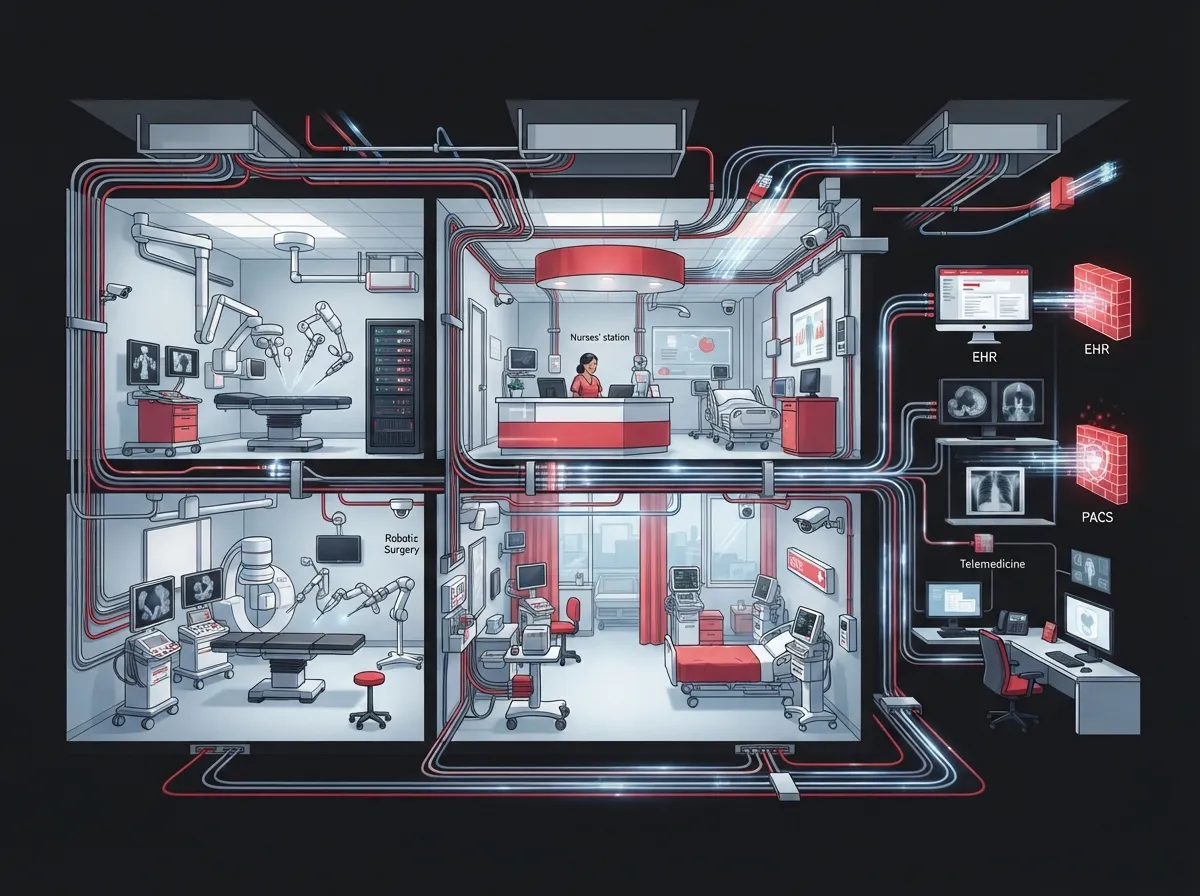
Why Medical Office Network Cabling Is Different
A regular office needs data and phones. A medical office needs those plus a lot more. Think about everything that touches the network on a typical day: electronic health record workstations, wireless access points, VoIP phones, label printers, door access readers, security cameras, and compatible clinical equipment.
That mix makes planning more important. Downtime is not just annoying. It can slow down patient visits and delay care. Good cabling gives you a stable base so the rest of your technology can do its job.
Here is what sets healthcare cabling apart:
- More device types: Clinical, building, security, and office systems often share the same infrastructure.
- Higher uptime expectations: Staff and patients rely on connections that work all day.
- Varying room needs: A reception desk and a procedure room do not need the same number of connections.
- Strict work conditions: Installers must work around patients, staff, and infection-control rules.
One important note: cabling supports connectivity, but it does not make a network HIPAA-compliant by itself. HIPAA Security Rule obligations cover safeguards for electronic protected health information, such as access control, risk management, device configuration, and monitoring. Cabling is one layer of a bigger plan.
Understanding the ANSI/TIA-1179-B Healthcare Standard
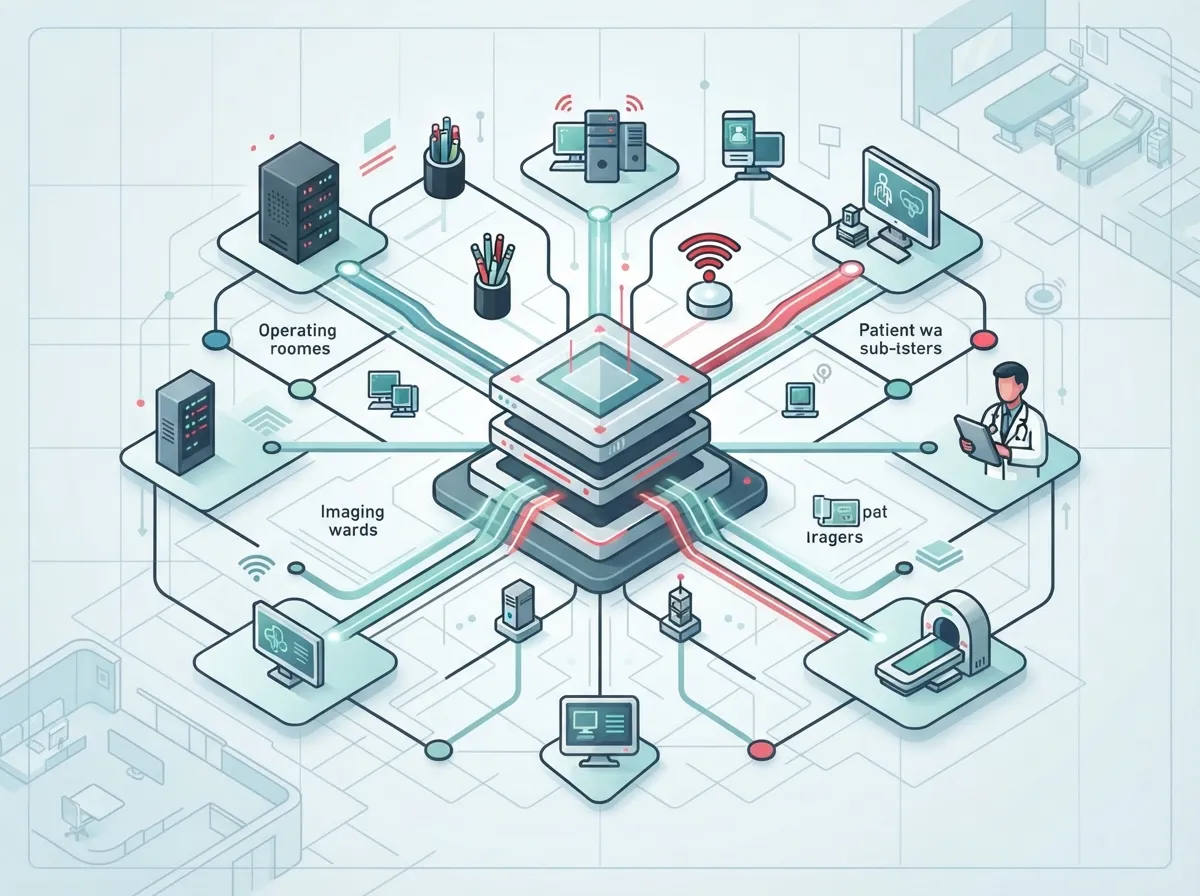
If you have heard the term TIA-1179, this is the healthcare-specific guide for telecom infrastructure. ANSI/TIA-1179-B was published in June 2023 and is the current version. It covers topology, media, pathways, telecom spaces, work areas, wireless access points, distributed antenna systems, grounding, firestopping, security, and administration.
It also recognizes systems you may not think of as typical IT. These include IP and non-IP building automation, RFID, nurse call, security, access control, and pharmaceutical inventory systems. That is why it helps to bring clinical, facilities, and security teams into the planning conversation early.
A few things to keep in mind about the standard:
- It is a design standard. It does not replace local codes or approvals from the authority having jurisdiction.
- It calls for two Category 6A-or-better cabling runs for each wireless access point.
- It recognizes single-pair cabling under TIA-568.5 for applicable systems.
- It leaves the final choices to you, based on how each room will actually be used.
That last point matters. Not every exam room needs the same setup, so your plan should follow your equipment list rather than a one-size-fits-all template.
Choosing the Right Cable Type
The most common question we hear is simple: which cable should we use? The honest answer is that it depends on distance, speed needs, and how long you want the system to last. Here is a quick comparison.
| Cable Type | Best Use in a Medical Office | Key Consideration |
|---|---|---|
| Category 6 | Standard workstations, phones, printers | Solid performance for many everyday connections |
| Category 6A | New installs, Wi-Fi access points, high-demand areas | Supports 10-Gigabit Ethernet and better future capacity |
| Fiber optic | Backbone between floors, buildings, or telecom rooms | Handles longer distances and higher capacity |
| Single-pair Ethernet | Select building and device systems | Recognized under TIA-568.5 for applicable uses |
For many new installations, Category 6A copper is a smart choice for horizontal runs because it supports 10-Gigabit speeds and leaves room to grow. Fiber commonly handles the backbone between telecom rooms or buildings. If you want to dig deeper into the differences, our guide on choosing between Cat6 and Cat6A for your office breaks it down in plain language. You can also read how to choose fiber cabling for your business network for backbone planning tips.
How Many Network Drops Does Each Room Need?
This is where many practices either overspend or under-build. Healthcare areas can have very different connection needs. Published summaries of TIA-1179 describe outlet recommendations from 2 to 6 outlets in low-density areas to more than 14 in high-density areas. The right number depends on how the space is classified and what devices will live there.
Instead of guessing, walk through each room and ask a few simple questions:
- What devices will be used here today?
- What might we add in the next five to ten years?
- Will a phone, workstation, printer, and wall-mounted device all need a connection?
- Is there a nearby access point, camera, or door reader that needs its own run?
It is almost always cheaper to add extra drops during construction than to open walls later. A few spare outlets are inexpensive insurance. If you are building out a new space, our article on whether you need structured cabling for a new office buildout is a helpful companion read.
Planning for Wi-Fi, VoIP Phones, and Clinical Devices
Modern medical offices run on three big things at once: wireless access, voice, and connected equipment. Each one leans on your cabling in a different way.
Wi-Fi Access Points
Wireless is only as good as the wire behind it. Every access point needs a solid wired connection back to your network. With the 2023 standard calling for two Category 6A-or-better runs per access point, plan your ceiling layout early so those runs land where coverage is strongest.
VoIP Phones
Phones typically share the same cabling as computers. A clean, well-labeled cabling system makes it much easier to add or move handsets. If you are weighing options, we cover how structured cabling supports VoIP and cameras in more detail. And if you are thinking about the phone side, our cloud based phone systems page shows what is available.
Clinical and Building Devices
Some clinical devices connect over wired links, and the market shows it. A 2025 estimate from Mordor Intelligence valued the global medical-device-connectivity market at USD 3.91 billion and found wired interfaces made up 57.35% of it. That is market context rather than a count of office installations, but it shows that wired connections still matter in healthcare.
Always confirm requirements with your device vendors before finalizing outlet locations. Some equipment has specific connection needs, and it is best to know them before the walls close up.
Telecom Rooms, Pathways, and Spare Capacity
Great cabling needs great spaces. Before anyone pulls a single cable, plan where the equipment will live and how the cable will travel.
Here is a simple checklist for your telecom room and pathways:
- Size and location: Make sure the room fits racks, patch panels, switches, and room to work.
- Power: Plan enough circuits, plus backup power for key equipment.
- Cooling: Network gear produces heat, so plan for steady airflow or cooling.
- Access control: Keep the room secured so only authorized people can enter.
- Pathways: Use conduit, trays, or J-hooks with space for future runs.
- Spare capacity: Leave extra room in racks and pathways for growth.
Firestopping and grounding also matter. Penetrations through fire-rated walls need proper sealing, and grounding protects both people and equipment. These are exactly the kinds of details the healthcare standard addresses, and a qualified installer will build them into the plan.
Installing Without Disrupting Patient Care
Many medical offices stay open while work is happening. That takes coordination. A good project plan respects your schedule, your patients, and your infection-control rules.
Here is how a smooth installation usually unfolds:
- Walkthrough and assessment: Review each room, existing cabling, and device list.
- Design and approval: Map outlet counts, cable types, pathways, and telecom room needs.
- Schedule planning: Choose off-hours or low-traffic windows for noisy or disruptive tasks.
- Installation: Pull, terminate, and secure cabling while following facility procedures.
- Testing and certification: Verify every link performs to the specified category.
- Labeling and documentation: Tag every cable and record routes and port assignments.
- Handoff and training: Walk your team through what was installed and where things are.
It also helps to know how long a project may take. Our post on how long structured cabling installation takes for a commercial building gives you realistic expectations. For a broader look at the planning side, see how to plan network cabling installation in Tampa Bay.
Testing, Labeling, and Documentation
This is the part people often skip, and it is the part that saves the most headaches later. A professional project should end with clear proof that everything works and clear records of where everything is.
Your deliverables should include:
- Documented cable routes and outlet IDs
- Consistent labeling at both ends of every cable
- Termination and certification test results to the specified category
- As-built drawings that match what was actually installed
- A handoff listing patch-panel ports and network-room locations
Think of this as your map. When you need to add a workstation, move a phone, or track down a problem, good documentation turns a long hunt into a quick fix. For more on this topic, read how to build structured cabling documentation that works.
Cabling and HIPAA: What to Know
It is easy to assume that strong cabling equals a compliant network. It does not. HIPAA does not require a specific type of network cable. It asks organizations to protect electronic protected health information with administrative, physical, and technical safeguards.
Where does cabling fit? Physical security of telecom rooms, clean and documented infrastructure, and a stable network design all support your broader security plan. Pair them with access control, device configuration, monitoring, and risk management for a fuller picture. Many practices also pair their cabling with cloud based access control and cloud video security to protect rooms and records. If you want to explore that side, see how cloud access control supports HIPAA compliance.
For multi-location practices and franchise-style healthcare groups, consistency helps. Using the same cabling standards, labeling system, and documentation at every site makes support easier and growth smoother.
Common Mistakes to Avoid
After years of working with businesses across many industries, a few patterns show up again and again. Avoid these and you will be ahead of the game:
- Skipping spare capacity: Today’s perfect fit becomes tomorrow’s bottleneck.
- Treating every room the same: Match outlet counts to real use.
- Ignoring the telecom room: Heat, power, and security problems start here.
- Poor labeling: Unlabeled cables turn simple changes into guesswork.
- Mixing old and new cable randomly: A clear plan beats patchwork fixes. Our article on structured cabling versus ad-hoc wiring explains why.
- Hiring without healthcare awareness: Look for a partner who understands healthcare planning guidance.
You can also review 12 structured cabling mistakes that hurt your business for a deeper list.
What About Cost?
Cost depends on the size of your space, the number of drops, the cable category, pathways, and whether you are building new or upgrading. Healthcare-specific needs like extra outlets, access point runs, and careful coordination can also affect the price.
The best approach is to request a walkthrough and a written scope. That way, you compare real plans instead of guesses. If you are weighing do-it-yourself against hiring a pro, our guide on DIY vs. professional structured cabling can help you decide. For general background on the concept, you can also read about structured cabling.
Working With the Right Partner
Medical practices do not have time to juggle five vendors. That is where a single point of contact helps. Ideal Solutions Provider is a Tampa-based telecom and IT partner with over 24 years of experience and 35+ vetted suppliers. We handle consultation, installation, and ongoing support for structured cabling, networking, VoIP, internet, security cameras, and access control, so your team can focus on patients.
If you want to see more about how we work, visit our business network solutions page, or follow us on YouTube for helpful videos.
Ready to Build a Network Your Practice Can Count On?
A well-planned cabling system is one of the best investments a medical office can make. It supports your phones, Wi-Fi, workstations, security, and connected devices today, and it leaves room to grow tomorrow. Start with the room-by-room needs, follow healthcare guidance like TIA-1179-B, plan your telecom spaces, and insist on testing and documentation.
Ready to talk through your project? Contact us for a free consultation, or call us to speak with a team member who will happily walk your site with you.
FAQs
Q: What type of network cabling is best for a medical office?
A: For most new installations, Category 6A copper is a smart pick for horizontal runs because it supports 10-Gigabit Ethernet and leaves room to grow. Fiber is commonly used for backbone links between floors or telecom rooms. The best choice depends on your distances, equipment, and future plans.
Q: Does HIPAA require a specific type of network cable?
A: No, HIPAA does not name a specific cable type. It focuses on safeguards for electronic protected health information, like access control, risk management, and monitoring. Good cabling supports a secure network, but it does not make you compliant on its own.
Q: How many network drops does an exam room need?
A: It depends on the room’s use and the equipment planned for it. Published TIA-1179 summaries describe about 2 to 6 outlets for low-density areas and more than 14 for high-density areas. Walk through each room’s device list and add a few spares for the future.
Q: What should a cabling installation report include?
A: Look for documented routes, outlet IDs, consistent labeling, certification test results, as-built drawings, and a list of patch-panel ports and network-room locations. These records make moves, adds, and troubleshooting much easier down the road.
Q: What is the TIA-1179 standard for healthcare cabling?
A: ANSI/TIA-1179-B, published in June 2023, is the healthcare facility telecommunications infrastructure standard. It covers topology, media, pathways, telecom spaces, wireless access points, grounding, firestopping, security, and administration. It is a design guide and does not replace local codes.





