
Key Takeaways
-
Cloud, on-premises, and hybrid systems each suit different businesses; choose based on internet upload speed, remote access needs, and who will maintain hardware and updates.
-
Estimate bandwidth before buying by counting cameras, resolution, frame rate, recording schedule, retention period, and simultaneous live viewers, since high-resolution video can overwhelm a network.
-
Treat cameras as network devices: change default passwords, separate camera traffic with VLANs, avoid direct internet exposure, and keep firmware updated.
-
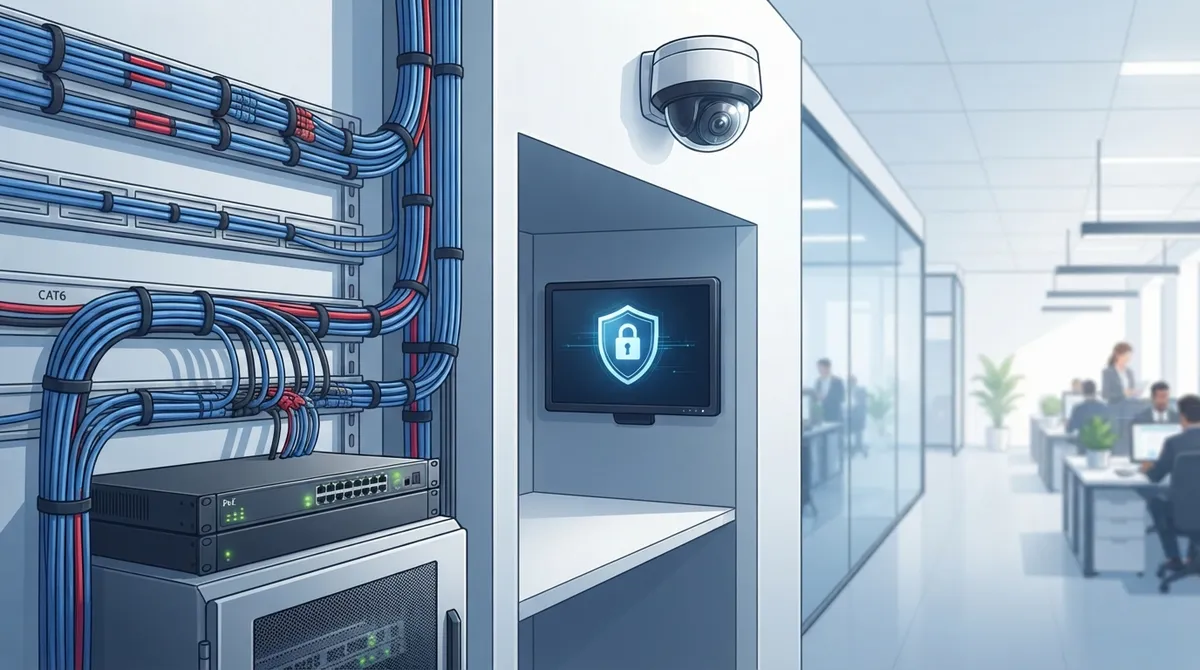
Use PoE switches and structured cabling such as CAT6, labeled and tested, with spare capacity for future cameras to avoid costly rewiring later.
-
Confirm in writing that specific cameras, recorders, and software support the features you need, since ONVIF compatibility does not guarantee every feature works across brands.
-
Plan for internet outages with local recording that syncs later, and check legal requirements for privacy, signage, and audio recording before going live.
Picture this: it’s Monday morning, and you find out something went wrong over the weekend. You need answers fast. Can you pull up the footage from your phone, or are you digging through a dusty recorder in the back closet? That one moment tells you a lot about your business security camera systems.
Here’s the good news. Modern camera setups are easier, smarter, and more affordable than ever. They also run on your network, which means your phones, internet, and cabling all play a part. In this friendly guide, we’ll walk through eight practical tips to help you pick, plan, and protect a camera system that actually works for your business in 2026.
Whether you run a single shop or a dozen franchise locations, you’ll find simple steps you can use today. Let’s dive in!
Why Business Security Camera Systems Are Really Network Projects
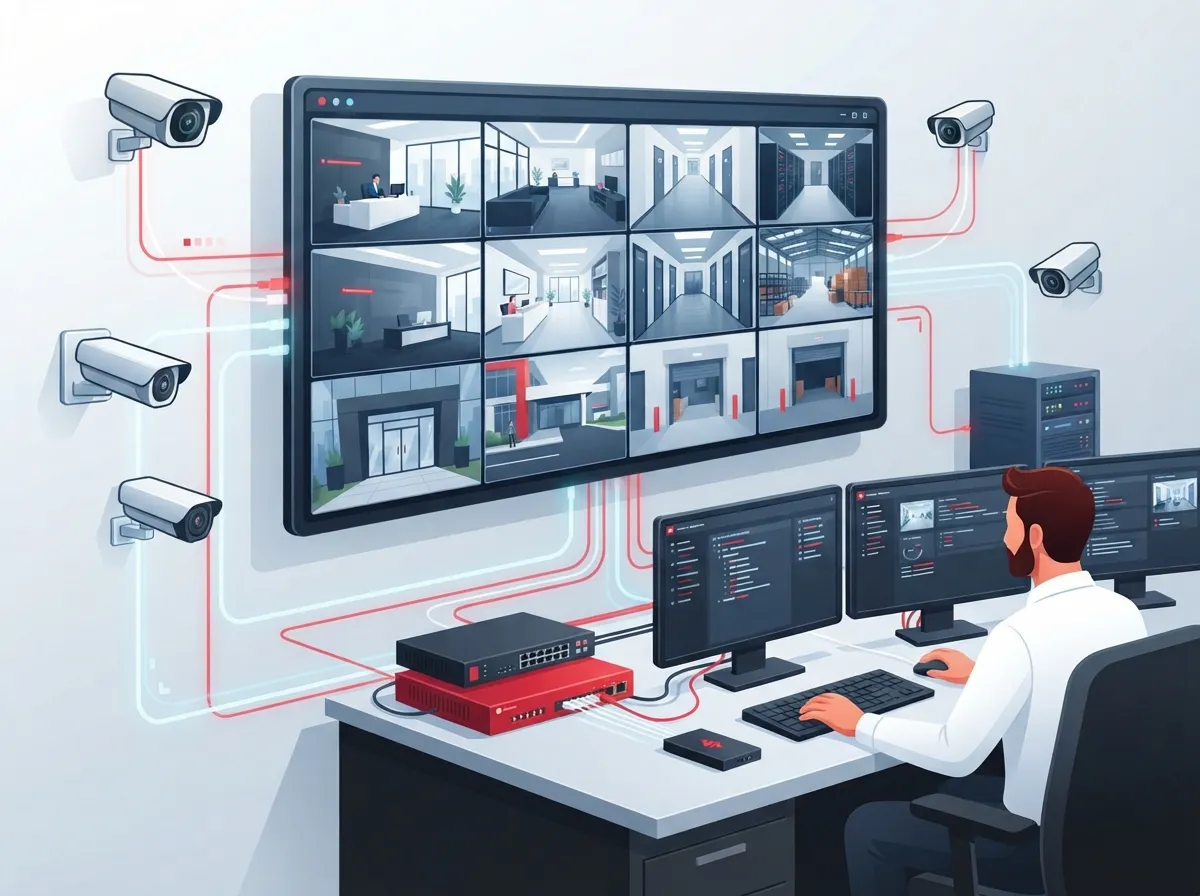
Today’s cameras are not standalone gadgets. Most are IP cameras that connect over your Ethernet network, just like a computer or a VoIP phone. A typical setup includes cameras, PoE switches, cabling, video management software, and storage on-site, in the cloud, or both.
That is why telecom know-how matters. Good video depends on solid cabling, enough bandwidth, and secure remote access. When any of those pieces is weak, the footage suffers.
The market agrees that this shift is real. Grand View Research estimated the global video surveillance and VSaaS market at $65.8 billion in 2025 and projects $71.4 billion in 2026. It also reported that IP systems made up more than 55% of market revenue in 2025. These are market-research estimates, but they show where things are heading.
The 8 Tips for Choosing and Running Your System
1. Start With a Clear Goal for Your Cameras
Before you shop, ask a simple question: what do you want your cameras to do? Some owners want to deter theft. Others want to watch the front door, check on staff safety, or settle customer disputes.
Write down your goals in plain words. Then walk your property and note the key spots. A good specification covers:
- Camera placement and image needs (faces, license plates, or general activity)
- Indoor and outdoor areas, plus lighting conditions
- How long you need to keep footage
- Who can view, export, and share video
- Alerts, analytics, and links to other systems
This list keeps your quote honest and helps you compare options fairly. Want to know how many lenses you really need? Our guide on factors that decide how many security cameras you need breaks it down nicely.
2. Pick Between Cloud, On-Premises, or Hybrid
This is the big fork in the road. Each style has its own strengths, so the best pick depends on your business.
| Type | How It Works | Best For | Watch Out For |
|---|---|---|---|
| On-Premises | Footage stays on a local recorder (NVR) on your site | Sites with limited internet upload or strict local control | You manage hardware, updates, and backups |
| Cloud (VSaaS) | A provider’s platform stores and manages video | Multi-location teams wanting easy remote access | Subscription costs and upload bandwidth |
| Hybrid | Local recording plus cloud management or backup | Businesses wanting resilience and remote access | More moving parts to plan |
Interest in blended setups is growing. SDM reported that 43% of end users in Genetec’s 2025 State of the Physical Security Report said hybrid cloud would be their preferred approach within five years. That is a survey result, not an installed-base count, but it shows where many buyers are leaning.
Curious about the cloud route? Take a look at 6 key differences between cloud video security and DVR systems to see how they stack up.
3. Check Your Bandwidth Before You Buy
Video is hungry. Many high-resolution cameras streaming at once can eat up a surprising amount of your network. If you skip this step, you may end up with choppy video or slow phone calls.
Before installation, estimate these five things:
- The number of cameras you plan to install
- Resolution and frame rate for each camera
- Your recording schedule (nonstop or motion-based)
- Your retention period (how many days you keep footage)
- How many people will watch live video at the same time
Then check your LAN, your uplinks, and your internet upload speed, especially for cloud video. Local recording or edge storage can cut the amount of nonstop internet traffic. Our post on cloud video security bandwidth facts goes deeper, and if you want to compare plans, see how to choose the right internet speed for your business.
4. Invest in Solid Cabling and PoE Switching
Here’s a tip that saves many headaches: cameras are only as reliable as the cables behind them. Power over Ethernet (PoE) lets a single cable carry both data and power, which keeps installs clean and neat.
Good structured cabling also makes it easy to add cameras later without ripping open walls. Many businesses choose CAT6 for new runs, and fiber works well for long distances between buildings. If you want a closer look, read how structured cabling supports VoIP phones and security cameras.
A quick checklist for your cabling plan:
- Match your PoE switch power budget to your camera count
- Label every cable at both ends
- Leave room for future growth
- Test and document each run after installation
Skipping labels and tests feels fine on day one. By year two, it becomes a real headache!
5. Make Cybersecurity Part of the Plan
Cameras, recorders, and video servers are network devices. That means they need protection, just like your computers do. ONVIF published cybersecurity recommendations in May 2024 that offer helpful, practical guidance.
Here are key steps to put in place:
- Keep an inventory of every camera and recorder
- Separate camera traffic with VLANs
- Replace all default usernames and passwords
- Avoid exposing devices directly to the internet
- Use firewalls and encrypted connections where possible
- Turn off services you don’t use
- Limit user privileges and update firmware regularly
These are recommendations, not magic shields, but together they lower your risk a lot. For a bigger picture, check out cloud security vs. traditional network security.
6. Confirm Compatibility Before You Commit
Nothing is more frustrating than buying a camera that won’t talk to your recorder. ONVIF profiles help conformant products work together, which is a great starting point.
But here’s the catch: compatibility does not promise that every feature works across every brand. Before you buy, verify that the specific camera, recorder, and software support the exact features you need, such as analytics, audio, or two-way talk. Ask your installer to confirm this in writing.
7. Plan for Outages and Retention
What happens when the internet goes down? A smart system keeps recording locally, then syncs when things come back. That is a big reason many owners like hybrid setups or cameras with built-in edge storage.
Retention is the other piece. Decide how many days of footage you need, and check any rules that apply to your industry. Longer retention means more storage and a higher cost. Learn more about keeping business security cameras running right and keeping cameras working during internet outages.
Also, remember that video monitoring rules vary by location and workplace type. Talk with a legal advisor about privacy, signage, and audio recording before you go live.
8. Pick a Partner Who Handles the Whole Picture
Here’s where a single point of contact shines. Cameras touch your network, your internet, your cabling, and often your door access system. When one vendor handles it all, you avoid the finger-pointing that happens when something breaks.
Ask any provider what is included. Services vary, so confirm details such as:
- Design and site survey
- Cabling, PoE, and network setup
- Internet and backup connectivity
- Cloud video or recorder setup
- Training, maintenance, and support response times
At Ideal Solutions Provider, we bring over 24 years of experience and partnerships with 35+ vetted suppliers to the table. We handle everything from consultation and installation to ongoing support, so you deal with one friendly team instead of many. You can learn more about our cloud video security options.
Which System Fits Your Business Type?
Different teams have different needs, so here is a quick guide to help you think it through.
Small Business Owners and Office Managers
You likely want something simple, affordable, and easy to check from your phone. Cloud or hybrid systems with mobile apps are often a good fit. See whether you can monitor your business security cameras from your phone with the system you’re considering.
IT Managers and Mid-Sized Companies
You need strong network design, role-based access, and clean integration with other systems. Pay close attention to VLANs, firmware plans, and how video links with cloud based access control.
Franchise Operators
Consistency is king. A cloud-managed system lets you see every site in one place and keep the same settings everywhere. Our guide on scalable systems for multi-location businesses shows how that can work.
Understanding NVR, VMS, and VSaaS
These three terms confuse a lot of people, so here is a simple breakdown:
- NVR (Network Video Recorder): A device that records and stores footage from IP cameras.
- VMS (Video Management System): Software that lets you view, search, and manage cameras and recordings.
- VSaaS (Video Surveillance as a Service): A cloud platform where the provider handles storage and management for a subscription fee.
Some systems blend all three. The key is knowing which pieces you are paying for and who maintains them.
Smart Features Worth Considering
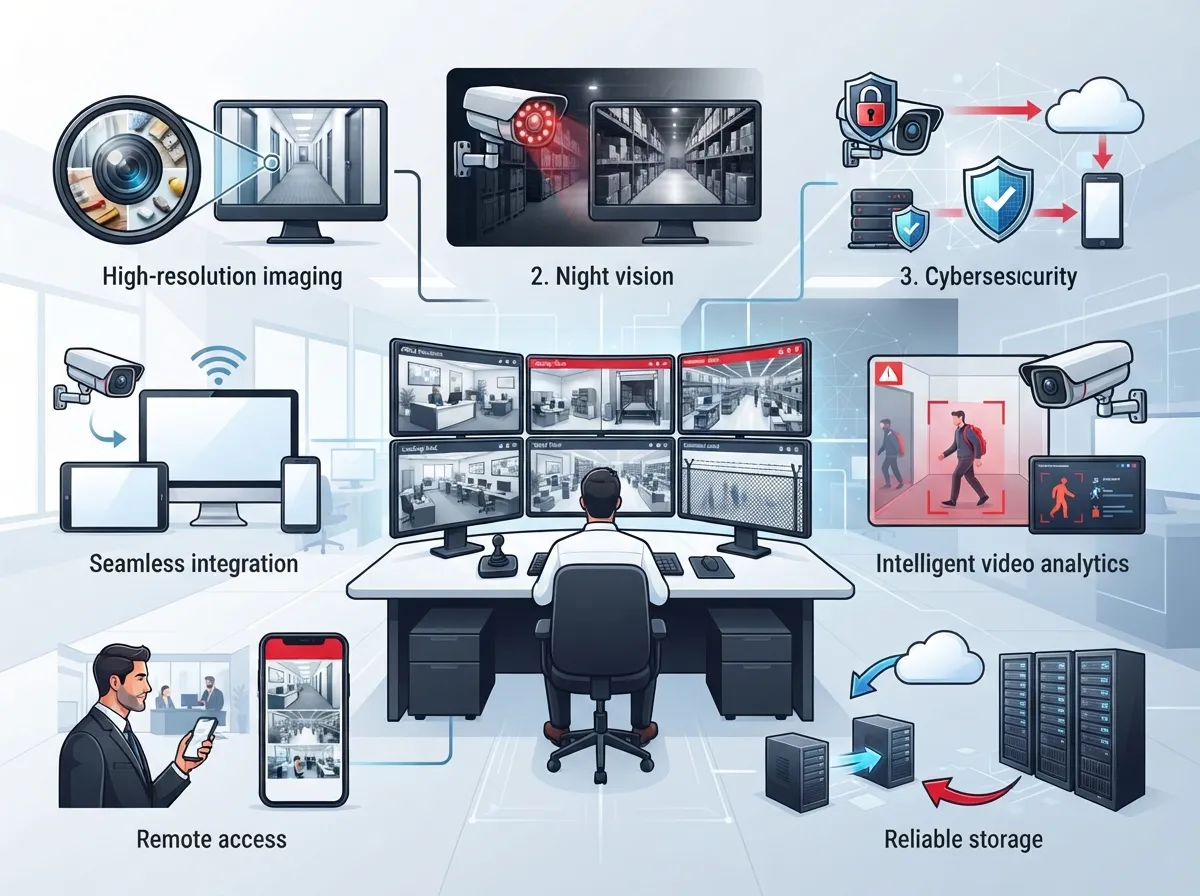
Analytics and AI are getting a lot of buzz. SDM’s 2025 Industry Forecast reported that 73% of surveyed security professionals cited video analytics and AI as the technology most likely to increase revenue that year. For your business, features like motion alerts, people counting, and smart search can save real time.
Just match the feature to a real need. If you will never use facial recognition, you don’t need to pay for it. For a deeper look, read about which cloud video analytics features actually matter.
Wrapping It Up
The best business security camera systems start with clear goals, strong cabling, enough bandwidth, careful cybersecurity, and a partner who sees the whole picture. When these pieces fit together, you get footage you can trust and a system that grows with you.
Don’t feel like you have to figure it all out alone. Our team is happy to review your current setup, talk through cloud, on-premises, or hybrid options, and map out a plan that fits your budget. Contact us for a free consultation, or call us to talk with a real person today. You can also follow us on YouTube for helpful tips and walkthroughs.
FAQs
Q: What is the best security camera system for a small business?
A: The best system depends on your goals, budget, and internet speed. Many small businesses like cloud or hybrid setups because they are easy to manage and check from a phone. A quick site walk-through with a trusted provider helps you match features to your real needs.
Q: Should a business choose cloud, on-premises, or hybrid video surveillance?
A: Cloud is great for easy remote access, on-premises keeps footage local, and hybrid blends both for extra resilience. Think about bandwidth, retention needs, privacy rules, IT help, and subscription costs. If you’re unsure, a hybrid setup is often a flexible middle ground.
Q: How much internet bandwidth do business security cameras need?
A: It depends on how many cameras you have, their resolution, frame rate, and recording schedule. Cloud video needs enough upload speed, while local recording can lower nonstop internet use. A pre-install network check helps you avoid surprises.
Q: Can business security cameras work without internet access?
A: Yes, many systems keep recording locally to a recorder or onboard storage even when the internet drops. You may lose remote viewing until service returns. Adding backup connectivity can keep you connected during outages.
Q: How can a business secure IP cameras against cyberattacks?
A: Start by changing default passwords, separating camera traffic with VLANs, and keeping firmware up to date. Avoid exposing devices to the internet, use encrypted connections where possible, and limit user privileges. ONVIF’s cybersecurity recommendations are a helpful guide.





