
Key Takeaways
-
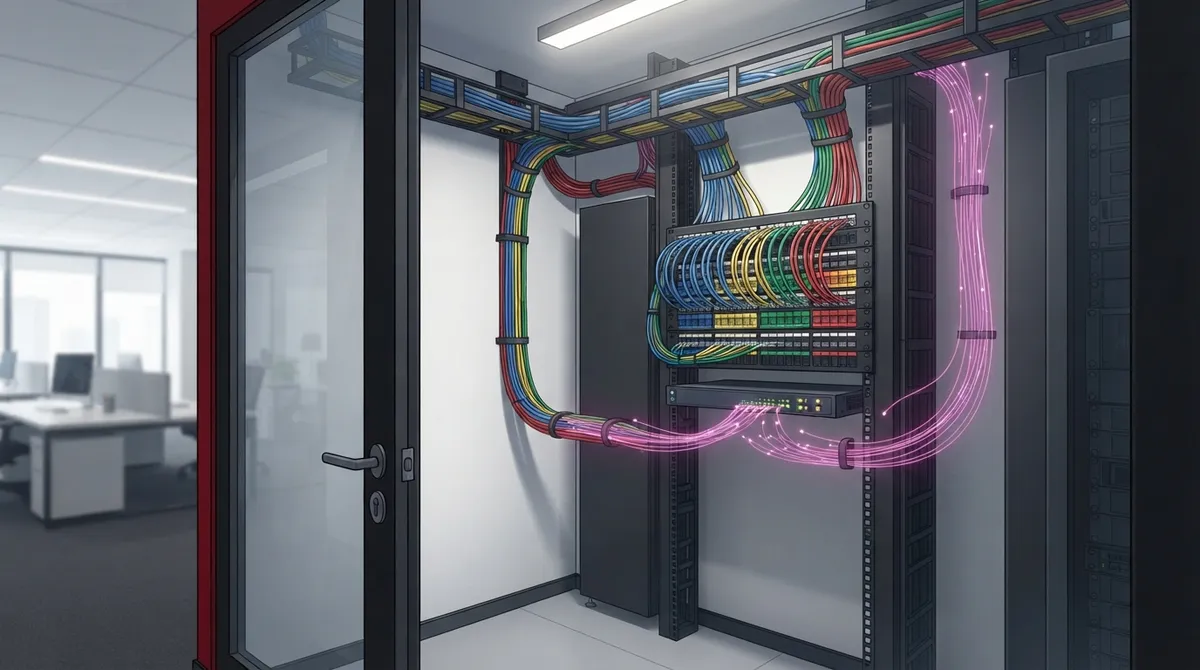
Plan more data drops than you need today, since adding outlets later costs far more; a conference room may need four ports and Wi-Fi access points and cameras need their own runs.
-
Cat 6A is a strong choice for new commercial builds because it supports 10 Gigabit over a full 100-meter channel, while Cat 6 suits general office use and fiber fits long backbone runs.
-
Copper channels in the common TIA model max out at 100 meters (90 meters permanent link plus 10 meters of patch cords); longer runs need fiber or an extra network closet.
-
Plan PoE early for Wi-Fi access points, IP cameras, access readers, and phones, checking each device's power class, switch capacity, and heat buildup in cable bundles.
-
Require certification testing on every copper link and optical testing on fiber, and get the written results plus updated cable maps and port documentation at closeout.
-
Label every cable, port, and outlet with a matching system; it turns hours of troubleshooting into minutes and avoids costly guesswork later.
Let’s be honest: nobody gets excited about what is hiding behind the walls of their office. But if you have ever dealt with spotty Wi-Fi, dropped calls, or a camera that keeps going offline, you know cables matter a lot. The good news is that a smart plan makes all the difference.
Office cabling installation is more than running a few wires to desks. In business telecom, it means building a structured system that carries data, voice, Wi-Fi, security cameras, and door access across your space. Done well, it keeps your team connected for years. Done poorly, it becomes a daily headache.
This friendly guide walks you through the whole process in plain language. You will learn what to plan, which cable to pick, how to avoid common traps, and how to know the job was done right. Whether you run a small shop, manage an office, oversee IT, or open new franchise sites, you will find something useful here. Let’s get started!
What Office Cabling Installation Really Includes
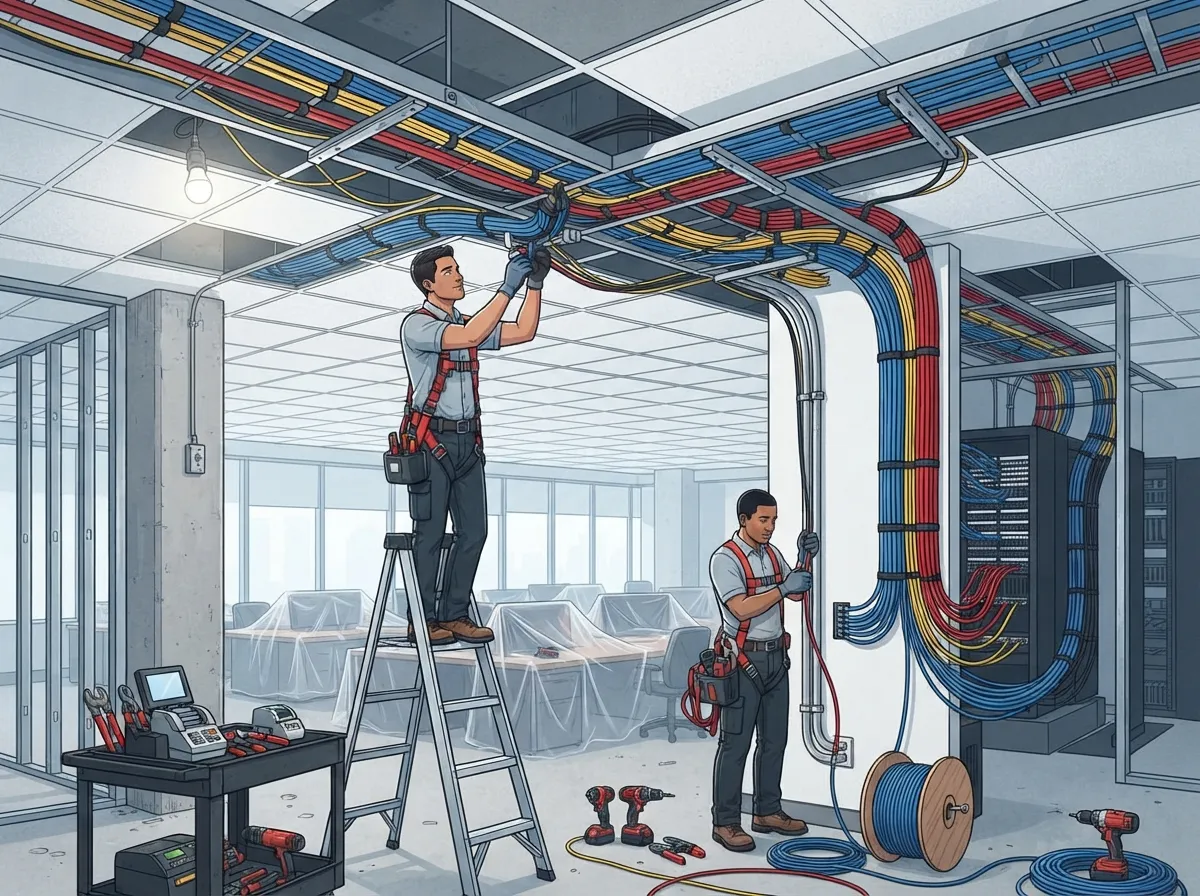
When people hear “cabling,” they often picture a tech running a wire from a closet to a desk. The real job is bigger. Professional office cabling installation builds a structured cabling system. That means everything is organized, labeled, and documented so it is easy to manage and grow.
A complete project usually covers these pieces:
- Horizontal cabling that runs from your network room to wall jacks and devices
- Telecom rooms or racks that hold your switches and equipment
- Patch panels and outlets that tie it all together neatly
- Backbone links that connect floors or buildings, often using fiber
- Connections for phones, Wi-Fi access points, cameras, and access control
Think of it like the plumbing in your building. You rarely see it, but everything depends on it. If you want a deeper primer, our guide on what structured cabling is for your business network breaks it down nicely.
Step-by-Step: How to Plan Your Office Cabling Installation
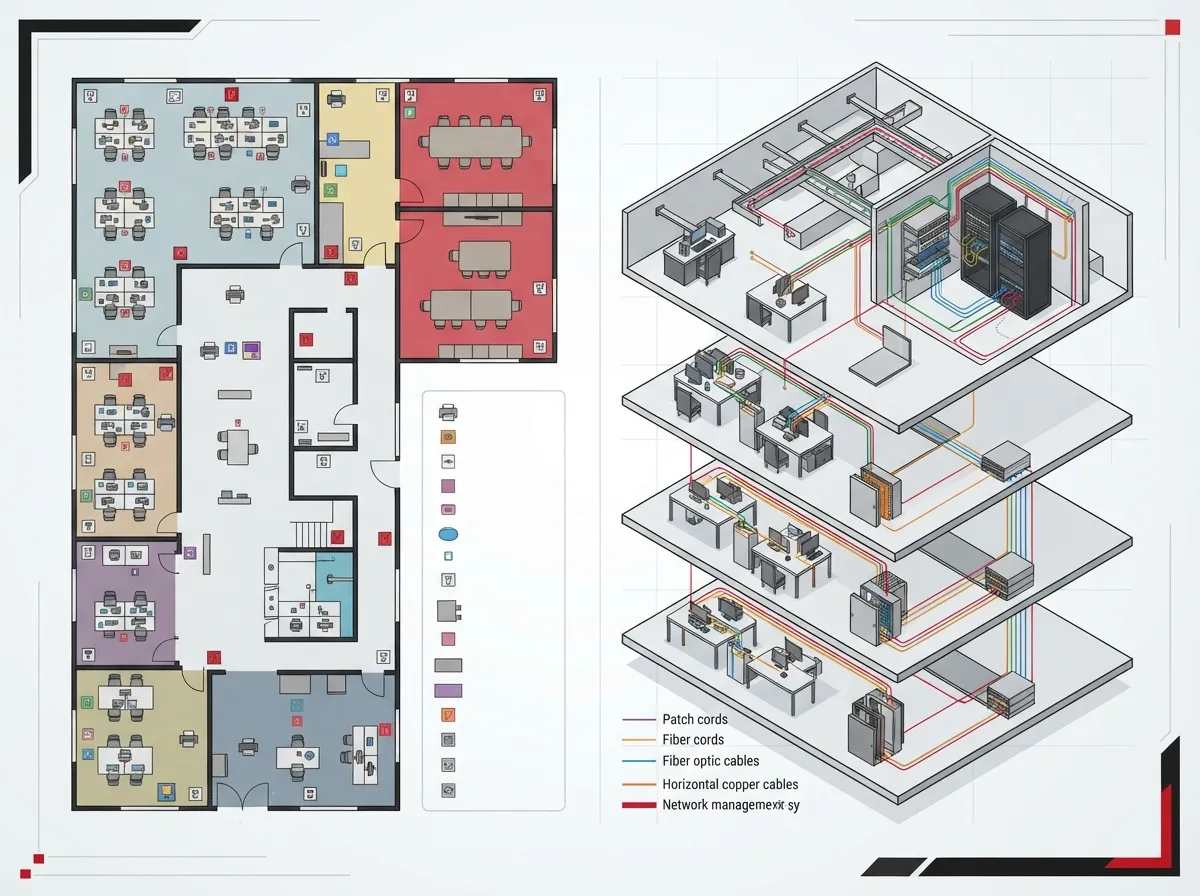
A great install starts long before anyone drills a hole. Follow these steps and you will save time, money, and stress.
- Walk the space and list every device. Count desks, phones, printers, conference rooms, Wi-Fi access points, cameras, and door readers.
- Plan for growth. Add extra drops now. Adding them later costs far more.
- Choose your cable type. Pick copper, fiber, or both based on distance and speed needs.
- Map your pathways and network room. Decide where cables travel and where equipment lives.
- Check codes and standards. Confirm local building and fire codes before work starts.
- Get a clear written scope. It should list drops, cable category, testing, and labeling.
- Schedule the install around your workday. Many teams work after hours to avoid disruption.
- Test, label, and document everything. Do not skip this step. Ever.
For a deeper dive on layout, check out our tips on cabling layout planning for your office. If your building has several levels, multi-floor office cabling planning adds a few extra things to think about.
Count Your Drops Before You Count Your Dollars
Here is a simple rule that saves headaches. Plan more outlets than you think you need. A desk might need two data ports. A conference room might need four. Wi-Fi access points and cameras need their own runs too.
Many offices end up with a mess because they only planned for today. Open spaces change. Teams grow. A little extra planning now gives you room to breathe later.
Choose the Right Cable: Cat 6, Cat 6A, or Fiber?
This is the question we hear most. The right answer depends on your building, your equipment, and your budget. Here is a quick comparison to help you think it through.
| Cable Type | Best For | Typical Strength | Things to Keep in Mind |
|---|---|---|---|
| Cat 5e | Basic existing setups | Handles standard office needs | Often not ideal for new builds |
| Cat 6 | General office use | Good speed for most desks | Limited for 10 Gigabit over long runs |
| Cat 6A | New commercial installs, Wi-Fi access points | Supports 10 Gigabit over a full 100-meter channel | Thicker, costs more up front |
| Fiber | Backbones, long distances, high bandwidth | Great for long runs and electrical isolation | Needs fiber-ready equipment |
Cat 6A is a common pick for new commercial projects where you want strong, long-lasting performance. That said, existing Cat 5e or Cat 6 may still work fine for some tasks. The smart move is to upgrade based on what you actually need, not just the category name. Our comparison of Cat6 and Cat6A for your office can help you decide.
When Fiber Makes Sense
Fiber shines when you need to connect floors, link buildings, or cover longer distances. It also helps in spots where electrical interference is a concern. Many offices use copper to the desks and fiber for the backbone. If you want to compare the two, see copper vs. fiber structured cabling.
Know the 100-Meter Rule
Here is a handy fact. In the common TIA structured cabling model, a copper channel can run up to 100 meters. That breaks down to a permanent link of up to 90 meters plus up to 10 meters of patch cords.
Go past that, and you may see slow speeds or dropped connections. Your installer should measure real pathway lengths during design and confirm the right standard for your project. If a run is too long, fiber or an extra network closet is often the fix. Our article on how far network cable can run covers this in more detail.
Plan for Power Over Ethernet (PoE)
Power over Ethernet is a big deal in modern offices. It sends both data and power through one cable. That is perfect for devices like:
- Wireless access points
- IP security cameras
- Access control readers
- Desk phones
It sounds simple, but PoE needs planning. Your designer should consider the PoE class each device uses, how much power your switch can supply, and how heat builds up in large cable bundles. Skipping this can lead to overloaded switches or warm cables.
If you plan to add cameras, it helps to read up on security camera cabling for business before you finalize your plan. Cameras and access control share your network, so it is smart to plan them together.
Standards and Best Practices That Keep You Safe
You do not need to memorize standards, but you should know your installer follows them. In North America, these are commonly referenced:
- ANSI/TIA-568 for cabling performance and layout
- TIA-569 for pathways and spaces
- TIA-606 for labeling and administration
- TIA-607 for grounding and bonding
Always confirm current editions and local building and fire codes with your project team. Good installers also keep data cables separated from electrical lines as required, ground equipment properly, and manage cables neatly. For tidy results, see how to set up cable management for business networks.
Labeling Is Not Optional
Trust us on this one. A clear labeling system turns a two-hour troubleshooting session into a two-minute fix. Every cable, port, and outlet should have a matching label. Our tips on network cable labeling are worth a quick read.
Testing and Certification: Proof the Job Was Done Right
Here is where good projects separate from great ones. A professional installer should test every link. Copper links should be certified to the performance category you specified. Fiber should get proper optical testing.
Ask for the test results in writing. They prove your cabling meets the standard and give you a baseline if issues pop up later. Many businesses skip this and regret it. Learn from others by reading about cable testing and certification mistakes to avoid.
Documentation You Should Get at Closeout
When the job wraps up, you should receive a clear package. It should include:
- Cable routes and outlet locations
- Patch panel and switch port maps
- Test results for every link
- Notes on any changes from the original plan
This paperwork makes moves, adds, and upgrades much easier down the road. If you want to build a solid system, our guide on structured cabling documentation shows what good records look like.
Common Mistakes to Avoid
Even smart teams trip up on cabling. Watch out for these:
- Underbuilding. Not enough drops means costly rework later.
- Mixing cable grades. One weak link can slow the whole channel.
- Ignoring pathways. Cramped, messy routes cause heat and damage.
- Skipping testing. Without proof, you are guessing.
- Hiring on price alone. The cheapest bid often cuts corners you cannot see.
For more, see structured cabling mistakes that hurt your business and mistakes to avoid when hiring cabling installers.
What Does Office Cabling Installation Cost?
Costs vary a lot, and it would not be fair to name a flat number. Your price depends on:
- How many drops you need
- Cable category (Cat 6 vs. Cat 6A vs. fiber)
- Building type, ceiling access, and wall materials
- Network room and rack needs
- Testing, labeling, and documentation
- Whether work happens after hours
The best way to get a real number is a site walk and a written scope. Our guide on factors that shape network cabling installation cost explains each piece, and cabling expenses to budget for a new office helps you plan.
Why Cabling Is a Smart Investment in 2026
The demand for solid cabling keeps growing. A Mordor Intelligence estimate placed the global structured cabling market at USD 12.08 billion in 2025, with a forecast of USD 21.26 billion by 2031. Grand View Research also reported that LAN applications made up about 80% of structured cabling market revenue in 2025. These are market-research estimates, so treat them as directional, but the message is clear: more businesses rely on strong wired networks.
Why? Because Wi-Fi, cloud phones, cameras, and access control all depend on a healthy wired backbone. Even your wireless network needs wired connections behind every access point. If you are weighing options, see structured cabling vs. wireless.
DIY or Hire a Pro?
It can be tempting to handle cabling yourself, especially for a small space. But pulling cable, terminating it correctly, and certifying it takes tools and training. A bad termination can cause slow speeds that are hard to trace. If you are on the fence, read our take on DIY vs. professional cabling.
A good contractor also coordinates with your phone, internet, and security vendors, so everything works together. That is where a single partner like Ideal Solutions Provider shines. With 24-plus years of experience and a network of 35+ vetted suppliers, the team handles cabling alongside VoIP, internet, cameras, and access control, so you only deal with one point of contact. You can learn more about their structured cabling services or see how to plan network cabling installation in Tampa Bay.
A Quick Note for Multi-Location Owners
If you run a franchise or several offices, consistency matters. Using the same cable standards, labeling system, and documentation at every site makes support so much simpler. It also helps you roll out new locations faster. A single partner can repeat the same proven design across sites, which saves time and avoids surprises.
Ready to Get Your Cabling Right?
A strong cabling system is the quiet hero of every productive office. When you plan well, choose the right cable, follow standards, and demand testing and documentation, your network just works. And when your network just works, your team can focus on what they do best.
If you would like a friendly expert to look at your space and give honest advice, we would love to help. Contact us for a free consultation, or call us to talk through your project. You can also follow along on YouTube for helpful tips.
FAQs
Q: What does office cabling installation include?
A: It usually covers planning, running cable to outlets, setting up network rooms and patch panels, labeling, testing, and documentation. It also supports phones, Wi-Fi, cameras, and access control, not just desk connections.
Q: Which is better for a new office: Cat 6 or Cat 6A?
A: Cat 6A is a popular choice for new builds because it supports 10 Gigabit over a full 100-meter run and handles Wi-Fi access points well. Cat 6 still works great for many everyday needs, so the best pick depends on your equipment and budget.
Q: How long can an office Ethernet cable run be?
A: In the common TIA model, a copper channel can reach 100 meters total. That means up to 90 meters of permanent cabling plus up to 10 meters of patch cords. Always confirm the exact standard and pathway length during design.
Q: What testing should a cabling contractor provide?
A: Ask for certification testing on every copper link to the category you specified, plus optical testing for any fiber. You should also get the written results and updated cable maps at project closeout.
Q: Should my office use copper, fiber, or both?
A: Many offices use both. Copper is common for runs to desks and devices, while fiber is often chosen for backbones, longer distances, and high-bandwidth links. Your building layout and needs will guide the best mix.





