
Key Takeaways
-
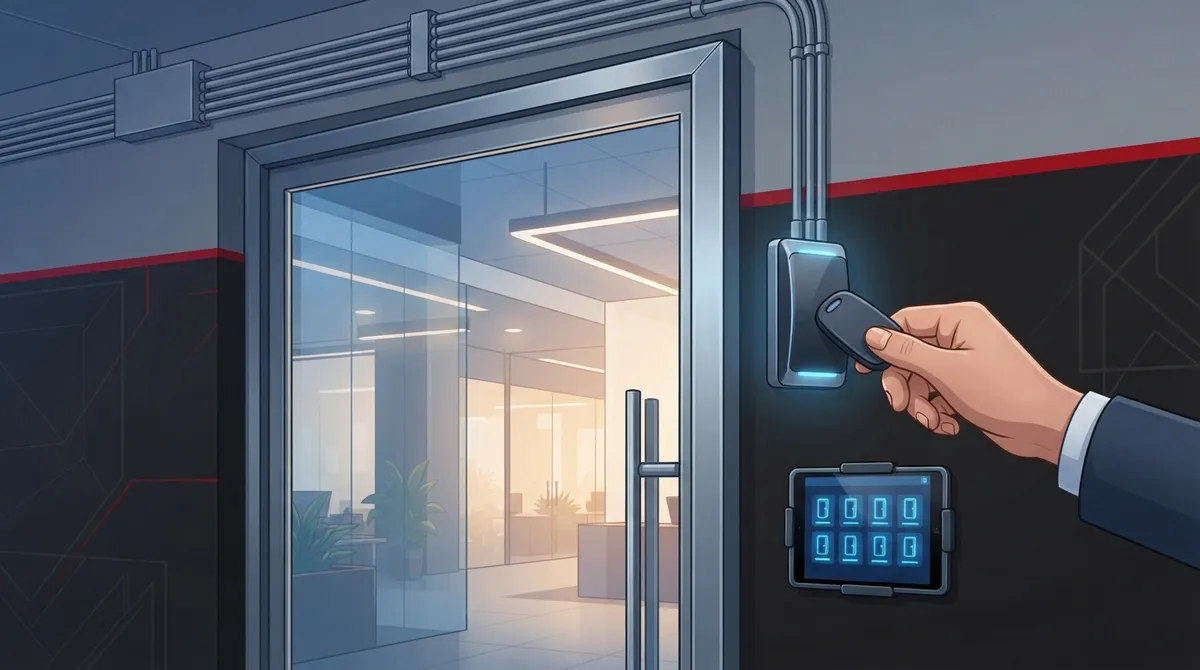
Business door access control replaces metal keys with key cards, fobs, PINs, or phones, and logs every entry, so you can set rules for who enters, when, and for how long.
-
Remove a departing employee's access in a few clicks in management software instead of rekeying locks, and review permissions quarterly to prevent old credentials from lingering.
-
Ask providers which functions keep working during an internet or power outage, whether doors accept valid credentials offline, and how each door behaves on power loss, including emergency exits.
-
Choose cloud-managed systems for remote, multi-location administration, or on-premises systems for local control, weighing the tradeoff between subscription fees and in-house upkeep.
-
Plan wiring and network readiness early, since poor cabling and weak internet cause flaky readers and slow response, and a site walk-through prevents budget surprises.
-
Compare total cost over several years, including per-door or per-user recurring fees, installation labor, and integration costs, rather than focusing only on upfront hardware prices.
Picture this: it’s Monday morning, and someone has to unlock the front door, again. Maybe a key went missing last month. Maybe a former employee still has a copy. If that sounds familiar, you’re in good company, and there’s a friendlier way to handle it.
Business door access control is a system that decides who can enter your space, when they can enter, and for how long. It replaces metal keys with key cards, fobs, PINs, or even smartphones. Better yet, it keeps a record of every entry.
In 2026, more Tampa Bay companies are tying door access to the same network that powers their phones, internet, and cameras. That is where a telecom partner like Ideal Solutions Provider comes in. In this guide, we’ll walk through how these systems work, what to look for, and how to avoid common bumps along the way. Whether you run a small shop or a multi-location franchise, you’ll leave with a clear plan.
What Is Business Door Access Control?
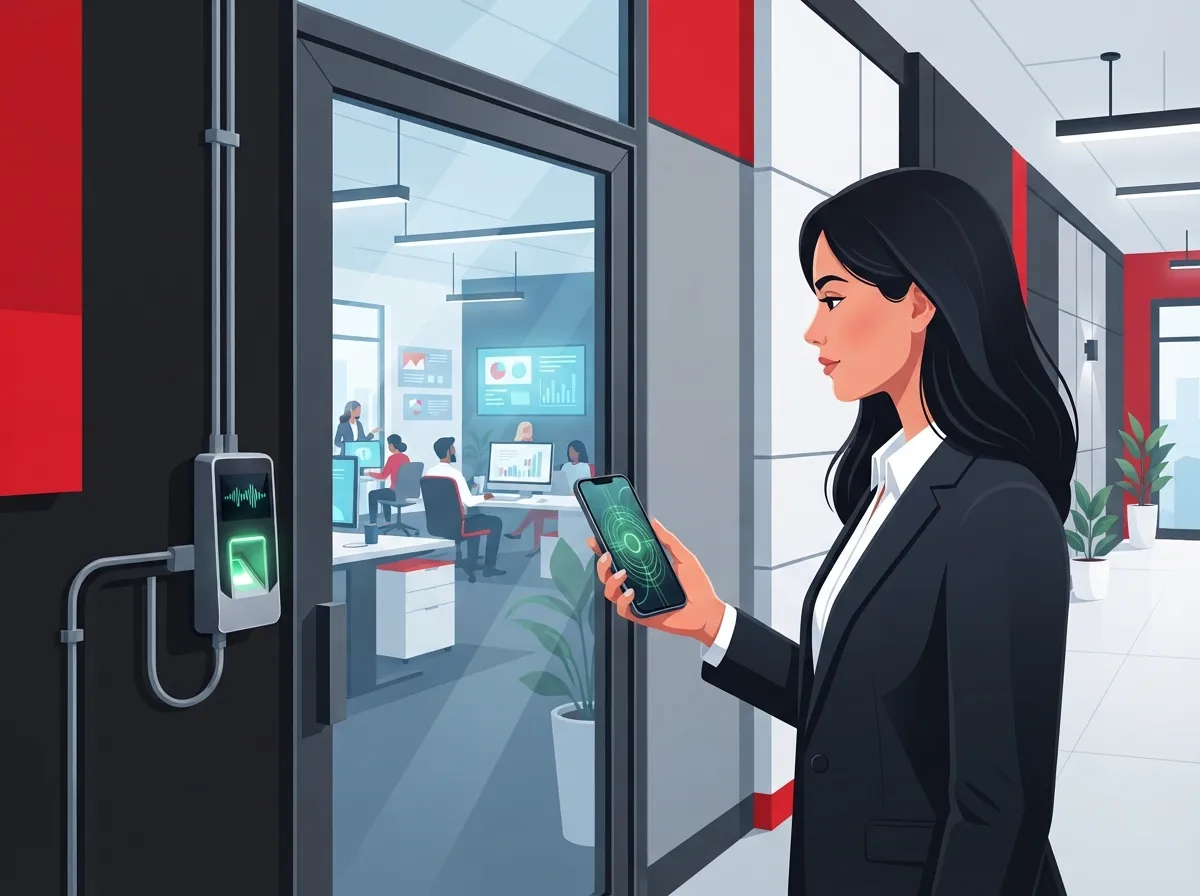
Business door access control is a physical access control system, often called a PACS. It decides who may enter a business space, at what times, and for how long. Think of it as a smart bouncer for your doors, one that never takes a day off.
Most systems combine a few key parts:
- Electronic locks or door hardware that open and close on command
- Credential readers that scan cards, fobs, codes, or phones
- Controllers that make the unlock decision
- Management software where you set rules and run reports
- Event logs that record who came and went
Compared with old-fashioned keys, you gain control and visibility. If you want a deeper look at how the key-based approach stacks up, our guide on keyless entry vs. traditional keys breaks it down nicely.
How Does Business Door Access Control Work?
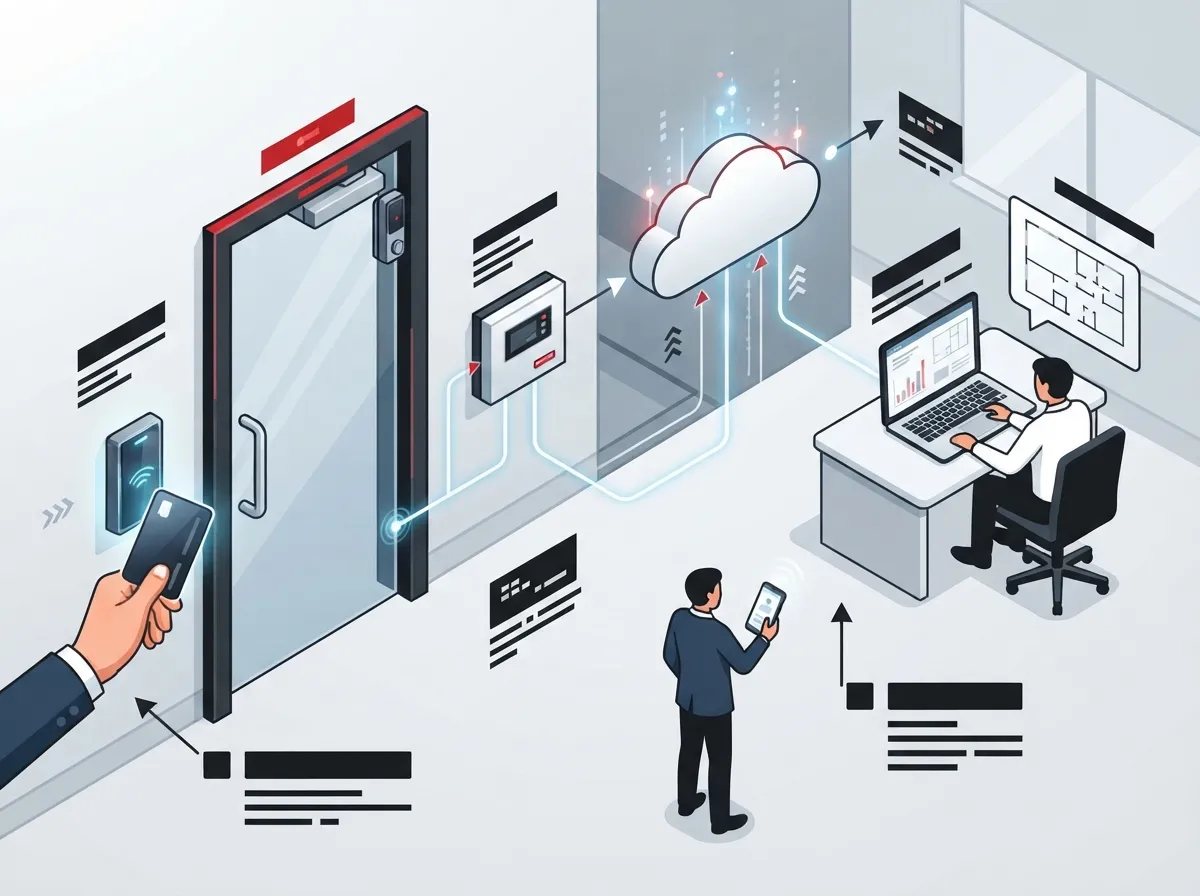
The process is simpler than it sounds. Here is the basic flow, step by step:
- A person presents a credential, such as a card, fob, PIN, or phone, to the reader.
- The reader sends that information to a controller.
- The controller checks the person’s permissions against your rules.
- If the person is allowed, the lock releases and the door opens.
- The system records the event in a log with the time and door.
All of this happens in about a second. You decide the rules. For example, your sales team might enter the main door from 7 a.m. to 7 p.m., while only managers can open the supply room. When someone leaves the company, you remove their access in a few clicks. No key hunting and no rekeying locks.
If you’re curious about the card-style approach, see how a key fob access control system works.
Common Credential Types Compared
Not every business needs the same type of credential. The right pick depends on your budget, your team, and your security goals. Here is a quick comparison:
| Credential Type | How It Works | Best For | Things to Consider | |
|---|---|---|---|---|
| Key card or fob | Tap or wave at a reader | Offices, retail, warehouses | Cards can be lost or shared | |
| PIN code | Type a number on a keypad | Low-risk areas, supply rooms | Codes can be shared or watched | |
| Mobile credential | Use a smartphone app | Modern offices, multi-site teams | Needs phone and app support | |
| Biometric | Fingerprint or face scan | High-security areas | Privacy and policy planning needed |
Many businesses mix credentials. For instance, a front door may use mobile access, while a server room needs a card plus a PIN. Curious about phone-based options? Check out how to manage office doors with a mobile access app, or learn how a biometric access control system works.
Why Does Business Door Access Control Belong in Telecom?
At first glance, door locks and phone systems seem like different worlds. But modern access control runs on your network. Readers and controllers connect through cabling, switches, and internet service, the same pieces your VoIP phones and cameras rely on.
That is why it makes sense to work with one partner for it all. When your internet, cabling, phones, cameras, and doors come from one team, there is far less finger-pointing. If something stops working, you make one call instead of four.
Reliable connectivity matters because many systems are cloud-managed. Your admins can add or remove users, change schedules, and review events from anywhere. Our article on why cloud-based security systems fail without fast internet explains why the network foundation deserves attention up front.
Cloud-Based vs. On-Premises Access Control
One of the biggest choices you’ll make is where your system’s brain lives. Both options can work well. It comes down to how you operate.
Cloud-Managed Systems
Cloud systems let authorized admins manage doors through a web portal or app. You can update permissions, change schedules, and check logs without being on site. This is a big win for franchise operators and multi-location companies. You can see the details in our post on cloud access control benefits.
On-Premises Systems
On-premises systems keep the software and data on equipment at your location. Some businesses like the local control. The tradeoff is that you manage updates, backups, and hardware yourself.
| Feature | Cloud-Managed | On-Premises |
|---|---|---|
| Remote administration | Built in | Often limited |
| Software updates | Usually handled by vendor | Handled by your team |
| Upfront equipment cost | Often lower | Often higher |
| Recurring fees | Subscription or licensing | Typically fewer |
| Multi-location control | Simple | More complex |
For a side-by-side view, read cloud vs. on-premise access control.
What Happens If the Internet or Power Goes Out?
This is one of the most common questions, and it’s a smart one. A good access control system should fail safely, not leave people stuck or locked out.
Before you buy, ask your provider these questions:
- Which functions keep working locally if the internet drops?
- Can doors still accept valid credentials during an outage?
- Is there battery backup for controllers and locks?
- How does each door behave when power is lost, locked or unlocked?
- How are events stored and synced once the connection returns?
Life safety comes first. Doors on exit routes must allow people to leave quickly in an emergency, and local codes apply. A smart plan also includes reliable internet, ideally with a backup path. Our automatic internet failover tips are a great starting point, and our guide to cloud access control disaster recovery covers the rest.
How Access Control Connects With Cameras and Other Systems
Here’s where things get really useful. When door events and video live together, you can click on an entry record and watch what happened. That helps with investigations, safety checks, and peace of mind.
Integrations can link access control with:
- Video surveillance and cloud cameras
- Visitor management tools
- Alarms and notifications
- Business workflows and employee systems
Keep in mind that integration abilities vary by vendor. Always confirm compatibility, supported interfaces, and whether you need extra hardware or subscriptions. To explore this topic, see cloud access control integration wins and our overview of the best cloud video security systems for Tampa businesses.
How to Plan Your Door Access Control Project
A little planning goes a long way. Here is a simple roadmap you can follow:
- Walk the site. List every door, gate, and sensitive area, such as server rooms, cash offices, and storage.
- Group your users. Think employees, managers, vendors, cleaners, and visitors. Each group may need different hours and doors.
- Check emergency exit needs. Confirm how each door must behave in an emergency and what local codes require.
- Review wiring and network. Look at existing locks, cabling, switches, and Wi-Fi coverage.
- Plan for backup power. Decide which doors need battery support.
- Choose credentials and software. Match them to your team’s habits and your security goals.
- Test and train. Run a pilot, then show your staff how it works.
The wiring step matters more than most people expect. Poor cabling can cause flaky readers and slow response. A solid foundation of structured cabling keeps every device talking smoothly. Our post on access control cabling choices can help you plan, and how to design an access control system that lasts goes deeper.
Security Practices That Keep Your System Strong
Access control isn’t a set-it-and-forget-it purchase. It works best as an ongoing habit. Guidance from the National Institute of Standards and Technology (NIST) calls for limiting facility access to authorized people, issuing and reviewing credentials, removing access when it’s no longer needed, keeping physical-access logs, and controlling visitors.
NIST SP 800-82 Rev. 3, published in September 2023, also treats physical access control systems as operational technology. That means cybersecurity belongs in the conversation from day one.
Here are some practical habits to adopt:
- Review permissions regularly. Do a quick audit every quarter.
- Remove access fast. Revoke credentials the day someone leaves.
- Limit admin accounts. Only a few trusted people should manage the system.
- Keep software updated. Apply patches and firmware updates on schedule.
- Segment your network. Where appropriate, keep access devices separate from guest Wi-Fi.
- Keep and read your logs. They only help if someone looks at them.
Offboarding deserves special attention. Our guide on cloud access control revocation steps shows how to close the door, literally, on former team members. For data safety, see how to protect cloud access control data at work.
What Does Business Door Access Control Cost?
Honest answer: it depends. Pricing varies based on the number of doors, the type of hardware, the software plan, and the amount of wiring needed. Some systems also charge recurring service or licensing fees, often per user or per door.
Here are the main cost factors to ask about:
- Number of doors and readers
- Lock type and door condition
- Cabling and installation labor
- Software subscription or licensing
- Integrations with cameras or other tools
- Ongoing support and maintenance
Rather than chasing the lowest sticker price, compare the total cost over several years. Our articles on how to budget for cloud access control cost and per user pricing facts will help you spot hidden fees before they surprise you.
Who Benefits Most From Door Access Control?
Almost any business can gain from better door control, but a few groups see big wins:
- Small business owners get rid of lost keys and rekeying costs without hiring extra staff.
- Mid-sized companies can set different rules for departments and shifts.
- IT managers like one partner handling cabling, network, cameras, and doors.
- Office managers save time when adding or removing people takes seconds.
- Franchise operators can manage many sites from one screen.
Healthcare offices, schools, warehouses, and professional firms all have unique needs. See how it plays out in healthcare or in our look at commercial access control systems.
Common Mistakes to Avoid
Learning from other people’s missteps saves money and stress. Watch out for these:
- Skipping the site assessment. Surprises with wiring or door types can blow up your budget.
- Ignoring network readiness. Weak internet or poor cabling causes frustrating glitches.
- Forgetting emergency exit rules. Life safety and local codes are not optional.
- Neglecting offboarding. Old credentials stay active far too long at many companies.
- Buying without asking about fees. Recurring costs add up over time.
Want the full list? Read 11 cloud access control mistakes that cost you big and business access control systems mistakes to avoid.
Why Work With a Single Telecom and IT Partner?
Managing separate vendors for internet, phones, cabling, cameras, and door access can feel like juggling flaming torches. A single point of contact simplifies the whole picture.
Ideal Solutions Provider has more than 24 years of experience and works with over 35 vetted suppliers. As an independent partner, the team compares options for you, audits your current setup, and recommends what fits your needs. They serve businesses from Tampa Bay and across the country, handling everything from consultation and installation to ongoing support. If you’re weighing the benefits of one partner, our post on choosing an all-in-one telecom solutions provider in Tampa is worth a read. You can also explore the company’s cloud based access control services directly.
Ready to Lock In a Smarter Way to Manage Your Doors?
Business door access control gives you what keys never could: control, records, and flexibility. It helps you decide who goes where, adjust rules in moments, and keep a clear history of entries. When it’s built on solid cabling and reliable internet, it quietly protects your people, your property, and your peace of mind.
The best next step is a conversation. Tell us about your doors, your team, and your goals, and we’ll help you map out a plan that fits. Contact us today for a free consultation, or call us to talk it through. You can also follow along with tips and updates on YouTube. We’d love to help you open the door to a simpler, safer workplace.
FAQs
Q: What is business door access control, and how does it work?
A: It’s a system that uses electronic credentials, like key cards, PINs, or phones, along with locks, readers, and software to control who can enter your business. When someone presents a credential, the system checks their permissions, opens the door if allowed, and logs the event. It’s a friendly, flexible upgrade from traditional keys.
Q: What happens to a door access system if the internet or power goes out?
A: That depends on how the system is designed, so it’s smart to ask before you buy. A well-planned setup keeps key functions running locally, uses battery backup, and follows safe door behavior rules for emergencies. Pairing it with backup internet adds even more peace of mind.
Q: Can employees unlock business doors with a smartphone?
A: Yes, many modern systems support mobile credentials through a phone app. It’s a handy option because most people already carry their phones everywhere. Just confirm that your chosen system supports it and that your team’s devices are compatible.
Q: What is the difference between cloud-based and on-premises access control?
A: Cloud-based systems let you manage doors remotely through a web portal or app, and the vendor usually handles updates. On-premises systems keep software and data on equipment at your location, so your team handles upkeep. Cloud options often suit multi-location businesses, while on-premises can appeal to those who want local control.
Q: How can a business manage credentials when employees leave?
A: The best approach is to remove access right away through your management software, which takes only a few clicks in most systems. Pair that with regular permission reviews so old credentials never linger. This keeps your building secure and your records clean.





