
Key Takeaways
-
Cloud video surveillance is primarily a network project: upload bandwidth, cabling, and network setup determine performance, so plan internet capacity before choosing cameras.
-
Sustained upload speed matters more than download speed. Estimate needs by multiplying each camera's vendor-listed bitrate by camera count, then add headroom for other business traffic.
-
Architecture choice drives cost and bandwidth: continuous cloud streaming (about 1-2 Mbps per camera) can need 50-100 Mbps for 50 cameras, while edge-first designs can use far less.
-
Ask providers what happens during an outage: how much footage is held locally, whether recording continues, and whether footage syncs automatically when the connection returns.
-
Evaluate security with specific safeguards: encryption in transit and at rest, multifactor authentication, role-based access, audit logs, and contract terms for footage export and deletion.
-
Compare total cost over several years, including subscriptions, retention fees, hardware, and internet or cabling upgrades, rather than relying on the monthly subscription price alone.
Picture this: it’s Monday morning, and you’re sipping coffee while checking your front door, your stockroom, and your second location from your phone. No trip to the office. No digging through a dusty recorder in the back closet. That’s the promise of cloud video surveillance, and it’s why so many business owners are taking a fresh look at their camera systems in 2026.
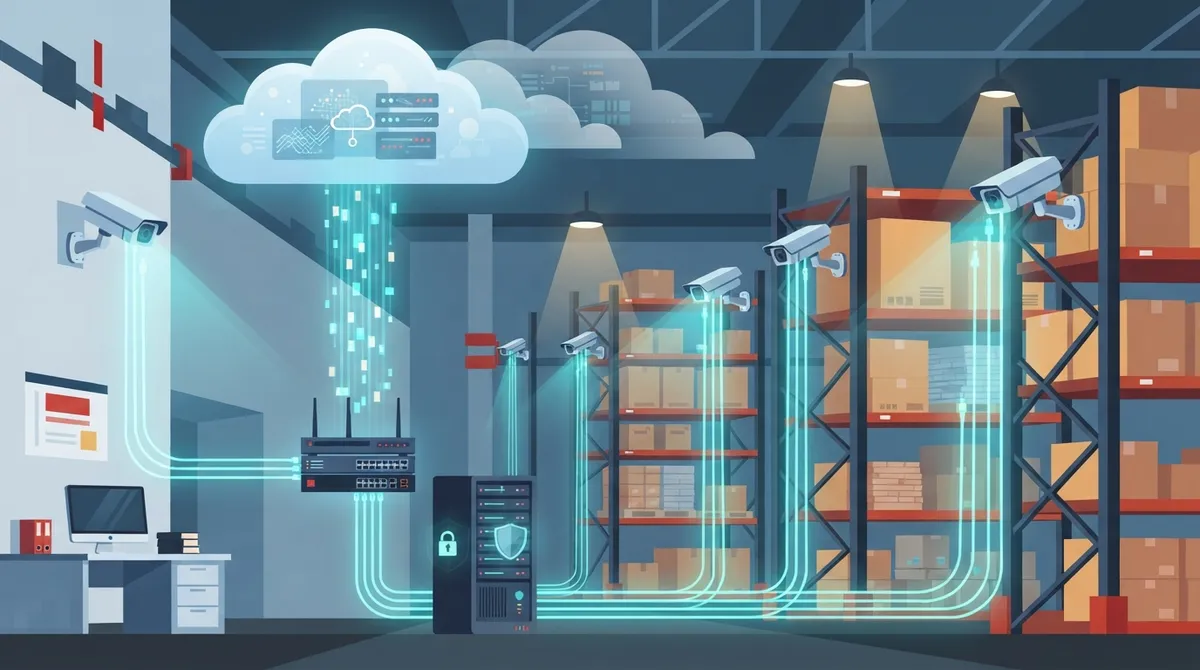
But here’s the part many people miss. Cloud cameras are really a network project. They depend on your internet connection, your cabling, and how well your systems are set up. A great camera on a weak network is like a sports car stuck in traffic.
In this friendly guide, we’ll walk through what cloud video surveillance is, how it works, what it needs from your telecom setup, and how to choose the right approach. Whether you run a small shop in Tampa or manage dozens of franchise locations, you’ll leave with clear next steps.
What Is Cloud Video Surveillance?
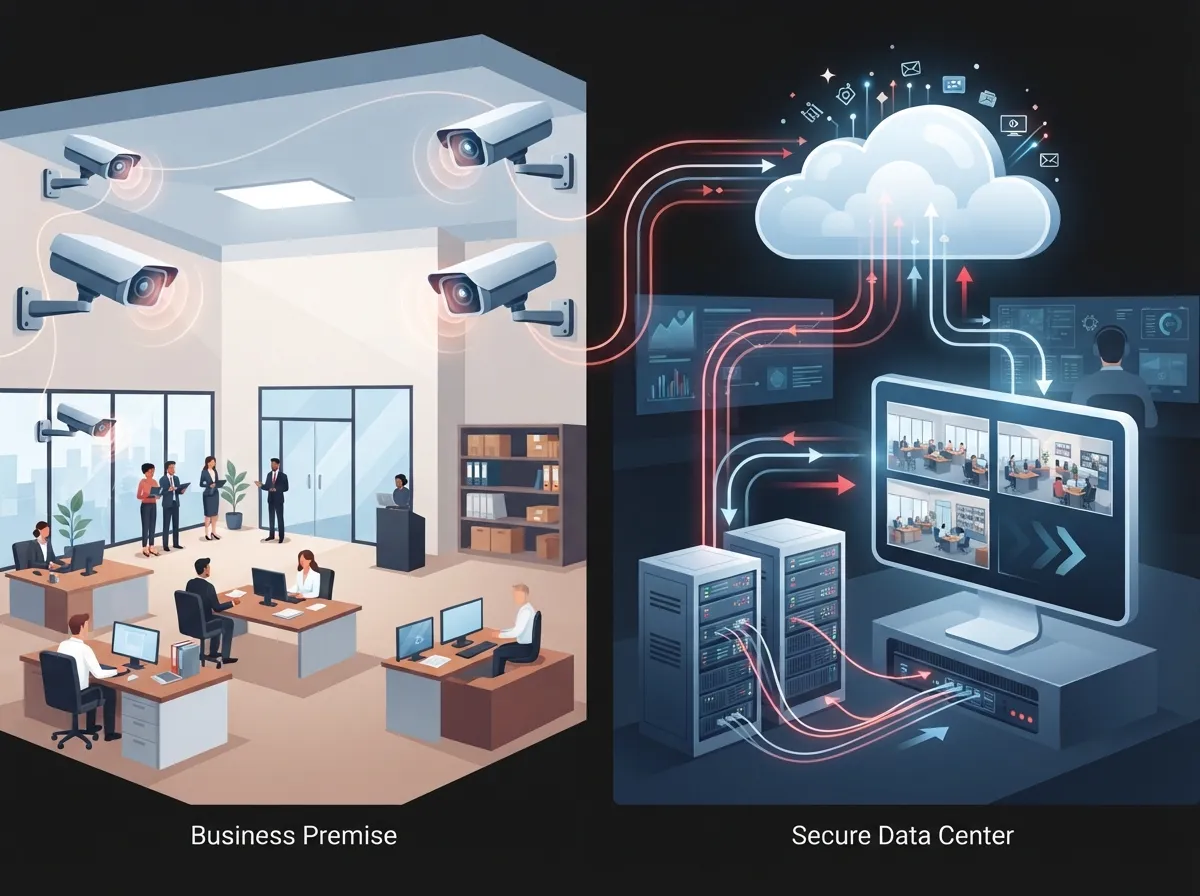
Cloud video surveillance uses internet-connected cameras and cloud services to handle some mix of recording, storage, remote viewing, device management, and analytics. You may also hear it called VSaaS, which stands for video surveillance as a service.
Here’s the tricky bit. The word “cloud” can mean a few different things. It may mean footage is recorded and stored in the cloud. It may mean cameras record locally while you manage everything through a cloud dashboard. Or it may be a hybrid of both.
Before you buy, ask a simple question: which functions, and which footage, actually leave my building? The answer shapes your internet needs, your costs, and your security plan.
How Does Cloud Video Surveillance Work?
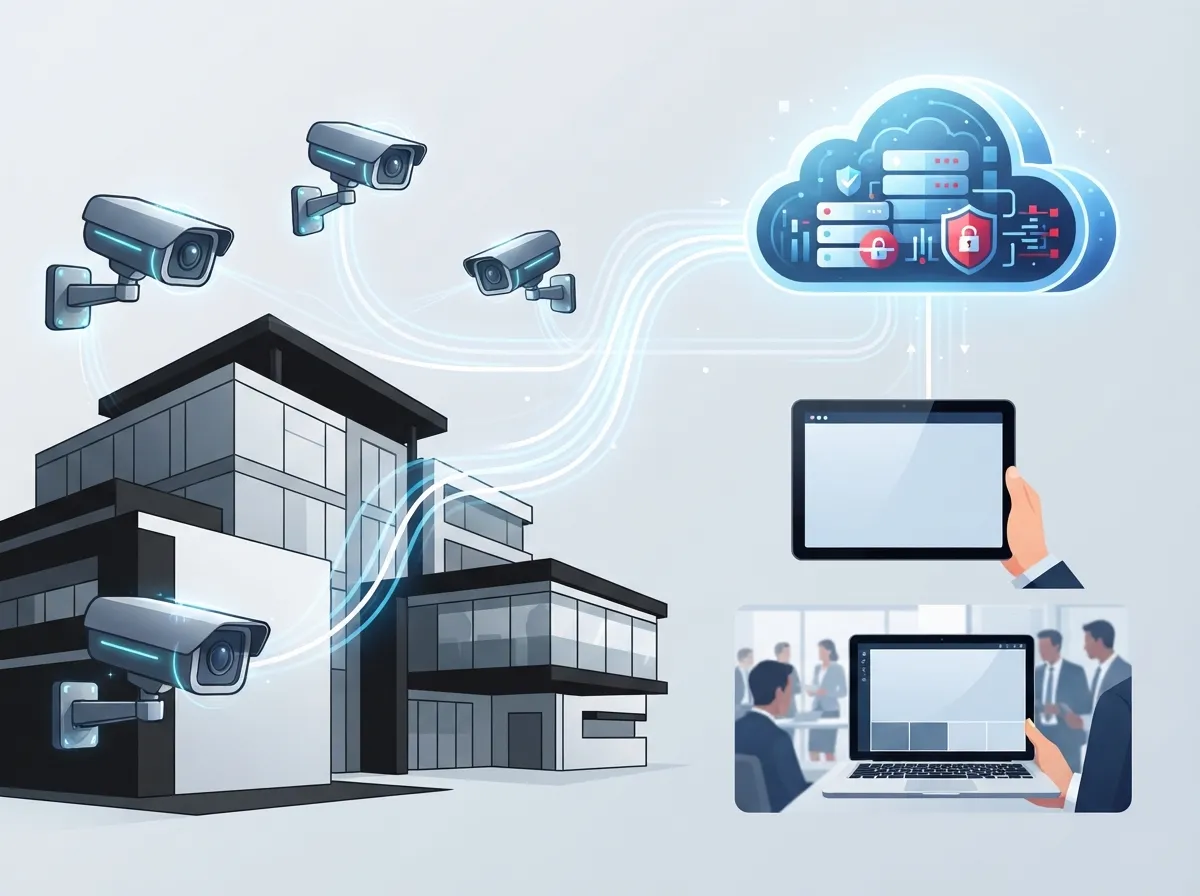
At its core, the process is pretty simple. Here’s the typical flow:
- Cameras capture video on your premises, usually over a wired network connection.
- Video is processed at the camera, at a small local device, or in the cloud, depending on the design.
- Footage or clips are sent over your internet connection to the cloud platform.
- You log in through a web portal or mobile app to watch live video, search recordings, and get alerts.
- The provider handles updates, device management, and storage behind the scenes.
That last point is a big win for busy teams. Instead of installing and maintaining a full recorder at every site, you manage everything from one place. If you’re curious how the pieces fit together, our guide on how cloud video security works for businesses goes a bit deeper.
Cloud, On-Premises, or Hybrid: Which Fits You?
There’s no single right answer. The best choice depends on your sites, your internet, and how you use footage. Here’s a quick side-by-side look.
| Feature | Cloud (Direct-to-Cloud) | On-Premises | Hybrid |
|---|---|---|---|
| Where footage is stored | Mostly in the cloud | Local recorder on site | Local plus cloud |
| Internet demand | Higher upload needs | Lower for recording | Moderate |
| Remote access | Built in | Often needs extra setup | Built in |
| Multi-site management | Centralized | Site by site | Centralized |
| Recording during an outage | Depends on design | Usually continues | Usually continues locally |
| Upfront hardware | Lighter | Heavier | Moderate |
Many growing businesses land on hybrid or edge-based setups because they balance remote convenience with local resilience. For a closer comparison, see 6 key differences between cloud video security and DVR systems.
Why Is Upload Bandwidth Such a Big Deal?
This is where telecom planning really matters. Cameras may send video continuously, so your sustained upload speed often matters more than your download speed. Many business owners buy internet based on download numbers, then wonder why cameras struggle.
To estimate your needs, take the bitrate your camera vendor lists for your chosen resolution, frame rate, and compression. Multiply by the number of cameras. Then add headroom for phone calls, cloud apps, peak viewing, and network overhead.
Here’s a vendor-specific example reported in a 2026 industry article from IntelliSee. Continuous cloud streaming used about 1 to 2 Mbps per camera, while that vendor’s edge-storage design used roughly 20 kbps per camera at steady state. These are illustrative numbers, not universal rules, so always check the exact camera you plan to buy.
| Scenario (50 cameras) | Illustrative Sustained Upload |
|---|---|
| Continuous cloud streaming (1 to 2 Mbps each) | About 50 to 100 Mbps |
| Edge-first design (about 20 kbps each) | About 1 Mbps |
See the gap? The design you choose can change your internet bill dramatically. We break this down further in 8 internet speeds your cloud cameras actually need, and our piece on cloud video security bandwidth facts is a handy companion.
Will Cameras Keep Recording If the Internet Goes Down?
It’s one of the most common questions, and the honest answer is: it depends on the design. Systems that record at the camera or on a local device can keep capturing video during an outage. Cloud access and syncing may pause until your connection returns.
Before you sign anything, ask your provider about these points:
- How much footage can be held locally, and for how long?
- What happens to footage when connectivity is lost?
- Does the system sync automatically when the internet returns?
- What is the recovery process if a device fails?
This is also where backup connectivity shines. A secondary internet link can keep remote access alive. Cellular or 5G backup can help too, though it depends on local coverage, data limits, and how much bandwidth your cameras need. If you want to dig into this topic, read why cloud-based security systems fail without fast internet.
What Role Does Your Network Play?
Think of your network as the road your video travels on. Smooth road, happy cameras. Bumpy road, dropped footage and frustrated teams.
A business telecom partner can support a cloud camera rollout in several practical ways:
- Business-grade internet with enough upload capacity for your camera plan
- Quality cabling so cameras get stable data and power
- Managed Wi-Fi or LAN built for steady traffic
- Network segmentation that keeps camera traffic separate from guest or office devices
- Traffic prioritization where it makes sense, so calls and video share the line nicely
- Backup connectivity and monitoring to catch problems early
Solid wiring is a quiet hero here. If you’re planning new cameras, our security camera cabling guide for business explains what to expect, and the idea of structured cabling is a great foundation for any growing office.
What Are the Real Benefits for Businesses?
Cloud systems can simplify life in some meaningful ways. Here are the benefits most teams notice first:
- Remote access from anywhere. Check any location from a phone or laptop.
- Centralized management. One dashboard for many sites, which franchise operators love.
- Easier updates. The platform handles software updates instead of you.
- Scalability. Add a camera or a location without building a whole new recorder setup.
- Analytics options. Many platforms offer smart search and motion alerts.
Franchise owners and multi-site operators especially benefit from seeing every location in one place. Our overview of multi-location cloud surveillance shows how that works in practice.
How Secure Is Cloud Video Surveillance?
Great question, and an important one. Moving to the cloud changes security risk rather than erasing it. You trade some risks, like a stolen recorder, for others, like account access and data handling.
When you evaluate a platform, look for these safeguards:
- Encryption in transit and at rest
- Multifactor authentication for every user
- Role-based access, so people see only what they need
- Audit logs that show who viewed or exported footage
- Regular patching and clear incident notification
- Clear rules on data location, retention, and deletion
- Contract terms for exporting footage if you ever leave
For a deeper look, check out is cloud video security actually safe for business and how secure cloud video storage is for your business.
What Does Cloud Video Surveillance Cost?
Pricing varies, so be wary of any single number you see online. Costs often include several pieces:
- Per-camera or per-site subscriptions
- Cloud retention fees, which grow with longer storage
- Camera hardware and installation
- Internet or cabling upgrades
- Possible data transfer or egress charges
The smartest move is to compare total cost over a few years, not just the monthly line item. A cheaper subscription paired with an expensive internet upgrade may not save you anything. Our guide on budgeting for commercial video surveillance in Tampa FL can help you map it out.
Is the Market Growing?
Yes, though forecasts vary quite a bit depending on who is counting. Research and Markets estimates the VSaaS market at $5.04 billion in 2025 and $5.97 billion in 2026, heading toward $11.82 billion by 2030. Mordor Intelligence, using a different scope, estimates $6.60 billion in 2025 and $7.62 billion in 2026, reaching $15.64 billion by 2031.
Notice the numbers don’t match. That’s normal, because each report defines the market differently. Treat these as third-party forecasts rather than hard facts. Also, don’t confuse VSaaS with the broader video surveillance market, which Global Market Insights puts at $63.1 billion in 2025.
The takeaway? Demand is clearly rising, which means more options and more features for business buyers.
What Should You Check Before You Buy?
A little homework now saves headaches later. Use this checklist when comparing systems:
- Clarify the architecture. Is it cloud recording, cloud management, or hybrid?
- Calculate bandwidth. Use real bitrate numbers and add headroom.
- Confirm compatibility. Check camera support and integrations with your other systems.
- Review retention options. Know how long footage is kept and what longer storage costs.
- Ask about outage behavior. Understand local retention and recovery steps.
- Check service commitments. Look at uptime promises and support response times.
- Think about privacy rules. Recording employees or the public may carry legal duties that vary by location and industry, so a legal or compliance review may be wise.
If you’re weighing providers, 4 steps to choose a cloud video security provider offers a simple framework.
How Do Different Businesses Use It?
The same technology fits many situations. A few friendly examples:
- Small offices use it to watch entrances and get after-hours alerts.
- Retail stores use it to monitor sales floors and deter theft. See how to set up retail security camera cloud solutions.
- Warehouses rely on it for large spaces and loading docks. Our guide on cloud video security for warehouses is a good start.
- Restaurants and healthcare offices use it for safety and incident review.
Pairing cameras with door controls is also popular. Many teams combine them with cloud based access control so they can see who came in and when.
Why Work With a Telecom Partner?
Here’s the thing. Cameras, internet, cabling, and phones all touch each other. When one vendor handles cameras, another handles internet, and a third pulls cable, finger-pointing can follow when something goes wrong.
Ideal Solutions Provider is a Tampa-based telecom and IT partner with over 24 years of experience and more than 35 vetted suppliers. They act as a single point of contact, from the first consultation through installation and ongoing support. That means your cloud video security, business high speed internet, and cabling are planned together instead of in pieces.
If you’re comparing options in your area, best cloud video security systems for Tampa businesses in 2026 is a helpful read.
Ready to Take the Next Step?
Cloud video surveillance can make your business easier to manage and safer to run, as long as the network underneath it is ready. Start by deciding what you need: remote viewing, multi-site oversight, analytics, or longer retention. Then match that to the right architecture, upload capacity, and backup plan.
You don’t have to figure it out alone. If you’d like a friendly set of expert eyes on your setup, contact us for a free consultation, or call us to talk through your goals. We’ll help you build a camera system that keeps working when you need it most.
FAQs
Q: What is cloud video surveillance, and how does VSaaS work?
A: Cloud video surveillance uses internet-connected cameras and cloud services for recording, storage, remote viewing, and management. VSaaS simply means you pay for this as a service, usually through a subscription. You log in through an app or web portal and let the provider handle updates and storage.
Q: How much upload bandwidth does a business need for security cameras?
A: It depends on your camera bitrate, resolution, and whether cameras stream continuously or store footage locally. One vendor example showed about 1 to 2 Mbps per camera for continuous streaming, so 50 cameras could need roughly 50 to 100 Mbps. Always check your chosen camera’s specs and add headroom for other business traffic.
Q: Will cloud security cameras keep recording if the internet goes down?
A: It depends on the system design. Setups that record at the camera or on a local device can often keep capturing video during an outage, then sync later. Ask your provider about local retention and recovery steps before you buy.
Q: How secure is cloud video surveillance for a business?
A: Cloud storage shifts security risk rather than removing it. Look for encryption, multifactor authentication, role-based access, audit logs, and clear contract terms for data deletion and export. Good habits on your side, like strong passwords and limited user access, matter just as much.
Q: What internet and backup options work best for multi-site video surveillance?
A: Business-grade internet with strong upload capacity is a great starting point for each site. Adding a secondary connection or cellular backup can keep remote access running if the main line fails. A telecom partner can help match the right mix to each location’s needs.





