
Key Takeaways
-
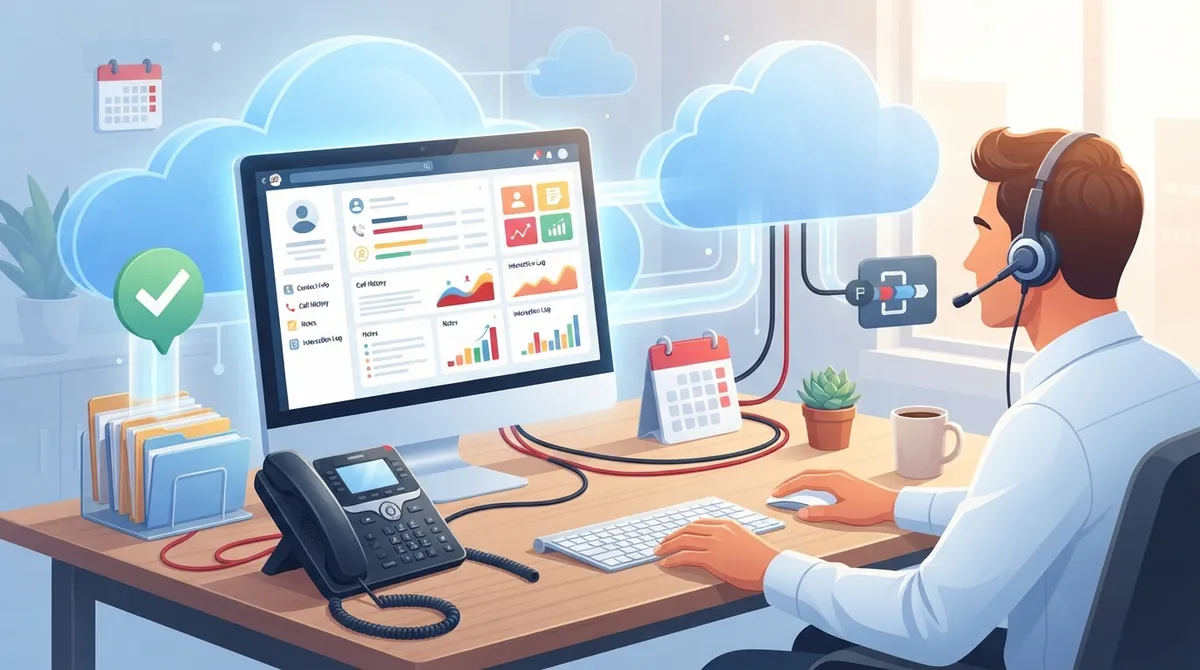
CRM-integrated cloud phone systems show caller history, open tickets, and purchase data the moment a call arrives, so reps skip repetitive questions and calls resolve faster.
-
Integration logs every inbound and outbound call automatically with notes, eliminating manual data entry and giving managers cleaner data for reporting.
-
Automated post-call actions such as follow-up emails, appointment texts, callback tasks, and support tickets can save hours of staff time every week.
-
Track average call duration, missed calls, and first call resolution before and after switching to measure real ROI for your business.
-
Before choosing a provider, confirm whether your CRM has a native integration, since native connections are usually easier to maintain than API or third-party options.
-
Protect integrated call data with encryption, role-based permissions, and call-recording rules matching laws like HIPAA, TCPA, and your state’s consent requirements.
Picture this: a customer calls your office, and before your rep even says hello, their name, purchase history, and last support ticket pop up on screen. That is what happens when you pair cloud phone systems with a CRM. Now picture the opposite. Your rep fumbles through three tabs, asks the caller to repeat everything, and forgets to log the call afterward. Same phone system. Very different day.
So which approach wins in 2026: a standalone cloud phone system, or one that is integrated with your CRM? If you run a small shop, manage a growing company, or oversee IT for several sites, this question matters. Your phones are where customers meet your business. Your CRM is where your customer knowledge lives. Keeping them apart costs time, money, and goodwill.
In this friendly guide, we compare both setups side by side. You will learn what cloud phone systems are, what a CRM integration really does, what it costs, how to stay secure, and how to roll it out without headaches. Let’s dive in.
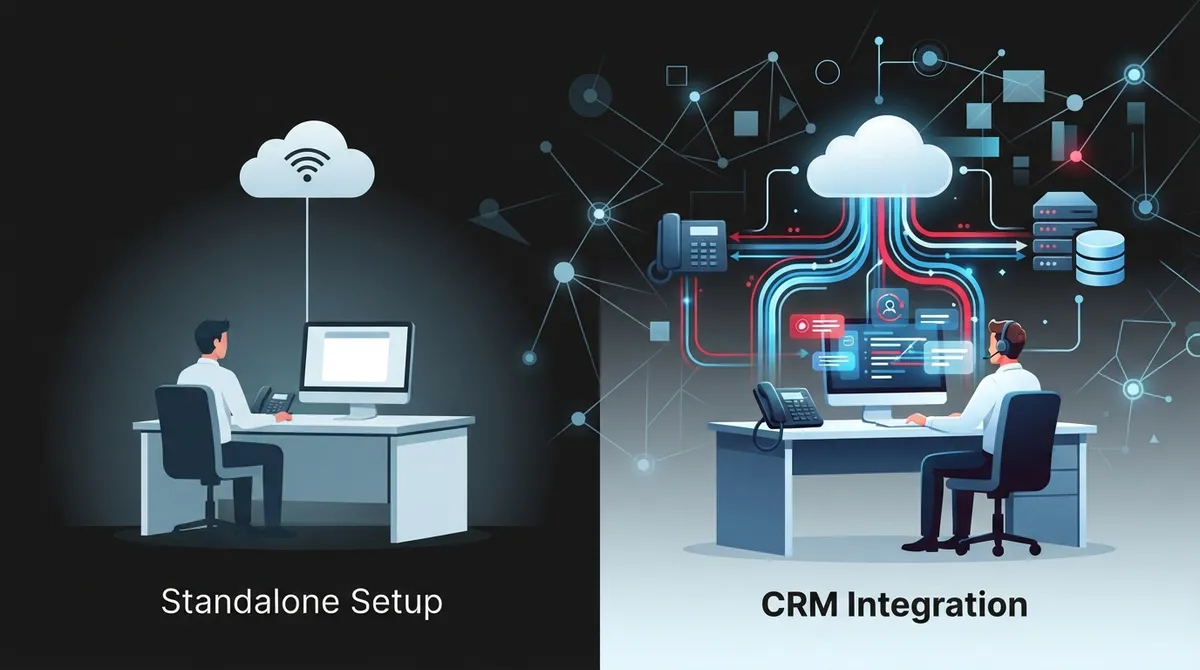
What Are Cloud Phone Systems, Really?
A cloud phone system is a business phone service hosted on the internet instead of on a box in your closet. You may hear it called VoIP, hosted PBX, or a virtual phone system. The idea is simple: your calls travel over your internet connection, and your provider handles the heavy lifting in the cloud.
Here is how it differs from the old on-premises approach:
-
No bulky hardware: You skip the dusty PBX server and the wiring maze behind it.
-
Easy changes: Adding a new employee takes a few clicks, not a service call.
-
Work from anywhere: Staff can answer calls on a desk phone, laptop, or mobile app.
-
Built-in extras: Auto attendants, call routing, voicemail to email, and text messaging often come standard.
If you want a deeper primer, our guide on what a cloud phone system is and how it works covers the basics. And if you are still weighing options, see hosted vs. on-premises business phone systems.
The Two Contenders: Standalone vs. CRM-Integrated
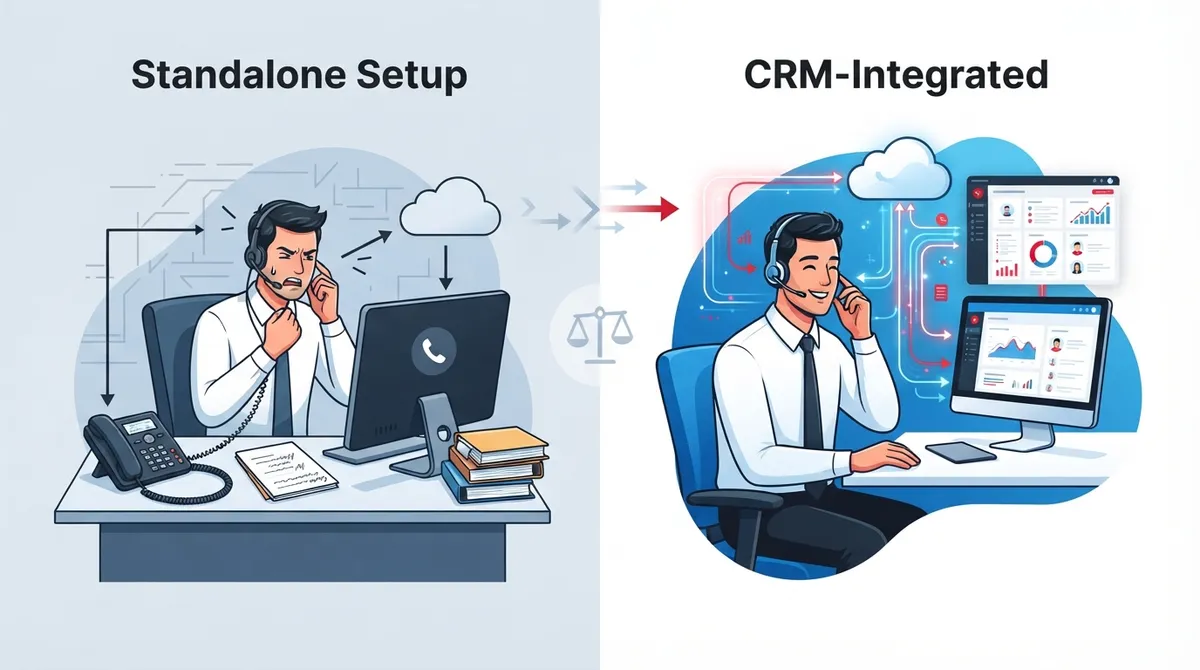
A standalone cloud phone system makes and receives calls. That is the job, and it does it well. A CRM-integrated cloud phone system does the same thing, but it also syncs with your customer database so every call becomes a data-rich event.
Think of it like a kitchen. A standalone phone system is a great stove. An integrated one is a stove that talks to your fridge and pantry, so you always know what ingredients you have before you start cooking.
Head-to-Head Comparison
Here is a quick look at how the two setups stack up on the things that matter most to everyday teams:
|
Feature |
Standalone Cloud Phone |
CRM-Integrated Cloud Phone |
|---|---|---|
|
Caller information on screen |
Caller ID only |
Full customer record and history |
|
Call logging |
Manual or none |
Automatic, with notes |
|
Follow-up tasks |
Depends on rep memory |
Automated emails, texts, reminders |
|
Team collaboration |
Limited visibility |
Shared contact records for all departments |
|
Reporting |
Basic call counts |
Call metrics tied to sales and service results |
|
Setup effort |
Low |
Moderate, with planning |
|
Monthly cost |
Lower |
Slightly higher, often with fast payback |
A standalone setup wins on simplicity. The integrated setup wins on nearly everything that touches revenue and customer happiness. Let’s look closer at why.
Where CRM Integration Pulls Ahead
Smarter, Faster Customer Service
When a call comes in, your rep sees past conversations, open tickets, and purchase history. No more “Can you remind me what you ordered?” That personal touch builds trust, and it shortens call times too.
A Healthier Sales Cycle
Every call is logged against the right contact. Managers can spot trends, such as which lead sources convert and which customers have gone quiet. A sudden drop in contact can even be an early warning that a customer might leave. Having that signal inside your phone workflow means nobody has to hunt through multiple platforms to find it.
Better Teamwork
Imagine a support rep hears a customer ask about an add-on. With an integrated system, that rep notes it on the contact record and pings sales right away. If a customer shares a product idea, it lives in the record and can reach your product team. Everyone works from one shared source of truth.
Automated Workflows That Save Time
Integrated systems can trigger actions after a call ends. Common examples include:
-
A follow-up email sent after a sales conversation.
-
A text confirming an appointment time.
-
A task created for a callback within 24 hours.
-
A support ticket opened when a caller reports a problem.
These small automations add up to hours saved every week.
Automatic Call Logging
Ask any busy rep what they dislike most, and “data entry” tops the list. With integration, every inbound and outbound call is logged automatically, along with notes and next steps. Your team gets cleaner data without extra effort.
Mobile Access
Your CRM goes where your people go. Reps working remotely or visiting clients can see contacts and call history from a phone or laptop, just as if they were at their desks.
Call Monitoring and Reporting
Managers can listen in on live calls, whisper coaching tips to a rep, or barge in when a call needs help. Dashboards can track the numbers that matter:
-
Average call duration
-
Number of missed calls
-
First call resolution
-
Sales cycle progress
These are the metrics that turn a phone system from a cost center into a coaching and growth tool.
Which CRMs Can You Connect?
Most popular CRM platforms, including Salesforce, HubSpot, Zendesk, and Zoho, offer ways to connect with cloud phone providers. The connection usually works in one of three ways:
-
Native integration: Built and supported by the phone provider. This is usually the smoothest option.
-
API-based integration: A developer connects the two systems for a custom fit.
-
Third-party connectors: Middleware tools link the two when no native option exists.
Ask your provider which path applies to your CRM before you sign anything. Native integrations are typically easier to maintain, while custom builds offer flexibility at a higher upfront effort.
What Does It Cost, and Is It Worth It?
Pricing varies by provider, user count, and features, so we will not throw out one-size-fits-all numbers. Instead, think about total cost of ownership. Look at:
-
Per-user monthly licensing for the phone service
-
CRM licensing, if you do not already have one
-
Any integration or setup fees
-
Training time for your team
-
Ongoing support and maintenance
Now weigh that against the gains: fewer missed leads, less manual data entry, faster resolutions, and better customer retention. Your own call metrics are the best proof. Track average call duration, missed calls, and first call resolution before and after the switch, then compare. That gives you a real, business-specific ROI story instead of a guess. For budgeting ideas, check the costs behind a business phone system.
Security, Privacy, and Compliance
When call data links to your CRM, you are handling sensitive customer information. Take these steps seriously:
-
Ask about encryption: Calls and stored data should be encrypted in transit and at rest.
-
Control access: Use role-based permissions so staff only see what they need.
-
Know the rules: Depending on your industry, regulations like HIPAA, TCPA, and state call-recording consent laws may apply. Florida, for example, generally requires consent from all parties to record a call.
-
Plan for backup: Make sure call recordings and logs are stored and retained according to your policies.
Healthcare offices, law firms, and financial teams should be especially careful. If compliance is a worry, a trusted partner can help you pick settings that fit your rules from day one.
Who Benefits Most? Real-World Use Cases
Integration is not just for big sales floors. Here is how it plays out across different businesses:
-
Small businesses: A three-person team gets pro-level customer recall without hiring extra staff.
-
Healthcare practices: Front desk staff see appointment history and notes before they answer.
-
Real estate offices: Agents log every buyer and seller call without lifting a pen.
-
Call centers and support teams: Managers coach in real time and measure first call resolution.
-
Franchise operators: Multiple locations share one customer view and consistent reporting.
If you run a medical or legal office, you might also like our posts on telecom must-haves for a medical practice and phone service for a law firm.
Cloud Phone Features That Boost Productivity Beyond the CRM
The CRM link is powerful, but a good cloud phone platform helps in other ways too:
-
Auto attendant and IVR: Route callers to the right person without tying up a receptionist.
-
Smart call routing: Ring groups and hunt lists make sure no call goes unanswered.
-
Business texting: Reach customers the way they prefer. See business SMS messaging benefits.
-
Scalability: Add or remove lines as you grow or shrink.
-
Uptime and call quality: Reliable service depends on your internet and cabling. Our guide on whether VoIP is reliable for business explains how to protect call quality.
Remember, voice quality starts with a solid network. A strong structured cabling foundation and a dependable Internet Service Provider keep your calls crisp.
How to Roll Out a CRM-Integrated Cloud Phone System
Ready to make the move? Follow this simple path:
-
Audit what you have: List your current phone lines, contracts, CRM, and pain points.
-
Set clear goals: Do you want faster response times, better reporting, or fewer missed leads?
-
Check your network: Confirm your internet speed and cabling can handle voice traffic.
-
Compare providers: Look for native support for your CRM, solid uptime, and responsive help.
-
Plan data and number transfer: Clean up CRM contacts and arrange to keep your existing phone numbers. Here is how to keep your number when switching to VoIP.
-
Pilot with a small group: Test the integration with one team before going company-wide.
-
Train and review: Show staff the new workflow, then check your call metrics after 30 and 90 days.
Common pitfalls include skipping data cleanup, ignoring network readiness, and rolling out to everyone at once. Go slow at the start, and the rest gets easier. For a full walkthrough, see how VoIP implementation works.
The Verdict: Which One Wins?
If all you need is a clean, simple way to make and take calls, a standalone cloud phone system does the job. But if you care about customer relationships, sales growth, or team efficiency, the CRM-integrated setup is the clear winner. It turns every call into useful data, saves your team time, and gives managers the insight to coach and improve.
The best part? You do not have to figure it all out alone. Ideal Solutions Provider has spent over 24 years helping businesses compare options across 35+ vetted suppliers, handling everything from consultation to installation and ongoing support. As an independent partner, we recommend what fits your business, not a sales quota. You can explore our cloud based phone systems to see what is possible.
Curious how much you could be saving or gaining? Contact us for a free consultation, or call us at 813-388-4935. We would love to help your phones and your CRM finally work as a team. You can also follow our tips on YouTube, Facebook, and Instagram.
FAQs
Q: What is the difference between a cloud phone system and a CRM-integrated cloud phone system?
A: A cloud phone system handles your calls over the internet, while a CRM-integrated version also connects to your customer database. That means caller details, call history, and notes show up automatically, so your team spends less time searching and more time helping customers.
Q: Which CRMs work with cloud phone systems?
A: Many popular platforms, such as Salesforce, HubSpot, Zendesk, and Zoho, can connect with cloud phone providers. Some links are native and ready to go, while others use APIs or third-party connectors, so it is smart to ask your provider what they support before you commit.
Q: Is it safe to link call data to my CRM?
A: Yes, when it is set up the right way. Look for encryption, role-based access, and clear call-recording rules that match laws like HIPAA, TCPA, and your state’s consent requirements. A good provider will help you choose settings that fit your industry.
Q: How long does it take to set up a cloud phone system with CRM integration?
A: Timing depends on your size and how clean your CRM data is, but a pilot group can often be up and running quickly. Planning ahead for network checks, number transfers, and staff training keeps the full rollout smooth and stress-free.
Q: Do small businesses really need CRM integration?
A: Not every small business needs it on day one, but many benefit more than they expect. If you want fewer missed leads, easier follow-ups, and a better view of your customers without hiring more people, integration is a smart, budget-friendly upgrade.





