Key Takeaways
-
Choose a provider with written uptime and voice quality commitments, and confirm exactly which features, channels, and integrations are included versus costing extra.
-
Assess your network before buying: use a business-grade internet connection, calculate bandwidth for your peak number of simultaneous calls, and add a backup connection for failover.
-
Start number porting early, since moving existing phone numbers to a new platform can take considerable time and is a common source of delays.
-
Map your call flows, business hours, IVR menus, and queues on paper before migration so you know exactly where every call should route.
-
Roll out in phases, moving one team or site first, and test every call path including after-hours and fallback routing before expanding.
-
Verify that emergency calling (911) works correctly for remote and multi-site agents, and confirm how call recordings are stored and retained for compliance.
If your agents juggle dropped calls, clunky desk phones, and a queue nobody can see, you are not alone. Many growing teams reach the same point: the old phone setup just cannot keep up with customer demand. A call center cloud phone system can ease that strain. It is a hosted platform that handles customer calls, and often chat, email, and text too, over the internet instead of through a closet full of hardware.
Whether you run a five-person support desk in Tampa or a multi-location franchise with remote agents, the idea is the same. Your provider hosts and maintains the heavy lifting, and your team logs in from anywhere. That sounds simple, and in many ways it is. Still, a smooth rollout takes planning around your network, security, and migration.
In this guide, we will walk through how these systems work, which features matter, what to check before you buy, and how to switch without chaos. Grab a coffee, and let’s make this easy.

What Is a Call Center Cloud Phone System?
A call center cloud phone system is a provider-hosted business phone and contact-center service. In the industry, you will often hear it called Contact Center as a Service, or CCaaS. The provider runs the platform in its own data centers. Your team connects over the internet using a browser, desktop app, or IP phone.
Think of it like streaming music. You do not own the record player or the shelves of albums. You just press play. In the same way, you do not buy and babysit a big phone server. You pay for access and let the provider handle upkeep.
This matters for business owners because it changes how you plan. You spend less time on hardware and more time on call flows, training, and customer experience. If you want a plain-English primer on the basics, our guide on what a cloud phone system is and how it works is a good place to start.
Cloud Phone System vs. VoIP vs. CCaaS
These terms get mixed up a lot, so here is a quick way to tell them apart.
- VoIP is the technology that sends voice calls over the internet.
- A cloud phone system is a hosted service built on VoIP, built for everyday office calling.
- CCaaS is a hosted contact-center platform with queues, routing, reporting, and agent tools on top.
So a standard cloud phone system suits a typical office. A call center cloud phone system adds the tools that high-volume customer service teams need. For a deeper look at the basics, see 6 key differences between VoIP and traditional phone systems.
How Does a Cloud Call Center System Work?
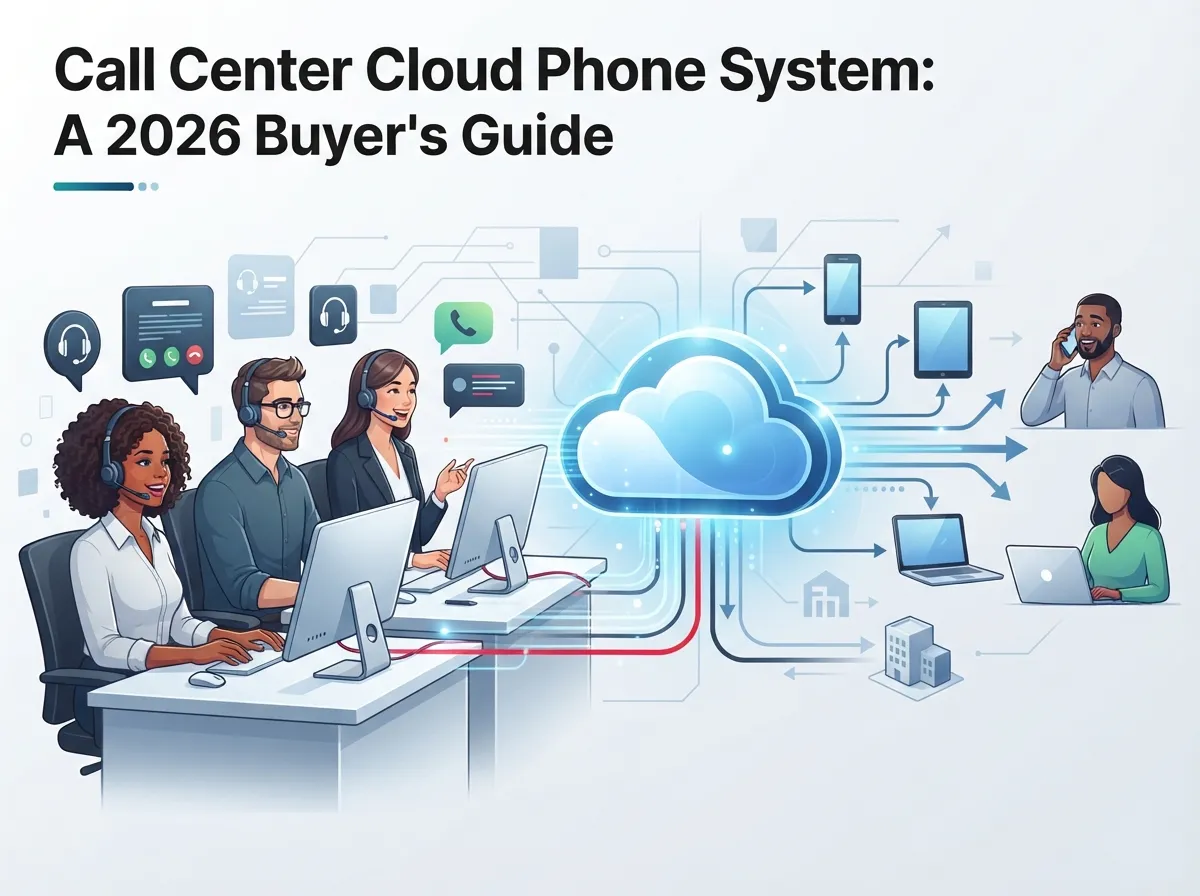
Here is the short version. A customer calls your number. The call travels to your provider’s platform, where rules decide what happens next. The system might play a menu, ask a question, or place the caller in a line. Then it routes the call to the best available agent.
Agents answer through a headset, softphone, or IP desk phone. Supervisors watch live activity on a dashboard. After the call, data flows into reports, and often into your customer records.
Because everything runs over the internet, your agents are not tied to one building. That is a big reason distributed teams love this model. It also means the quality of your internet connection matters a great deal, which we will cover shortly.
Key Features to Look For
Feature lists can feel endless. The good news is that most teams rely on a handful of core tools. Typical capabilities include:
- Inbound and outbound calling for service and follow-up calls.
- Automatic call distribution (ACD) to send calls to the right agent.
- Interactive voice response (IVR) menus so callers can self-direct.
- Queues and skills-based routing to match callers with the best-fit agent.
- Voicemail and call recording for coaching and records.
- Supervisor monitoring to listen in, whisper, or step in when needed.
- Reporting and analytics to track wait times and call volume.
- CRM and help-desk integrations so agents see customer history.
Keep in mind that feature availability varies by provider and plan. Always ask exactly what is included, and what costs extra. If you want to sharpen your checklist, our article on how to choose VoIP features that help your business grow pairs nicely with this one.
Why ACD Gets So Much Attention
Automatic call distribution is the traffic cop of your call center. It decides which agent gets which call, and how long callers wait. Market research shows how central it is. Mordor Intelligence reports that ACD held 23.8% of the cloud-based contact center market in 2025.
Voice Plus Digital Channels
Many platforms now combine voice with email, chat, SMS, and social messaging. This gives agents one shared view of a customer’s history across channels. A customer who texts at noon and calls at three does not have to repeat the whole story.
That said, do not assume every channel works equally well. Verify which channels are included, and check that routing and reporting behave the same way across them. Sometimes voice reporting is rich while chat reporting is thin. Ask for a demo that shows each channel in action.
For businesses that rely on texting, our piece on business SMS messaging benefits shows how that channel can boost results.
Benefits for Small and Growing Businesses
So why are so many teams moving this way? A few reasons come up again and again.
- Flexible capacity. It is easier to add or remove agents as your seasons change.
- Remote-agent support. Staff can work from home or from another office without a separate phone setup.
- Less hardware to maintain. The provider handles much of the platform upkeep.
- Better visibility. Dashboards show call volume, wait times, and agent activity.
- Tool integration. Connecting to your CRM saves agents from hunting for customer details.
These perks are real, but they are not magic. Cloud delivery does not erase the need to plan for internet connectivity, local network quality, headset setup, and backup arrangements. Treat it as a smart upgrade, not a set-it-and-forget-it fix.
Curious how others in our area are thinking about this? Read why Clearwater businesses are switching to cloud phones, or compare options in hosted vs. on-premises business phone systems.
The Market Is Growing Fast
Cloud contact centers are a hot category. Mordor Intelligence estimates the global cloud-based contact center market at USD 32.65 billion in 2025 and USD 40.35 billion in 2026. It forecasts USD 116.33 billion by 2031, a 23.6% compound annual growth rate for 2026 to 2031.
A quick word of caution. Research firms define the market differently, so numbers vary. For 2025, Fortune Business Insights reports USD 40.73 billion, while Polaris Market Research reports USD 32.76 billion. These are analyst estimates with different scopes and methods, so do not blend them into a single “official” number. The big takeaway is simple: the trend is strongly upward.
| Source | 2025 Estimate | Note |
|---|---|---|
| Mordor Intelligence | USD 32.65 billion | USD 40.35 billion in 2026; USD 116.33 billion by 2031 |
| Fortune Business Insights | USD 40.73 billion | Different scope and method |
| Polaris Market Research | USD 32.76 billion | Different scope and method |
What to Check Before You Buy
A flashy demo is fun, but the real work is in the details. Here are the questions worth asking every provider.
- Voice quality and uptime. What commitments are written into the agreement?
- Coverage. Does the service support the locations and number types you need?
- Number porting. How will your existing numbers move over, and how long will it take?
- Emergency calling. How does 911 work for remote and multi-site agents?
- Support response. What help do you get, and when?
- Integrations. Does it connect with your CRM or help desk?
- Data handling and access controls. Who can see what, and how is data protected?
- Recording retention. How long are recordings kept, and can you set your own rules?
Requirements depend on where you operate and which regulations apply to your industry. Healthcare and financial teams, for example, often have stricter rules around call recordings and data. If you handle sensitive information, our guide on choosing a data security service for business telecom is worth a read.
Network Readiness: The Part People Skip
Here is where many rollouts stumble. A cloud call center lives and dies on your connection. If your internet is shaky, calls will sound choppy no matter how great the software is.
Plan for these basics:
- Reliable business internet. A dedicated or business-grade connection from your Internet Service Provider is usually safer than a basic shared line.
- Enough bandwidth. Each active call uses bandwidth, so add up your peak agent count.
- A solid local network. Good switches, Wi-Fi, and quality structured cabling reduce jitter and dropped audio.
- A backup path. A second connection or failover keeps agents working if one line goes down.
The exact speed you need depends on your agent count and how you use the system, so ask your provider for per-call guidance rather than guessing. For more help, see what internet speed is needed for VoIP in 2026, and 15 automatic internet failover tips for business for backup ideas.
How to Migrate to the Cloud Without Chaos
A good migration is less about speed and more about care. A phased rollout lets you catch problems with one team before moving everyone. Follow these steps:
- Take inventory. List every phone number, line, and device you use today.
- Map your call flows. Document business hours, menus, queues, and where each call should land.
- Check your network. Test internet speed, Wi-Fi coverage, and cabling before go-live.
- Plan number porting. Start early, since moving numbers can take time.
- Record IVR prompts. Write and record clear, friendly greetings.
- Train your agents. Let people practice on the new tools before real customers call.
- Test thoroughly. Place test calls through every path, including after-hours.
- Set a fallback. Know exactly where calls will go if connectivity or the service has a problem.
- Roll out in phases. Move one team or site first, then expand.
If you are worried about keeping your existing numbers, we cover that in how to keep your phone number when switching to VoIP in Tampa. For a bigger-picture checklist, try 10 smart steps for switching telecom providers in Tampa.
Common Mistakes to Avoid
After many rollouts, the same slip-ups keep showing up. Watch out for these:
- Buying on price alone without checking reliability commitments.
- Skipping a network assessment and hoping for the best.
- Forgetting emergency calling rules for remote agents.
- Underestimating training time for agents and supervisors.
- Assuming every channel reports the same way.
- Having no fallback plan for outages.
A little planning up front saves a lot of stress later. Our article on 7 cloud phone system mistakes Tampa owners regret goes deeper on this.
How Ideal Solutions Provider Can Help
Choosing a platform is only half the job. You also need the right internet, cabling, and network in place. That is where having one friendly partner makes life easier. Ideal Solutions Provider is a Tampa-based telecom and IT partner with over 24 years of experience and relationships with 35+ vetted suppliers. They compare options side by side, audit your current setup, and recommend what fits your needs, so you are not juggling a pile of vendors.
For teams comparing platforms, call center software in Tampa: how to choose in 2026 is a helpful companion read, and you can explore their cloud based phone systems page for more details.
Final Thoughts
A call center cloud phone system can give your team flexibility, better visibility, and the freedom to work from anywhere. The best results come from pairing the right platform with a healthy network, a clear migration plan, and a backup strategy. Take your time, ask plenty of questions, and test before you commit.
Ready to see what fits your business? Contact us for a free consultation, or call us to talk through your options. You can also follow along on YouTube for helpful telecom tips.
FAQs
Q: What is a cloud phone system for a call center?
A: It is a hosted platform that lets your agents take and make customer calls over the internet instead of using on-site phone hardware. It usually adds call center tools like queues, call routing, recording, and reporting. Your provider maintains much of the system, so your team can focus on helping customers.
Q: Can a cloud call center system connect to my CRM?
A: Often, yes! Many platforms offer integrations with CRM and help-desk tools, so agents can see customer details when a call comes in. Just remember that integration options vary by provider and plan, so ask for a demo using the exact tools your team already uses.
Q: What internet setup does a cloud call center need?
A: You will want a reliable, business-grade internet connection, enough bandwidth for your peak number of active calls, and a healthy local network with quality cabling. A backup connection is a smart safety net too. Your provider can share per-call bandwidth guidance so you can plan with confidence.
Q: How do I move my call center to the cloud without disrupting customers?
A: Take it step by step. Inventory your numbers, map your call flows, test your network, plan number porting early, train your agents, and roll out in phases. Always keep a fallback route ready in case of an outage, and your customers will barely notice the switch.