
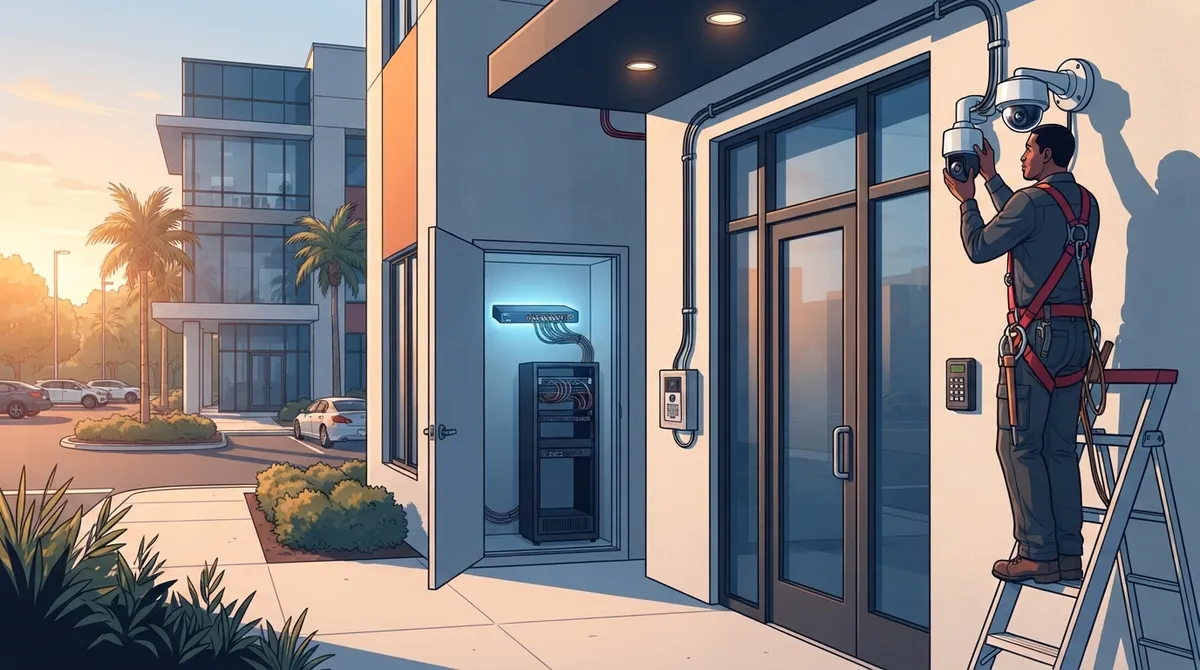
Key Takeaways
-
A site survey is the foundation of a good camera project, covering entrances, parking, equipment rooms, lighting, and cable routes before any camera is mounted.
-
Cameras should be planned as part of your network and low-voltage infrastructure, including PoE switch capacity, network segmentation, and wired connections rather than relying on office Wi-Fi alone.
-
Choose storage carefully: on-site NVR offers fast local access but risks loss from theft, cloud offers off-site protection but needs strong internet, and hybrid balances both.
-
Verify a Florida license and insurance directly, and get a written scope covering equipment, cabling, labor, storage, and post-installation support before signing.
-
Cameras integrated with access control or intercoms let you match door events to video clips quickly, speeding investigations and improving visitor control.
-
Cost varies with camera count, resolution, cable distance, and storage; request a site-specific quote since published ranges are only rough vendor estimates.
Picture this: you walk into your Tampa office on a Monday morning and find a door propped open and a storage room in disarray. Your first thought is, “Do we have it on camera?” If the answer is a shaky maybe, you are not alone. Many business owners learn the hard way that cameras are only helpful when the whole system behind them is planned well.
Here is the friendly truth. Good security camera installation in Tampa is about more than mounting a few cameras on a wall. It is a connected project that includes cabling, power, network setup, video storage, and secure remote access. Think of it as part of your business telecom setup, right alongside your phones and internet.
In this guide, we will walk you through how the process works, what it may cost, which choices matter most, and how to avoid common headaches. Whether you run a small shop or manage several locations, you will leave knowing what to ask and what to expect. Let’s dive in!
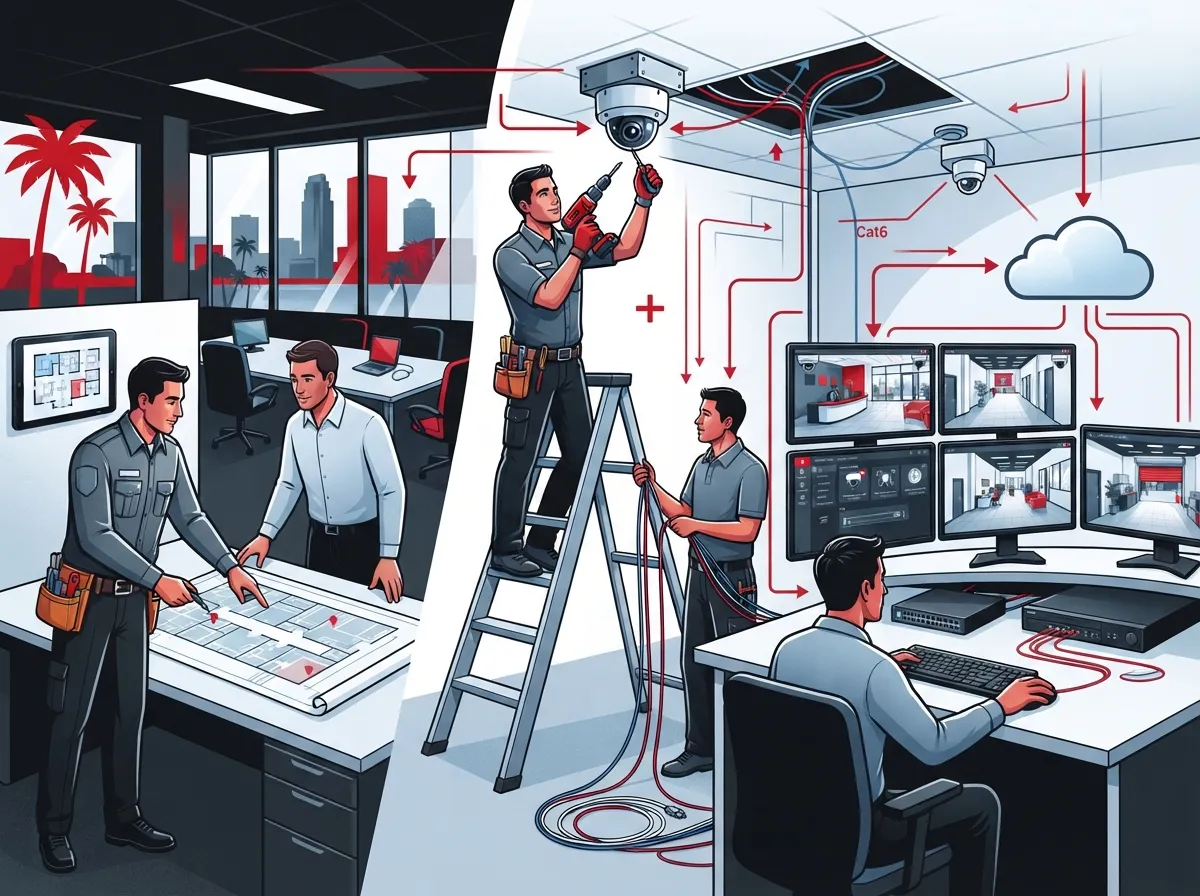
What Does Security Camera Installation in Tampa Really Involve?
When most people picture security camera installation, they imagine someone on a ladder with a drill. That is part of it, sure. But the real work starts long before any camera goes up.
A well-run commercial project treats cameras as part of your low-voltage and network infrastructure. That means the cameras, the cables, the power source, the recording method, and the way you view footage are all planned together. When one piece is missing, the whole system can wobble.
Here is what a complete project usually covers:
- Site survey: A walkthrough to spot priorities, lighting, cable routes, and building layout.
- Camera selection and placement: Choosing the right camera type for each view.
- Cabling and power: Running Ethernet cable and using Power over Ethernet (PoE) where possible.
- Recording and storage: Setting up an on-site recorder, cloud storage, or a mix of both.
- Remote access: Setting up live viewing and playback on your phone or computer.
- Testing and training: Checking every view and showing your team how to use the system.
This is why many Tampa businesses prefer a telecom and IT partner for the job. The same team that understands your structured cabling services and network can make sure your cameras work smoothly with everything else.

Why Should You Start With a Site Survey?
A site survey is the foundation of every good camera project. It is a simple walkthrough where an expert looks at your space and asks smart questions. What are you trying to protect? Where are the weak spots? Who needs access to the footage?
During the survey, a Tampa installer will usually look at:
- Entrances and exits: Front doors, back doors, and staff-only entries.
- Parking and loading areas: Places where vehicles and deliveries come and go.
- Equipment rooms and storage: Spots that hold valuable items or sensitive data.
- Lighting conditions: Dark corners and bright glare can affect picture quality.
- Existing wiring and cable routes: What you already have and what must be added.
- Building layout: Ceiling types, outdoor walls, and distance between devices.
Skipping this step is a bit like buying shoes without checking your size. It might work out, but you will probably end up uncomfortable. If you want to see how long the full process takes once planning is done, our guide on how long camera installation takes for a business is a helpful read.
Which Type of Security Camera Fits a Tampa Business?
There is no single best camera for every building. The right pick depends on where it goes and what it needs to see. Tampa’s sunshine, humidity, and summer storms also matter for outdoor spots, so weather-rated gear is a smart choice.
Here is a quick comparison of common camera types:
| Camera Type | Best For | Key Benefit |
|---|---|---|
| Dome camera | Offices, lobbies, retail floors | Discreet look, hard to tamper with |
| Bullet camera | Building exteriors, parking areas | Visible deterrent, long-range view |
| PTZ camera (pan, tilt, zoom) | Large lots, warehouses, yards | Covers wide areas and zooms in on detail |
| Low-light or night vision camera | Dim hallways, after-hours areas | Clear images when lights are low |
| Doorbell or entry camera | Front desks, staff doors | Face-level view of everyone who enters |
For a deeper look at the options, check out our article on the best security cameras for business in Tampa. And if night coverage is a priority, low light security cameras may be worth a closer look.
How Do IP Cameras, PoE, and Your Network Work Together?
Most modern business cameras are IP cameras. That is just a fancy way of saying they connect to your network using an Ethernet cable. The good news is that many of them can also get their power through that same cable, using something called Power over Ethernet, or PoE.
Why does that matter? Because it means you often do not need a separate electrical outlet at every camera. One cable carries both data and power. It is cleaner, simpler, and easier to maintain.
But here is a friendly warning. Cameras send a lot of video data across your network. If your network is not ready, you may see choppy video, dropped feeds, or slow phones and internet for your whole team. Good planning should account for:
- Switch capacity: A PoE switch must handle the power and traffic from every camera.
- Network segmentation: Keeping camera traffic separate can protect other business systems.
- Reliable cabling: Quality cable cuts down on dropouts and interference.
- Not relying on office Wi-Fi alone: Wired connections are usually steadier for cameras.
If you are weighing wired and wireless options, our guide on how to choose wired vs wireless business cameras breaks it down nicely. Also, understanding gigabit cabling capabilities can help you plan for smooth video traffic.
It also helps to know that cameras connect over a proper structured cabling system that is labeled, tested, and built to last. That kind of groundwork keeps things running for years.
NVR, Cloud, or Hybrid: Where Should Your Video Live?
This is one of the biggest choices in the whole project. Where your footage is stored affects cost, access, and peace of mind. There are three common paths.
| Storage Option | How It Works | Good To Know |
|---|---|---|
| On-site NVR | A network video recorder stores footage at your location | Fast local access, but footage is at risk if the device is stolen or damaged |
| Cloud storage | Footage is saved securely off-site and managed online | Easy remote access and protection from on-site theft, but needs good internet |
| Hybrid | Local recorder plus cloud backup | Balances speed and safety, often with more flexibility |
The right answer depends on how long you need to keep footage, how strong your internet is, and what would happen if on-site equipment were lost. To explore this further, read about security camera storage solutions to know in 2026 and the key differences between cloud video security and DVR systems.
If you lean toward the cloud, you will also want solid internet. Cloud cameras rely on steady upload speeds, which is why we also wrote about the internet speeds your cloud cameras actually need. And since your connection sits at the center of it all, it helps to know what makes a good Internet Service Provider choice for your business.
Can Cameras Work With Access Control and Intercoms?
Absolutely, and this is where things get really useful. When cameras connect with access control or intercom systems, you can review video next to door events. For example, if a badge was used at 7:42 p.m., you can pull up the matching video clip in seconds.
That connection helps with:
- Faster investigations: Match door activity to video without hunting through hours of footage.
- Better visitor control: See who is at the door before you unlock it.
- Cleaner records: Keep door events and video organized in one place.
A telecom integrator can also coordinate your phones, internet, and cabling at the same time, so everything speaks the same language. If you are curious about this side of security, take a look at our posts on cloud access control benefits and cloud access control integration wins. You can also see our cloud based access control options.
How Much Does Security Camera Installation Cost in Tampa?
Everyone wants a number, so let’s talk about it honestly. Pricing depends on how many cameras you need, the resolution, the storage method, and how much cabling must be run. One Tampa-area installer publishes a typical small-business range of about $2,500 to $15,000. Keep in mind that this is a single vendor’s published estimate, not an independent market average, so treat it as a rough starting point and not a promise.
Costs tend to rise or fall based on:
- Camera count: More cameras mean more equipment and labor.
- Resolution and features: Higher detail, night vision, and zoom can add to the price.
- Cable distance and building type: Long runs and tricky ceilings take more time.
- Storage choice: Cloud plans may include ongoing fees, while an NVR has an upfront hardware cost.
- Extras: Access control, intercoms, or monitoring services add to the scope.
The best move is to ask for a site-specific quote. For more help planning your budget, see how to budget for commercial video surveillance in Tampa FL. And if you want to avoid wasting money, our guide on commercial camera installation mistakes is a great companion.
How Many Cameras Does Your Business Need?
There is no magic number, and be wary of anyone who gives you one without seeing your space. The right count depends on your layout, your risks, and your goals. A small boutique might do well with four to six cameras, while a warehouse could need dozens. For context only, one Tampa business-technology provider describes a customer project with 36 cameras, including six PTZ units. That is one example, not a regional benchmark.
A good rule is to cover your priorities first:
- All entrances and exits
- Cash handling areas or high-value storage
- Parking lots and loading zones
- Equipment and server rooms
Want a more detailed method? Our guides on how many security cameras your Tampa store needs and ways to know how many cameras your business needs walk you through it step by step.
How Do You Choose a Licensed Camera Installer in Tampa?
Picking the right installer can make or break your project. Many Tampa Bay providers advertise service across Hillsborough County, offering everything from camera installation and recorder setup to access control, network cabling, and ongoing support. But advertising is not the same as proof, so do your homework.
Use this simple checklist:
- Verify the license: Confirm the applicable Florida license directly instead of trusting a website claim.
- Check insurance: Ask for proof of coverage.
- Review the scope in writing: The proposal should list equipment, cabling, labor, and storage.
- Ask about support terms: Know what is covered after installation and for how long.
- Request references: Talk to businesses with similar needs.
- Look for network skills: A team that understands cabling and networks avoids many problems.
Our article on how to hire the right security camera installer in Tampa goes even deeper. You may also want to read about security camera permits for businesses and camera installation mistakes that break compliance so you stay on the right side of the rules.
What Should You Get at Project Handoff?
Once the last camera is up, the job is not quite done. A great installer will walk you through everything and leave you with clear records. Think of it as a proper “keys to the new house” moment.
A solid handoff includes:
- Tested camera views: Every camera shows the right area and records properly.
- Verified remote access: You can view live and recorded video from your phone or computer.
- Documented equipment and cabling: Labels, diagrams, and device lists for future support.
- User permissions set up: The right people can view, export, or manage footage, and no one else.
- Staff training: A quick lesson so your team feels confident.
- Defined support terms: Maintenance and monitoring spelled out in the proposal.
Clear rules about who can view and export footage matter too. Set a policy for how long you keep video and who has the right to share it. For more on retention, see how long security footage stays recorded.
Why Work With a Telecom Partner for Cameras?
Here is a thought. Your cameras, phones, internet, and cabling all share the same network. When different vendors handle each piece, finger-pointing can happen when something breaks. A single partner can keep everything working as one team.
Ideal Solutions Provider is a Tampa-based telecom and IT partner with over 24 years of experience and relationships with 35+ vetted suppliers. They handle consultation, installation, and ongoing support, so you have one friendly point of contact instead of a pile of vendors. You can explore their cloud video security services, or read about the best cloud video security systems for Tampa businesses to see how modern systems compare.
Ready to Protect Your Tampa Business?
Security camera installation in Tampa does not have to feel overwhelming. Start with a site survey, choose the right cameras, plan your network and storage, and pick a licensed, well-reviewed installer who stays with you after the job is done. Do those things, and you will have a system that quietly works in the background while you focus on running your business.
If you are ready to talk through your options, we would love to help. Contact us for a friendly consultation, or call us to speak with our team. You can also catch tips and updates on YouTube. Here’s to a safer, smarter workplace!
FAQs
Q: How much does commercial security camera installation cost in Tampa?
A: It depends on camera count, resolution, cabling, and storage. One Tampa-area installer lists a typical small-business range of about $2,500 to $15,000, but that is a vendor estimate, so always request a site-specific quote.
Q: Should my business choose an NVR, cloud storage, or hybrid recording?
A: An NVR stores video on-site, cloud storage keeps it off-site with easy remote access, and a hybrid mixes both. The best fit depends on your internet quality, how long you keep footage, and how much risk you can accept if on-site gear is lost.
Q: What network and PoE needs should I plan for with IP cameras?
A: Plan for a PoE switch with enough power and capacity, quality Ethernet cabling, and a network that can handle video traffic. It also helps to keep camera traffic separate from other systems and not rely on office Wi-Fi alone.
Q: How do I choose a licensed commercial security camera installer in Tampa?
A: Verify the Florida license and insurance directly, get a written scope, and ask about support after installation. Also check references from similar businesses and look for a team that understands cabling and networks, not just camera mounting.
Q: Can security cameras work with access control and intercoms?
A: Yes. When cameras connect to access control or intercoms, you can review video alongside door events, which makes investigations faster and visitor control easier. A telecom partner can coordinate cabling and network needs so everything works together.





