
Key Takeaways
-
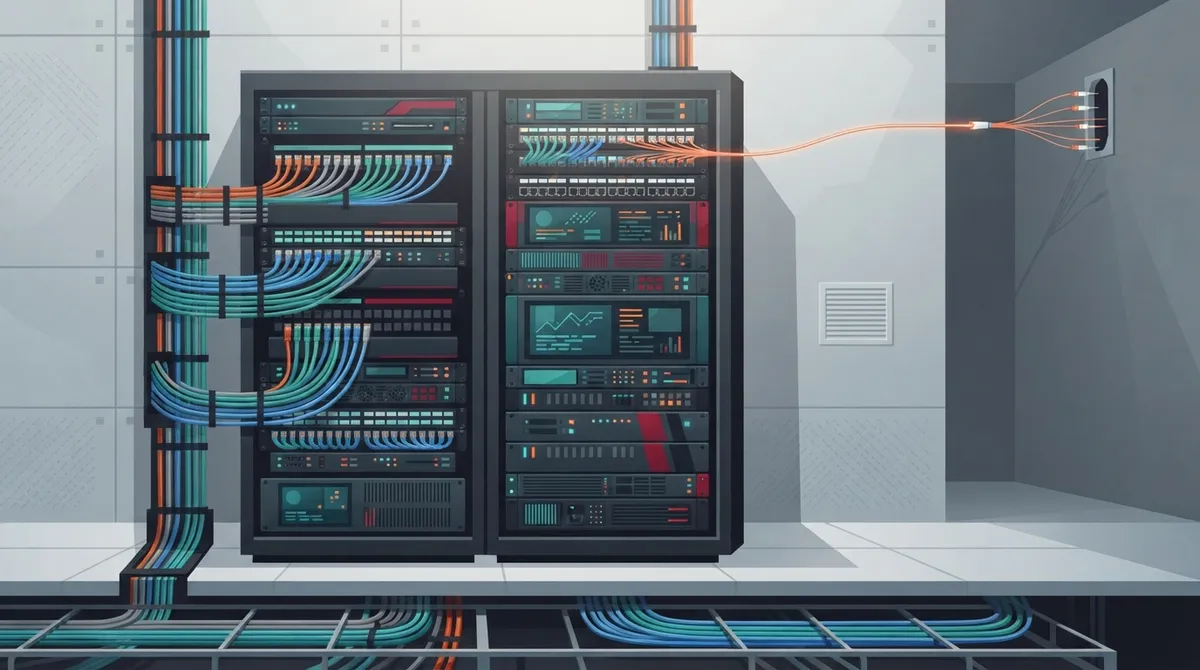
Structured cabling speed is a channel rating covering cable, connectors, patch panels, patch cords, switches, and network cards, so a great cable cannot fix slow switches.
-
Cat 6A is the go-to choice for 10 Gb/s across a full 100-meter run, while Cat 6 only reaches 10G on runs of about 55 meters or less.
-
Copper channels max out at 100 meters (about 90 m permanent plus 10 m patch cords); longer runs need fiber or an extra network closet.
-
Category, MHz rating, and Ethernet speed are different things: the cable category sets performance grade, but active equipment determines the actual link speed.
-
Installation quality can make or break speed, so require certification testing and a written report showing length and pass/fail results for every run.
-
Plan for tomorrow by choosing Cat 6A for new builds, adding extra drops, and using fiber between floors, since cabling often lasts 10 to 15 years while switches get replaced sooner.
Ever plugged a shiny new gigabit switch into your office wall and wondered why the network still feels sluggish? You are not alone. Many business owners assume that structured cabling speed is a single number printed on a cable. In real life, it is a team effort between the cable, the connectors, the length of the run, and the gear at each end.
Here is the good news: once you understand a few simple facts, you can plan a network that feels fast today and stays ready for tomorrow. Whether you run a small Tampa shop, manage IT for a growing company, or oversee several franchise locations, these 12 facts will help you ask smarter questions and avoid costly surprises.
We will keep things friendly and plain. Grab a coffee, and let’s walk through how structured cabling speed really works in 2026.
1. Structured Cabling Speed Is a Channel Rating, Not a Cable Label
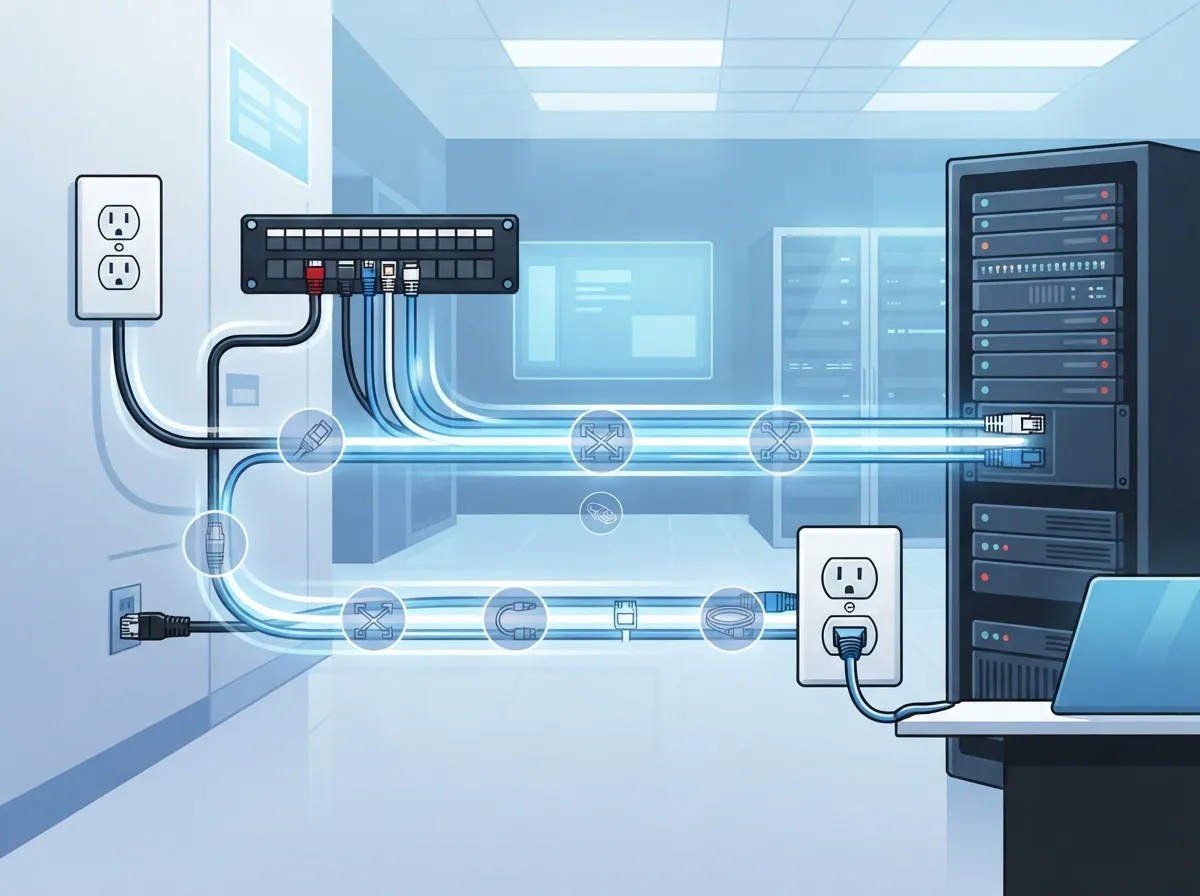
The first thing to know is that structured cabling speed describes what a full cabling channel can support. It is not a magic number baked into one wire. The channel includes the cable, connectors, patch panels, and patch cords from one device to the next.
Your real-world speed also depends on your switches, network cards, and settings. A great cable cannot make an old switch faster. Think of it like a highway: wide lanes help, but the cars still need to be quick.
If you want a quick refresher on the basics, our guide on what structured cabling is for your business network is a great place to start. You can also read the general overview of structured cabling for background.
2. Cat 5e Handles Gigabit and Sometimes More
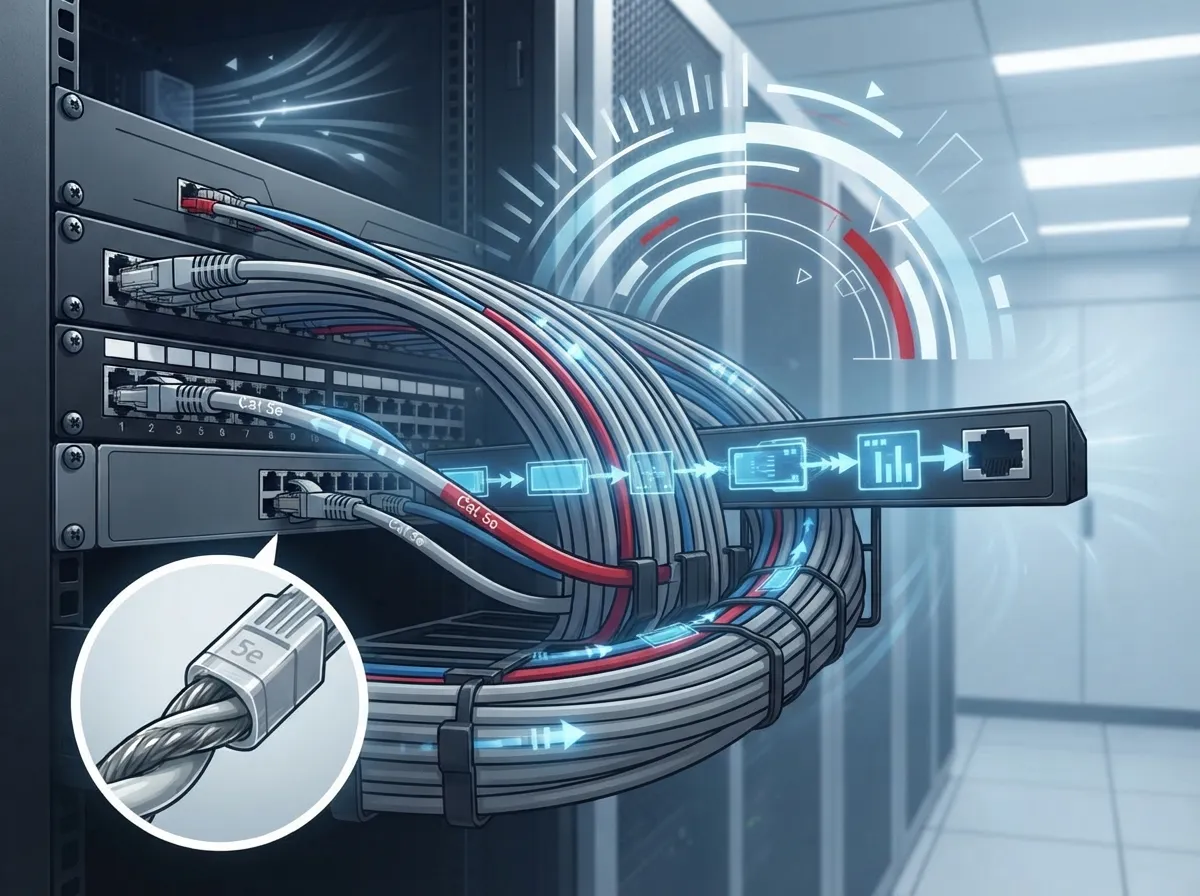
Cat 5e is the old reliable of office cabling. It supports 1 Gb/s up to 100 meters. It is rated to 100 MHz.
Here is a pleasant surprise. Under the IEEE 802.3bz standard, Cat 5e can also support 2.5GBASE-T up to 100 meters on suitable installed cabling. That means some older offices can get a speed boost without ripping out walls.
Curious how it compares with newer options? Check out 7 key differences between CAT5e and CAT6 cabling.
3. Cat 6 Is Great for Gigabit and Short 10G Runs
Cat 6 is rated to 250 MHz. It supports 1 Gb/s to 100 meters, just like Cat 5e, but it has better performance headroom.
It can also support 10GBASE-T on shorter runs. A commonly cited limit is about 55 meters, though the exact reach depends on channel conditions and crosstalk. So if you have a small office with short runs, Cat 6 may do more than you expect.
Want the full story? Read 14 Cat6 cabling facts every business owner should know.
4. Cat 6A Is the Go-To for 10G Over a Full 100 Meters
If you need 10 Gigabit Ethernet across a full 100-meter channel, Cat 6A is the established choice. It is rated to 500 MHz and has much better alien-crosstalk performance than Cat 6.
It is a little thicker and costs more, but it gives you room to grow. For many mid-sized businesses, that peace of mind is worth every penny.
Not sure which to pick? Our article on how to choose between Cat6 and Cat6A breaks it down.
5. Here Is a Quick Speed Comparison
Tables make life easier. This one sums up common copper options for business networks.
| Cable Category | Bandwidth | Common Ethernet Speed | Typical Reach |
|---|---|---|---|
| Cat 5e | 100 MHz | 1 Gb/s (2.5GBASE-T on suitable cabling) | Up to 100 m |
| Cat 6 | 250 MHz | 1 Gb/s; 10GBASE-T on short runs | 100 m for 1G; about 55 m for 10G |
| Cat 6A | 500 MHz | 10 Gb/s | Up to 100 m |
| Cat 8 | Higher, for short links | High-speed data center links | Short runs only |
Always confirm the final design against current TIA, ISO, and IEEE standards plus your equipment maker’s specs.
6. MHz, Category, and Ethernet Speed Are Three Different Things
This one trips up almost everyone. Let’s clear it up with a simple list:
- Category (Cat 5e, 6, 6A) is the performance grade of the cabling.
- Bandwidth in MHz describes the signal frequency range the cabling is built to carry.
- Ethernet speed (1G, 2.5G, 10G) is what your active equipment actually runs over that cabling.
A higher MHz rating helps the cabling carry faster Ethernet, but your switches and network cards still set the final speed.
7. The 100-Meter Rule Matters
Copper channels generally max out at 100 meters. That usually means up to 90 meters of permanent horizontal cabling, plus up to 10 meters combined for patch cords at both ends.
Go beyond that and you may see dropped packets, slow links, or devices that simply will not connect reliably. If a run is too long, fiber or an extra network closet is often the fix.
For more on this, see how far network cable can run and cabling distance limits.
8. Fiber Takes Over for Longer Runs and Backbones
Fiber-optic cabling is the star for building backbones, links between floors, and longer distances. It also handles higher-speed uplinks between switches.
How fast and how far depends on the fiber type, the optical transceivers, the Ethernet standard, and your link budget. So rather than memorizing a universal number, ask your cabling partner to match the fiber and optics to your needs.
Learn more in how to choose fiber cabling for your business network and our guide to copper vs. fiber cabling.
9. Cat 8 Is Not a Cat 6A Replacement
Cat 8 sounds exciting, but it is built for short, high-speed copper links, mostly in data centers. It is not a general upgrade for a typical 100-meter office run.
For most offices, Cat 6A is the smarter pick for horizontal cabling. Before you spend more, double-check the Ethernet application and channel length you actually need.
10. Installation Quality Can Make or Break Your Speed
A cable category label alone does not guarantee performance. Poor terminations, sharp bends, over-pulled cable, and mixing low-grade parts can all slow things down.
The whole channel needs to be installed correctly and tested. Here is a simple checklist of what good installers do:
- Plan routes to avoid power lines and other interference.
- Keep bend radius and pulling tension within limits.
- Use matched connectors, jacks, and patch panels.
- Label every run clearly.
- Test and certify each link, then hand over the results.
This is why many offices avoid shortcuts. Compare your options in DIY vs. professional cabling for Tampa offices, and avoid the traps in 12 structured cabling mistakes that hurt your business.
11. Wi-Fi, PoE, and Phones Need Fast Cabling Too
Wireless is only as good as the wires behind it. Every Wi-Fi access point needs a solid wired connection, and newer access points often need more than 1 Gb/s. That is one reason 2.5G and 5G options have become so popular.
Power over Ethernet (PoE) devices, like cameras, VoIP phones, and access points, also rely on healthy cabling. Good cabling keeps voice calls clear and video feeds smooth. See how it all fits together in 13 ways structured cabling supports VoIP and cameras.
And don’t forget the connection coming into your building. Even perfect cabling cannot outrun a slow plan, so see 13 high-speed internet for business tips to pair the two wisely. Your Internet Service Provider and your cabling should work as a team.
12. Plan for Tomorrow, Not Just Today
Cabling lives inside walls for 10 to 15 years or more, while switches get replaced every few years. That makes cabling the best place to plan ahead.
A few friendly rules of thumb:
- Choose Cat 6A for new builds where 10G may matter.
- Add extra drops in offices, conference rooms, and ceilings for future devices.
- Use fiber between floors or buildings.
- Document everything for easy changes later.
For multi-location franchises, consistent standards across every site make support and upgrades far simpler. See how to plan network cabling installation in Tampa Bay for a helpful roadmap, and review best cabling options if you are still weighing choices.
How to Test and Certify Your Cabling Speed
Testing is how you prove the speed you paid for. Basic testers only check that wires connect. Certification testers measure real performance against the standard.
Ask your installer for a test report for every run. It should show the standard tested to, the length, and pass or fail results. Keep those reports. They are gold if a problem pops up later.
Why Work With a Single Telecom Partner
Cabling does not live alone. It touches your phones, internet, cameras, and access control. Juggling separate vendors for each can get messy fast.
That is where Ideal Solutions Provider comes in. With over 24 years of experience and 35+ vetted suppliers, the Tampa-based team handles consultation, installation, and ongoing support as your single point of contact. They serve small businesses, growing enterprises, and multi-location franchises nationwide. You can also explore professional structured cabling services for Tampa businesses to see what a smooth project looks like.
Want to follow along for tips? Connect with them on Facebook, Instagram, or YouTube.
Final Thoughts
Structured cabling speed is not a mystery once you know the pieces. Match the cable category to your goals, respect the 100-meter rule, use fiber where it makes sense, install carefully, and test everything. Do that, and your network will feel quick and dependable for years.
Ready to find out what speed your current cabling can really handle? Contact us for a friendly, no-pressure consultation, or call us at 813-388-4935 and let’s build a network you can count on.
FAQs
Q: What speed can Cat 5e, Cat 6, and Cat 6A support?
A: Cat 5e and Cat 6 both support 1 Gb/s up to 100 meters, and Cat 5e can often handle 2.5GBASE-T on suitable cabling. Cat 6A supports 10 Gb/s across a full 100-meter channel. Your switches and network cards still set the final speed.
Q: Can Cat 6 run 10 Gigabit Ethernet, and over what distance?
A: Yes, but only on shorter runs. A commonly cited limit is about 55 meters, depending on channel conditions and crosstalk. For a full 100-meter 10G link, Cat 6A is the safer choice.
Q: What is the maximum length of a structured cabling run?
A: A standard copper channel tops out at 100 meters. That usually means up to 90 meters of permanent cabling plus up to 10 meters of patch cords. For longer distances, fiber is the usual solution.
Q: Should a business use copper or fiber for its network backbone?
A: Fiber is typically the go-to for backbones, links between floors, and longer distances. Copper works great for desk and device connections within the 100-meter limit. Many businesses use both, matched to each job.
Q: How should structured cabling be tested after installation?
A: Each run should be tested with a certification tool that checks performance against the right cabling standard, not just basic connectivity. Ask your installer for a written report showing the length and pass or fail results for every link.





